Facility Management Work Order System: Request, Prioritize & Complete Guide
Every maintenance failure in a commercial building starts the same way — a request that wasn't logged, a priority that wasn't assigned, or a technician who never received the job. Facilities teams relying on email chains, phone calls, and paper forms to manage work orders operate with an average 41% SLA breach rate — requests completed late, tenants unaware of progress, and managers with no data to act on. A 200,000 sq ft commercial building generates over 3,400 work requests per year across reactive repairs, planned preventive tasks, and tenant service calls. Without a structured system, every one of those requests is a liability — missed, misprioritized, or untracked. OxMaint's work order platform captures every request from any channel, auto-assigns priority, dispatches to the right technician, and closes with a documented audit trail — so nothing falls through the cracks and every SLA commitment is visible, in real time.
WORK ORDER MANAGEMENT · SLA TRACKING · TECHNICIAN DISPATCH · REQUEST PORTAL · FM OPERATIONS
Every Request Captured. Every Job Dispatched. Every SLA Tracked.
Request portal · Auto-prioritization · Mobile dispatch · SLA alerts · Tenant reporting — all in OxMaint.
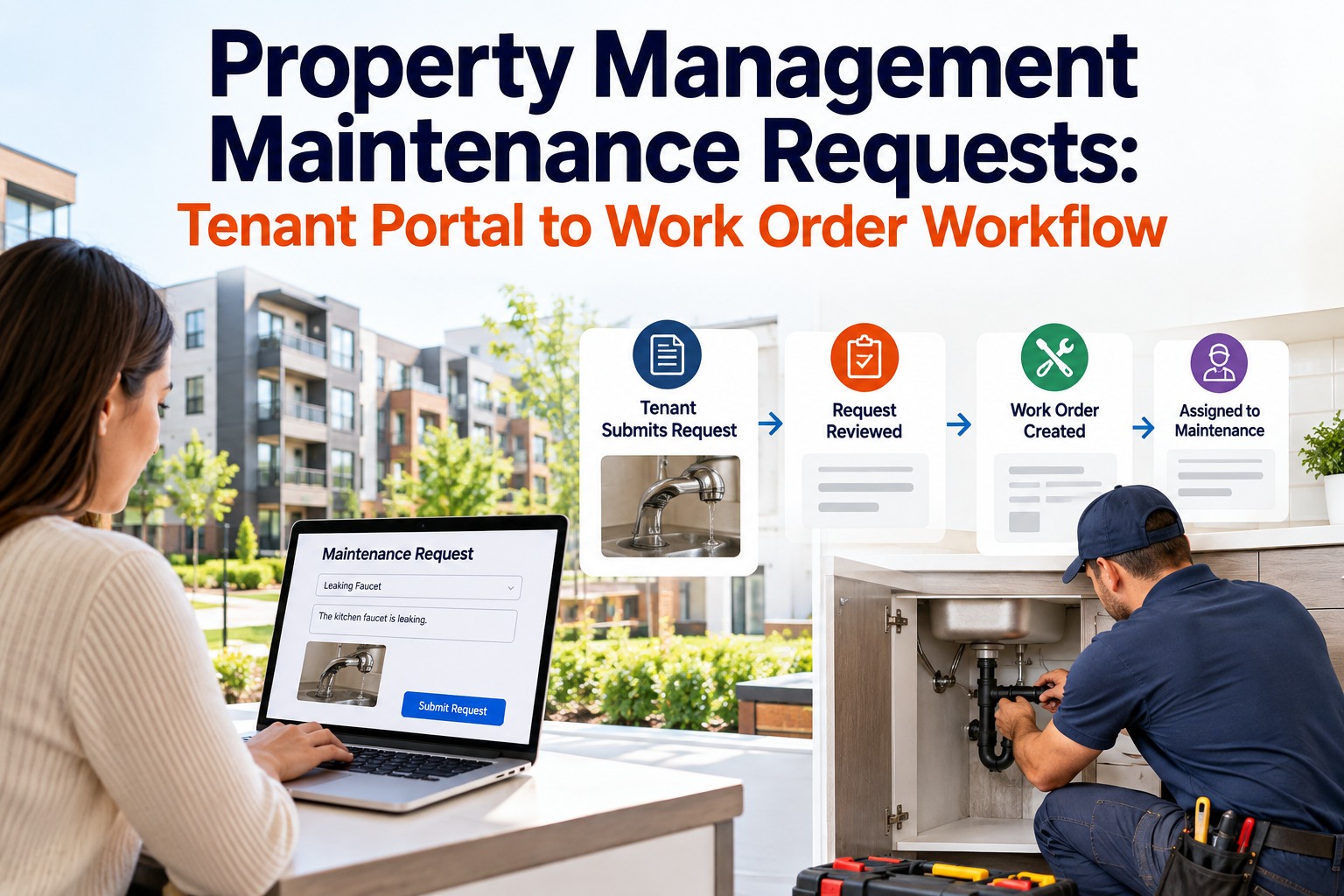
A work order in OxMaint moves through five stages — from first request to closed with evidence. Every transition is timestamped, every technician action is logged, and every SLA deadline is tracked automatically. No request gets lost. No deadline goes unmonitored.
01
Request Submitted
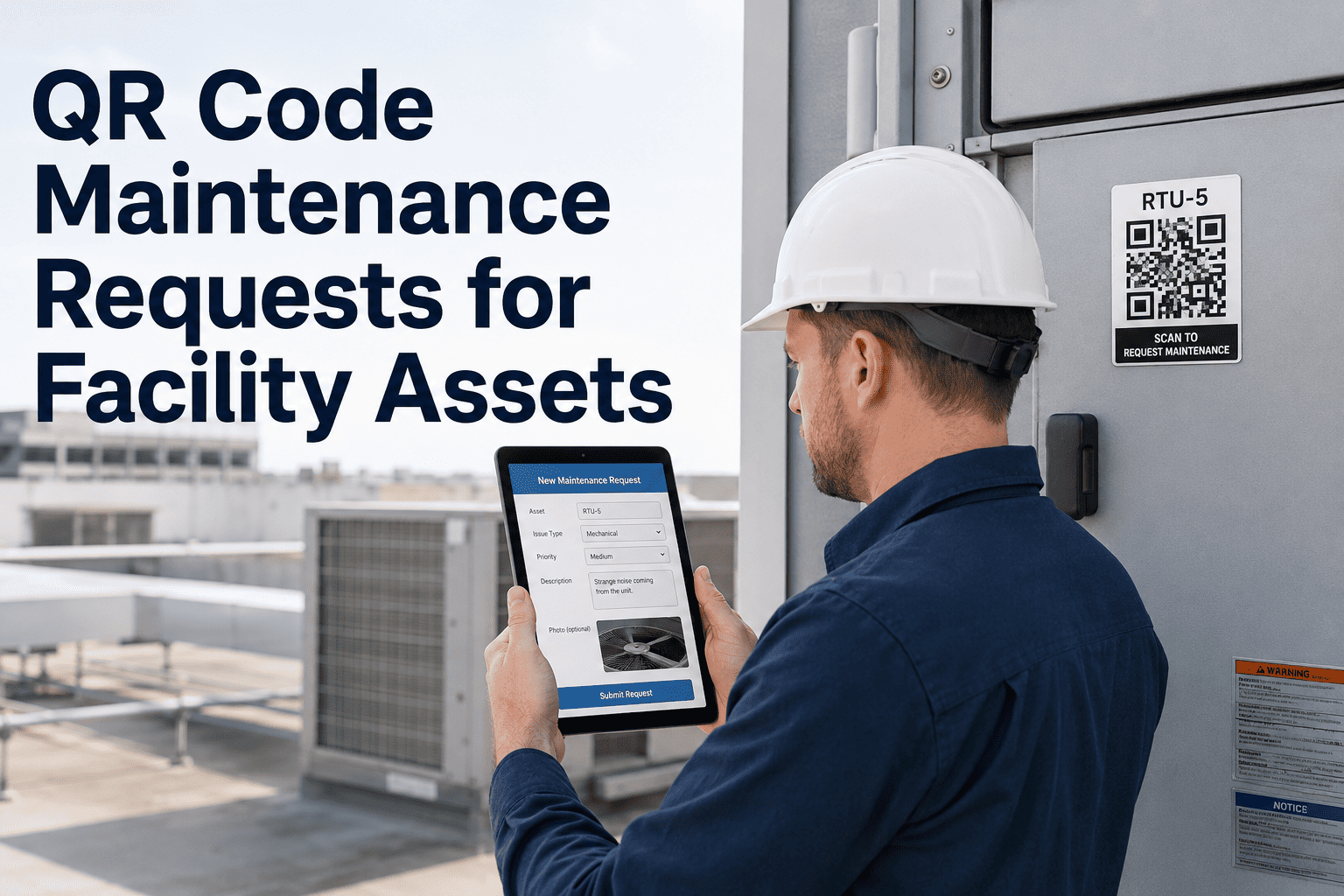
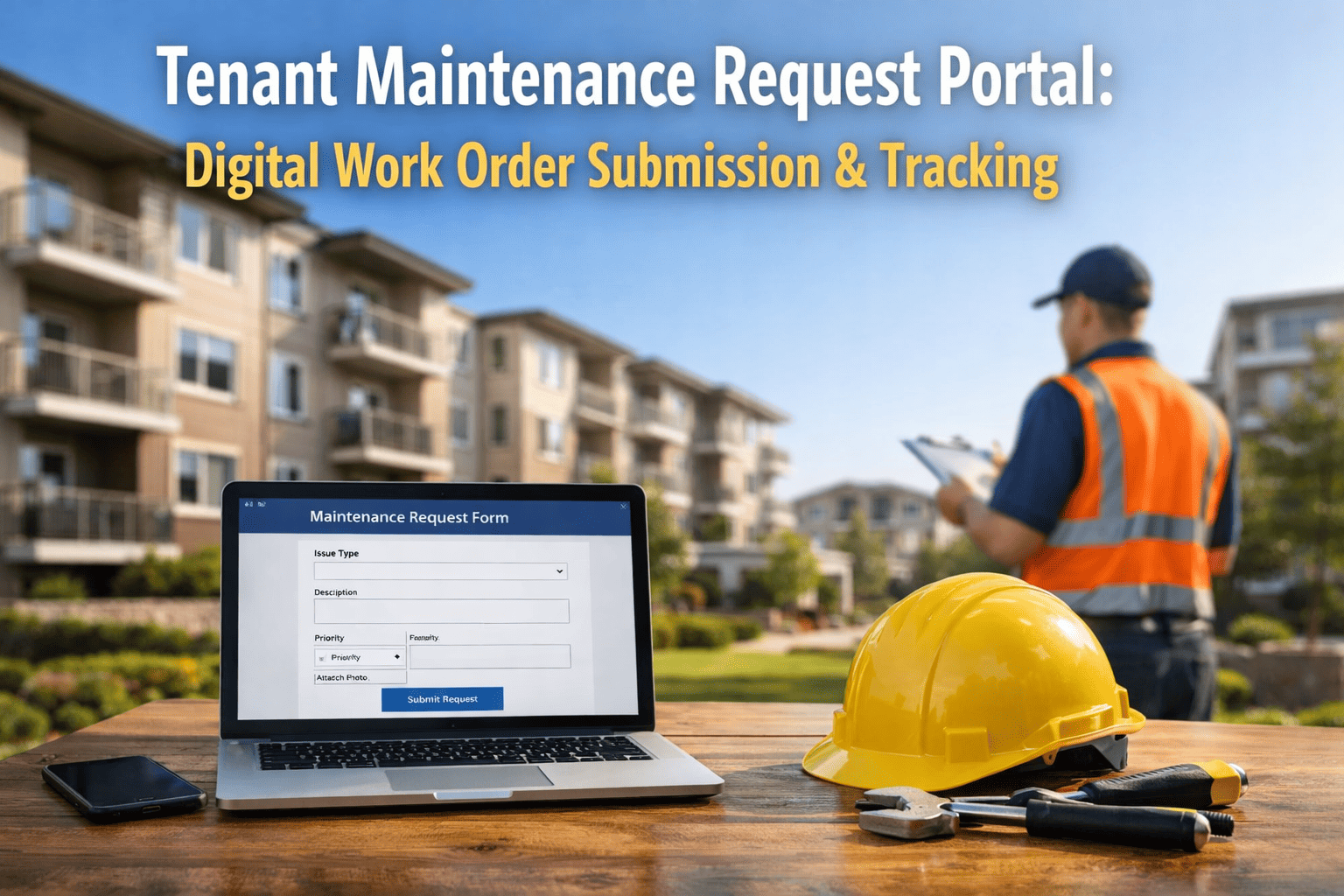
Tenant, occupant, or technician submits via QR code, web portal, mobile app, or email — all routes feed one queue.
02
Auto-Prioritized
OxMaint classifies P1–P4 by asset criticality, location, and category. Fire safety and life safety always P1. SLA clock starts immediately.
03
Technician Dispatched
Best-available technician receives the job on mobile — with asset history, location, required parts, and safety instructions pre-loaded.
04
Work Executed
Technician updates status, logs parts used, attaches photos and readings in the field — all synced live to the central dashboard.
05
Closed with Evidence
Work order closes with completion photo, technician sign-off, and requestor notification. SLA outcome recorded. Tenant automatically informed.
Priority Classification — P1 to P4
Not every work request is equal. A flooding plant room and a flickering lobby light both need a response — but not the same response time. OxMaint auto-classifies every incoming request by priority level, with configurable SLA windows per category and automatic escalation if deadlines approach without acknowledgement.
P1 · CRITICAL
Response: 1 hour
Life Safety & Major System Failure
? Fire alarm activation
? Major water ingress or flooding
⚡ Total power failure
? Lift entrapment
P2 · URGENT
Response: 4 hours
Building Impact — Occupancy Affected
❄️ HVAC failure affecting occupied floor
? Plumbing failure — toilet out of service
? Access control failure — entry blocked
? Emergency lighting failure
P3 · STANDARD
Response: 24 hours
Planned Repair — No Immediate Impact
?️ Temperature comfort complaint
? Non-emergency lighting fault
? Minor plumbing drip
? General fabric repair request
P4 · ROUTINE
Response: 72 hours
Cosmetic & Low-Impact Tasks
?️ Paint or surface damage
? Furniture or fitting adjustment
? Landscaping or external tidying
? Scheduled minor repairs
SLA Performance — With vs Without OxMaint
SLA compliance isn't just a tenant satisfaction metric — it's a lease obligation in most commercial tenancy agreements. Breached SLAs trigger service charge disputes, lease abatement clauses, and reputational damage at renewal. OxMaint eliminates SLA breaches by automating every step from receipt to closure.
SLA Compliance Rate by Priority — Without vs With OxMaint
Without WO SystemWith OxMaint
P1 Critical
52%
99%
+47pp
P2 Urgent
44%
97%
+53pp
P3 Standard
61%
95%
+34pp
P4 Routine
68%
94%
+26pp
Technology Behind OxMaint Work Orders
Four connected technologies remove every manual step between a fault occurring and a technician arriving — from AI camera vision that spots defects before anyone reports them, to BMS integration that auto-creates work orders from building alarms. OxMaint connects every fault source to one work order queue.
01
AI Camera Vision
Defects detected during camera walkthroughs — cracked surfaces, leaks, blocked exits — auto-create work orders with location, photo, and priority pre-set. No human logging required.
02
BMS Auto-Trigger
Every BMS alarm — temperature breach, pressure fault, smoke detector event — instantly creates a prioritized OxMaint work order with asset data, alarm reading, and technician pre-assigned.
03
IoT Sensor Alerts
Continuous equipment monitoring — vibration, temperature, humidity, power draw — triggers work orders the moment a reading exceeds threshold, before occupants notice a problem.
04
Mobile Technician App
Technicians receive, update, and close work orders from iOS or Android — with offline capability, photo evidence capture, parts logging, and digital sign-off, all synced to the central dashboard.
Work Order Feature Comparison
Feature
? Email / Phone
? Spreadsheet
✅ OxMaint
Multi-channel request intake
Partial
Manual
QR · Web · App · BMS · IoT
Auto-priority classification
None
Manual
P1–P4 auto-assigned
SLA clock & escalation
None
None
Auto-escalates before breach
Mobile technician dispatch
Phone call
None
iOS & Android — real-time
Tenant / requestor notification
Manual reply
None
Auto-update at each stage
Audit trail & closure evidence
Email thread
Partial
Photo + sign-off + timestamp
SLA compliance reporting
None
Manual export
Live dashboard + PDF report
"Before OxMaint, we had a whiteboard and a phone. Requests got lost, tenants called twice, and we had no way to prove we'd done anything. Now every work order has a timestamp, a photo, and a closure record. Our tenant satisfaction score went from 6.2 to 9.1 out of 10 in twelve months."
Facilities Manager · Grade A Office Tower · Houston, USA
Frequently Asked Questions
Q1Can tenants and occupants submit work requests without logging into OxMaint?▼
Yes — OxMaint provides a QR code portal and a public-facing web form. Tenants scan or click, submit their request, and receive automatic status updates without needing an OxMaint account.
Q2How does OxMaint handle SLA escalation when a deadline is approaching?▼
OxMaint sends escalating alerts to the assigned technician, then the supervisor, then the facilities manager — at configurable intervals before the SLA deadline, giving the team time to respond.
Q3Can OxMaint generate SLA compliance reports for tenant or board review?▼
Yes — SLA performance reports by priority, building, asset, or technician export as PDF or CSV in under 5 minutes, ready for tenant service review meetings or board reporting.
Q4Does OxMaint support contractor work orders as well as internal technicians?▼
OxMaint issues structured work packages to external contractors, tracks permit-to-work, and stores contractor completion records in the same audit trail as internal team work orders.
Q5Does the mobile app work offline for technicians in areas with poor connectivity?▼
Yes — OxMaint's mobile app operates fully offline. Work order updates, photos, and readings sync automatically when connectivity is restored, with no data loss.

.png)
