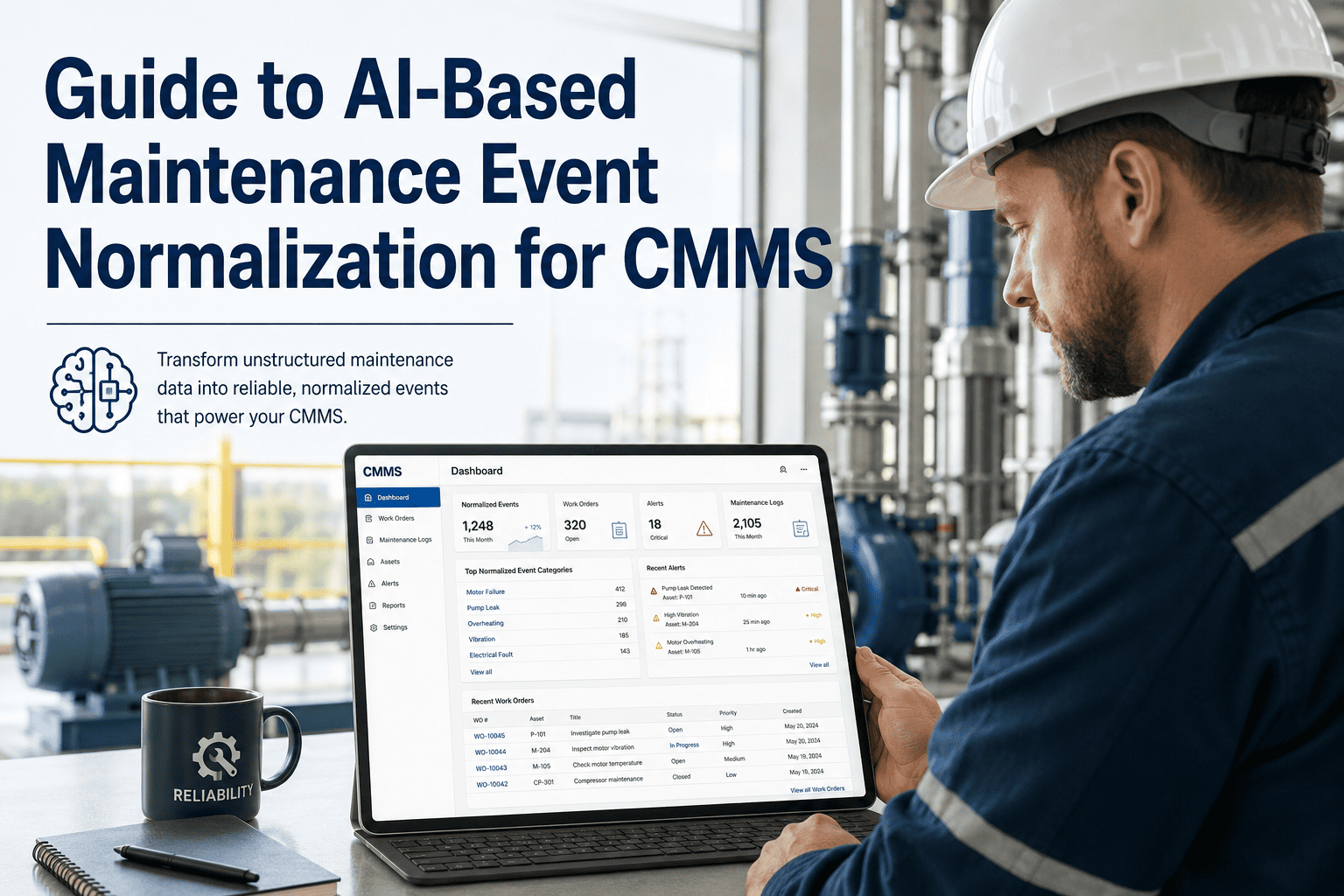
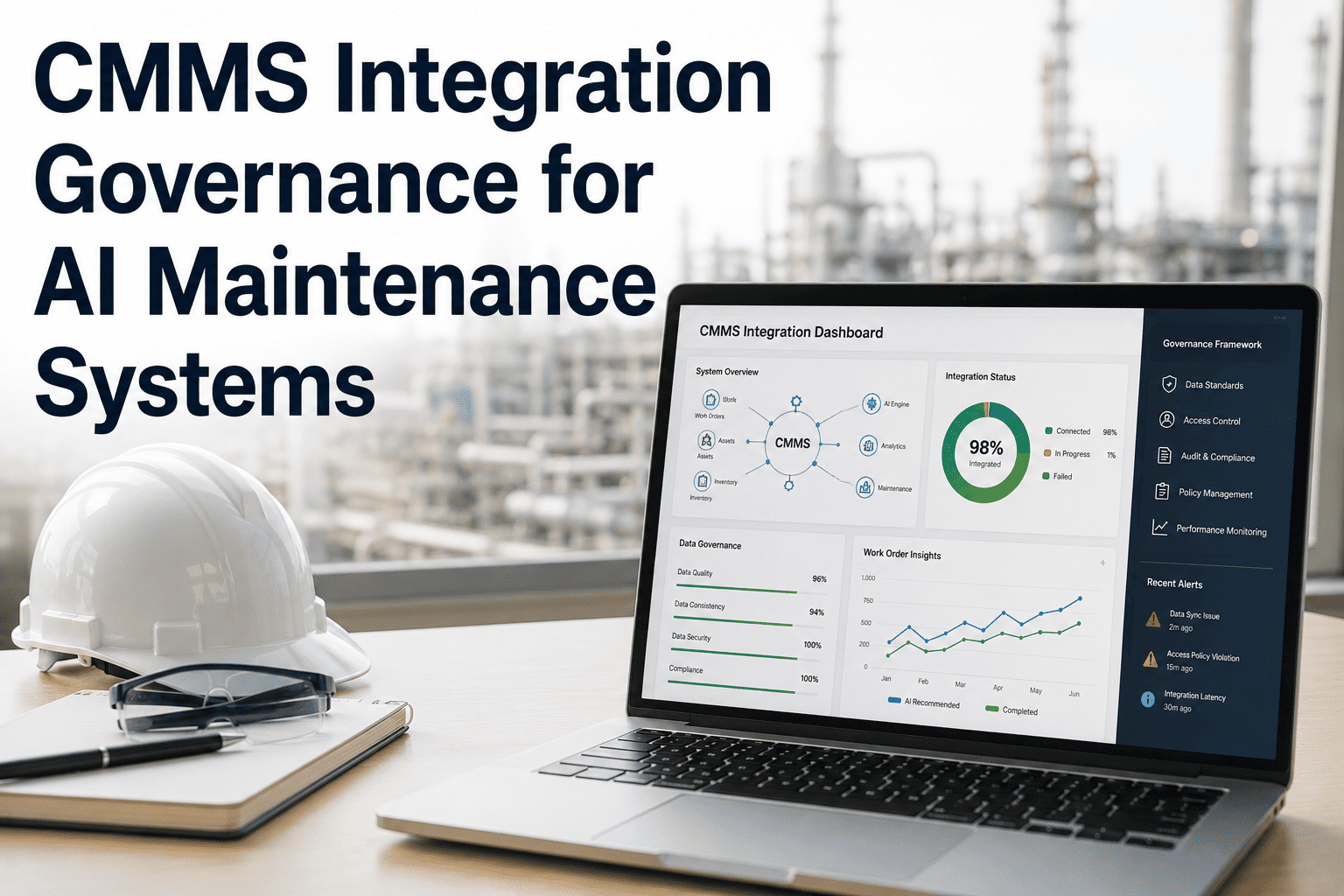
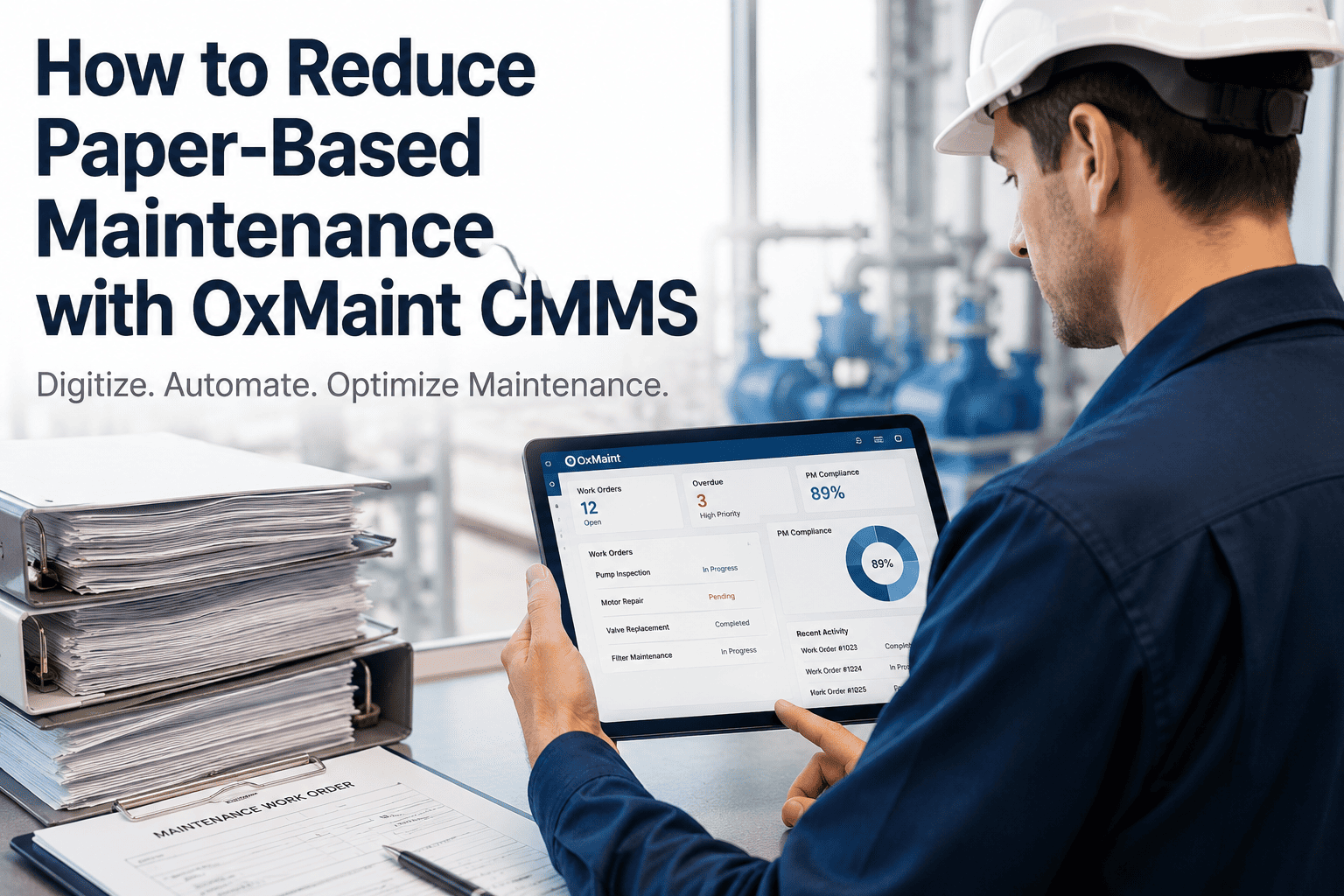
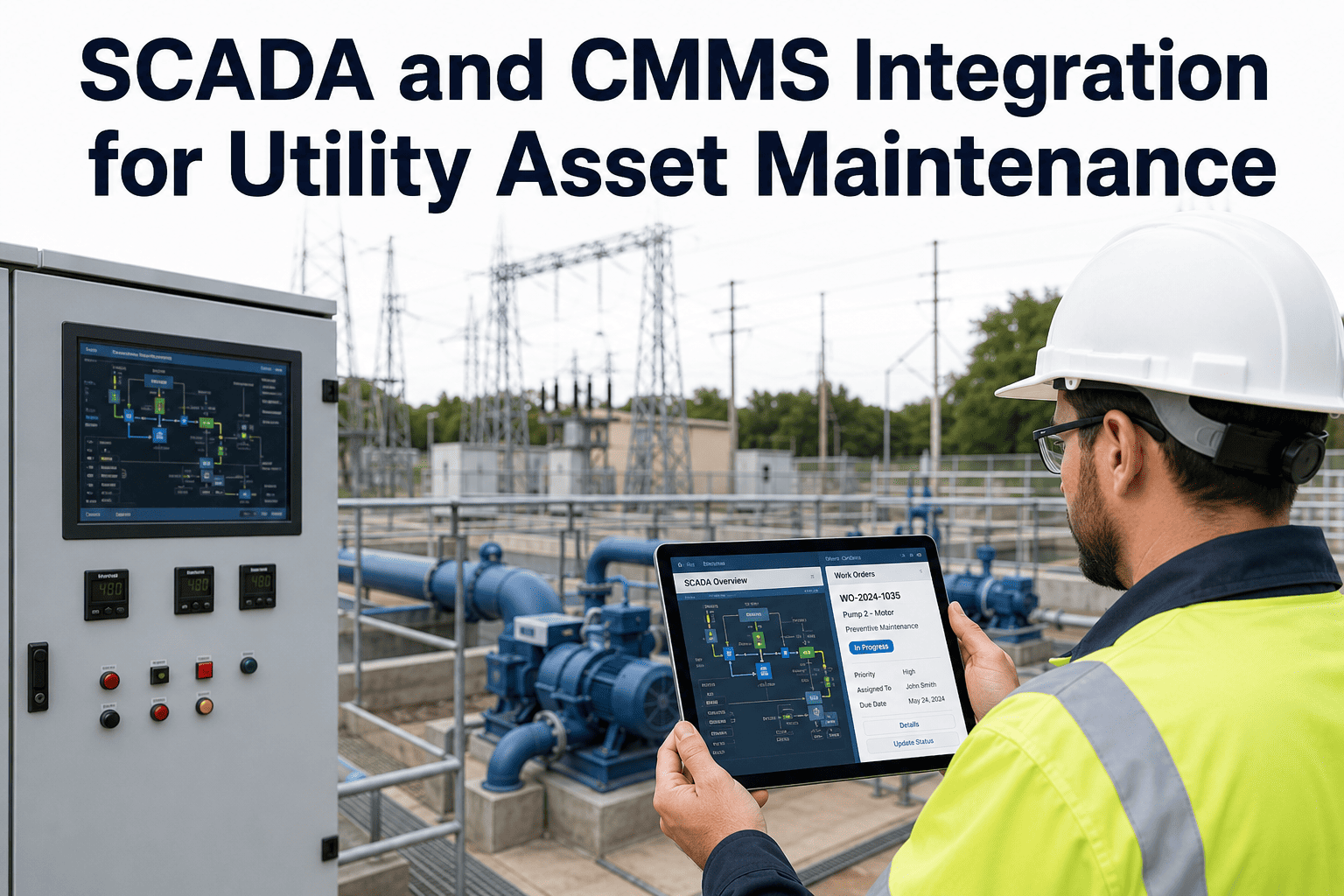
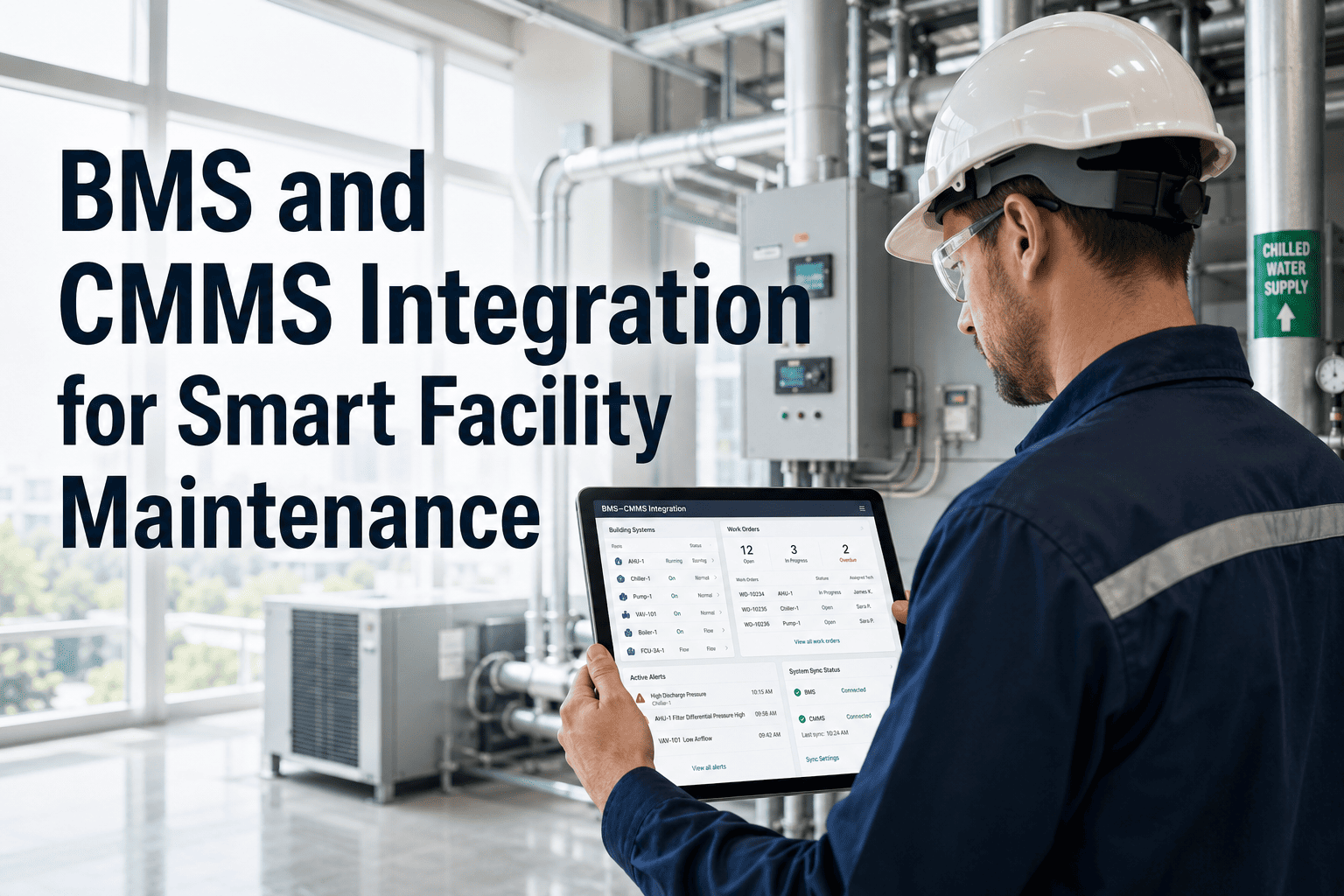
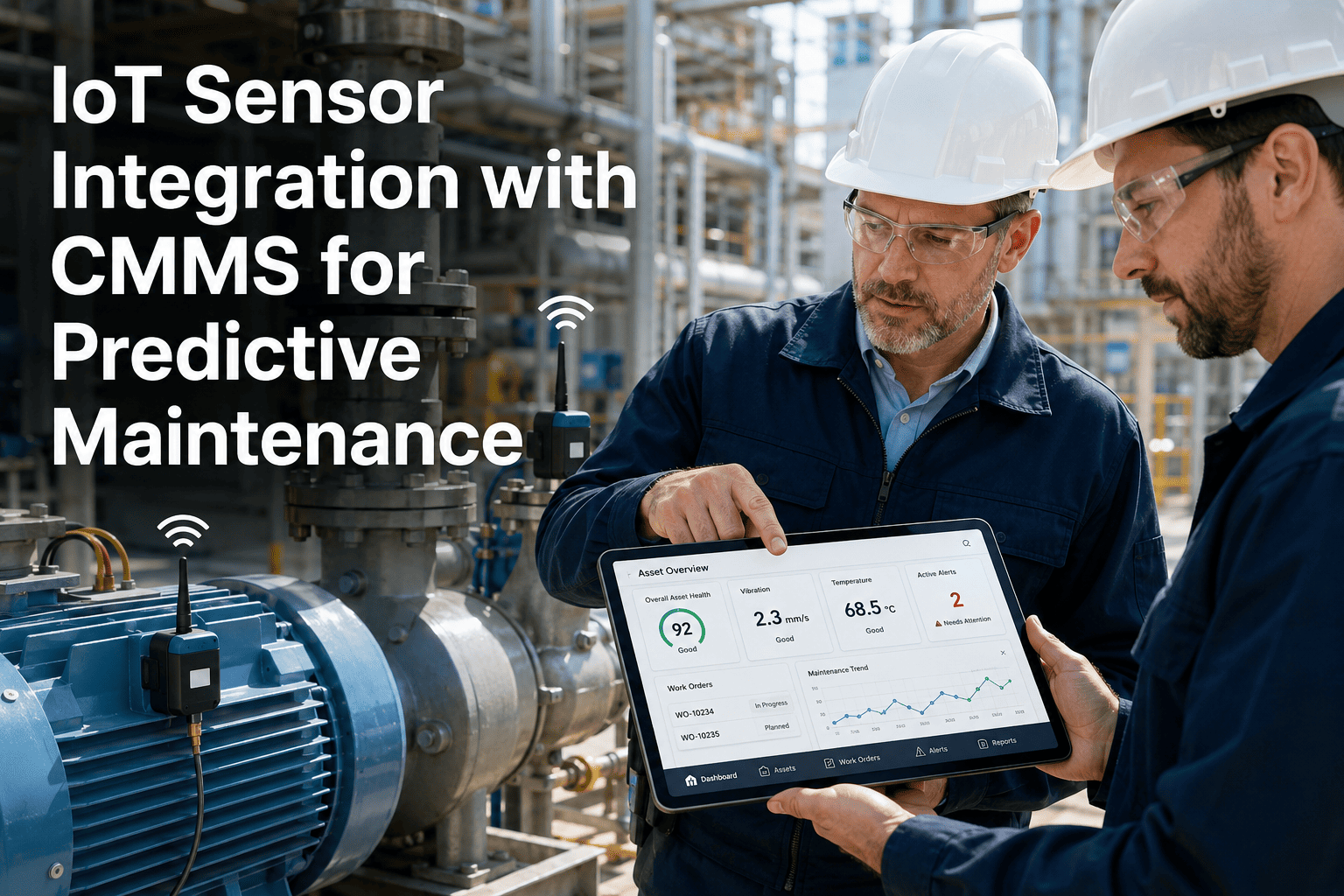
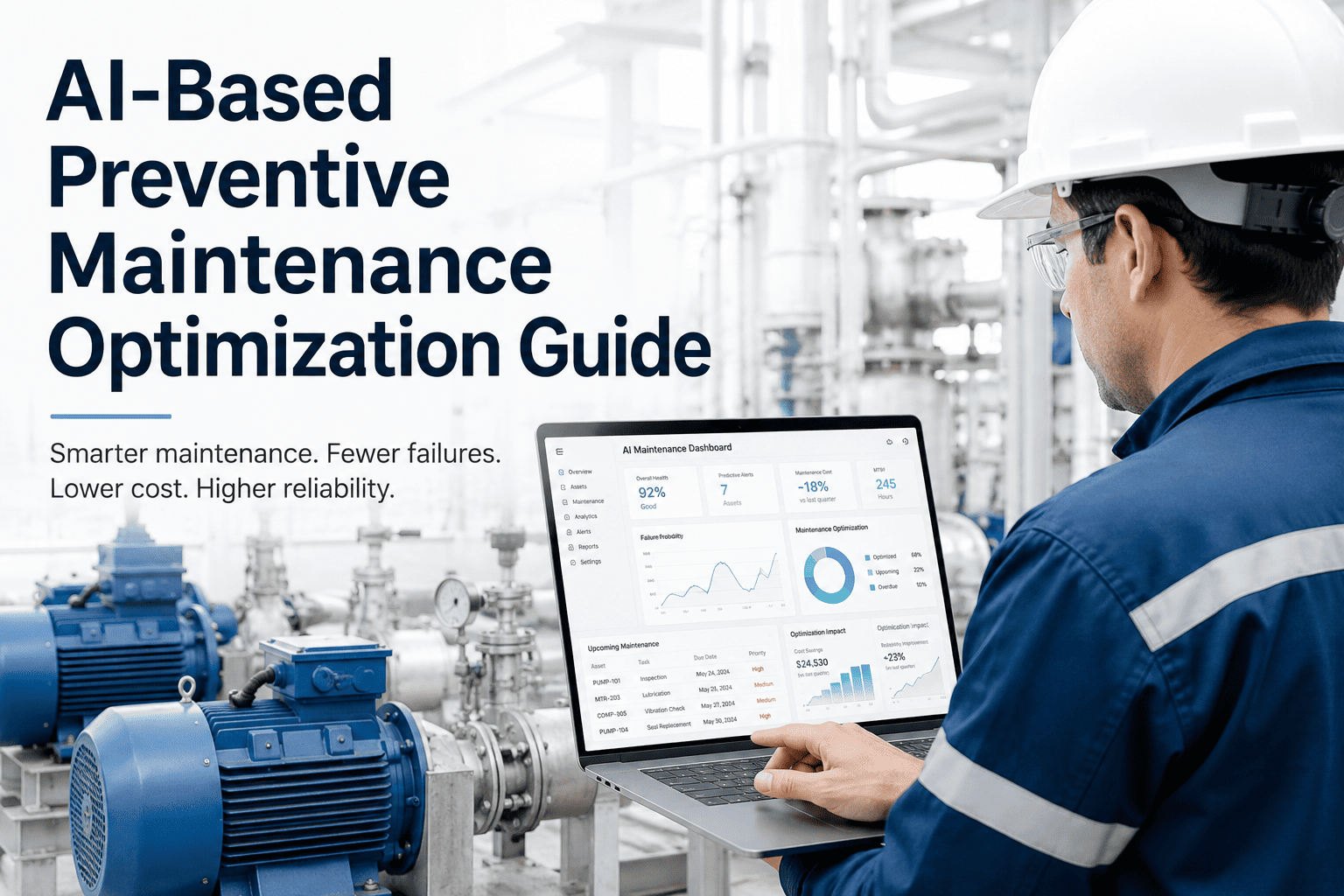
Every maintenance system generates events — alerts from sensors, flags from inspection tools, notifications from building management systems, outputs from ERP modules. The problem is that each source speaks a different format, uses different field names, and assigns different severity codes to the same type of problem. When these events reach your CMMS raw, the result is not a work order — it is a translation problem. AI-based maintenance event normalization is the process that converts heterogeneous event data from any source into a consistent, structured format your CMMS can act on automatically. This guide covers how the normalization layer works technically, what it must do to produce reliable work orders at scale, and how teams using OxMaint's CMMS API integration are eliminating the manual data-cleaning step entirely. If your current integration requires a person to reconcile incoming event data before work orders can be created, start a free OxMaint trial to see what automated normalization looks like, or book a live integration demo with your actual source systems on the call.
Technical Guide · CMMS API Integration · Event Normalization
AI-Based Maintenance Event Normalization for CMMS
How to stop translating maintenance events manually and let AI normalize every input — from any source — into a structured, actionable work order.
The Event Normalization Problem: Why Heterogeneous Sources Break CMMS Workflows
A single manufacturing facility may generate maintenance events from a BMS, SCADA historian, IoT platform, AI vision system, and ERP — each using completely different data schemas. Without normalization, each source requires a custom connector, a dedicated ETL process, and manual review before work orders can be created. Multiply that by a multi-site operation and you have an integration maintenance burden that rivals the asset maintenance burden itself.
SCADA Historian
tag: "PMP-01-VIB", value: 4.7, unit: "mm/s", ts: 1716201234
→
BMS Alert
zone: "L2-HVAC", fault: "TEMP_HIGH", code: "F-024", time: "14:33 UTC"
→
AI Vision
asset_id: "CNV-07", defect: "belt_crack", severity: 0.87, image_url: "..."
↓
Normalized Output (AI-processed)
asset_tag: "PMP-01" | defect_type: "vibration_bearing" | severity: "warning" | source: "SCADA" | timestamp: "2025-05-20T14:33:54Z" | recommended_action: "bearing_inspection"
What the Normalization Layer Must Do: 6 Transformation Steps
01
Schema Translation
Map source-specific field names to a canonical CMMS schema. "PMP-01-VIB" becomes asset_tag + parameter_type — regardless of which system sent it.
02
Timestamp Standardization
Convert all timestamp formats — Unix epoch, ISO 8601, local time strings — to a single UTC standard with timezone metadata preserved.
03
Severity Harmonization
Translate source-native severity codes — P1/P2/P3, RED/AMBER/GREEN, 0–5 scale — into a unified severity vocabulary that drives CMMS priority routing.
04
Asset Identity Resolution
Resolve ambiguous source identifiers against the canonical asset hierarchy. "Zone L2-HVAC" resolves to "AHU-12 / Building B / HVAC System" in the CMMS.
05
Duplicate Suppression
Detect and merge duplicate events — same asset, same defect type, within a defined time window — to prevent multiple work orders firing for one condition.
06
Context Enrichment
Attach asset criticality, open work order count, last repair date, and parts inventory status from the CMMS — before the work order is created.
Integration Protocol Support: What OxMaint Accepts
| Source Type |
Protocol / Format |
Normalization Method |
WO Generation |
| SCADA / Historian |
OPC-UA, PI REST, OSIsoft |
AI parameter classification |
Automatic on threshold breach |
| IoT Platform |
MQTT, AWS IoT, Azure IoT Hub |
JSON schema mapping |
Automatic via alert rule engine |
| AI Vision System |
REST webhook, RTSP event stream |
Detection event → defect record |
Automatic on confidence threshold |
| ERP / SAP PM |
REST API, IDOC, OData |
Object mapping to asset hierarchy |
Bidirectional sync |
| BMS / BAS |
BACnet/IP, Modbus, REST |
Fault code taxonomy mapping |
Automatic on alarm class |
Stop building custom connectors for every source system. OxMaint normalizes them all.
SCADA, IoT, AI vision, ERP, BMS — OxMaint's event normalization layer ingests any structured event, maps it to your asset hierarchy, and creates a work order automatically. No middleware, no manual translation.
Expert Review
VR
Vikram Rao
Integration Architect, Industrial Systems — 13 years, SCADA + CMMS + ERP
Event normalization is the unglamorous foundation that every AI maintenance project skips and then regrets. I have seen multi-million rupee AI inspection deployments produce zero actionable work orders for six months because nobody solved the schema translation problem first. The AI caught defects. The events arrived in the CMMS as unstructured strings nobody knew how to route. The maintenance team gave up on the system before it ever delivered a single repair. When normalization is solved at the platform level — as it is in OxMaint — the entire value chain above it starts working on day one.
Frequently Asked Questions
How does OxMaint handle event sources that change their schema without notice?
OxMaint uses adaptive schema mapping — when an incoming event fails to match the expected structure, it is flagged for review rather than silently dropped. A schema change alert notifies the integration administrator so mapping can be updated. AI-assisted field matching suggests the closest canonical mapping based on field name patterns and value types.
Book a demo to see the schema drift detection workflow.
What is the maximum event ingestion rate OxMaint supports?
OxMaint's event ingestion pipeline handles thousands of events per minute across concurrent source systems. Rate limiting, burst buffering, and event queuing prevent work order creation bottlenecks during alert surges — such as a plant-wide BMS alarm storm or a multi-camera AI vision detection event.
Start a free trial to run a volume test with your expected event rate.
Can we map the same physical asset to different identifiers across multiple source systems?
Yes. OxMaint maintains an asset alias registry that maps multiple external identifiers — SCADA tag, ERP equipment number, BMS zone code, AI vision asset ID — to a single canonical asset record. All events from any source resolve to the same asset tag, building a unified repair history regardless of which system detected the condition.
Book a demo and bring your asset naming conventions across systems.
How are duplicate events from multiple detection sources handled?
The normalization layer applies deduplication logic: events for the same asset, same defect type, within a configurable time window (default 15 minutes) are merged into a single normalized event with all source references attached. One work order is created with multiple detection sources cited — preventing technicians from receiving parallel work orders for the same physical condition.
Start free to configure deduplication rules for your environment.
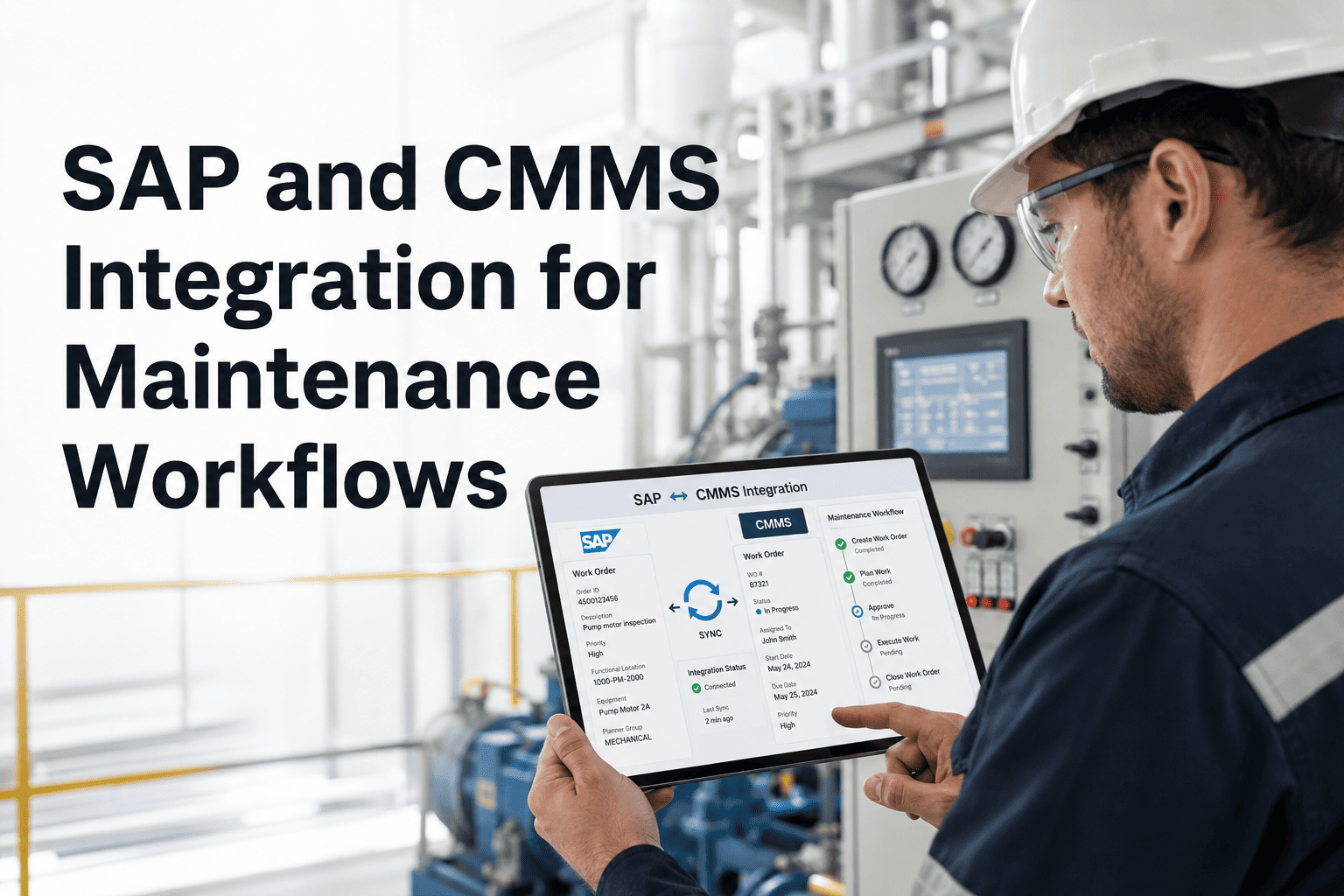
Does OxMaint support bidirectional sync with SAP PM or other ERP systems?
Yes. OxMaint can both receive maintenance notifications from SAP PM and push work order status updates back — so the ERP always reflects the current repair state without manual data entry. The sync covers work order creation, assignment, status changes, closure, and failure code — covering the full lifecycle in both systems simultaneously.
Book a demo to review your specific SAP integration requirements.
Every source system speaks a different language. OxMaint translates them all into one work order.
AI-based event normalization in OxMaint converts SCADA, IoT, AI vision, BMS, and ERP events into structured, actionable CMMS work orders — automatically, at scale, without custom middleware.