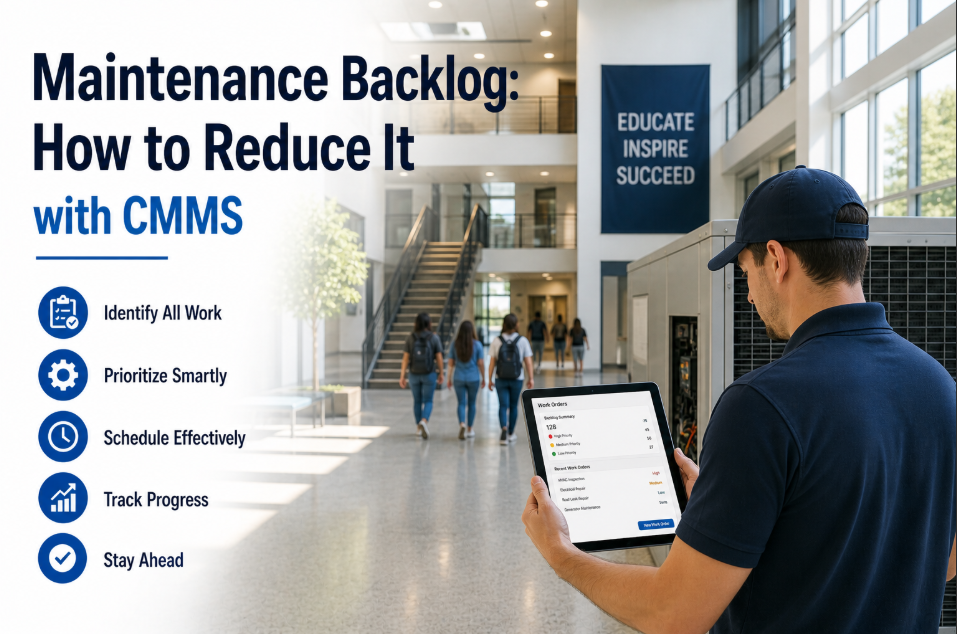
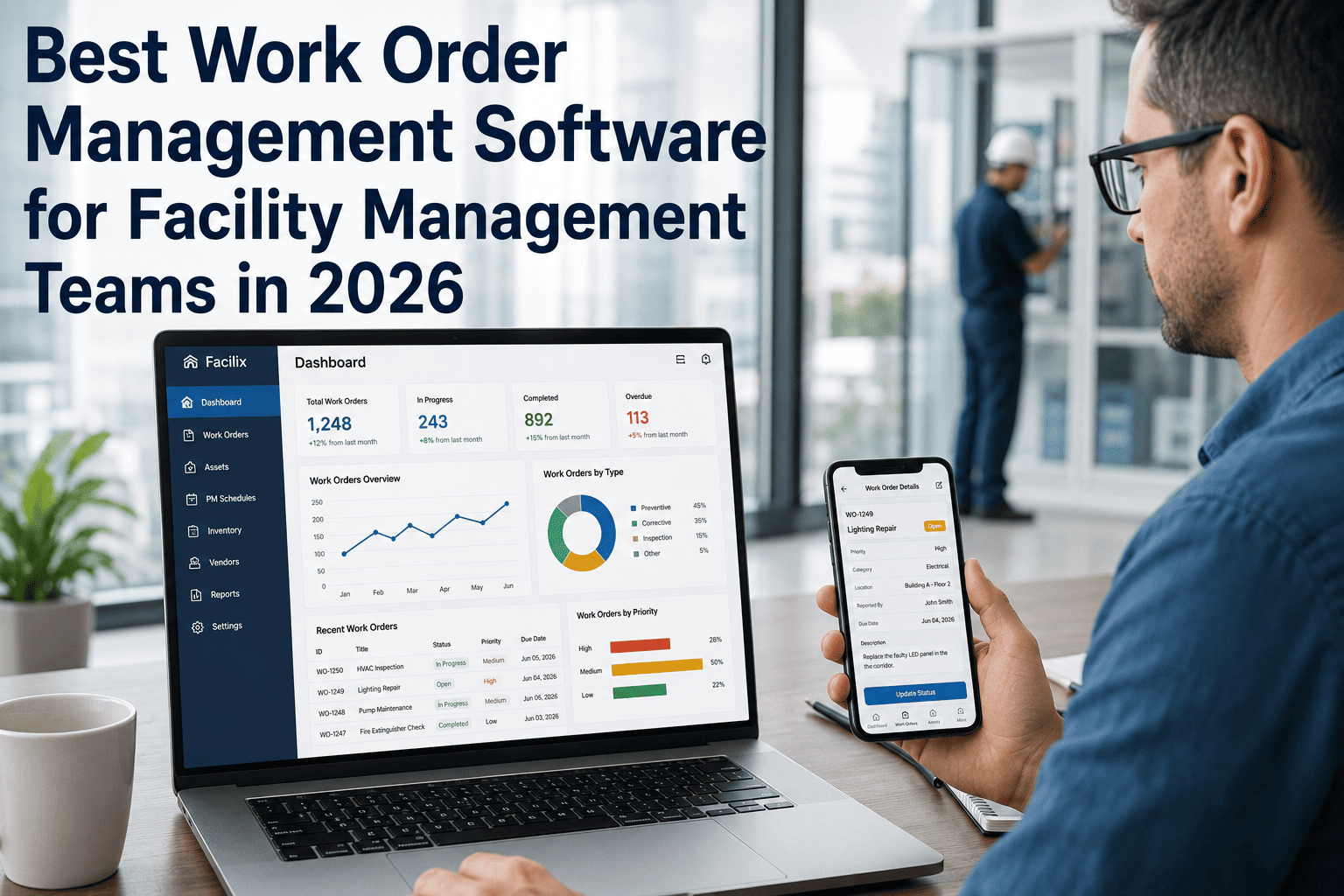
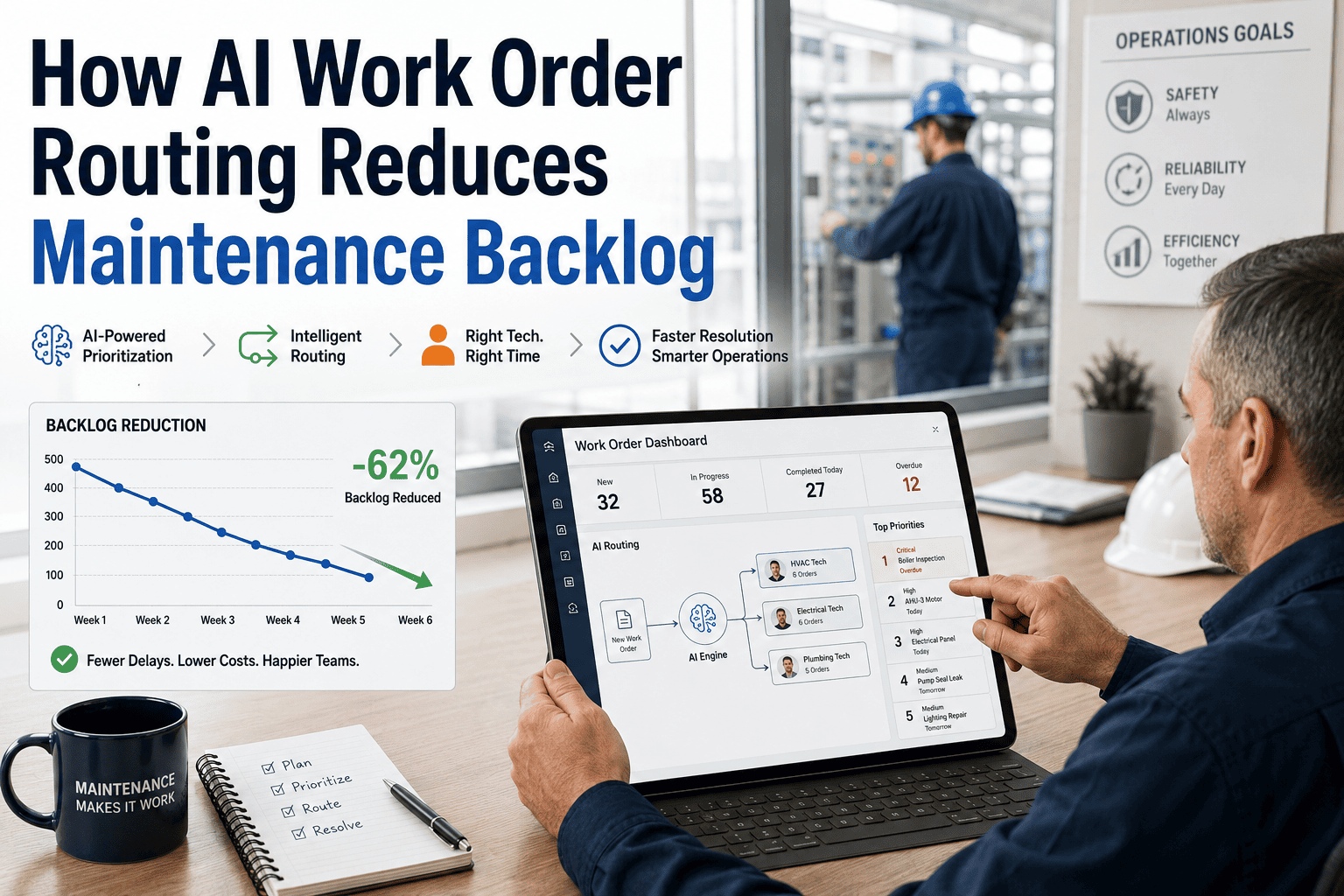
Every maintenance team has a backlog. The dangerous ones are the backlogs nobody is measuring. Work orders sit in a queue for weeks — some critical, some cosmetic, all treated with the same urgency of none. The average industrial facility carries 6–9 weeks of deferred maintenance work at any given time, and 34% of that backlog contains at least one asset failure waiting to happen. The problem is not that backlogs exist — planned maintenance queues are normal and healthy. The problem is when reactive urgency, poor prioritization, and zero visibility turn a managed queue into an invisible liability. Facilities that have deployed OxMaint's AI-driven backlog prioritization report clearing 40% of their critical backlog within 90 days, reducing unplanned failures by 31%, and reclaiming 2 hours per technician per day previously lost to firefighting and rescheduling. The backlog is not a maintenance problem. It is a data problem — and the right CMMS solves it.
Analytics and KPIs · Maintenance Operations · 2026 Guide
Maintenance Backlog Reduction: How AI Prioritization and CMMS Clear the Queue
Why backlogs grow undetected, how AI-driven prioritization separates critical from cosmetic, and the metrics that prove you are making progress — not just moving work orders around.
6-9wk
average deferred maintenance backlog carried by industrial facilities running reactive maintenance
34%
of typical backlogs contain at least one asset failure risk requiring immediate intervention
40%
of critical backlog cleared within 90 days using AI-driven prioritization in OxMaint
2hrs
reclaimed per technician per day when backlog is prioritized and firefighting eliminated
OxMaint automatically scores every work order in your backlog by asset criticality, failure risk, and operational impact — so your technicians always work on what matters most, not what came in last. Start a free trial and load your first backlog in under 24 hours, or book a demo to see AI prioritization working on live work order data.
What Is a Maintenance Backlog — and When Does It Become Dangerous?
A maintenance backlog is any work order that has been created but not yet completed. A healthy backlog is a planned queue of upcoming PMs and low-priority repairs. A dangerous backlog is a growing pile of deferred critical work buried under administrative noise. The difference between the two is visibility and prioritization — exactly what most teams lack without a CMMS.
Healthy Backlog
2-4 weeks of planned work
Scheduled PMs, minor repairs, and planned replacements queued in advance. All items are visible, assigned, and dated. The team knows what is coming. No critical assets at risk.
Signal: PM compliance above 85%, reactive work below 20% of total work orders
Warning Backlog
4-8 weeks of mixed work
Growing queue of unresolved work orders with unclear priority. Reactive work is increasing. Some critical items are aging. Technicians are jumping between tasks without structure.
Signal: PM compliance 60-84%, reactive work 20-40%, average backlog age rising
Critical Backlog
8+ weeks, uncontrolled growth
Backlog is growing faster than the team can close work orders. Critical assets have deferred maintenance. Reactive failures are frequent. The team is in permanent firefighting mode with no path forward.
Deferred maintenance that was never formally logged as a work order. It exists in technician notebooks, verbal agreements, and memory. No visibility. No accountability. No way to measure or clear it.
Signal: Paper-based or spreadsheet maintenance management, low work order capture rate
Why Maintenance Backlogs Grow — The Six Root Causes
A backlog does not appear overnight. It compounds over months through predictable, preventable patterns. Identifying which root cause is driving your backlog is the first step to clearing it — and keeping it clear.
01
No Prioritization System
Work orders are addressed in the order they arrive — not by criticality. A non-urgent cosmetic repair gets the same scheduling weight as a failing bearing on a production-critical asset. The queue grows because effort is distributed incorrectly.
Impact: 34% of backlogs contain unidentified critical work buried under low-priority items
02
Reactive Work Overwhelms Planned Work
When reactive repairs consume more than 30% of maintenance capacity, PM schedules slip. Slipped PMs generate future failures. Future failures generate more reactive work. The cycle accelerates the backlog instead of clearing it.
Impact: Facilities with greater than 40% reactive work see backlog growth of 12-18% per quarter
03
Parts Unavailability Stalls Repairs
A technician arrives at the asset, diagnoses the fault, and cannot complete the repair because the part is not in stock. The work order sits open for days or weeks. Parts-pending backlog is one of the most common — and most preventable — forms of queue growth.
Impact: 47% of extended work order duration is caused by parts unavailability, not repair complexity
04
Understaffed Against Asset Load
Technician headcount has not scaled with facility size or equipment age. As the asset fleet grows older and requires more frequent attention, the same team size is expected to absorb more work. Backlog grows structurally — not because of poor performance but because of physics.
Impact: North American plants average 11.8 years equipment age in 2024 — up from 9.2 years in 2015
05
Work Orders Never Formally Closed
Technicians complete a repair but never formally close the work order in the system. The backlog count stays artificially inflated. Management sees a larger queue than actually exists — leading to poor resource decisions based on bad data.
Impact: Facilities without mobile work order completion average 22% more open work orders than actual active tasks
06
No Real-Time Backlog Visibility
Without a live dashboard showing backlog age, criticality distribution, and trend direction, managers cannot see the problem building until it has already become a crisis. By the time the spreadsheet is updated, the queue has grown for another two weeks.
Impact: 65% of facilities using spreadsheet backlog tracking discover critical deferred work only after a failure occurs
How AI-Driven Backlog Prioritization Works in OxMaint
Traditional backlog management relies on supervisors manually triaging work orders — a subjective, time-consuming process that cannot scale. OxMaint's AI prioritization engine scores every open work order across four dimensions and produces a ranked, actionable queue that technicians execute from top to bottom.
Inputs to the Prioritization Engine
Asset criticality score (1-5 scale)
Work order age and deferral count
Failure risk from MTBF trending data
Production impact if asset fails now
OxMaint AI Prioritization Engine
Combines all four input dimensions into a weighted priority score. Scores update continuously as sensor data changes, PMs are completed, and new work orders arrive. No manual triage required.
Ranked Work Order Queue Output
P1 — ImmediateCritical asset, failure imminent, production stops if not addressed today
P2 — This WeekHigh-criticality asset, degradation trend detected, 3-7 day window
P3 — This MonthModerate criticality, no immediate failure risk, plan within 30 days
P4 — ScheduledLow criticality, cosmetic or minor, fit into available capacity windows
The result is a backlog that your technicians can actually execute — not a flat list of 400 open work orders with no guidance on where to start. Every shift begins with a clear, ranked queue. Every supervisor sees exactly which deferred items carry the highest failure risk. Want to see AI prioritization running on your actual backlog? Start a free trial and import your first work orders today, or book a demo for a live walkthrough.
Reactive Backlog Management vs. AI-Driven Backlog Reduction
The contrast between managing a backlog reactively and reducing it systematically is not incremental — it changes how every shift starts, how every technician spends their time, and how quickly the queue shrinks.
Dimension
Reactive Backlog Management
AI-Driven Backlog Reduction (OxMaint)
Work Order Prioritization
Manual triage by supervisor — subjective, inconsistent, time-consuming
AI scores every work order by criticality, failure risk, and impact — automatically
Backlog Visibility
Spreadsheet updated weekly — always stale, no trend data
Live dashboard — backlog count, age, criticality distribution updated in real time
Technician Direction
Verbal task assignment — no formal queue, effort misdirected to loud problems
Mobile-delivered ranked task list — technicians start each shift knowing exactly what to do
Parts-Pending Work Orders
Invisible — open work orders with no status, bloating the apparent backlog
Parts-pending status tracked separately, auto-reordering triggered when stock falls below minimum
PM vs. Reactive Balance
Reactive dominates — PMs slip because breakdowns jump the queue
PMs protected in the schedule — AI flags when reactive work threatens PM completion
Backlog Age Tracking
Unknown — no timestamp on when items entered the queue
Every work order timestamped on creation — backlog age visible by priority tier
Reporting to Leadership
Manual compilation — takes hours, often inaccurate, shows snapshot not trend
One-click backlog report — count, age, criticality, trend, and projected clear date
Backlog Growth Rate
Growing 12-18% per quarter in reactive facilities
Declining within 90 days — 40% of critical backlog cleared using AI prioritization
The Backlog Reduction Roadmap: 90 Days to a Managed Queue
Backlog reduction does not happen by working harder. It happens by working in the right sequence. This roadmap is built on how OxMaint customers systematically clear critical deferred work while preventing new backlog from accumulating at the same rate.
Days 1-14
Capture and Score — Get the True Backlog Visible
Import all open work orders into OxMaint. Assign asset criticality scores (1-5) to every piece of equipment. The AI prioritization engine immediately sorts the entire queue by risk score. For the first time, you can see which of your 400 open work orders actually matter this week versus this quarter.
Outcome: Full backlog visible, ranked by priority — critical items identified within 24 hours
Days 15-30
Clear Critical — Address P1 and P2 Items Before New Failures
Dedicate 60-70% of available maintenance capacity to P1 and P2 backlog items. Stage parts for the top 20 most critical open work orders before dispatching technicians. Mobile work orders ensure nothing is missed or rescheduled without tracking. Close rates increase because technicians arrive prepared.
Protect PMs — Stop New Critical Work from Entering the Queue
Enable automated PM scheduling for every critical asset. When PMs are completed on schedule, they prevent the failures that generate reactive work orders. Each prevented failure removes a future P1 item before it forms. The backlog stops growing at the same rate it previously did.
Outcome: PM compliance rising above 80%, new reactive work orders declining, queue shrinking
Days 61-90
Optimize and Report — Prove Progress with Backlog KPIs
Review 90-day backlog trends: total count, P1-P4 distribution, average age, close rate. Adjust PM frequencies based on what the data shows about actual failure rates. Generate the leadership report showing backlog reduction progress — with real numbers, not estimates.
Backlog KPIs: The Metrics That Prove You Are Making Progress
Reducing a backlog without tracking the right metrics is like losing weight without a scale. These are the six KPIs OxMaint tracks automatically to show whether your backlog is truly shrinking — or just being rearranged.
Total Backlog Count
Target: Declining trend month-on-month
The total number of open work orders. The most basic metric — but only meaningful when tracked alongside priority distribution. A flat count with a shifting P1 ratio is more dangerous than a growing count of P4 items.
Average Backlog Age
Target: Under 21 days for P1/P2 items
How long open work orders have been waiting. P1 items aging beyond 72 hours signal a critical process failure. P2 items beyond 14 days signal resource constraints. Average age is the clearest indicator of whether the queue is being actively managed.
Work Order Close Rate
Target: Close rate greater than open rate
Work orders closed per week divided by work orders opened per week. A ratio above 1.0 means the backlog is shrinking. Below 1.0, it is growing. This single ratio tells you whether your reduction strategy is working.
Critical Backlog Ratio
Target: P1/P2 below 15% of total backlog
The percentage of your backlog classified as P1 or P2 — immediate or this-week priority. Even if total backlog is growing, a declining critical ratio shows that AI prioritization is correctly surfacing and clearing the highest-risk items first.
PM Compliance Rate
Target: Above 85% to prevent new backlog growth
The percentage of scheduled PMs completed on time. PM compliance above 85% is the threshold below which reactive failures begin to accumulate faster than the team can clear them. Protecting PMs is the most effective long-term backlog prevention strategy.
Reactive vs. Planned Ratio
Target: Planned above 75% of total work orders
The percentage of completed work orders that were planned versus reactive. A planned ratio above 75% signals a healthy maintenance operation. Below 60%, the team is in firefighting mode and the backlog will continue to grow regardless of headcount.
All six metrics above are tracked automatically in OxMaint from work order data — no manual calculations, no spreadsheet consolidation. The dashboard updates in real time as technicians close work orders in the field. Your leadership report for next month is already being generated. Book a demo to see the backlog KPI dashboard configured to your operation.
What Facilities Achieve When Backlog Is Systematically Reduced
40%
Critical backlog cleared
within 90 days of deploying AI prioritization in OxMaint — based on facilities importing existing work order queues
31%
Fewer unplanned failures
when PM compliance exceeds 85% — the direct result of protecting planned maintenance against reactive firefighting
2hrs
Saved per technician daily
recovered from firefighting, rescheduling, and waiting for supervisor direction — redirected to planned backlog clearance
92%
PM compliance achieved
within 90 days — up from a facility average of 55-60% — blocking the primary source of new critical backlog generation
OxMaint Features That Drive Backlog Reduction
Backlog reduction requires more than a list of open work orders. It requires the tools to prioritize, execute, track, and report — all connected in one platform that your technicians actually use.
AI Prioritization
Criticality-Scored Work Order Queue
Every open work order scored across four dimensions: asset criticality, failure risk, production impact, and backlog age. The queue is ranked automatically — no supervisor triage, no manual sorting. Technicians execute from the top of a pre-ranked list.
Mobile Execution
Technician App with Real-Time Closure
Technicians receive ranked work orders on mobile, accept, complete, log notes and photos, and close from the field — all in real time. No post-shift admin. No open work orders that are actually done. Backlog count reflects reality, not paperwork lag.
Live Dashboards
Real-Time Backlog Visibility
Live dashboard showing total backlog count, priority tier distribution, average age by tier, close rate trend, and projected queue clear date. Updated in real time as technicians close work orders. No weekly spreadsheet updates required.
PM Scheduling
Automated PM Protection
PM schedules are protected against reactive override. When a reactive work order would conflict with a P1 PM, OxMaint flags the conflict. Supervisors make deliberate decisions instead of accidentally deferring PMs that will generate tomorrow's backlog.
Parts Management
Parts-Pending Status Tracking
Work orders awaiting parts are flagged separately from actionable work. Parts reorder is triggered automatically when stock falls below minimum. Technicians stop being dispatched to assets they cannot fix. Parts-pending lag is eliminated from the active backlog.
Reporting
Backlog Reduction Reports for Leadership
One-click reports showing backlog count trend, critical ratio improvement, PM compliance, close rate, and projected clear timeline. The report that proves your maintenance investment is working — ready for the next board meeting without analyst hours.
Your backlog data is already being generated by your maintenance team every day — it just needs to be connected, scored, and acted on. Start a free trial and OxMaint begins prioritizing your backlog from the moment your first work order is imported, or book a demo to see AI backlog scoring running on work orders like yours.
Frequently Asked Questions
How long should it realistically take to clear a large maintenance backlog?
Timeline depends on backlog severity, team capacity, and parts availability — but a structured approach using AI prioritization produces measurable progress within 30-90 days. The key insight is that you do not need to clear the entire backlog — you need to clear the critical portion (P1 and P2 items) first. OxMaint customers typically clear 40% of their critical backlog within 90 days of deployment. The remaining P3 and P4 items are managed over 6-12 months as the close rate exceeds the open rate. What matters is that the backlog stops growing during that period — which happens when PM compliance exceeds 85%.
What is the right size for a healthy maintenance backlog?
Industry benchmarks suggest a healthy backlog represents 2-4 weeks of planned maintenance work — enough to keep technicians productively scheduled without creating risk from deferred critical items. The more important measure is composition, not size. A backlog of 300 work orders where 95% are P3-P4 items is healthier than a backlog of 150 work orders where 40% are P1-P2. OxMaint tracks both the count and the priority distribution — so you have the complete picture, not just a number.
How does AI prioritization handle work orders from different departments with competing urgency claims?
This is one of the most common sources of backlog mismanagement — every department believes its requests are urgent. OxMaint's AI prioritization removes subjective urgency claims from the equation entirely. Priority is calculated from objective data: the criticality score of the asset involved, the MTBF trend showing failure proximity, the production impact if the asset goes down, and the age of the work order in the queue. A production manager cannot override a low-criticality work order to jump the queue without a documented justification that is logged in the system. Prioritization becomes transparent, consistent, and defensible — which also reduces the political friction that often accompanies backlog management decisions.
Can OxMaint import an existing backlog from a spreadsheet or legacy CMMS?
Yes. OxMaint accepts bulk work order import from Excel, CSV, and most legacy CMMS export formats. Once imported, the AI prioritization engine immediately scores the entire backlog based on asset criticality settings and work order age. You do not need to manually triage or categorize existing work orders before import — the system does that automatically. For most facilities, the full existing backlog is imported, scored, and ranked within a single business day. The most important step is assigning criticality scores to your asset registry, which typically takes 2-4 hours for a 50-200 asset facility using OxMaint's guided setup.
OxMaint CMMS · AI Backlog Prioritization
Your Backlog Is Not a Staffing Problem. It Is a Prioritization Problem.
OxMaint's AI-driven backlog prioritization scores every open work order by asset criticality, failure risk, and operational impact — giving your technicians a ranked queue that eliminates guesswork, protects PMs, and drives a measurable decline in critical deferred maintenance from day one.