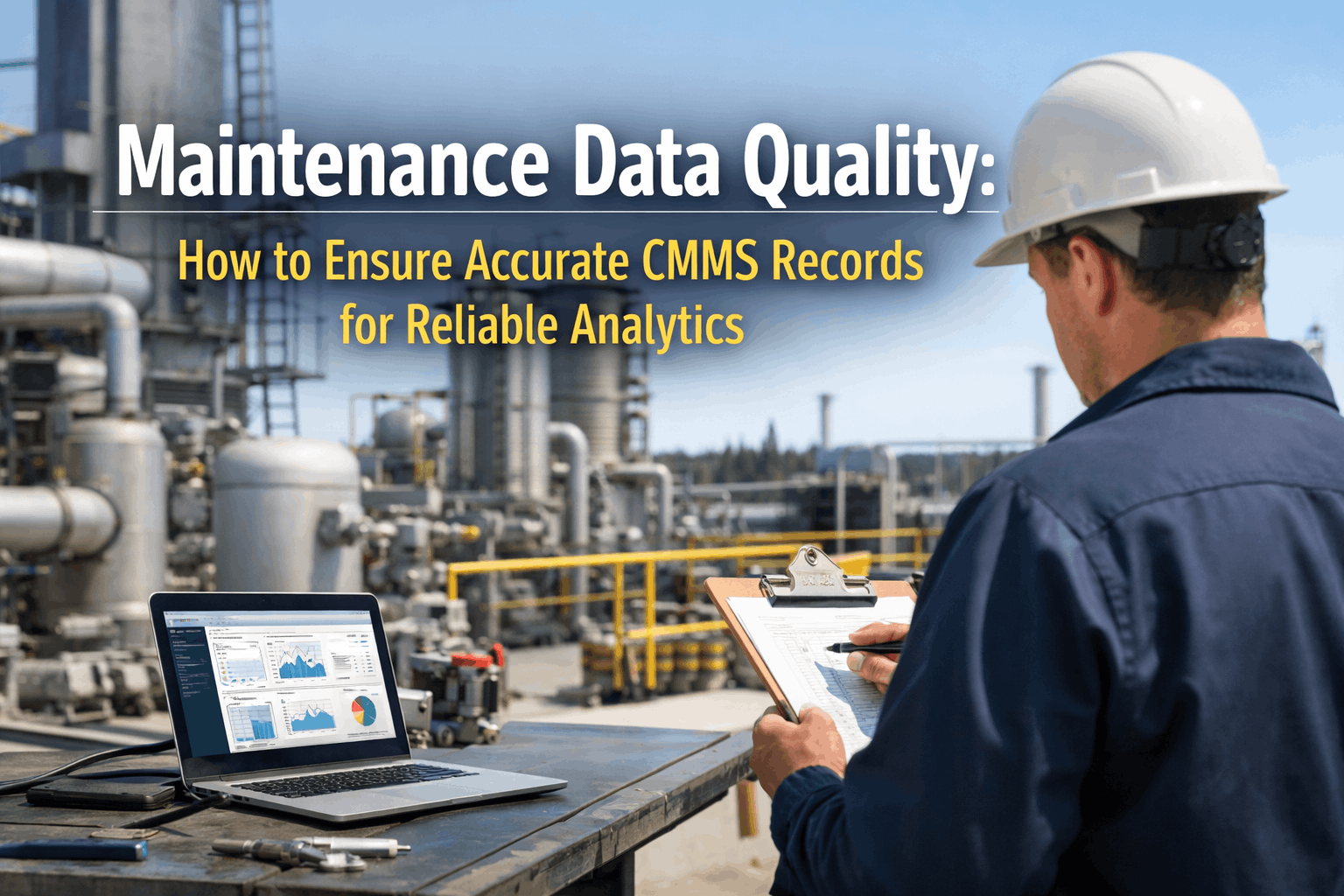
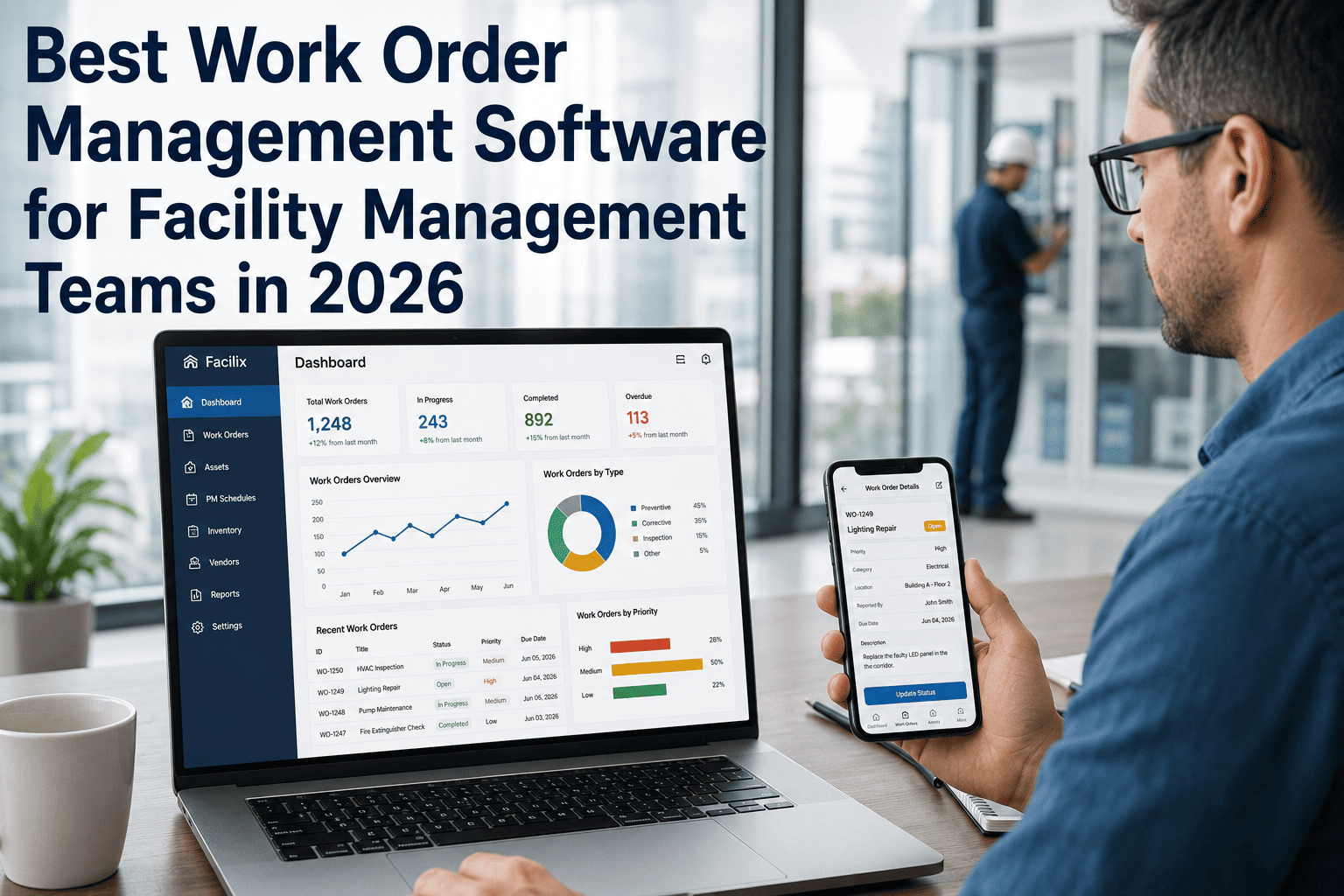
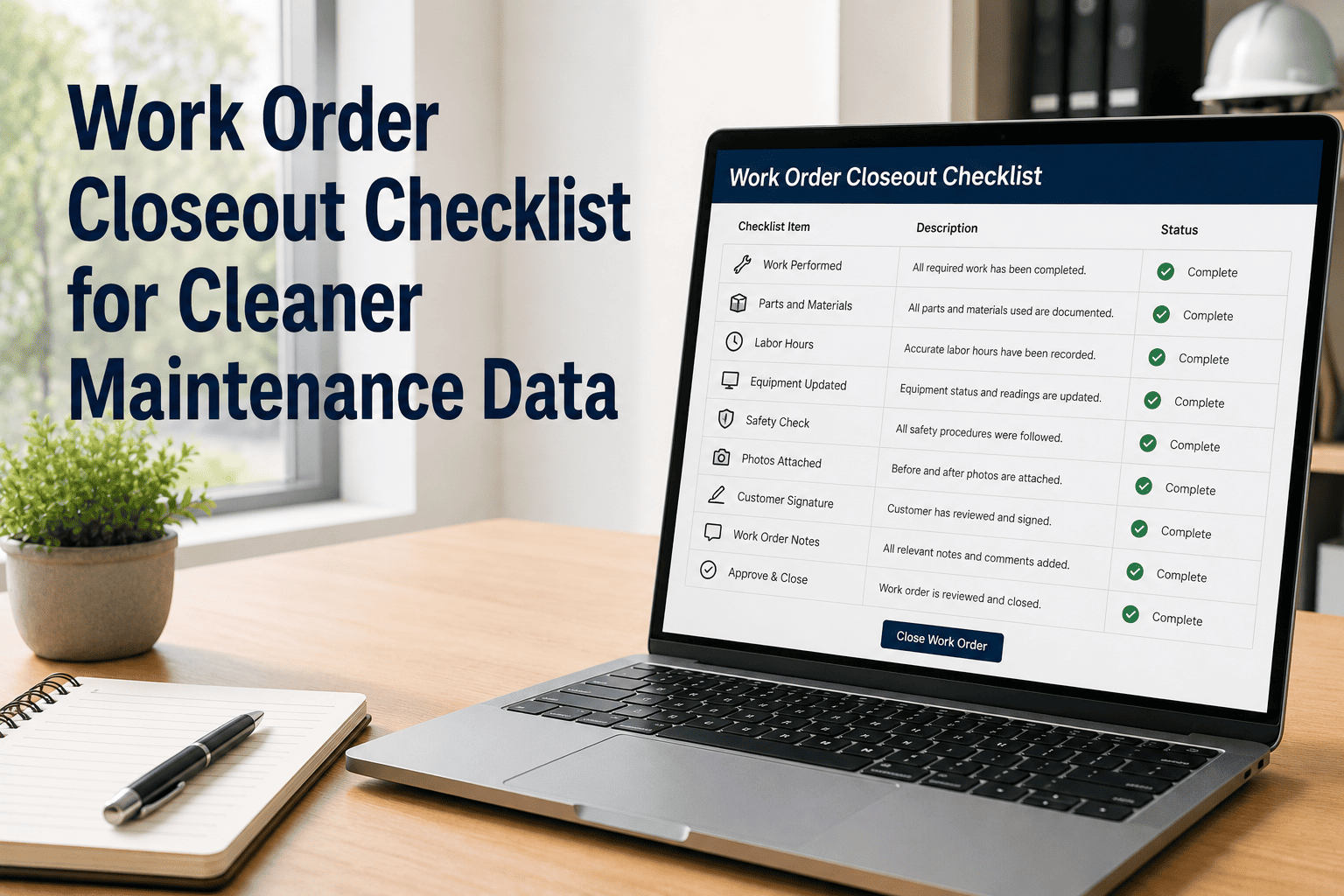
When the plant manager demands to know why maintenance costs spiked by 40% last quarter, the reliability engineer pulls up the CMMS report. The result? A digital wasteland. Half the work orders are assigned to a generic "Misc. Equipment" asset, failure codes are left blank, and resolution notes simply read "Fixed it." The leadership team is blind. They cannot identify bad actors, cannot calculate Mean Time Between Failures (MTBF), and certainly cannot deploy predictive analytics. This is the "Garbage In, Garbage Out" trap—treating the CMMS as a digital filing cabinet rather than a strategic analytical engine. Without rigorous data quality standards, facilities bleed money on recurring failures they cannot see. Talk to our team about building a data governance framework that guarantees accurate CMMS records and unlocks trustworthy predictive analytics.
Data Strategy Guide
Maintenance Data Quality: Ensuring Accurate CMMS Records
From entry standards to governance: A complete guide to building trustworthy maintenance records through strict validation rules, field audits, and seamless mobile data capture.
75%
Of CMMS implementations fail due to poor data adoption
90%+
Reporting accuracy achieved with mandatory drop-downs
40%
Reduction in time spent manually cleaning data logs
100%
Audit readiness for ISO & safety compliance
Why "Free-Text" Data Entry Fails Maintenance Teams
Traditional maintenance cultures often allow technicians to enter free-text notes and skip non-mandatory fields to close work orders quickly. This approach ignores the reality that structured data is the lifeblood of reliability engineering. Free-text entries cannot be easily queried, categorized, or analyzed by software. When departments lack standardized naming conventions, drop-down menus, and validation rules, they end up with fragmented records. This makes it impossible to trigger condition-based maintenance or feed accurate historical data into AI models, ultimately costing the organization millions in preventable downtime.
The Six Failure Modes of Poor Data Quality
Pencil-Whipping
High
Technicians rapidly checking off PM tasks without performing actual measurements or entering real condition values to save time.
Ghost Assets
22%
Work orders logged against generic placeholders (e.g., "Facility Area A") instead of the specific child asset, ruining failure tracking.
Missing Failure Codes
65%
Closing reactive work orders without selecting Problem, Cause, and Remedy codes, entirely defeating Root Cause Analysis (RCA).
Time Lags
48 hrs
Logging work details days after the job is completed from memory rather than capturing it in real-time at the machine.
Duplicate Inventory
15%
Inconsistent naming conventions (e.g., "Motor-10HP" vs "10 HP MTR") lead to duplicate spare part ordering and inflated holding costs.
The "Misc" Trap
$$$
Allowing "Other" or "Miscellaneous" as an easy drop-down option guarantees that technicians will use it, destroying analytical clarity.
The Data Quality Lifecycle: From Input to Insight
Accurate analytics require tracking a data point through its entire lifecycle. It is not just about typing numbers into a box. Every phase—from standardizing the taxonomy to final analysis—must be guarded by validation rules. Digital maintenance management connects these stages, ensuring that the decision to rebuild or replace an asset is based on mathematical reality, not guesswork.
7-Stage Data Governance Pipeline
Building a continuous loop of reliable maintenance records
Establishing rigid naming conventions, asset hierarchies, and structured failure code libraries.
Foundation
›
Using mobile apps and barcode scanning to ensure technicians log data exactly where the work occurs.
Real-Time
›
Enforcing mandatory fields, numerical range limits, and drop-downs before a work order can be closed.
At Entry
›
Supervisors performing weekly spot checks on 5-10% of closed work orders to verify data accuracy.
Weekly
›
The CMMS securely compiles clean data, mapping parts, labor hours, and downtime to specific assets.
Continuous
›
Generating trustworthy KPI dashboards (MTBF, MTTR, OEE) to spot trends and bad actors.
Monthly
›
Using reliable historical insights to adjust PM schedules, redesign components, or train staff.
Strategic
Automate Your Data Validation
Oxmaint's CMMS guarantees data quality with enforced workflows, mandatory mobile drop-downs, and barcode scanning. Eliminate human error at the source and generate analytics you can actually trust to guide your reliability strategy.
Data Tiers & Validation Rules
To build a defensible analytics model, you must govern data inputs accurately. A tiered tracking system ensures you capture high-impact maintenance metrics seamlessly while standardizing routine expenses. Treating data governance as a tiered strategy allows organizations to scale their CMMS maturity without overwhelming the frontline workers.
Data Quality Maturity Tiers & Rules
Goal: Establish the Foundation | Rule: Strict Hierarchy
ISO 14224 NamingAsset Parent/ChildDefined Failure CodesStandard BOMsRole-Based Access
Action: Rebuild the asset tree. Ensure every part and machine has a single, unambiguous identifier.
Goal: Error Prevention | Rule: System Enforced
Mandatory Drop-downsBarcode VerificationMeter Reading LimitsRequired PhotosNo "Misc" Options
Action: Configure the CMMS to physically prevent technicians from closing tickets with incomplete or impossible data.
Goal: Quality Assurance | Rule: Weekly Verification
Supervisor Spot ChecksTime-Stamp ReviewsInventory ReconciliationOutlier FlaggingData Health KPIs
Action: Supervisors allocate 2 hours weekly to review flagged outliers and provide immediate feedback to techs.
Goal: Cultural Permanence | Rule: Continuous Training
Data StewardshipOnboarding ProtocolsRefresher TrainingSOP DocumentationFeedback Loops
Action: Appoint a Master Data Manager. Tie data quality metrics to performance reviews and team incentives.
Before & After: The Impact of Clean Data
Moving from a "Just get it done" mentality to a "Document it right" mentality fundamentally changes how a facility operates. It shifts the conversation from subjective arguing to objective engineering. This shift allows teams to definitively spot bad actors, optimize inventory, and provide the hard evidence needed to defend capital replacement requests.
Build Analytics You Can Bet On
Oxmaint's mobile-first platform enforces data quality at the point of entry. Show leadership exactly where maintenance dollars are going, predict failure rates with accuracy, and secure the funding your department needs based on unassailable facts.
Building the Clean Data Stack
Trustworthy analytics are built on a framework of interlocking CMMS features that make doing the right thing the easiest thing. By leveraging mobile architecture and smart configurations, you construct a "Clean Data Stack" that naturally protects the integrity of your maintenance records. Book a Demo to see how we automate this quality control.
The Clean Data Stack Components
01
Standardized Naming
Consistent nomenclature (Pump-Centrifugal-01)
Eliminates duplicate part ordering
Ensures clean cost roll-ups
02
Mobile Data Capture
Logged instantly at the machine
Eliminates end-of-shift memory fade
Voice-to-text for detailed notes
03
Pre-Defined Dropdowns
Standardized Failure Codes
Removes spelling variations
Enables instant MTBF filtering
04
Automated Timestamps
Tracks exact start/stop durations
Prevents manual time-fudging
Accurate labor cost allocation
05
Photo & Video Evidence
Visual proof of part degradation
Replaces vague textual descriptions
Essential for safety compliance audits
06
Digital Signatures
Establishes personal accountability
Required for supervisor sign-offs
Complies with FDA/OSHA regulations
Expert Perspective: The Foundation of Reliability
"
Everyone wants to talk about Artificial Intelligence and IoT sensors predicting the future. But if your fundamental CMMS data is trash, those advanced systems will just predict failures inaccurately. We spent six months doing nothing but restructuring our asset hierarchy, enforcing mandatory failure codes, and banning the word 'Misc' from our drop-downs. Once the technicians realized that good data led to us actually replacing the bad machines they hated working on, adoption skyrocketed. Today, our data is so clean that our MTBF analytics dictate the capital budget, not the other way around. Predictive maintenance is impossible without data discipline.
— Lead Reliability Engineer, Fortune 500 Manufacturing
5x
ROI generated by data-driven PM optimization
95%
Compliance rate on mandated failure coding
100%
Visibility into true total cost of asset ownership
The organizations that thrive in today's competitive industrial landscape are those that have mastered data governance. They treat CMMS inputs not as bureaucratic paperwork, but as the foundational code of their reliability program. By leveraging digital tools to enforce quality at every stage—from taxonomy to mobile entry—these teams eliminate guesswork, optimize lifecycles, and build an unassailable case for maintenance excellence. Start your free trial today with the CMMS platform built for uncompromising data integrity.
Stop Guessing. Start Knowing.
Oxmaint's comprehensive CMMS platform automates data validation, enforces entry standards on mobile, and delivers the crystal-clear analytics you need to make smarter maintenance and capital planning decisions.
Frequently Asked Questions
What is the most critical first step to fixing poor CMMS data?
The first step is establishing a rigid, standardized asset hierarchy and naming convention. If your assets are disorganized, all data tied to them will be compromised. Adopt an industry standard like ISO 14224, ensuring every piece of equipment follows a strict Parent-Child relationship (e.g., Plant > Line > Pump > Motor). Once the taxonomy is clean, you can map accurate failure codes and parts lists to them.
How do we stop technicians from "pencil-whipping" PM checklists?
Software enforcement is the most effective method. Use a CMMS like Oxmaint to require exact numeric meter readings (e.g., entering "120 PSI" instead of checking a "Pass" box) and enforce out-of-bounds rules that trigger secondary alerts if a value is abnormal. Additionally, require mandatory photo uploads for critical inspection points. This physically proves the technician was at the machine and assessed its condition.
Why are Failure Codes so important for maintenance analytics?
Failure codes (Problem, Cause, Remedy) are the building blocks of Root Cause Analysis. Without them, your CMMS only knows *that* a machine broke, not *why*. By forcing technicians to select from a standardized drop-down list of causes (e.g., "Bearing Wear," "Lubrication Starvation," "Operator Error"), you can run Pareto analyses to identify the 20% of causes responsible for 80% of your downtime, allowing you to deploy targeted permanent fixes.
How do we handle historical bad data when migrating to a new CMMS?
Do not migrate garbage data into a new system. It is usually best to draw a "line in the sand." Export the old, messy data into a read-only archive (like Excel or a BI tool) for historical reference, and start fresh in the new CMMS with a strictly governed asset hierarchy and clean PM schedules. Migrating years of unformatted "Misc" work orders will immediately pollute your new analytics dashboard.
How much time should a supervisor spend auditing CMMS data?
Supervisors should spend 1 to 2 hours per week conducting data quality spot checks. This shouldn't involve reading every ticket. Instead, use dashboard filters to look for anomalies: work orders closed with zero labor hours attached, parts issued without a corresponding work order, or excessive use of "Other" in drop-down menus. Address these directly with the technicians to reinforce the culture of data integrity.