A work order sitting unacknowledged for 48 hours in a high-hazard facility is not just an operational risk — it is a liability. OxMaint's Alerts & Automation engine catches these gaps before they become incidents, sending the right alert to the right manager the moment a threshold is crossed — no manual chasing required.
Automation · Escalation Playbook · 2026
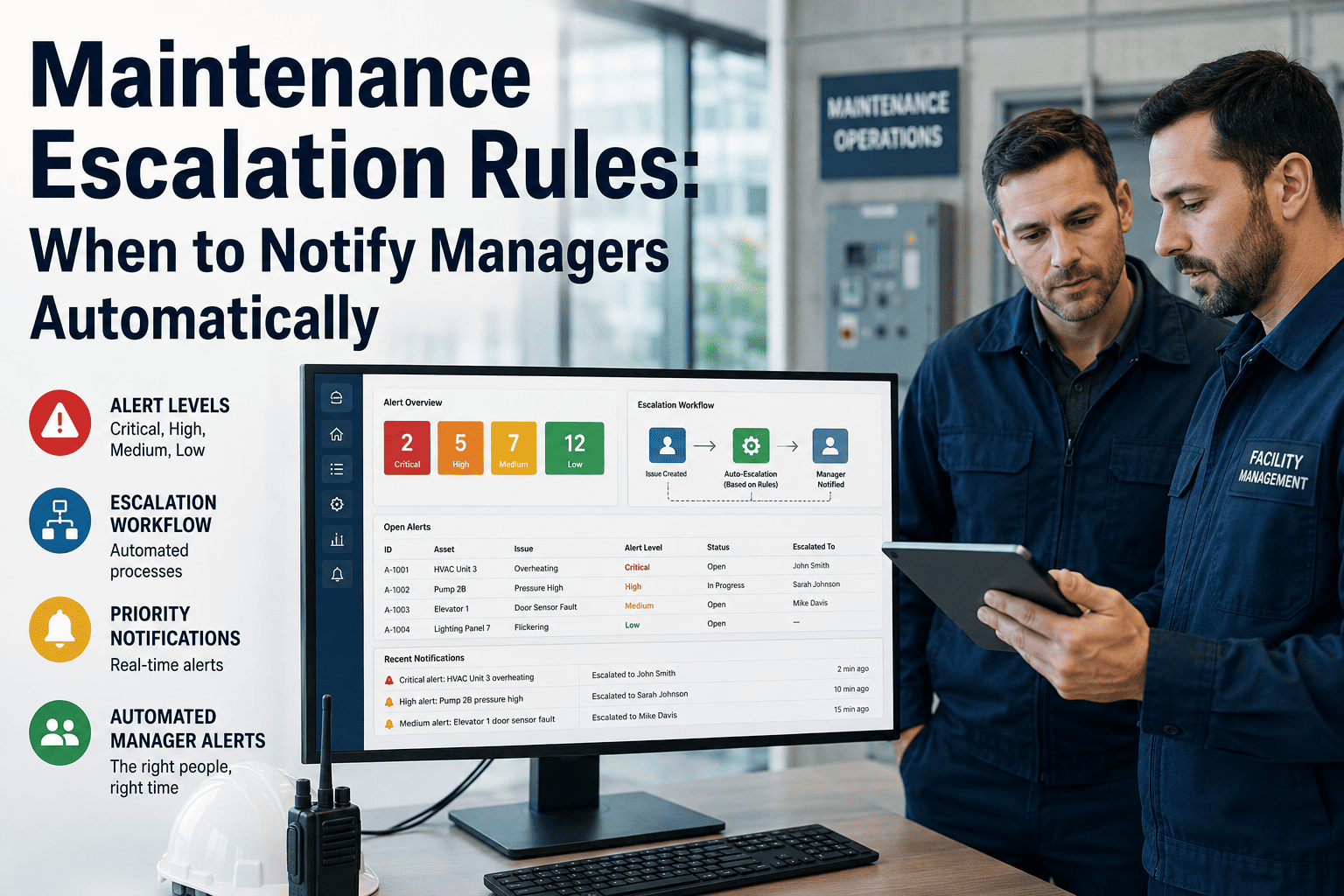
Maintenance Escalation Rules: When to Notify Managers Automatically
The complete guide to building escalation logic that surfaces overdue work, high-priority failures, safety risks, and repeated delays before they become costly incidents.
Book a Demo
Start Free
72 hrs
Average delay between failure and manager awareness in facilities without escalation rules
4x
Higher likelihood a safety issue is missed when alerts are manual and email-based only
35%
Reduction in overdue work orders within 90 days of implementing automated escalation in CMMS
Trigger Logic
The 5 conditions that must trigger an automatic manager alert
Most teams escalate too little or too much. These five conditions represent the minimum set of triggers every maintenance operation should automate — regardless of industry, team size, or CMMS platform.
01
Overdue Work Orders on Critical Assets
Any work order on a Critical-tier asset that passes its due date without a status update must escalate immediately. Not at the end of the shift — the moment the due timestamp passes.
02
Safety-Flagged Failures Left Open
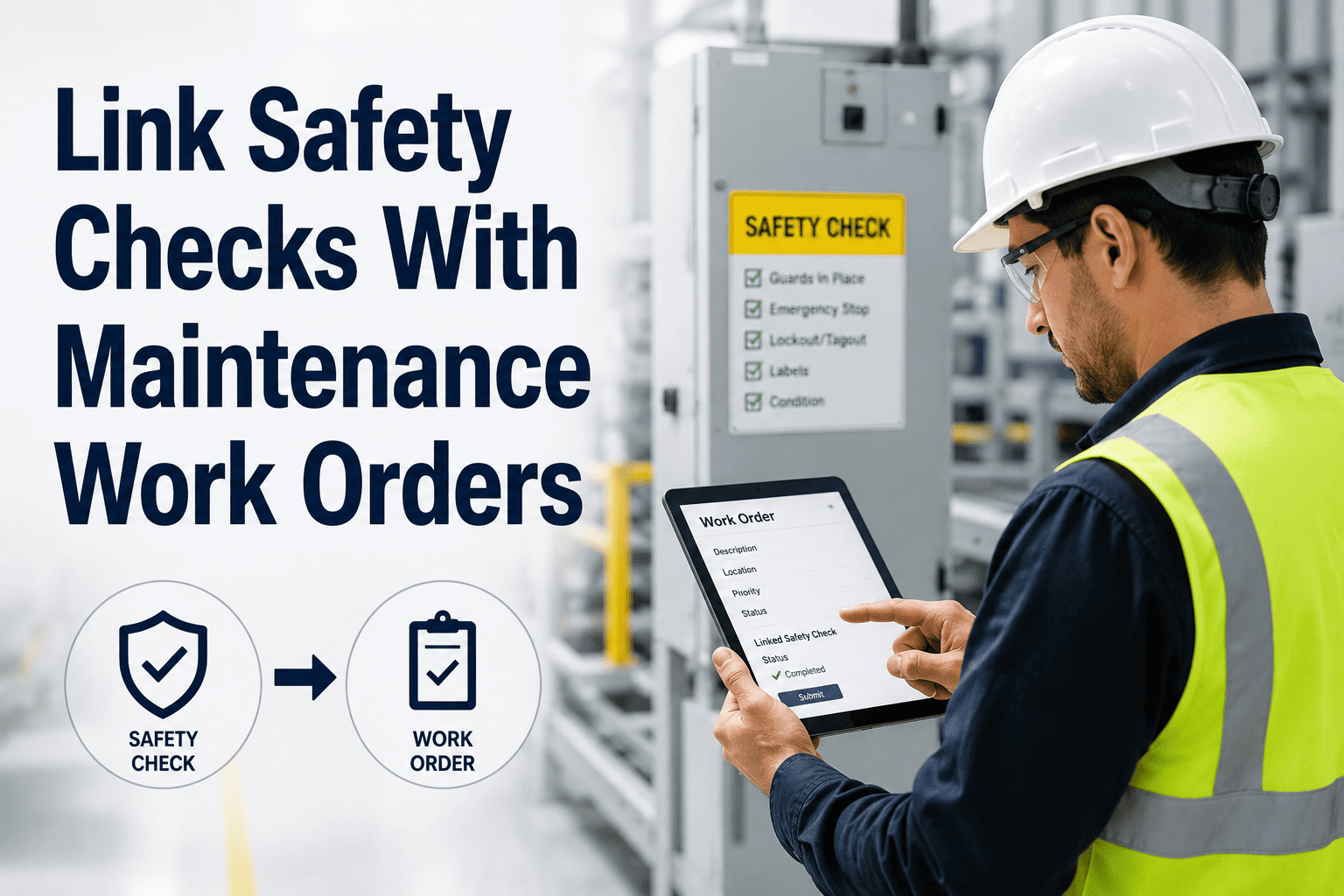
If a work order carries a safety tag — lockout required, PPE mandatory, injury potential — and it sits unassigned for more than 4 hours, a manager must be notified regardless of shift timing.
03
Repeated Failures on the Same Asset
Three or more work orders on the same asset within 30 days is a pattern, not bad luck. Escalate to a reliability review before the fourth failure triggers an unplanned shutdown.
04
SLA Breach Risk for Service Contracts
Facilities under maintenance service contracts need warnings before SLA deadlines are missed — not after. A 2-hour pre-breach alert allows corrective dispatch without penalty exposure.
05
Technician Inactivity on Open Work Orders
If a work order is In Progress but has seen no activity update for more than 3 hours, either the tech needs help or the job is stuck. A supervisor alert unblocks the situation before the day ends.
Escalation Flow
How a tiered escalation chain works in practice
A single flat alert — "work order overdue" — creates noise and gets ignored. A tiered chain escalates progressively, keeping frontline supervisors in control while guaranteeing senior management visibility when situations deteriorate.
Tier 1
0 – 2 hrs past due
Assigned Technician Alert
Auto-reminder sent to the assigned technician via mobile app push notification. No manager involved yet — give the tech a chance to respond and update status.
↓
Tier 2
2 – 6 hrs past due
Shift Supervisor Escalation
Alert escalates to shift supervisor via SMS and in-app notification. Supervisor can reassign, prioritize, or request additional resources from the dashboard.
↓
Tier 3
6+ hrs past due or safety-tagged
Maintenance Manager Alert
Maintenance manager receives a full context alert — asset name, criticality score, failure history, and current status. This tier requires an explicit acknowledgment to close the escalation loop.
↓
Tier 4
24+ hrs or regulatory risk
Director / Facility Head
Senior leadership receives a summary alert with full downtime cost estimate and recommended action. This tier is reserved for genuine escalations, not routine delays — preserving its urgency signal.
Configuration Reference
Escalation rule settings by work order type
| Work Order Type |
Tier 1 Trigger |
Tier 2 Trigger |
Tier 3 Trigger |
Alert Channel |
| Critical Asset — Reactive |
0 hrs (immediate) |
2 hrs |
4 hrs |
Push + SMS |
| Safety-Tagged Repair |
0 hrs (immediate) |
2 hrs |
4 hrs |
Push + SMS + Email |
| Preventive Maintenance |
Due date + 4 hrs |
Due date + 12 hrs |
Due date + 24 hrs |
Push + Email |
| Routine Corrective |
Due date + 8 hrs |
Due date + 24 hrs |
Due date + 48 hrs |
Email |
| Vendor / Contractor Work |
SLA – 4 hrs |
SLA – 2 hrs |
SLA breach |
Push + Email |
OxMaint Alerts & Automation
Configure your escalation rules once. Let OxMaint run them forever.
Set thresholds per asset tier, per work order type, and per time window — OxMaint handles the routing automatically across your entire team without manual oversight.
Expert Review
What operations managers say about escalation automation
ML
M. Larson, Operations Manager — Industrial Facilities Group
The most dangerous work order is not the one with the highest priority — it is the one nobody notices. Before we implemented tiered escalation, supervisors were relying on memory and verbal handoffs to track what was overdue. We had three safety near-misses in one quarter traced back to work orders that technically existed in our system but were never acted on because no one got alerted. Automation did not just improve our response time — it changed our accountability culture. When managers know the system will notify them automatically, they stop asking "did anyone check on that?" and start asking "what do we do about it?"
Common Questions
Escalation rules — what teams ask most
Won't too many alerts cause managers to start ignoring them?
Yes — and that is exactly why tiered escalation matters. Flat systems that alert managers on every overdue PM will be muted within weeks. Tiered systems reserve Tier 3 and Tier 4 alerts for genuine escalations, which preserves the urgency signal. Start with conservative thresholds — longer timers, fewer recipient tiers — and tighten them as your team builds confidence in the system. The goal is actionable signal, not maximum coverage.
Book a demo to walk through OxMaint's escalation configuration options with our team.
Can escalation rules be different for day shift vs night shift?
Absolutely, and they should be. A 4-hour escalation threshold during a day shift with a full team available is very different from a 4-hour threshold during a skeleton night crew. OxMaint supports shift-aware escalation rules that adjust alert timing and recipient lists based on the active shift schedule. Night shift escalations can skip Tier 1 entirely and go straight to a supervisor on-call, while day shift rules follow the full chain. This prevents both under-alerting and over-alerting based on team capacity at the time of the event.
How do we handle escalations for third-party contractors working on-site?
Third-party and vendor work orders should be configured with SLA-based escalation rather than time-from-due triggers. Enter the SLA deadline directly into the work order, and set pre-breach alerts at the 4-hour and 2-hour mark so your internal team can follow up before the penalty clock runs out. OxMaint allows contractor contacts to receive read-only alert notifications via email without needing a full platform login, which keeps the communication loop closed without expanding your license.
Start free to configure contractor work orders in OxMaint.
What happens after a manager acknowledges a Tier 3 escalation alert?
In OxMaint, an escalation acknowledgment logs the manager's response as a timestamped note on the work order, stops the upward escalation chain, and optionally triggers a reassignment or priority change on the work order itself. The system records who acknowledged, when, and what action was taken — creating a full audit trail that is visible in compliance reports and shift handover summaries. This keeps escalations from becoming verbal conversations that disappear into shift change noise.
No more chasing. No more missed alerts.
Build escalation rules that work while your team sleeps.
OxMaint's Alerts & Automation module configures tiered escalation, shift-aware routing, and full audit trails in under an hour — without custom code or IT dependency.