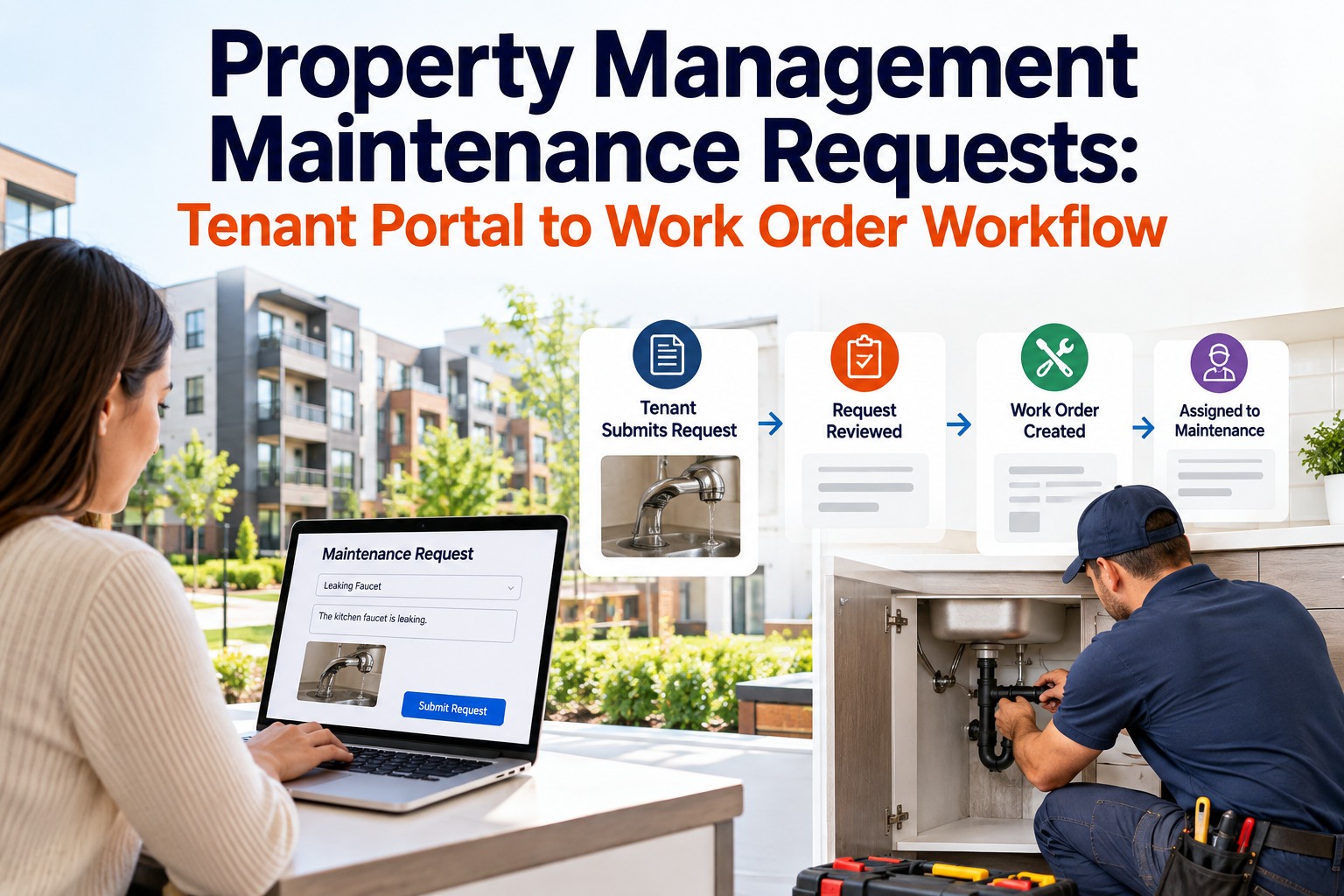
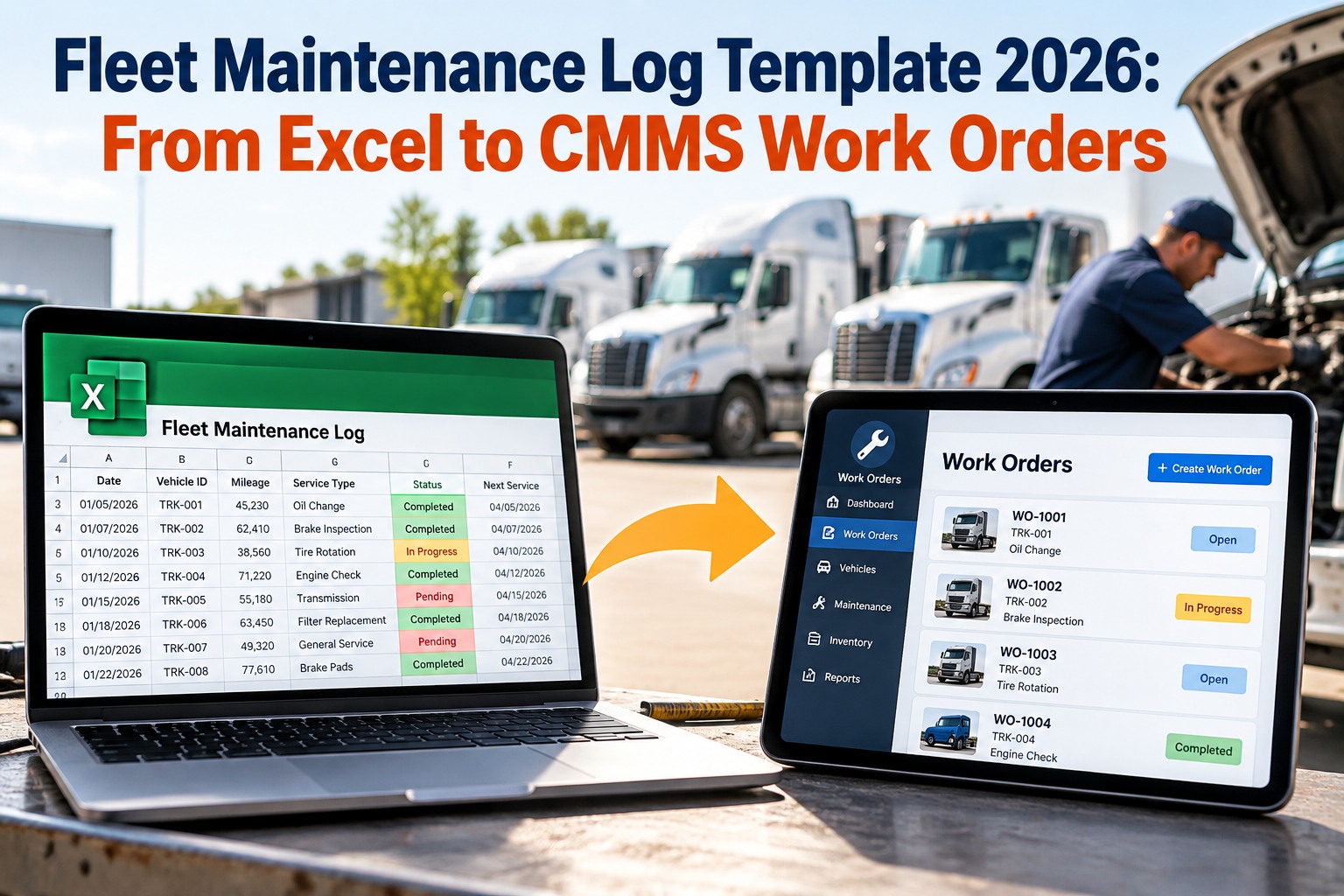
A maintenance technician in the field has one hand on a pump housing and the other on a wrench. The last thing they need is to walk back to the engineering office to update a work order on a desktop computer. Yet that walk — repeated dozens of times per shift across a maintenance team — is exactly what desktop-primary CMMS systems require. It is why the average technician in a radio-and-paper or desktop-primary system spends only 24.5% of their shift on actual repairs, and why mobile-first teams consistently achieve 55%+. The Sign for visit mobile CMMS app is not a convenience feature — it is the architectural shift that makes structured maintenance management compatible with the reality of physical maintenance work. When the system lives on the technician's phone, every job gets documented at the point of execution, every part gets logged at the moment it is used, and every completed work order becomes a structured asset history record before the technician leaves the equipment.
Mobile CMMS App: Manage Maintenance From Anywhere
How a mobile-first CMMS gives technicians the full work order lifecycle on their phone — offline-capable, QR-scan asset lookup, photo documentation, and real-time supervisor visibility — without a desktop in sight.
What Desktop-Primary CMMS Actually Costs Your Maintenance Team
A CMMS that lives on a desktop is a system designed for the people who read maintenance data, not for the people who create it. Technicians are not at desks — they are at assets. A work order system that requires a desktop visit to accept a job, look up asset history, or close a completed repair is not solving the maintenance execution problem. It is adding administrative overhead on top of it. The result is predictable: technicians minimise the system interactions they can, skip documentation steps they should not, and the asset history that the system was supposed to build never materialises. Book a demo to see OxMaint's mobile-first execution in your environment.
OxMaint Mobile CMMS — Seven Field Capabilities
Seven capabilities that make OxMaint's mobile CMMS a genuine field execution tool, not a mobile wrapper around a desktop interface. Sign up to install OxMaint on your team's devices — free.
QR Code Asset Scanning
Every asset in OxMaint has a unique QR code. Technician scans the asset — the full maintenance history, open work orders, PM schedule, and asset specifications load immediately. No asset number lookup, no manual navigation. Point, scan, work. The most common technician friction point — finding the asset record — eliminated in under 2 seconds.
Offline-Capable Work Order Execution
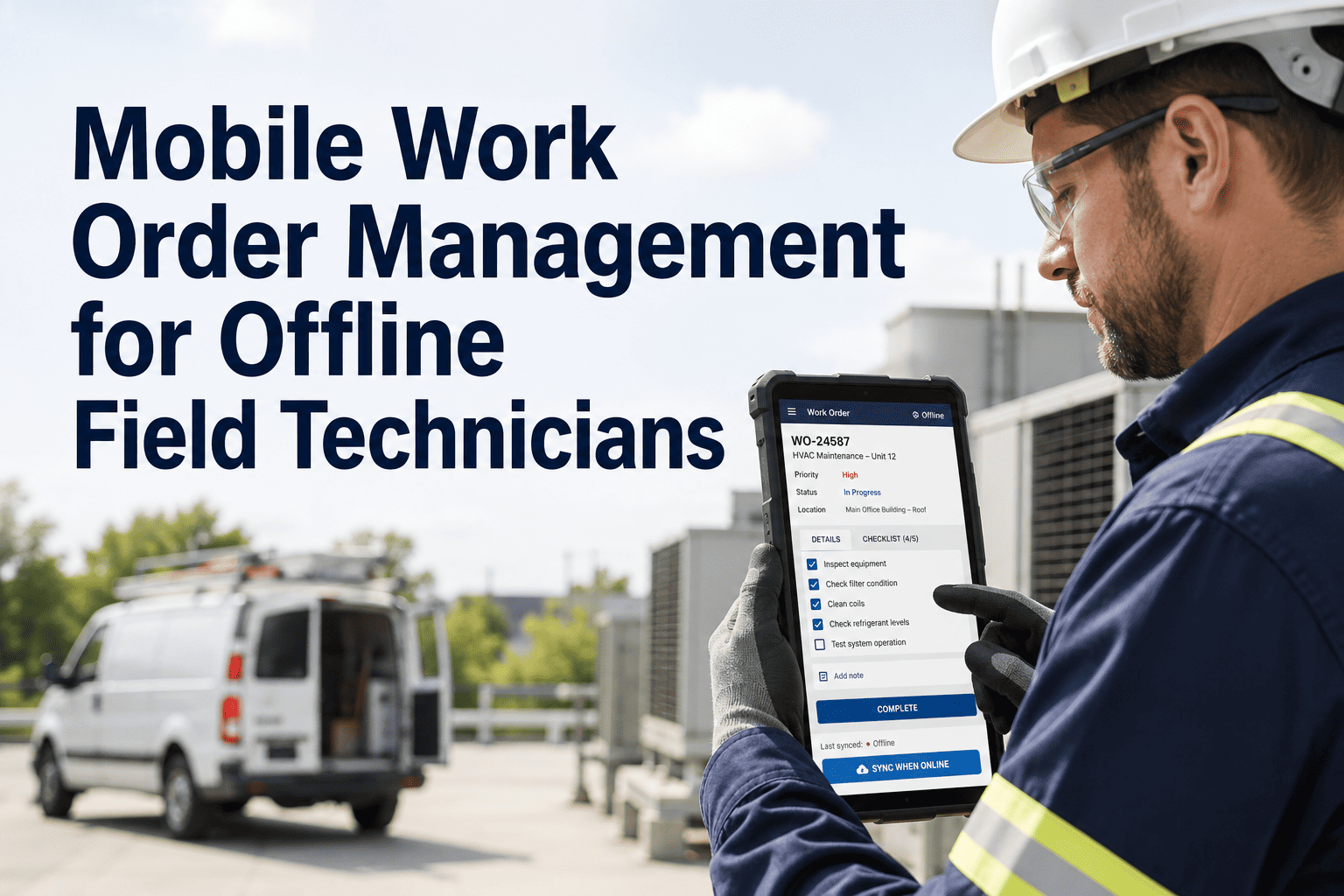
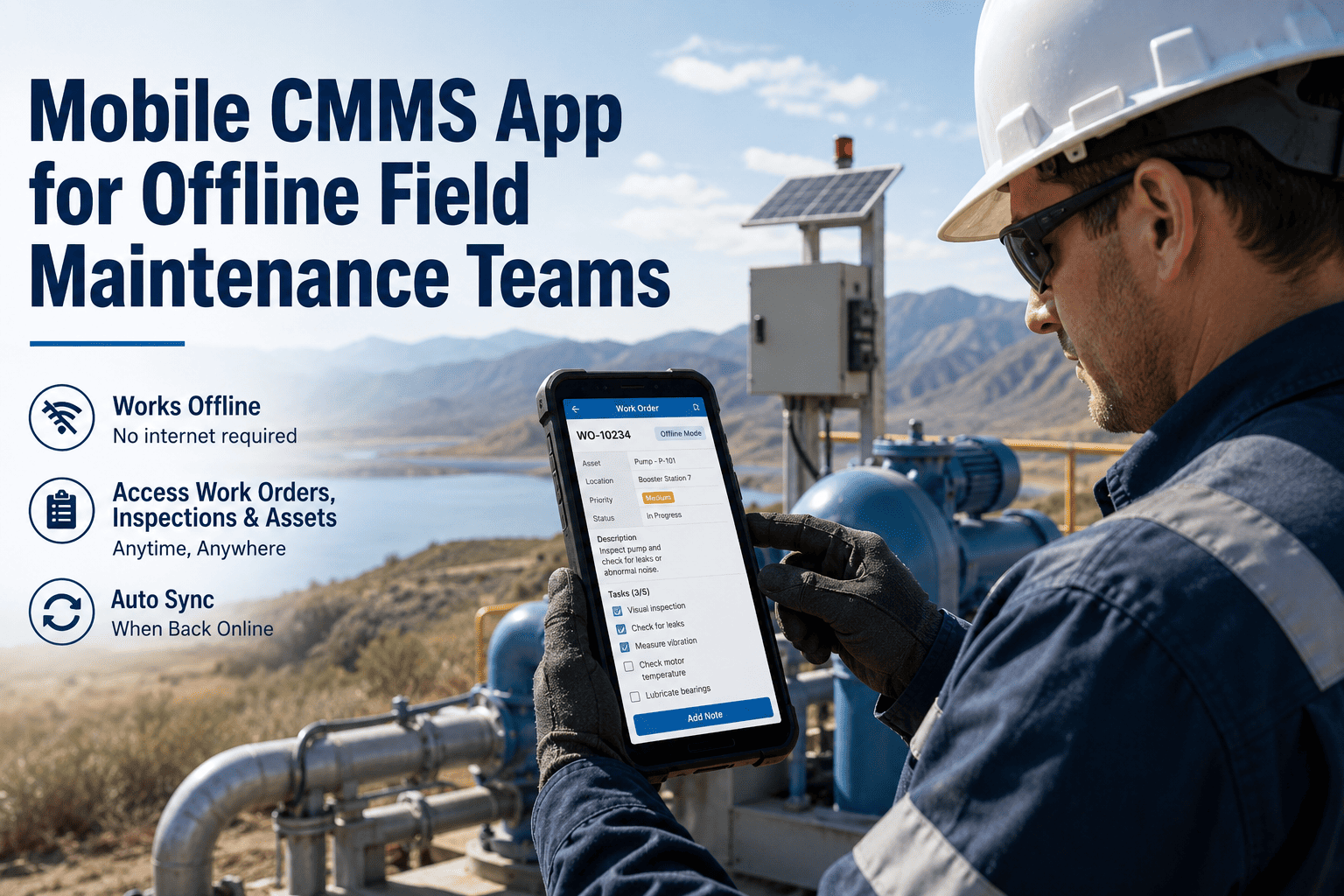
OxMaint works without network connectivity. Work orders are downloaded to the device when connectivity is available and completed offline in basements, tunnels, remote sites, or shielded environments where WiFi and cellular do not reach. Completion data, photos, and notes are queued locally and synchronised automatically when connectivity returns. No data loss, no partial records.
Photo Documentation at Point of Work
Technician captures before and after photos using the device camera, directly attached to the work order record. Photos are automatically timestamped, GPS-tagged if enabled, and stored in the asset's permanent maintenance history. The photo documentation captured at the point of repair is structurally more complete and accurate than end-of-shift desktop entry — because the condition is documented before the technician moves on, not reconstructed from memory hours later.
Push Notification Dispatch — No Radio Required
Work orders are pushed to the technician's device the moment they are dispatched. No radio call, no waiting by the phone. The push notification includes asset location, fault description, priority tier, and any notes from the supervisor. The technician accepts on mobile and the job begins — the supervisor sees the acceptance timestamp in the dashboard. Radio communication is reserved for genuine emergencies, not routine dispatch.
Interactive PM Checklists on Mobile
PM work orders open on mobile with the full checklist interactive — each item confirmed, measurements logged, pass/fail recorded. Any item marked fail automatically prompts for a photo and creates a linked reactive work order. The technician completes the PM without leaving the mobile interface at any point. The completed PM record — checklist, measurements, photos, completion timestamp — is stored in the asset history immediately on closure.
Asset Location and Navigation
Asset records in OxMaint include location hierarchy (site, building, floor, zone) and optional GPS coordinates or indoor location mapping. When a work order is dispatched, the technician sees exactly where the asset is — reducing the time spent locating assets, particularly for newer technicians unfamiliar with the facility layout. Multi-site teams see assets grouped by location, with work orders filtered to the current site by default.
Real-Time Supervisor Dashboard on Mobile
Supervisors manage the maintenance team from the same mobile interface — not a separate desktop portal. The supervisor dashboard shows all open work orders, priority tiers, technician assignments, SLA positions, and any overdue or approaching-breach items in real time. A supervisor managing a Friday night shift can view, reassign, and escalate work orders from their phone without returning to an office or logging into a desktop. The system is designed for both technicians and supervisors to work from mobile throughout the shift.
Why Mobile CMMS Adoption Succeeds or Fails
Mobile CMMS adoption failure almost always traces to one of three root causes — none of which are technician resistance. Understanding these failure modes before deployment determines whether your mobile CMMS investment produces the productivity improvement or a dormant app on 20 phones. Sign up to see OxMaint's adoption-optimised onboarding approach — free.
Failure Mode: More Steps Than Paper
If the mobile CMMS requires more taps, more form fields, or more navigation steps than the paper process it replaces, technicians abandon it immediately and return to paper. Every additional required field that is not a genuine operational requirement is a friction point that reduces adoption. OxMaint is designed with a sub-90-second work order closure standard — the number of required fields is the minimum required to create a useful asset record, not the maximum the system can support.
Failure Mode: Requires Desktop Return
Any workflow step that requires the technician to return to a desktop to complete produces a system that is perceived as an addition to the existing process, not a replacement. If a technician cannot fully close a work order — including uploading photos, logging parts, and adding completion notes — from the mobile device without a desktop, the mobile app is not a full execution platform. It is a notification app.
Failure Mode: Connectivity Dependency
A mobile CMMS that requires network connectivity to function in environments that don't have it — confined spaces, below-grade utility runs, remote sites, shielded electrical rooms — fails at exactly the moments when it matters most. Technicians who experience "can't load the work order" at the point of execution switch back to paper or radio and do not return to the app. Offline capability is not a premium feature — it is a prerequisite for industrial field execution.
We tried two other mobile CMMS apps before OxMaint. Both required our technicians to go back to the office to close work orders because the photo upload was too slow on mobile and the parts logging was only on desktop. Our technicians stopped using both within two weeks. OxMaint was different from the first day — the QR scan to open an asset record takes two seconds, the photo attachment works on 3G, and the whole work order closes in under a minute from the plant floor. We have 85% daily active usage at 30 days. The previous platforms never got above 30%.
Frequently Asked Questions
Does OxMaint mobile CMMS work offline?
How does QR code scanning work in OxMaint mobile?
What devices does OxMaint mobile CMMS support?
Every Work Order. Every Asset. Every Technician. On Mobile.
OxMaint's mobile CMMS gives your team the full maintenance execution platform on iOS and Android — offline-capable, QR-scan asset access, photo documentation, and real-time supervisor visibility.