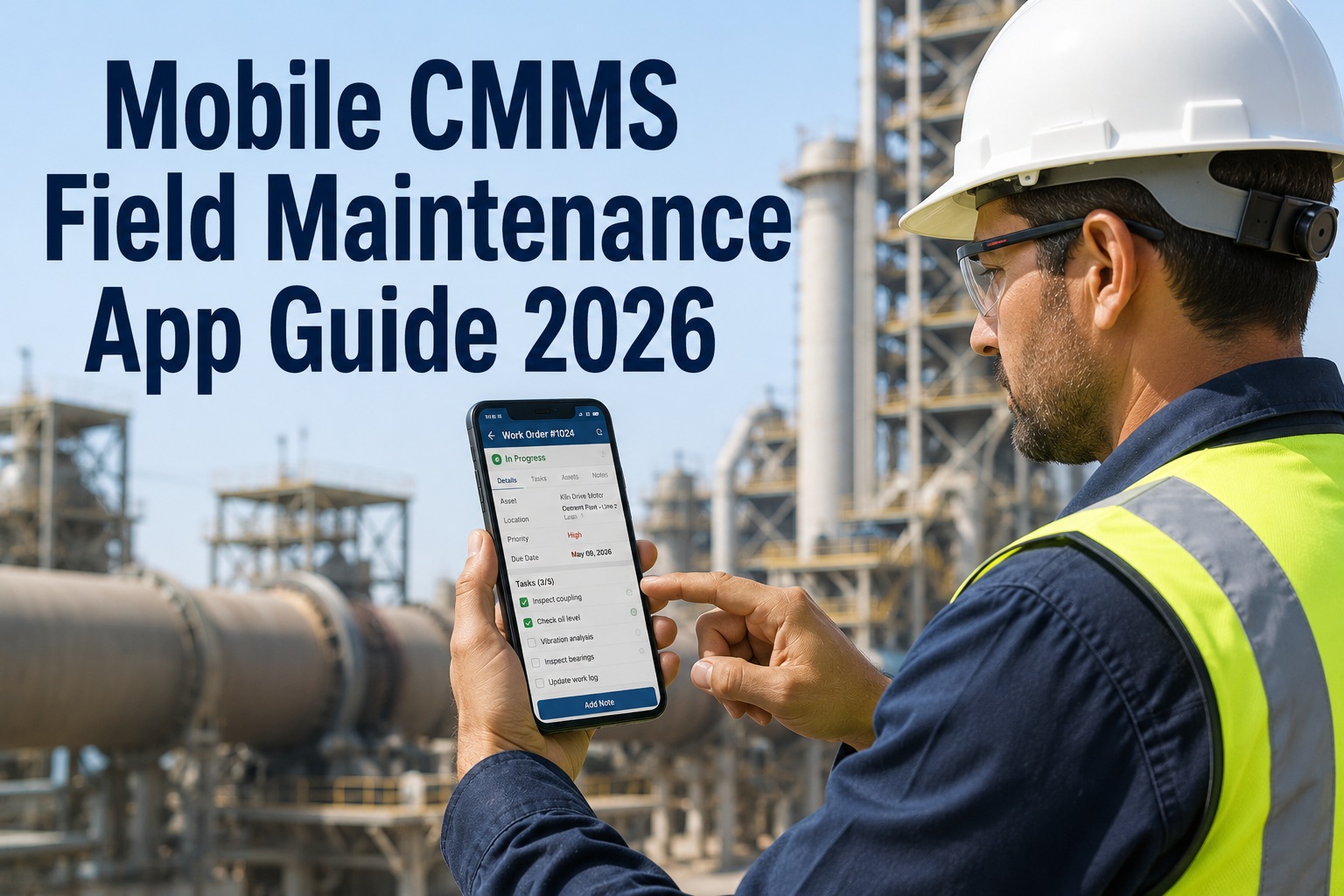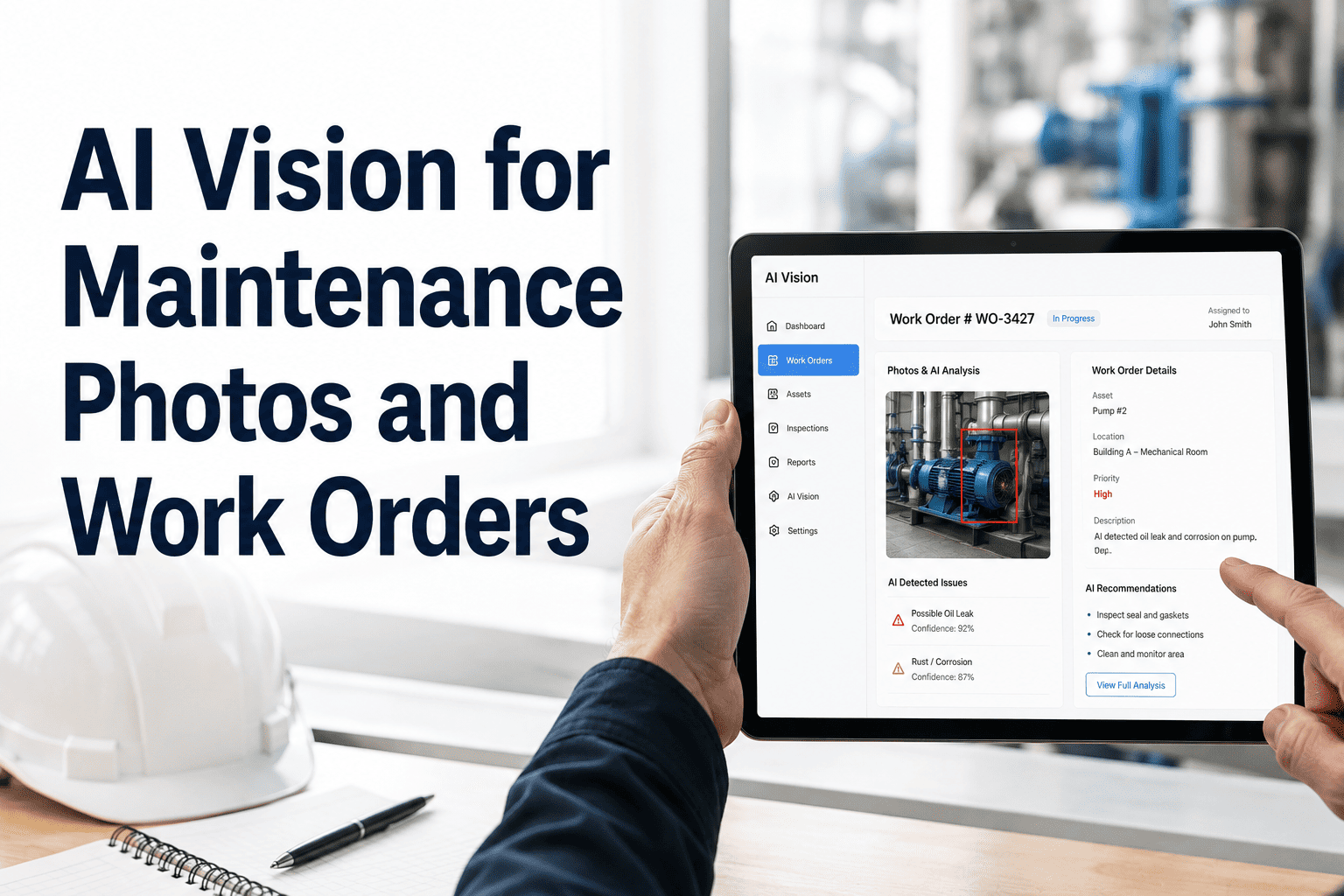
A maintenance technician at a paper mill was handed 14 paper work orders on Monday morning. By Thursday, he had completed 9 — but nobody could tell which 9, which 5 were overdue, or whether the critical PM on Press Line 3 had actually been done, because the checklist was still on a clipboard in the maintenance office. The supervisor discovered the missed PM when the press bearing failed on Saturday, costing $62,000 in unplanned downtime. The failure was preventable. The information gap that allowed it was structural. OxMaint's mobile CMMS closes that gap — giving field technicians real-time work orders, photo capture, digital checklists, and offline capability, while giving supervisors live visibility into every job in progress across every site, without a single phone call or paper form.
How Mobile CMMS Improves Technician Accountability in the Field
Real-time work order updates. Photo-documented completions. Digital checklists that can't be faked. GPS-stamped field activity. The accountability infrastructure that turns maintenance data from aspirational to actual.
The Accountability Gap: What Paper and Desktop CMMS Can't See
Accountability isn't about distrust — it's about visibility. When supervisors can't see what's happening in the field in real time, they manage by assumption. That assumption fails at the worst possible moments.
A Technician's Day: Without Mobile vs. With OxMaint
The difference between a mobile-first and paper-based maintenance workflow is not marginal — it compounds across every job, every shift, and every site.
| Moment | Without Mobile CMMS | With OxMaint Mobile |
|---|---|---|
| Morning dispatch | Walk to office. Check whiteboard. Copy work order details onto paper form. 20-minute delay. | Push notification delivers prioritised work queue before leaving home. Route planned before arriving at site. |
| Asset arrival | No history available. Start from scratch or call office to check records. Wait on hold. | Scan QR code on asset. Full maintenance history, open faults, recommended parts — visible in 4 seconds. |
| Unexpected fault found | Write note on paper. Hope to remember to create a work order when back at office. Often forgotten. | Tap "New Request." Photo, description, priority — submitted in 90 seconds, on-site, immediately visible to planner. |
| Inspection checklist | Paper checklist completed at site — or in the truck. No timestamp. No location. No verification. | Digital checklist with mandatory photo fields. GPS and timestamp auto-captured. Cannot be backdated or pre-filled. |
| Job completion | Paper form filed in truck. Data entered at desktop at end of shift — or next day. 8-hour information lag. | Work order closed at the asset with digital signature and before/after photos. Supervisor notified instantly. |
| Parts needed mid-job | Call storeroom. Wait. Drive to warehouse. Return. 45–90 minutes lost per occurrence. | Check parts inventory in-app. Request parts dispatch or confirm pick-up point. No interruption to work sequence. |
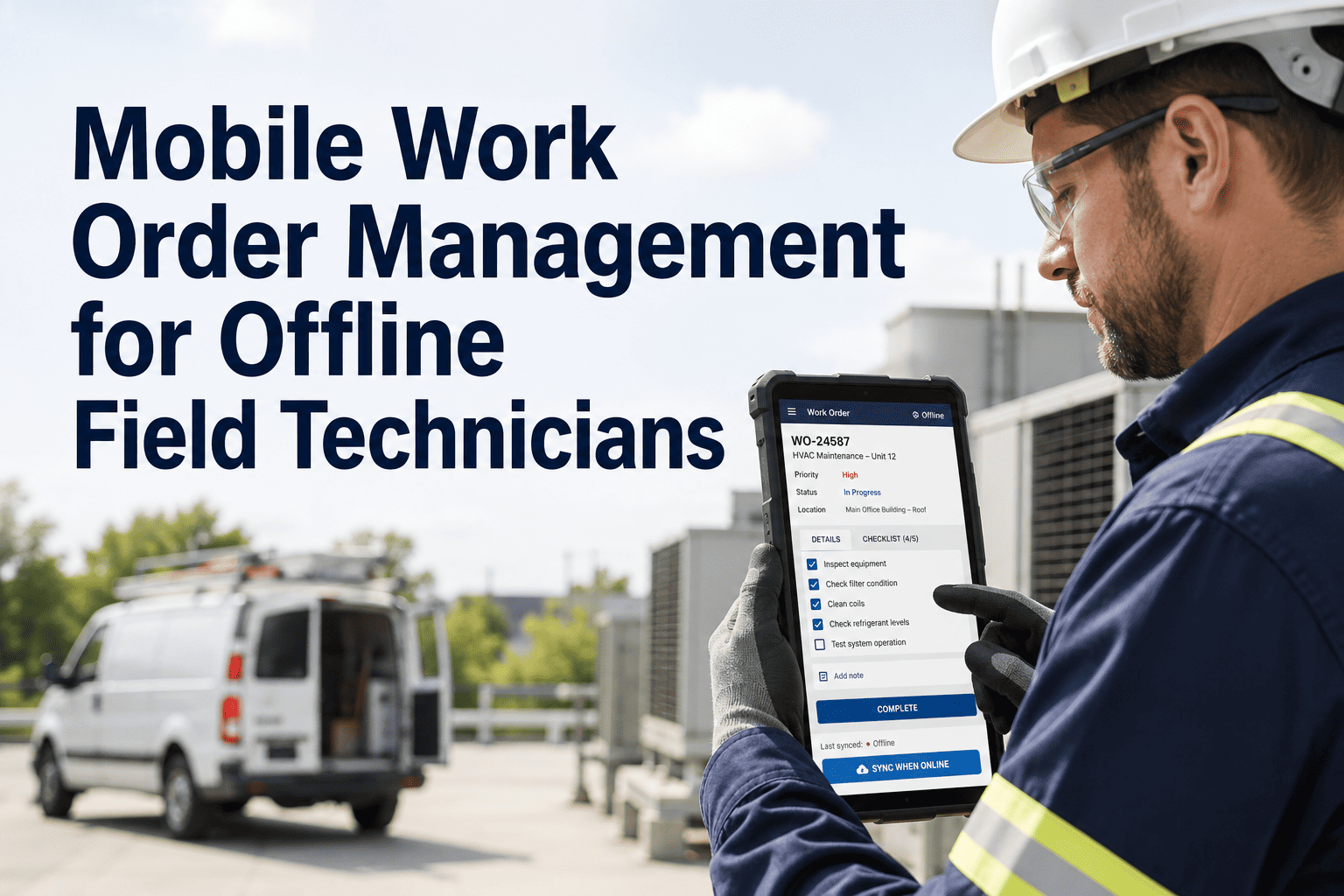
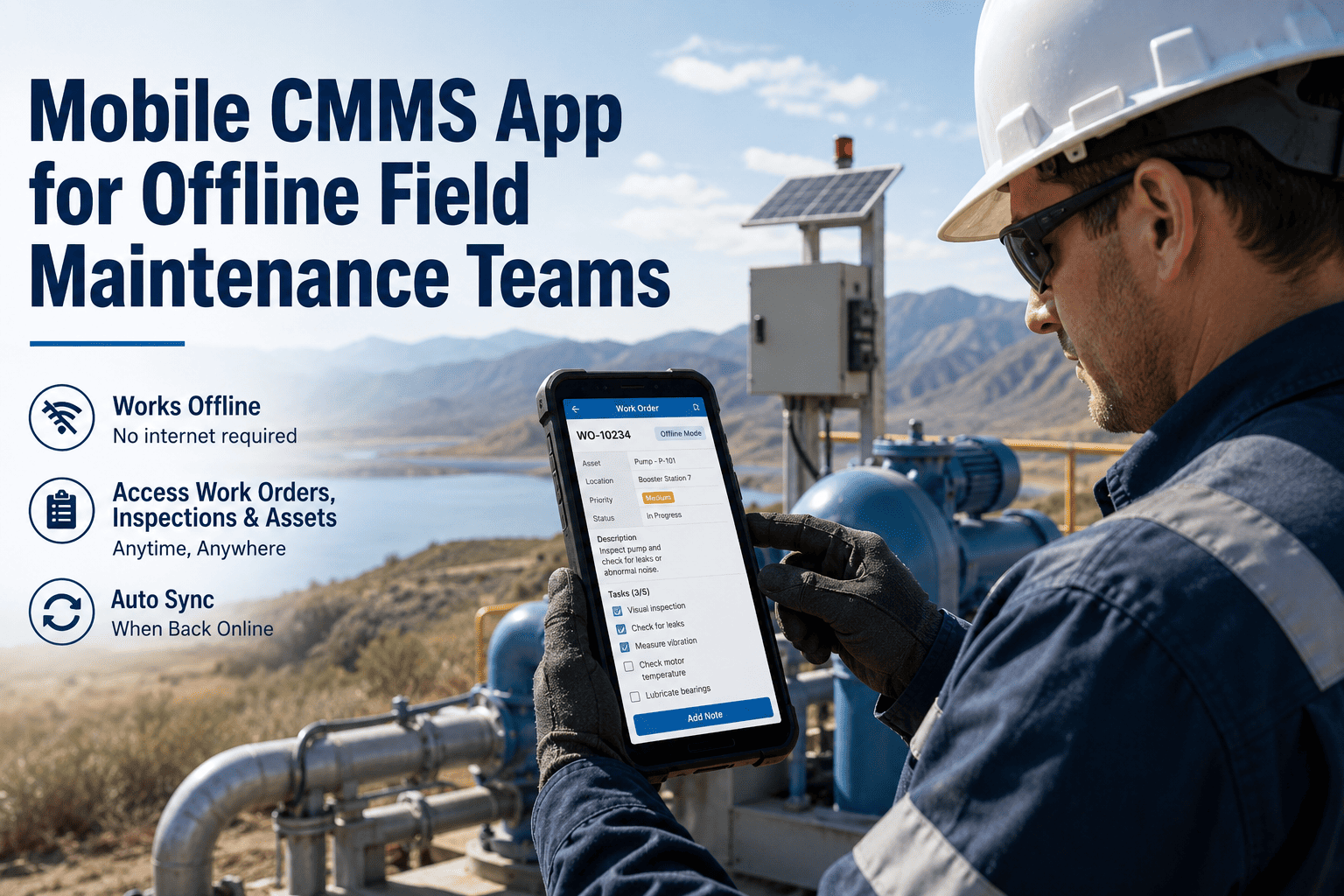
| No signal area | Not applicable — paper always worked in dead zones. | Offline mode. Work orders, checklists, and asset history cached on device. Everything syncs when signal returns. |
Six Accountability Features That Change Field Maintenance Behaviour
Each feature below addresses a specific accountability failure that exists in paper-based and desktop-only maintenance operations. Together, they create a field maintenance culture where completion is verified, not assumed.
The accountability problem in field maintenance is almost never a people problem. The technicians I've worked with — across manufacturing, utilities, and facilities — want to do good work. The system they're operating in just makes it structurally difficult to document that work correctly. A paper form that gets completed in a truck, a whiteboard that shows the job as "done" with no verification, a work order that exists only in someone's memory until it gets entered the next morning — these aren't failures of character, they're failures of infrastructure. Mobile CMMS doesn't supervise technicians — it gives them the infrastructure to prove what they've done. When good technicians have proper tools, accountability becomes automatic. You're not watching people; you're capturing evidence. The best technicians I've ever managed want photo-documented, GPS-verified completions — because it protects them from unfair blame when something goes wrong on an asset they serviced correctly three weeks ago.
Frequently Asked Questions
How long does it take to onboard technicians to OxMaint's mobile app?
Most technicians are fully operational on OxMaint mobile within a 45-minute hands-on training session. The app is designed for field workers — large buttons, minimal navigation depth, and a workflow that mirrors the sequence of an actual job (accept, arrive, inspect, photo, close). Facilities that deploy OxMaint in a phased approach — starting with a pilot team of 5–8 technicians — are typically fully deployed across the maintenance team within 30 days. Start your free trial to test the mobile onboarding workflow with your team before committing to full deployment.
What happens if a technician has no signal at the job site?
OxMaint's offline mode downloads the technician's full work queue, asset records, and checklists before they enter a no-signal zone. Every action — completions, photos, checklist items, new requests, and signatures — is stored locally on the device and syncs automatically the moment connectivity is restored. No work is lost. No manual re-entry is required. Offline mode is confirmed compatible with basements, underground utilities, remote pump stations, outdoor industrial sites, and any other environment where cellular or Wi-Fi is unreliable. Book a demo to test offline capability in your specific field environment.
How does OxMaint handle contractor accountability differently from in-house technicians?
Contractors are added to OxMaint with role-based access limited to their assigned work orders — they cannot see other jobs, other assets, or other facilities. When a contractor closes a work order, their digital signature and credentials are captured alongside the completion photo and GPS timestamp. Invoice disputes that previously took weeks to resolve against paper completion slips are resolved in seconds against the digital record — showing exactly what was done, when, and by whom. Start your free trial to configure contractor access for your vendor roster.
Can OxMaint mobile integrate with our existing desktop CMMS or ERP system?
OxMaint is a full CMMS platform — the mobile app and the desktop planner are the same system, not separate products. Work orders created by planners on the web interface appear instantly in the technician's mobile queue. Completions logged on mobile sync immediately to the desktop dashboard and all reporting. For organisations with existing ERP or asset management systems, OxMaint provides API-based integration — asset records, work order data, and inventory can be synchronised with SAP, Maximo, Oracle, and other enterprise platforms. Book a demo to review the integration pathway for your current systems.
Your Technicians Are Doing the Work. OxMaint Makes Sure the Records Prove It.
Photo-documented completions. GPS-verified checklists. Real-time supervisor visibility. Digital signatures. Offline capability. OxMaint mobile gives your field team the accountability infrastructure that paper and desktop CMMS never could — on iOS and Android, from day one.