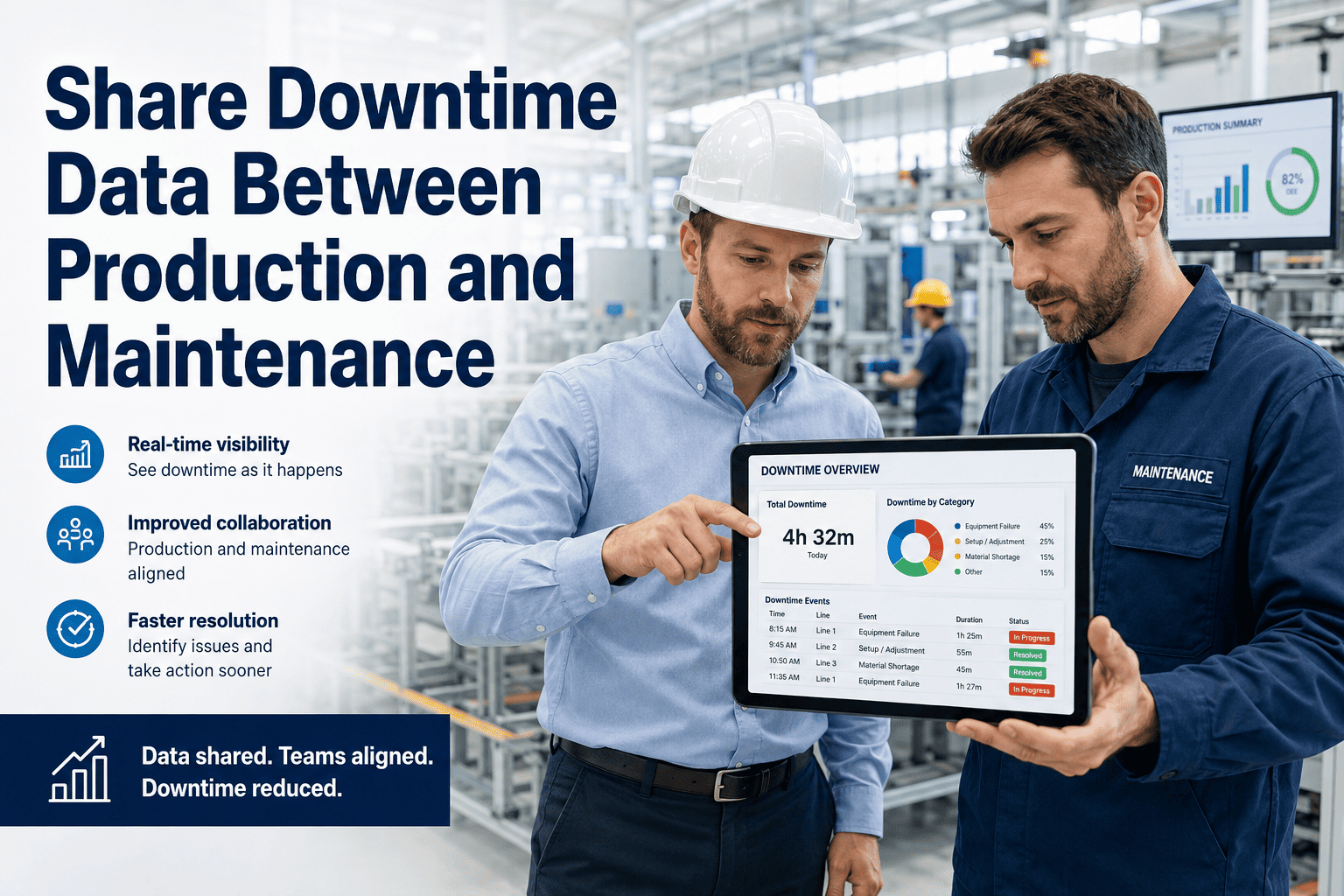
When production teams log a downtime event and maintenance teams log the same event separately in different systems, root cause analysis becomes guesswork. Sign up for Oxmaint to connect downtime events, work orders, parts usage, and production impact in one system — so both teams finally work from the same data.
How Production and Maintenance Teams Can Share Downtime Data
Disconnected data between production and maintenance is the hidden cost in every manufacturing operation. This guide shows exactly how to link downtime events, work orders, root causes, and production impact — and why it matters for both teams.
What Happens When Production and Maintenance Use Different Systems
Same event. Two systems. No link. Neither team can calculate true cost, trigger a PM to prevent recurrence, or justify a capital replacement based on failure history. This is the default state in most manufacturing facilities.
What a Unified Downtime Record Looks Like
| Data Field | Who Enters It | Where It Comes From | How It Is Used |
|---|---|---|---|
| Downtime Start and End | Production operator | Production execution system or manual log | Links to maintenance work order by time window |
| Asset and Line Number | Both teams | Asset registry in CMMS | Ties downtime to specific equipment history |
| Work Order Created | Maintenance technician | CMMS work order module | Records labour, parts, and completion time |
| Root Cause Category | Maintenance technician | Closed work order analysis | Feeds failure trend analysis and PM scheduling |
| Production Units Lost | Production supervisor | Production count system | Calculates true cost of failure event in revenue |
| Parts Consumed | Maintenance technician | CMMS parts inventory | Tracks spare parts cost per asset per event |
| Repeat Failure Flag | CMMS system | Automated from work order history | Triggers escalation and root cause review |
How to Connect Downtime Data Between Teams in Four Stages
Both teams must use the same downtime category taxonomy. If production calls it a "mechanical stop" and maintenance calls it a "corrective repair," they cannot be linked automatically. Define a shared list of downtime codes and implement them in both systems before any data connection is attempted.
Every downtime event logged by production should automatically create or link to a maintenance work order. In Oxmaint, production operators can trigger a work order directly from the downtime log — ensuring that every production stop has a corresponding maintenance record with technician assignment, parts, and resolution time.
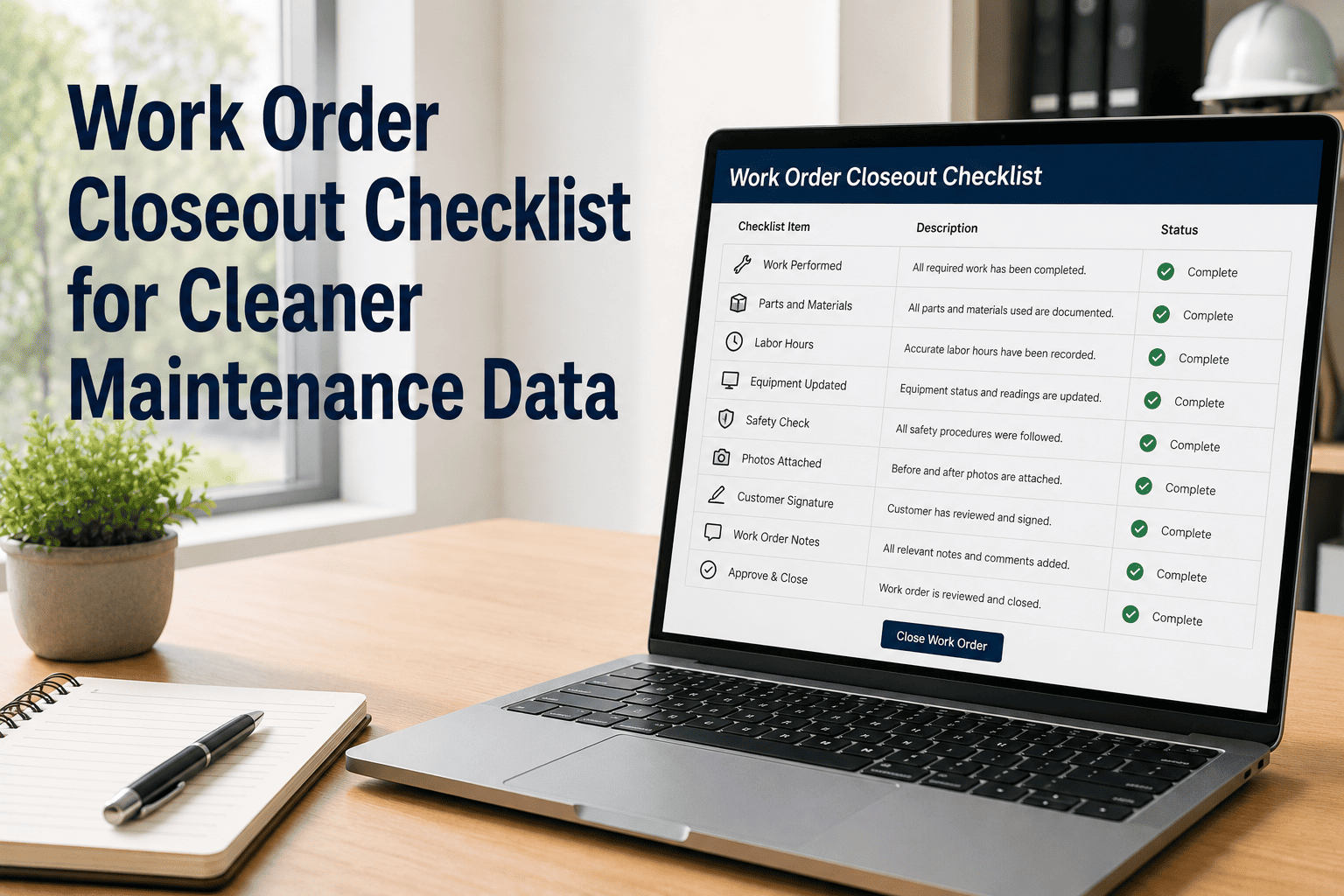
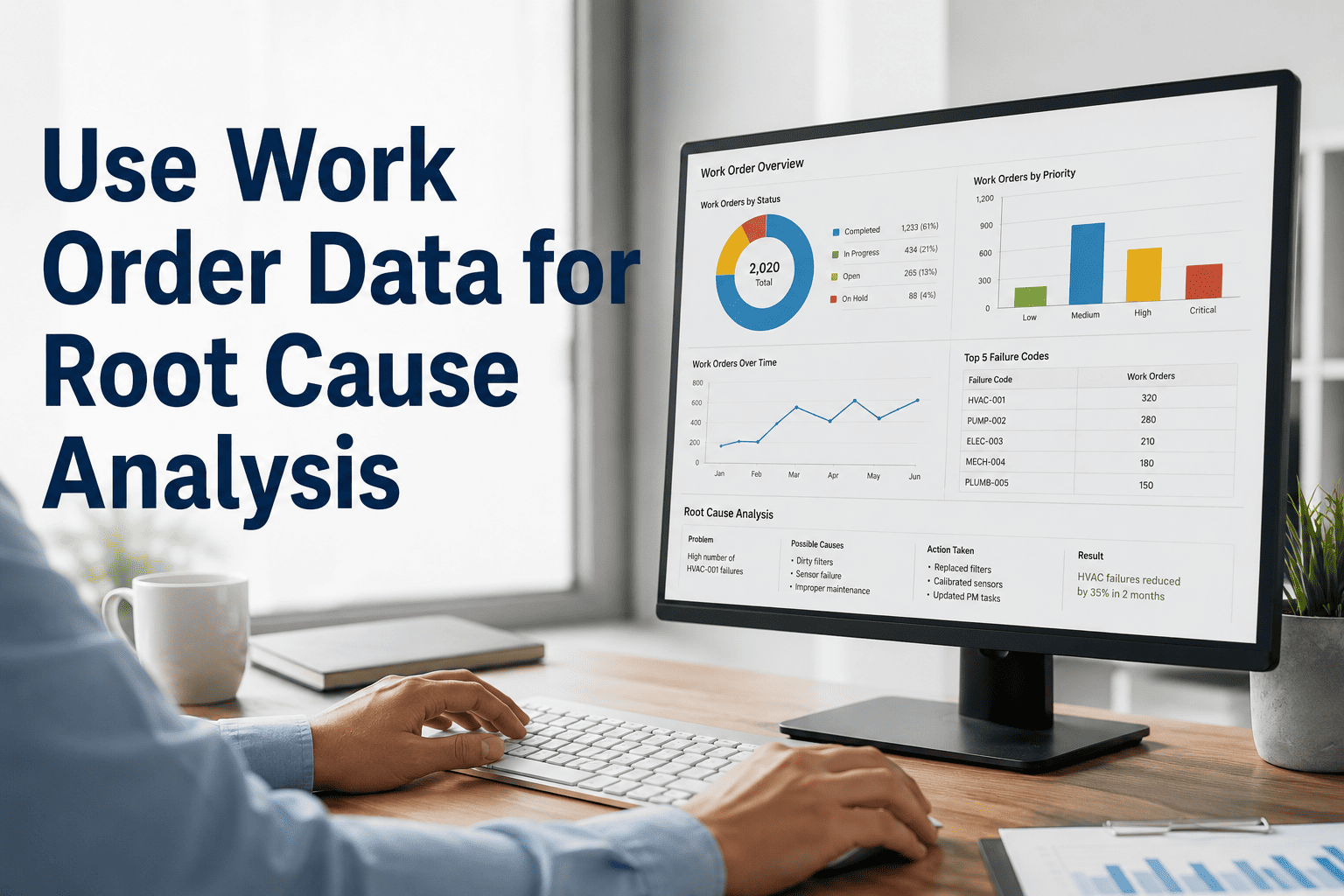
Root cause must be recorded as a required field when closing a corrective work order — not as optional notes. Categories should be structured: wear and tear, operator damage, lack of PM, design defect, or external factor. Structured root cause data makes trend analysis possible. Free-text notes do not.
Calculate true downtime cost per asset by combining maintenance repair cost with production units lost times product margin. Present this as a shared dashboard visible to both production managers and maintenance leads — so decisions about PM investment, spare parts stocking, and capital replacement are made on total cost, not just repair cost.
See How Oxmaint Connects Production Downtime to Maintenance Work Orders
Live demo shows the downtime-to-work order workflow, root cause capture, and shared reporting dashboard running on a real manufacturing plant dataset.
How Disconnected Data Compounds Cost Over Time
When downtime events and work orders are not linked, no one calculates the combined cost of production loss plus repair. Each event is treated as isolated. The true asset failure cost stays invisible.
Plants without structured root cause tracking on downtime work orders experience repeat failures at 3.4 times the rate of plants with formal RCA processes linked to PM schedules.
When PM schedules are not informed by actual failure history, maintenance teams service assets that rarely fail and under-service those that fail frequently. The result is misallocated PM spend across the plant.
What Manufacturing Reliability Engineers Say
Common Questions on Sharing Downtime Data
Yes. The production downtime request interface in Oxmaint is designed for operators with no maintenance software background. An operator logs the downtime event, selects the affected asset and issue category, and submits. Oxmaint automatically creates the work order and routes it to the maintenance team. The operator never interacts with the full maintenance module — they only see the request interface. Sign up to see the operator interface.
Oxmaint supports parallel work order creation across multiple assets from a single downtime event or as separate events. Each asset has its own work order, technician assignment, and parts record. The downtime cost calculation rolls up at the line or production area level — so you see both the individual asset cost and the combined production area impact in the same report. This is critical for identifying whether a single root cause is driving multi-asset failures. Book a demo for a multi-asset scenario walkthrough.
Oxmaint comes with a standard root cause taxonomy — wear and tear, operator error, lack of preventive maintenance, design or installation defect, external or material factor, and unknown — which can be customized per plant or industry. Root cause data entered at work order close populates failure trend charts automatically, showing which failure categories are most frequent per asset, line, or plant area. Over time, this data directly informs PM schedule adjustments and spare parts stocking decisions.
Yes. Oxmaint's reporting module includes role-based dashboards where production managers see downtime events, units lost, and production impact, while maintenance leads see work order costs, technician performance, and repeat failure trends. A combined executive view shows total downtime cost per asset combining both dimensions. Access levels are configurable so each team sees what they need without requiring access to the other team's full module. Start free to explore the shared reporting configuration.
One System for Downtime Data Both Teams Trust
Stop the spreadsheet argument between production and maintenance. Oxmaint connects downtime events, work orders, root causes, and production impact in a single record — and turns that data into a PM program that actually prevents failures. Book a demo to see it applied to your production environment.