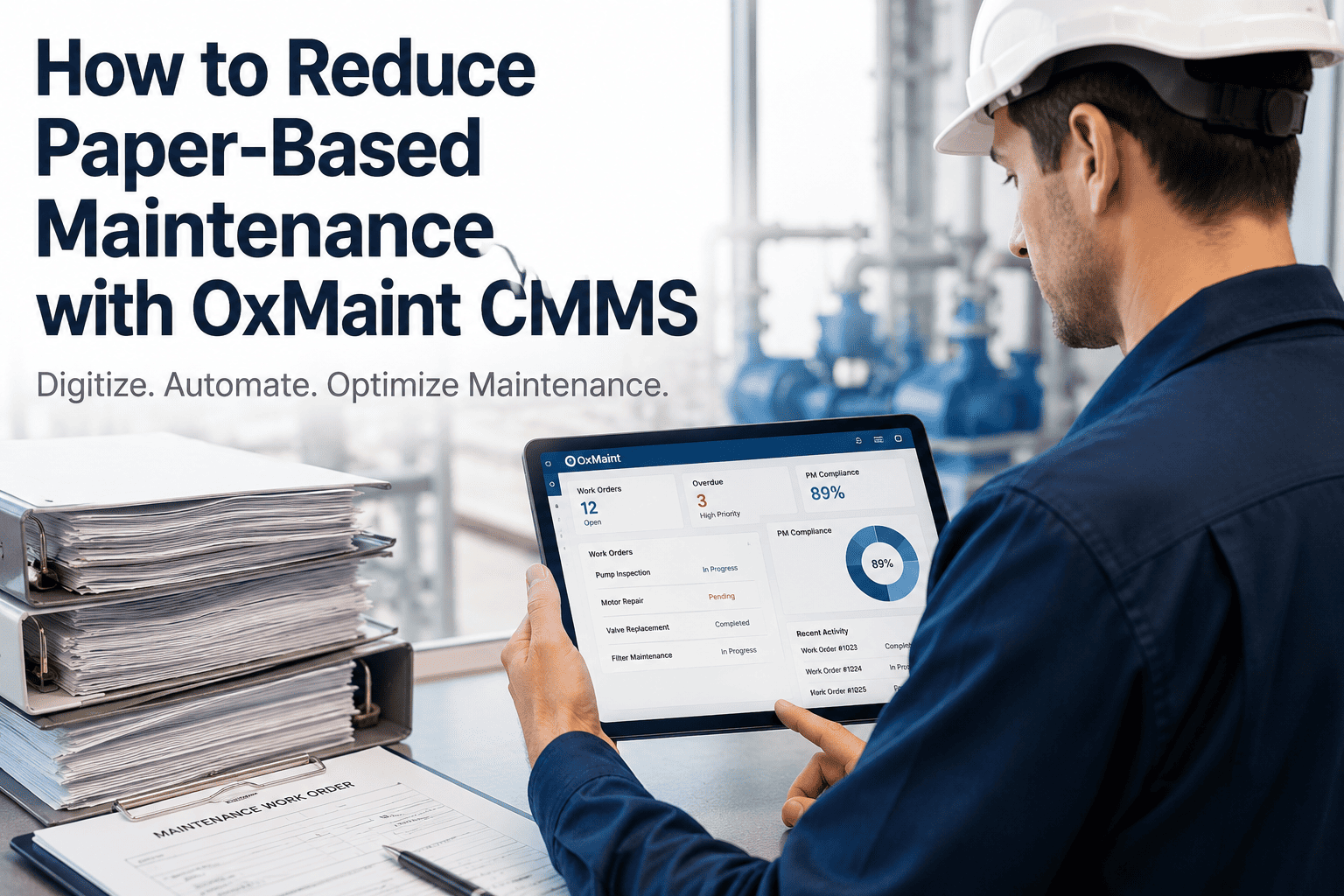
Tenant complaints about slow maintenance don't just hurt satisfaction scores — they trigger lease non-renewals. Sign up for Oxmaint to route, prioritize, and close maintenance requests faster with a CMMS built for property teams.
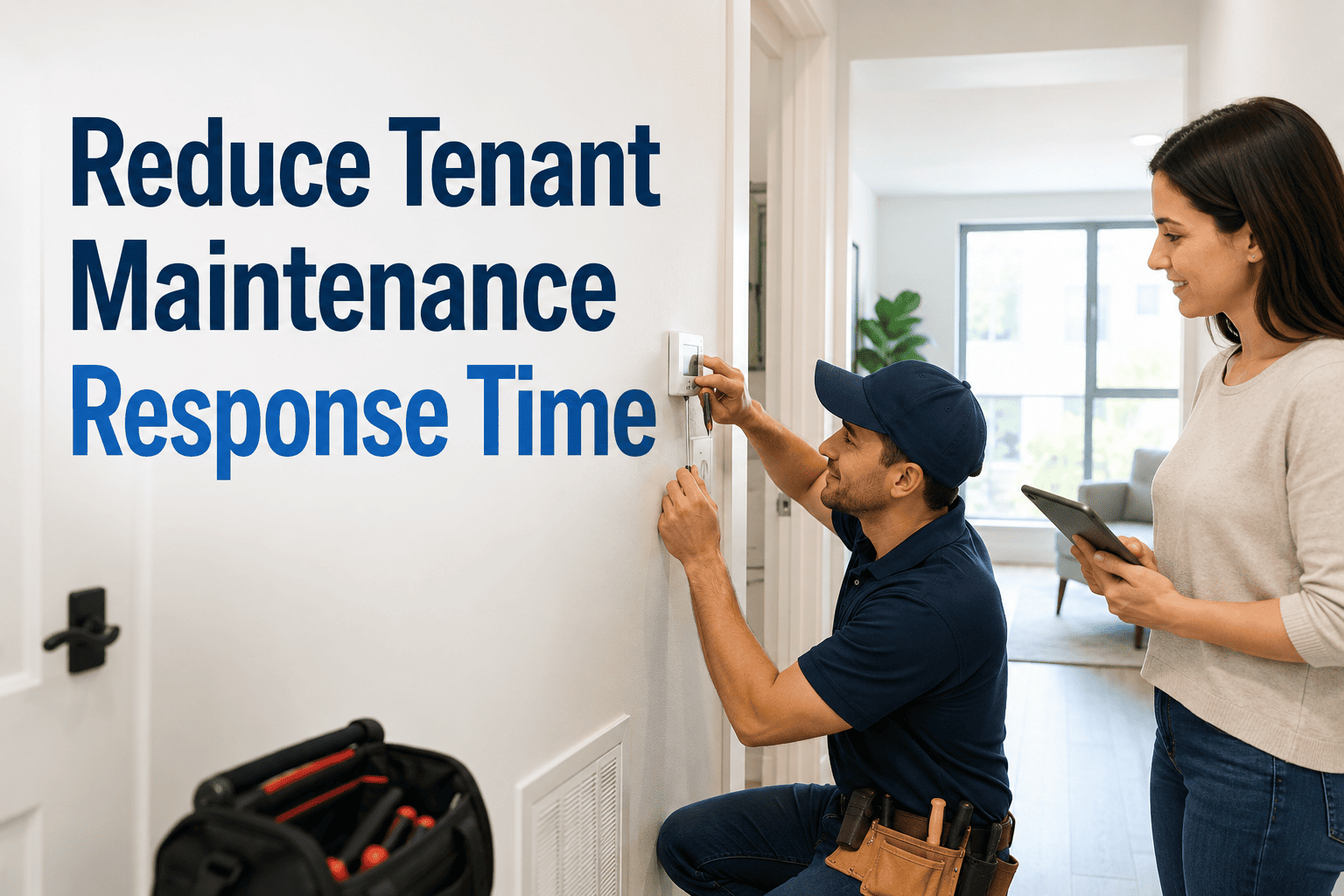
How Facility Teams Can Reduce Tenant Maintenance Response Time
Most facilities lose tenants not because of broken equipment — but because nobody communicated what was happening. This guide shows exactly how to fix that with the right routing, prioritization, and tracking system.
Why Response Time Breaks Down in Most Facilities
The issue is rarely a shortage of maintenance staff. It is a broken chain between the moment a tenant reports a problem and the moment the right technician receives it with full context.
Maintenance requests submitted by phone, email, or paper form have no tracking number, no priority flag, and no routing logic. They land in a shared inbox where urgency is invisible.
A flooded bathroom and a squeaky hinge compete for the same attention. Without automated priority scoring, urgent issues wait behind routine ones — and tenants escalate directly to management.
Once a request is submitted, the tenant hears nothing until someone physically shows up — sometimes days later. This silence triggers follow-up calls that consume more staff time than the repair itself.
Without response time metrics per technician, building, or issue category, facility managers cannot identify what is slow, what is fast, or where to invest in improvement.
Four Steps That Cut Response Time Significantly
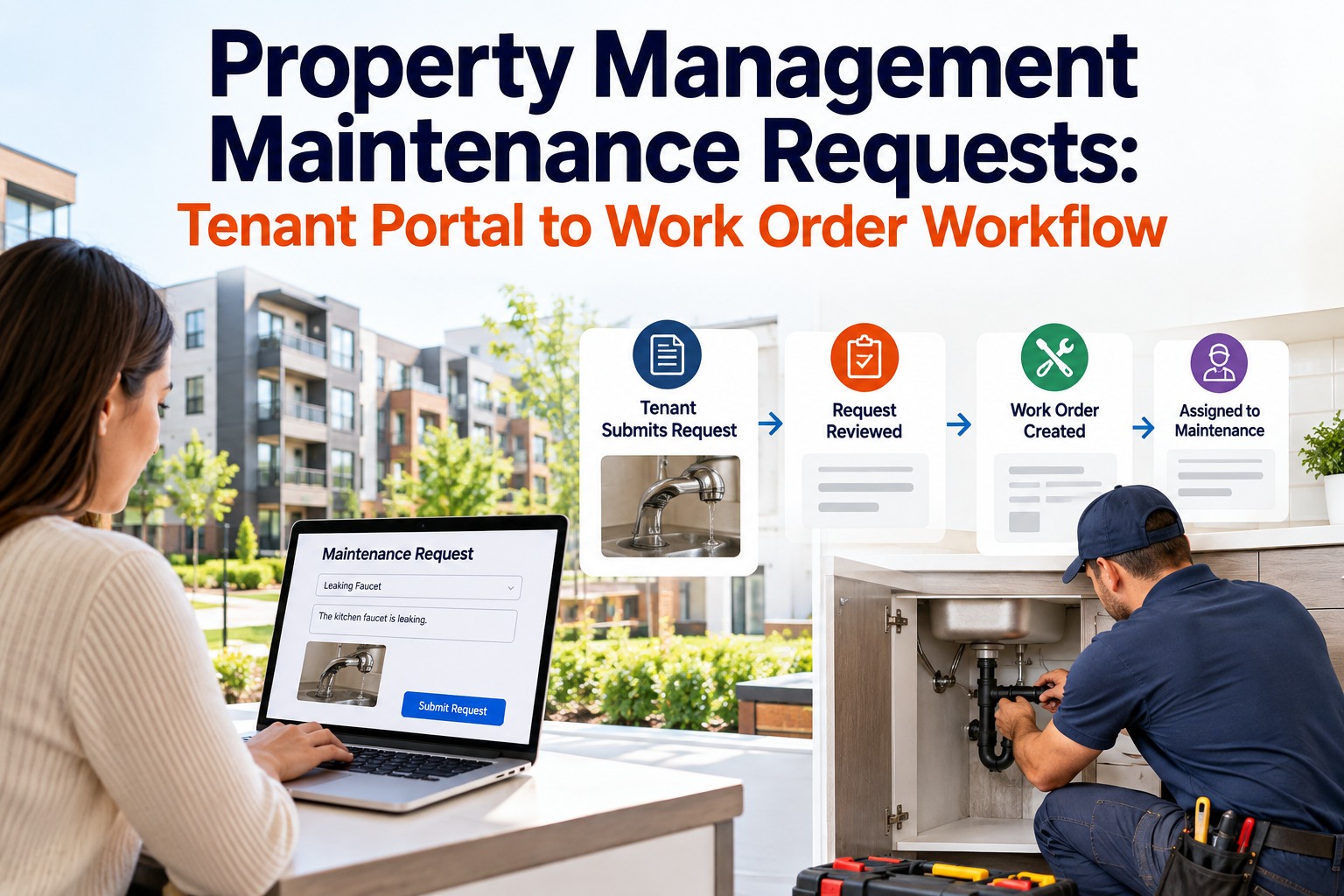
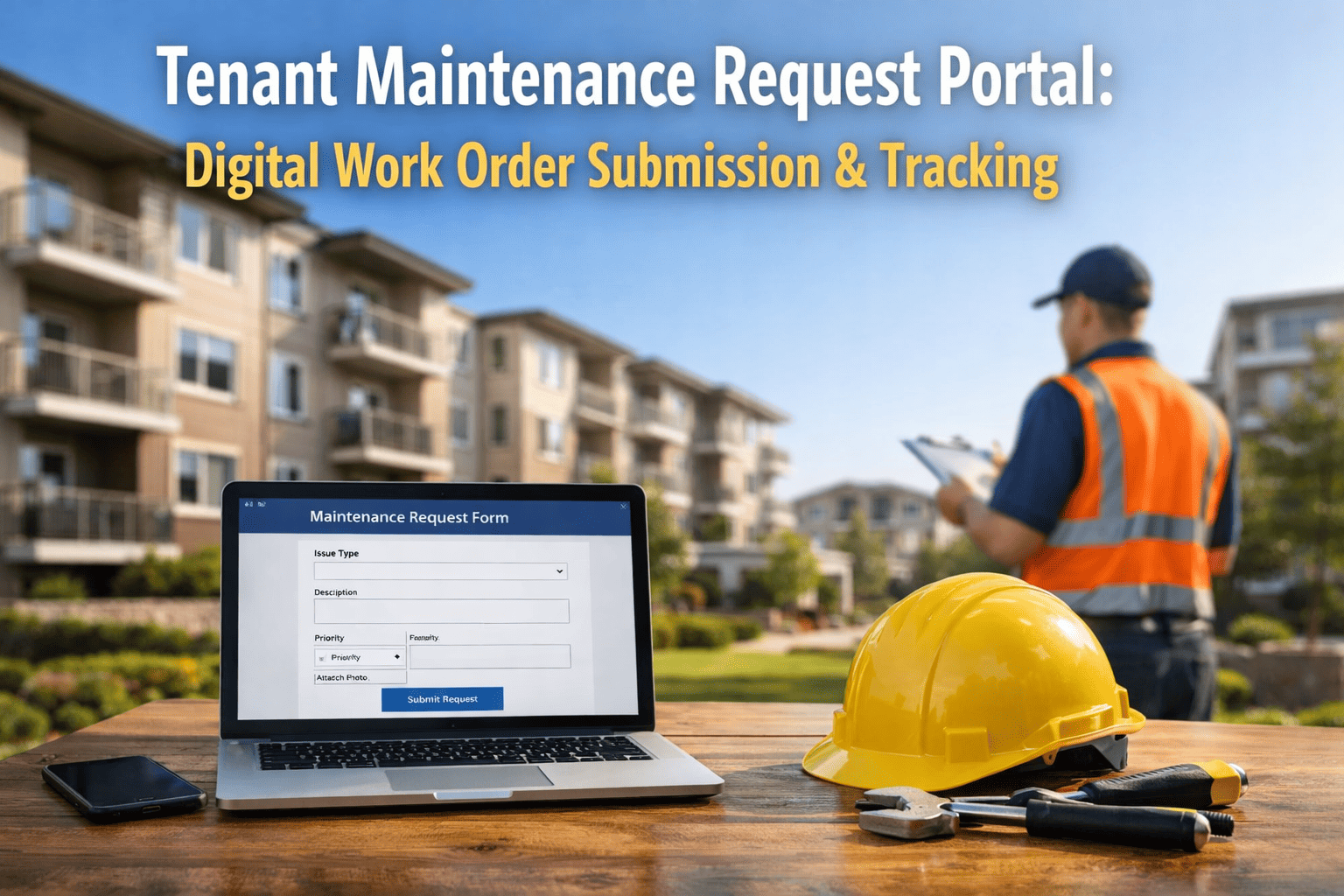
Replace phone calls and emails with a structured digital intake form. Tenants select location, issue category, urgency level, and attach photos. Every request enters the system with a tracking number, timestamp, and category tag — no manual sorting required.
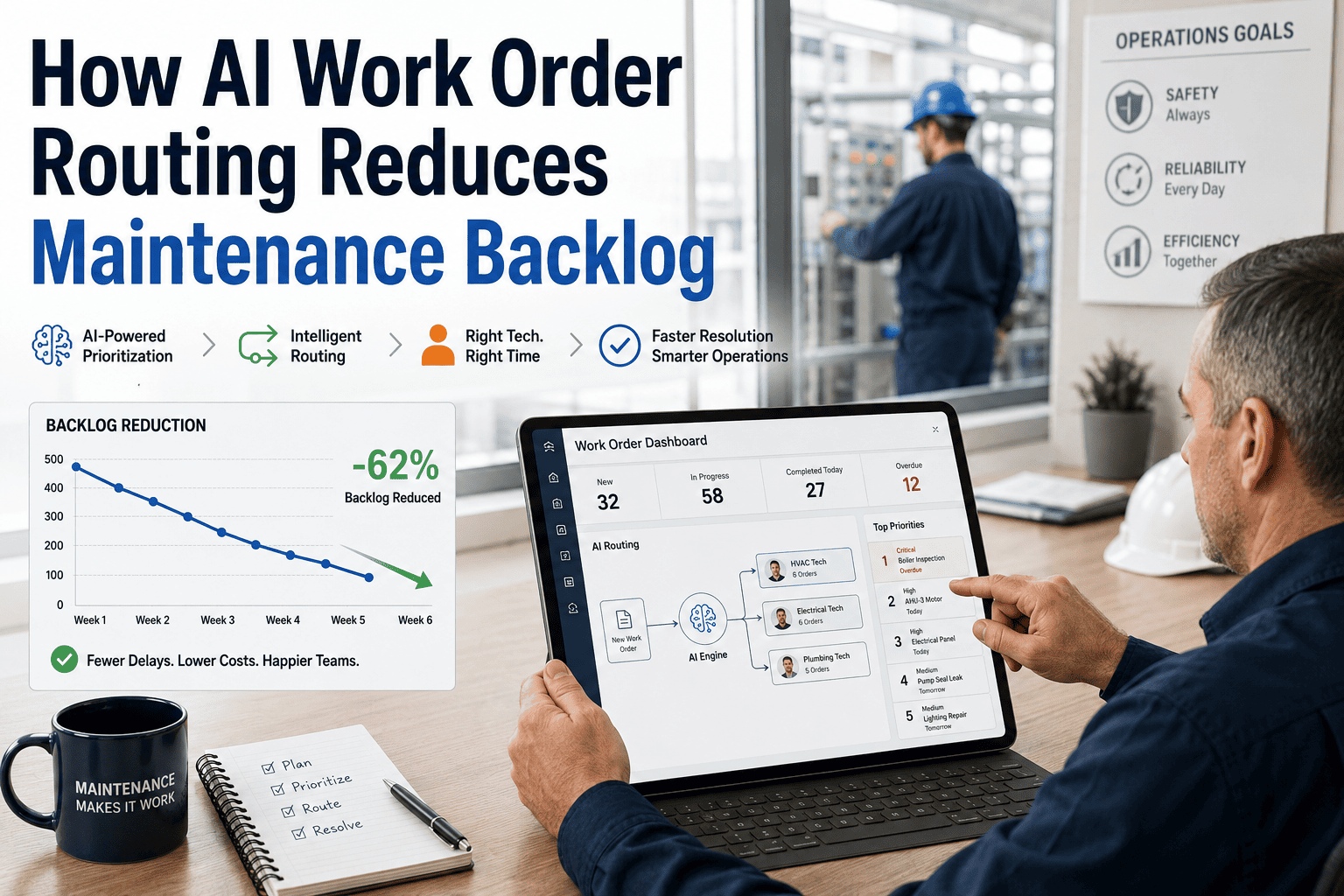
Route work orders to the right technician automatically based on issue type, building zone, and current workload. An HVAC failure goes directly to the HVAC technician — not to a dispatcher who then makes a call.
Critical issues — water leaks, safety hazards, HVAC failures — get automatically escalated with SLA timers. Routine requests stay in a standard queue. Technicians see a ranked list, not an unsorted pile.
Automated updates keep tenants informed at every stage: request received, technician assigned, work in progress, and completed. This alone reduces follow-up calls by more than half — freeing staff for actual maintenance work.
Industry Response Time Standards by Issue Category
| Issue Category | Industry Standard | High-Performing Teams | Common Failure Point |
|---|---|---|---|
| Water Leak / Flooding | Within 2 hours | Under 45 minutes | No emergency escalation path |
| HVAC Failure | Same business day | Within 3 hours | Technician not notified immediately |
| Electrical Issues | Within 4 hours | Within 2 hours | Safety priority not flagged |
| Plumbing (non-urgent) | Within 24 hours | Same day scheduling | Request lost in email |
| General Repairs | 2 to 3 business days | Next business day | No tracking or SLA defined |
| Cosmetic Issues | Within 1 week | 3 to 4 days | Queued but never prioritized |
See How Oxmaint Routes and Tracks Every Maintenance Request
From tenant submission to technician close-out — every step is tracked, timed, and reported. Book a 30-minute walkthrough and see the full workflow live.
Facility Response KPIs Every Property Manager Should Track
Time between request submission and first technician action. Should be under 30 minutes for priority issues. Longer acknowledgment times are the strongest predictor of tenant complaints.
Total time from open to close per work order. Tracked by category and technician to identify where delays are consistent. This is the metric tenants feel most directly.
Percentage of work orders closed on the first technician visit. Low rates indicate parts availability problems or incomplete request intake — both fixable with better workflow design.
Percentage of requests resolved within the defined service level window by category. This is the primary accountability metric for facility managers reporting to property ownership.
Percentage of open requests that generate a follow-up call or message from the tenant. A high follow-up rate is a direct signal that status communication is failing — not that work is slow.
How often the same tenant submits requests for the same issue within 30 days. High repeat rates signal incomplete repairs or underlying infrastructure problems requiring capital investment.
What Facility Operations Experts Say About Response Time
Common Questions on Tenant Maintenance Response
Tenants submit requests through a dedicated portal or QR code linked to their unit or floor. Each submission collects location, issue type, urgency, and photos. The request immediately creates a tracked work order in Oxmaint — no phone calls, no email chains, and no manual data entry by the facility team. Sign up to see the intake workflow configured for your property type.
Yes. SLA timers trigger automatic escalation notifications when a work order has not progressed past defined stages within the expected window. A P1 water leak that is not acknowledged in 30 minutes automatically alerts the facility manager and property supervisor. You define the escalation thresholds per category and Oxmaint handles the alerts. Book a demo to see escalation rules configured live.
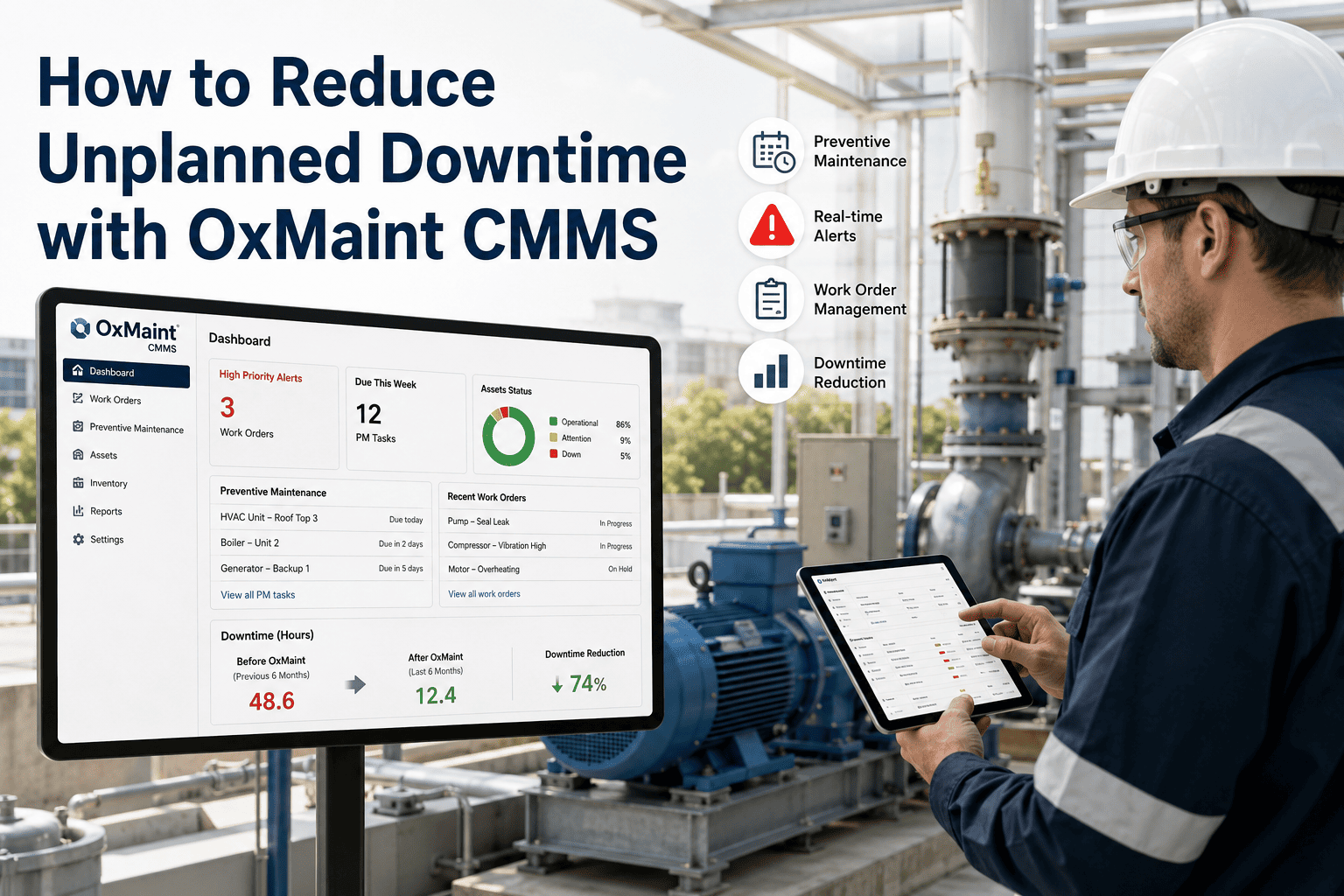
Oxmaint provides response time dashboards broken down by building, floor, technician, issue category, and time period. You can pull mean time to acknowledge, mean time to resolution, SLA compliance rate, and tenant follow-up frequency in a single view. These reports are exportable for monthly property ownership reporting and useful for identifying where staffing or process investment is needed. Start free to access the reporting module.
For facilities with 50 or more units and a dedicated maintenance team, same-day acknowledgment and next-business-day resolution for routine requests is consistently achievable with proper routing and prioritization. The barrier is almost never staffing — it is the routing chain between intake and technician assignment that introduces delay. Structured CMMS intake with auto-routing eliminates most of that gap in the first 30 days of use.
Faster Response Starts With a Better System
Oxmaint gives facility teams the intake structure, routing logic, priority scoring, and reporting to meet tenant expectations every time. See it running on a live property in one 30-minute session.