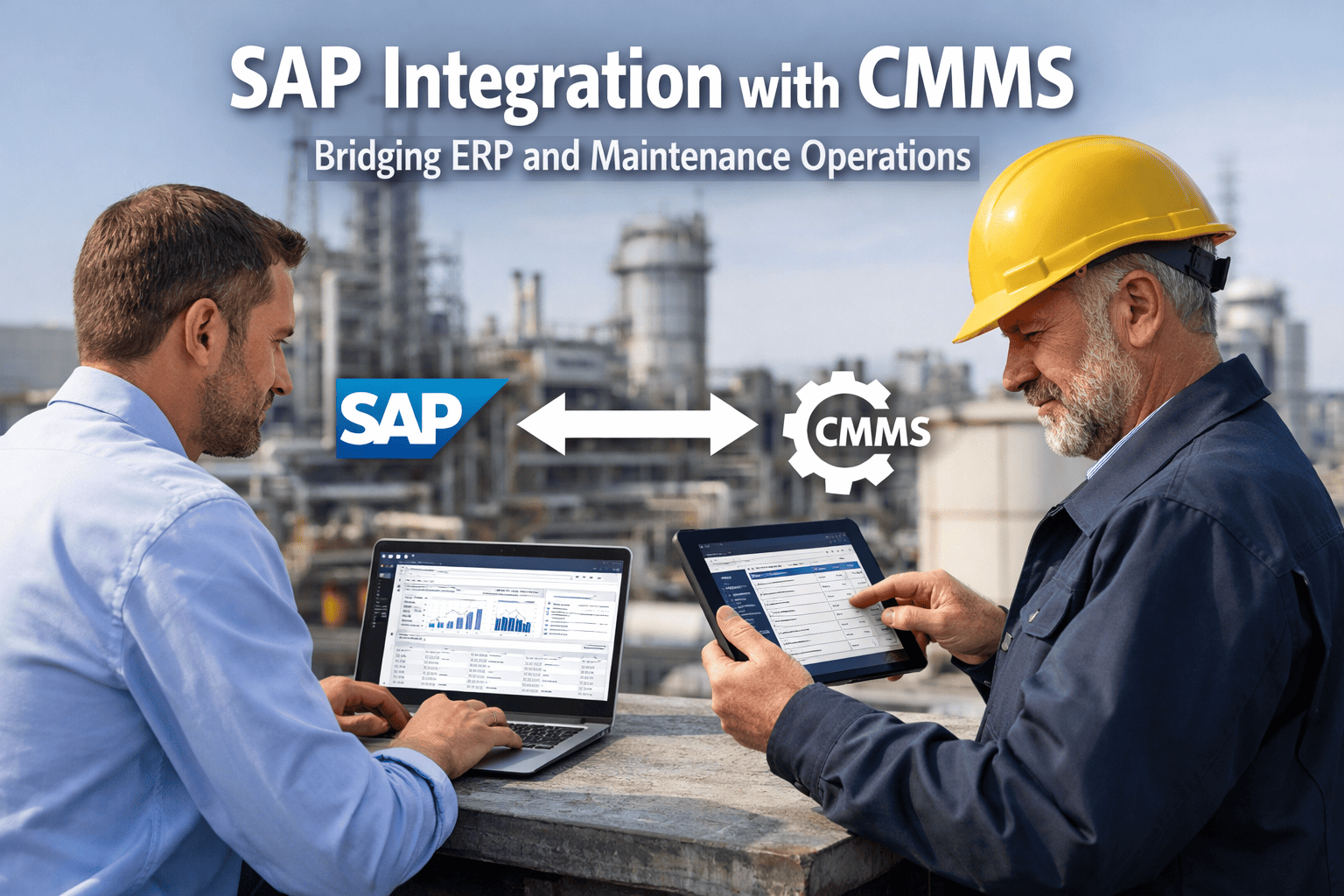
Nearly 40% of maintenance data goes unrecorded or is entered incorrectly when technicians are forced to work through SAP PM's complex desktop interface — and the downstream impact on inventory accuracy, cost tracking, and equipment reliability is massive. SAP ERP is a powerhouse for enterprise planning, but it was never designed for technicians crawling inside equipment or working in harsh field conditions. The result is a growing execution gap where your system of record slowly drifts from operational reality. Bridging ERP and maintenance operations requires a purpose-built CMMS execution layer that syncs bidirectionally with SAP in real-time. Oxmaint's CMMS platform integrates directly with SAP PM, SAP MM, and SAP FI/CO to create that live data bridge — keeping your ERP accurate while giving technicians a mobile-first tool they will actually use.
This guide breaks down exactly how SAP-CMMS integration works, what data flows where, the architecture behind bidirectional sync, and how to eliminate the execution gap that is silently draining your maintenance budget.
SAP-CMMS Integration Defined
A bidirectional data architecture connecting SAP ERP modules with a dedicated CMMS execution platform
What This Guide Covers
The SAP Execution Gap in Maintenance Operations
SAP Plant Maintenance is an enterprise-grade module built for planners sitting at desktops — not for technicians inspecting high-temperature equipment or troubleshooting rotating machinery in harsh field conditions. This fundamental design mismatch creates a cascading data gap that undermines the very integration SAP was designed to provide.
According to the U.S. Department of Energy, preventive and predictive maintenance programs deliver 8–12% cost savings compared to reactive strategies. But those savings only materialize when data flows accurately between systems. In heavy industries where critical equipment downtime costs $15,000–$50,000 per hour, even a 30-minute reporting delay caused by manual SAP data entry can cascade into six-figure losses. Start capturing maintenance data in real-time with Oxmaint and eliminate the re-entry bottleneck entirely.
Integration Architecture: How It Actually Works
The best SAP-CMMS integrations are not one-directional data dumps. They create a live, two-way bridge where SAP remains the enterprise system of record and the CMMS operates as the mobile execution layer. Every transaction in one system immediately updates the other — a part consumed in the field deducts from SAP inventory instantly, keeping the General Ledger accurate at all times.
See How Oxmaint Connects to Your SAP Environment
No modifications to your core ERP. SAP stays the system of record while Oxmaint becomes the execution layer your maintenance technicians actually use.
Data Flow Mapping: What Syncs Where
Understanding exactly which data elements flow between SAP and your CMMS is critical for scoping your integration. Below is the complete data flow map for a SAP-CMMS deployment, broken down by direction and module.
Industry Use Cases: Where SAP-CMMS Integration Delivers Maximum Value
Heavy manufacturing and process industries have unique maintenance challenges that make SAP-CMMS integration especially impactful. The combination of extreme operating conditions, 24/7 production cycles, complex spare parts inventories, and strict regulatory compliance creates environments where data accuracy directly translates to uptime and profitability.
Critical Equipment Inspections
Complex inspections generate detailed data — thermal scan results, thickness measurements, vibration readings, and replacement schedules. With SAP-CMMS integration, inspection data captured on mobile devices posts directly to SAP PM equipment history, triggering automatic purchase requisitions in SAP MM when parameters fall below threshold.
Condition-Based Monitoring Sync
Vibration readings from rotating equipment, captured through the CMMS mobile interface, sync with SAP PM condition-based maintenance plans. When vibration exceeds limits, the CMMS triggers a corrective work order and simultaneously creates a maintenance notification in SAP — no manual transaction entry required.
Spare Parts Inventory Sync
Large manufacturing facilities typically maintain 8,000–15,000 spare part SKUs. When a technician consumes a part through the CMMS, the transaction posts to SAP MM instantly — updating stock levels, triggering reorder points, and flowing cost data to SAP FI/CO for accurate maintenance cost allocation per cost center.
Compliance & Audit Trail
Regulatory standards (OSHA, ISO 45001, ISO 55001) and environmental regulations require auditable maintenance records. Integrated systems create a single unbroken chain of documentation — from work order creation in the CMMS to cost settlement in SAP CO — satisfying auditors without manual report compilation.
Deloitte research shows that predictive maintenance enabled by integrated data systems can reduce facility downtime by 5–15% and increase labor productivity by 5–20%. For a high-throughput manufacturing facility, even a 5% downtime reduction represents significant annual savings. Book a demo to see how Oxmaint bridges your SAP gap with zero disruption to your existing ERP configuration.
ROI Benchmarks: Integration Impact by the Numbers
Organizations that implement SAP-CMMS integration consistently report measurable improvements across maintenance efficiency, inventory accuracy, and cost control. These gains compound over time as unified data enables AI-driven predictive models and more accurate maintenance budgeting.
The financial case strengthens further when you factor in technician adoption rates. SAP PM implementations historically struggle with frontline adoption because the interface was designed for desktop planners. A mobile-first CMMS layer achieves 90%+ technician adoption within weeks, ensuring the data feeding your SAP reports is actually complete and accurate. Sign up for Oxmaint and see how quickly your team adopts a tool built for the way they actually work.
Implementation Roadmap: SAP-CMMS Integration in 4 Phases
A successful integration does not require ripping out your SAP configuration. The approach is additive — layering a CMMS execution platform alongside SAP while establishing bidirectional data flows through standard APIs, BAPIs, or RFC connections.
Discovery & Mapping (Week 1–2)
Audit existing SAP PM configuration, map functional locations and equipment hierarchies, identify data flow requirements, and define integration scope across PM, MM, FI/CO, and QM modules.
Configuration & Connection (Week 2–3)
Establish API connections between CMMS and SAP. Configure bidirectional sync for equipment masters, material masters, and maintenance plans. Set up automated work order creation and confirmation workflows.
Pilot & Validation (Week 3–4)
Deploy on a single production line or critical asset group. Validate data integrity across all sync points. Confirm that work order confirmations, parts consumption, and cost settlements flow correctly to SAP.
Full Rollout & Optimization (Week 4+)
Extend integration to all plant areas — raw mill, finish mill, packing, and utilities. Enable advanced features such as predictive analytics feeding SAP reporting, automated compliance documentation, and AI-driven maintenance scheduling.
Ready to Bridge Your SAP Execution Gap?
Join maintenance teams worldwide that have eliminated manual data re-entry and achieved real-time SAP-CMMS synchronization in under 4 weeks.
Critical Success Factors for SAP-CMMS Integration
Integration technology alone does not guarantee results. The most successful deployments share specific operational characteristics that maximize the value of SAP-CMMS connectivity. Understanding these factors before starting your integration project will significantly improve outcomes.
Clean Equipment Hierarchy
Your SAP functional location structure must mirror physical plant layout. Misaligned hierarchies cause sync failures and orphaned work orders that never reach the right technician.
Standardized Failure Codes
Failure and damage codes must be consistent between systems. Establish a unified taxonomy before integration — mixing SAP catalog profiles with free-text CMMS entries creates analytics blind spots.
Real-Time Sync (Not Batch)
Batch processing (nightly syncs) defeats the purpose of integration. Insist on event-driven, real-time data flows — especially for inventory movements and work order confirmations where delays cascade into planning errors.
Technician-First UX Design
If the CMMS interface requires more than 3 taps to complete a work order, adoption will fail. Mobile-first design with offline capability is non-negotiable in industrial environments where connectivity is unreliable.
Executive Sponsorship
Integration projects that lack VP-level sponsorship from both maintenance and IT departments stall at the pilot phase. Budget allocation, change management, and cross-departmental coordination require leadership alignment.
Continuous Validation Protocol
Post-deployment, run weekly reconciliation checks comparing SAP work order counts, inventory levels, and cost settlements against CMMS records. Discrepancies caught early prevent data drift from compounding.
For operations teams already tracking production efficiency KPIs, SAP-CMMS integration provides the data foundation for connecting maintenance performance directly to production output — enabling true OEE visibility across the entire value chain. Book a personalized demo to see how this works with your specific SAP configuration.