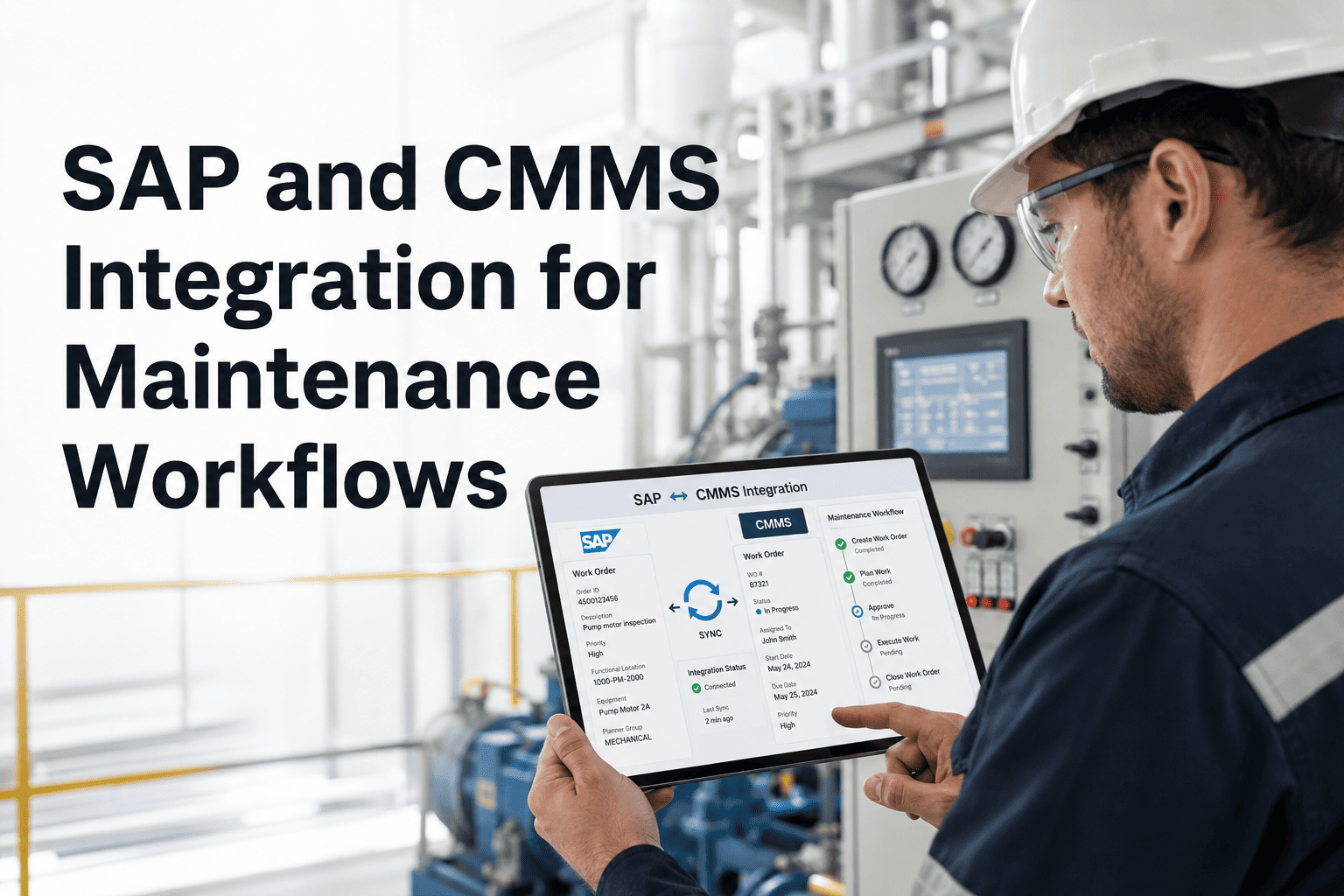
A CMMS that lives in isolation from your ERP, historian, and sensor stack creates duplicate data entry, missed work orders, and reporting blind spots that cost hours every week. The technical workflow for CMMS API integration in work order triage connects OxMaint to the systems already running on your plant floor — so every alert, purchase order, and asset update flows in both directions automatically. This page covers the exact integration architecture, supported endpoints, and the triage logic that routes incoming signals to the right team without manual intervention. Operations teams using this workflow report a 60% drop in reactive work orders within 90 days. To connect your systems to OxMaint, start a free trial or book a 30-minute integration walkthrough with a CMMS specialist.
CMMS Integration · API Workflow
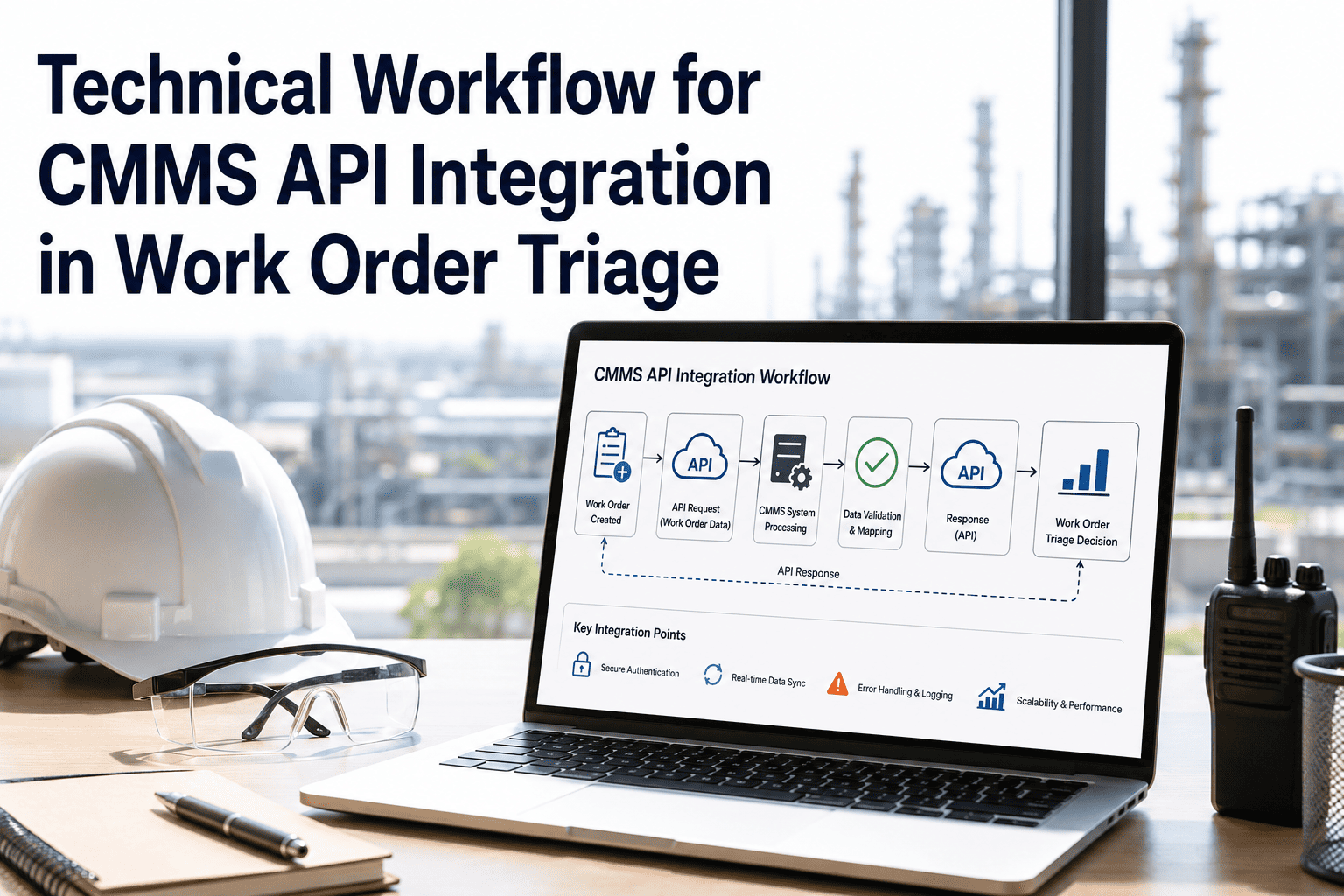
Technical Workflow: CMMS API Integration in Work Order Triage
Connect every alert source to a single triage engine. OxMaint's API layer turns sensor signals, ERP events, and PLC alarms into routed, prioritized work orders — automatically.
The Integration Stack
OxMaint sits at the center of your maintenance data layer, pulling from and pushing to every connected system through standardized REST and webhook endpoints.
Data Sources
ERP / SAP PM
Process Historian
PLC / SCADA
IoT Sensors
AI Vision Cameras
BMS / BAS
→
OxMaint API Layer
REST · Webhooks · MQTT
→
Outputs
Work Order Created
Priority Assigned
Technician Notified
Parts Checked
Compliance Logged
Dashboard Updated
60%
Drop in reactive work orders reported within 90 days of integration
<2s
Average API response time from trigger event to work order creation
40+
Pre-built connectors for ERP, historian, BMS, and sensor platforms
Triage Logic: How Incoming Signals Are Routed
| Signal Source |
Trigger Condition |
Triage Priority |
Auto Action |
| PLC fault alarm |
Fault code above threshold |
Critical |
Immediate WO + SMS alert |
| Historian trend |
3-sigma deviation from baseline |
High |
Predictive WO + email |
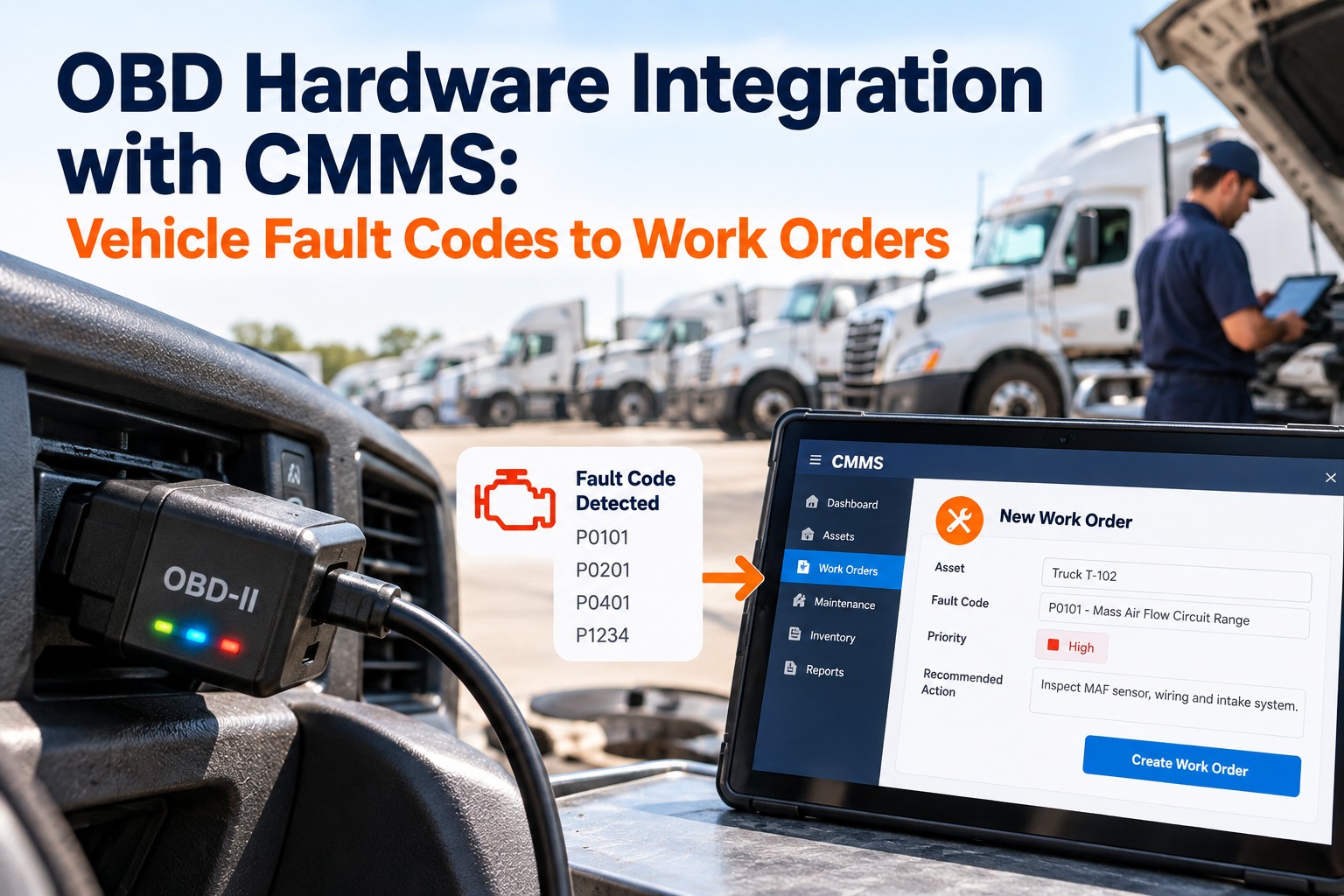
| IoT vibration sensor |
Bearing frequency spike |
High |
Schedule inspection WO |
| AI vision detection |
Defect confidence > 85% |
Critical |
Evidence WO + dispatch |
| ERP PM trigger |
Runtime or calendar schedule hit |
Planned |
PM WO + parts reservation |
| BMS temperature alert |
Setpoint deviation > 5°C |
High |
HVAC inspection WO |
Connect Your Systems to OxMaint This Week
Our integration team scopes your stack in a single 30-minute call and delivers a pre-built connector plan before you commit to anything.
Key API Endpoints in the Triage Workflow
POST
/v1/work-orders/triage
Accepts an alert payload and returns a created work order with priority, assigned team, and linked asset record.
GET
/v1/assets/{id}/history
Returns full work order history for an asset, including open, in-progress, and closed records with evidence attachments.
POST
/v1/webhooks/register
Registers an outbound webhook for a trigger event type — work order status change, SLA breach, or completion sign-off.
PATCH
/v1/work-orders/{id}/close
Closes a work order with technician ID, resolution notes, and optional post-repair evidence. Triggers downstream ERP sync.
Expert Review
Reviewed by a Maintenance Systems Integration Engineer
The bottleneck in most CMMS integrations isn't the API itself — it's the triage logic. Systems that just create a work order for every alert produce noise that technicians learn to ignore. Building priority rules and asset context directly into the triage endpoint, so the work order arrives already classified and routed, is what changes technician behavior from ignoring alerts to acting on them. That's the architectural decision OxMaint gets right that most point solutions miss.
Frequently Asked Questions
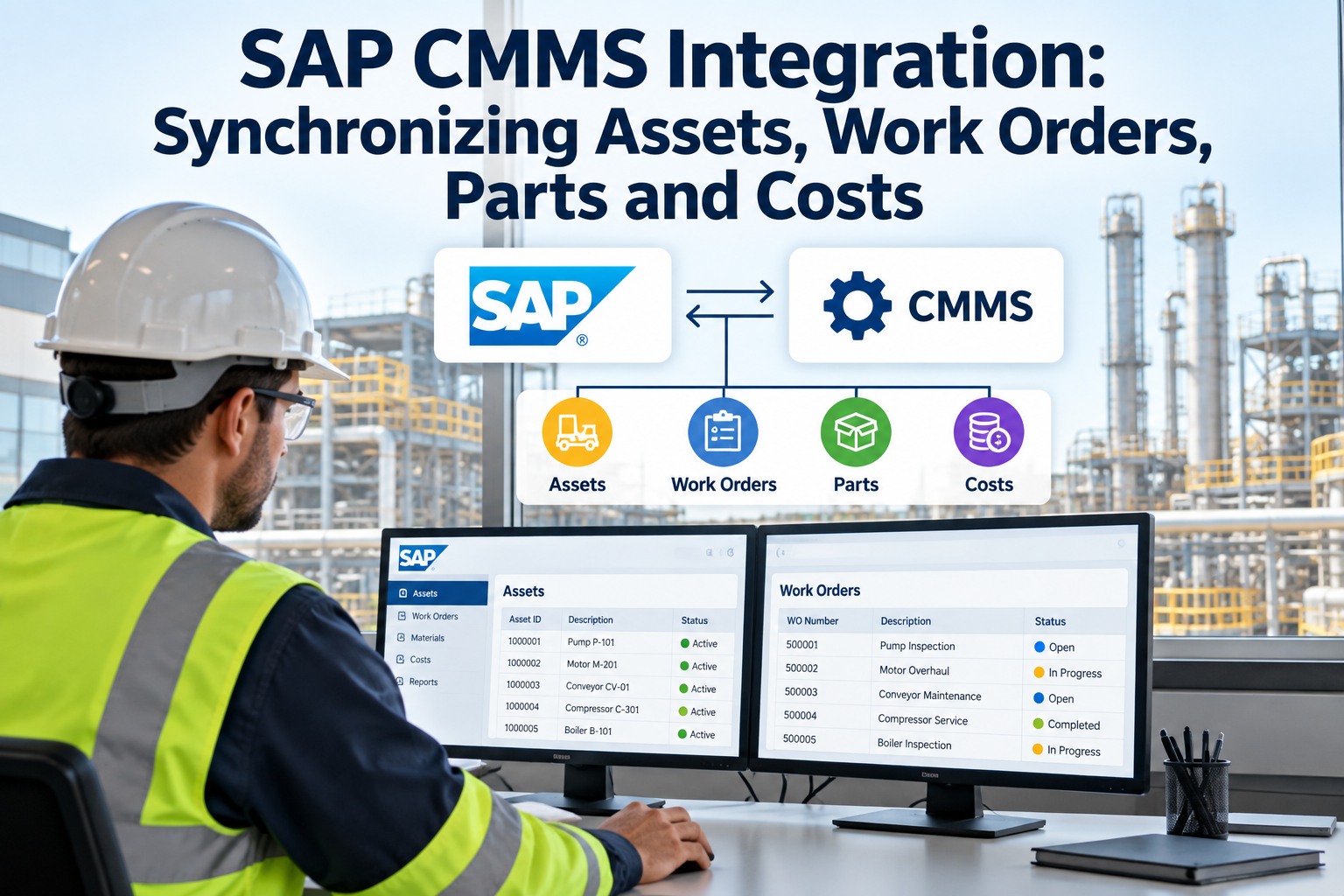
Does OxMaint support bidirectional sync with SAP PM?
Yes. OxMaint's SAP PM connector supports bidirectional sync for work orders, maintenance notifications, and functional locations. Changes made in either system propagate within seconds via webhook. Most SAP-connected teams complete the initial sync configuration in under a week.
Book a demo to see the SAP connector configured live for your environment.
Can OxMaint handle high-frequency sensor data without creating excessive work orders?
OxMaint's triage engine includes configurable debounce and threshold rules so high-frequency sensor streams don't generate a work order on every data point. You define the persistence window and severity threshold, and the system only escalates when the condition is confirmed over time. This keeps technician queues clean and actionable rather than flooded with noise.
Start a free trial to configure these rules for your sensor stack.
What authentication methods does the OxMaint API support?
The OxMaint API supports OAuth 2.0, API key authentication, and SSO via SAML 2.0 for enterprise deployments. All endpoints use TLS 1.2 or higher, and role-based access controls are enforced at the API level so external systems only access the data scopes they need. Full API documentation is available after
starting a free trial.
How are integration failures handled to prevent lost work orders?
OxMaint implements automatic retry with exponential backoff for all inbound webhook events. Failed deliveries are queued and retried for up to 24 hours before being flagged for manual review. Every event is logged with its full payload so nothing is silently dropped. Integration health dashboards surface failure rates and latency in real time.
Book a walkthrough to review the reliability architecture for your use case.
Your Systems Are Ready to Talk to Each Other
OxMaint's API layer closes the gap between your sensor stack, ERP, and maintenance team — in days, not months.