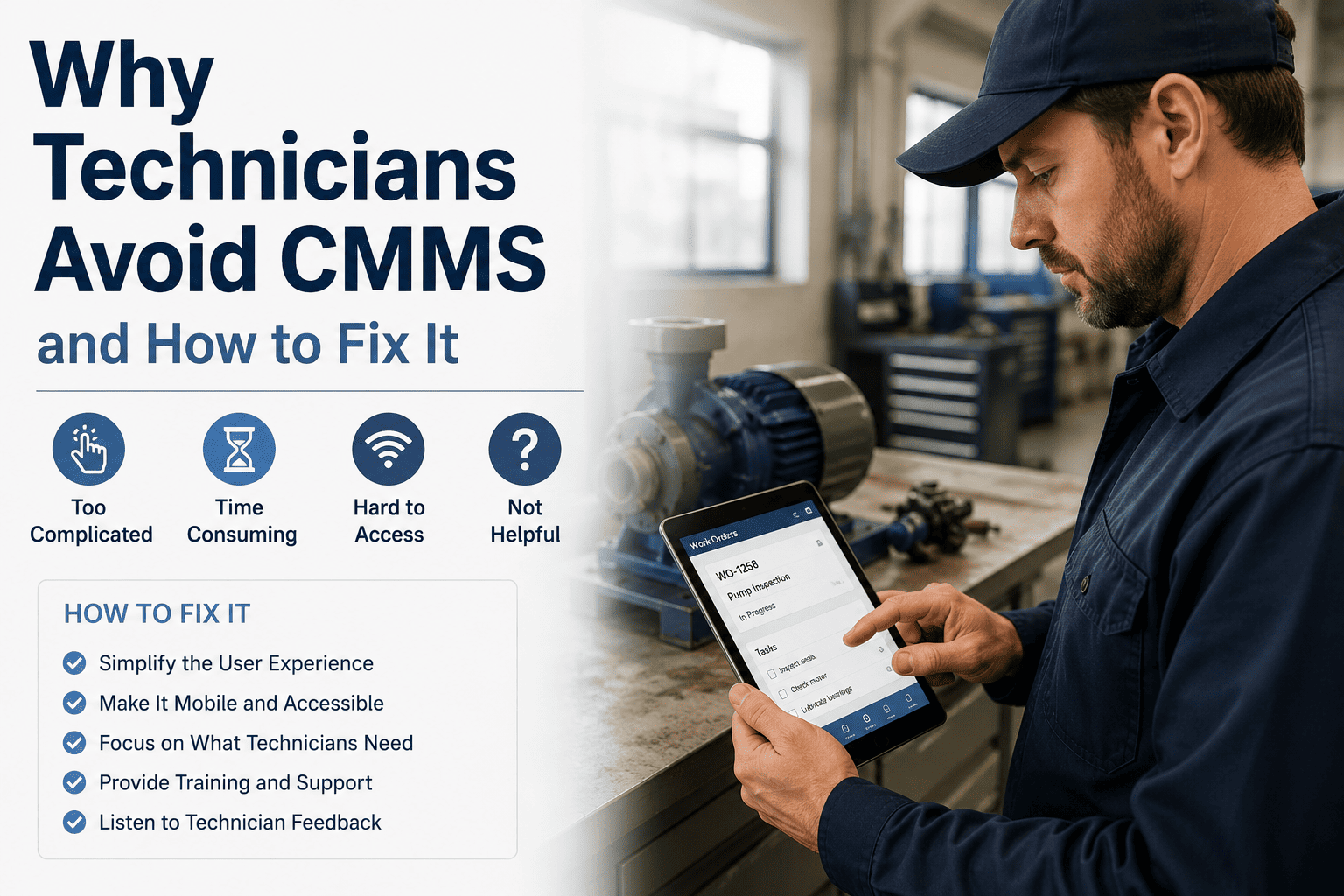
A CMMS that sits unused is worse than no CMMS at all — it creates a false sense of compliance while your actual maintenance data lives in paper logs and group chats. Technician avoidance is the #1 reason CMMS implementations fail, and it's almost never about the technology. It's about the experience. OxMaint was built mobile-first specifically to solve this problem. Book a walkthrough to see how teams achieve day-one adoption without a training program.
Why Technicians Avoid CMMS — And How Managers Can Fix It
1 in 4 CMMS rollouts fail — and the cause is almost never the software. It's the experience technicians have using it every day. Here's the real psychology behind avoidance, and a practical fix for each reason.
Start Free Trial Book a DemoThe Real Reasons Technicians Skip the CMMS
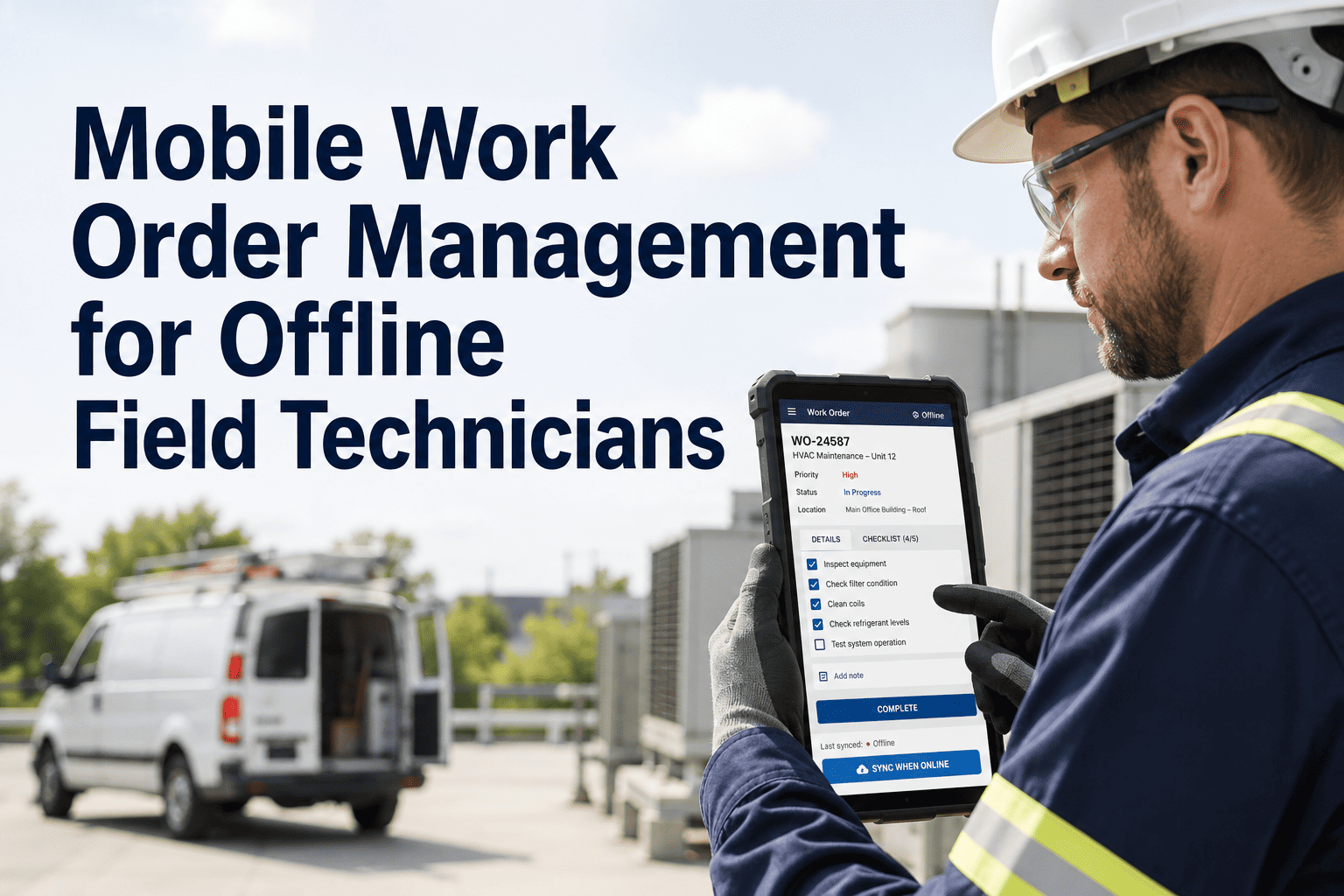
When a technician has to walk back to a terminal to log a work order, most don't. By the time they reach a computer, the details have faded and the temptation to write "completed" without specifics is overwhelming. A mobile interface that works where technicians work — on the floor, in the field, at the equipment — removes the friction entirely.
Legacy CMMS systems often require 15–20 fields to close a work order. Technicians feel like they're doing data entry for someone else's report rather than doing their actual job. The cognitive overhead creates resentment that spreads through the team — and the senior technicians who refuse to use it become the unofficial permission structure for everyone else to skip it too.
When technicians log data and never see how it's used — no reports shared, no patterns discussed, no acknowledgment that the data changed anything — logging feels pointless. The CMMS becomes a one-way compliance box rather than a tool that makes their work easier or their team more capable.
In a breakdown scenario, a technician's priority is fixing the equipment — not navigating a five-screen workflow to create a work order. If the CMMS gets in the way during high-stress moments, technicians remember that friction and avoid the system even in non-emergency situations. Emergency workflows need to be one tap to start.
Many CMMS implementations require a multi-day training program before technicians can use the system independently. When new hires join six months later, the training materials are outdated and the trainer is gone. Consumer-grade UX that a technician can navigate without training is not a luxury — it's the adoption strategy.
Adoption Rate by CMMS Interface Type
| CMMS Type | Avg. Technician Adoption Rate | Time to Full Adoption | Shadow Maintenance Risk |
|---|---|---|---|
| Desktop-only legacy EAM | 35–50% | 6–12 months | High |
| Desktop + bolted-on mobile app | 55–65% | 3–6 months | Medium |
| Mobile-first cloud CMMS | 85–95% | 1–4 weeks | Low |
| Mobile-native + QR + offline | 95%+ | 1–7 days | Minimal |
Source: Maintenance Technology Industry Adoption Study 2025. Shadow maintenance = work completed but not logged in CMMS.
4 Things Managers Can Do This Week
Pull the ratio of completed PMs to logged WOs. A gap of more than 10% means shadow maintenance is already happening. This is your baseline — and your business case for change.
A 10-minute conversation with 3–4 technicians will surface the specific friction points in your current workflow. Their answers will tell you exactly which features matter most in a replacement system.
Select a 5-technician team and pilot a mobile-native CMMS for 2 weeks on a defined asset group. Measure logging rate, WO completion quality, and time-to-close versus your current system baseline.
At the end of week 2, share the pilot results with technicians — PM compliance rate, downtime reduction, parts saved. When people see their data creating value, adoption becomes self-reinforcing.
Expert Review
Every CMMS failure I've been called in to diagnose has the same root cause: the system was selected by an IT department and handed to technicians who had no input. When the people doing the work hate the tool, they route around it — paper, WhatsApp, memory. The manager then wonders why the data is unreliable. The fix is not more enforcement; it is better UX. When a technician can create a work order with one QR scan, capture a photo in 10 seconds, and close the job on mobile before they leave the equipment, adoption isn't a change management challenge — it just happens.
OxMaint is built for the floor, not the office. Mobile-native, QR scan-to-create, offline capable, and designed for day-one adoption without a training program.