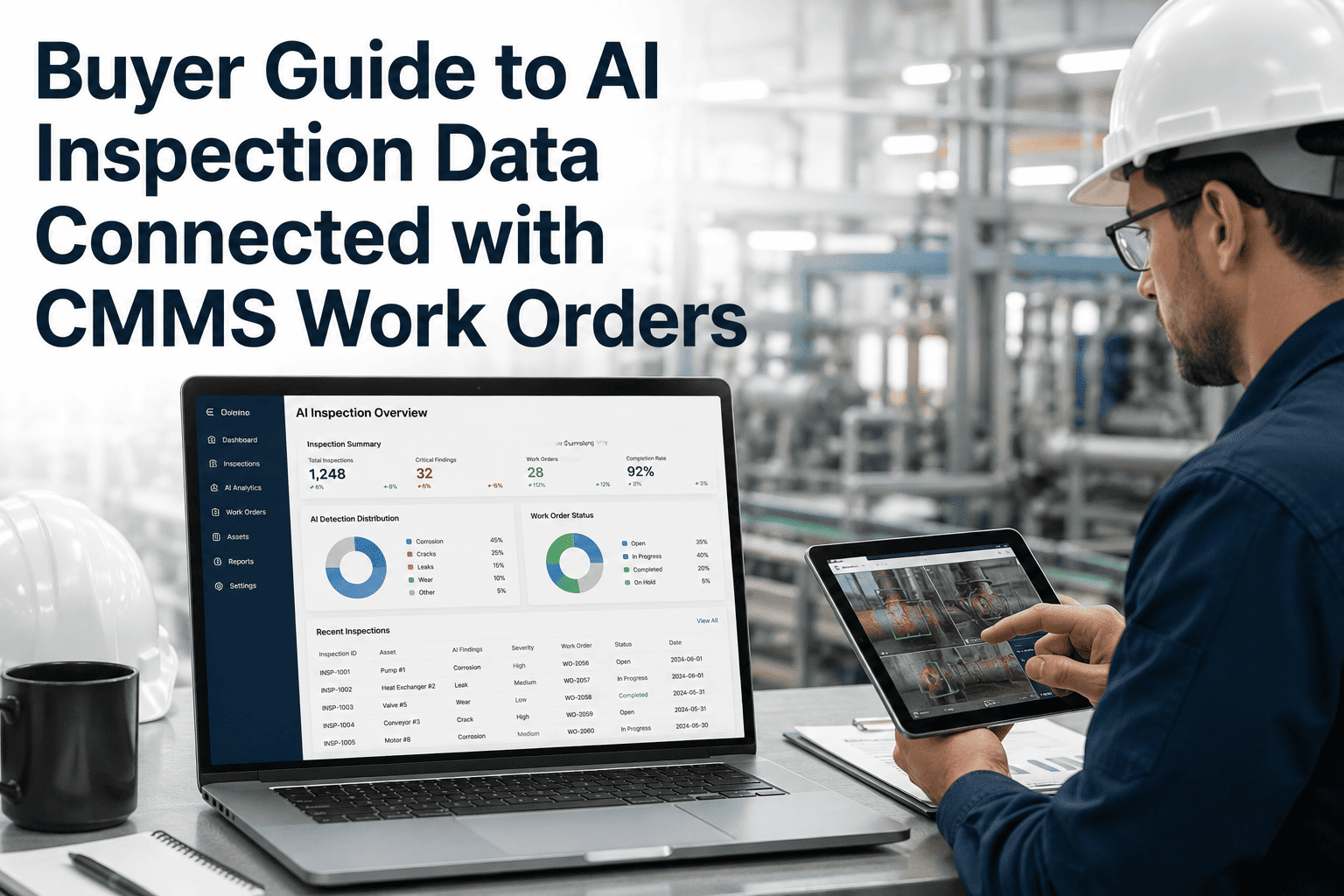
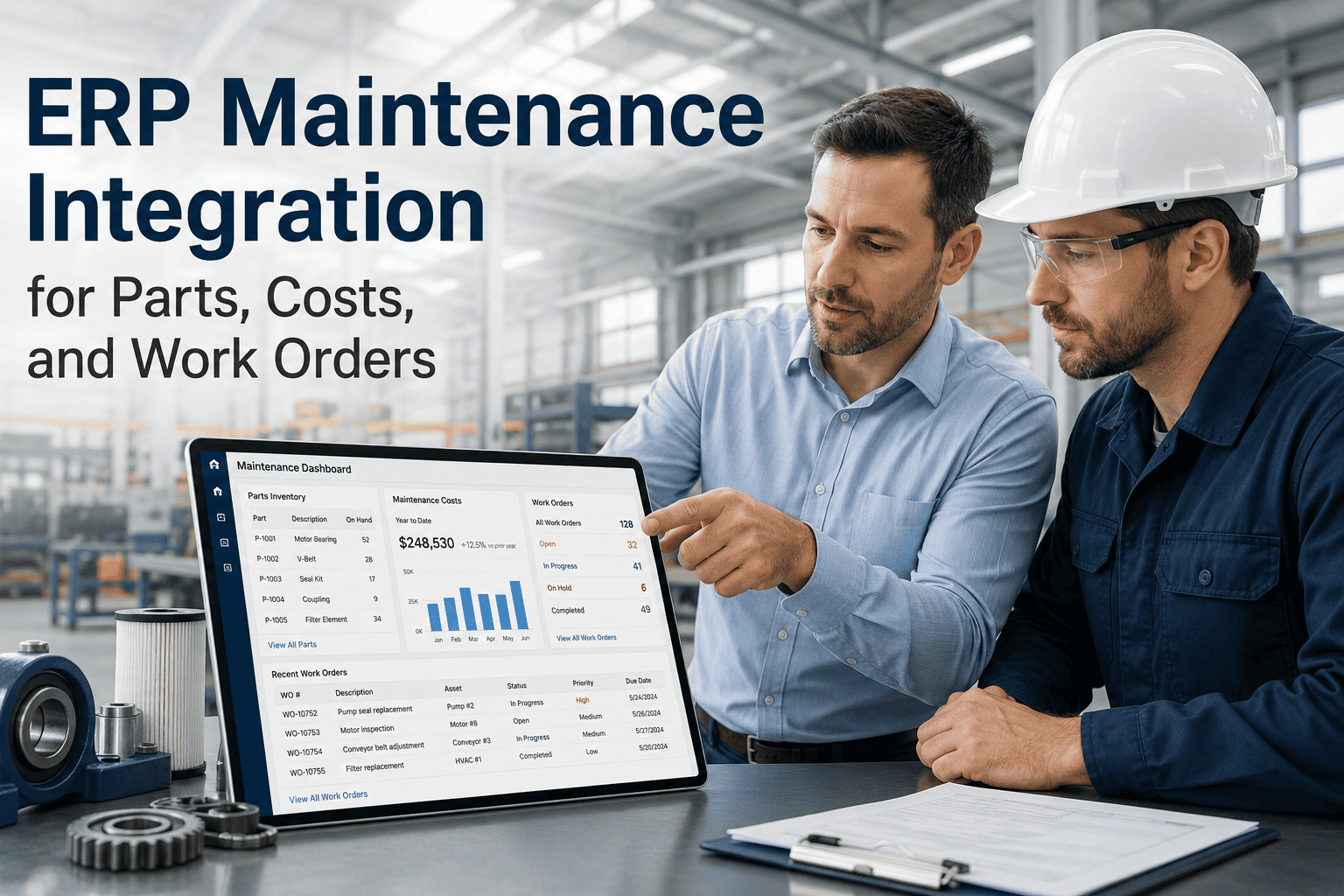
Every maintenance team has experienced the same frustration: a technician identifies a failed part, raises a repair request, and then waits — sometimes days, sometimes weeks — while procurement processes the purchase, approves the spend, and delivers the component. The gap between maintenance requests and purchase approvals is one of the most common causes of extended equipment downtime in facilities of every size. When work orders, parts requests, vendor quotes, and approval workflows exist in separate systems, delays compound at every handoff. This guide walks through the exact workflow steps that connect repair needs directly to procurement outcomes — and how teams using Oxmaint eliminate approval bottlenecks entirely. Book a Demo to see the complete purchase management workflow in action.
Where Procurement Delays Actually Happen
Purchase Request Raised
Day 2–3
Repair Complete
Day 12–18
Without connected workflows, a same-day repair need becomes an 18-day resolution cycle.
The 5-Step Connected Workflow
01
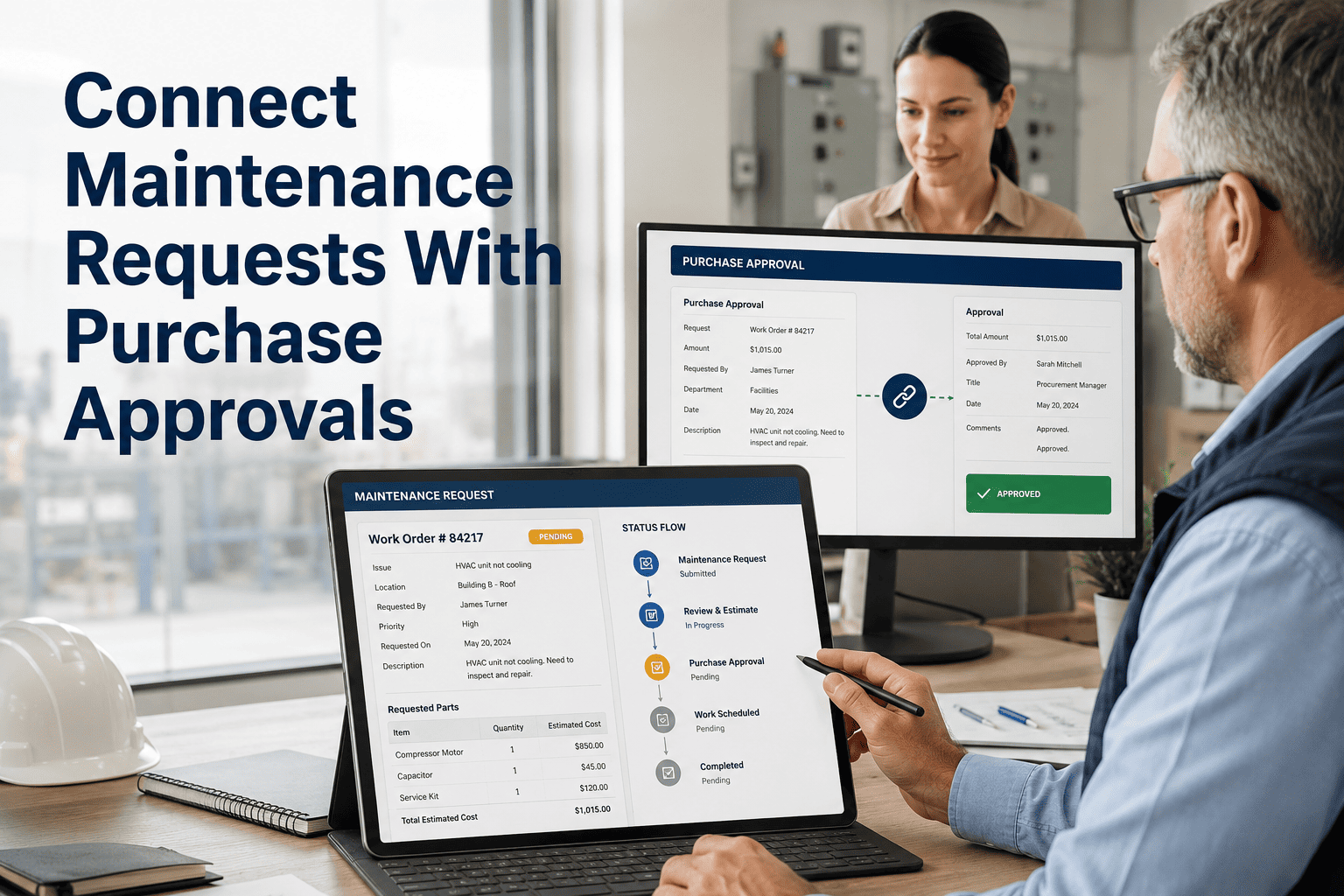
Technician Raises a Parts Request Directly from the Work Order
Instead of emailing a supervisor or filling out a separate paper form, the technician attaches a parts request to the active work order in Oxmaint. The request includes part number, quantity, preferred vendor, urgency level, and estimated cost — all linked to the originating asset and job. This single action creates a traceable chain from repair need to procurement outcome with zero manual re-entry.
02
Approval Routing Based on Spend Threshold
Oxmaint routes purchase requests automatically based on configurable spend thresholds. Requests under a defined limit — say $500 — are auto-approved and sent directly to procurement. Requests above the threshold route to the designated approver with full work order context visible in the notification. Approvers see exactly what broke, why the part is needed, and which asset is affected — enabling faster, better-informed decisions without back-and-forth communication.
03
Vendor Quote Comparison and Selection
For approved requests, Oxmaint's vendor management module surfaces pre-qualified suppliers for the required part category, past purchase pricing, and lead time data. Procurement teams can log competing quotes directly against the purchase request and select the approved vendor — creating a complete sourcing record without maintaining separate spreadsheets or email threads. Preferred vendor pricing agreements are automatically applied when available.
04
Purchase Order Issuance and Delivery Tracking
Once a vendor is selected, a purchase order is generated from Oxmaint with all required fields pre-populated from the parts request. The PO is linked to the originating work order so maintenance supervisors can track delivery status without contacting procurement. Expected delivery date, order confirmation number, and actual receipt date are all logged in the same system where the repair job lives.
05
Parts Receipt Triggers Work Order Resumption
When parts are received and logged in Oxmaint, the linked work order automatically updates status and notifies the assigned technician that materials are available. This eliminates the common scenario where a part arrives in the storeroom and sits unclaimed for days because nobody told the technician it arrived. The closed loop from request to receipt to repair completion gives maintenance managers full visibility into procurement-related downtime for every job.
PURCHASE MANAGEMENT
From Broken Part to Approved PO — Without the Back-and-Forth
Oxmaint connects every repair request to a traceable procurement workflow. Spend thresholds, auto-approvals, vendor quotes, and PO generation — all linked to the work order that started it.
Disconnected vs Connected: What Changes
| Procurement Stage |
Without Connected Workflow |
With Oxmaint |
Time Saved |
| Parts request creation |
Email to supervisor, separate form |
Attached directly to work order |
1–2 days |
| Approval routing |
Manual forwarding, follow-up calls |
Auto-routed by spend threshold |
2–5 days |
| Vendor selection |
Email quotes, spreadsheet comparison |
Quotes logged against PO request |
1–3 days |
| PO issuance |
Manual data entry in ERP |
Auto-generated from request data |
Same day |
| Delivery notification |
Technician checks storeroom manually |
Auto-alert to technician on receipt |
1–4 days |
| Total avg resolution |
12–18 days |
3–5 days |
Up to 13 days |
Expert Review
Raymond Okafor, CMRP
Certified Maintenance and Reliability Professional — 20 Years Manufacturing and Facilities
"The procurement bottleneck is the single most underestimated contributor to equipment downtime I encounter in reliability assessments. Teams focus on MTTR and think the repair time is the problem — but when you analyze the full timeline, 60 to 70 percent of the elapsed time from failure to resolution is spent waiting for parts approvals and deliveries, not actually doing maintenance work. Connecting work orders to purchase workflows with automated approval routing and real-time delivery tracking consistently cuts that waiting time by more than half. The maintenance team's efficiency improves dramatically, not because they're working faster, but because procurement delays stop blocking them."
Frequently Asked Questions
Can Oxmaint enforce spending limits so technicians can't order without approval?
Yes. Oxmaint's purchase management module supports configurable spend threshold rules that determine which requests are auto-approved and which require one or more levels of management sign-off before a purchase order can be issued. You can set different thresholds by asset category, department, or cost center. Requests that exceed the threshold are placed in a pending queue and the approver receives a notification with full work order context — part needed, asset affected, urgency level, and estimated cost.
Start your free trial to configure your approval hierarchy.
How does linking purchase requests to work orders reduce downtime?
When a parts request exists independently from its work order, neither the maintenance team nor the procurement team has full visibility into the urgency or operational context of the purchase. Approvers delay non-urgent-looking requests, procurement teams don't know which orders are blocking active repairs, and technicians don't know when parts arrive. Linking requests directly to work orders gives every stakeholder shared visibility into priority, status, and impact — which consistently accelerates approvals and reduces the window between parts request and repair completion.
Book a demo to see the connected workflow in your context.
Does Oxmaint integrate with existing ERP or procurement systems?
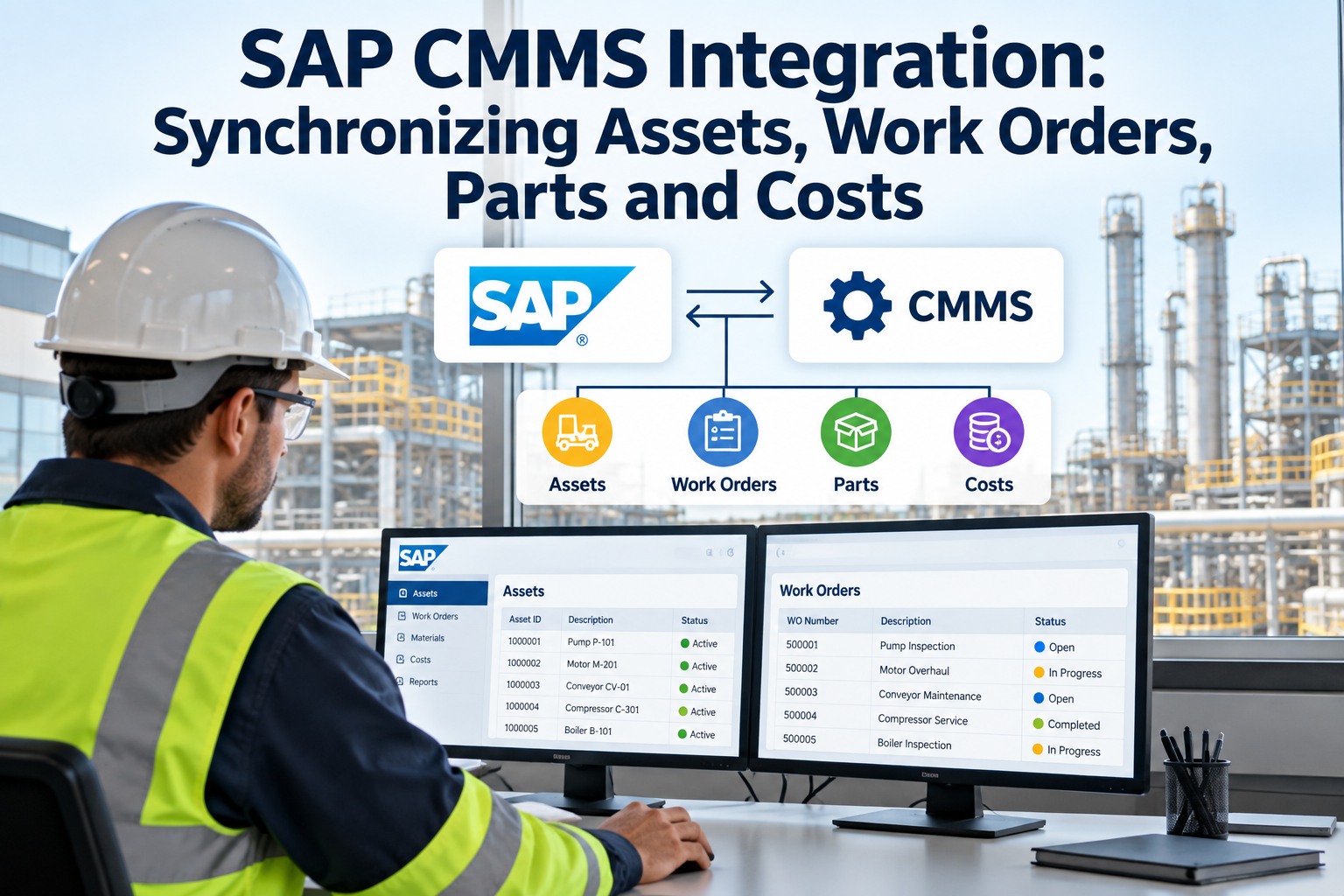
Oxmaint supports data integration with major ERP platforms for purchase order synchronization, vendor master data, and inventory updates. For organizations with established procurement systems, Oxmaint can serve as the maintenance-side origination point for purchase requests while the PO issuance and financial processing occur in the ERP. This eliminates duplicate data entry without requiring teams to abandon existing financial workflows. Contact the
Oxmaint team to discuss your specific integration requirements before your demo.
What reporting does Oxmaint provide on procurement-related downtime?
Oxmaint tracks timestamps at every stage of the purchase workflow — request creation, approval, PO issuance, expected delivery, and actual receipt — all linked to the originating work order. This data powers maintenance analytics reports that show procurement wait time as a component of total downtime per asset, per department, or across the facility. Managers can identify which asset categories have the longest approval cycles, which vendors have the worst lead time performance, and where approval bottlenecks concentrate. This reporting is available in the
Oxmaint analytics dashboard without any custom configuration.
STOP WAITING ON APPROVALS
Cut Procurement Delays in Half With a Workflow That Actually Connects
Oxmaint links repair requests, spend approvals, vendor quotes, and PO tracking to the work order — giving maintenance and procurement teams shared visibility from failure to fix. See the full workflow with a live demo built around your facility and approval structure.