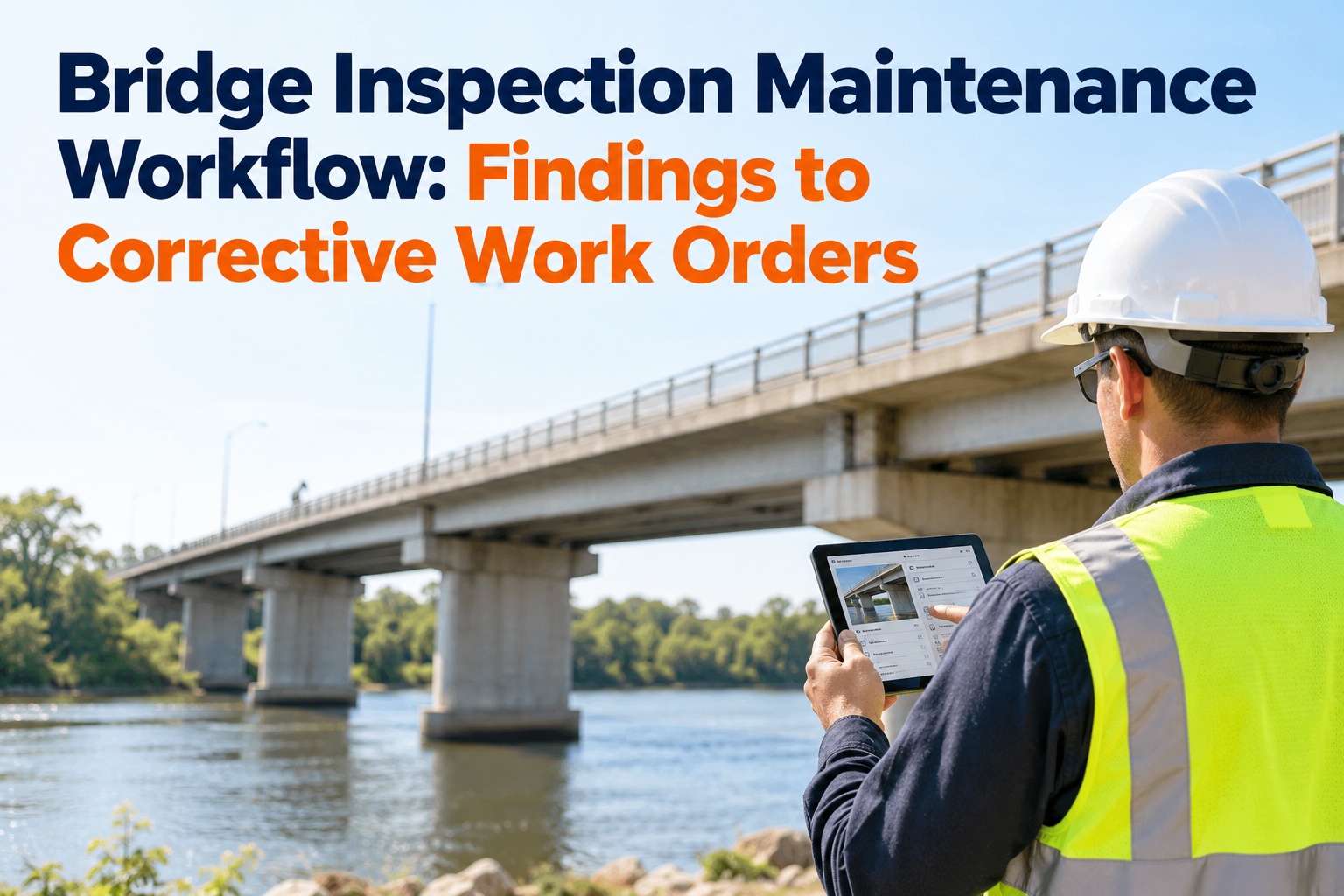
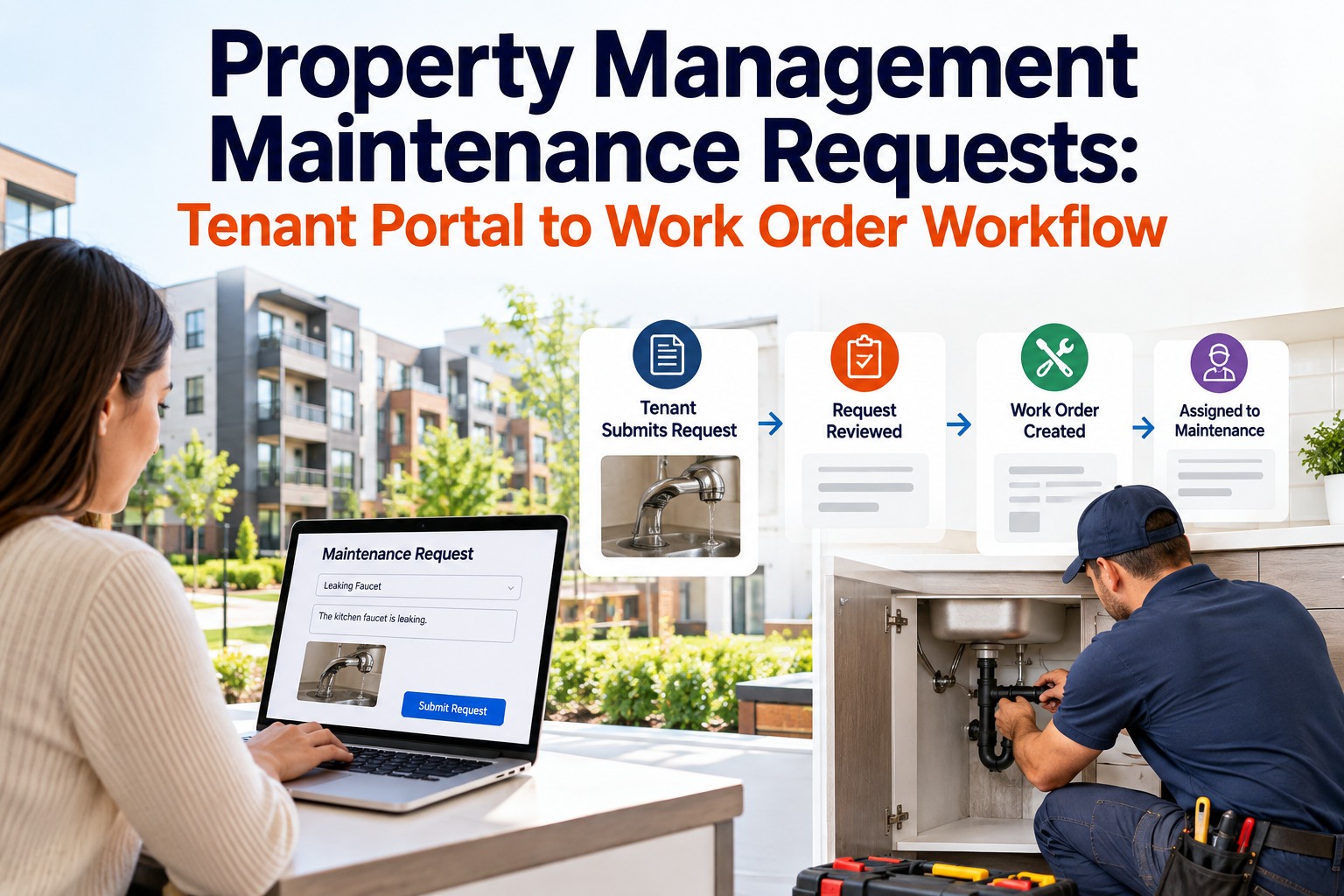
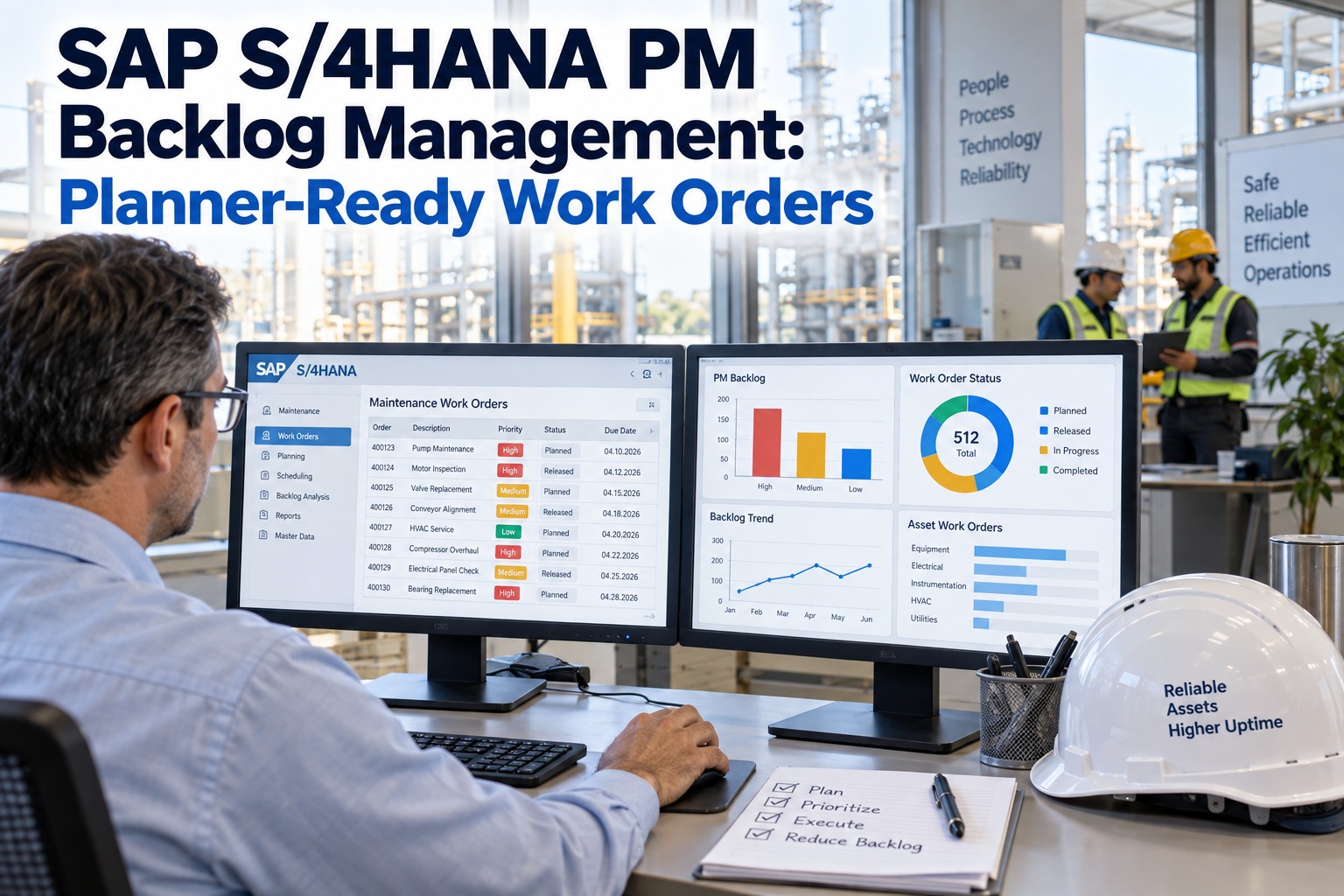
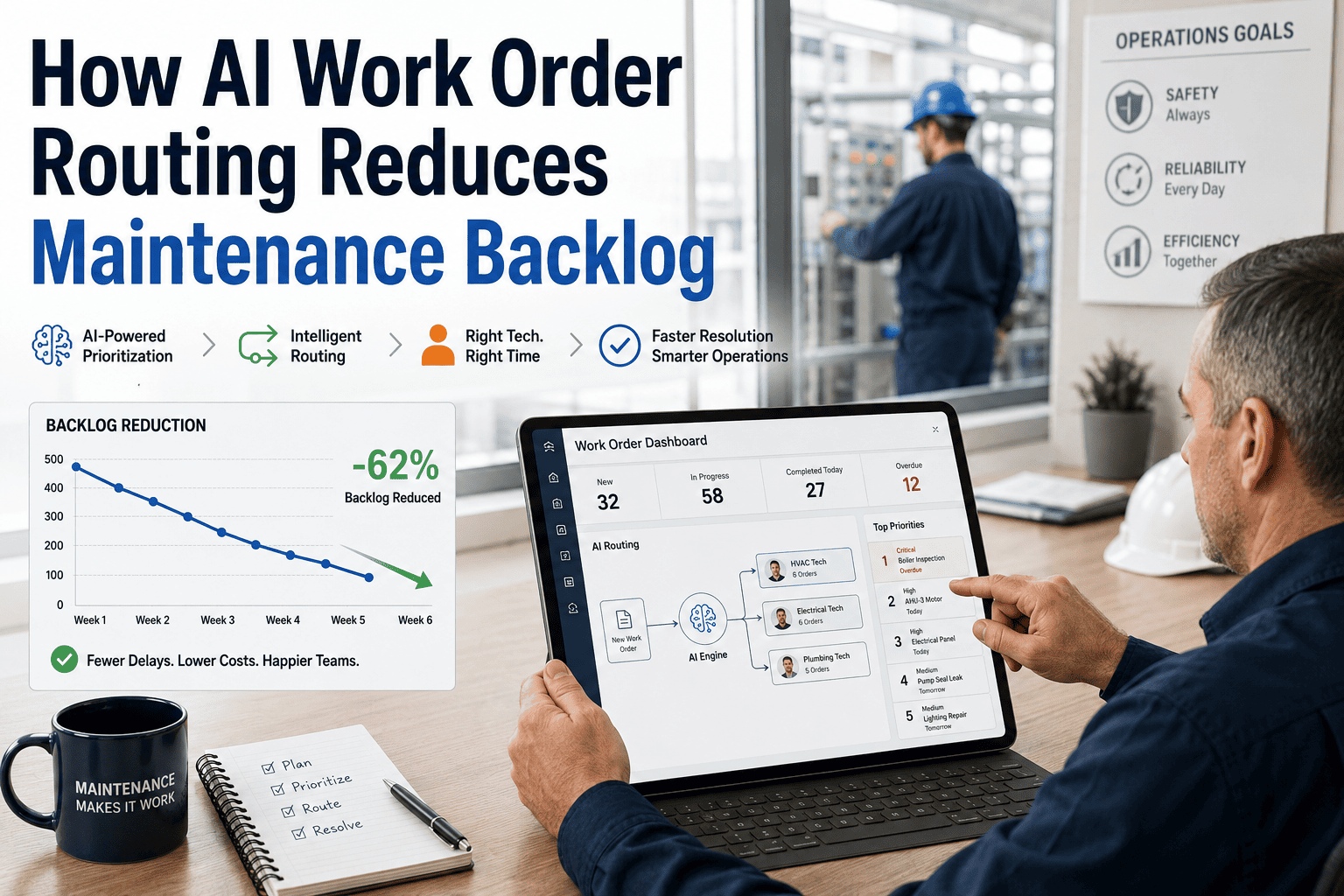
A maintenance team with 340 open work orders and 14 technicians does not have a staffing problem. It has a process problem. When every work order sits in the same backlog with no structured creation standard, no objective priority ranking, and no verified closure requirement, the team defaults to whoever complained loudest, whatever the supervisor remembers from this morning, and everything else waits until something fails. Emergency work orders end up consuming 45% of technician time. Preventive maintenance gets deferred. The six-stage work order lifecycle described in this guide exists to break that cycle. Each stage has specific best practices that compound when applied together, turning a reactive, backlog-driven operation into a proactive maintenance programme where the right work reaches the right technician. Book a demo to see how Oxmaint manages the full work order lifecycle across your asset portfolio.
Article
12 min read
Turn Your Work Order Backlog Into a Structured, Measurable Maintenance Programme
Oxmaint handles every stage of the work order lifecycle automatically: mobile request capture, AI-scored prioritization, skill-matched assignment, live progress tracking, verified closure, and trend analytics across all your assets and facilities.
$25K+
Cost per hour of unplanned downtime in manufacturing environments where work order management is reactive
3 to 5x
Higher cost of emergency repairs versus planned maintenance work orders executed before failure occurs
33%
Effective output of a typical manual work order system after accounting for duplicates, rework, and deferred PM
45%
Technician time consumed by emergency work orders in teams without structured priority classification systems
What Is Work Order Management?
Work order management is the end-to-end process of creating, classifying, scheduling, assigning, executing, closing, and analysing maintenance tasks from initial request through completion. A well-structured work order management system ensures the right work reaches the right technician at the right time, with complete documentation, resource pre-staging, and compliance records generated as a byproduct of daily operations.
The 6 Stages of the Work Order Lifecycle
Every work order moves through six phases from identification to insight. How smoothly it progresses through each phase determines whether maintenance operates efficiently or gets stuck in bottlenecks that compound across the entire programme.
01
Request Capture
A maintenance need is identified and formally submitted through a standardized channel. Quality of the initial request determines the accuracy of every downstream decision.
→
02
Triage and Prioritization
The request is reviewed, classified by type, scored for urgency and impact, and ranked in the backlog relative to all other open work orders.
→
03
Assignment and Planning
The work order is assigned to the most qualified available technician, with required parts confirmed in inventory and scheduling optimized across the team workload.
→
04
Execution and Tracking
The technician executes the work with access to asset history, checklists, and parts on mobile. Progress is visible in real time to supervisors without requiring status calls.
→
05
Verified Closure
The work order closes with mandatory documentation: time logged, parts consumed, failure code recorded, photo evidence attached, and root cause captured before submission.
→
06
Analysis and Learning
Closed work order data feeds analytics: failure trends, repeat work identification, PM interval adjustment, cost-per-asset tracking, and team performance benchmarking.
Work Order Types: Matching the Right Process to the Right Task
Applying the same workflow to every work order regardless of type wastes technician time on low-urgency tasks while leaving critical failures waiting. These six types require distinct creation, prioritization, and tracking approaches.
Emergency
Emergency Corrective
Issued immediately when a critical asset fails and downtime is occurring. Bypasses the standard priority queue. Triggers immediate technician dispatch with all available asset history pre-loaded to the mobile app.
Response target: under 1 hour
Corrective
Non-Emergency Corrective
Created when a defect is identified but the asset is still operational. Enters the standard priority scoring queue. Most corrective work orders fall into this category and benefit most from structured prioritization frameworks.
Response target: same day to 72 hours
Preventive
Scheduled Preventive Maintenance
Auto-generated by the CMMS on time intervals, runtime hours, or usage cycles. The most powerful category for reducing emergency work order volume. PM compliance rate directly predicts emergency-to-planned ratio 3 to 6 months forward.
Target: 80%+ of total WO volume
Inspection
Inspection and Condition Assessment
Dispatches technicians to audit and assess equipment condition rather than perform a specific repair. Inspection findings generate child work orders for identified deficiencies. These feed asset condition scores and remaining useful life calculations.
Produces corrective WO 30 to 60 days ahead
Predictive
Predictive Maintenance
Triggered by IoT sensor data or CMMS condition trend analysis when a parameter exceeds its normal operating band. The CMMS auto-generates the work order with the anomaly data, failure probability, and recommended intervention pre-populated for the technician.
Catches failures 2 to 6 weeks early
Safety
Safety and Compliance
Specific to regulatory requirements and workplace safety standards. Fire system testing, lockout/tagout procedures, pressure vessel inspections, and ADA compliance checks fall into this category. Closure documentation must meet audit standards.
Auto-scheduled per NFPA, OSHA, ASME
Priority Classification: The Five-Factor Scoring Matrix
Without structured scoring criteria, priority assignment becomes subjective. Requestors mark everything as urgent, supervisors override based on relationships, and priority labels lose meaning within weeks. A five-factor scoring matrix replaces subjective judgment with consistent, quantified classification applied equally to every work order from day one.
Priority Scoring: Five Factors, Weighted by Operational Impact
Factor 1
Safety Impact
Score 10: immediate life safety hazard. Score 7: potential injury risk. Score 4: minor safety concern. Score 1: no safety implication. Safety score always overrides other factors when it reaches 9 or above.
Factor 2
Asset Criticality
Score 10: Class A mission-critical asset (chiller, switchgear, primary conveyor). Score 6: Class B important (AHU, boiler). Score 2: Class C general (peripheral lighting, interior fixture).
Factor 3
Production or Service Impact
Score 10: production line stopped or building inaccessible. Score 6: partial impact affecting 50 or more people. Score 3: fewer than 50 occupants affected. Score 1: no production or service impact at all.
Factor 4
Compliance Deadline
Score 10: regulatory deadline within 7 days. Score 7: deadline within 30 days. Score 3: deadline beyond 90 days. Score 1: no compliance obligation attached to this work order.
Factor 5
Cost of Delay
Score 10: delay likely to result in secondary damage costing over $50,000. Score 6: secondary damage risk in the $5,000 to $50,000 range. Score 2: cosmetic issue only with no secondary cost consequence.
Resulting Priority Tiers
P1 EmergencyScore 40 to 50 — Immediate dispatch, bypass queue
P2 HighScore 28 to 39 — Same-day response, schedule within 4 hours
P3 MediumScore 15 to 27 — Response within 72 hours, next available slot
P4 LowScore below 15 — Batch with planned maintenance schedule
Configure This Priority Matrix in Oxmaint and Apply It to Every New Work Order Automatically
Oxmaint applies five-factor scoring to every work order at creation, ranks the full backlog, and routes each task to the right technician without manual triage. The facilities director recovers 10 to 15 hours per week previously spent on manual priority decisions.
Work Order Creation: What Every Work Order Must Contain
The quality of a work order at creation determines the accuracy of everything downstream. A work order that says "something is wrong in Room 204" produces a fundamentally different outcome than one specifying building, room, asset, symptom, photo, and urgency level. These eight fields are mandatory for every work order regardless of type or source.
01
Asset Identification
Asset ID, equipment name, location within the facility (building, floor, room or zone). Linked directly to the asset registry so maintenance history, specifications, and warranty status are immediately visible to the assigned technician.
02
Problem Description
Plain-language description of the observed symptom or required task with enough specificity for a technician who has never seen this asset to understand the situation before arriving at the equipment. Photo or video attachment required for all corrective requests.
03
Work Order Type
Classification as emergency corrective, non-emergency corrective, preventive, inspection, predictive, or safety. Type determines which workflow applies, which documentation fields are required at closure, and which compliance records must be generated.
04
Priority Score
Calculated priority tier from the five-factor scoring matrix. AI-assisted scoring in Oxmaint auto-populates this field based on asset criticality data and symptom keywords, with human override available for edge cases.
05
Requestor and Date
Name, department, and contact of the person who identified the issue. Date and time of initial submission. These fields create the accountability chain and provide the start point for response time tracking against your service level agreements.
06
Required Skill and Parts
Maintenance trade required (electrical, mechanical, plumbing, HVAC), specific certification if applicable, and anticipated parts list drawn from asset service history. Parts availability is checked against inventory before assignment to prevent same-day delays.
07
Target Completion Date
Calculated from priority tier and compliance deadline. P1 emergency work orders carry an immediate target. P4 low-priority work orders are batched into the weekly planned maintenance schedule. Targets trigger escalating alerts at 24 hours and 4 hours before deadline.
08
Compliance Flag
Boolean field identifying whether this work order generates documentation required for a regulatory inspection. When flagged, the closure checklist expands to capture the additional fields required for NFPA, OSHA, ASME, or ADA audit packages.
Before and After: Manual Work Order Management vs. Oxmaint
These outcomes reflect the measurable difference between reactive, paper-based work order operations and structured CMMS-driven lifecycle management across multi-facility maintenance programmes.
Before Oxmaint
XRequests submitted by phone, email, and verbal report. 10 to 20% are duplicates. Priority assigned subjectively by whoever reads the request that day.
XEmergency work orders consume 45% of technician time. Preventive maintenance deferred monthly to absorb reactive backlog. PM compliance rate below 55%.
XNo real-time visibility into work order status. Supervisors call technicians for updates. Overdue work discovered only when someone complains again.
XWork orders closed verbally or on paper. Parts used and time spent unrecorded. No failure code captured. Rework rate at 11% due to absent root cause analysis.
XCompliance documentation compiled manually before each audit. 4 to 8 hours of record hunting. Gaps in inspection history trigger corrective action requirements.
After Oxmaint
VAll requests enter through a single mobile channel. AI deduplication flags duplicate submissions. Five-factor scoring auto-ranks every new work order at creation.
VEmergency work order ratio reduced from 45% to under 17% within 12 months. PM compliance reaches 89% with auto-generated PM work orders and deadline alerts.
VLive work order dashboard shows status of every open task in real time. Supervisors see what is in progress, overdue, or blocked without a single phone call.
VMandatory closure checklist enforces time, parts, failure code, and photo before any work order submits. Rework rate drops as root cause analysis becomes systematic.
VCompliance audit packages generated in under 4 hours from the Oxmaint dashboard. Zero missing records. NFPA, OSHA, ASME, and ADA documentation complete and exportable.
Work Order Backlog Management: Key Metrics to Track
A backlog is healthy when it represents planned future work. A backlog is dangerous when it contains deferred PM, unacknowledged requests, or unclassified corrective work that is silently approaching failure threshold. These six metrics distinguish between the two states and give maintenance managers early warning signals before the backlog becomes a capacity crisis.
PM Compliance Rate
Percentage of scheduled PM work orders completed by their due date. Below 80% indicates reactive maintenance is crowding out PM. Every missed PM adds to future corrective WO volume 60 to 90 days forward.
Emergency to Planned Ratio
Percentage of total work orders classified as emergency or unplanned. Best-practice target is below 20%. Above 35% signals a reactive maintenance programme where PM is not protecting asset reliability.
Mean Time to Acknowledge
Average time from work order creation to first acknowledgment by maintenance. Gaps above 4 hours on Priority 2 work orders indicate triage process failure, not technician availability failure.
Mean Time to Repair (MTTR)
Average elapsed time from work order creation to verified closure for corrective work orders, segmented by asset class and fault type. Persistent MTTR increases on specific asset classes indicate parts staging or skill gap issues.
Backlog Age Distribution
Count of open work orders segmented by age: 0 to 7 days, 7 to 14 days, 14 to 30 days, and over 30 days. Any Priority 2 or Priority 3 work order older than 30 days requires escalation review and explicit deferral documentation.
Rework Rate
Percentage of work orders followed by a return work order on the same asset for the same fault within 30 days. Rework above 10% indicates root cause capture is not occurring at closure. Every rework consumes double the technician hours for one resolution.
Frequently Asked Questions
QWhat is the difference between a work request and a work order?
A work request is an unvalidated maintenance need submitted by any staff member through any channel. A work order is created after a maintenance supervisor reviews and approves the request, adds priority classification, assigns resources, and schedules execution.
Sign up free to configure a request portal, or
book a demo to see the request-to-WO workflow in Oxmaint.
QHow should work order priority levels be defined to prevent everything being labelled as high priority?
Priority labels only retain meaning when backed by a quantified scoring matrix applied consistently at creation. Use the five-factor framework: safety impact, asset criticality, production or service impact, compliance deadline, and cost of delay. Requestors set symptoms; the system calculates priority.
Book a demo to see AI-scored prioritization in Oxmaint, or
start a free trial to configure the matrix today.
QWhat information must a technician record at work order closure?
Minimum required closure fields are: total time spent, parts consumed with quantities, failure code from a standardized library, corrective action taken, root cause identified, and at least one photo of the completed repair. Root cause capture at closure is the single highest-impact practice for reducing rework.
Sign up free to see Oxmaint's mandatory closure checklist, or
book a demo for a live walkthrough.
QHow does work order management connect to asset lifecycle and CapEx planning?
Every closed work order accumulates as maintenance cost history against its asset record. When an asset's annual maintenance cost exceeds 30 to 40% of its replacement value, Oxmaint flags it in the CapEx forecasting dashboard as a repair-versus-replace candidate with supporting cost evidence for capital budget submissions.
Book a demo to see the WO-to-CapEx data flow, or
start a free trial and begin building asset cost history from your first week.
QCan Oxmaint manage work orders across multiple facilities from a single dashboard?
Yes. Oxmaint supports multi-site portfolios under one account with site-specific PM schedules, asset registries, and technician rosters while giving maintenance directors a unified portfolio dashboard showing PM compliance, open WO status, and backlog age distribution across every facility simultaneously.
Start free and connect your first two sites in days, or
book a demo to see portfolio-level work order management live.
Stop Managing Work Orders. Start Managing Outcomes.
Oxmaint handles the full work order lifecycle automatically: standardized mobile request capture, AI-scored prioritization, skill-matched assignment, live progress dashboards, mandatory verified closure, and analytics that turn every closed work order into an asset intelligence record. Deploy across your first facility in days with no IT project and no implementation fees.