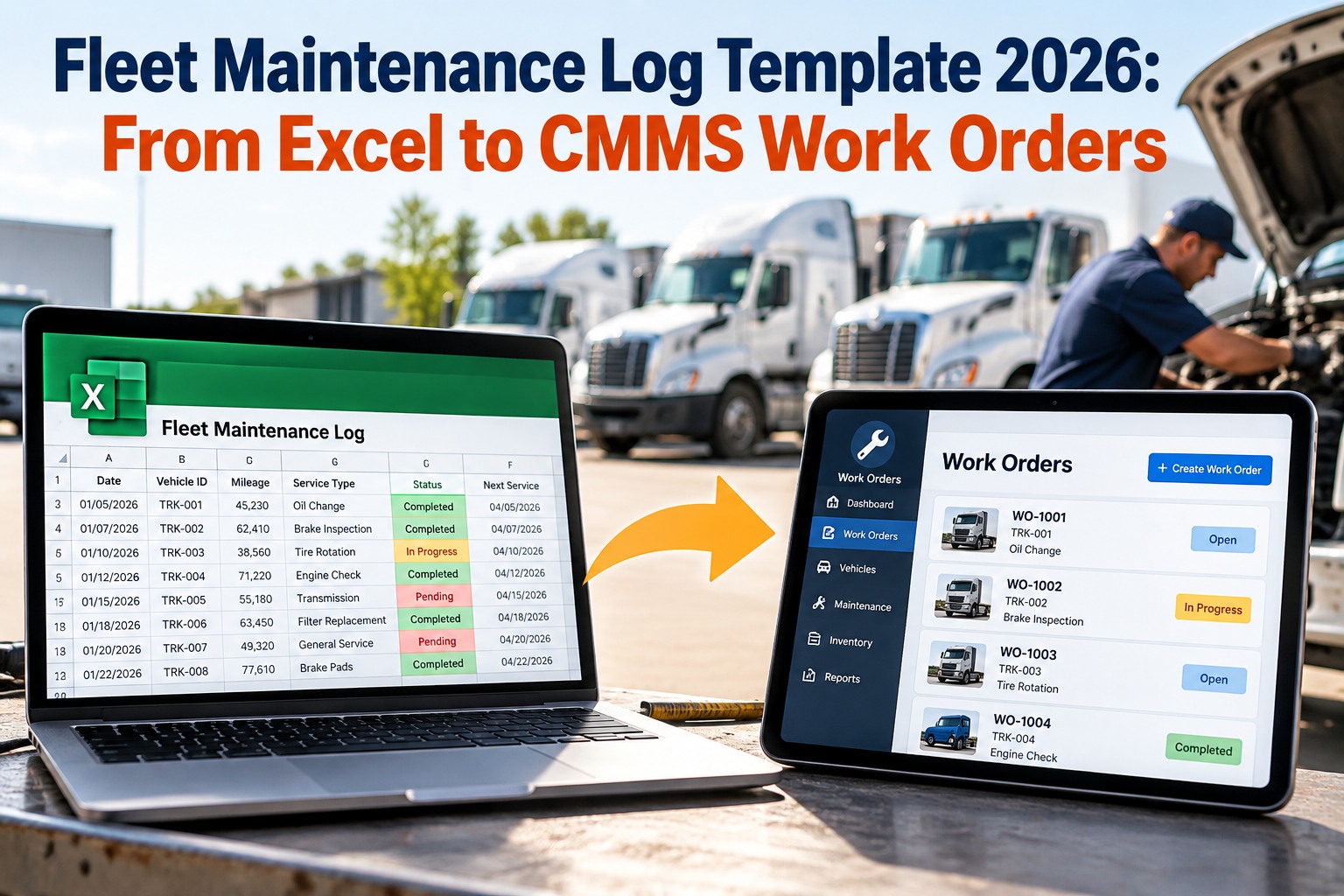
A work order that takes 6 days to close what should take 6 hours is not a technician problem — it is a process problem. Across manufacturing, facilities, and utilities, delayed work orders consistently rank as the top driver of maintenance cost overruns and unplanned equipment downtime. This page breaks down exactly where work orders stall, what it costs, and how CMMS-driven workflow removes every major bottleneck from your maintenance operation. Try OxMaint free and see your work order cycle times improve within the first week.
Work Order Management · CMMS Workflow · Maintenance Operations
Why Work Orders Get Delayed — And How to Fix Every Bottleneck
The average maintenance work order takes 4.2 days to complete. In a well-run CMMS-driven team, that number drops below 1.8 days. The difference is not more technicians — it is removing the invisible friction points that stall work before it even starts.
78%
of delays happen before the job starts (missing parts, approvals, info)
62%
of teams still track work order status via radio or phone call
45%
reduction in cycle time when technicians use mobile CMMS on-site
Root Causes
The 6 Bottlenecks That Delay Every Work Order
1
Missing Parts at Job Start
Technician arrives, part isn't there. Job pauses. Storeroom is checked. Part is ordered. Job restarts 2 days later. This single bottleneck accounts for 31% of all work order delays across multi-site operations.
Fix: Link parts list to work order at creation. CMMS reserves stock automatically.
2
Approval Chains Without Deadlines
Work orders requiring supervisor sign-off sit in inboxes for days when there is no SLA on approval time. A job approved on day 4 that should start day 1 cannot recover lost time.
Fix: Set approval time limits in CMMS. Escalate automatically if not actioned in 4 hours.
3
Incomplete Job Instructions
Vague work orders — "fix pump" or "check conveyor" — force technicians to improvise, call the planner, or do the wrong job. Rework and repeat visits are the predictable result.
Fix: Attach procedure SOPs and asset history to every work order before assignment.
4
No Real-Time Status Visibility
Supervisors check status by asking technicians. Technicians interrupt work to answer. Neither side has accurate information. Jobs that are 90% done sit open for days because the closure step requires manual data entry nobody has done.
Fix: Mobile CMMS lets technicians update status, add photos, and close jobs from the field.
5
Poor Shift Handover
Technician A starts a job. Shift ends. Technician B doesn't know the current status, what was found, or what still needs doing. Work duplicates or stalls for the length of the handover gap.
Fix: CMMS work order notes and timestamps give incoming techs full context without a verbal briefing.
6
No Priority — Everything is Urgent
When all work orders have the same urgency, technicians pick the easiest jobs first. Critical asset maintenance sits behind low-risk tasks until a breakdown forces the issue at 3x the original repair cost.
Fix: Assign criticality tiers (P1–P3) in CMMS. Dashboard shows highest-risk open work at a glance.
Before vs After CMMS
Work Order Lifecycle — Manual vs CMMS-Driven
| Stage |
Manual / Paper Process |
CMMS-Driven (OxMaint) |
Time Saved |
| Work Request to WO Creation |
2–8 hours (phone/email/walk-in) |
Under 5 minutes (mobile request form) |
Up to 8 hrs |
| Parts Verification |
Storeroom visit — 30–90 min |
Auto inventory check at WO creation |
1–2 hrs |
| Supervisor Approval |
1–3 days average lag |
Push notification — approve in 1 click |
1–3 days |
| Technician Assignment |
Phone/radio — finding available tech |
Auto-assign by skill and availability |
30–90 min |
| Job Closure and Sign-off |
Paper form, manual data entry next day |
Mobile close-out with photo at job site |
4–12 hrs |
Eliminate Work Order Delays
Cut Your Average Work Order Cycle Time in Half — Starting This Week
OxMaint removes every major delay point: auto-parts reservation, mobile approvals, technician auto-assignment, and real-time status tracking. Start free — no credit card, no setup fees.
Ideal Workflow
What a Zero-Delay Work Order Flow Looks Like
3
Approval Sent
Push alert
4
Assigned
Auto-skill match
5
Job Done
Mobile close-out
Expert Review
What Maintenance Operations Leaders Say
"We tracked 120 work orders over one month and found that 74% of delay hours occurred before the technician even touched the job — missing permits, unconfirmed parts, or approvals sitting in email. Every single one of those is solvable with a modern CMMS."
AP
A. Patel
Reliability Engineer, Petrochemical Refinery
"The shift from paper work orders to mobile CMMS didn't just speed up closure — it changed how technicians approach their work. When status is visible to the whole team, people move faster. Transparency creates accountability without micromanagement."
LN
L. Nguyen
Maintenance Superintendent, Food Processing Plant
Common Questions
Work Order Delays — Frequently Asked
What is an acceptable average work order cycle time for a maintenance team?
For planned corrective and preventive maintenance, best-in-class teams target average cycle times under 2 days from request to closure. Emergency and breakdown work should close within hours. If your average cycle time exceeds 4 days, you likely have a pre-job preparation problem — parts, approvals, or instructions — not a technician efficiency problem.
OxMaint's reporting module shows your actual cycle time broken down by work type, so you can pinpoint the exact stage where jobs stall.
How do you handle work order approvals without slowing down urgent maintenance?
Use tiered approval rules based on work order type and cost. Emergency and safety-critical work should be approved in under 30 minutes with escalation to a backup approver if the primary is unavailable. Routine PM work can use pre-approved templates that require no additional sign-off. Only major corrective and capital work should require full approval chains. A CMMS enforces these rules automatically — without anyone needing to remember them during a shift handover.
Book a demo to see OxMaint's approval workflow configuration.
Can technicians on the floor update work orders without coming back to a computer?
Yes — mobile CMMS is the single biggest driver of work order closure speed. When technicians can update status, add notes, attach photos, and close jobs directly from their phone or tablet at the job site, average closure lag drops by 40–60%. The alternative — technicians batch-updating work orders at end of shift on a shared computer — introduces hours of delay and information loss. OxMaint's mobile app works on any iOS or Android device, with offline capability for sites with limited connectivity.
How does a CMMS help with multi-trade work orders that involve both mechanical and electrical teams?
Multi-trade work orders are one of the most common sources of delay because each trade waits for the previous one to complete before starting, and coordination relies on verbal communication. A CMMS solves this by assigning sub-tasks to individual trades within a single work order, with sequential or parallel scheduling, real-time status visible to all trades, and automatic notification when a preceding task is complete. The result is that handovers between trades take minutes instead of half-shifts spent tracking down the other team.
Remove Every Bottleneck
Your Technicians Are Ready. Your Work Orders Should Be Too.
OxMaint gives every work order the right parts, the right instructions, the right approvals — before the job starts. Mobile updates, live tracking, and automatic escalation keep every job moving without micromanagement. Start free today.