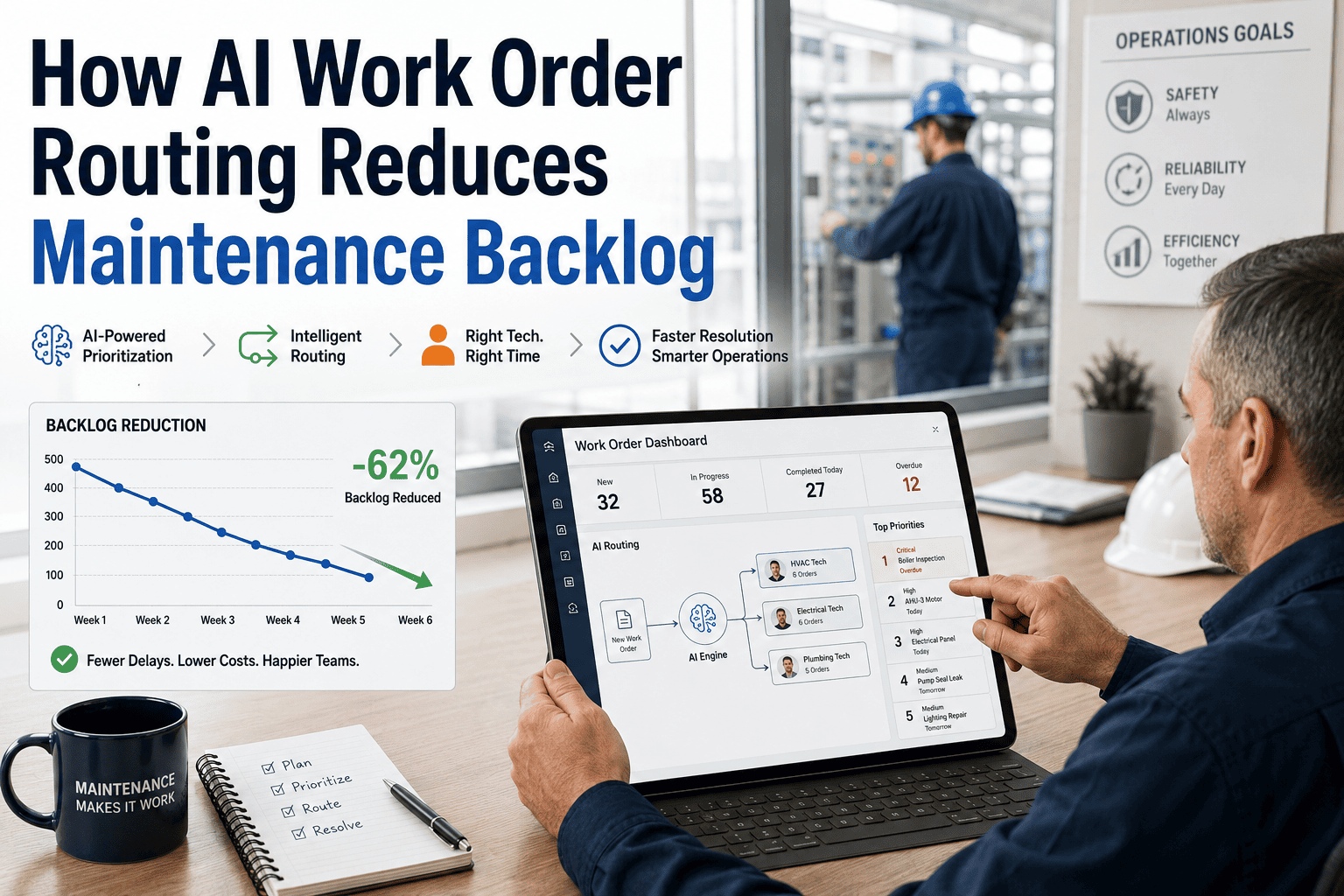
Maintenance backlog is not simply a list of undone work — it is a compounding liability. Every deferred job raises the probability of unplanned failure, increases repair complexity, and quietly transfers risk to safety and production. Yet the instinct to solve backlog by hiring more technicians misses the real problem: most backlogs are a scheduling and visibility problem, not a capacity problem. This guide shows how high-performing maintenance teams cut backlog by 40–60% without a single new hire — using smarter prioritisation, tighter scheduling, and CMMS-driven accountability. Book a demo to see how OxMaint helps your team clear backlog faster.
Maintenance Backlog · CMMS Analytics · Scheduling
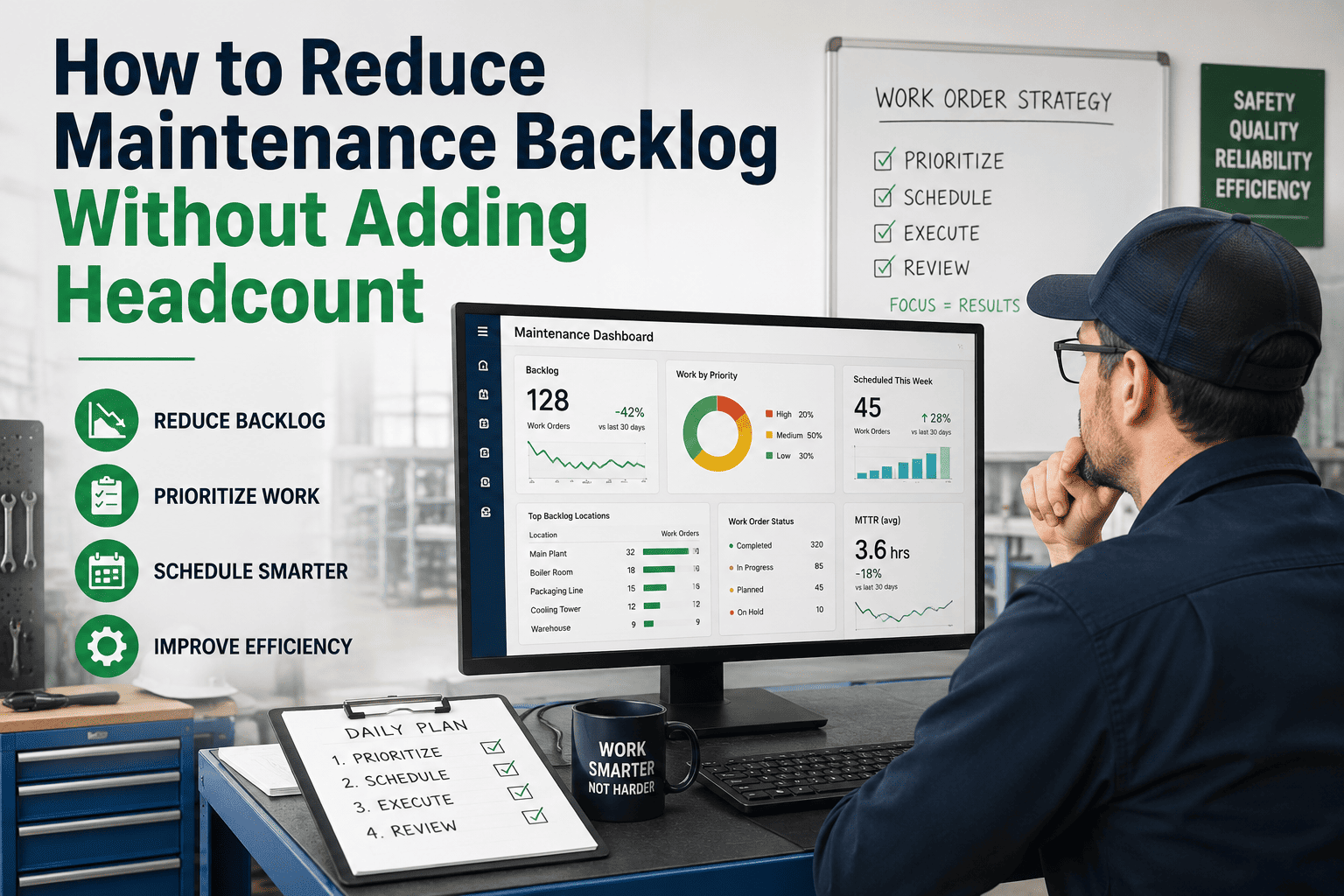
How to Reduce Maintenance Backlog Without Adding Headcount
The average maintenance team carries 6–8 weeks of deferred work at any time. The top 20% of that backlog represents 80% of your reliability risk. You don't need more people — you need to stop working the wrong jobs first.
6–8 wks
Average backlog depth in unmanaged maintenance teams
80 / 20
Of risk comes from top 20% of backlog items by asset criticality
3× cost
Reactive repair vs scheduled maintenance for same failure
Understand Your Backlog
The 3 Types of Backlog — And Which One Is Killing Your KPIs
Type A
Controlled Backlog
Scheduled work that is deliberately deferred to the next maintenance window. It's planned, tracked, and poses no immediate risk. Every maintenance team has some of this — it's healthy up to 2 weeks of capacity.
Action: Monitor, keep deferred period under 14 days for PM work.
Type B
Deferred Risk Backlog
Work that should have been done but was bumped repeatedly by reactive jobs. It often contains degraded-but-running assets that are one failure away from a production stop. This is where most plants lose money they can't see.
Action: Prioritise by asset criticality. Schedule within 30 days, no exceptions.
Type C
Ghost Backlog
Work orders that are open but no longer valid — wrong asset, already fixed by another job, or cancelled informally without being closed. Ghost backlog inflates your numbers, demoralises planners, and makes analysis useless.
Action: Audit and close all ghost WOs immediately. Run a monthly validation sweep.
Reduction Strategy
5 Proven Tactics to Reduce Backlog Without New Hires
01
Criticality-First Prioritisation
Rank every backlog item by asset criticality (production impact) and safety risk — not by age or who requested it loudest. Work the P1 items first, every single week, before touching P2 or P3. This alone prevents your most expensive failures without adding a single hour of capacity.
Typical outcome: 25–35% reduction in breakdown events within 90 days.
02
Backlog Blitz Windows
Dedicate one day per month — usually tied to a planned production pause — to clearing the top 10 backlog items. Pre-stage all parts, permits, and documentation 72 hours in advance. A focused team with everything ready can close 8–12 complex WOs in a single shift.
Typical outcome: 15–20% backlog volume reduction per blitz event.
03
Stop Adding to the Backlog Faster Than You Clear It
Most backlog growth comes from poor PM compliance — missing scheduled maintenance creates corrective work orders 3–4 weeks later. Protecting the PM schedule (70% of weekly capacity) prevents new backlog from forming while you clear the existing pile.
Typical outcome: Net backlog growth rate drops to near zero within 60 days.
04
Use CMMS Analytics to Find Repeat-Failure Assets
Some assets generate disproportionate backlog. One chronic pump generates 12 work orders for every 3 that a similar pump generates. Fix the root cause on your top 5 repeat-failure assets and you may eliminate 20% of your total backlog creation permanently.
Typical outcome: 20–40% reduction in work order volume from targeted asset improvements.
05
Set a Backlog Target — and Publish It Weekly
Backlog without a visible target is just a pile. Set a clear goal (e.g. reduce from 8 weeks to 4 weeks of capacity within 6 months), track it weekly in your CMMS, and share it with the team. Visibility creates accountability and celebrates progress. Teams with published backlog targets clear work 30% faster than teams that don't track it.
Typical outcome: Team morale improves; backlog age metrics trend consistently downward.
CMMS-Powered Backlog Control
See Your Entire Backlog — Sorted by Risk, Not Just Age
OxMaint's backlog dashboard shows every open work order ranked by asset criticality, overdue duration, and risk level. Your team works the right jobs first — automatically — without a planner manually sorting spreadsheets.
Industry Benchmark
Maintenance Backlog Benchmarks by Industry
| Industry |
Average Backlog (weeks) |
Best-in-Class Target |
Primary Driver of Excess Backlog |
| Manufacturing |
6–9 weeks |
Under 3 weeks |
Poor PM compliance, reactive dominance |
| Oil & Gas / Petrochemical |
8–14 weeks |
Under 4 weeks |
Long permit cycles, shutdown dependency |
| Facilities / Commercial Real Estate |
4–7 weeks |
Under 2 weeks |
Staff turnover, multi-site coordination |
| Food & Beverage |
3–5 weeks |
Under 2 weeks |
Short production windows, limited stop time |
| Utilities / Water Treatment |
10–16 weeks |
Under 6 weeks |
Budget cycles, ageing asset complexity |
Expert Review
Maintenance Leaders on Managing Backlog
★★★★★
"Every team I've worked with that had a runaway backlog made the same mistake — they treated all work orders as equally urgent. Once we sorted by criticality and stopped doing P3 work while P1 items aged, the backlog started shrinking in weeks, not months."
DK
D. Kaur
Maintenance Operations Lead, Automotive Assembly
★★★★★
"We used OxMaint's analytics to discover that 3 assets were responsible for 28% of our open corrective work orders. We fixed the root causes on those three assets and our total backlog dropped by nearly a third in the following quarter — without any additional staff."
TO
T. Okonkwo
Plant Reliability Manager, Process Manufacturing
Frequently Asked
Maintenance Backlog — Common Questions
How do you calculate the right maximum backlog level for your team?
A practical rule of thumb is to keep your total backlog at or below 4 weeks of your team's planned maintenance capacity. To calculate: multiply your number of technicians by their available planned hours per week, then compare against the total estimated hours in your open work order list. Anything beyond 4 weeks means new failures are outpacing your team's output — which points to either insufficient PM preventing failures or a scheduling efficiency problem that a
CMMS like OxMaint can resolve without adding staff.
Should maintenance backlog ever be used to justify hiring more technicians?
Headcount requests are justified when your backlog consistently exceeds 6 weeks despite disciplined scheduling, strong PM compliance, and a CMMS managing workload optimally. Before making that case, you need data showing your current team's utilisation rate, planned vs reactive ratio, and average work order cycle time — all of which are visible in a CMMS. Without that data, headcount requests rarely get approved, and even when they do, new staff alone rarely solve a structural scheduling problem.
Book a demo to review how OxMaint builds that business case automatically.
How does a CMMS specifically help reduce maintenance backlog?
A CMMS reduces backlog through four mechanisms: it ranks work by criticality so the highest-risk jobs get done first, it prevents ghost backlog by enforcing closure workflows, it shows planners exactly how much capacity is available before they schedule new work, and it identifies repeat-failure assets whose root causes — if fixed — would stop generating new work orders. OxMaint specifically adds backlog age trending and asset-level failure frequency reports, so your team is not just clearing backlog but actively preventing it from rebuilding.
What is a realistic backlog reduction timeline without additional resources?
Most maintenance teams that implement criticality-based prioritisation and protect their PM schedule can reduce backlog volume by 30–40% within 90 days and reach their target level within 6–9 months. The early wins come quickly because low-criticality ghost work orders are closed out immediately, removing inflated volume. The deeper reduction — from root cause elimination on repeat-failure assets — takes 3–6 months of CMMS failure data to identify and execute properly.
Start Clearing Backlog Today
Your Backlog Has a Solution. It's Not More Headcount.
OxMaint gives you a criticality-ranked backlog view, repeat-failure asset analytics, and capacity planning tools to clear work faster with the team you have. Cloud, mobile, and on-premise — for every plant environment.