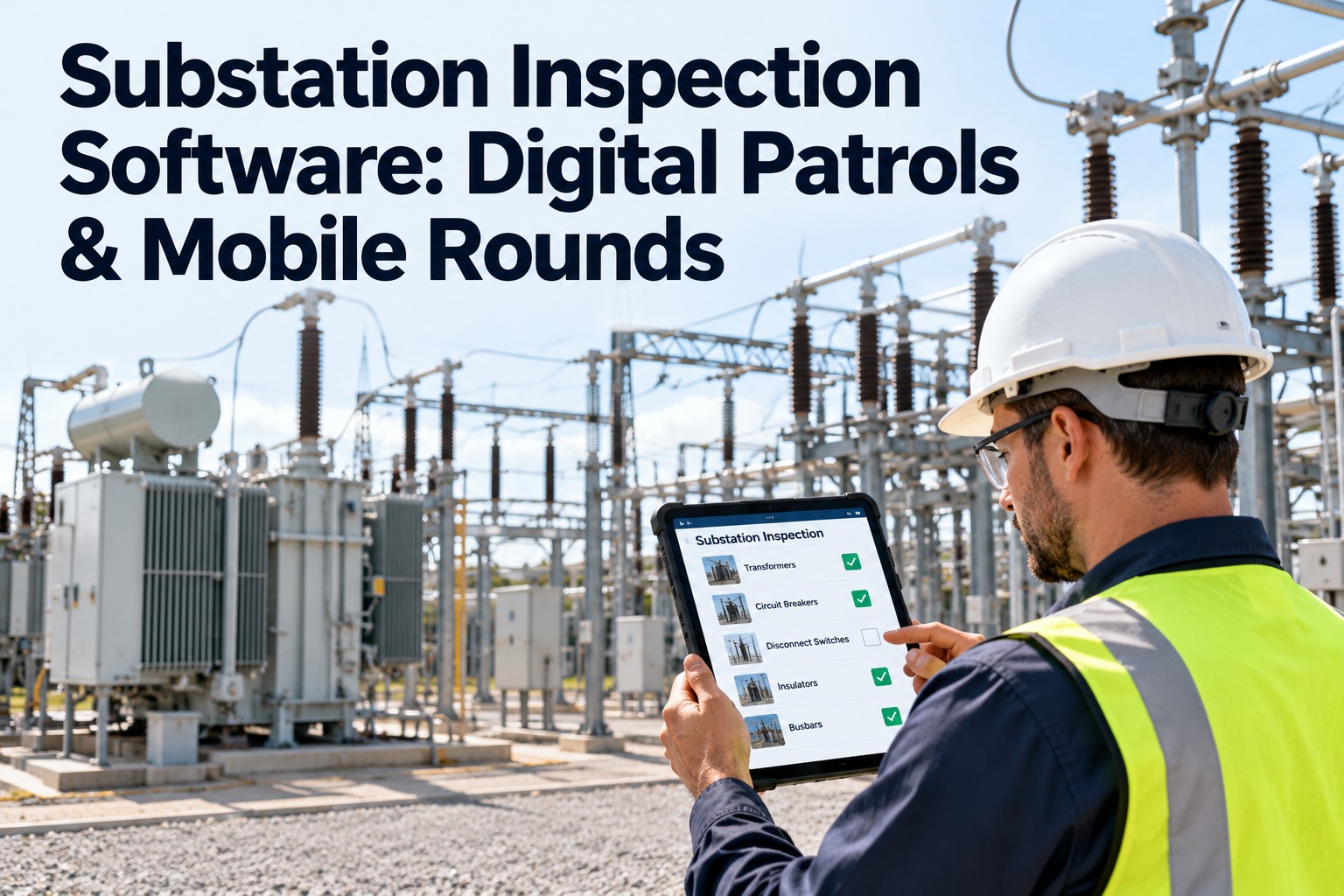
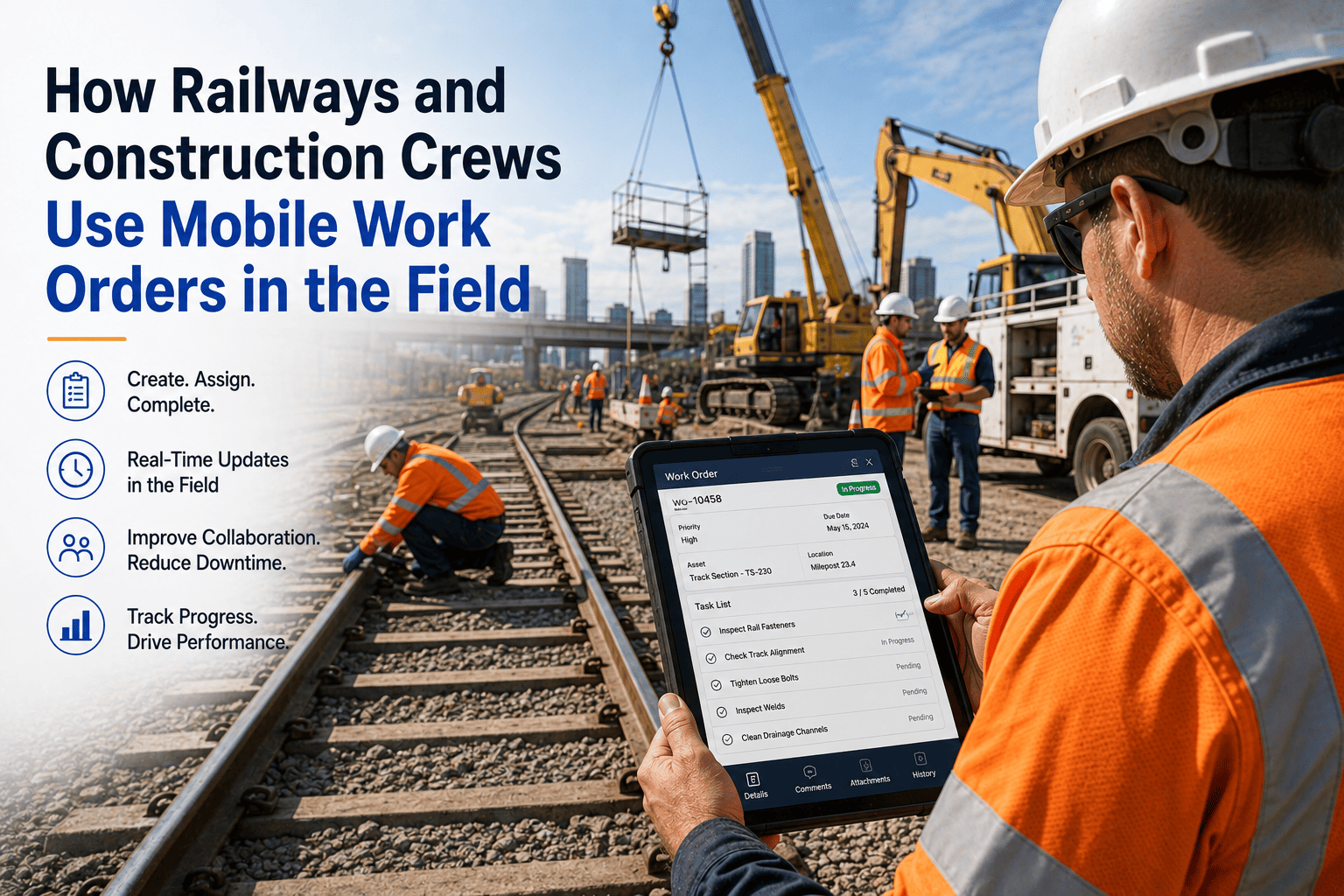
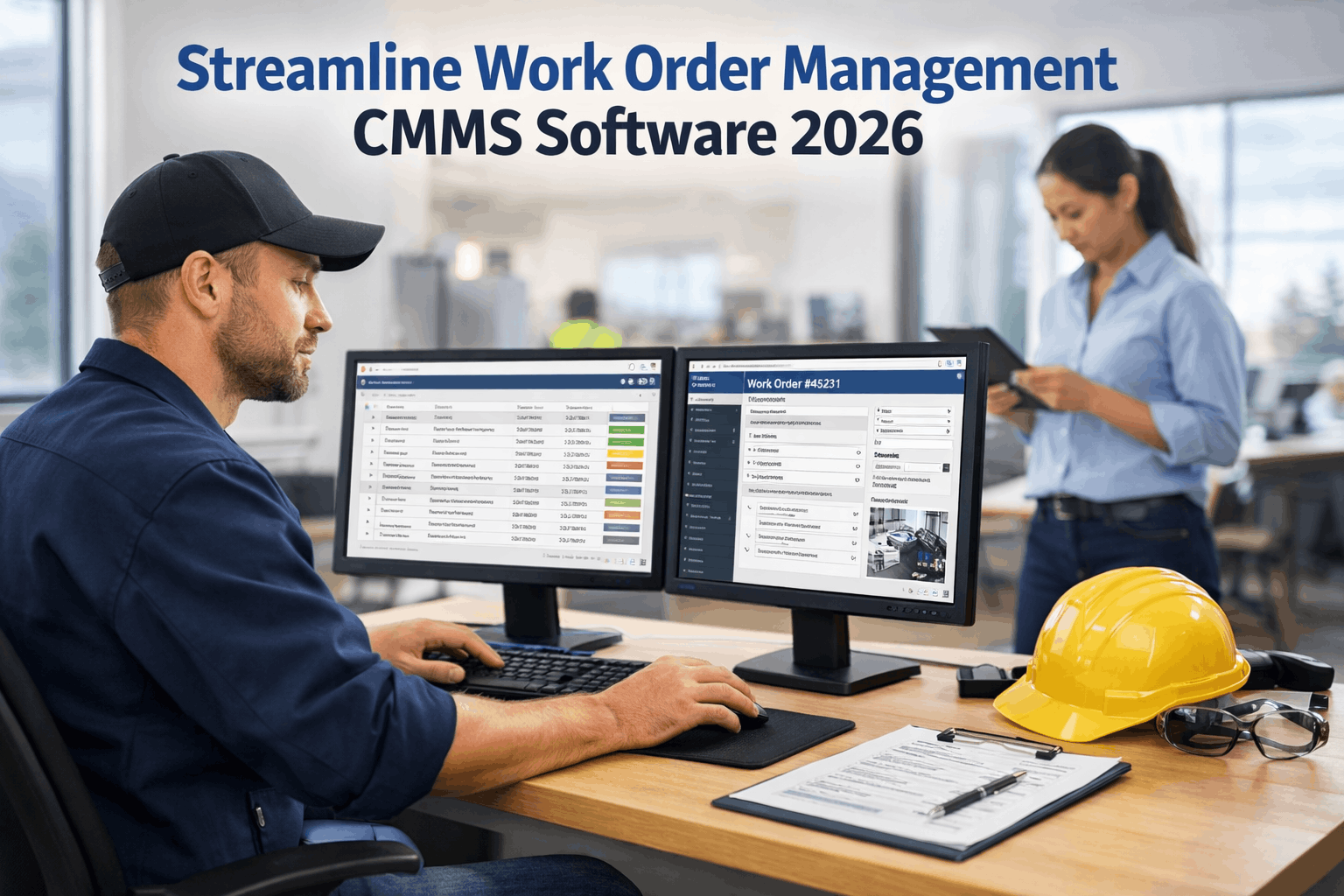
A substation patrol is only as good as what survives the drive back. The oil level you noted on a clipboard, the hot spot you saw on a disconnect, the breaker counter you meant to compare with last month: by the time they reach a spreadsheet or a work order system, details are missing and the finding is days old. Digital patrol software moves the record to where the work happens. Technicians follow a defined route, capture readings and photos at each asset, and flag exceptions on the spot, so a finding can become a work order before the truck leaves the yard. OxMaint AI maintenance management software runs the patrol, the evidence, and the work order in one workflow.
Substation Maintenance · Digital Patrols · Mobile Rounds · 2026
Substation Inspection Software: Digital Patrols & Mobile Rounds
Replace paper rounds with guided mobile routes, readings and photo evidence tied to each asset, and exceptions that become tracked work orders. See what a digital patrol looks like and how to roll one out.
What Goes Wrong with Paper Patrols
Paper isn't the problem on its own. The gaps between the form and the maintenance system are. Start free and close those gaps.
1
Late entryFindings are typed up after the patrol, if at all, so details fade.
2
No shared historyThe next patroller can't easily see what the last one noted.
3
Loose evidencePhotos live on personal phones, separate from the asset record.
4
Findings stallObservations sit in a notebook while the work order waits for someone to create it.
Inside a Digital Patrol
Here's the technician's view of one stop on a route. Values shown are sample data. Book a demo to try it on your own checklist.
Route: Substation 12Stop 3 of 8
Transformer T1 scanned via QR
Oil temperature62 °C
Oil levelNormal
BushingsClean
Radiator jointWeeping ⚑
📷 Photo attached · note added
Create work order
1
Route and checklistStops follow a set order, with the right checklist for each asset.
2
Scan to confirm the assetQR scanning ties the entry to the correct equipment.
3
Readings and checksCapture values and conditions, with past entries a tap away for comparison.
4
Flag the exceptionMark what's wrong, add a note, and attach photo evidence, including thermal images.
5
Work order from the fieldTurn the finding into a tracked job before leaving the bay.
Walk the Yard: A Route You Can Reuse
Group the substation into stops and standardize what each one captures. Adapt this to your voltage class, equipment, and utility procedures. Start free and build your route.
1
Perimeter & gatesFence, locks, signage, vegetation
2
TransformersOil level and temperature, bushings, leaks, cooling
3
Breakers & switchesCounters, indicators, gas or spring status, operation
4
Busbars & connectionsHot spots, corrosion, insulators, thermal images
5
Control housePanels, relays, alarms, HVAC, cleanliness
6
Battery & DC systemsVoltage, charger status, ventilation, connections
7
Grounding, oil & fire safetyGrounds, containment, extinguishers, drainage
Safety first: patrols are for qualified personnel following your utility's safety rules, approach boundaries, and permits. Software records the patrol. It doesn't replace safety procedures.
The Patrol Isn't Done Until the Finding Has an Owner.
OxMaint AI keeps every reading, photo, and note against the asset, and routes exceptions into work orders with an owner and a due date. The next patroller sees the history, and the maintenance team sees the issue before the next visit.
Paper vs Digital Patrol
| What matters | Paper patrol | Digital patrol |
| Evidence |
Notes, separate photos |
Readings, photos, and notes tied to the asset |
| History |
Filed forms |
Previous entries visible at the asset |
| Exceptions |
Written down, entered later |
Flagged on the spot and linked to a work order |
| Coverage |
Hard to prove which stops were done |
Route completion tracked, with missed rounds visible |
| Remote sites |
Works without signal |
Offline-capable app, then syncs when connected |
Route Exceptions by Urgency
Not every finding needs the same response. Define levels up front so the right people see the right items. Your own levels and timings should reflect utility policy. Book a demo to configure priorities.
Routine
Cosmetic or minor wear. Schedule into planned work.
Watch
Trend worth monitoring. Re-check on the next patrol.
Urgent
Condition likely to worsen. Assign and schedule soon.
Immediate
Safety or reliability risk. Notify and escalate right away.
What OxMaint AI Brings to Substation Teams
One platform for routes, evidence, and the maintenance that follows. Start free and load your first substation.
Digital Inspection Checklists
Custom checklists per asset type, with photos, annotations, and signatures.
Mobile App
Run rounds from a phone or tablet, including offline, then sync.
Asset History
Every reading, finding, and repair attached to the asset.
Automatic Work Orders
Failed inspection items become assigned, tracked jobs.
Shift Handover Logs
Pass open issues between crews with a digital record.
Reports & Audit Trail
Show completed rounds, findings, and closeout history.
Frequently Asked Questions
What is substation inspection software?
Software that guides technicians through patrol routes on mobile devices, captures readings, photos, and exceptions, and links findings to maintenance work orders.
Start free and try a digital patrol.
Can we keep our existing checklist?
Does it work at sites with poor signal?
OxMaint's mobile rounds are described as supporting offline use, so technicians can complete rounds and sync later. Confirm details for your setup in a demo.
Sign up free and test it.
How do thermal images and photos fit in?
How is this different from a checklist app?
A checklist app records the patrol. OxMaint AI also links each finding to its asset, evidence, and corrective work order, so follow-through is tracked.
Start free and see it work.
Turn Every Patrol into Action.
Build your route, capture the evidence in the field, and let OxMaint AI turn exceptions into tracked work orders.