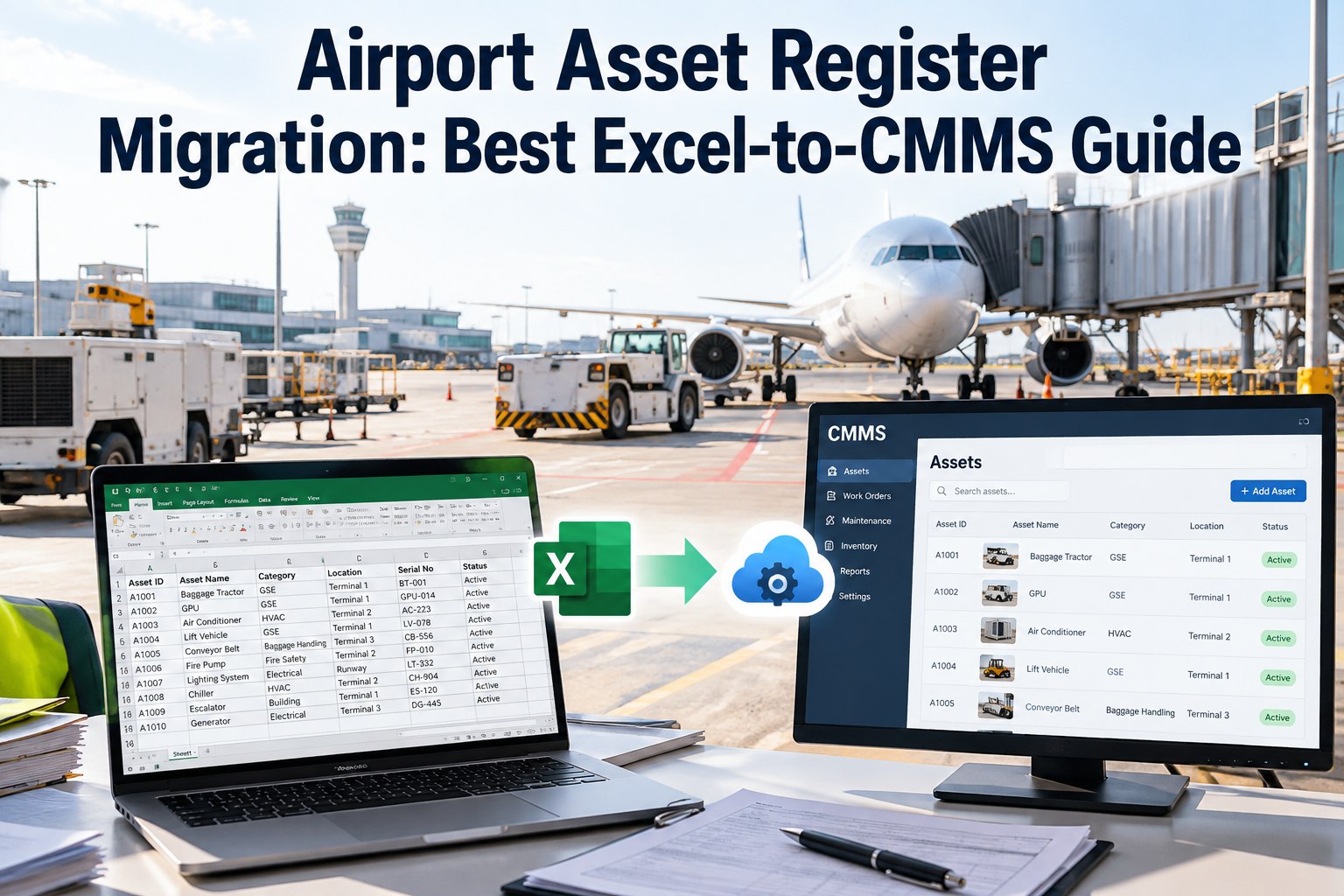
Your airport runs on a spreadsheet nobody fully trusts: the same jet bridge listed twice, a baggage belt that was scrapped in 2019, half the GSE with no serial number. Moving that into a CMMS by copy-paste just carries the mess forward — and buries the assets you actually maintain. OXMAINT AI is AI-powered maintenance management software (CMMS) with a migration path built for exactly this: map your columns, cleanse and de-duplicate, load into a real asset hierarchy, and validate before go-live — so what lands in the system is clean, searchable and complete. Book a demo to walk your own register through the process.
Migrate the Asset Register, Not the Mess Inside It
- 1Audit & inventory
- 2Cleanse & de-dup
- 3Map & load
- 4Validate & go live
- Jet Bridge B12 (listed twice)
- Belt loader — no serial
- Chiller #3 (scrapped 2019)
- "GSE misc" catch-all row
- One record per asset
- Unique tag + serial
- Retired assets archived
- Grouped by area & parent
What a Copy-Paste Migration Quietly Carries Over
The spreadsheet feels fine until you search it under pressure. These are the four problems that survive a lift-and-shift and then surface as bad reports, wrong PMs and assets nobody can find. Start a free trial to see your data cleaned first.
The Five-Phase Migration Roadmap
Clean data can migrate in a week or two; messy data can take six, with most of the time spent cleansing before anything is imported. This is the sequence that keeps that work in order. Book a demo to scope your migration timeline.
Turn the Spreadsheet Into a System You Can Trust
Map What Matters First: The Migration Priority Table
Not every column deserves the same effort. Scrub the data your operation depends on, and don't drag closed history into a live system. This is the order to work in. Start a free trial to load high-priority data first.
| Data type | Priority | What to do with it |
|---|---|---|
| Active assets | Critical | Scrub for accuracy and define the hierarchy before anything else |
| Spare-parts master | Critical | Remove obsolete parts, verify min/max levels, link to assets |
| Failure codes | Critical | Standardize so reliability analysis works from day one |
| Preventive schedules | High | Review frequencies for accuracy before import |
| Vendor list | Medium | Merge duplicate names into one clean record each |
| Closed work orders | Low | Archive separately for audit — don't clutter the live system |
Framework adapted from CMMS data-migration guidance (Fabrico; ManWinWin). The priority order is what keeps a six-week cleanse from becoming a lift-and-shift.
What Belongs in a Clean Airport Asset Record
Before you map columns, agree on what a complete record looks like. These are the fields that make an asset findable, maintainable and reportable — the ones worth filling the gaps for. Book a demo to see the record template.
Validate Before You Trust It: The Go-Live Checklist
A staged pilot catches what a bulk import hides. Run these checks on one zone before you roll the whole airport in — two days of validation saves months of doubt. Start a free trial to run a pilot zone.
- Every migrated asset has a unique tag, and no tag is reused.
- Counts reconcile — the number of active assets in equals what you expected.
- Hierarchy holds: each asset rolls up to the right parent and location.
- PM schedules trigger on the right assets at the right frequency.
- Spare parts link to their assets with min/max levels intact.
- Retired and duplicate records are gone from the live list, archived not deleted.
How OXMAINT AI Runs Your Migration
OXMAINT AI is maintenance management software with the import, cleansing and hierarchy tools to move an airport register in one controlled pass — so the data that lands is the data you can run on. Start a free trial to import your first zone.
-
1
Map
Match your spreadsheet and legacy columns to CMMS fields with a guided template, priority-first. -
2
Cleanse
Flag duplicates, gaps and retired assets so they're fixed before they enter the system. -
3
Structure
Load assets into a parent-child hierarchy with unique tags, standardized names and linked spares. -
4
Validate
Pilot a zone, confirm the checks pass, then roll the rest of the airport in with confidence.