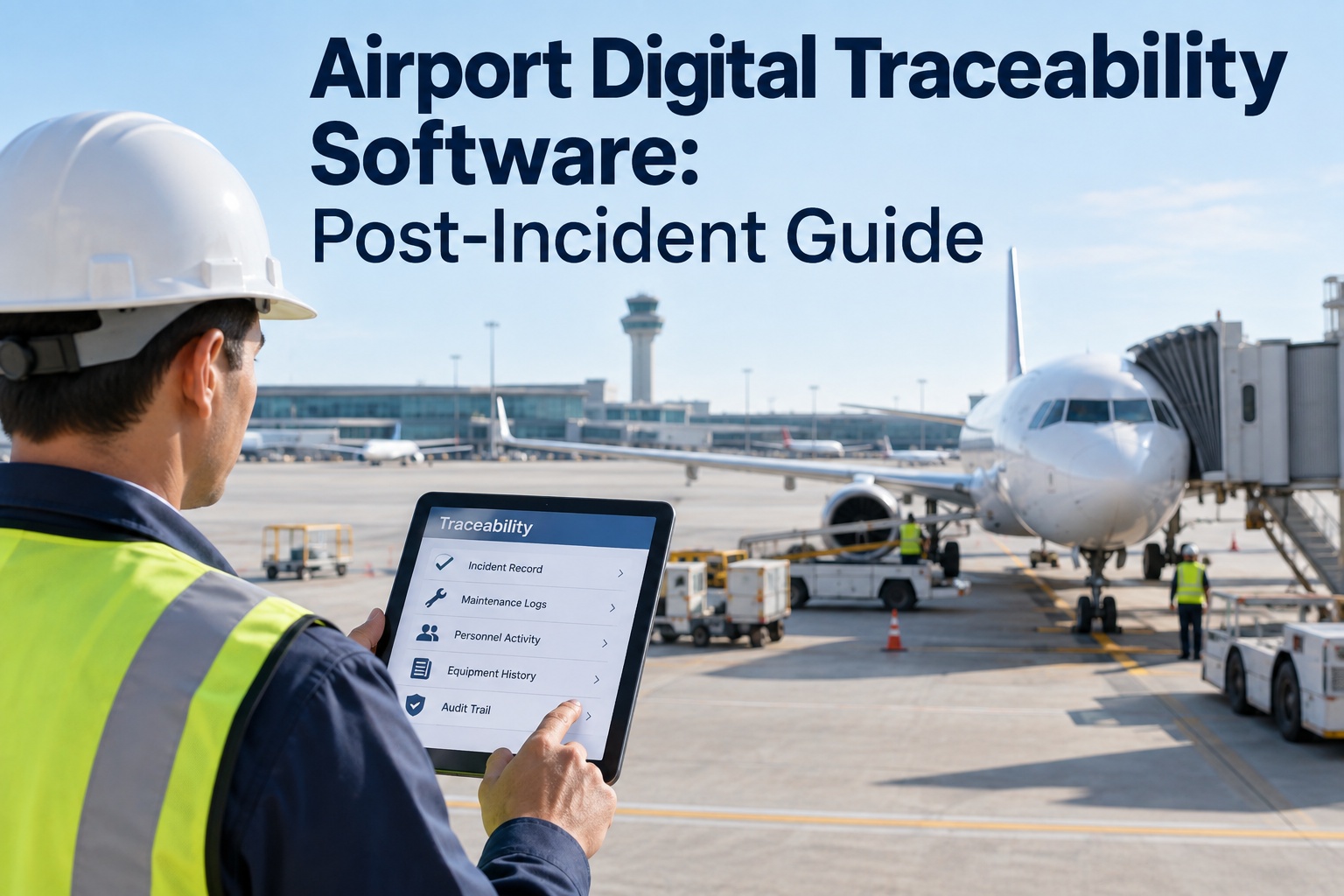
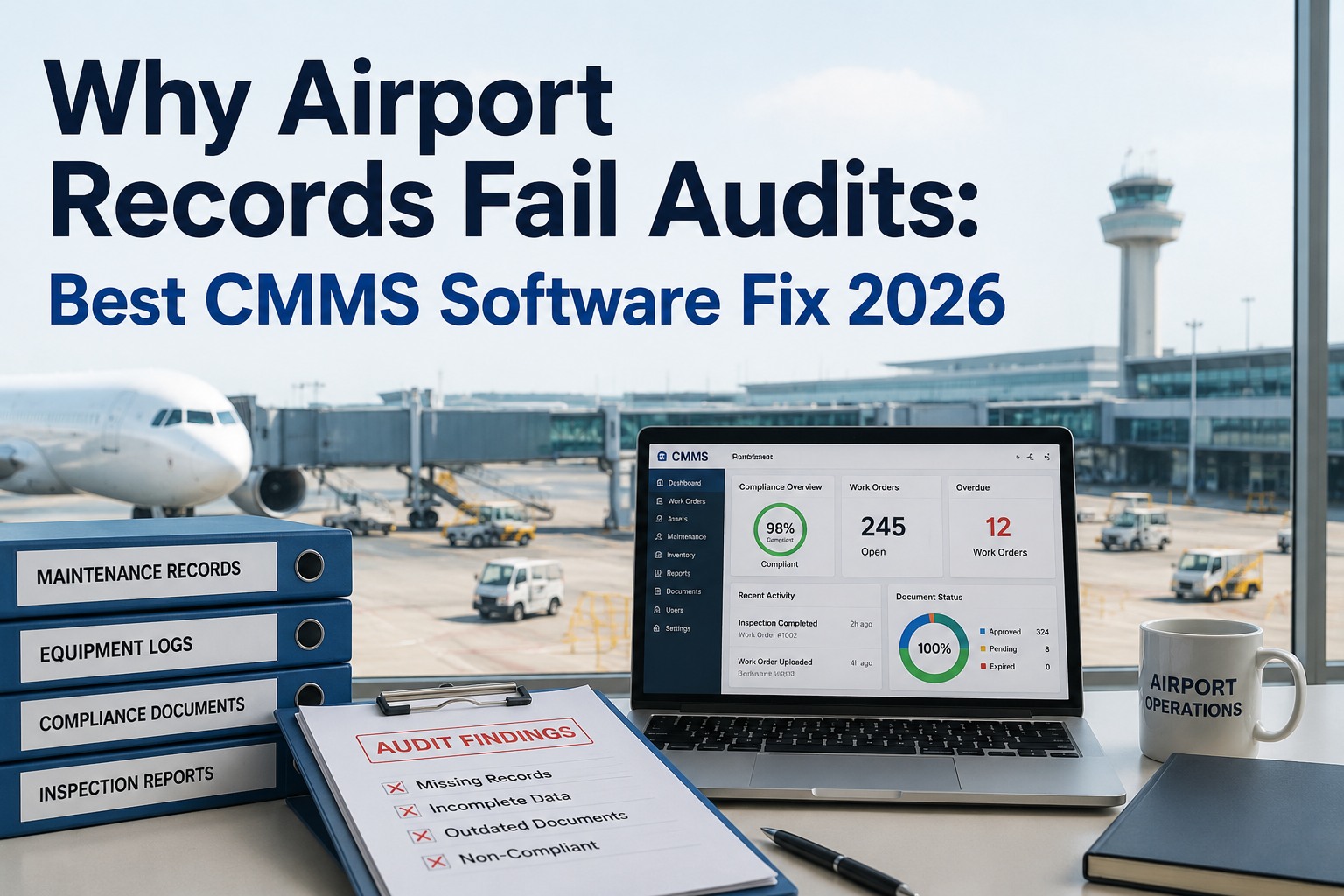
An FAA inspector walks into your maintenance office two days after an incident and asks a simple question: show me the repair history, the technician certifications, and the parts used on this asset for the last twelve months. If that answer lives in three different binders, a shared drive, and someone's memory, the investigation just got longer — and so did your exposure. Post-incident traceability isn't about paperwork volume; it's about producing a complete, timestamped, tamper-evident record in minutes, not weeks. This guide breaks down what investigators actually request, the traceability record checklist every airport maintenance team should already be running, and how the best 2026 airport CMMS platforms turn "we'll have to dig for that" into "here's the full record." Book a free traceability readiness review before the next audit finds the gap for you.
Your Records Are Evidence Before They're Ever Filed
Every incomplete work order is a question an investigator gets to ask twice.
72 hrs
Typical window regulators expect a full maintenance record turnaround within
1 in 3
Post-incident reviews that surface a gap in technician or parts traceability
Zero
Tolerance an investigation has for "we think" instead of a timestamped record
The Three Questions Every Investigator Asks First
Post-incident reviews don't start broad — they start narrow, on the asset involved, and they escalate fast if the first answer is incomplete. These are the three questions your records need to answer without a follow-up call.
Q1
Who touched this asset, and when?
Every work order needs a named, certified technician, a timestamp, and a signature — not a shift log entry someone recalls after the fact.
Q2
What parts and procedures were used?
OEM part numbers, torque values, and the procedure followed — recorded at the moment of repair, not reconstructed from memory during the review.
Q3
Was the maintenance history compliant?
A full PM history showing the asset was maintained on schedule, by qualified staff, right up to the day of the incident.
The Traceability Record Checklist
This is the record set a defensible maintenance history is built from — captured at the moment work happens, not reconstructed afterward. Run it on every asset, every work order.
01
Technician Identity & Certification
Every work order tied to a named, credentialed technician — with certification status checked automatically, not assumed.
02
Timestamped Action Log
Start time, completion time, and every status change logged automatically — a sequence investigators can trust wasn't edited after the fact.
03
Parts & Procedure Detail
OEM part numbers, quantities, and the exact procedure or checklist followed — attached to the work order, not a separate parts log.
04
Photo & Condition Evidence
Before-and-after photos, timestamped and geo-tagged, showing the asset's condition at every stage of the repair.
05
Digital Sign-Off Chain
E-signature from the technician and supervisor closing the loop — an approval trail that can't be back-dated or lost.
06
Full PM History on Demand
Every prior service on the asset, searchable and exportable in one report — the compliance history an investigation will always ask for.
Find Your Gaps Before an Investigator Does
Bring your last incident file — we'll run it against the traceability checklist live and show exactly where the record would hold up and where it wouldn't.
Paper Trails vs. Digital Audit Trails
The gap doesn't show up on a normal day — it shows up the one day someone asks for the full history at once.
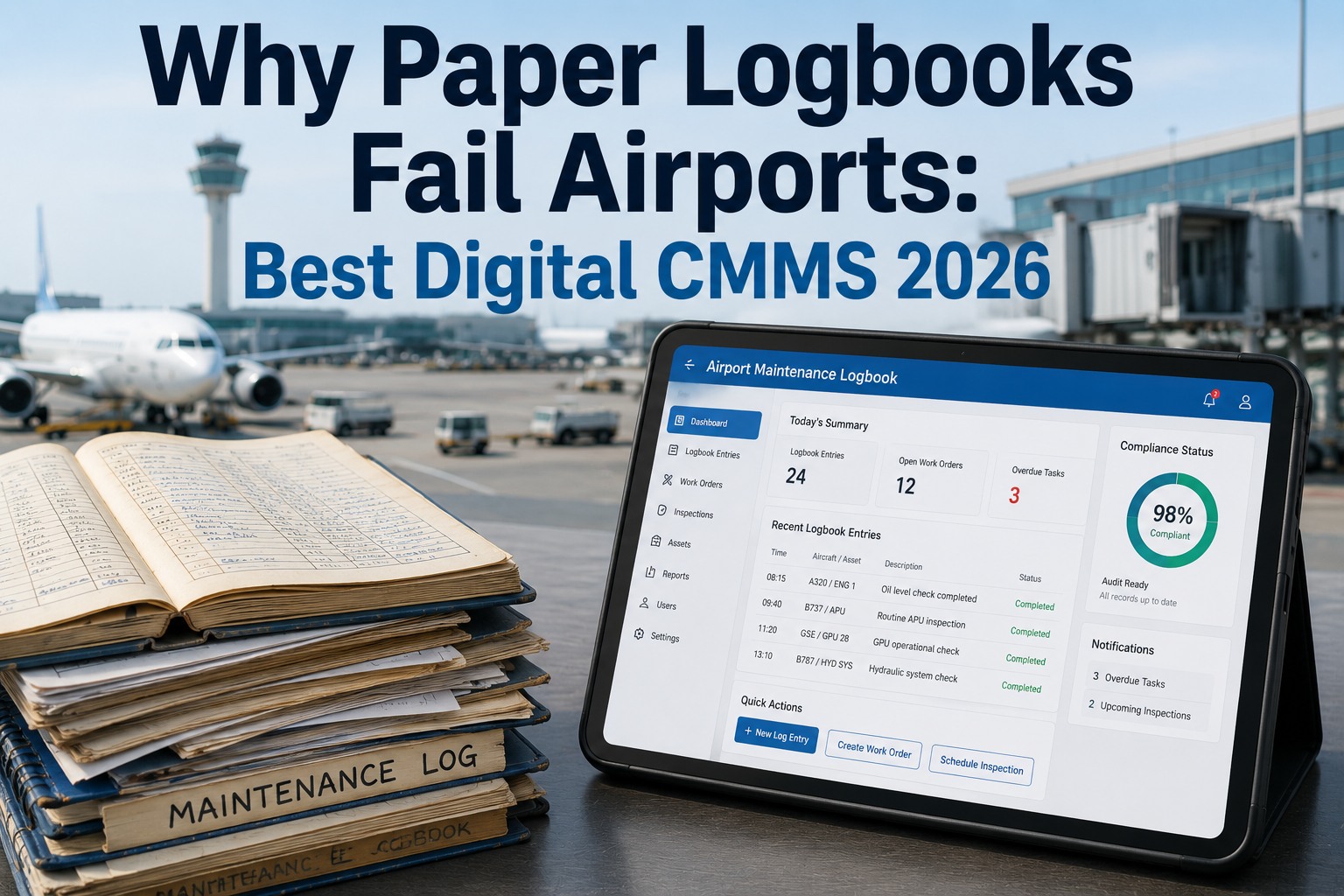
Paper / Spreadsheet
Records scattered across binders, drives, and inboxes
Timestamps self-reported, easy to dispute
Photos, if they exist, live on personal phones
Compiling a full history takes days, not minutes
No way to prove a record wasn't altered after the fact
Digital Traceability CMMS
Every record centralized against the asset, from day one
Timestamps locked automatically at the system level
Photos captured and stored in the work order itself
Full history exported as one audit-ready report
Immutable log shows exactly who changed what, and when
Chain of Custody: Incident to Closed Report
A traceable maintenance program doesn't scramble when an incident happens — it just hands over a record that already exists.
1
Asset Flagged. The incident is logged against the specific asset, instantly pulling its full digital history into one view.
2
Record Assembled. Work orders, technician sign-offs, parts used, and photos compile automatically into a single exportable file.
3
Record Shared. The report goes to investigators, insurers, or regulators — complete, timestamped, and ready before they ask twice.
4
Findings Closed Out. Corrective actions and follow-up inspections log back to the same asset, closing the loop for the next review.
How Oxmaint Builds Forensic-Grade Records
Oxmaint attaches every technician sign-off, part, photo, and timestamp to the asset automatically — so the record an investigator needs already exists before they ask for it.
Certified Technician Match
Work orders auto-check technician certification before assignment, so every repair has a qualified name attached.
Locked Timestamps
Every action — start, pause, complete — is time-stamped at the system level and cannot be edited retroactively.
Mobile Photo Capture
Techs attach condition photos directly to the work order in the field — no phone galleries, no lost evidence.
E-Signature Chain
Technician and supervisor sign-off recorded digitally, building an approval chain that holds up under review.
One-Click Audit Export
Full asset history — every work order, part, and signature — exported as a single report in minutes, not days.
Cross-Terminal Visibility
Records stay consistent and searchable across terminals, shifts, and teams — no gaps between handoffs.
Don't Wait for an Incident to Test Your Records
See how Oxmaint builds a forensic-grade audit trail into every work order automatically — so your team is never scrambling to prove what already happened. Free forever plan available.
Frequently Asked Questions
What is digital traceability in airport maintenance?
Digital traceability is the practice of capturing every maintenance action — who performed it, when, with what parts, and under what procedure — directly inside the system at the moment the work happens, rather than reconstructing it afterward from memory or scattered paperwork. For airports, this means each asset carries a complete, timestamped, tamper-evident record that can be produced immediately when a regulator, insurer, or internal investigator asks for it. The goal isn't just recordkeeping; it's being able to answer "show me the full history" in minutes instead of days.
Book a readiness review to see where your gaps are.
What do investigators typically ask for after an incident?
Most reviews start with three things: who performed the last several maintenance actions on the asset and what their certifications were, exactly what parts and procedures were used, and whether the asset's preventive maintenance history shows it was compliant right up to the incident. Teams that can produce this instantly, backed by timestamps and signatures, close reviews faster and face far less scrutiny than teams piecing the answer together after the fact.
Why do paper and spreadsheet records fail during investigations?
Paper and spreadsheet records fail because they're distributed — sitting in binders, personal phones, and individual memory rather than one system — and because they're easy to dispute. A hand-written timestamp or a self-reported completion time carries little weight next to a system-locked record. Compiling a full asset history from paper sources during a live investigation typically takes days, which is exactly when regulators and insurers expect an answer within hours.
How does Oxmaint support post-incident traceability?
Oxmaint attaches technician certification checks, locked timestamps, mobile photo capture, and digital sign-offs to every work order automatically, then compiles the full asset history — parts, procedures, photos, and signatures — into a single exportable report on demand. Because the record is built during normal maintenance rather than assembled after an incident, teams can hand over a complete, audit-ready history the moment it's requested. A free forever plan is available to trial the full traceability workflow.
Sign up free and see your first asset record.
How fast should a maintenance team be able to produce a full asset history?
Regulators and insurers generally expect a complete, verifiable maintenance record within hours of a request, not days — especially in the period immediately following an incident. Teams relying on centralized digital records can typically export a full history in minutes, while teams relying on paper or scattered files often need days to compile the same picture, which itself becomes a red flag during a review.