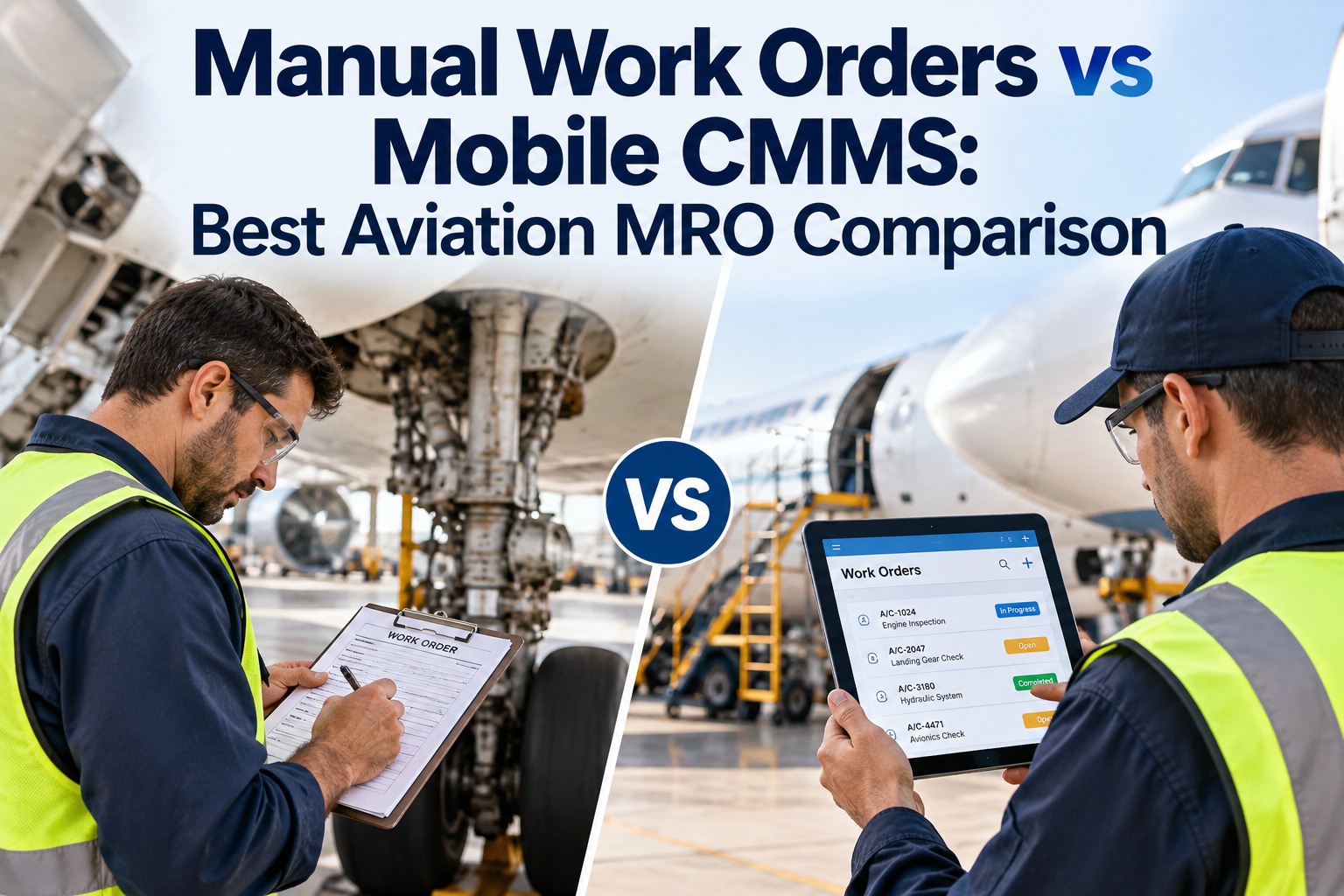
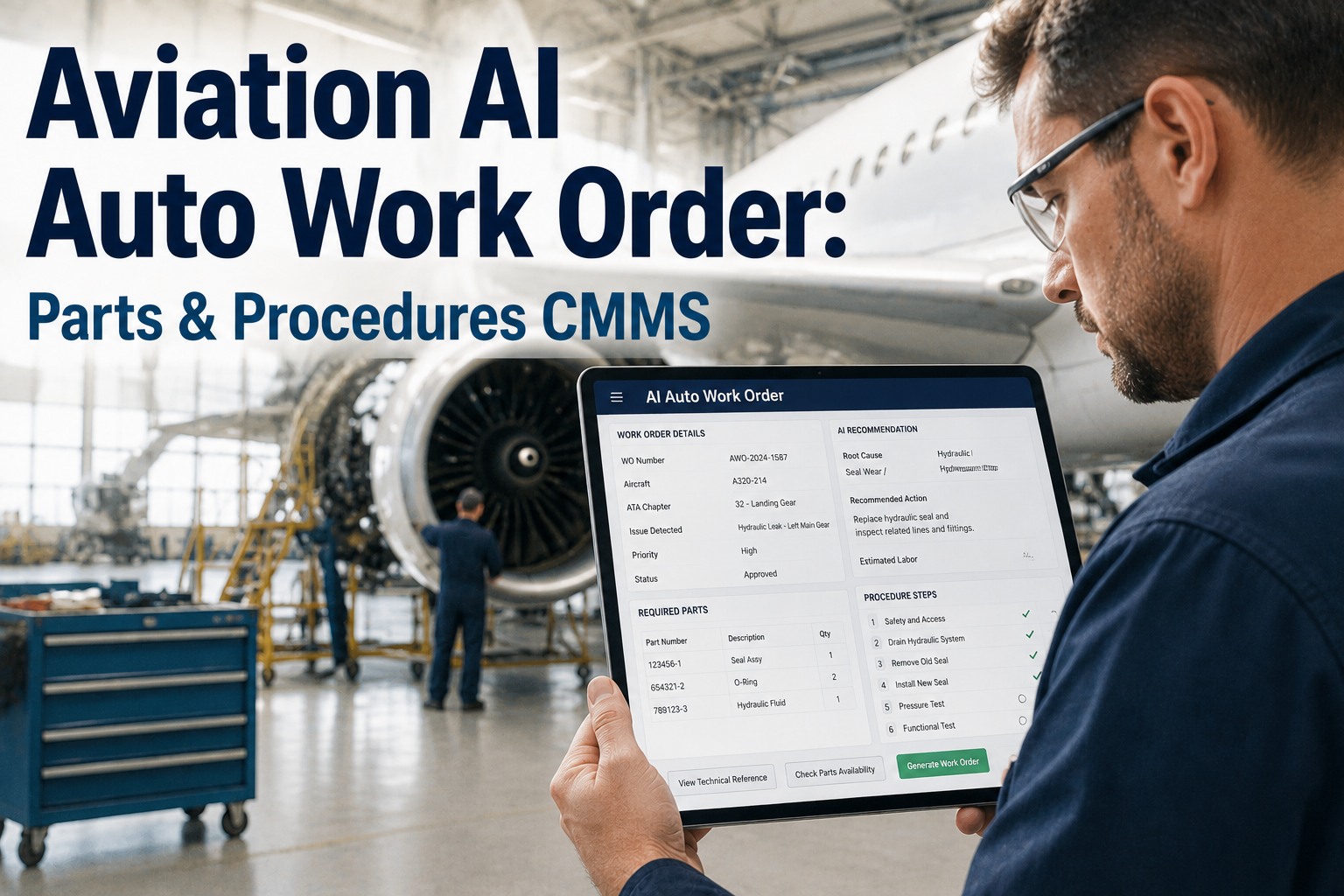
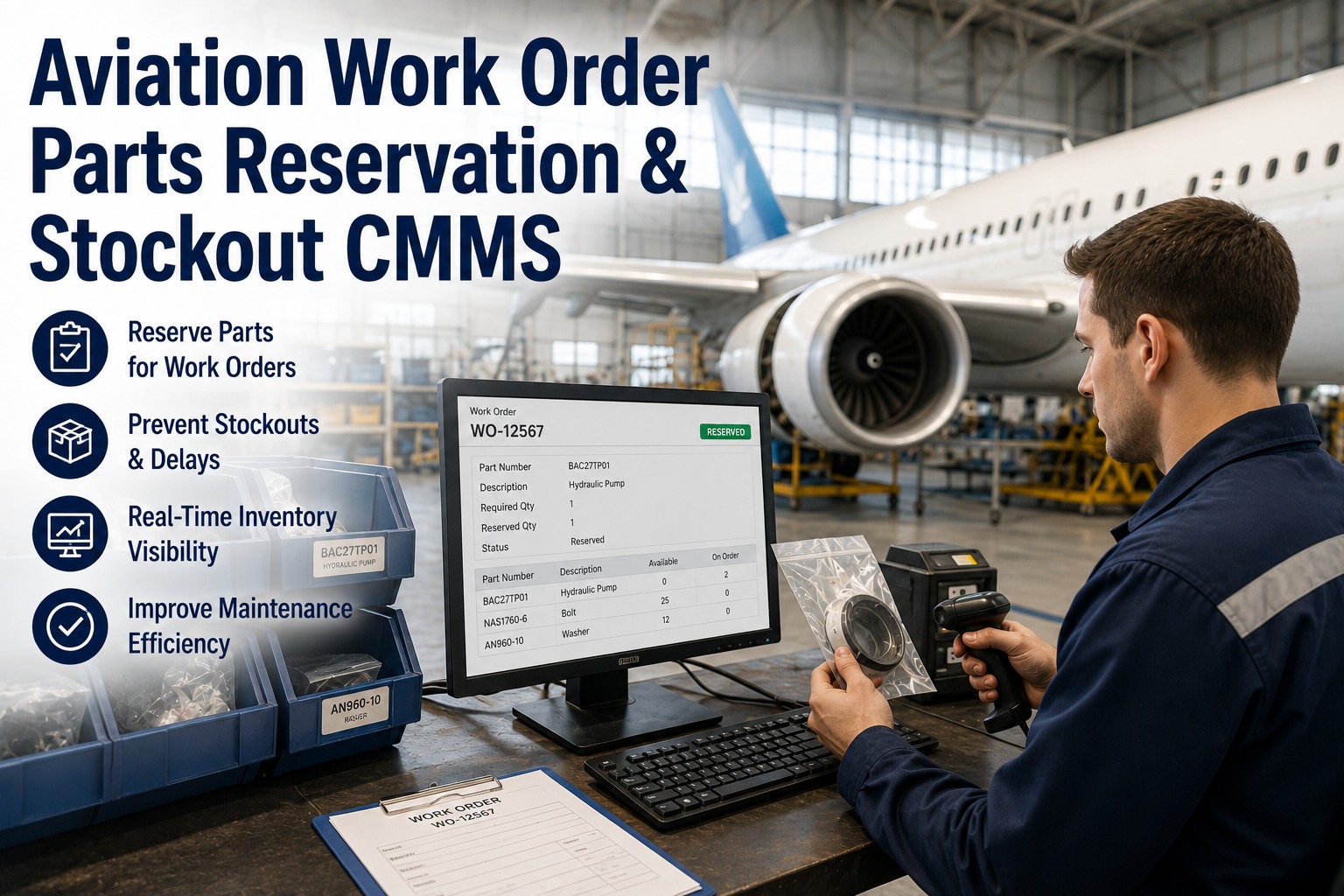
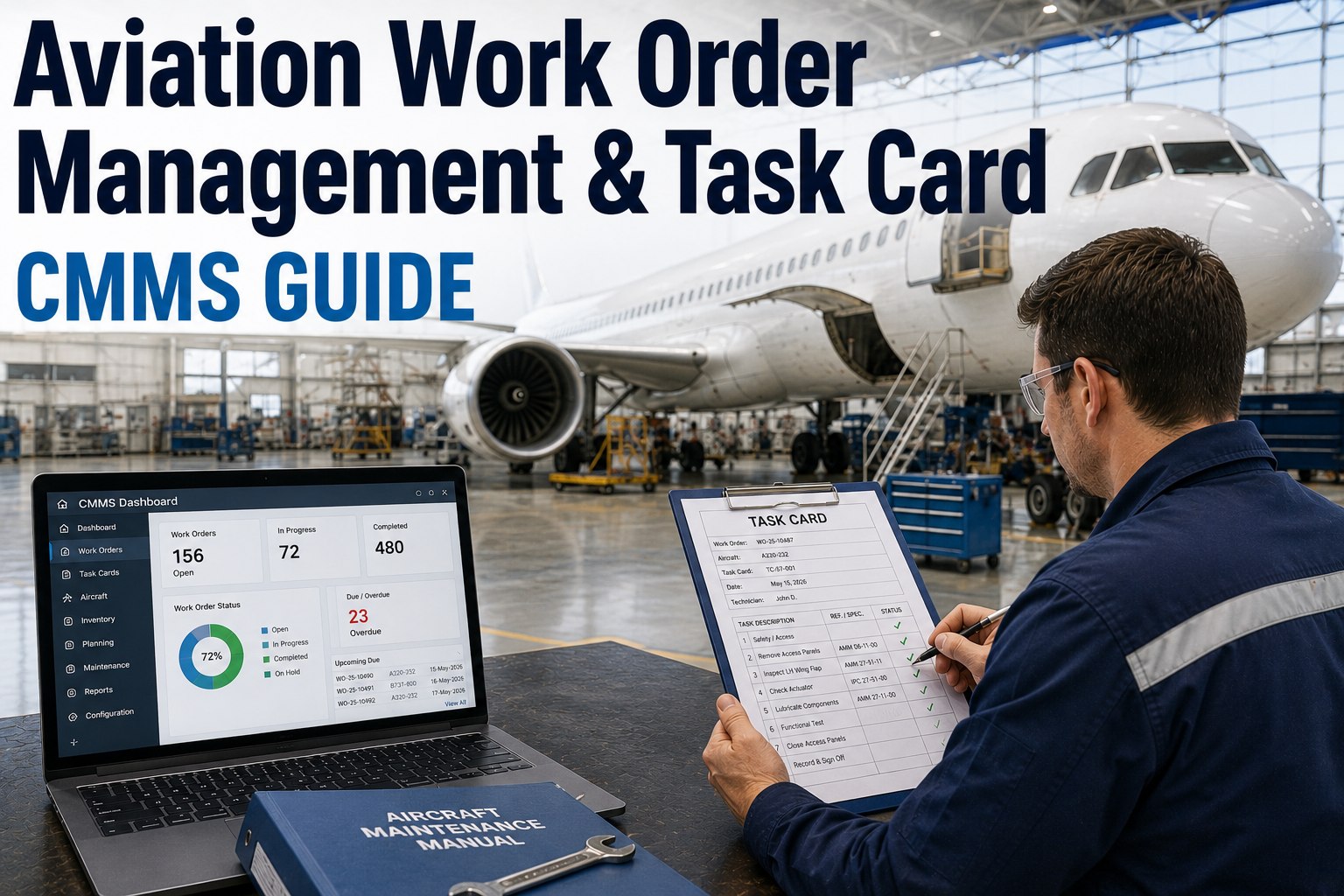
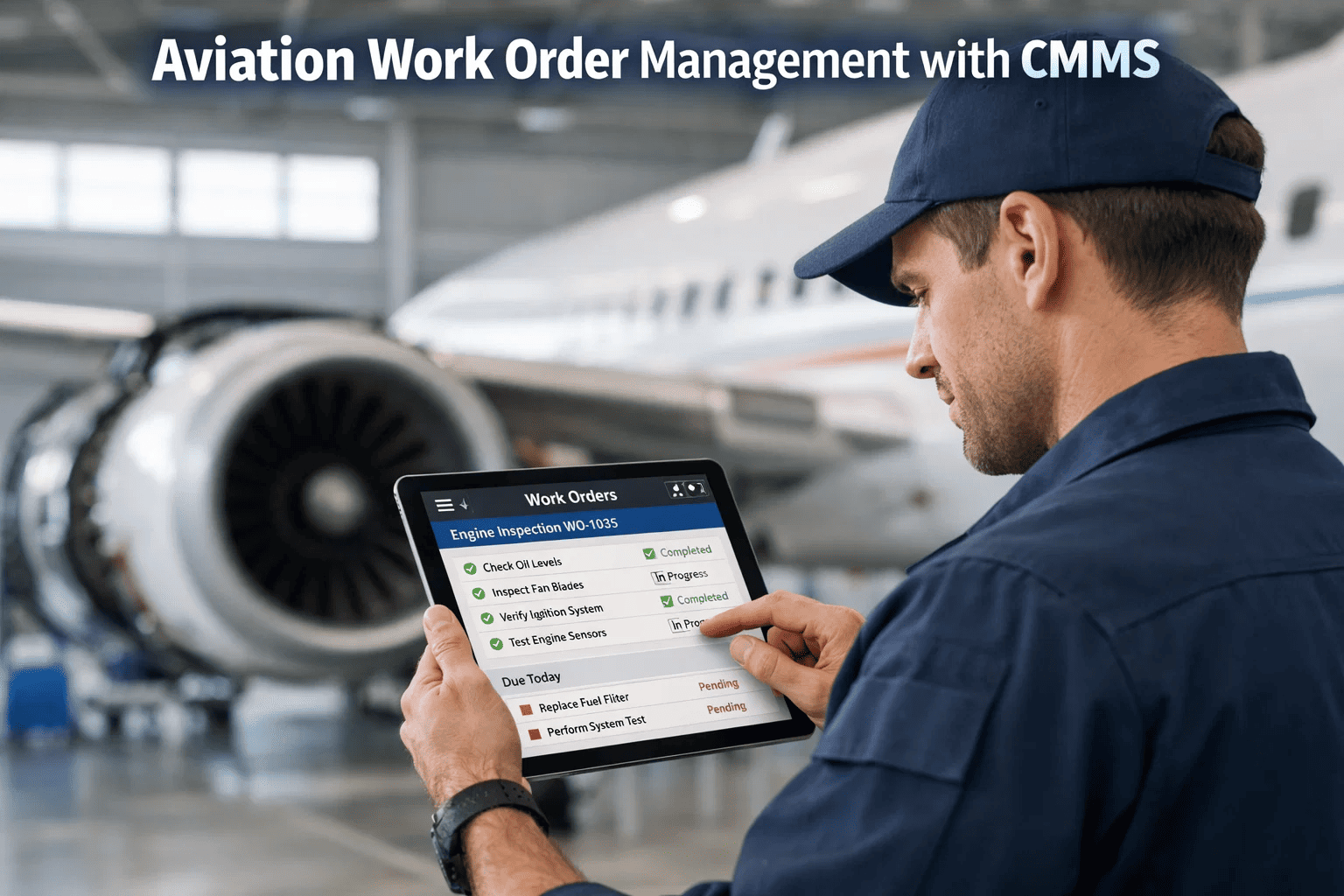
At 2:14 AM, a baggage handling conveyor jams in Terminal B. The overnight technician radios the control room. The control room checks a whiteboard. Nobody can find the last inspection report. By the time a work order gets written on paper, approved by a supervisor who's off-site, and assigned to a technician who's already across the airfield—it's been 47 minutes. Forty-seven minutes of bags piling up, connections missed, and passenger frustration building. Now picture the same failure, but the technician taps a mobile alert on their device, sees the conveyor's full maintenance history, creates a work order in 30 seconds, and logs the repair with photos before the first affected flight boards. That's the difference between an airport running on fragmented tools and one running on an integrated CMMS with mobile inspections. The global CMMS market reached $1.4 billion in 2025 and is accelerating toward $2.15 billion by 2030—because airports that connect their inspection workflows, work orders, and compliance documentation into one mobile-accessible system don't just respond faster. They prevent the failures that require a response in the first place.
U.S. Enterprises Increased CMMS Budgets in 2025
Maintenance Teams Now Use Mobile-First CMMS Tools
Faster Maintenance Response with CMMS Integration
Reduction in Equipment Failures with Preventive PM
These aren't aspirational targets—they're documented results from airports that made the shift from reactive, paper-based maintenance to integrated digital workflows. The common thread: a centralized CMMS platform accessible from any mobile device on the airfield, in the terminal, or on the ramp. Airport teams ready to make this transition can sign up for centralized airport maintenance management built for the scale and complexity of 24/7 aviation operations.
The Disconnected Airport: Where Maintenance Time Disappears
Before understanding what integrated CMMS and mobile inspections solve, it's worth understanding exactly where time, money, and compliance assurance leak out of a disconnected maintenance operation. Airport maintenance teams don't fail because they lack skill—they fail because their tools force them to waste time on logistics instead of repairs.
Walking Back to a Desktop
Technicians leave the work site to find a computer, log into a legacy system, and enter data they'll barely remember accurately 30 minutes later.
Chasing Work Order Approvals
Paper-based or email-based approvals sit in queues while equipment stays down. Supervisors off-site can't approve what they can't see.
Finding Asset History
What was done last time this conveyor jammed? Who replaced the relay on Gate 14's bridge? Without searchable records, every repair starts from scratch.
Manual Inspection Documentation
Handwriting inspection results on paper forms, then re-entering data later into spreadsheets—doubling effort and halving accuracy.
Parts Availability Guessing
Technician arrives at the asset, diagnoses the issue, then discovers the needed part isn't in stock—triggering a second trip or a delayed repair.
Pre-Audit Compliance Scrambles
Two weeks before an FAA Part 139 inspection, the team assembles paper trails from filing cabinets, emails, and memory—hoping nothing's missing.
Add it up: a single technician can lose 2–3 productive hours per shift to these friction points. Across a team of 15, that's 30–45 hours of wasted capacity every day.
Every one of these time drains has the same root cause: disconnected systems that force people to be the integration layer between tools that should talk to each other. When the inspection app doesn't connect to the work order system, and the work order system doesn't connect to the asset registry, and none of it is accessible from a mobile device on the airfield—humans fill the gaps with footwork, phone calls, and memory. That's not a maintenance strategy. It's a workaround. Teams ready to eliminate these gaps can book a demo to see connected airport maintenance workflows that put every tool in one mobile-accessible platform.
The Integrated Model: How CMMS + Mobile Inspections Work Together
Integration isn't about adding more software. It's about making the software you have work as a single system—where an inspection finding on the ramp automatically becomes a prioritized work order on a technician's mobile device, with the asset history, parts availability, and compliance requirements already attached. Here's what that looks like in practice across an airport's daily operations.
Mobile Inspection
Inspector opens digital checklist on mobile device
FAA Part 139 airfield inspection, terminal walkthrough, or GSE pre-use check—standardized forms with required fields, photo capture, and GPS location tagging
Discrepancy flagged during inspection
Inspector marks item as "Problem," selects defect category, attaches photo, and adds notes—all on-screen at the point of discovery
Auto Work Order
CMMS auto-generates work order from finding
Linked to the specific asset, the inspection record, the defect category, priority level auto-assigned based on criticality rules—no manual data entry required
Technician receives mobile notification with full context
Assignment includes asset location, defect photos, maintenance history, required parts with inventory status, and estimated completion time
Field Execution
Technician completes repair and logs from mobile device
Labor hours, parts consumed, actions taken, condition found, and resolution photos—all captured at the point of work without returning to a desktop
Supervisor verifies and closes with audit trail intact
Digital sign-off confirms resolution quality. Complete chain from inspection finding → work order → execution → verification is searchable instantly for any future audit
This workflow eliminates every one of the six time drains identified earlier. No walking back to desktops. No chasing approvals through email. No searching for asset history in filing cabinets. No manual double-entry. No parts surprises. No pre-audit panic. Everything happens in the same system, from the same device, with every action time-stamped and linked. Airport teams ready to deploy this workflow can start a free trial to connect inspections, work orders, and compliance in one mobile-accessible platform.
Airport Assets That Demand Mobile-Connected Maintenance
Airports manage hundreds of asset categories across environments that range from climate-controlled terminals to open-air runways exposed to extreme weather. Each category has unique inspection cadences, compliance triggers, and failure consequences. The common requirement: maintenance teams need to access, update, and document asset information wherever the asset is—not wherever the nearest computer happens to be.
Safety-Critical
Runway & Airfield Systems
Pavement, center-line lighting, threshold lights, guard lights, signage, marking, FOD management, drainage
Inspection: Twice daily (FAA Part 139)
Mobile CMMS enables GPS-tagged discrepancy logging during drive-through inspections with auto-generated work orders for every finding
Safety-Critical
Boarding Bridges & Jet Bridges
Hydraulic actuators, alignment sensors, safety interlocks, cabin conditioning, leveling systems, bumper assemblies
Inspection: Pre-use + monthly comprehensive
Mobile checklists at each gate capture condition data, flag defects with photos, and trigger maintenance before the next aircraft arrival
Operations-Critical
Baggage Handling Systems
Conveyors, sorters, pushers, carousels, screening integration, PLC controls, motor drives, belt tensioners
Inspection: Daily operational + weekly PM
Real-time mobile alerts when conveyor sensors detect anomalies, with work order auto-creation and technician dispatch from the CMMS
Operations-Critical
HVAC & MEP Systems
Chillers, air handlers, boilers, plumbing, fire suppression, electrical distribution, emergency generators, UPS systems
Inspection: Monthly PM + seasonal overhauls
Technicians access complete PM checklists, service history, and parts lists on-site without returning to the maintenance office
Fleet-Managed
Ground Support Equipment
Baggage tractors, belt loaders, fuel trucks, de-icers, pushback tugs, air start units, ground power units, lavatory carts
Inspection: Pre-use daily + scheduled PM cycles
Pre-use mobile inspections replace paper forms, auto-flag out-of-service equipment, and track certification expirations across the fleet
Fleet-Managed
Elevators, Escalators & Moving Walks
Drive systems, safety brakes, handrails, step chains, controllers, pit equipment, door operators, car interiors
Inspection: Monthly PM + annual code compliance
Mobile-logged inspection results link directly to compliance calendars, ensuring no certification window is missed
Across all six categories, the pattern is identical: inspections happen at the asset location, but documentation and follow-up traditionally happen somewhere else. Mobile CMMS integration eliminates that gap—every inspection, every finding, every work order, and every resolution happens in one system accessible from any location on airport property. Teams managing this range of assets can book a demo to see multi-asset airport maintenance across airside and terminal operations from one platform.
Your Inspectors Are Already Mobile. Your Maintenance System Should Be Too.
See how OXmaint connects mobile airfield inspections, automated work orders, real-time technician dispatch, and compliance-ready audit trails in one platform built for 24/7 airport operations.
Measuring What Matters: The KPIs Integration Unlocks
An integrated CMMS with mobile inspections doesn't just make maintenance faster—it makes maintenance measurable. When every inspection, work order, and resolution flows through one system, the data to calculate the KPIs that drive operational decisions exists automatically. Without integration, these metrics require hours of manual compilation. With it, they update in real time.
KPI
Target
Without Integrated CMMS
With Integrated CMMS
Asset Availability
95%+
Unknown until something breaks
Real-time dashboard per asset category
PM Compliance Rate
90%+
Estimated from scattered records
Auto-calculated from completed work orders
MTTR (Mean Time to Repair)
Industry-specific
Manual calculation, days behind
Live tracking from work order timestamps
MTBF (Mean Time Between Failures)
Trending upward
Impossible without complete failure records
Automated trend analysis per asset
Inspection-to-Resolution Time
Same-shift
Unmeasured—findings lost in handoffs
Timestamped from finding to close-out
Technician Wrench Time
55%+ of shift
Estimated at best, ignored at worst
Derived from mobile time logs vs. travel
World-class airports target 95%+ asset availability for critical systems. Reaching that target requires measuring it first—and measuring it requires integrated data.
FAA Part 139 Compliance: Where Mobile Inspections Become Non-Negotiable
For certificated airports in the United States, FAA Part 139 isn't optional—it's the regulatory framework that governs self-inspection programs, maintenance records, emergency plans, and operational safety. The core requirement: documented proof that inspections happened, findings were recorded, corrective actions were taken, and resolutions were verified. Paper-based systems technically satisfy this requirement. But "technically" doesn't survive contact with an unannounced FAA inspection when the auditor asks a question your filing cabinet can't answer in under 60 seconds.
Paper-Based Compliance
Inspection forms stored in filing cabinets organized by date
Discrepancies logged in a separate spreadsheet or notebook
Work orders written on triplicate forms, copies distributed manually
Resolution proof relies on technician memory and supervisor signature
Audit preparation requires 1–2 weeks of record compilation
Cross-referencing findings to resolutions is a manual search
Technically compliant. Operationally fragile.
Integrated CMMS + Mobile
Inspections completed on mobile devices with GPS and timestamps
Discrepancies auto-linked to the inspection record and asset ID
Work orders auto-generated with finding photos and severity level
Resolution includes technician log, photos, parts used, and digital sign-off
Any finding-to-resolution chain searchable in seconds
Continuous compliance—not a pre-audit scramble
Fully compliant. Operationally bulletproof.
The airports that pass FAA inspections consistently—the ones where auditors find complete, linked records for every question they ask—aren't the ones with the best filing systems. They're the ones where compliance documentation generates itself as a byproduct of doing the work. That only happens when inspections, work orders, and resolutions live in one connected digital system. Airport operations teams building this compliance foundation can sign up for automated compliance tracking and audit-ready documentation that builds itself from daily operations.
Implementation That Actually Works: The Phased Approach
The airports that succeed with CMMS and mobile inspection integration don't try to digitize everything simultaneously. They start with the highest-impact, lowest-complexity workflows, prove the value, and expand. Here's the practical implementation path that works for airports of every size—from regional fields managing 50 assets to international hubs managing 5,000+.
Foundation: Asset Registry + Work Orders
Register critical assets (runways, bridges, BHS, GSE, HVAC). Configure work order workflows with priority levels, assignment rules, and mobile access for technicians. Migrate open work orders from existing systems.
Quick win: Technicians create and close work orders from mobile devices on day one. No more paper forms or desktop-only access.
Integration: Mobile Inspections + Auto Work Orders
Build digital inspection checklists for FAA Part 139 airfield inspections, GSE pre-use checks, and terminal walkthroughs. Connect inspection findings to auto-generated work orders with asset linkage and photo attachments.
Quick win: Inspectors stop carrying paper forms. Every finding generates a tracked, assigned work order within seconds of discovery.
Optimization: PM Scheduling + KPI Dashboards
Activate preventive maintenance schedules for all critical asset categories. Configure KPI dashboards (asset availability, PM compliance, MTTR, inspection-to-resolution time). Train supervisors on data-driven decision-making.
Quick win: First monthly management review using real data instead of estimates. PM compliance becomes measurable and improvable.
90 Days From Paper to Platform. Start Today.
Join airport teams using OXmaint to digitize inspections, automate work orders, track compliance in real time, and give every technician mobile access to the complete maintenance picture—from the ramp to the terminal to the management dashboard.
Frequently Asked Questions
What is an integrated CMMS with mobile inspections for airports?
An integrated CMMS (Computerized Maintenance Management System) with mobile inspections is a unified digital platform where airport maintenance teams manage asset registries, work orders, preventive maintenance schedules, inspection checklists, parts inventory, and compliance documentation—all accessible from mobile devices anywhere on airport property. The integration means inspection findings automatically generate work orders, work orders link to asset histories, and completed resolutions build audit trails without manual data re-entry. This eliminates the disconnected workflows where inspections happen on paper, work orders live in spreadsheets, and compliance documentation requires manual compilation before audits.
How does mobile CMMS improve airport maintenance response times?
Mobile CMMS improves response times by eliminating the physical and administrative delays that slow traditional maintenance workflows. Technicians receive work order notifications with full context (asset location, photos, history, parts availability) directly on their mobile devices instead of waiting for radio dispatch or walking back to a desktop computer. Airports implementing integrated CMMS report up to 30% faster maintenance response times because the gap between problem discovery and technician assignment shrinks from minutes or hours to seconds. Mobile access also increases technician wrench time—the percentage of a shift spent on actual repairs versus administrative tasks—by eliminating paper-based documentation and desktop-dependent data entry.
Does a CMMS help with FAA Part 139 compliance?
Yes—FAA Part 139 requires certificated airports to maintain documented self-inspection programs with recorded findings, corrective actions, and verified resolutions. An integrated CMMS with mobile inspections transforms this from a manual record-keeping burden into an automatic byproduct of daily operations. When an inspector completes a digital airfield inspection on a mobile device, every finding is time-stamped, GPS-tagged, and linked to the specific asset. Work orders auto-generate from findings. Resolutions include technician logs, photos, and digital sign-offs. The result is a complete, searchable inspection-to-resolution chain that's available in seconds when an FAA auditor asks for any record—eliminating the weeks of pre-audit preparation that paper-based systems require.
What airport assets should be tracked in a CMMS?
Every airport asset category benefits from CMMS tracking, but prioritization should follow criticality. Safety-critical assets—runway pavements, airfield lighting, navigational aids, and boarding bridges—should be registered first because their failure has immediate safety and operational consequences. Operations-critical assets follow: baggage handling systems, HVAC and MEP systems, fire suppression, and emergency generators. Fleet-managed assets including ground support equipment (baggage tractors, fuel trucks, de-icers, pushback tugs), elevators, escalators, and moving walkways complete the picture. Each category has distinct inspection frequencies, compliance requirements, and PM intervals that a CMMS automates and tracks to ensure nothing falls through the cracks.
How long does it take to implement a CMMS for airport maintenance?
A practical airport CMMS implementation follows a 90-day phased approach. In the first 30 days, teams register critical assets and configure mobile work order workflows so technicians can create and close work orders from their devices immediately. During days 31–60, digital inspection checklists replace paper forms and connect to auto-generated work orders with asset linkage and photo attachments. By days 61–90, preventive maintenance schedules are active, KPI dashboards (asset availability, PM compliance, MTTR) are configured, and the team conducts its first data-driven management review. This phased approach works for airports of any size, from regional facilities managing 50 assets to international hubs managing thousands, because it delivers measurable value at each stage rather than requiring a complete transformation before any benefit is realized.