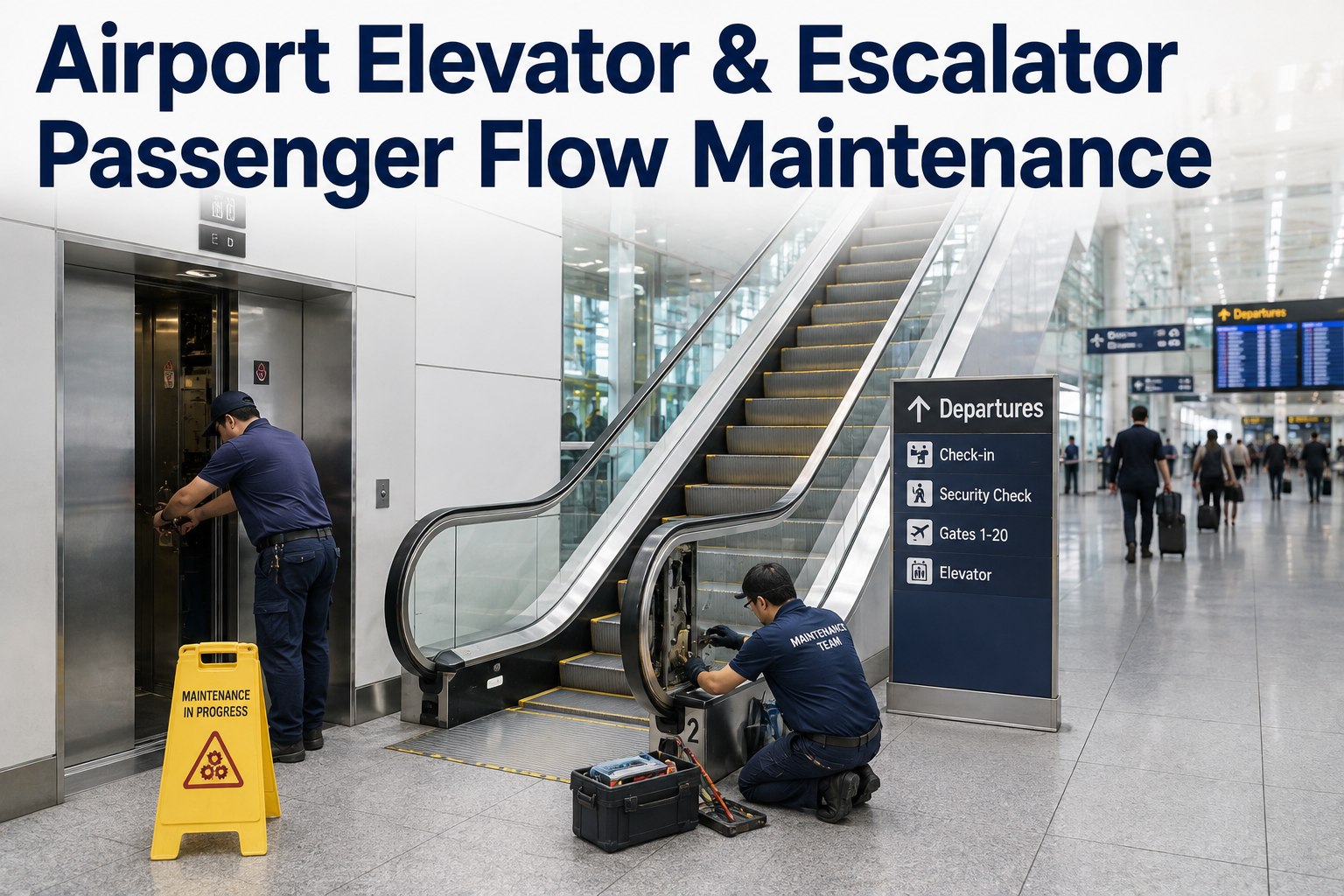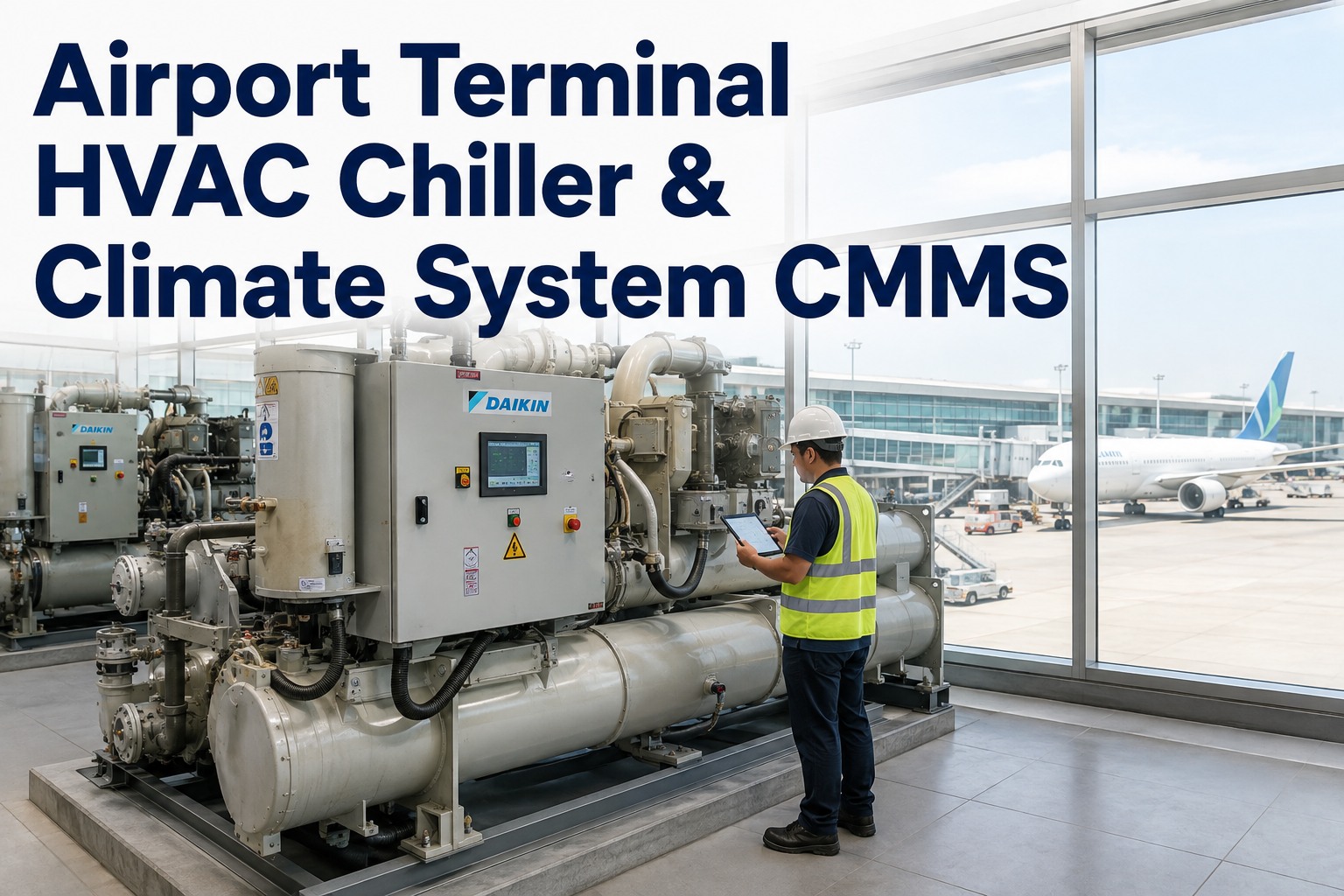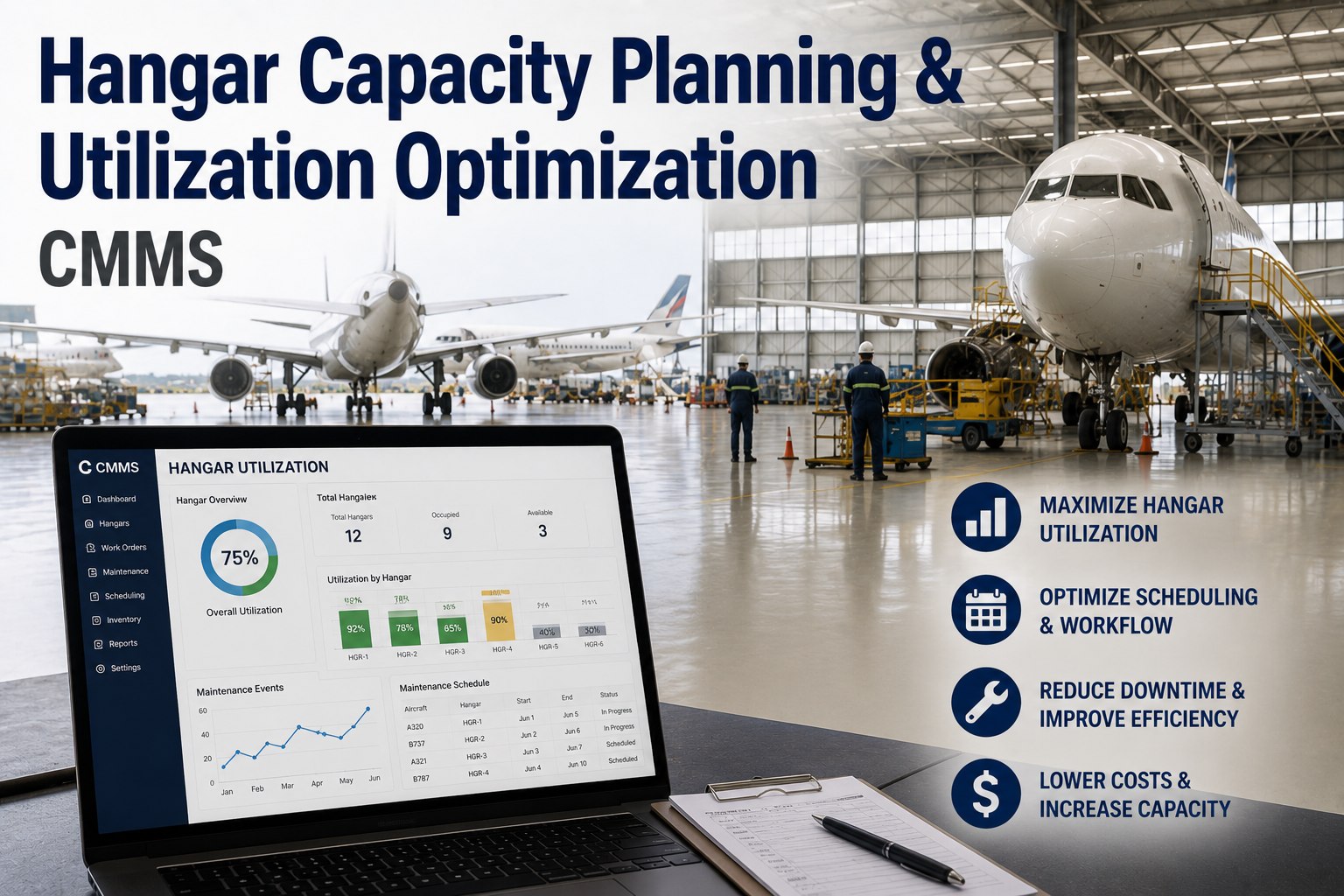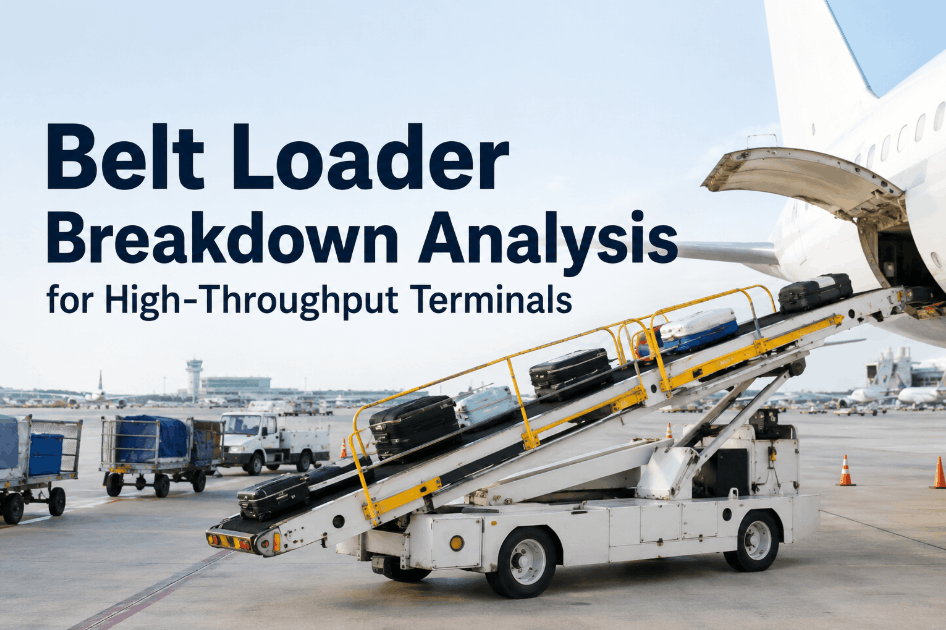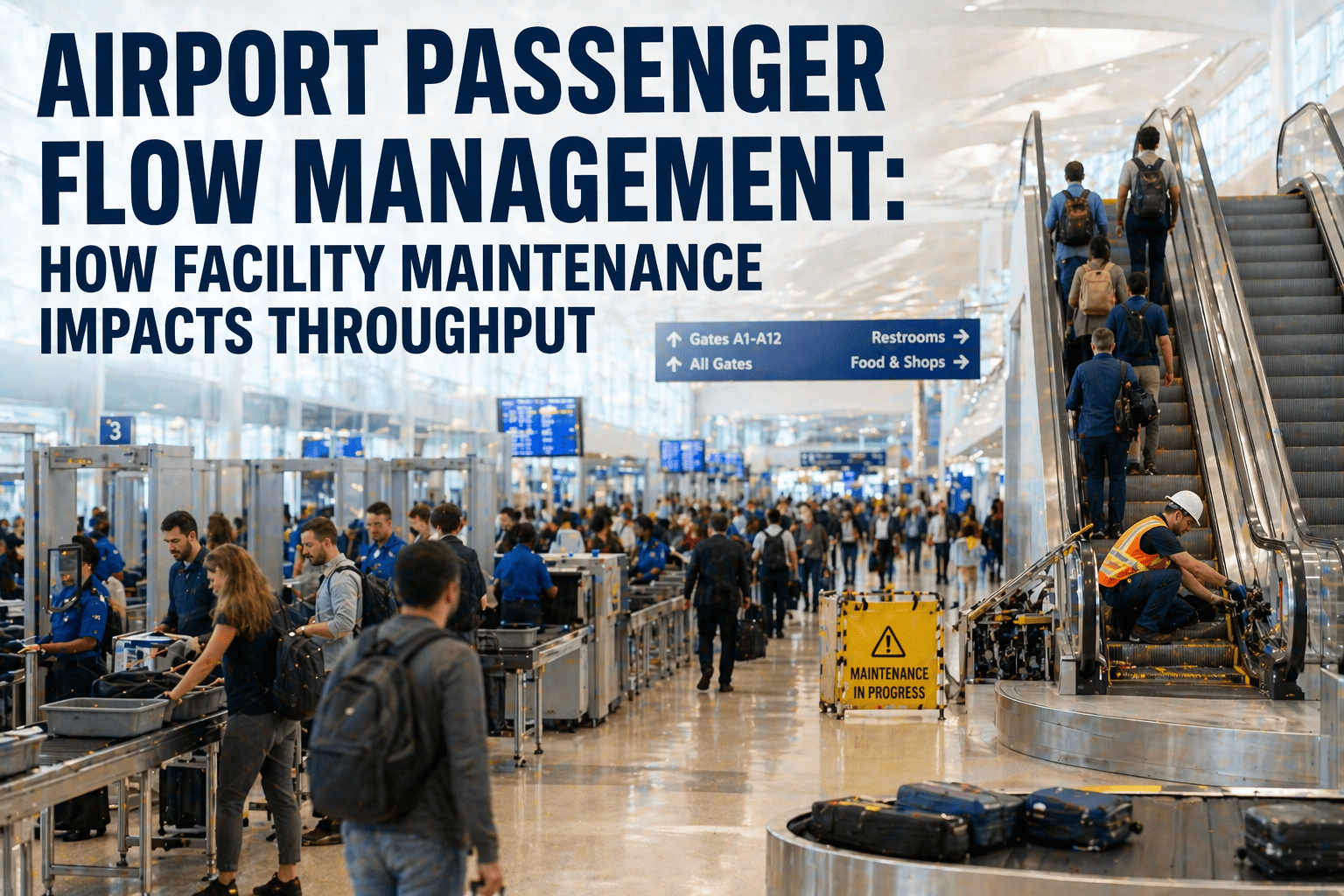
One failed escalator at a major airport checkpoint does not just inconvenience passengers — it creates a 12-minute average queue extension that cascades through the terminal, reducing retail dwell time by 18% and generating an estimated $4,200 per hour in lost concession revenue. Airports processing 40+ million passengers annually report that 73% of passenger complaints relate to equipment-driven delays — broken moving walkways, baggage system stoppages, inoperative elevators, and malfunctioning boarding bridges — all of which are preventable with structured maintenance programs. When maintenance directly impacts passenger throughput, it becomes an operations function, not just a facilities function. Airports implementing predictive maintenance through CMMS integration report 34% fewer equipment-caused delays and 22% improvement in passenger satisfaction scores. Transform your passenger flow operations — book a demo to see how OxMaint connects equipment health to passenger throughput metrics, or start a free trial and register your terminal assets today.
Airport Passenger Flow: How Equipment Maintenance Impacts Terminal Throughput
Reduce equipment-caused passenger delays by 34%. Connect escalator health, baggage system uptime, and checkpoint equipment availability to real-time terminal throughput metrics.
Where Equipment Failures Hit Passenger Flow Hardest
Passenger throughput depends on a chain of mechanical and electronic systems — when any link fails, the entire terminal feels it. These six equipment categories have the highest flow impact per minute of downtime.
Escalators, Baggage, Bridges, Checkpoints — Every Minute of Downtime Costs Passengers and Revenue.
OxMaint connects equipment health monitoring with passenger flow impact data — so your operations team prioritises maintenance by what affects throughput most, not just what broke last.
The Maintenance-Throughput Connection
Equipment maintenance and passenger flow are not separate disciplines — they are the same system. OxMaint quantifies the throughput impact of every maintenance action, enabling operations teams to make data-driven decisions about maintenance priority and timing. Configure these dashboards — start a free trial and book a demo today.
Reactive vs. Throughput-Optimised Airport Maintenance
Passenger Flow ROI
Frequently Asked Questions
How does OxMaint prioritise maintenance by passenger flow impact?
OxMaint assigns a flow impact score to every terminal asset based on its location, function, and passenger volume dependency. A checkpoint escalator serving 3,000 passengers per hour receives higher maintenance priority than a staff-area elevator serving 50 people per day. When multiple work orders compete for technician resources, the flow impact score ensures the asset with the greatest passenger throughput consequence is addressed first. This approach replaces the reactive "whoever calls first" model with data-driven prioritisation. Start a free trial to configure flow-impact scoring for your terminal.
Can OxMaint schedule maintenance based on flight schedules and peak traffic windows?
Yes. OxMaint integrates with airport operational data to identify low-traffic windows for preventive maintenance scheduling. Escalator PM, FIDS display servicing, and non-critical BHS component replacement are scheduled during the overnight troughs (typically 11 PM - 5 AM) or between peak departure banks. The system prevents scheduling PM on high-flow equipment during peak hours unless safety-critical, protecting passenger throughput. Book a demo to see peak-aware scheduling.
Does OxMaint track baggage handling system performance?
OxMaint monitors BHS component health including conveyor belts, diverter mechanisms, tilt trays, barcode scanners, and screening equipment. Maintenance history and condition data build reliability trends for each BHS segment, enabling predictive intervention before failures cause flight delays. The platform tracks BHS-caused delay minutes and links them to specific component failures — giving operations directors the data to justify preventive investment. Start a free trial to set up BHS monitoring.
How does OxMaint handle ADA compliance for elevators and accessible routes?
OxMaint tracks elevator and accessible equipment PM compliance with zero-tolerance overdue escalation. When an elevator serving an accessible route goes offline, the system generates an immediate priority work order and flags the ADA compliance impact. Monthly PM checklists include door timing, emergency communication testing, and cab positioning accuracy — all documented with timestamps for ADA audit readiness. Book a demo to see ADA compliance tracking.
Every Minute of Equipment Downtime During Peak Hours Costs You Passengers, Revenue, and Satisfaction Scores. Fix the Maintenance, Fix the Flow.
Flow-impact-weighted maintenance prioritisation, peak-aware scheduling, BHS uptime monitoring, and escalator condition tracking — one platform connecting equipment health to passenger experience.
Traditional classroom-based airport maintenance training costs an average of $2,400 per technician per course, requires pulling staff from operations for 3-5 days, and delivers knowledge retention rates of only 20% after 30 days. Virtual Reality (VR) and Augmented Reality (AR) training is transforming aviation maintenance by delivering immersive, hands-on practice environments where technicians can rehearse complex procedures — high-voltage switchgear maintenance, confined space rescue, baggage handling system troubleshooting — without operational disruption or safety risk. Airports deploying VR/AR training programs report 76% improvement in knowledge retention, 40% faster skill acquisition, and 32% reduction in safety incidents during maintenance activities. AR-equipped smart glasses are now enabling real-time remote expert guidance, allowing a specialist 1,000 miles away to overlay step-by-step visual instructions directly onto a field technician's view. Explore how OxMaint integrates with immersive training workflows — book a demo to see training-to-work-order integration, or start a free trial and connect your maintenance training records to real equipment today.
VR & AR Training for Airport Maintenance Technicians
Simulate complex repairs, improve safety training retention by 76%, and enable real-time remote expert guidance — all without disrupting live airport operations.
VR vs. AR: Two Technologies, Different Applications
VR and AR serve distinct roles in airport maintenance training. VR creates fully immersive simulated environments for practice and assessment. AR overlays digital information onto the real world for live maintenance guidance. Both connect to OxMaint's CMMS through training records and competency tracking. Explore training integration — start a free trial and book a demo to see how it works.
Train Smarter, Retain More, Work Safer. Connect Immersive Training to Real Maintenance Operations.
OxMaint links VR/AR training records to technician competency profiles and work order assignments — ensuring every technician is qualified for the tasks they are dispatched to perform.
Airport Maintenance Training Use Cases
Traditional vs. Immersive Airport Maintenance Training
ROI of VR/AR Maintenance Training
Frequently Asked Questions
How does OxMaint integrate with VR/AR training platforms?
OxMaint connects to VR/AR training platforms via API integration, importing training completion records, competency scores, and certification expiry dates into each technician's profile. When a work order is created for high-voltage switchgear maintenance, OxMaint verifies that the assigned technician has completed the required VR safety training and holds current certification. If training is expired or incomplete, the system flags the assignment and suggests qualified alternatives. Start a free trial to configure training-to-work-order verification.
What equipment is needed to deploy VR training at an airport?
Modern VR training deployments require standalone VR headsets (Meta Quest 3, HTC VIVE Focus), a dedicated training space of approximately 3x3 metres, and cloud-based VR content management platform. AR deployments use smart glasses (RealWear Navigator, Microsoft HoloLens 2) that technicians wear in the field. Initial hardware investment ranges from $15,000-$40,000 for a 4-headset training station — offsetting quickly against travel and lost-productivity costs of traditional training. Book a demo to discuss training technology integration.
Can AR smart glasses work in airport maintenance environments?
Yes. Industrial-grade AR smart glasses like RealWear Navigator are designed for harsh environments — they are certified for noise, dust, and temperature extremes. Technicians use voice commands to navigate instructions hands-free while performing maintenance on BHS equipment, HVAC systems, or electrical infrastructure. The devices work in both indoor terminal environments and outdoor airfield conditions. Start a free trial to explore AR-integrated maintenance workflows.
How does remote expert guidance work with AR?
The field technician wearing AR glasses initiates a call to the remote expert. The expert sees exactly what the technician sees through the glasses' camera. The expert can draw arrows, circles, and annotations that appear in the technician's field of view — pointing to specific bolts, connectors, or components that need attention. This capability reduces the need for specialist travel and enables 24/7 expert support regardless of location. Book a demo to see remote expert guidance in action.
Stop Pulling Technicians Off the Floor for Training That They Forget in 30 Days. Start Building Skills That Stick.
VR simulation training, AR-guided field repairs, competency-linked work order assignment, and training record management — connected to your maintenance operations in one platform.