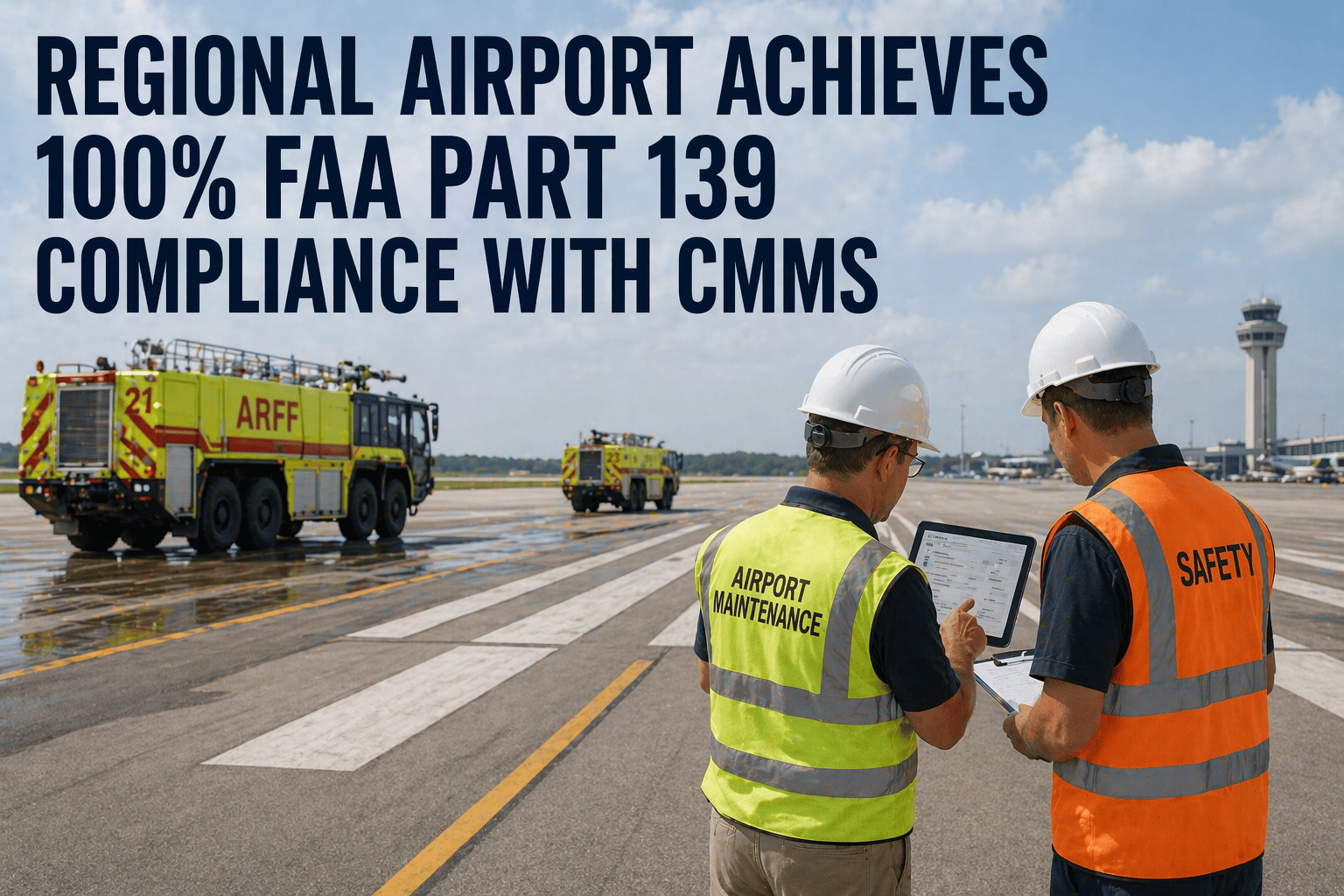
FAA Part 139 certification is the operating licence for every commercial airport in the United States — lose it, and the airport closes to scheduled airline service. The certification requires documented compliance across 34 regulatory areas including daily airfield inspections, ARFF vehicle readiness, runway surface condition monitoring, lighting system maintenance, wildlife management, and NOTAM documentation. A regional airport with 2.4 million annual passengers was facing a critical compliance gap: their 2022 FAA certification inspection identified 11 findings across 6 regulatory areas, with 3 classified as discrepancies requiring corrective action plans. The root cause was not negligence — it was not a staffing problem, not a budget problem, and not a training problem. It was a documentation problem. Every inspection was being performed. Every ARFF vehicle was being checked. Every runway defect was being repaired. But the evidence was scattered across paper forms in filing cabinets, Excel spreadsheets on individual desktops, and email threads buried in inboxes — and none of it could demonstrate systematic compliance when the FAA inspector asked for proof. Within 8 months of deploying OxMaint, this airport achieved 100% compliance across all 34 Part 139 areas and received zero findings in their subsequent FAA certification inspection. The FAA inspector called it "the best documentation system I have reviewed at a Part 139 airport this year." If your airport is doing the work but cannot prove it, this case study is directly relevant. Book a demo to see Part 139 compliance workflows configured for your airport, or start a free trial and configure your first inspection checklist today.
Case Study — Regional Airport — FAA Part 139 Compliance
How a Regional Airport Went from 11 FAA Findings to Zero — and Built the Compliance System the Inspector Called "Best I Have Seen This Year"
2.4M passengers. 34 regulatory areas. 11 findings in 2022. Zero findings in 2023. Same team. Same budget. Different documentation system.
Your Airport Is Performing the Inspections. If Your Documentation Cannot Prove It to the FAA, That Is the Problem OxMaint Solves.
This is a repeatable framework — not a one-off success. It works at 18-gate regionals and 68-gate hubs. See how it maps to your Part 139 program.
Airport Profile
Airport classFAA Part 139 Class I — Regional commercial service with scheduled 14 CFR Part 121 operations
Annual passengers2.4 million — 18 gates, single runway (8,500 ft), ILS CAT I approach
Operations staff42 staff — 12 airfield ops, 8 ARFF, 14 maintenance, 4 wildlife management, 4 admin
ARFF fleet3 ARFF vehicles (Index C), 1 rapid intervention vehicle, maintained per NFPA 414
Prior systemsPaper inspection forms, Excel tracking spreadsheets, departmental email chains, individual supervisor files
OxMaint modulesDigital inspections, PM scheduling, ARFF fleet tracking, work orders, training records, compliance dashboards, instant reporting
The 2022 Inspection — When Documentation Failure Became an Existential Threat
11 findings
Across 6 of 34 regulatory areas — 3 classified as discrepancies requiring formal corrective action plans (CAPs) with FAA follow-up inspections
0 out of 11
Were caused by actual failures in maintenance or inspection execution — every single finding was a documentation gap where compliant work was performed but the evidence was insufficient or unfindable
6 months
Required by FAA to complete all 3 corrective action plans — failure to resolve would trigger conditional certification status, which restricts airline scheduling and triggers carrier insurance reviews
Why Paper and Excel Cannot Pass an FAA Inspection — Even When the Work Is Done
Many airport operations directors reading this will recognise the situation immediately. The daily self-inspection gets done every morning at 06:00. The ARFF vehicle checks happen at every shift change. The wildlife hazard management actions are executed seasonally. But the documentation lives in a filing cabinet in the ops office, an Excel spreadsheet on a supervisor's desktop, and an email thread between the construction coordinator and the tower. When the FAA inspector sits down and says "show me your ARFF daily readiness checks for January through March," the operations team spends 45 minutes pulling paper forms from binders, discovering that February 14th and March 3rd are missing (the forms were completed but misfiled), and then spends another 20 minutes locating the supervisor who performed those checks to provide a verbal attestation. That is how a compliant airport gets a finding. The inspector is not questioning whether the checks happened. The inspector is documenting that the evidence system cannot prove they happened — which, in regulatory terms, is equivalent to them not happening. This airport had 42 dedicated staff doing excellent work. What they lacked was a documentation system that could match the quality of their operations. Start a free trial to see how OxMaint replaces that paper-and-spreadsheet evidence gap, or book a demo to review the compliance dashboard with our team.
The Six Regulatory Areas Where Documentation Failed
The FAA inspector's report identified 11 findings across 6 of the 34 Part 139 regulatory areas. Not one was an operational failure. Every finding was a documentation failure — and each one maps to a specific gap that OxMaint now fills.
139.303
Personnel Training Records
ARFF and airfield ops training records were stored in individual supervisor files — paper certificates, sign-in sheets, and completion memos. Inspector requested proof that all 20 ARFF/ops personnel had completed annual recurrent training. Three records could not be located within the inspection window. All three employees had completed training — the supervisor who managed their files had been reassigned and the records were in an unlabelled folder. OxMaint fix: every training completion is digitally logged with date, instructor, score, and certificate — with automatic expiry tracking and 90/60/30 day renewal alerts so no certification ever lapses unnoticed.
3 findings
139.319
ARFF Vehicle Readiness
Daily ARFF vehicle checks were performed every shift (3x daily) but documented on paper forms filed in the fire station. When the inspector requested a continuous readiness record for the previous quarter, 14 daily forms were missing — likely completed but lost in filing. One discrepancy was issued because the gap pattern suggested potential non-compliance. The ARFF chief knew every check had been performed. He could not prove it. OxMaint fix: digital ARFF checklists completed on mobile devices with GPS timestamp, technician ID, and photo attachment. If a check is not completed by the required time, automatic escalation to the ARFF supervisor — creating an unbreakable chain of documented readiness.
2 findings — 1 discrepancy
139.327
Self-Inspection Program
Daily airfield inspection records maintained in a logbook at the operations office. Inspector identified that pavement defects found during self-inspections had repair records in a separate maintenance work order system — with no cross-reference between the inspection record and the repair work order. Three defects identified in inspections had been repaired within 48 hours but the inspector could not trace finding-to-resolution without manual assistance. OxMaint fix: every defect identified during a digital self-inspection automatically generates a corrective work order linked to the original finding — with the repair record, photos, and sign-off connected back to the inspection entry. One audit trail, not two disconnected systems.
3 findings — 1 discrepancy
139.331
Obstructions & NOTAM Coordination
Construction project coordination with NOTAMs was documented via email chains between operations, the construction manager, and the control tower. Inspector asked to see the complete notification-to-NOTAM chain for 2 recent runway projects. The operations team spent 30 minutes searching email inboxes across 3 staff accounts before locating the relevant threads. One project's NOTAM request-to-publication timeline could not be fully documented. OxMaint fix: construction activities are logged as work orders with NOTAM requirement flags. NOTAM requests, publications, and cancellations are tracked within the work order timeline — one record linking the construction scope to the regulatory notification.
1 finding — 1 discrepancy
139.337
Wildlife Hazard Management
Wildlife strike reports were filed correctly, but seasonal habitat management actions (grass height management, standing water elimination, nesting deterrent installation) were not systematically documented against the Wildlife Hazard Management Plan timeline. The inspector found gaps in seasonal action documentation — actions had been performed but not recorded in context of the WHMP schedule. OxMaint fix: WHMP seasonal actions are configured as recurring PM work orders with specific date windows. Each completed action is logged with photos, wildlife observation data, and direct linkage to the WHMP section it satisfies.
1 finding
139.339
Airport Condition Reporting
Runway condition assessments during winter operations lacked timestamped documentation connecting field observations to published NOTAMs. Ops staff assessed conditions, reported verbally to the tower, and the tower updated the ATIS — but the chain from field observation to published condition report had no written documentation with timestamps. OxMaint fix: runway condition assessments are completed via mobile inspection with timestamped entries. Condition codes, contamination types, and coverage percentages are logged digitally with GPS and time — creating the documented chain from field observation to NOTAM that FAA expects.
1 finding
Every Finding on This List Is a Documentation Problem That OxMaint Eliminates Permanently. Not Reduces. Eliminates.
Digital inspections with timestamps. Automatic work order generation from findings. Training records with expiry tracking. ARFF checks with escalation if missed. One platform replacing paper forms, Excel, email chains, and filing cabinets.
What a Morning Self-Inspection Looks Like — Before and After OxMaint
This is the workflow that airport operations teams perform every single day. The difference between a compliance finding and a clean inspection often comes down to how this one process is documented.
Before OxMaint — Paper-Based
1Ops officer drives the airfield with a paper checklist on a clipboard. Notes a 2-inch pavement spall on Taxiway Bravo at the Delta intersection.
2Returns to ops office. Files the inspection form in the daily logbook binder. Writes a separate note to the maintenance supervisor about the pavement defect.
3Maintenance supervisor receives the note, creates a work order in a separate maintenance tracking spreadsheet. Assigns a crew.
4Crew repairs the spall the next day. Supervisor marks the spreadsheet row as "complete."
5Six months later, FAA inspector asks to see the finding-to-resolution chain. The inspection form is in Binder 3. The work order is in a spreadsheet on a different computer. No cross-reference exists. Inspector issues a finding.
Total documentation effort: 45 minutes across 3 people, 2 systems. Audit trail: broken.
After OxMaint — Digital Workflow
1Ops officer drives the airfield with OxMaint mobile app. Taps "Pavement Defect" on the digital checklist at Taxiway Bravo/Delta. Takes a photo. GPS and timestamp are logged automatically.
2OxMaint automatically generates a corrective work order linked to the inspection entry. Priority is set based on defect severity. Maintenance supervisor receives a mobile notification.
3Crew repairs the spall. Technician opens the work order on their mobile device, takes a completion photo, and marks the work order as complete with a digital signature.
4The inspection record now shows: finding identified (timestamped + photo) → work order generated (automatic) → repair completed (timestamped + photo + technician ID). One continuous record.
5FAA inspector asks for finding-to-resolution records. Ops manager opens OxMaint dashboard, filters by date range, and generates the complete audit trail in under 60 seconds. Inspector moves to next item.
Total documentation effort: 3 minutes, 1 system. Audit trail: complete, unbreakable, instant.
The OxMaint Implementation — 8 Months to 100% Compliance
Month 1-2
Digital Inspection Configuration & Corrective Action Plans
All Part 139 inspection checklists digitised — daily airfield self-inspections (139.327), ARFF vehicle checks (139.319), lighting system inspections (139.311), pavement condition assessments, and NOTAM coordination workflows. Each checklist item mapped to the specific 139.xxx regulatory reference for direct audit traceability. The 3 open corrective action plans from the 2022 inspection were entered as tracked items with FAA-required deadlines. All 3 CAPs were documented as resolved within 6 weeks — 4 months ahead of the FAA deadline.
Month 2-3
ARFF Fleet & Training Record Integration
ARFF vehicle PM schedules configured per NFPA 414 — daily operational checks (pump pressure, foam system, engine start), weekly detailed inspections, monthly PM schedules, and annual certification testing. Training records for all 42 staff imported with certification expiry dates. Automatic renewal alerts configured at 90, 60, and 30 days before expiry. Within 4 weeks, the system identified 2 employees whose annual ARFF recurrent training was due within 45 days — preventing a potential compliance gap before it became a finding.
Month 3-5
Finding-to-Resolution Workflow Automation
Every inspection finding now automatically generates a corrective action work order with the Part 139 regulatory reference, severity classification, and response deadline built into the priority logic. A pavement defect identified during a self-inspection at 07:15 triggers a maintenance work order by 07:16 — assigned to the appropriate crew based on defect type, with the inspection photo, GPS location, and regulatory timeline attached. The maintenance team does not need to know Part 139 timelines — OxMaint builds them into the work order priority automatically.
Month 5-8
Compliance Dashboard, Reporting & Audit Preparation
Real-time compliance dashboard showing green/amber/red status across all 34 Part 139 areas. One-click audit report generation producing the complete inspection history, corrective action log, training records, ARFF readiness documentation, and wildlife management actions for any date range. When the 2023 FAA inspector arrived, the airport operations manager generated the entire certification inspection package in under 3 minutes — from a single screen, in front of the inspector. The inspector spent 2 fewer days on-site compared to the 2022 visit because the documentation answered questions before they were asked.
The 2023 FAA Inspection — Zero Findings
The results speak for themselves. But the details matter — because they show exactly what changed and what the FAA inspector specifically noted.
| Part 139 Area | 2022 Inspection | 2023 Inspection (with OxMaint) | Change |
|---|
| 139.303 — Personnel Training | 3 findings | 0 findings | 100% resolved |
| 139.319 — ARFF Readiness | 2 findings (1 discrepancy) | 0 findings | 100% resolved |
| 139.327 — Self-Inspection | 3 findings (1 discrepancy) | 0 findings | 100% resolved |
| 139.331 — Obstructions/NOTAM | 1 finding (1 discrepancy) | 0 findings | 100% resolved |
| 139.337 — Wildlife Management | 1 finding | 0 findings | 100% resolved |
| 139.339 — Condition Reporting | 1 finding | 0 findings | 100% resolved |
| All other Part 139 areas (28) | 0 findings | 0 findings | Maintained |
| Total findings | 11 (3 discrepancies) | 0 | Zero findings — clean inspection |
Operational Impact Beyond the Inspection
The zero-finding inspection was the headline. But the operational improvements were equally significant — and ongoing.
100%
Part 139 Compliance
Zero findings across all 34 regulatory areas — from 11 findings in 6 areas the previous year. Clean inspection for the first time in 4 certification cycles.
3 min
Audit Report Generation
Complete certification inspection package generated in under 3 minutes — replaced 2-3 days of manual record compilation from paper files, spreadsheets, and email archives.
100%
ARFF Daily Compliance
Zero missed daily ARFF vehicle checks since go-live — digital timestamps and automatic escalation eliminated the paper form gaps that caused the 2022 discrepancy.
67%
Faster Defect Resolution
Average defect resolution time dropped from 4.2 days to 1.4 days — because the work order is generated automatically at the moment the defect is identified, not hours later via a paper note.
What the Airport Operations Director Said After the 2023 Inspection
"When the FAA inspector sat down in 2022, we spent the first half-day just finding records. I knew we had done the work. My ARFF chief knew every vehicle had been checked. My ops officers knew every self-inspection had been completed. But we could not prove it in the way the FAA requires — with timestamped, traceable, cross-referenced documentation. After OxMaint, the 2023 inspector sat down, I opened the dashboard, and within 3 minutes he had the complete inspection history, every corrective action with resolution documentation, every ARFF readiness record, and every training certificate for all 42 staff. He looked at me and said: 'This is the best documentation system I have reviewed at a Part 139 airport this year.' We went from 11 findings to zero — and my team's daily workload actually decreased because they are not filling out paper forms, walking them to the office, and filing them in binders anymore. The system captured what they were already doing. It just captured it in a way that is audit-proof."
Director of Airport Operations
Regional Airport — 2.4M passengers, 42 staff, 18 gates, FAA Part 139 Class I
Frequently Asked Questions
Does OxMaint include pre-built FAA Part 139 inspection checklists?
OxMaint provides fully configurable inspection templates aligned with Part 139 requirements. The airport in this case study customised templates for daily self-inspections (139.327), ARFF vehicle checks (139.319), lighting system inspections (139.311), pavement condition assessments, wildlife management actions (139.337), and winter condition reporting (139.339). Each checklist item is linked to the specific regulatory reference, so inspection records map directly to the Part 139 section they satisfy — creating the regulatory traceability that FAA inspectors require but paper forms cannot provide. Templates are editable, so when your Airport Certification Manual is updated, the checklists update with it. No more mismatched forms. Start a free trial to configure Part 139 inspection checklists for your airport — most airports complete initial setup within 2 weeks.
How does OxMaint prevent the kind of ARFF documentation gaps that caused the discrepancy finding?
The ARFF discrepancy in this case study happened because 14 paper forms were missing across 3 months — checks that were performed but not provably documented. OxMaint eliminates this entirely through three mechanisms: first, digital checklists completed on mobile devices with automatic GPS timestamp and technician ID — there is no paper to lose. Second, automatic escalation — if a daily check is not completed by the required time, the ARFF supervisor receives an immediate notification, and if not resolved within the escalation window, it alerts the operations manager. Third, a continuous compliance dashboard showing ARFF readiness status in real time — so the operations director can see at a glance that all vehicles have current checks rather than trusting that paper forms are filed correctly. Since go-live, this airport has had zero missed ARFF daily checks — not one. Book a demo to see ARFF fleet compliance management configured for your vehicle fleet.
Can OxMaint generate the compliance reports FAA inspectors need during certification inspections?
Yes — and this is where the transformation is most dramatic. Before OxMaint, this airport's team spent 2-3 days compiling records from paper binders, spreadsheets, and email archives before each FAA visit. With OxMaint, the operations manager generated the entire certification inspection package — inspection completion rates by Part 139 section, corrective action histories with finding-to-resolution timelines, training records with certification status for all 42 staff, ARFF readiness documentation, and wildlife management action logs — in under 3 minutes, from a single screen, while the FAA inspector watched. That moment changed the entire tone of the inspection. The inspector spent 2 fewer days on-site because the documentation answered questions before they were asked. That is not just compliance — it is confidence. Start a free trial to build your audit-ready compliance documentation system.
How quickly can a regional airport implement OxMaint for Part 139 compliance?
This airport completed full implementation in 8 months, but the core capability — digital inspections, ARFF tracking, and automated work order generation — was operational within 8 weeks. A typical regional airport (18-30 gates) completes Phase 1 (digital inspections and ARFF tracking) within 6-8 weeks, Phase 2 (full PM scheduling, training integration, and finding-to-resolution workflows) within 12-16 weeks, and Phase 3 (compliance dashboards and reporting) within 20-24 weeks. The critical point: you do not need to wait 8 months to see value. Within the first 6 weeks, your daily self-inspections are digital, your ARFF checks have timestamps, and your finding-to-work-order chain is automated. If your next FAA inspection is in 3 months, that is enough time to transform your documentation readiness. Book a demo to scope your airport's implementation timeline based on your next certification inspection date.
FAA Part 139 Compliance — OxMaint Case Study
This Airport Was Doing Everything Right — Except Documenting It in a Way the FAA Could Verify. OxMaint Fixed That in 8 Weeks. Zero Findings Followed.
Digital inspections with timestamps. ARFF readiness tracking with automatic escalation. Finding-to-resolution workflows that create one continuous audit trail. Training records with expiry alerts. Compliance dashboards that generate complete FAA inspection packages in under 3 minutes. Same team, same budget, zero findings.