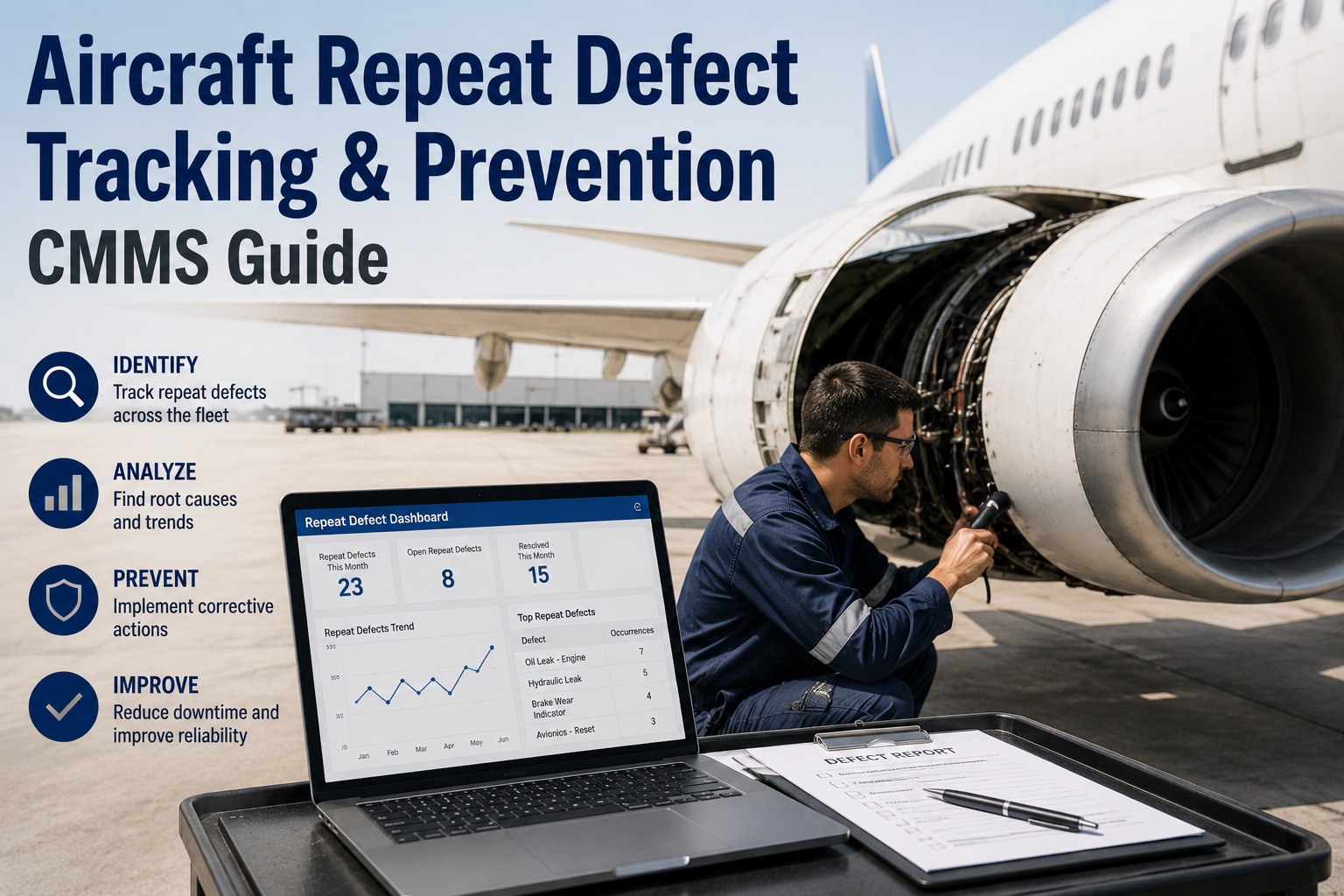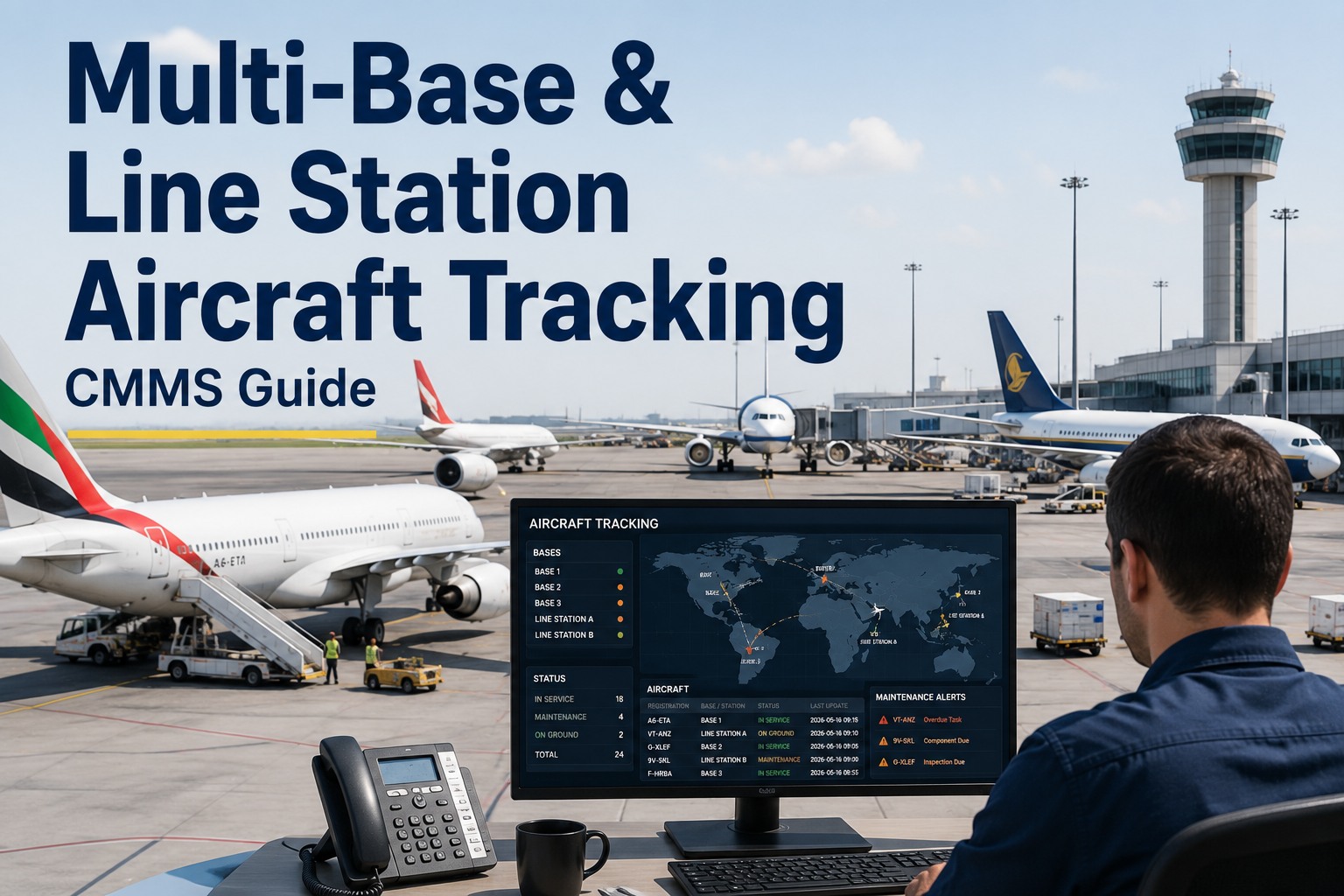
Aviation technician certification tracking is the process of monitoring license validity, type ratings, category authorizations, and medical currency to ensure only qualified personnel sign off on aircraft maintenance. A robust certification CMMS for aviation automates technician license tracking and triggers expiry alerts before credentials lapse, protecting your operation from invalid signoffs and regulatory penalties. One expired A&P or LAE license can invalidate every task completed after the expiry date, creating massive compliance risks during audits. This guide covers how modern aviation maintenance teams use CMMS authorization tracking to maintain airtight compliance and prepare for 2026 regulations. See how OxMaint automates this process when you Start Free Trial today.
Could one expired license invalidate your last 90 days of maintenance signoffs?
Manual spreadsheets miss expiries. OxMaint verifies every technician authorization in real time before a work order closes — so no invalid signoff ever reaches the tarmac.
Why manual aviation license tracking fails maintenance teams
Over 60% of aviation maintenance audits reveal at least one technician working with an expired authorization, license, or type rating — and the average gap between expiry and detection is 47 days.
When a mechanic certification lapses, the regulatory consequences extend far beyond the individual. Every work order signed by that technician after the expiry date is legally void. For a mid-size operation completing 200 maintenance events per week, a single 47-day gap can mean over 1,300 invalid signoffs — requiring re-inspection, re-certification, and potential grounding of affected aircraft. Aviation technician certification tracking via CMMS eliminates this exposure by hard-blocking work order completion the moment a credential expires.
What an aviation technician certification CMMS must track
A complete technician authorization guide for 2026 requires tracking five distinct credential categories — each with its own expiry cycle, renewal path, and scope limitations.
License Type & Category
A&P, LAE (EASA Part-66), B1/B2 categories. CMMS tracks issue date, issuing authority, and renewal cycle to prevent base license expiry.
Type Rating Authorizations
Aircraft-specific certifications (e.g., B737 NG, A320 family). Critical for ensuring technicians only sign off on aircraft they are currently rated for.
Recency & Currency Hours
Tracks recent experience requirements — typically 6 months of maintenance activity in the preceding 24 months — and flags approaching currency deficits.
Medical Certificate Validity
Class 1 or Class 2 medicals with 12-month or 60-month cycles depending on age and role. Expiry blocks all maintenance task assignments automatically.
Authorization Scope by Fleet
Defines exactly which tail numbers and aircraft types a technician can certify. Prevents out-of-scope signoffs that auditors flag immediately.
Training & Recurrence Records
Human factors, fuel tank safety, EWIS, and type-specific recurrence training — all linked to authorization validity and renewal triggers.
CMMS authorization tracking vs. spreadsheet license management
A 180-technician MRO spending $48K annually on compliance admin can cut audit prep time by 85% and eliminate expiry gaps by switching from spreadsheets to CMMS license tracking.
| Capability | Spreadsheet / Manual | OxMaint CMMS |
|---|---|---|
| Expiry detection lead time | 47 days average (post-expiry) | 90, 60, 30-day pre-expiry alerts |
| Work order authorization check | Manual supervisor review | Automated hard-block at closeout |
| Type rating scope enforcement | Relies on technician memory | System-verified per tail number |
| Audit preparation time | 3–4 weeks of manual compilation | Instant report generation |
| Invalid signoff risk exposure | $2.4M average per event | Effectively zero |
| Multi-station visibility | Siloed per-location files | Real-time fleet-wide dashboard |
A regional MRO with 140 technicians across 3 stations tracked licenses in shared spreadsheets. During a 2024 EASA audit, 12 technicians were found with expired type ratings — resulting in 840 invalidated signoffs, 11 aircraft temporarily grounded for re-inspection, and $680K in rework costs. After implementing OxMaint CMMS authorization tracking, the same operation passed its next audit with zero findings and cut compliance admin from 32 hours/week to under 4 hours.
How OxMaint solves aviation technician certification tracking
OxMaint embeds certification verification directly into the work order lifecycle — so no task can be assigned, started, or signed off by an unauthorized technician.
Automated expiry alert engine
Configurable 90/60/30/7-day alerts on every license, type rating, and medical. Supervisors see expiring credentials on a dedicated dashboard and can trigger renewals before lapse — eliminating 100% of post-expiry detection.
Outcome: Zero expired-license signoffsWork order authorization hard-block
When a technician attempts to close a work order, OxMaint verifies their license type, type rating for that specific aircraft, and medical currency in real time. If any credential is expired or out of scope, the system blocks completion.
Outcome: 100% signoff compliance enforcedOne-click audit readiness reports
Generate complete technician certification histories — every credential, every signoff, every training record — in a single export formatted for FAA, EASA, or CAA auditors. Reduces audit prep from weeks to minutes.
Outcome: 85% reduction in audit prep timeType rating recency tracking
Monitors currency hours per aircraft type and alerts when a technician is approaching recency minimums. Proactively assigns type-specific tasks to maintain qualification before it lapses.
Outcome: Zero lapsed type ratingsDeploying aviation license CMMS tracking in 5 phases
Most maintenance operations go live with full technician certification tracking in under 30 days — here is the typical deployment timeline.
Credential data migration
Import all technician license data, type ratings, medical certificates, and training records from existing spreadsheets or legacy systems. OxMaint validates and structures the data.
Authorization rules configuration
Map each technician's authorization scope to specific aircraft types, tail numbers, and maintenance categories. Define alert thresholds and escalation paths per regulatory authority.
Work order integration
Connect certification verification to the work order lifecycle — assignment, execution, and signoff. Configure hard-blocks for expired or out-of-scope authorizations.
Team training & go-live
Train maintenance supervisors and technicians on the new workflow. Go live with parallel tracking for one week, then cut over to CMMS-only authorization management.
Continuous compliance monitoring
OxMaint's AI monitors regulatory changes and flags any technician whose credentials may need updating to meet new 2026 requirements — keeping you perpetually audit-ready.
Stop risking invalid signoffs on expired credentials
See how OxMaint automates technician certification tracking and work order authorization — book a 30-minute demo with our aviation maintenance team.
Aviation technician certification tracking CMMS FAQs
What is aviation technician certification tracking in a CMMS?
A certification CMMS for aviation monitors every technician's license type, type ratings, category authorizations, medical certificates, and training records — triggering expiry alerts and hard-blocking work order signoffs when credentials are invalid. This ensures no maintenance task is certified by an unauthorized technician, eliminating compliance gaps that audits expose.
How far in advance does OxMaint send technician license expiry alerts?
OxMaint sends configurable alerts at 90, 60, 30, and 7 days before any license, type rating, or medical certificate expires. Supervisors receive dashboard notifications and email alerts, and can set escalation paths so that nothing lapses. You can Start Free Trial to configure custom alert windows for your operation.
Can a CMMS prevent out-of-scope type rating signoffs?
Yes. OxMaint links each technician's type rating authorizations to specific aircraft tail numbers and categories. When a technician attempts to close a work order, the system verifies their rating matches the aircraft before allowing signoff. If the type rating is missing or expired, the system hard-blocks completion and routes the task to an authorized technician.
How does CMMS authorization tracking prepare my operation for audits?
OxMaint maintains a complete, time-stamped record of every technician credential and every signoff they performed. During an FAA, EASA, or CAA audit, you can generate a full compliance report showing authorization validity at the time of each signoff — reducing audit preparation from weeks to minutes. Book a demo at Calendly to see the audit reporting in action.
What happens to existing work orders if a technician's license expires mid-task?
OxMaint immediately flags all open work orders assigned to that technician and prevents new assignments. Supervisors are notified to reassign tasks to qualified personnel, and any signoff attempted after expiry is blocked. This prevents the costly scenario of retroactively invalidating completed maintenance work.
Get audit-ready with automated certification tracking
Join aviation maintenance teams using OxMaint to eliminate expired-license risks, enforce type rating compliance, and pass every audit with zero findings.
Free 14-day trial · No credit card