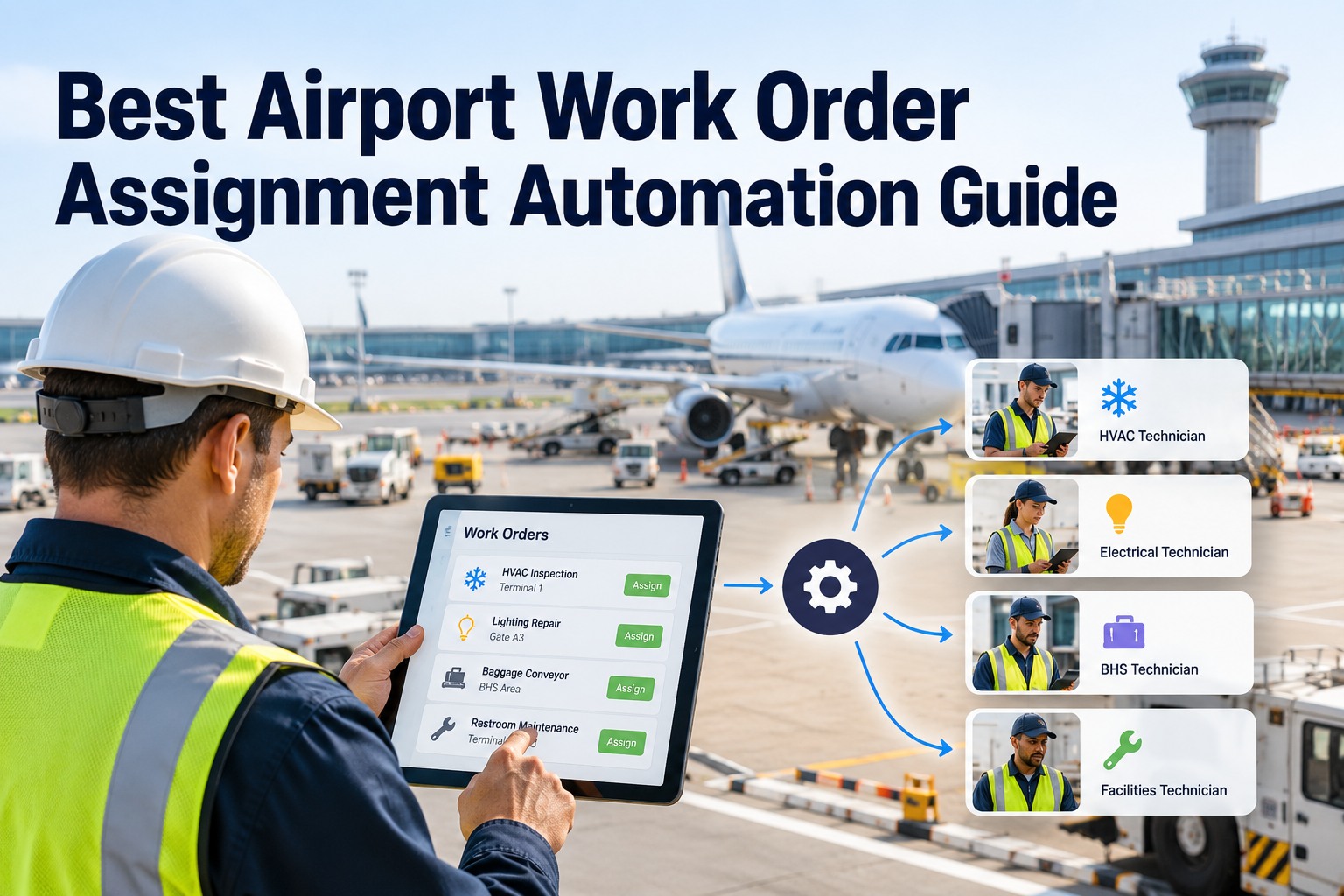
It's 6 a.m. and three jobs hit the queue at once — a jet bridge fault at Gate 14, a flooded terminal restroom, and a de-icing rig that won't start out on the ramp. One dispatcher with a whiteboard has to decide who goes where, who's badged for the airfield, and who isn't already a mile across the campus. Guess wrong and a technician drives two zones for a job the person beside it could have taken. OXMAINT AI is the AI-powered maintenance management software that assigns every work order by skill, workload, location and priority — automatically, in seconds, not with a marker pen.
Work Order Assignment · Skill Match · Load Balancing · Zone Routing · Rules Engine · 2026
Airport Work Order Assignment, on Rules Instead of a Whiteboard
A busy airport opens hundreds of work orders a day across airside, terminal and landside — each needing the right skill, the right badge and the shortest trip. The OXMAINT AI maintenance management software replaces the whiteboard with a rules engine: every work order is matched to the best-fit technician by skill, load, location and priority, and lands on their device already assigned.
1Intake
→
2Match
→
3Route
→
4Assign
WORK ORDER
Gate 14 jet bridge fault
→
Skill
Load
Location
Priority
→
RIGHT TECHNICIAN
badged, free, nearest
~35%
of a technician's day is actual hands-on work, by common industry figures
~65%
goes to travel, searching and paperwork — the hours poor assignment wastes
~55%
hands-on time the best-run teams reach once routing is tightened
Seconds
to auto-assign a job that a whiteboard takes minutes to place
Why the Whiteboard Breaks at an Airport
Manual dispatch works until the campus gets big, busy and badged. At an airport, every job carries a zone, a credential and a clock — and a marker board can't weigh all three in real time. That is the gap the OXMAINT AI maintenance management software is built to close; book a demo to see rules-based assignment on your own operation in OXMAINT AI.
Campus sprawl & zones
Jobs land across airside, terminals and landside. The nearest free tech on the board may still be a long drive away.
24/7 shifts & handoffs
Coverage never stops, but a whiteboard resets at every shift change — and open jobs quietly fall through the handoff.
Skills, certs & airside access
Not every tech is badged for the SIDA or holds the right permit. Send the wrong one and the job can't even be reached.
SLA tied to flight ops
A gate-blocking fault can delay a departure. Priority has to be judged against the flight schedule, not the order jobs arrived.
The Four Rules Behind Every Good Assignment
Strip away the software talk and automated assignment is really four questions, asked in order, for every job. The OXMAINT AI maintenance management software answers them in one pass and hands the work to the best-fit technician; start free and build these rules for your own teams in OXMAINT AI.
RULE 1 · SKILL MATCH
Job needs a licensed electrician with an airside permit
Only technicians who hold both the trade and the credential are eligible — no generalist sent to a job they can't close or can't reach.
RULE 2 · LOAD BALANCING
Three techs free, one already buried in jobs
The next work order goes to the lightest queue, not the first name on the board — so the shift's workload spreads evenly.
RULE 3 · ZONE ROUTING
Fault reported in Concourse C
The closest qualified tech already in or badged for that zone takes it, cutting the cross-campus trips that burn the day.
RULE 4 · PRIORITY & SLA
Gate-blocking fault vs a flickering wayfinding sign
Flight- and safety-critical work jumps the queue; low-urgency jobs batch into the round, and nothing is left to starve.
From Open Work Order to the Right Tech
Those four rules run as one chain the moment a job appears — no one pulls a tech aside to ask who's free. Here's the path a work order takes inside the OXMAINT AI maintenance management software, start to finish; book a demo to watch a job auto-assign in OXMAINT AI.
01
Intake & classify
A job arrives from an inspection, a sensor, a call or a request, tagged by asset, zone and urgency.
↓
02
Skill & credential filter
Only technicians with the right trade and a current airside badge or permit stay in the running.
↓
03
Who's free & balanced
The engine weighs each eligible tech's open workload — not just who happens to be nearby.
↓
04
Nearest in the right zone
Among the balanced candidates, the one closest to the job's zone wins the trip.
↓
05
Priority rank
Flight- and safety-critical work is placed first; routine jobs slot into the round behind it.
↓
06
Assigned & on the device
The tech gets the job with asset, location, history and checklist attached — ready to work, not to ask around.
Your Best Technician Shouldn't Be Your Dispatcher.
Every hour spent deciding who goes where is an hour not spent fixing anything. The OXMAINT AI maintenance management software makes the call in seconds — by skill, load, zone and priority — so your people stay on the tools and the right job reaches the right hands the first time.
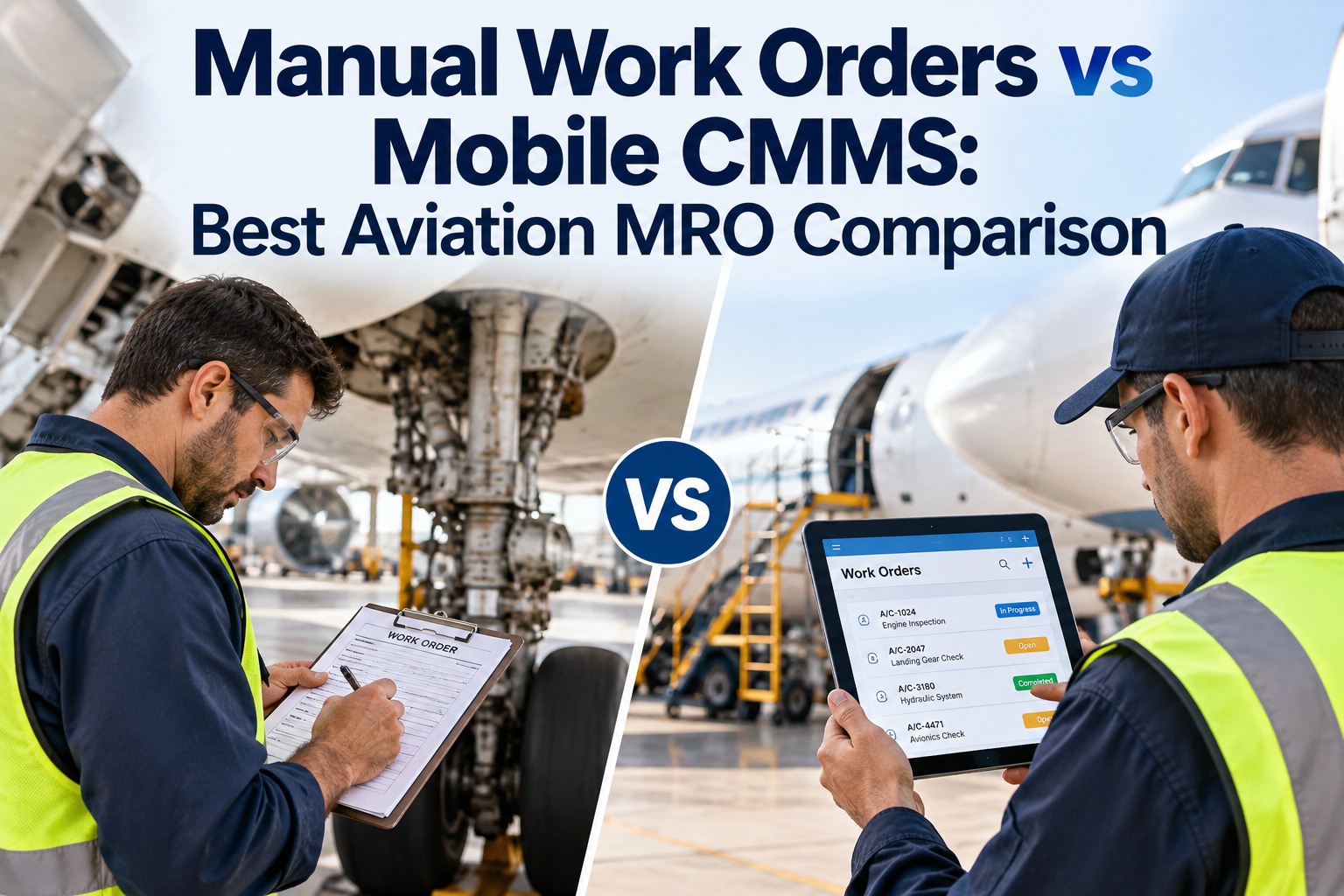
Whiteboard vs Rules Engine, Side by Side
The difference isn't speed alone — it's everything a marker board can't hold in its head at once. The OXMAINT AI maintenance management software weighs every factor on every job, every time; start free and compare it against your current board in OXMAINT AI.
Routing That Respects the Zone
An airport isn't one site — it's several, each with its own access rules and urgency. Assignment has to route by zone, not just by distance, and the OXMAINT AI maintenance management software keys the logic to each one; book a demo to map your zones and access rules in OXMAINT AI.
AIRSIDE / SIDA
Routes only techs with a current badge and airside driving permit; escort needs are flagged and the access is logged with the job.
TERMINAL
Passenger-facing and SLA-tight — sends the nearest available tech by concourse so a visible fault is cleared fast.
LANDSIDE
Roads, car parks and curbside. Routine jobs batch into planned rounds instead of pulling techs off higher-priority work.
REMOTE AIRFIELD
Lighting, perimeter and fuel-farm jobs are grouped into one trip, so a long drive clears several tasks at once.
How OXMAINT AI Automates Work Order Assignment
The rules engine is one part of a full maintenance platform — the assignment happens where the work order, the asset history and the technician already live. Here's what the OXMAINT AI maintenance management software brings to the dispatch problem; start free and put assignment on autopilot in OXMAINT AI.
Skill & credential matching
Each job sees only techs with the right trade and a current airside badge or permit — never a mismatch.
Automatic load balancing
Live queue depth per technician spreads work evenly, so no one is buried while others sit idle.
Zone & geo routing
Jobs go to the nearest fit in the right zone, cutting the cross-campus trips that eat the shift.
Priority & SLA rules
Flight- and safety-critical work is ranked first and watched against its clock, so nothing drifts past due.
Assigned with full context
The tech opens the job with asset, location, history and checklist already attached — no asking around.
Every assignment logged
Who got what, when and why is kept for good — an audit trail a whiteboard wipes at every shift.
Guardrails That Keep Auto-Assignment Honest
Automation suggests; people stay in charge. The OXMAINT AI maintenance management software runs the rules, but keeps the safety catches a real operation needs; book a demo to set your own guardrails in OXMAINT AI.
Cert-expiry block
A job that needs a lapsed credential is never routed to that tech — the engine simply skips them until it's renewed.
SLA escalation
A job at risk of breaching its clock is raised in rank and flagged to a supervisor before it goes past due.
Human override
A dispatcher can reassign any job by hand at any time — the engine proposes, your team makes the call.
Auto-reassignment
A declined or stalled job routes to the next best technician on its own, so nothing sits waiting on one person.
“
We ran dispatch off a board and one very good lead who kept the whole airport in his head — until he was on leave, and we felt it that week. Now the rules do the first pass: skill, badge, who's free, which zone. He still overrides when he needs to, but he's back on the tools most of the day instead of standing at the board. The cross-campus drives are what fell the most.
Maintenance Operations Manager · International Airport
Frequently Asked Questions
What is work order assignment automation?
It's letting software decide which technician gets each job — by skill, workload, location and priority — instead of a person placing names on a board. The OXMAINT AI maintenance management software runs those rules the instant a work order appears.
Start free and try it on your teams.
How does skill matching handle airside jobs?
Each job lists the trade and the credential it needs — a licensed trade plus a current airside badge or permit. Only technicians who hold both are eligible, so a job is never routed to someone who can't reach or close it.
Won't automation take control away from my dispatchers?
No — it does the first pass and your team keeps the final say. Any assignment can be overridden by hand, and the engine learns from how your rules are set.
Book a demo to see the override flow.
Do we have to replace our current process to use it?
The assignment engine is part of the CMMS itself, so work orders from inspections, sensors, calls and requests all flow into the same rules. You're adding automation to how jobs already arrive, not bolting on a second system.
How soon can we switch off the whiteboard?
Teams usually start with skill and zone rules, watch the assignments for a week, then let load and priority take over. The board comes down once the rules are earning trust — on your timeline, not all at once.
Put Every Job in the Right Hands, the First Time.
Trade the whiteboard for a rules engine with the OXMAINT AI maintenance management software — skill and credential matching, live load balancing, zone-aware routing and flight-ops priority, every assignment logged. Your dispatchers stop guessing and your technicians stop driving the long way around.