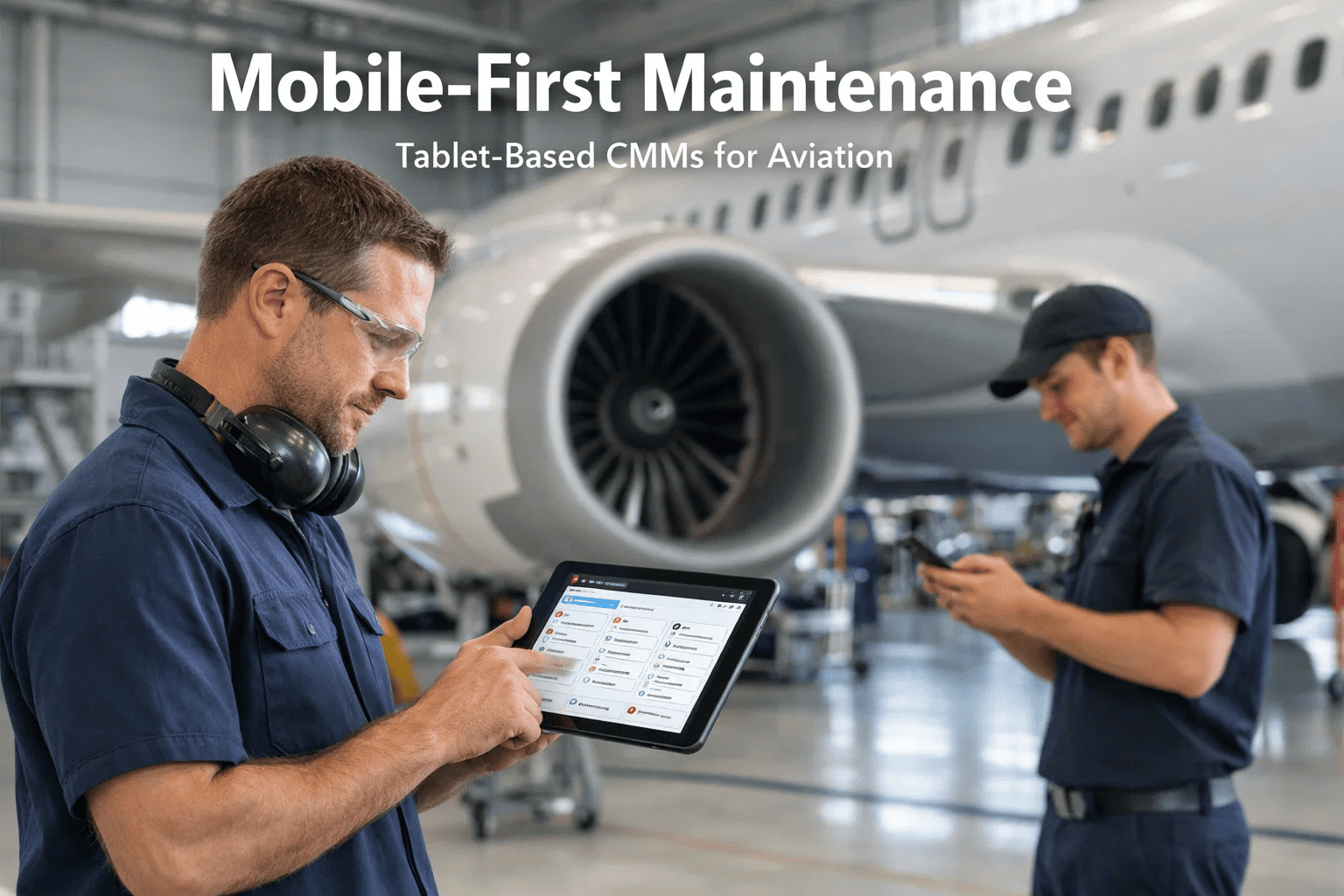
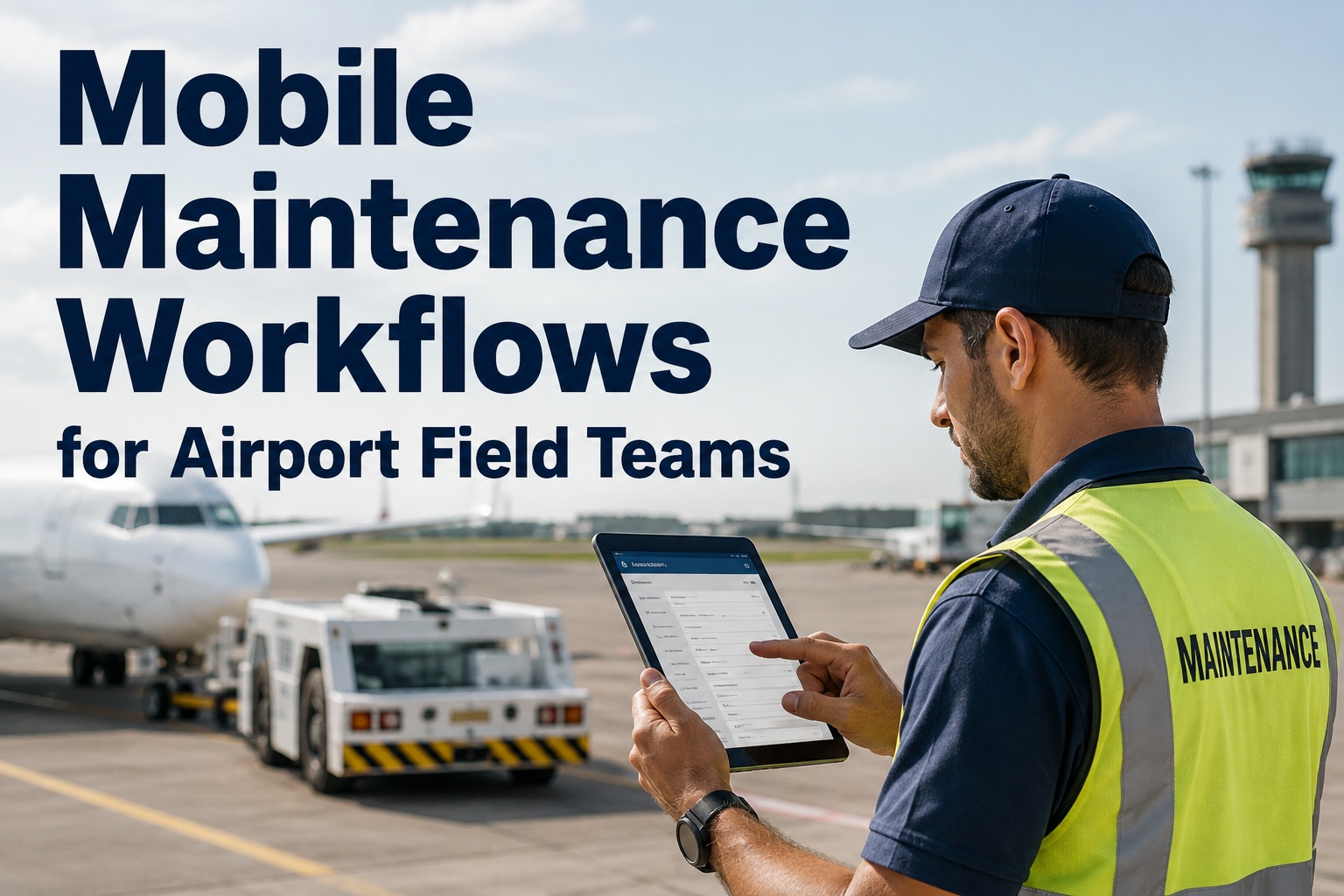
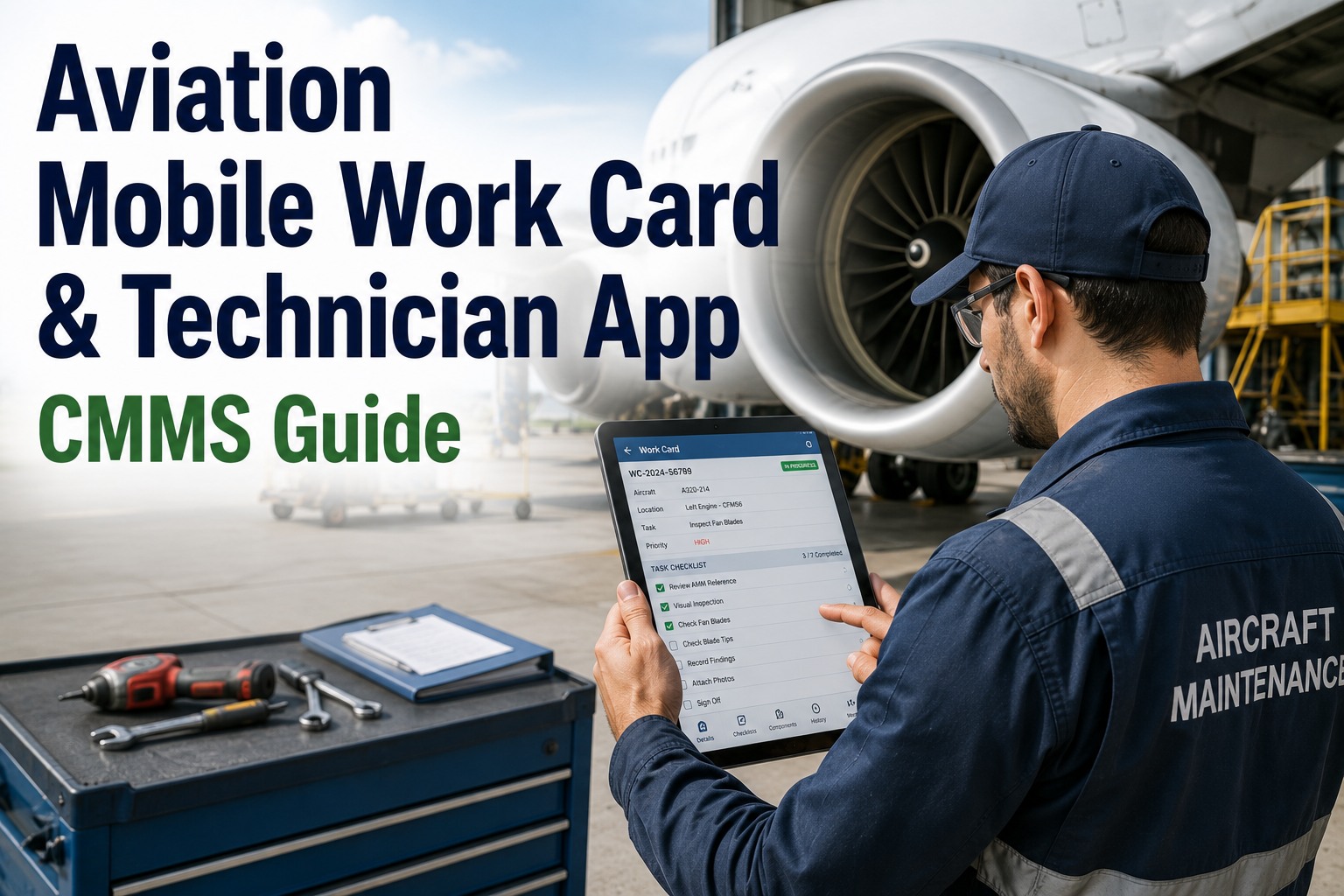
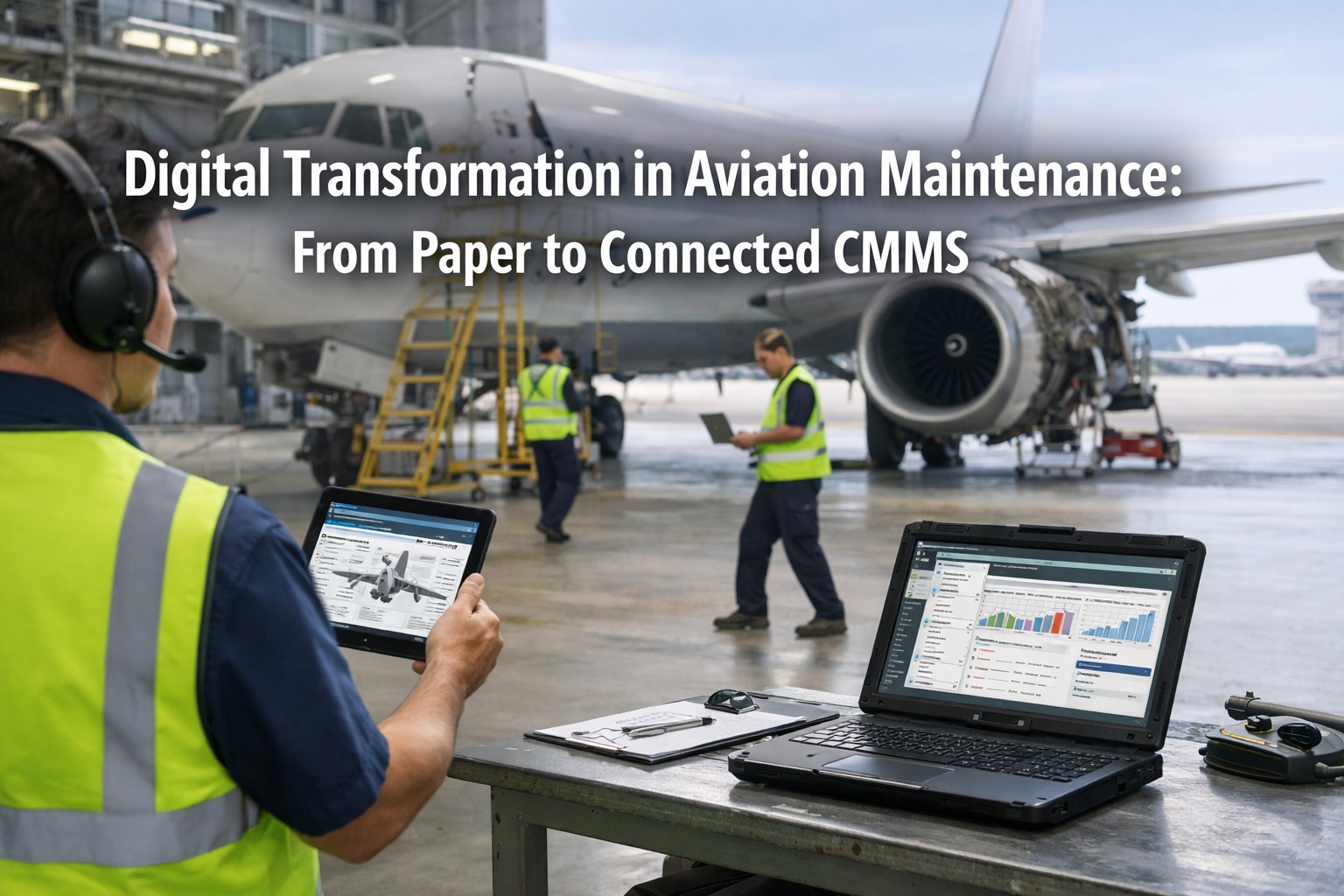
Walk into any progressive MRO hangar today and you'll spot the shift immediately — technicians moving between aircraft with tablets instead of clipboards, signing off tasks with a thumbprint instead of hunting for a certifying engineer across three bays. The clipboard era isn't ending because of preference. It's ending because the math is brutal: paper-based task management costs aviation maintenance organizations an average of 6.3 hours per technician per week in non-wrench-turning activity. That's time spent walking, searching, filing, and waiting — not fixing aircraft. Mobile-first CMMS platforms built for the hangar floor are closing that gap with measurable speed. This article breaks down exactly how tablet-based maintenance management works, what it changes operationally, and where implementation teams consistently go wrong. Start a free trial to see Oxmaint's mobile platform in a live environment, or book a demo with our aviation operations team.
6.3hrs
Weekly non-productive time per technician on paper-based systems
34%
Faster task sign-off cycles with mobile e-signature workflows
$2.1M
Average annual savings per mid-size MRO from mobile CMMS adoption
91%
of technicians report higher task accuracy with guided digital work cards
See Mobile CMMS Built for Aviation Technicians
Oxmaint's Mobile App Platform puts task cards, sign-off workflows, photo capture, and real-time dashboards in the palm of your technicians' hands — online or offline, on any device.
What Mobile-First CMMS Actually Means for MRO
Mobile-first doesn't mean a desktop CMMS with a responsive stylesheet bolted on. It means the entire workflow — task assignment, step-by-step guidance, parts lookup, photo documentation, discrepancy logging, and regulatory sign-off — was designed to be completed on a tablet or smartphone, standing next to an aircraft, without ever touching a desk or a printer. The distinction matters enormously in practice. A desktop system accessed on a tablet produces a frustrating, zoomed-out experience that technicians abandon within weeks. A genuinely mobile-first platform reduces cognitive load, speeds data entry, and matches how maintenance professionals actually move through a hangar shift. Industry data consistently shows that mobile CMMS adoption rates are 3x higher when the interface is purpose-built for handheld use versus adapted from desktop. For organizations still evaluating the shift, start a free trial to experience what a genuinely mobile-first interface feels like in daily use, or book a demo to walk through the technician workflow from task receipt to sign-off.
The Four Pillars of Genuine Mobile-First CMMS
01
Touch-Native Interface
Every interaction designed for gloved hands on a 10-inch screen — not a mouse on a 27-inch monitor.
02
Offline Capability
Full functionality in RF-shielded hangars and remote ramp locations — syncs automatically when connectivity returns.
03
Integrated Capture
Camera, barcode scanner, and digital signature built into the workflow — not added as separate steps.
04
Real-Time Sync
Every completed task, logged discrepancy, and sign-off immediately visible to supervisors and quality teams — no batch uploads.
Where Clipboard-Based Operations Collapse
Paper and clipboard-based maintenance management doesn't fail on calm days with complete crews and predictable aircraft. It fails at exactly the wrong moments — high-volume turnarounds, multi-shift handovers, AOG situations, and surprise audits. These are the scenarios where aviation maintenance organizations need speed and accuracy most, and where analog systems consistently underdeliver. Understanding the failure modes is the first step toward making the case for mobile CMMS investment. Organizations ready to quantify their current documentation overhead can start a free trial and benchmark against live operational data, or book a demo to walk through an ROI model for their specific operation size.
Communication
Shift Handover Information Loss
When a technician's shift ends mid-task, critical work-in-progress context is communicated verbally or via handwritten notes. Studies show 28% of shift handover incidents in aviation involve incomplete or inaccurate information transfer — a gap that mobile CMMS eliminates with structured, timestamped digital handover records.
Compliance
Missed Sign-Off Steps
Paper job cards have no enforcement mechanism. A technician can physically skip a required inspection step and proceed to the next task. Mobile CMMS enforces mandatory step completion — the next task simply doesn't unlock until required fields are completed and signed off.
Visibility
Zero Real-Time Progress Data
With clipboard operations, a maintenance controller has no live insight into which tasks are complete, in progress, or blocked. Supervisors spend an estimated 40 minutes per shift physically walking the floor to assess work status — time that mobile dashboards eliminate entirely.
Accuracy
Manual Data Entry Errors
Transferring handwritten clipboard data into a back-office system introduces transcription errors at an average rate of 1 error per 300 keystrokes. For a busy MRO processing 500 work order lines per day, that's dozens of data quality issues entering the system daily.
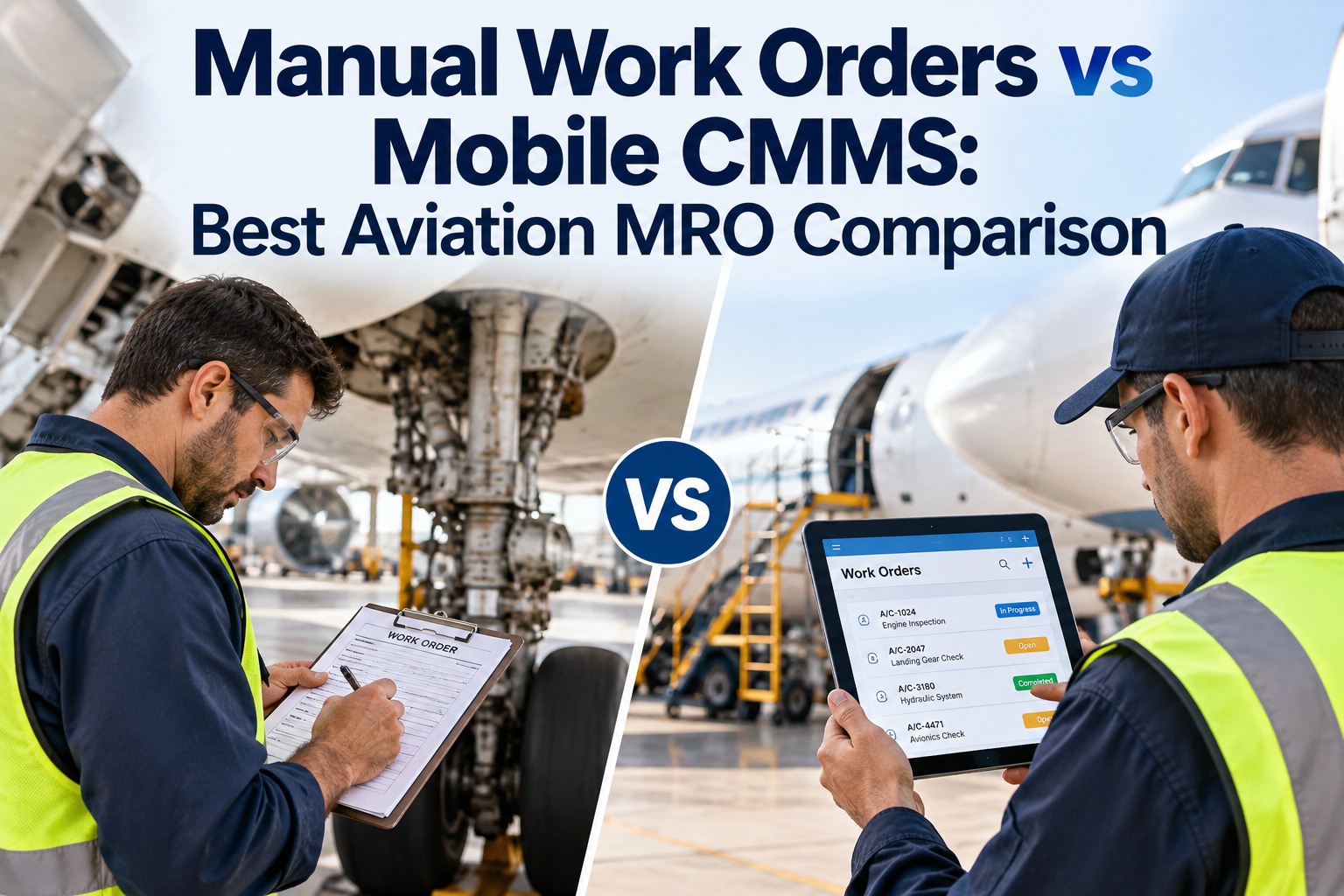
Clipboard vs. Tablet CMMS: The Operational Reality
The performance gap between clipboard-based and tablet-based maintenance management isn't marginal — it's structural. Every dimension of daily operations is affected, from the moment a task is assigned to the point where an airworthiness release is issued. Here's the side-by-side comparison that maintenance directors use to build the investment case.
How Oxmaint's Mobile App Platform Works in the Hangar
Oxmaint was built around the realities of hangar floor operations — intermittent connectivity, physical hazards, time pressure, and regulatory non-negotiables. The mobile platform doesn't ask technicians to adapt their workflow to software. It adapts to how maintenance professionals actually work. Here's how each core capability functions in practice. Ready to put it in your technicians' hands? Start a free trial for 30 days or book a demo to see a configured hangar workflow from start to finish.
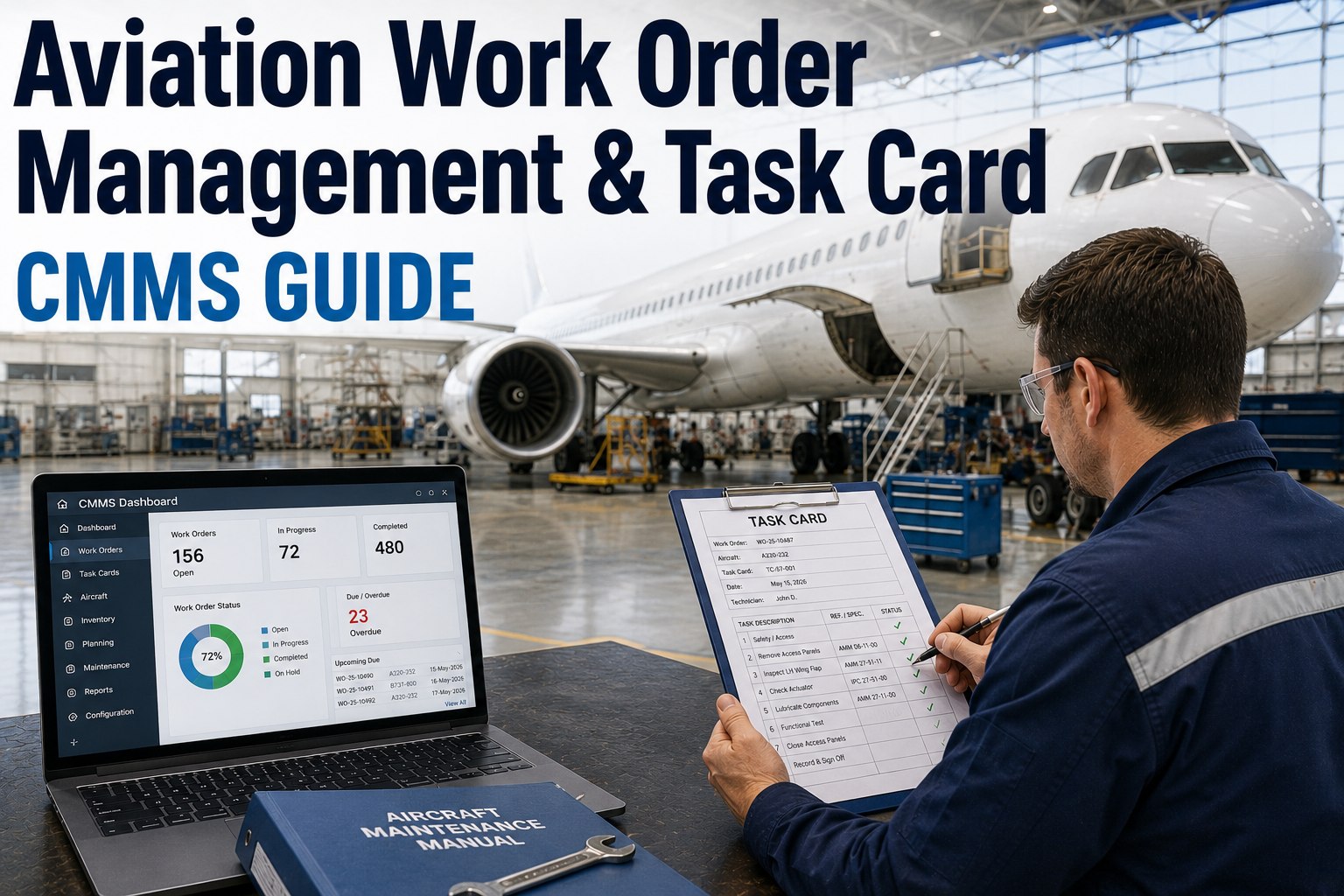
Work Order Management
Digital Task Cards on Any Device
Technicians receive work orders directly on their tablet — step-by-step, with mandatory field enforcement, embedded reference diagrams, and built-in parts lists. Task completion is logged the instant each step is finished.
Offline Mode
Full Functionality Without Wi-Fi
Work continues uninterrupted in RF-shielded hangars, remote ramp areas, and aircraft interiors where connectivity drops. All data captured offline syncs automatically and immediately when the device reconnects.
Photo Documentation
Visual Evidence Embedded in Records
Technicians photograph discrepancies, component conditions, and completed work directly within the task card. Photos are automatically timestamped, geotagged, and attached to the work order record — not stored in a separate camera roll.
Electronic Sign-Off
Instant Certifying Engineer Notification
When a task is ready for sign-off, the assigned certifying engineer receives an instant mobile notification. They review and sign electronically from wherever they are — eliminating the physical signature chase that adds 20-30 minutes to every completion cycle.
Barcode and QR Scanning
Instant Asset and Parts Identification
Scan any component, tool, or asset barcode to instantly pull its complete maintenance history, certification status, and applicable task cards. Eliminates manual part number lookup and the transcription errors that come with it.
Discrepancy Management
Find-to-Fix Tracking in Real Time
Technicians log discrepancies at the point of discovery — categorized, photographed, and routed to the appropriate work queue automatically. Supervisors see every open discrepancy on their dashboard within seconds of it being raised.
Shift Handover
Structured Digital Handover Records
End-of-shift handover is a structured digital process — not a verbal briefing. Incoming technicians see exactly what was completed, what's in progress, and what's blocked, with full notes and photo evidence from the outgoing crew.
Supervisor Dashboard
Live Hangar-Wide Visibility
Maintenance controllers see every aircraft, every task, and every technician's progress in real time — from the office or their own mobile device. Exceptions are surfaced automatically so management attention goes where it's actually needed.
Implementation That Sticks: The 4-Phase Rollout
The single biggest predictor of mobile CMMS success is rollout quality, not platform capability. Organizations that deploy thoughtfully — with technician involvement, staged adoption, and proper offline configuration — report adoption rates above 87% within 90 days. Organizations that push a big-bang deployment with minimal training see abandonment rates above 60% within the same window. Here's the framework that works.
01
Infrastructure Assessment
Map your hangar's Wi-Fi coverage and identify dead zones — these become your offline mode configuration requirements. Assess device fleet needs: tablets per technician ratio, ruggedization requirements, and charging infrastructure. Define your sign-off authority matrix before any configuration begins.
02
Workflow Configuration and Testing
Configure digital task cards to mirror your current approved job card structure — including mandatory steps, reference attachments, and sign-off routing rules. Run a closed pilot with 4-6 technicians across one aircraft type for 30 days. Capture friction points before broad rollout.
03
Technician Onboarding and Champions
Identify 2-3 technically engaged technicians from the pilot group as internal champions. These individuals drive peer adoption more effectively than any management mandate. Formal training should be hands-on — 2 hours of guided task completion, not slide presentations about software features.
04
Staged Full Deployment and KPI Tracking
Roll out by aircraft type or bay rather than across the entire operation simultaneously. Track adoption rate, task completion time, discrepancy log volume, and sign-off cycle time from day one. These four metrics tell you whether mobile CMMS is delivering its operational promise within 60 days.
The ROI Numbers: What Mobile CMMS Delivers at Scale
Mobile CMMS ROI comes from multiple compounding sources — labor efficiency, error reduction, faster sign-off cycles, and eliminated administrative overhead. Organizations that track these metrics consistently report full payback within 8-14 months of deployment. Here's what the numbers look like across the operational dimensions that matter most to maintenance finance teams.
6.3hrs
Weekly Time Reclaimed Per Technician
Redirected from paperwork to billable maintenance work
34%
Faster Sign-Off Cycle Times
From task completion to documented airworthiness release
40%
Reduction in Transcription Errors
Structured digital input eliminates manual data transfer mistakes
22min
Saved Per Sign-Off Event
Eliminated physical search time for certifying engineers
Frequently Asked Questions
What happens when a tablet loses connectivity in the middle of a task?
With a properly configured mobile-first CMMS like Oxmaint, losing connectivity has zero operational impact. The platform operates in full offline mode — technicians can view task cards, complete steps, log discrepancies, capture photos, and submit sign-offs while disconnected. All data is stored locally on the device and syncs automatically the moment connectivity is restored. The sync process is background and non-disruptive — technicians don't need to do anything to trigger it. This is particularly important for RF-shielded hangars, aircraft cabin work, and remote ramp operations where Wi-Fi coverage is inconsistent.
Are electronic sign-offs on tablets accepted by aviation authorities for airworthiness releases?
Yes, provided the electronic signature system meets the requirements of your national aviation authority. The FAA's Advisory Circular 120-78B and EASA Part-145 both accept electronic signatures for maintenance records when the system provides: unique user authentication (not shared credentials), an unalterable audit trail linking the signature to a specific user identity and timestamp, and tamper-evidence features that detect any post-signature modification. Oxmaint's e-signature implementation is designed to meet these requirements. Your specific implementation will still require approval documentation submitted to your authority — Oxmaint supports this process with compliance documentation packages.
How long does it take for technicians to become proficient on a tablet CMMS?
With a purpose-built mobile interface (not a desktop system adapted for tablets), most technicians reach full proficiency within 5-7 working days. The learning curve is significantly shorter than ERP or traditional CMMS training because the workflow matches how technicians already think about their work — task by task, step by step. Oxmaint's interface is designed around the cognitive model of an experienced technician working through a job card, not around database architecture. The technicians who struggle longest are typically those most accustomed to paper — not because the technology is difficult, but because habit change takes time.
Can mobile CMMS integrate with our existing MRO planning and ERP systems?
Yes, and this integration is critical to realizing the full ROI of mobile CMMS adoption. Without ERP and planning system integration, technicians end up with a mobile tool that still requires manual data entry upstream and downstream — eliminating much of the efficiency gain. Oxmaint integrates with major aviation ERP platforms and MRO management systems via open API, enabling bidirectional data flow: work orders created in your planning system appear automatically on technician tablets, and completion data flows back to ERP without manual entry. Integration scope and complexity varies by existing system — the Oxmaint technical team scopes integration requirements during the evaluation process.
Put the Right Tool in Your Technicians' Hands
Oxmaint's Mobile App Platform is built for the hangar floor — offline-capable, touch-native, and compliant with FAA and EASA electronic records requirements. Stop losing 6.3 hours per technician per week to paperwork. Start measuring maintenance outcomes in real time.