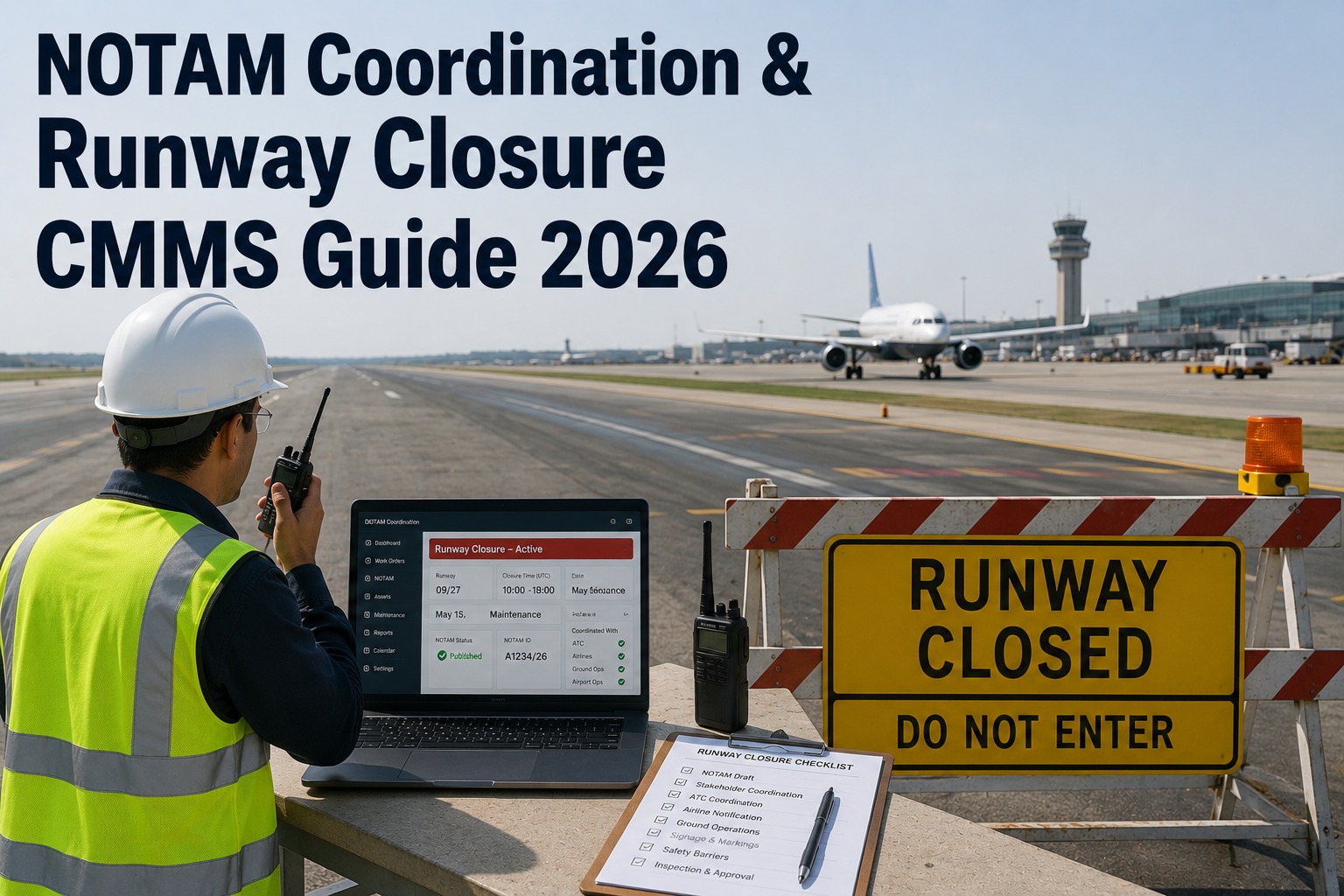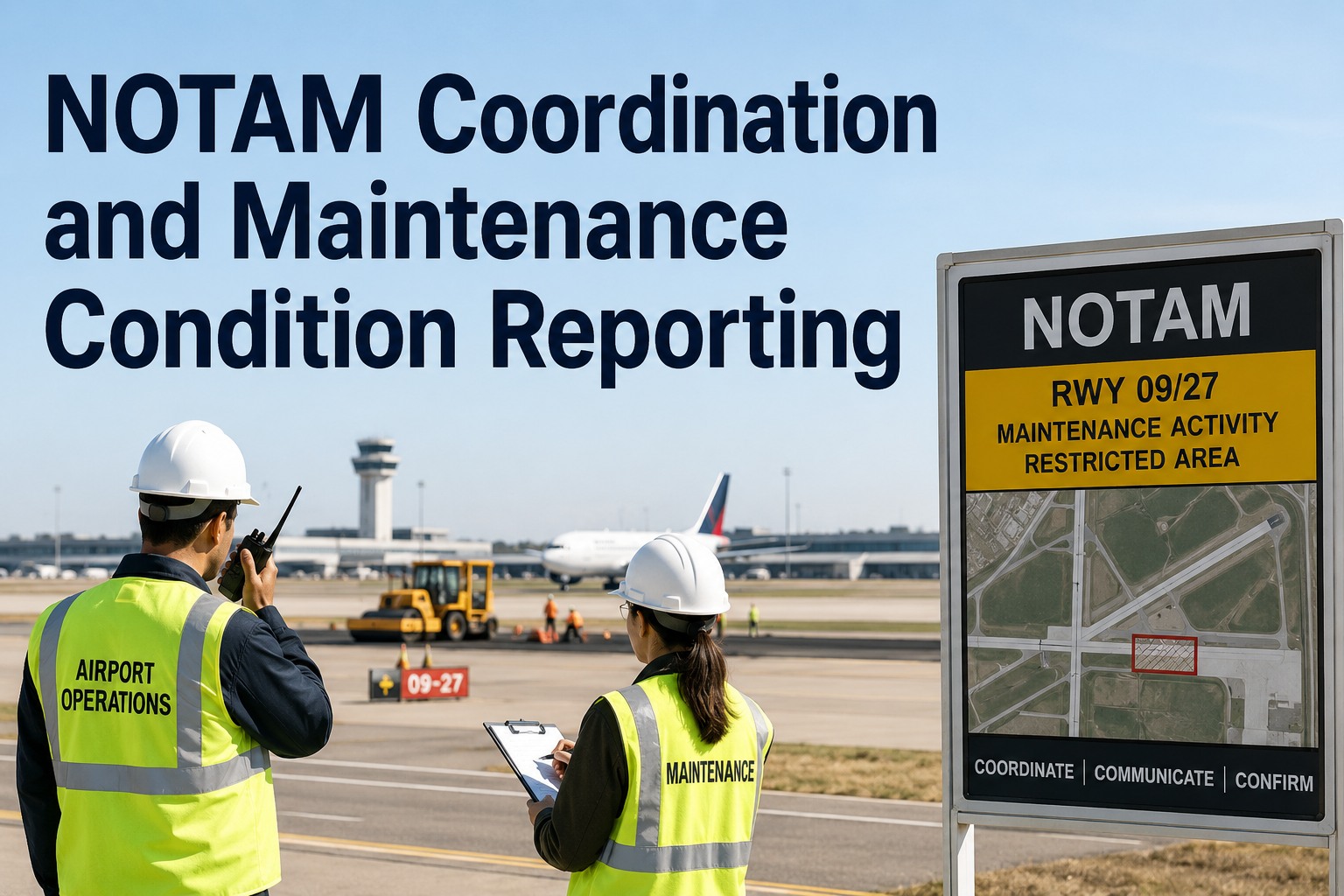
NOTAM coordination and maintenance condition reporting is the process of turning an airfield maintenance finding — a failed runway light, a closed taxiway, a contaminated surface — into a Notice to Airmen that reaches pilots before they need it, often within a matter of hours. When airfield maintenance and air traffic operations run on disconnected systems, condition reports lag, NOTAMs go stale or get missed entirely, and airports face FAA enforcement action under 14 CFR Part 139. This guide breaks down the full NOTAM workflow for compliance officers and maintenance managers: work order linkage, issuance and cancellation tracking, and how to align your NOTAM management with a modern airport CMMS so airfield condition reporting stays continuously accurate. Airports that connect maintenance work orders directly to NOTAM issuance cut reporting delays from hours to minutes — and you can Start Free Trial to see that linkage in action on your own airfield assets.
A runway edge light fails at 14:00. Does the NOTAM reach pilots before the evening arrival bank?
Under Part 139, a lighting outage that affects airport operations must be reported via NOTAM promptly — yet at many airports the path from maintenance discovery to NOTAM issuance still runs through phone calls, emails and paper logs. Every hour of delay is an hour pilots fly on stale airfield data.
Why NOTAM coordination failures trigger FAA enforcement — and what they cost
A single unreported airfield condition can cascade into a Part 139 inspection finding, a Letter of Correction, or certificate action — and the root cause is almost always a broken handoff, not a broken light.
FAA airport certification safety inspections routinely flag airports where NOTAM records don't match actual airfield conditions — a taxiway closed for maintenance with no NOTAM, or a NOTAM still active days after the work order closed.
Maintenance logs a fault in one system; the operations desk issues NOTAMs in another. Without work order linkage, the NOTAM depends on someone remembering to make a phone call — the single most common failure point in airport NOTAM coordination.
A NOTAM left active after a runway reopens degrades pilot trust in all your NOTAMs and clutters briefing systems. Cancellation tracking is the neglected half of NOTAM compliance — and the half inspectors check first.
The 5-step NOTAM workflow: from maintenance finding to pilot briefing
Every airfield condition NOTAM should move through the same auditable pipeline. Where airports lose hours — and compliance — is in the manual gaps between steps 1, 2 and 5.
An airfield inspection, sensor alert or work order reveals a reportable condition: inoperative PAPI, closed taxiway segment, low-braking-action surface, construction near a movement area. The finding is logged with location, asset ID and severity.
Does the condition affect the safe operation of aircraft? Part 139.339 and the airport's certification manual define the threshold. A CMMS rule engine can auto-flag reportable asset classes — runway lighting, signage, NAVAIDs, surface conditions — so nothing depends on judgment calls at 2 a.m.
Operations formats the condition into standard NOTAM syntax (Q-code, affected area, effective times) and files it with the FAA NOTAM system. Target: under 15 minutes from confirmed finding. Manual re-typing of location data is where transcription errors creep in.
While the NOTAM is live, the linked work order drives the fix. Status changes — parts on order, crew dispatched, work complete — should be visible to the ops desk in real time, not via radio check-ins.
Once the work order closes and the condition is verified resolved, the NOTAM is cancelled and both records are archived together. This paired record — work order + NOTAM lifecycle — is exactly what a Part 139 inspector asks to see.
NOTAM condition reporting: manual handoffs vs CMMS-integrated workflow
The difference between a 3-hour reporting gap and a 15-minute one isn't staffing — it's whether the maintenance system and the NOTAM process share the same source of truth.
| Workflow stage | Manual / disconnected | CMMS-integrated (OxMaint) |
|---|---|---|
| Fault discovery | Paper log or radio call to ops desk | Work order auto-created from inspection or IoT alert |
| Reportability check | Relies on individual judgment, varies by shift | Asset class rules auto-flag NOTAM-reportable conditions |
| NOTAM issuance | 2–4 hours; location data re-typed by hand | <15 min; asset location and ID pre-filled from the work order |
| Status visibility | Ops desk calls maintenance for updates | Live work order status shared with operations dashboard |
| Cancellation | Frequently missed; NOTAMs linger for days | Work order closure triggers cancellation checklist + alert |
| Audit trail | Reconstructed from emails and logbooks | Paired work order + NOTAM timeline, exportable in one click |
Scenario: one inoperative runway edge light, two very different nights
A mid-size commercial airport with 1,400 airfield assets finds a failed edge light on its primary runway at 14:10 during a routine inspection. Here's how the next six hours play out under each workflow.
- 14:10 Inspector notes the fault in a paper log; radios ops desk — line busy, message left.
- 15:40 Ops desk returns the call, confirms the location by radio, begins drafting the NOTAM.
- 16:25 NOTAM issued — 2 hours 15 minutes after discovery. Two arrival banks have already briefed without it.
- 21:00 Light repaired; work order closed in the maintenance logbook. Ops desk is not notified.
- +2 days The NOTAM is still active. An FAA inspection the following week cites the stale NOTAM and the missing linkage record.
- 14:10 Inspector logs the fault on a mobile device; the asset class auto-flags it as NOTAM-reportable.
- 14:12 Ops dashboard shows the flagged work order with exact asset location and ID pre-filled.
- 14:22 NOTAM issued — 12 minutes after discovery, before the next arrival bank briefs.
- 20:45 Technician closes the work order; the cancellation checklist fires automatically to the ops desk.
- 20:58 NOTAM cancelled. The paired record — finding, issuance, repair, cancellation — is archived for the next Part 139 inspection.
How OxMaint connects airport maintenance to NOTAM compliance
OxMaint is an AI-powered CMMS and EAM platform that gives airfield maintenance and operations one shared, real-time picture of asset condition — so NOTAM coordination becomes a workflow, not a phone tree.
Tag runway lighting, signage, NAVAIDs and movement-area surfaces as NOTAM-reportable asset classes. Any work order on those assets automatically surfaces a condition-reporting flag to the ops desk — cutting discovery-to-awareness from hours to under 2 minutes.
Operations sees live work order status — dispatched, in progress, awaiting parts, complete — without radio calls. Estimated restoration times feed directly into NOTAM effective-time fields, reducing the guesswork that causes premature cancellations and re-issues.
Work order closure on a flagged asset triggers a mandatory verification checklist and a cancellation reminder. Airports using closure-triggered alerts report eliminating stale NOTAMs almost entirely — the citation category inspectors check first.
Every inspection finding, work order, status change and closure is timestamped and exportable. When the FAA asks for your airfield condition reporting records, you produce a complete paired timeline in one click instead of reconstructing it from logbooks.
Book a 30-minute demo — we'll map OxMaint to your NOTAM workflow
Bring one real condition-reporting scenario from your airport. We'll show you exactly how work order linkage, ops dashboards and cancellation tracking would handle it — on your asset structure, not a generic demo.
NOTAM coordination and condition reporting: common questions
Any condition that affects the safe operation of aircraft must be reported: runway or taxiway closures, inoperative lighting or signage, NAVAID outages, surface contamination, construction in or near movement areas, and wildlife hazards. 14 CFR 139.339 requires certificated airports to report these conditions promptly, and your Airport Certification Manual defines the specific thresholds.
The FAA standard is "prompt" reporting — in practice, conditions affecting active operations should be issued within minutes, not hours. Best-practice airports target under 15 minutes from confirmed discovery to issuance. A CMMS-linked workflow makes that achievable by removing the manual handoff between maintenance and the ops desk.
Cancellation tracking ensures a NOTAM is removed as soon as the underlying condition is resolved. Stale NOTAMs degrade pilot trust in your airport's information, clutter briefing systems, and are a frequent Part 139 inspection citation. Tying cancellation to work order closure — with an automatic alert — is the most reliable way to eliminate them.
The CMMS becomes the system of record for the condition itself: asset ID, exact location, discovery time, repair status and closure verification. Reportable asset classes auto-flag work orders for the operations desk, which handles issuance in the FAA NOTAM system. The result is a paired, timestamped record — maintenance action plus NOTAM lifecycle — that satisfies both operational and audit needs.
Inspectors expect a demonstrable link between your self-inspection findings, the NOTAMs issued, the corrective work performed, and the cancellations filed — with timestamps for each. Airports that can produce this paired timeline in minutes pass cleanly; those reconstructing it from paper logs and emails typically receive findings. Book a demo to see how OxMaint generates this record automatically.
Turn every maintenance finding into a timely, auditable NOTAM
Connect your airfield work orders to your condition reporting workflow with OxMaint — and walk into your next Part 139 inspection with a complete, timestamped record for every NOTAM.