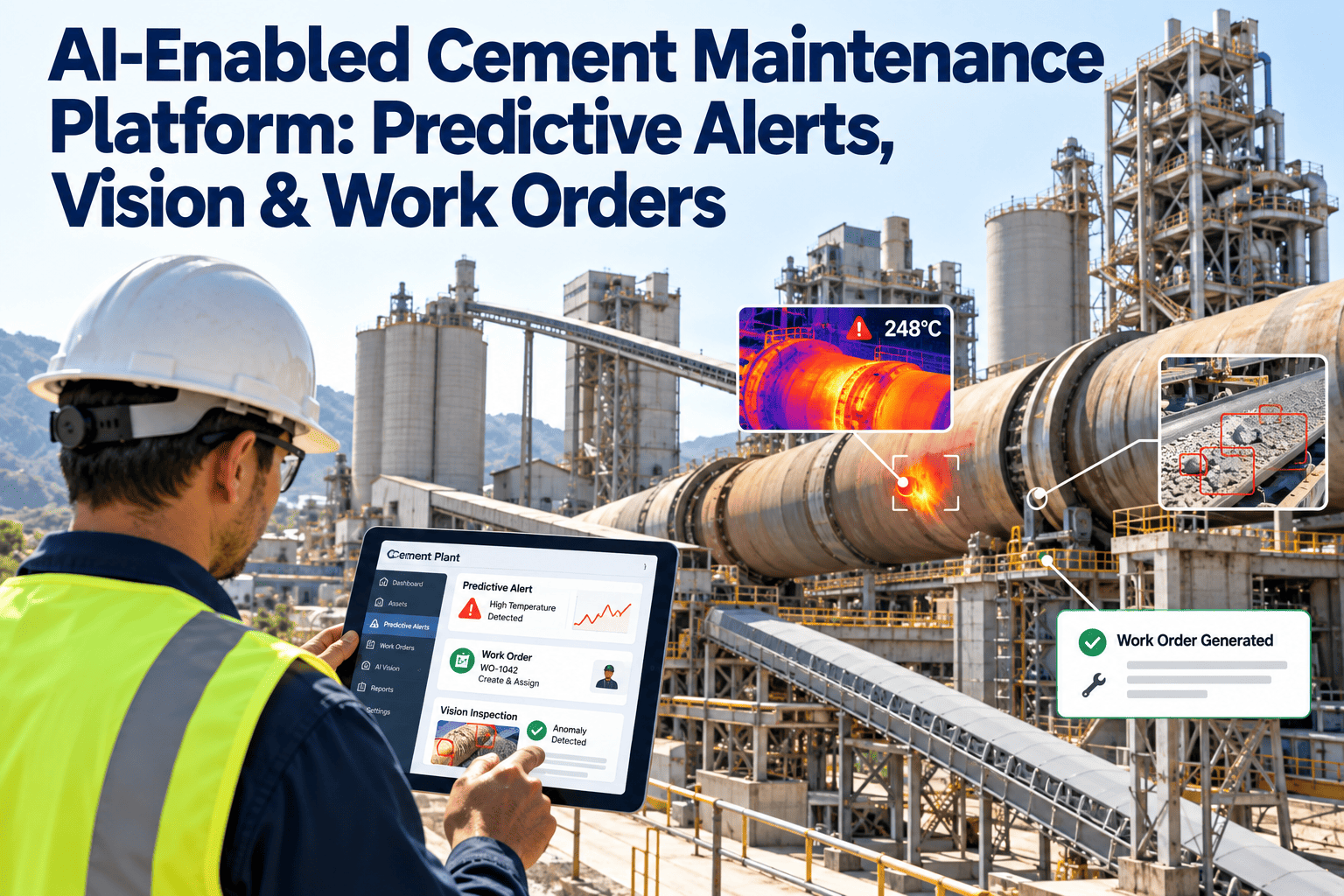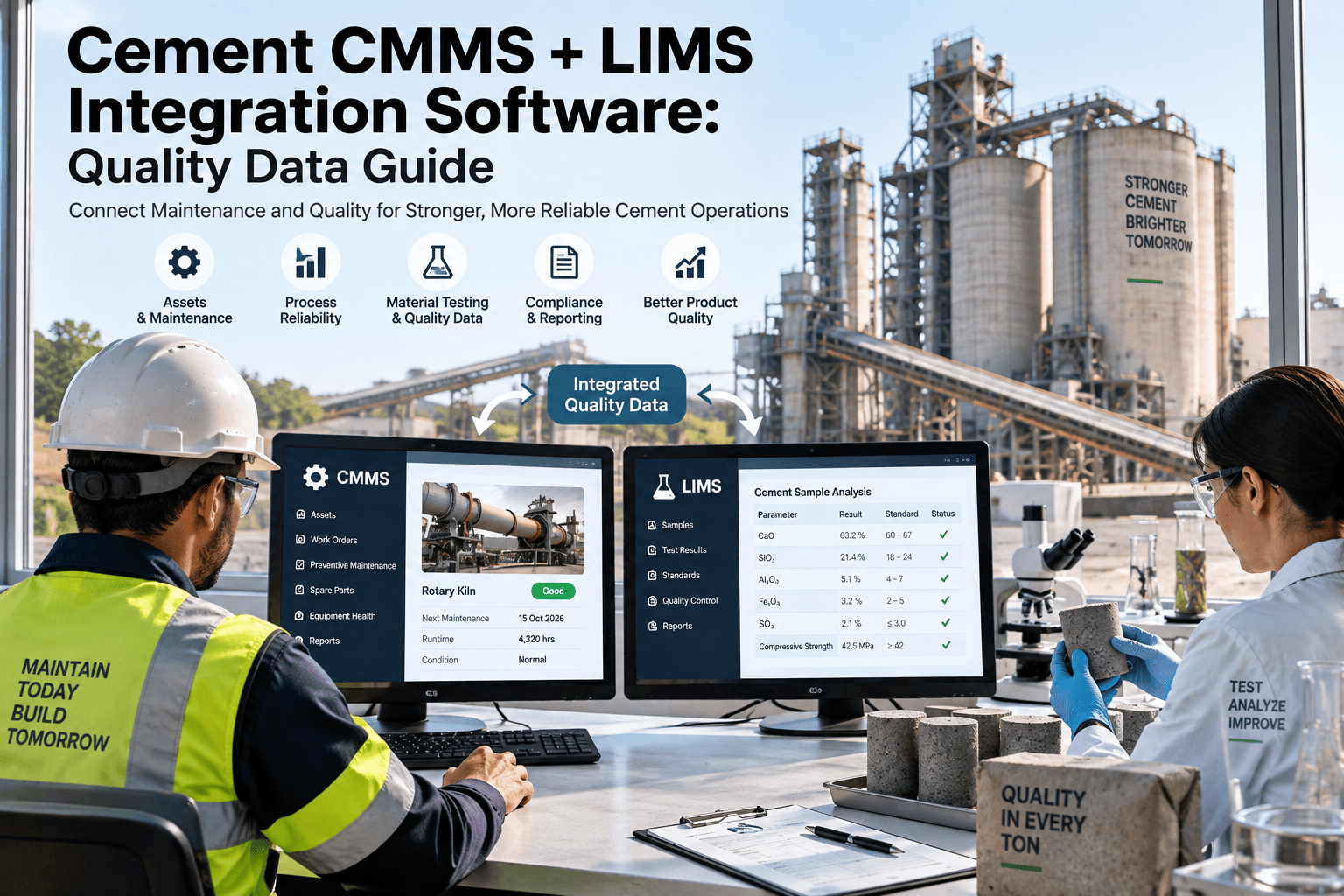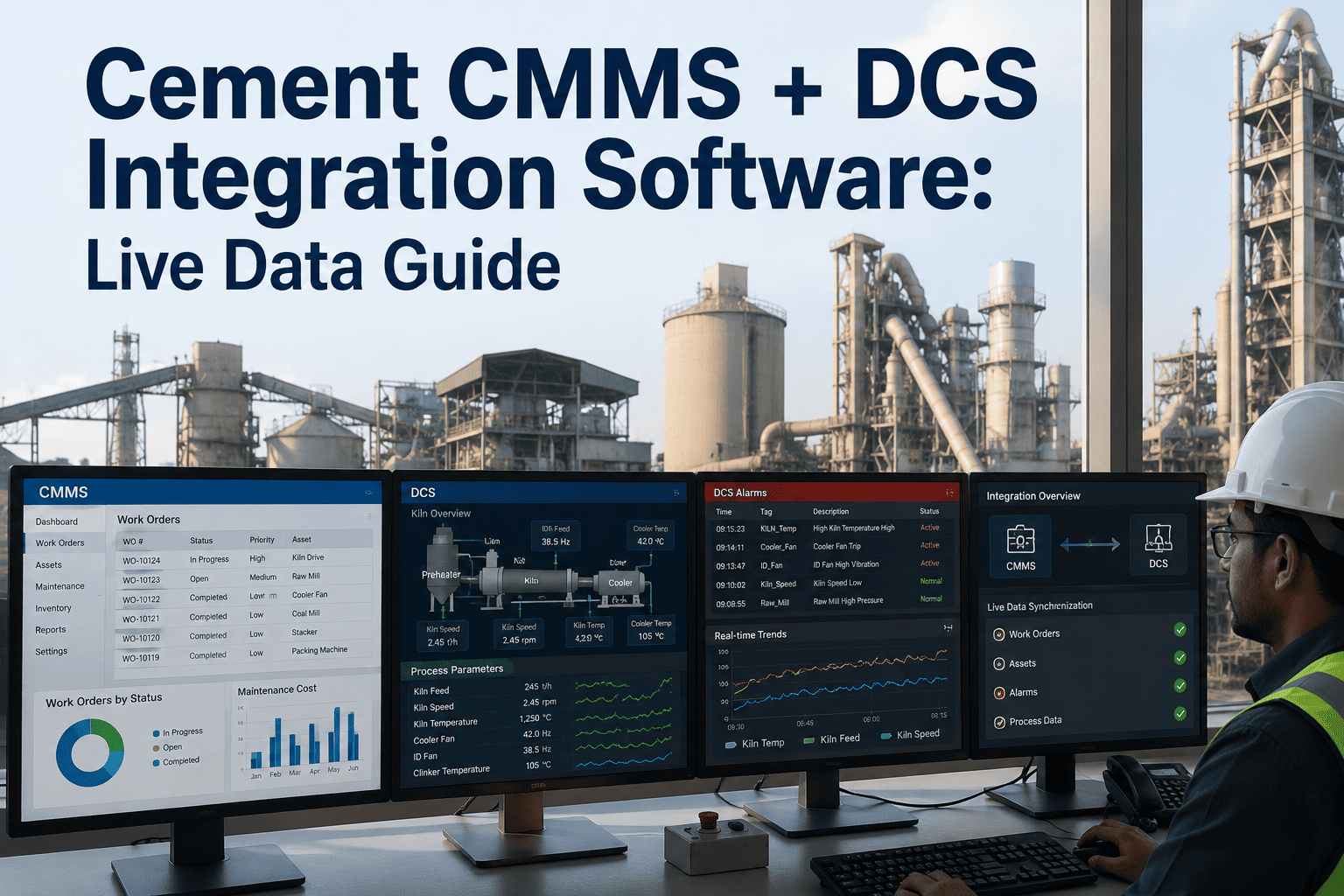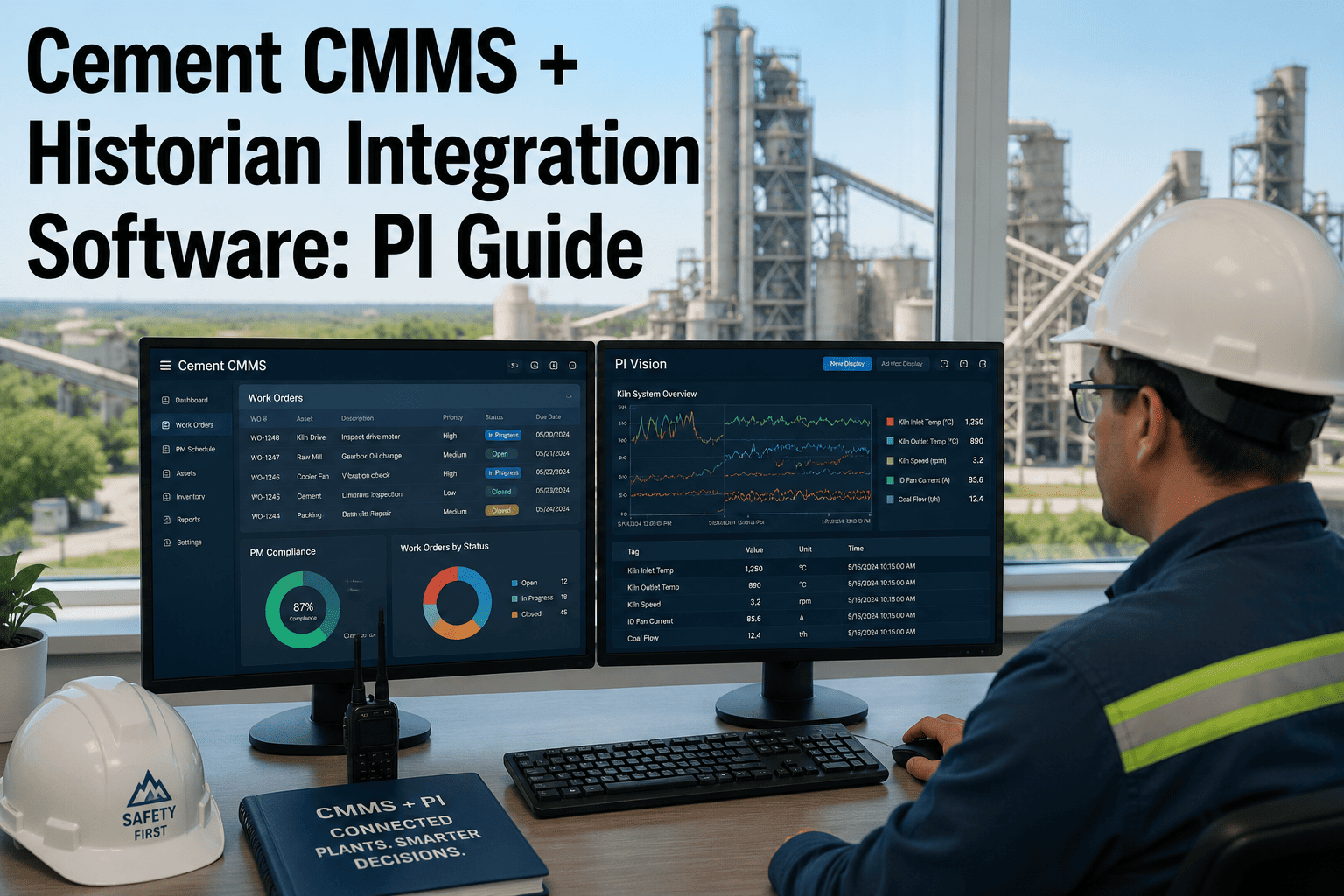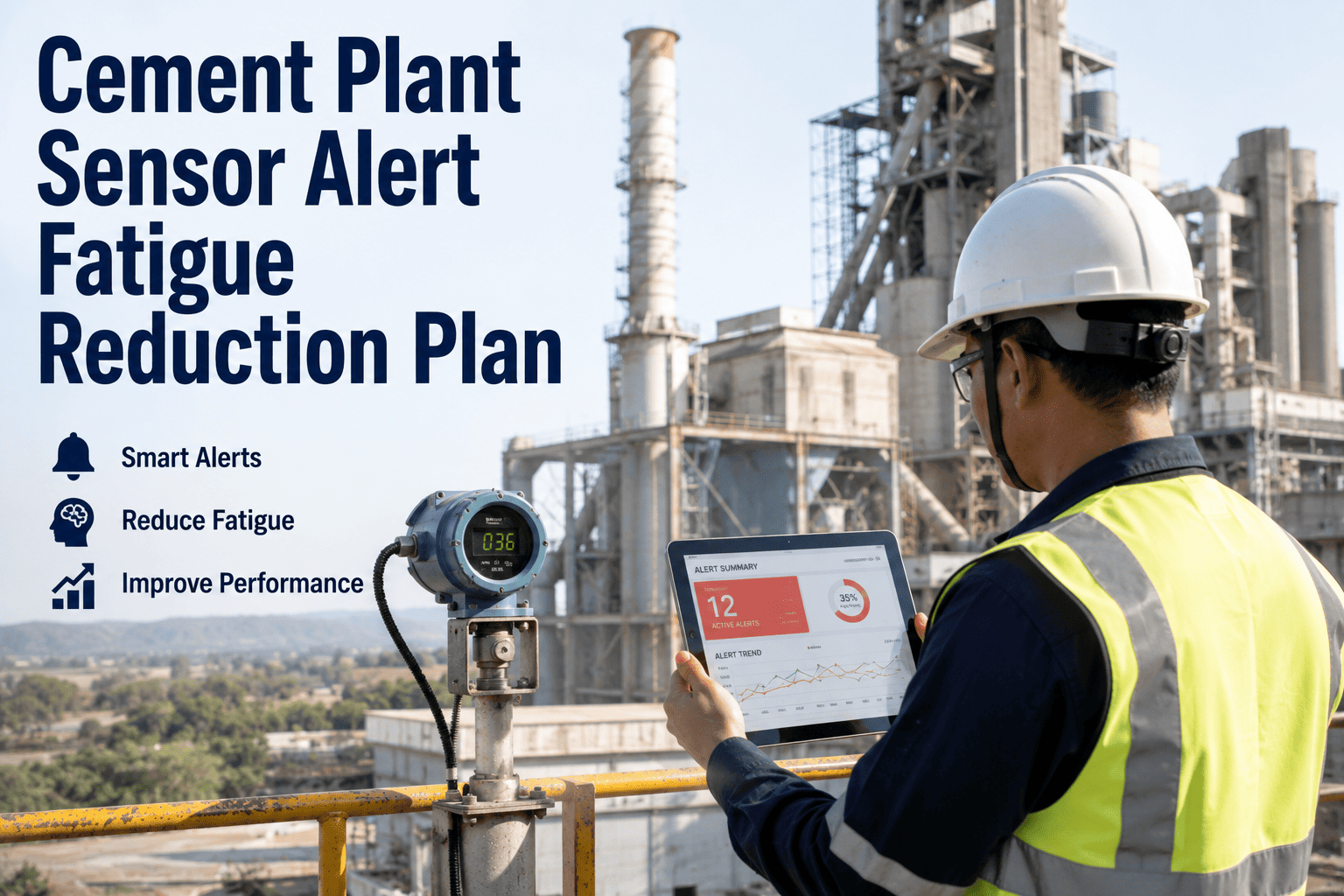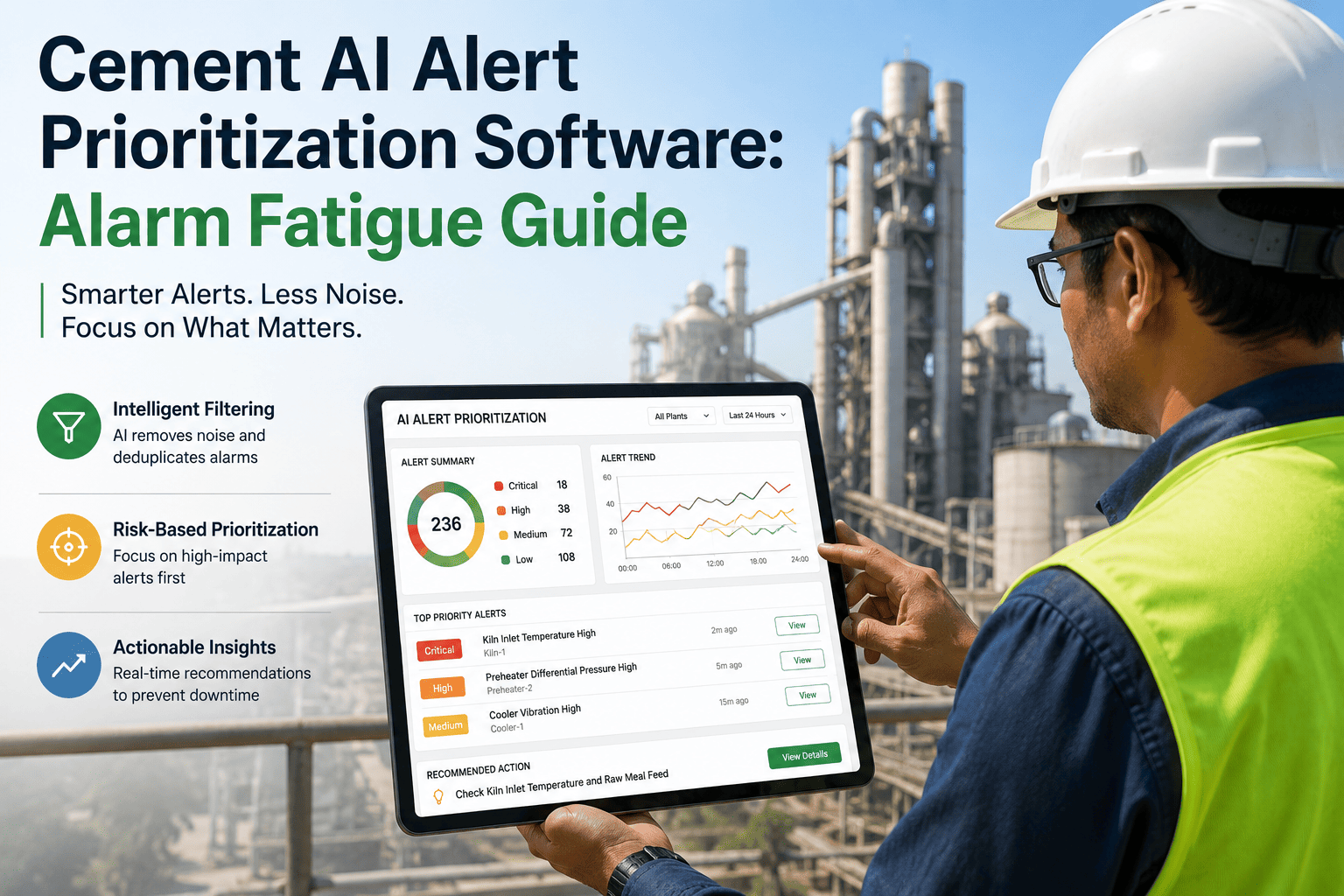
A single cement plant control room can generate well over a thousand alarms across one 12-hour shift, yet operators consistently report that only a small slice of that volume ever needs a real response. When a kiln draft deviation, a baghouse differential-pressure spike, and a routine emission wobble all sound identical, operators learn to tune out the noise — and the one alarm that actually matters gets buried with the rest. AI-based alert prioritization software rebuilds that signal by scoring every alarm against asset criticality, trend velocity, and historical outcome before it ever reaches a screen, so the panel shows a short, ranked list instead of a flood. Start a free trial with oxmaint and see what a filtered, ranked alarm feed looks like on your own control room floor.
AI Alert Prioritization · Cement Plants
How much of today's alarm log did your operators actually need to see?
Across a typical cement control room shift, the overwhelming majority of alarms are repeats, self-clearing deviations, or low-consequence noise. Operators end up scanning a wall of near-identical entries instead of acting on the handful that actually threaten production or emissions compliance. AI prioritization surfaces only the alerts that genuinely warrant a decision this shift, ranks them by consequence, and logs the rest for trend review instead of screen space.
The Noise Problem
Why cement control rooms drown in alarms
Kiln, mill, cooler, and emission monitoring systems each generate their own alarm stream, and most plants never rationalize them into one prioritized view. The result is a panel where a critical NOx excursion looks identical to a sensor that clears itself in ninety seconds.
Where a shift's alarms actually land
Without prioritization, all three tiers sound and display the same way — an operator has no way to tell them apart until they open each one.
How It Works
Four steps from raw signal to a ranked operator screen
Prioritization AI sits between your DCS or emission monitoring feed and the control room screen, re-scoring every alarm in real time rather than replacing your existing sensors.
Ingest every signal
Alarms and process tags stream in from the DCS, CEMS, baghouse controllers, and mill PLCs into one unified feed instead of separate panels.
Score against criticality
Each alarm is weighted by asset criticality, trend velocity, and how similar events resolved historically, not just a static setpoint.
Suppress the noise
Duplicates, chattering points, and alarms that self-clear inside their normal window are logged for trend review, not pushed to the screen.
Route and log the work order
Anything that clears the action threshold is ranked, pushed to the operator, and auto-creates a CMMS work order with the asset history attached.
Alert Categories
How emission and process alarms get re-ranked
Not every alarm type deserves the same treatment. The table below shows how prioritization logic typically treats the alarm categories that dominate a cement plant's control room.
| Alarm Category | Typical Volume / Shift | Default Priority Logic | Prioritization Action |
|---|---|---|---|
| Opacity / particulate | 40–80 | Rate-of-change plus duration above limit | Escalate immediately, auto-log CEMS exceedance |
| NOx / SO2 trend | 20–35 | Rolling average against permit ceiling | Rank high once trend crosses 80% of limit |
| Baghouse differential pressure | 50–90 | Compartment-level deviation pattern | Suppress single-compartment noise, flag multi-compartment drift |
| Mill / kiln vibration | 60–120 | Asset criticality weighting | Route only sustained deviations past baseline |
| Sensor communication faults | 100+ | Chatter and duplicate detection | Auto-suppress, batch for maintenance review |
Give your control room a screen worth watching
oxmaint layers AI alert prioritization over your existing DCS and CEMS feeds, ranks what matters, and drops a work order straight into your CMMS the moment something needs action.
Before & After
What changes for the operator on shift
Unfiltered alarm panel
Every alarm looks the same
Operators triage hundreds of near-identical alerts by memory and gut feel, and real excursions compete for attention with sensors that were always going to clear themselves.
Prioritized alert feed
A short, ranked list
Operators see the handful of alerts that need a decision this shift, each one already tied to an asset history and, where needed, a work order waiting in the CMMS queue.
FAQ
Cement AI alert prioritization, answered
How does AI alert prioritization work in a cement control room?
It sits between your existing DCS and CEMS feeds and the operator screen, scoring every alarm by asset criticality and trend history so only action-worthy alerts get displayed. Book a demo to see it against your own tag list.
Does this replace our DCS or CEMS hardware?
No. It layers on top of your existing sensors and monitoring systems, re-ranking the alarms they already generate rather than replacing any instrumentation.
How fast do operators notice fewer, better alerts?
Most control rooms see a materially shorter alarm list within the first week, as duplicate and self-clearing signals get suppressed from day one of rollout.
Can prioritized alerts create maintenance work orders automatically?
Yes — once an alert clears the action threshold, it can auto-generate a work order in the CMMS with the relevant asset history already attached. Try it free on your own alarm feed.
Does this affect our compliance or CEMS reporting obligations?
No, regulatory reporting continues on your existing CEMS pathway. Prioritization only changes what operators see and act on in real time, not what gets reported.
Stop losing the one alarm that matters in the noise
Give your control room a ranked, action-only alert feed and a CMMS that turns the real ones into work orders automatically.
Free 14-day trial · No credit card