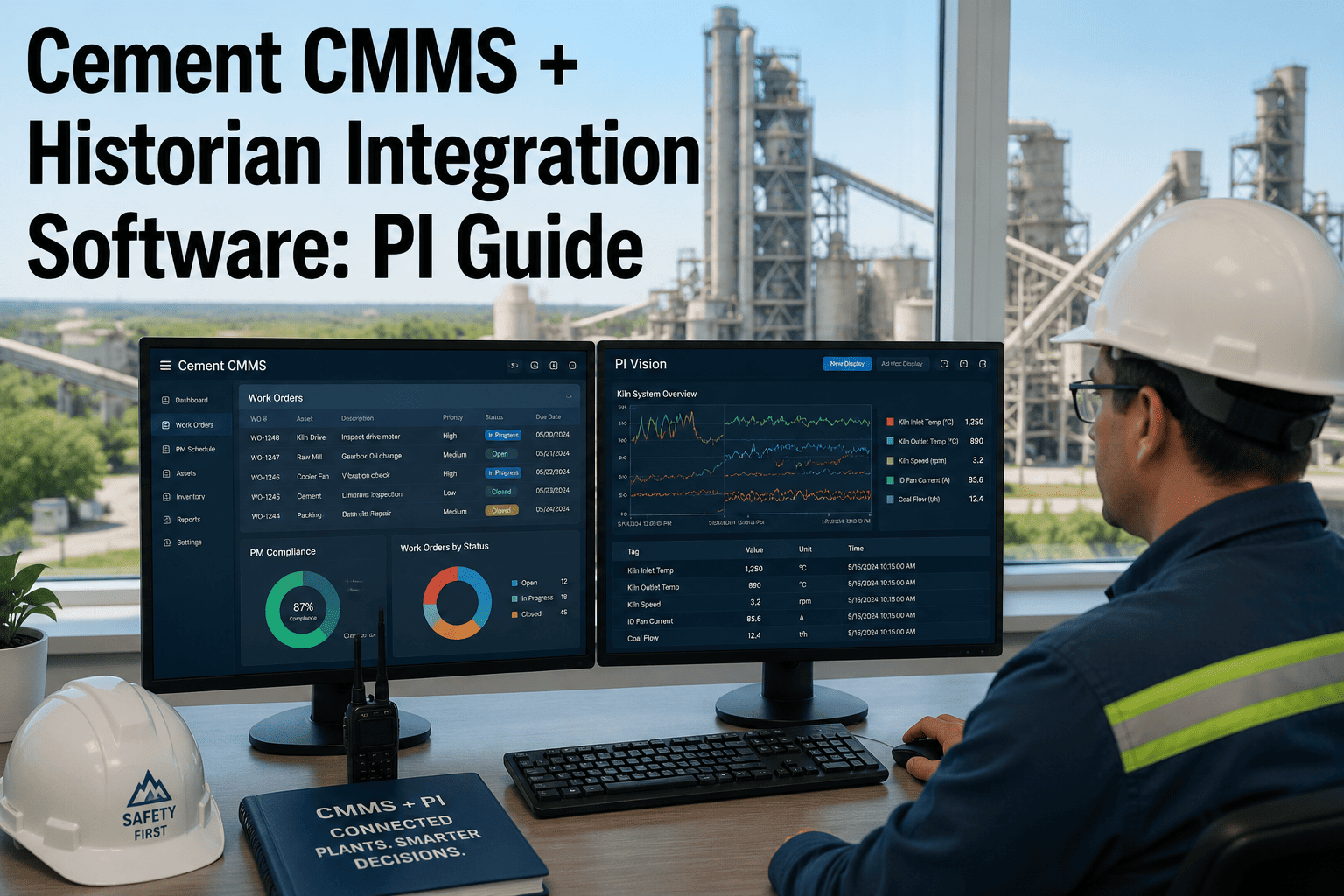
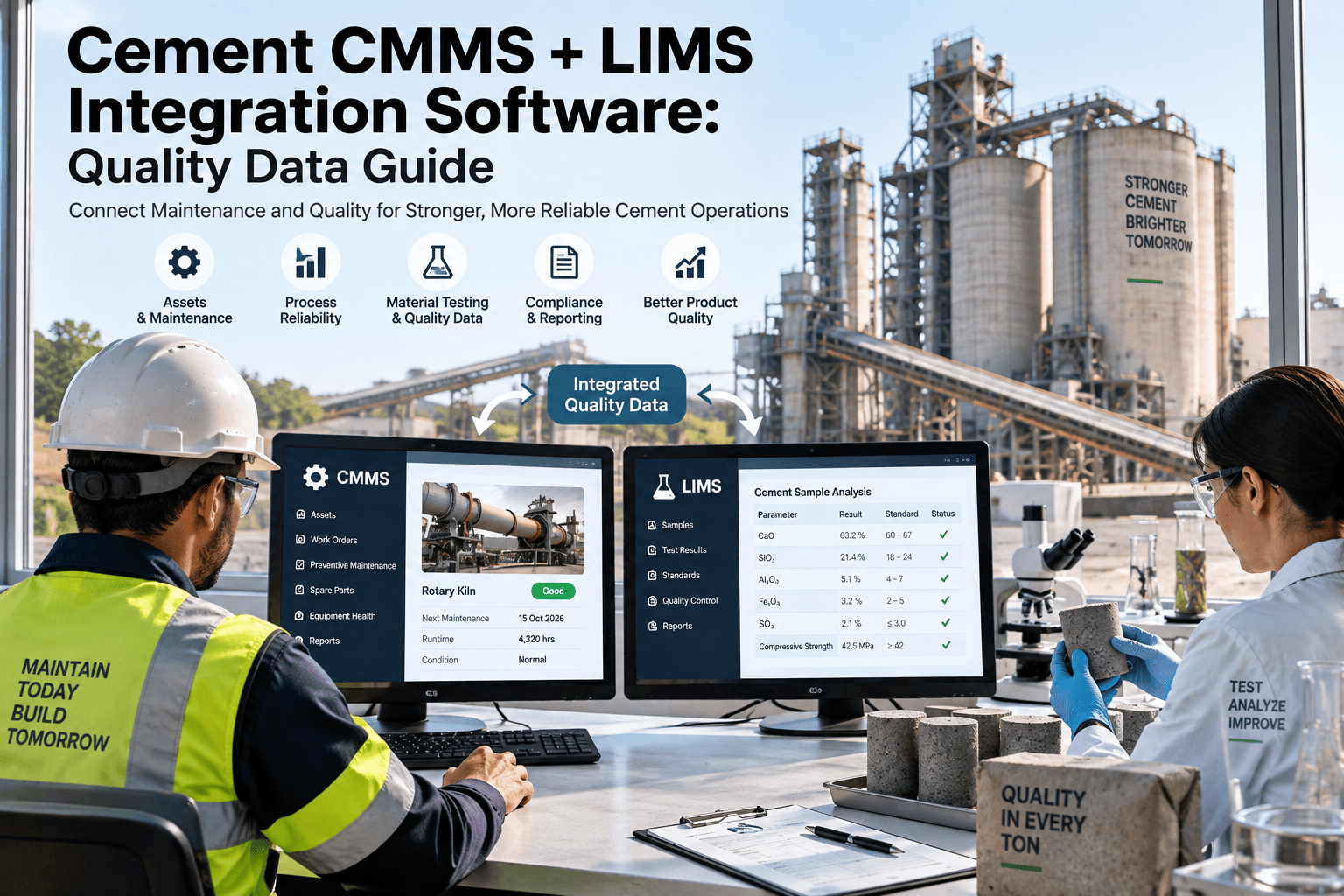
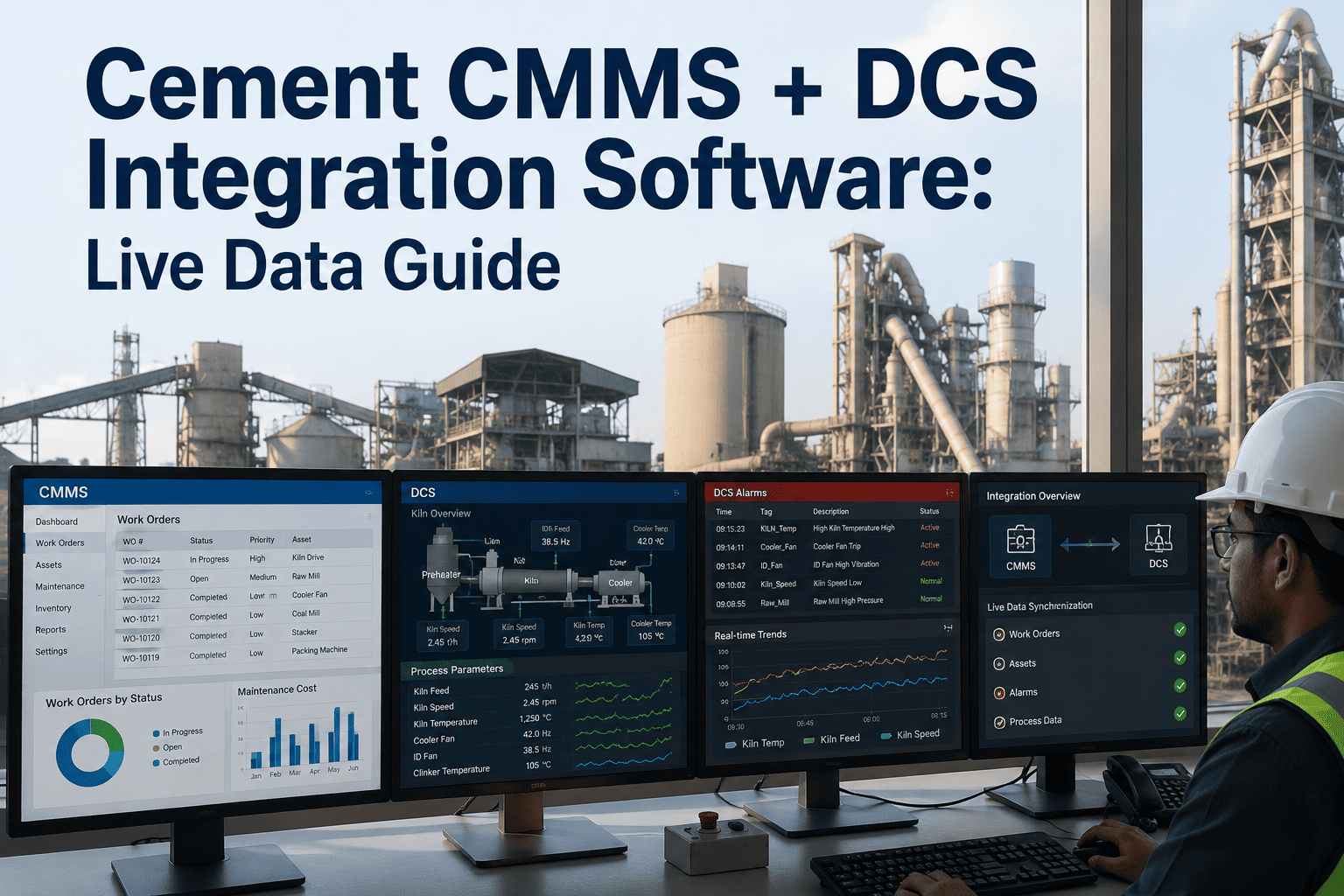
Every cement plant already has two systems of record that rarely speak to each other. The process historian, whether it is OSIsoft PI, AVEVA, or Wonderware, holds years of kiln, mill, and cooler data at second-by-second resolution. The CMMS holds the maintenance history for the same assets, but on its own timeline, built from work orders rather than sensor tags. When a bearing fails, the reliability engineer ends up toggling between two browser tabs, manually lining up a temperature trend against a repair date to guess whether the two are related. Historian integration removes that guesswork by pulling the process trend directly into the asset record, so a vibration spike, a bearing temperature climb, or a kiln shell hot spot shows up next to the maintenance history that explains it. This is the connective layer OxMaint's cement CMMS historian integration was built to provide for plants running PI, AVEVA, or Wonderware today.
PI, AVEVA & Wonderware Integration Guide
Connect Your Process Historian to Cement Plant Maintenance Records
Stop toggling between trend screens and work order logs. See sensor history and repair history on the same asset timeline.
Process Historian
→
OxMaint Integration Layer
→
Asset Maintenance Record
Years
Of historian trend data made visible next to work order history
3
Major historian platforms supported: OSIsoft PI, AVEVA, Wonderware
0
Manual exports required once tags are mapped to assets
1
Single asset timeline combining sensor trend and repair record
Why Historian and CMMS Data Belong on One Screen
Reliability engineering runs on correlation. A bearing that fails in July is only meaningful if you can see that its vibration signature started drifting in April. Without historian integration, that correlation depends on someone remembering to pull a trend export before the data ages out of easy access. With it, the trend is already attached to the asset the moment a work order is opened.
Faster Root Cause Analysis
Investigators see the sensor trend leading up to a failure without requesting a historian export from the process engineering team.
Condition-Based Triggers
Work orders can be generated automatically when a historian tag crosses a threshold, instead of waiting for a scheduled inspection.
Cross-Team Alignment
Process engineers and maintenance planners reference the same numbers, ending disputes over whose data is accurate.
Audit-Ready Evidence
Regulatory and insurance audits get a defensible record linking sensor readings to the maintenance action taken in response.
Longer Trend Memory
Multi-year trends stay attached to the asset record even as historian retention policies archive or compress raw tag data.
Fewer False Alarms
Maintenance thresholds account for maintenance context, such as a recent repair, reducing alerts triggered by expected post-repair variance.
Bring PI, AVEVA, or Wonderware Data Into Every Work Order
OxMaint maps historian tags directly to asset records, so trend history is already there the moment a technician opens a job, not something they have to go find.
Historian Platform Comparison for Cement Plants
Most integrated cement groups run one of three historian platforms, often inherited from an older DCS installation or a corporate standard set years before the current maintenance team arrived. Each connects to a CMMS a little differently.
| Historian |
Common In |
Typical Connection Method |
Integration Effort |
| OSIsoft PI |
Large integrated plants, multi-site groups |
PI Web API |
Low to Medium |
| AVEVA Historian |
Newer DCS installations |
OPC UA / REST |
Medium |
| Wonderware Historian |
Legacy SCADA environments |
SQL-based data access |
Medium |
| Local PLC / SCADA Only |
Single-line or smaller plants |
Direct tag mapping |
Low |
How the Integration Flow Works
Connecting a historian to a maintenance platform follows a consistent sequence regardless of which system you run. The order matters, since skipping data mapping to save time is the most common reason integrations stall during rollout.
1
Map Tags to Assets
Historian tags are matched to the corresponding equipment record, so a vibration tag on Mill 2 actually lives on the Mill 2 asset page.
2
Set Retrieval Frequency
Trend resolution is set per asset criticality, pulling high-frequency data for critical rotating equipment and lighter sampling elsewhere.
3
Define Condition Thresholds
Reliability engineers set the values that should generate a maintenance alert or work order automatically.
4
Validate Against Known Events
Past failures are checked against the newly connected trend to confirm the thresholds would have caught them earlier.
5
Go Live and Monitor
The connected asset timeline goes live, and thresholds are refined as real operating data accumulates.
Where the Cost of Disconnected Data Shows Up
Time Lost Reconstructing a Failure Timeline Manually
Relative investigation time by data access method
Connected Asset Timeline
Minutes
Manual Historian Export
Hours
Cross-Team Email Requests
Days
Data Already Archived
Often Lost
What Reliability Teams Say After Connecting Their Historian
We had fifteen years of PI data and a maintenance history that told two completely different stories. Once tags were mapped to assets, the first thing we found was that three of our repeat kiln roller failures shared the same slow temperature drift pattern that nobody had ever lined up against the repair log before.
Process Reliability Lead, Multi-Site Cement Group
Frequently Asked Questions
Does historian integration require replacing our existing PI or AVEVA system?
No. The historian stays exactly where it is. OxMaint connects to it through standard interfaces like PI Web API or OPC UA and mirrors relevant tags onto the asset record.
How far back can historian data be brought into the CMMS?
This depends on your historian's own retention settings. Most integrations pull forward from go-live and can backfill recent history where the historian still retains it.
Can we integrate more than one historian at the same site?
Yes, multi-site groups running different platforms across plants commonly connect PI at one facility and Wonderware at another through the same
OxMaint account.
Who typically sets the condition-based alert thresholds?
Reliability engineers usually own threshold definitions, working from historical failure data to set values that catch drift early without generating excess noise.
How long does a typical rollout take?
Tag mapping for critical assets is usually complete within a few weeks. You can
schedule a scoping call to review your specific historian setup first.
See Your Historian and Maintenance Data on One Timeline
OxMaint connects OSIsoft PI, AVEVA, and Wonderware directly to your asset records, giving reliability teams the full picture without a single manual export.