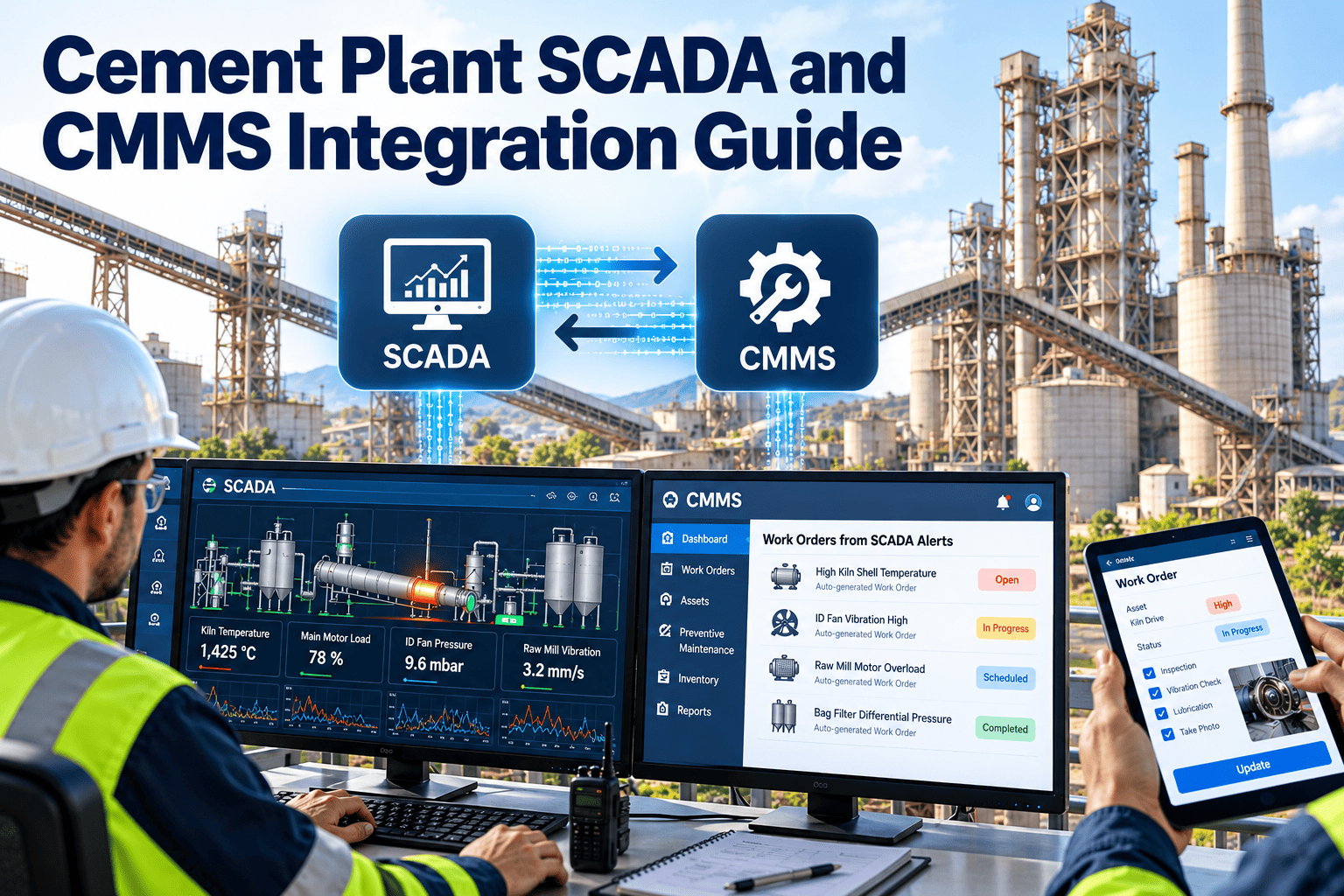
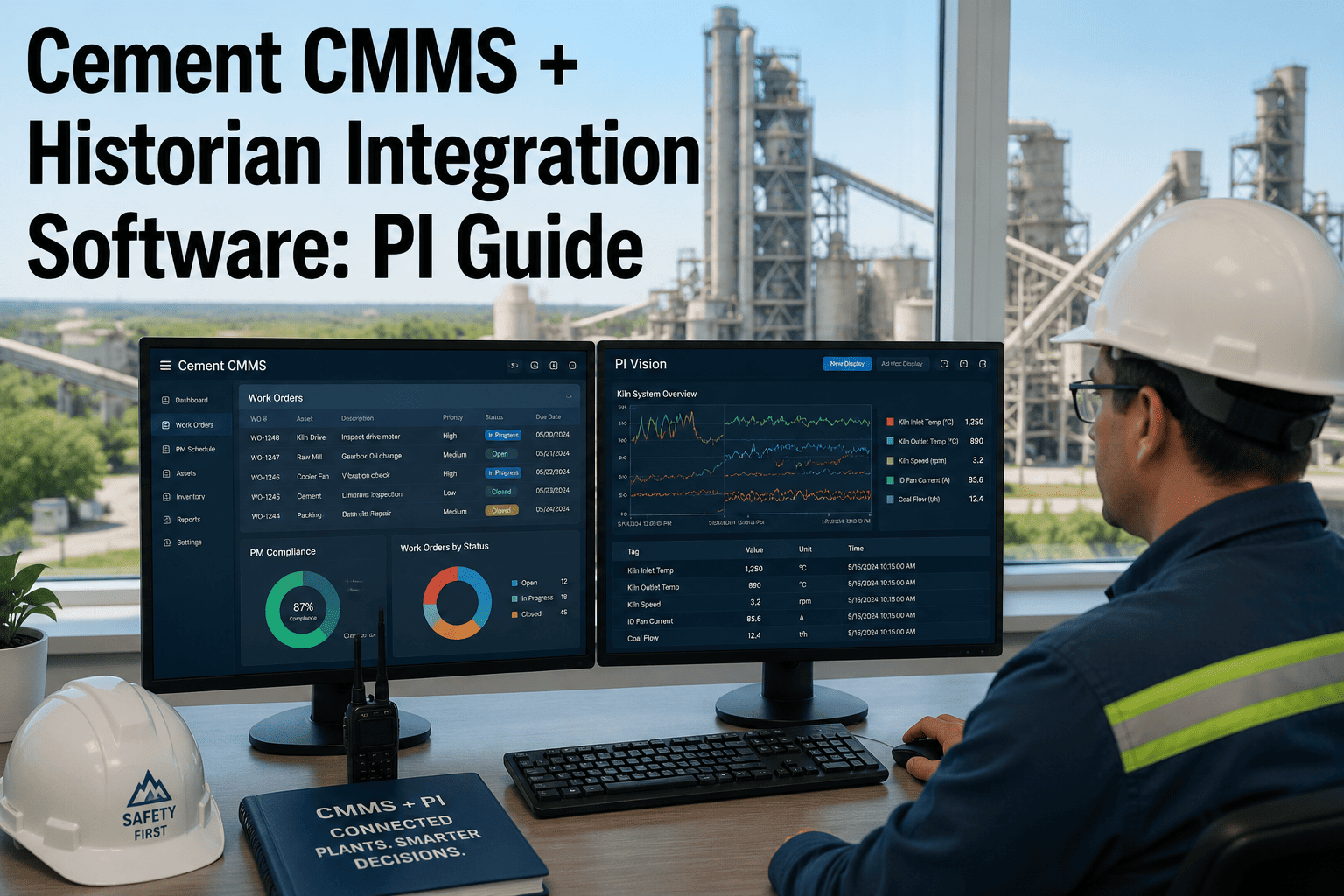
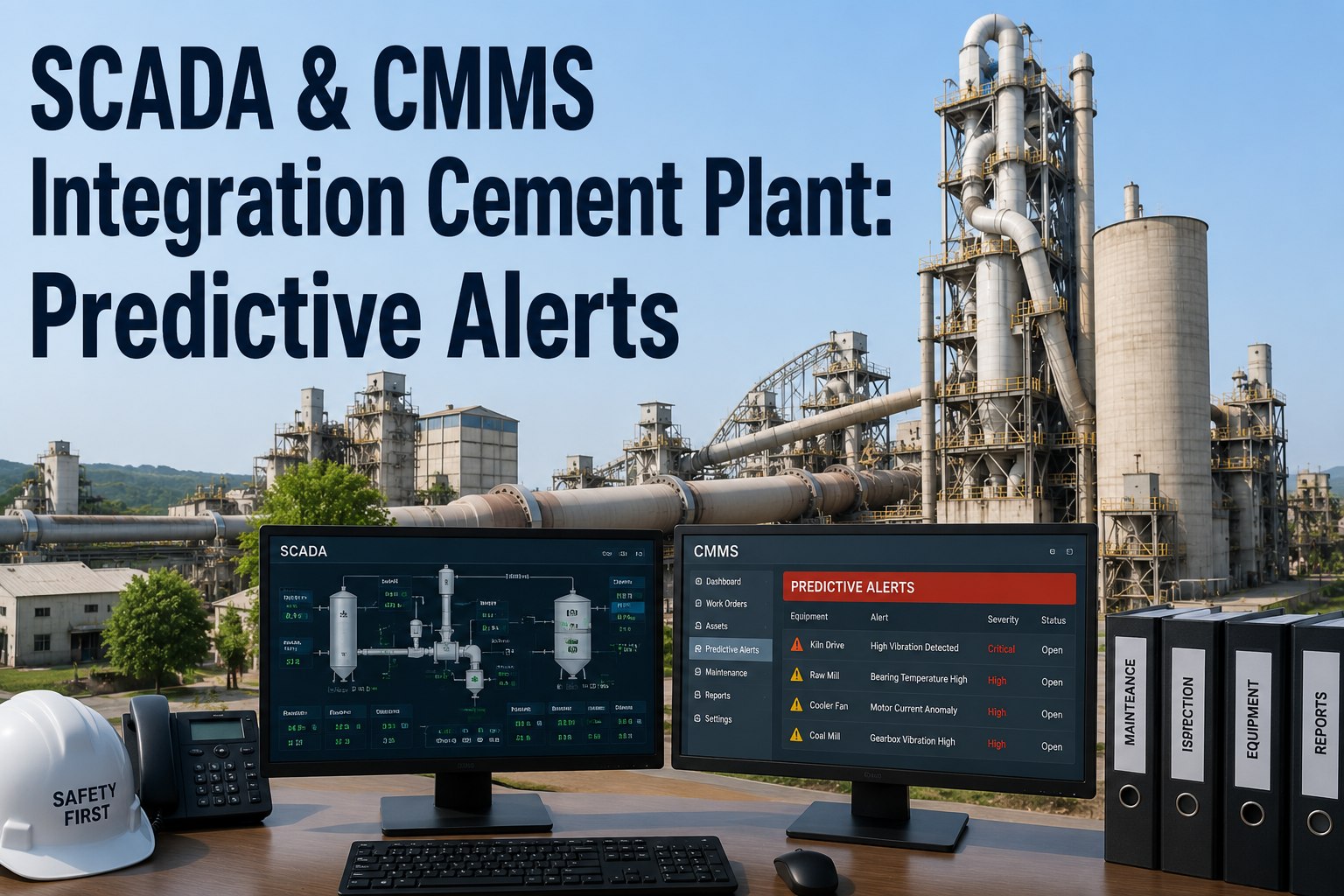
Connecting a cement plant's SCADA and PI historian to a CMMS is the infrastructure decision that separates reactive maintenance teams from predictive ones. When your Siemens PCS7, ABB 800xA, or Yokogawa DCS can push tag data into Oxmaint work orders automatically, alarm events stop being noise and start becoming scheduled maintenance actions. This guide covers every layer of the SCADA-PI-CMMS integration stack — tag mapping, alarm routing, sensor-driven work order logic, and what AVEVA and OSIsoft configurations actually look like in a cement plant context.
73%
Of cement plants with SCADA already have sufficient sensor coverage for CMMS integration — no new hardware needed
8 Hours
Average reduction in alarm-to-work-order cycle time when SCADA alarms route directly into the CMMS
$310K
Average annual savings in reactive repair costs from sensor-driven work order generation at a 2 MTPA plant
Why Integration Matters
The Gap Between SCADA Data and Maintenance Action
Most cement plants have years of sensor data stored in their PI historian — bearing temperatures, vibration amplitudes, motor currents, differential pressures across cyclone stages, kiln drive torque trends. That data exists. The problem is that it lives in the historian while maintenance decisions are made from paper logs, verbal shift handovers, and experienced intuition. CMMS integration closes that gap by creating a direct data path from sensor tag to work order, so every alert-worthy reading automatically becomes a scheduled maintenance action rather than a discussion in the control room.
Integration Architecture
How the SCADA — PI Historian — CMMS Stack Works
Layer 1
SCADA / DCS
Siemens PCS7, ABB 800xA, Yokogawa CENTUM VP, or Rockwell PlantPAx collect real-time process values — temperatures, pressures, vibration, motor current, flow rates — from field instruments across the plant. OPC-UA or OPC-DA server exposes these tags for historian collection.
→
Layer 2
PI Historian (AVEVA / OSIsoft)
OSIsoft PI (now AVEVA PI System) stores compressed time-series data from thousands of sensor tags. PI Asset Framework (AF) structures tags into asset models — kiln, mill, crusher — with calculations for OEE, heat consumption, and derived KPIs. PI Event Frames capture alarm and upset events with timestamps.
→
Layer 3
Oxmaint CMMS
Oxmaint receives PI data streams and SCADA alarm events via API integration. Tag thresholds and alarm conditions map to maintenance actions — bearing temperature crossing 85°C creates a lubrication work order; vibration RMS exceeding 7.5 mm/s creates a condition-based inspection with trend data attached automatically.
Tag Mapping
Critical Tag Categories for Cement Plant CMMS Integration
| Tag Category |
Typical PI Tag Examples |
CMMS Action Threshold |
Equipment |
| Bearing Temperature |
KILN.DE.BEARING.TEMP, MILL.NDE.TEMP |
Alert at +8°C above 30-day baseline |
Kiln drive, mill drive, fan bearings |
| Vibration (RMS) |
CRUSHER.VIB.RMS.H, SEPARATOR.BEAR.VIB |
Work order at 6.5 mm/s, shutdown at 11 mm/s |
Crushers, separators, fans, conveyors |
| Motor Current Signature |
RAWMILL.DRIVE.AMPS, KILN.MAIN.AMPS |
Alert on trending +5% over 72 hours |
Main drives, auxiliary equipment |
| Differential Pressure |
PREHEATER.DP.STG4, BAGHOUSE.DP.1 |
Work order when DP drops below 85% of design |
Preheater, baghouse, cyclone stages |
| Kiln Shell Temperature |
KILN.SHELL.SCAN.ZONE3 |
Inspection work order at 380°C, emergency at 450°C |
Kiln shell / refractory |
| Lubrication Oil Temperature |
KILN.GEARBOX.OIL.TEMP, MILL.GEAR.OIL |
Alert at +12°C above setpoint sustained 30 min |
Main gearboxes, lubrication systems |
See Oxmaint's SCADA Integration Live
Our integration team will map your existing PI tags to work order logic in a 30-minute demo — no commitment required.
Alarm Routing
From SCADA Alarm to Structured Work Order — The Routing Logic
Raw SCADA alarms are not ready for maintenance action. A DCS alarm event contains a tag name, timestamp, and priority — it does not contain asset context, maintenance procedure, required parts, or technician assignment. The alarm routing layer in Oxmaint's SCADA integration converts alarm events into structured work orders by applying four enrichment steps automatically.
1
Asset Context Lookup
The alarm tag is matched to its parent asset in the Oxmaint asset registry. A KILN.DE.BEARING.TEMP alarm resolves to the Kiln Main Drive DE Bearing asset record, inheriting all maintenance history, failure modes, and OEM specifications from that record.
2
Severity Classification
Alarm priority and threshold breach magnitude determine work order urgency. A bearing temperature 10°C above baseline creates a scheduled work order. A reading 25°C above baseline creates an emergency work order with supervisor notification. Classification rules are configured per asset class during implementation.
3
Procedure and Parts Pre-Population
The work order is auto-populated with the appropriate maintenance procedure, tool list, and required parts based on the failure mode. A bearing temperature alarm generates a work order pre-loaded with lubrication steps, bearing inspection checklist, and parts reservation from inventory — technicians arrive prepared rather than guessing.
4
Trend Data Attachment
The last 72 hours of PI historian data for all related tags is automatically attached to the work order as a trend chart. Technicians see the temperature or vibration curve that triggered the alert before they touch the equipment — giving context that dramatically reduces diagnostic time in the field.
AVEVA and OSIsoft Configuration
PI Asset Framework Structure for Cement Plants
The PI Asset Framework is where AVEVA/OSIsoft integration delivers its highest value for cement reliability teams. Rather than tracking individual tags in isolation, AF structures sensor data into a hierarchy that mirrors the physical plant — from site level down to individual component — enabling cross-equipment analysis and CMMS asset matching that raw tag integration cannot achieve.
Site Level
Cement Plant — 2 MTPA
OEE, total energy consumption, production rate, maintenance cost per tonne
Circuit Level
Kiln Circuit / Grinding Circuit / Raw Mill Circuit
Circuit availability, heat consumption, circuit-level vibration summary, PM compliance rate
Equipment Level
Kiln Drive / Raw Mill / Cement Mill / ID Fan
Equipment OEE, MTBF, MTTR, bearing condition index, gearbox health score
Component Level
DE Bearing / NDE Bearing / Lubrication System / Seals
Individual sensor readings, remaining useful life estimate, last maintenance date, open work orders
Expert Reviews
Integration Experience From the Field
The PI-to-CMMS connection is where most plants get stuck. They have the historian data, they have the CMMS, but they are treating them as separate systems. Once we mapped our 340 critical tags to Oxmaint work order logic, the number of alarm events that resulted in an actual maintenance action went from about 12% to 81%. The difference is that every alarm now has a procedure, parts, and an owner within four minutes — not four days.
Book a demo to see the routing configuration live.
Rolf Steinberg
Plant Reliability Manager — Central European Cement Group · 16 years DCS and CMMS integration
★★★★★
We spent three months mapping our AVEVA PI tags to our asset hierarchy before touching the CMMS connection. That preparation made the Oxmaint integration straightforward — the AF structure we already had mapped directly to the Oxmaint asset registry. Go-live was completed in 11 days for our kiln and raw mill circuits. We had our first sensor-triggered work order within 48 hours of go-live, which was a bearing pre-alert that we confirmed and acted on — no unplanned outage from that asset in the 14 months since.
Ananya Krishnaswamy
Instrumentation and Control Manager — South India Cement Operations · 12 years SCADA/DCS engineering
★★★★★
Implementation Timeline
SCADA-PI-CMMS Integration — Typical Project Phases
| Phase |
Duration |
Activities |
Deliverable |
| Tag Audit and Mapping |
Weeks 1–2 |
Inventory all SCADA tags, identify critical asset tags, map to Oxmaint asset registry |
Approved tag mapping document |
| PI Historian Connection |
Weeks 2–3 |
Configure PI-to-Oxmaint API connection, validate data stream, set up AF element hierarchy |
Live data feed confirmed |
| Alarm Threshold Configuration |
Weeks 3–4 |
Define work order trigger thresholds per asset class, configure enrichment rules, test with live alarm data |
Alarm routing logic validated |
| Pilot Go-Live |
Week 5 |
Activate sensor-driven work orders on kiln circuit, monitor for false positives, adjust thresholds |
First sensor-triggered work orders in production |
| Full Plant Rollout |
Weeks 6–10 |
Extend integration to all circuits, activate dashboard, train reliability team on trend data interpretation |
Complete SCADA-CMMS integration live |
Common Questions
What Engineers Ask About SCADA-PI-CMMS Integration
Does Oxmaint require a PI Server license to integrate with our OSIsoft historian?
No additional PI Server license is required for the Oxmaint integration. Oxmaint connects to your existing PI Server via the PI Web API or PI OLEDB Enterprise interface using your plant's current PI infrastructure. The integration reads from your existing data streams without writing data back to PI, so it operates within standard read-access licensing. During the tag audit phase, your PI administrator grants Oxmaint API access to the relevant asset element paths — typically a 30-minute configuration task for an experienced PI administrator.
Book a demo to review the specific connector requirements for your PI version.
How do we prevent false-positive work orders when SCADA generates nuisance alarms during normal process upsets?
False-positive management is handled through two mechanisms in Oxmaint's SCADA integration layer. First, alarm threshold configuration uses sustained-duration logic rather than instantaneous triggers — a bearing temperature must exceed the alert threshold for 20 continuous minutes before a work order is created, filtering out transient spikes during startup or process upsets. Second, process context filtering suppresses certain alerts when correlated process conditions explain the reading, such as high mill bearing temperatures during a high-throughput campaign where elevated bearing temperatures are expected and normal. These rules are tuned during the pilot phase based on your plant's operating patterns.
Can Oxmaint integrate with our SCADA alarm management system to provide two-way acknowledgment?
Yes. Oxmaint supports bidirectional alarm status exchange with most major DCS alarm management systems, including Siemens PCS7, ABB 800xA, and Yokogawa CENTUM. When a technician closes a work order in Oxmaint as resolved, the integration can post the resolution status back to the DCS alarm log with timestamp and completion notes — giving your control room operators visibility into maintenance actions without requiring them to log into the CMMS. The bidirectional configuration requires OPC-UA write access to the DCS alarm management layer and is included in the standard integration scope.
Sign up free to start with read-only integration and upgrade to bidirectional when ready.
How many PI tags does a typical cement plant CMMS integration require to be mapped?
A full-plant integration for a 2–3 MTPA cement plant typically involves 180–340 critical asset tags mapped to CMMS work order logic, drawn from a total SCADA tag count that may range from 8,000 to 25,000 process points. The tag audit identifies which tags are associated with maintenance-relevant asset conditions versus pure process control parameters. Kiln, raw mill, cement mill, and main fan circuits typically account for 70–80% of mapped tags. The remaining 20–30% covers auxiliary equipment including compressors, conveyors, and baghouse systems. Oxmaint's implementation team conducts the tag audit and mapping as part of the standard integration scope.
Connect Your Plant Data to Maintenance Action
See Oxmaint's SCADA and PI Historian Integration
Your plant is already generating the sensor data that could prevent the next unplanned shutdown. Oxmaint's integration layer turns PI historian trends and SCADA alarm events into structured work orders — automatically, with technician-ready procedures and parts attached.