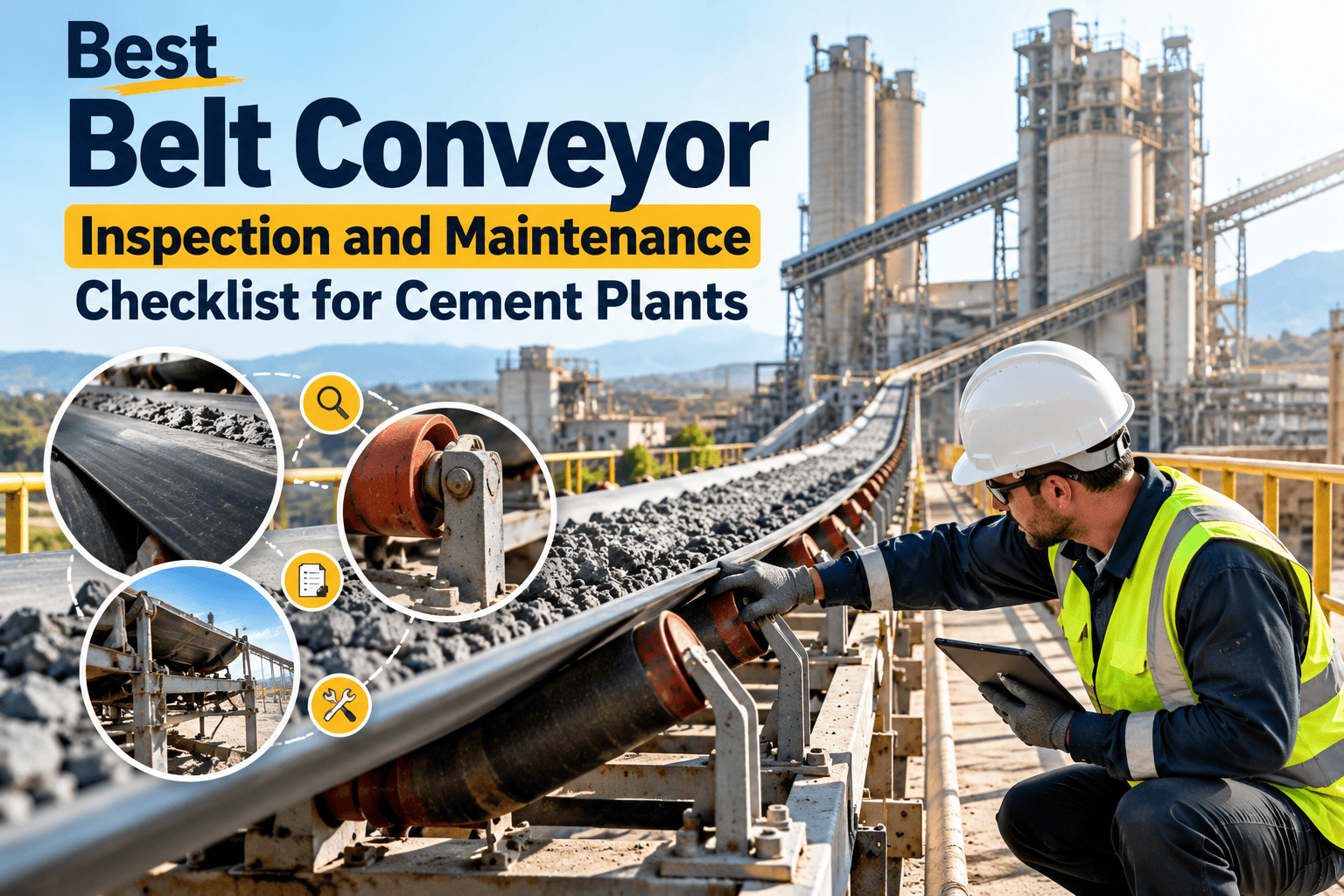
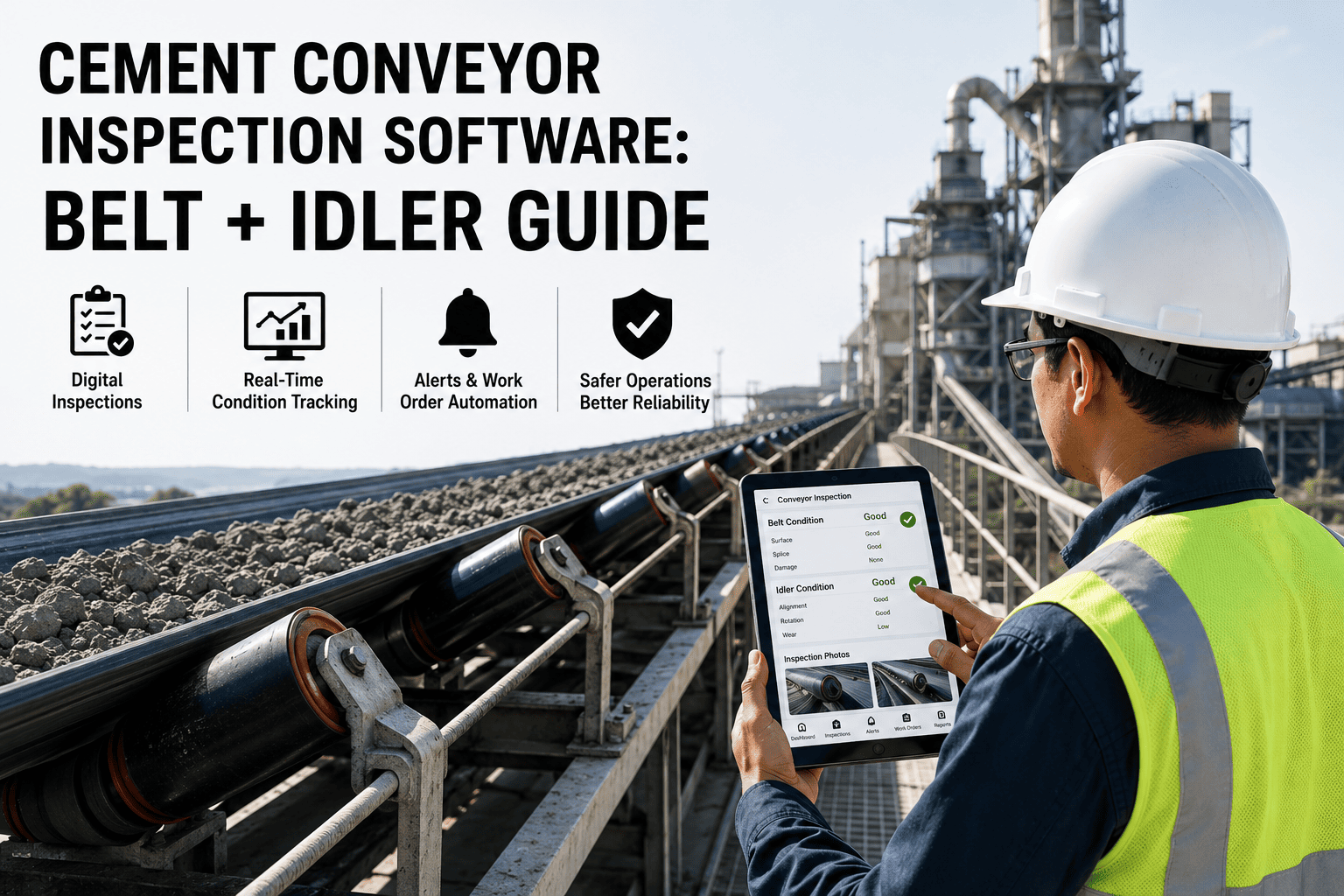
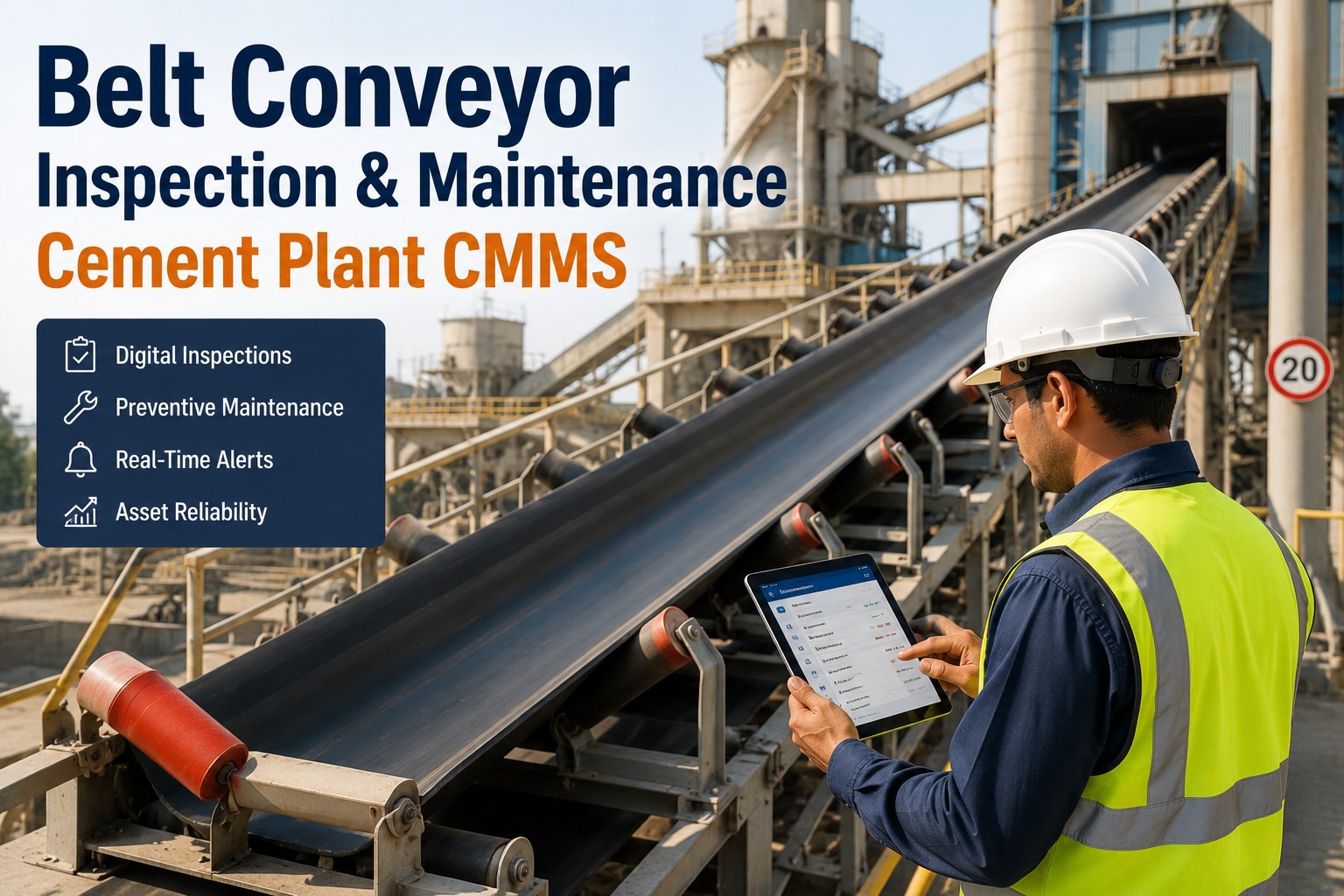
A cement plant's conveyor network is its circulatory system — stop one belt, and you stop the flow of raw material, clinker, or finished product through the entire production chain. Conveyor belt failures are the single most frequent cause of unplanned downtime in cement manufacturing, yet most plants still manage belt health through informal walk-arounds, handwritten condition logs, and reactive patching. The problem is not effort — your maintenance team inspects conveyors regularly. The problem is that inspection findings rarely make it into a system where they can be tracked, trended, escalated into work orders, or connected to downtime costs. OxMaint is purpose-built to solve exactly this: a structured digital layer over your conveyor inspection program that captures every splice condition, roller defect, belt tracking deviation, and cover damage record — and converts findings into prioritised work orders before they become failures. Start your free OxMaint trial and connect your conveyor inspection program today, or book a demo to see the belt management dashboard live.
Cement Plant CMMS · Inspection Management
Cement Conveyor Belt Maintenance Software
From belt splice condition to idler replacement work orders — OxMaint gives your team a structured, digital way to manage every conveyor in your cement plant, reducing unplanned belt failures and the production loss that comes with them.
1 in 3
cement plant unplanned stoppages caused by conveyor failure
2–4 hrs
average belt repair time — preventable with early defect detection
45%
fewer emergency belt repairs with structured inspection programs
What OxMaint Manages Across Your Conveyor Network
Belt Inspection Tracking
Digital checklists for cover condition, edge fraying, longitudinal rips, and surface damage — logged by technicians on mobile with photo evidence attached to the belt asset record.
Cover Grade Rating
Defect Location by Metre
Photo Evidence
Splice Condition Management
Every splice — mechanical fastener or vulcanised — has its own record in OxMaint with installation date, repair history, and condition rating. Alert triggered when a splice approaches its rated tension-cycle limit.
Splice Type and Age
Tension Cycle Tracking
Replacement Alert
Idler and Roller Management
Log seized, cracked, or misaligned idlers by location on the conveyor frame. OxMaint tracks idler replacement history per zone, flags high-frequency failure positions, and schedules batch replacements to reduce individual callouts.
Idler Position Logging
Batch Replacement Planning
Failure Frequency Heat Map
Belt Tracking Defect Logging
Mistracking is the leading cause of edge damage and splice failure. OxMaint lets operators log tracking deviation events with timestamp, severity, and affected conveyor segment — creating a pattern record that drives root cause correction.
Deviation Event Log
Repeat Mistracking Alerts
Structural Root Cause Links
Downtime Work Orders
Every inspection finding escalates to a work order in one tap. Downtime events auto-record start and end timestamps, production loss calculation, and crew response time — giving management a clear view of belt maintenance cost per belt per year.
Defect-to-WO Automation
Production Loss Tracking
Crew Response KPI
Conveyor PM Scheduling
Schedule belt inspections, lubrication rounds, and scraper adjustments on calendar or runtime triggers. OxMaint sends reminders before tasks fall due and tracks compliance — so no conveyor goes uninspected because a shift was busy.
Calendar and Runtime Triggers
Compliance Dashboards
Mobile Notifications
How many of your conveyor inspection findings actually become work orders today?
OxMaint closes the gap between field inspection and scheduled repair — for every belt, every splice, every idler in your plant. No paper. No missed handovers.
Conveyor Failure Modes and How OxMaint Catches Them Early
| Failure Mode |
Early Warning Signal |
OxMaint Detection Method |
Lead Time Gained |
| Belt rip / longitudinal tear |
Surface scoring, cover wear thinning |
Inspection checklist with condition rating |
1–3 weeks |
| Splice failure |
Fastener loosening, vulcanise delamination |
Splice condition record + tension cycle tracking |
3–6 weeks |
| Belt mistracking / edge damage |
Repeated tracking deviation events in same zone |
Deviation event log + repeat alert trigger |
1–2 weeks |
| Seized idler causing belt fire risk |
Hot idler, rubber smell, scorch marks |
Idler condition log + immediate escalation WO |
Hours to days |
| Head pulley lagging wear |
Increasing belt slip under load |
PM inspection checklist item |
2–4 weeks |
| Scraper wear causing carryback |
Material buildup on return run |
Scraper condition check in PM schedule |
1–3 weeks |
Frequently Asked Questions
Can OxMaint manage a large network of conveyors across multiple plant sections?
Yes. OxMaint's asset hierarchy supports any number of conveyors organised by plant section, production line, or material type. Each conveyor has its own inspection schedule, condition records, and work order history — all visible in a single dashboard.
Start a free trial to set up your conveyor network.
How does OxMaint help technicians log idler defects at specific locations on the conveyor?
Technicians can specify the idler position by metre mark, row number, or belt section during the inspection checklist. This location data links to the conveyor map in OxMaint, making it easy to identify high-failure zones and plan batch idler replacements.
Book a demo to see the inspection flow.
Does OxMaint track the cost of downtime per conveyor event?
Yes. When a conveyor stoppage is recorded in OxMaint, the system timestamps the event, calculates production loss based on your configured throughput rate, and links the cost to the corresponding work order — giving management accurate per-event and per-belt downtime cost reports.
Can splice replacement be planned from within OxMaint without a separate system?
Yes. Each splice record includes installation date, type, rated cycles, and last inspection finding. OxMaint generates a replacement work order when the splice approaches its limit — and checks spare stock availability at the same time, ensuring the correct splice kit is on hand before the job starts.
How long does it take to migrate from paper-based conveyor inspections to OxMaint?
Most cement plants complete belt asset setup and deploy first mobile inspection checklists within 7 to 14 days. Historical inspection records can be imported from Excel, giving the trend analysis module immediate context rather than starting from a blank baseline.
Every conveyor belt in your plant is telling you something. OxMaint makes sure your team is listening.
Structured inspections. Automatic work orders. Downtime cost tracking. All in one platform built for cement plant conveyor maintenance.