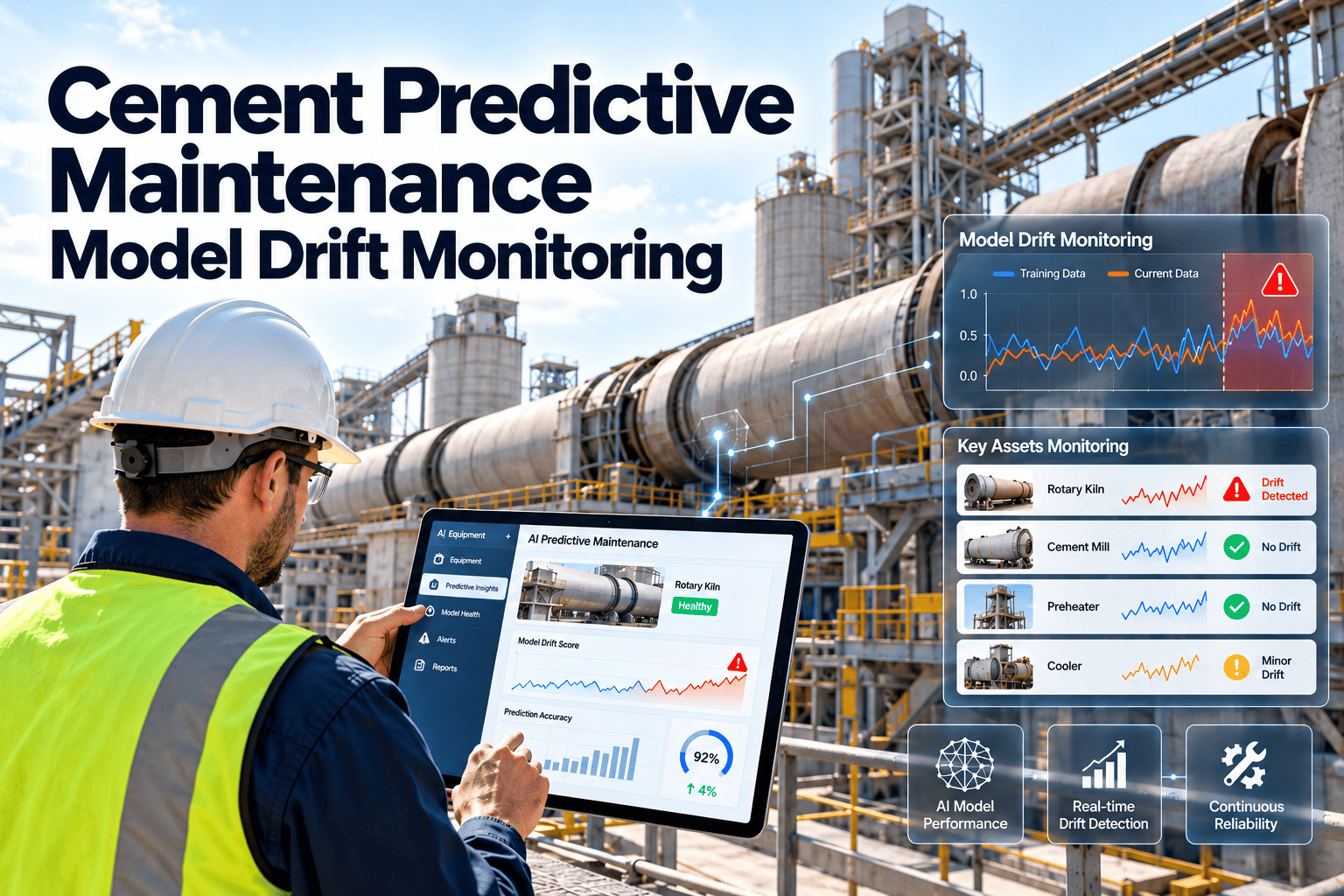
Most cement plants already collect plenty of data: historian tags from the DCS, vibration routes, lab results, energy meters and years of work orders. Yet predictive projects stall because the data cannot be joined. A bearing alarm cannot be matched to the work order that fixed it, and a kiln stop cannot be tied to a failure cause. An AI-ready maintenance data model fixes that foundation before any algorithm is bought. This article lays out the model, and how Oxmaint CMMS can hold the maintenance side of it.
AI and Data for Cement Manufacturing
Cement Plant AI-Ready Maintenance Data Model
Structure assets, failures, work orders, sensor tags, energy, quality and emissions data so reliability analytics and AI can actually learn from your plant.
Decisions: prioritised actions, planned shutdown scope
Analytics: failure prediction, reliability metrics, anomaly detection
Context: asset hierarchy, failure codes, operating state
Events: work orders, inspections, shutdowns, alarms
Signals: DCS tags, vibration, energy, lab and emissions data
Why AI Projects Fail on Cement Maintenance Data
Failure is rarely the algorithm. It is usually the inputs. In cement, the same equipment can appear under three different names across the DCS, the maintenance system and the spare parts store.
01Inconsistent asset namesThe ID fan is "ID FAN 1" in the DCS, "Kiln ID Fan" on work orders and a number in the ERP. Models cannot join what they cannot match.
02Free-text failure descriptions"Bearing problem", "bearing noise" and "brg failed" are one failure to a human, three categories to a model.
03Missing event timestampsIf the work order records only the closing date, you cannot relate the failure to the preceding sensor behaviour.
04No operating contextVibration during start-up, kiln stop or low feed means something different from vibration at steady state.
05Unlabelled historyWithout clear labels of what failed and when, supervised models have nothing to learn from.
The Five Layers of an AI-Ready Model
Think of the model as layers that build on each other. Each layer must be reliable before the one above it is worth investing in.
| Layer | Purpose | Key records | Owner |
|---|---|---|---|
| Master data | Single identity for every asset | Asset ID, hierarchy, location, criticality, manufacturer, model | Reliability engineer |
| Failure taxonomy | Consistent failure language | Failure mode, mechanism, cause, effect | Reliability and maintenance |
| Event history | What happened and when | Work orders, inspections, shutdowns, trips | Maintenance planner |
| Signal mapping | Link tags to assets | Tag name, unit, sampling rate, asset reference | Automation team |
| Context | Explain the conditions | Running state, feed rate, fuel mix, product grade | Process engineer |
How the Core Records Connect
An AI-ready model is a chain of linked records. Break any link and the history becomes a pile of disconnected facts.
AssetKiln girth gear, with its position in the hierarchy
SignalVibration, temperature and motor current tags mapped to that asset
EventAlarm, inspection finding or trip with exact timestamp
Work orderCorrective or preventive job raised against the same asset
Failure codeMode, mechanism and cause selected from a controlled list
OutcomeDowntime hours, parts used, cost and recurrence
Building a Failure Taxonomy That Models Can Use
A controlled failure vocabulary is the single biggest data improvement most plants can make. Align it with ISO 14224, the standard for collecting reliability and maintenance data for equipment, and adapt it to your equipment classes.
| Equipment class | Example failure mode | Example mechanism | Example cause |
|---|---|---|---|
| Process fan | High vibration | Imbalance from material build-up | Dust deposition, wear |
| Gearbox | External leakage | Seal degradation | Wear, contamination |
| Belt conveyor | Belt mistracking | Misalignment | Structural settlement, spillage |
| Kiln support roller | Bearing overheating | Lubrication failure | Contaminated or insufficient oil |
| Bag filter | Rising differential pressure | Blinded bags | Moisture, pulse system fault |
| Motor | Winding temperature high | Overload or poor cooling | Blocked ventilation, process load |
Rules for failure coding
- Use dropdown lists, never free text, for mode, mechanism and cause
- Keep the list short enough that technicians can choose in seconds
- Allow free-text notes in addition, so nuance is not lost
- Review rarely used and "other" codes quarterly
- Make failure coding a closing requirement on corrective work orders
Linking Maintenance to Energy, Quality, Safety and Emissions
Cement is energy-intensive, and many reliability events appear first in other datasets. An AI-ready model leaves room for these links instead of treating maintenance in isolation.
Energy
Specific power consumption of mills and fans often drifts before failure. Map meters to assets so degradation shows up as rising energy per tonne.Quality
Lab results and product variation can trace back to worn liners, separator faults or feeder instability. Link quality deviations to the equipment involved.Safety
Record guard, interlock and hazard findings against assets so repeated safety issues become visible patterns rather than isolated notes.Emissions
Filter performance, CEMS availability and abatement equipment condition affect compliance. Tie emission excursions to the maintenance history of the controls.Mapping Use Cases to Required Data
Choose AI use cases only after checking whether the data supports them. This avoids expensive pilots on equipment with poor history.
| Use case | Minimum data needed | Readiness question |
|---|---|---|
| Fan bearing failure prediction | Vibration and temperature tags, labelled failure events, operating state | Do we have several coded bearing failures with timestamps? |
| Gearbox condition trending | Oil analysis, temperature, load, work order history | Are oil samples linked to the correct asset? |
| Refractory and shell monitoring | Shell scanner data, inspection records, relining history | Is each hot spot logged against a kiln position? |
| Spare parts forecasting | Part usage by asset, lead times, failure history | Do work orders record parts consistently? |
| Preventive plan optimisation | Task history, failure findings, intervals | Do completed tasks record what was found? |
Start with the Foundation Your Analytics Needs
Build a clean asset hierarchy, controlled failure codes and linked work order history in Oxmaint, then extend into condition-based maintenance.
Data Quality Rules Worth Enforcing
Unique identityEvery asset has one ID used in the CMMS, historian mapping and inventory.
Mandatory fieldsFailure code, start time, end time and downtime are required to close corrective jobs.
Consistent unitsTemperatures, pressures and flows follow one unit convention across systems.
Time alignmentSystems share synchronised clocks so events and signals line up.
Change controlNew assets and tags are added through an approval step, not ad hoc.
Audit trailEdits to history are tracked so labels stay trustworthy.
Governance: Who Owns the Data
Data models decay without ownership. Assign roles and review rhythms so the structure stays useful after the project team moves on.
- Reliability engineer owns the asset hierarchy and failure taxonomy
- Planners own work order completeness and closing quality
- Automation engineers own tag naming and asset mapping
- Operations owns running-state definitions and shift logs
- A monthly review checks exceptions, unmapped tags and unused codes
A 90-Day Path to AI Readiness
Days 1 to 30Audit asset names across DCS, CMMS and stores. Define the hierarchy for one production line and agree the failure code list.
Days 31 to 60Load the clean hierarchy into the CMMS, require failure codes on corrective work orders and map the key sensor tags to assets.
Days 61 to 90Back-label the most important historical failures, run a pilot analysis on one equipment class and review gaps with the team.
Scoring Asset Criticality Consistently
AI and analytics should focus on assets that matter. A transparent criticality score prevents effort being spread across equipment whose failure is cheap and harmless. Score each asset on a few dimensions and store the result in the asset record.
| Dimension | Question to ask | Example in a cement plant |
|---|---|---|
| Production impact | Does failure stop kiln feed or clinker output? | Kiln drive, ID fan, preheater fan |
| Safety and environment | Could failure create a hazard or emission excursion? | Bag filter fans, coal mill inerting equipment |
| Repair time | How long does recovery take and are spares on site? | Large gearbox, kiln tyre, mill bearing |
| Redundancy | Is there a standby unit or bypass? | Duty and standby lubrication pumps |
| Quality impact | Does failure affect product consistency? | Separator, raw meal feeders |
Define Operating States Before Modelling Signals
Sensor values only make sense in context. A fan vibrating at start-up, a mill running at low load and a kiln in hot-hold are not the same operating condition, and each state should be recorded.
Running steady
Normal feed, stable temperatures and loads. This is the baseline for most condition monitoring rules.Start-up and ramp
Transient behaviour with higher vibration and thermal stress. Exclude from steady-state baselines.Reduced load
Lower feed or partial operation. Useful for separating process effects from equipment faults.Stopped or maintenance
Planned shutdowns, repairs and inspections. Needed so downtime is classified correctly.Sensor Tag Mapping Conventions
The mapping between historian tags and assets is the bridge between operational technology and maintenance. Keep it explicit, reviewed and version-controlled.
- Record the tag name, engineering unit, sampling rate and measurement type for each tag
- Link each tag to the asset or component it measures, such as drive-end bearing temperature on a specific fan
- Store alarm limits and their source so changes are visible
- Mark tags as active, bypassed or faulty so models do not learn from bad signals
- Review the mapping after every major shutdown or control-system change, when tag names often shift
Inventory and parts data
Spare parts records should link to asset classes and failure codes. Over time this shows which parts are consumed by which failures, which supports stocking decisions for long-lead items such as bearings, couplings, liners and refractory materials.
Mistakes That Undermine AI-Ready Data
- Designing the perfect taxonomy with hundreds of codes that nobody can use in the field
- Cleaning historical data once, with no process to keep new data clean
- Treating data modelling as an IT project without maintenance and reliability ownership
- Buying an analytics platform before asset identity and failure history are settled
- Ignoring work order closing quality because backlog pressure is high
- Mixing planned shutdown work and breakdown work with no flag to separate them
How Oxmaint Supports the Maintenance Side of the Model
A CMMS is where maintenance events are born, so it is the natural home for the records AI will learn from. The goal is to make good data the easy path for technicians and planners.
Asset management
A structured hierarchy with criticality, location, manufacturer details and documents gives every record a stable identity.Work orders
Preventive and corrective jobs carry timestamps, labour, parts and failure codes, creating labelled history without extra paperwork.Inspections and mobile
Checklists and readings captured in the field add condition evidence between scheduled tasks.Reporting and dashboards
Views of repeat failures, downtime and backlog show where the data is thin and where analysis can start.Metrics to Validate Your Data Model
Measure the health of the data itself. If these numbers are poor, advanced analytics will inherit the weakness.
| Metric | What it tells you | Action if weak |
|---|---|---|
| Share of work orders with a valid failure code | Usable labelled history | Make coding mandatory at closing |
| Share of critical assets with mapped sensor tags | Signal coverage | Complete mapping with the automation team |
| Orphan tags with no asset | Gaps between control system and maintenance | Review monthly and assign owners |
| Duplicate asset records | Identity problems | Merge and lock naming rules |
| Work orders with start and end times | Ability to calculate downtime and repair time | Require times on corrective jobs |
| Share of downtime with a recorded cause | Quality of event classification | Align shift logs with failure codes |
What good looks like
A plant ready for AI can answer simple questions quickly: which ten assets caused the most lost hours last year, what failed on each, what the early symptoms were, and what the repair cost. If those answers take weeks of spreadsheet work, the model needs more attention before prediction projects begin.
Keeping the Model Alive After Go-Live
Cement plants change constantly: new alternative fuel systems, upgraded fans, replaced gearboxes and revised control logic. Each change should update the data model, not leave it behind.
- Add a data update step to every management-of-change checklist so new assets, tags and failure codes are registered
- Record replaced components with install dates, so age and run hours remain accurate for reliability calculations
- Review the failure code list yearly, merging unused codes and adding genuinely new failure modes
- Share simple data-quality scorecards with each area so teams see their own gaps
- Treat shutdown work lists as a data opportunity, capturing findings on every opened component
Frequently Asked Questions
Do we need a data lake before building this model?
No. Start with clean master data and coded work orders in your CMMS. Storage architecture can follow.
Can we use historical work orders for AI?
Often, after cleaning. Prioritise recoding major failures on critical assets rather than the whole backlog.
Which equipment should we model first?
Choose critical rotating equipment with frequent failures and existing monitoring, such as process fans and gearboxes.
How does a CMMS support predictive maintenance?
It holds the labelled history, triggers inspections and work orders from conditions. See it in a short demo.
Is ISO 14224 mandatory?
No, but it is a widely used reference for consistent failure data and a sound starting point for your own code lists.
Make Your Maintenance Data Ready for What Comes Next
Connect assets, failures and work orders in one structured system so analytics and AI have trustworthy history to learn from.