A CMMS implementation that takes 12–18 months to reach usability is not a deployment — it is a failed project. Cement plants running rotary kilns at $45,000 per hour of unplanned downtime cannot afford 18 months of half-operational maintenance software while consultants configure generic asset taxonomies that were never designed for refractory zones, girth gear backlash tolerances, or ball mill liner wear cycles. Yet the failure rate is consistent: roughly 70% of CMMS implementations in heavy industrial environments fail to deliver the ROI they were purchased to achieve — not because the software fails, but because of avoidable decisions made before go-live. Understanding where these implementations break down is the first step to ensuring yours does not. Start your OxMaint implementation today — purpose-configured for cement plant asset complexity, with full operational function in 60–90 days, not 18 months.
Cement Industry · CMMS Implementation · Operations Guide
Top CMMS Implementation Mistakes Cement Plants Must Avoid
12 avoidable implementation failures — and the specific decisions that prevent each one. A guide for maintenance managers and plant directors who have already seen one CMMS project underdeliver.
70%
of CMMS implementations fail to deliver expected ROI
49%
of plants with CMMS still use spreadsheets alongside it
44%
average PM compliance in cement plants using manual scheduling
84%
of unplanned failures showed early warning signals nobody acted on
Mistakes 01–04
Foundation Mistakes: Getting the Asset Hierarchy Wrong
The asset register is the structural backbone of every CMMS function — PM scheduling, work order routing, spare parts linkage, and cost reporting all depend on it. Cement plants that get the hierarchy wrong at implementation spend months fixing it while maintenance teams lose trust in the system.
01
Importing the Equipment List Instead of Building an Asset Hierarchy
An equipment list (Kiln 2, Ball Mill 3, Crusher 1) tells you what exists. An asset hierarchy (Kiln 2 → Drive System → Girth Gear → Pinion Bearing) tells you what can fail, who is responsible for it, and what maintenance it requires. Cement plants that import a flat equipment list and call it an asset register discover the problem when PM schedules cannot be assigned at the right level, work orders route to the wrong team, and cost reports aggregate at too high a level to be useful.
Prevention: Build a minimum 4-level hierarchy — plant → system → equipment → component — before any PM configuration begins. OxMaint provides a cement-specific asset taxonomy covering kilns, mills, crushers, preheaters, and coolers as a starting template.
02
Skipping Criticality Classification Before PM Configuration
Configuring PM schedules without a criticality ranking means kiln tyres and office HVAC units receive the same implementation attention. When maintenance teams are overloaded with work orders across 2,000 assets, they deprioritise the low-consequence ones — which means high-consequence PMs also get buried in the queue. Criticality classification concentrates maintenance effort where equipment failure actually stops production.
Prevention: Complete a criticality matrix (consequence × probability) for every asset before PM schedule creation. Focus initial implementation on Tier 1 (production-stopping) assets only. Add lower tiers in subsequent phases.
03
Copying Generic PM Intervals from Manufacturer Manuals
Manufacturer PM intervals are designed for clean, standard operating environments. A cement plant gearbox runs in abrasive dust, high ambient temperature, and heavy loading conditions that accelerate wear significantly beyond what a generic service manual anticipates. Plants that copy OEM intervals without adjustment typically see higher-than-expected failure rates even after CMMS deployment — and conclude that PM scheduling did not work, when the intervals were simply wrong for the environment.
Prevention: Adjust OEM intervals based on your plant's actual failure history. Where history is unavailable, shorten intervals by 30–50% for high-dust, high-temperature applications and extend based on observed condition data collected over the first 12 months.
04
Migrating Historical Maintenance Data Without Cleaning It First
Uncleaned historical data imported from paper logs, spreadsheets, or legacy CMMS creates immediate quality problems: duplicate asset entries, inconsistent failure codes, maintenance records attributed to decommissioned equipment, and cost records that do not align with the new asset hierarchy. Dirty data in a CMMS produces unreliable reports — and maintenance teams that see their first CMMS reports contradict what they know from experience stop trusting the system entirely.
Prevention: Allocate 2–3 weeks for data cleaning before migration. At minimum, deduplicate assets, standardise failure codes to a defined taxonomy, and archive records more than 3 years old separately rather than importing them into the live system.
OxMaint's cement plant onboarding includes asset hierarchy templates, criticality classification tools, and a migration process that gets your team to operational PM scheduling in the first 30 days.
Mistakes 05–08
Deployment Mistakes: Losing Technician Adoption Before It Starts
The most common cause of CMMS underperformance is not the software — it is maintenance technicians who either cannot use the system in their actual work environment or who were never given a reason to. User adoption is a deployment decision, not a training outcome.
05
Choosing Software That Requires Connectivity in a Cement Plant Environment
Cement plant production floors, kiln galleries, mill buildings, and preheater towers frequently lack stable WiFi or cellular coverage. A mobile work order app that requires connectivity is abandoned by field technicians within 60 days of rollout. The maintenance team reverts to paper, and the CMMS becomes a desktop-only supervisory tool with no real-time field data.
Require: Offline-first mobile app that queues work order completions and syncs when connectivity is restored. Verify with a field connectivity test at your specific plant locations before finalising software selection.
06
Launching With All Assets Simultaneously Instead of Phasing by Criticality
Deploying all 2,000+ assets at once creates a work order flood that overwhelms maintenance teams in weeks 2–4. Technicians cannot differentiate urgent PM from routine inspection. Critical tasks are buried. Supervisors override the system to manage by judgment — which is exactly what the CMMS was deployed to replace. The result is a system that technically runs but does not change maintenance behaviour.
Require: Phase 1 covers only Tier 1 critical assets (kiln, main drives, critical motors). Phase 2 adds Tier 2 after 60 days of stable Phase 1 operation. This approach delivers measurable results within 90 days and builds team confidence before the system scales.
07
Training Teams on Software Features Instead of Maintenance Workflows
CMMS training that teaches technicians how to navigate screens does not change how they work. The adoption-driving question is not "how do I create a work order?" — it is "when I find this symptom on this machine, what do I do, and how does that flow into the system?" Workflow-based training tied to actual cement plant maintenance scenarios produces adoption that lasts. Feature-based training produces trained users who still default to paper when it is faster.
Require: Training sessions built around 3–5 common maintenance scenarios at your plant — kiln hot spot response, gearbox lubrication, electrical inspection — demonstrating the complete workflow from detection to work order closure in OxMaint.
08
No Designated CMMS Administrator in the First 90 Days
Every CMMS implementation generates configuration questions in the first 60 days: assets entered incorrectly, PM intervals needing adjustment, new failure codes to be added, integration issues to resolve. Without a designated internal administrator empowered to make these decisions, the implementation stalls at each question — and the maintenance team's perception of the system is shaped by its early failures rather than its capabilities.
Require: Identify a CMMS administrator (typically a maintenance engineer or senior planner) before go-live. This person attends vendor onboarding sessions, holds configuration authority for the first 90 days, and is the internal escalation point before vendor support is engaged.
Mistakes 09–12
Integration & Measurement Mistakes: Deploying Without Connecting or Measuring
| Mistake |
What Actually Happens |
Financial Impact |
Prevention |
| 09 — Standalone CMMS without DCS/SCADA link |
Sensor anomalies and process deviations generate SCADA alarms but do not create work orders. Human observation of SCADA is required to initiate maintenance — which fails on nights, weekends, and during high-activity production periods. |
85–95% of early warning value from continuous monitoring is lost without alert-to-work-order automation |
Require API or OPC-UA integration between CMMS and DCS/SCADA as a Phase 1 requirement, not a Phase 2 addition |
| 10 — Spare parts not linked to assets at implementation |
Work orders are created but technicians discover parts availability only when they arrive at the job. Unplanned parts sourcing delays add 2–6 hours per corrective work order. Critical parts go untracked until a stock-out occurs during an emergency. |
Average 4-hour delay per unplanned corrective job; emergency parts premium 2–5× standard cost |
Link minimum stock levels and supplier lead times to every Tier 1 asset during initial configuration. Run a stock-out simulation before go-live. |
| 11 — No baseline KPIs defined before go-live |
At 6-month review, nobody can demonstrate whether the CMMS improved maintenance performance because there is no pre-CMMS baseline to compare against. Implementation is declared successful if the system is running — regardless of actual maintenance outcomes. |
Inability to justify continued investment or licence renewal; CMMS risks de-prioritisation in next budget cycle |
Record pre-implementation baselines for MTBF, unplanned downtime hours, PM compliance rate, and maintenance cost per tonne before go-live |
| 12 — Attempting to change too much at once |
Simultaneous deployment of new asset hierarchy, new PM schedules, new work order workflows, new spare parts management, and new reporting creates a change burden that experienced maintenance teams resist. Cultural resistance to the system becomes self-reinforcing. |
Implementation timeline extends from 90 days to 12–18 months; adoption rate below 40% after 6 months |
Phase the implementation: asset register → PM scheduling → work order workflows → spare parts → integration → reporting. Each phase must show value before the next begins. |
Implementation Roadmap
What a 90-Day Cement CMMS Implementation Looks Like When Done Right
Days 1–30
Foundation
Asset hierarchy built for Tier 1 critical equipment (kiln, main drives, critical motors)
Criticality matrix completed and documented in OxMaint
PM schedules configured for highest-consequence assets only
CMMS Administrator designated, onboarded, and configuration-authorised
Baseline KPIs recorded: MTBF, unplanned downtime, PM compliance rate, maintenance cost/tonne
Days 31–60
Deployment
Mobile app deployed to field technicians with offline capability verified at plant locations
Workflow-based training completed for all maintenance shifts — 3–5 cement-specific scenarios
First PM work orders completed and closed in OxMaint — data quality review in week 6
Spare parts linked to Tier 1 assets with minimum stock levels configured
DCS/SCADA integration initiated for highest-priority sensor feeds
Days 61–90
Optimisation & Scale
Tier 2 assets added to system — PM intervals adjusted based on first 60 days of Tier 1 data
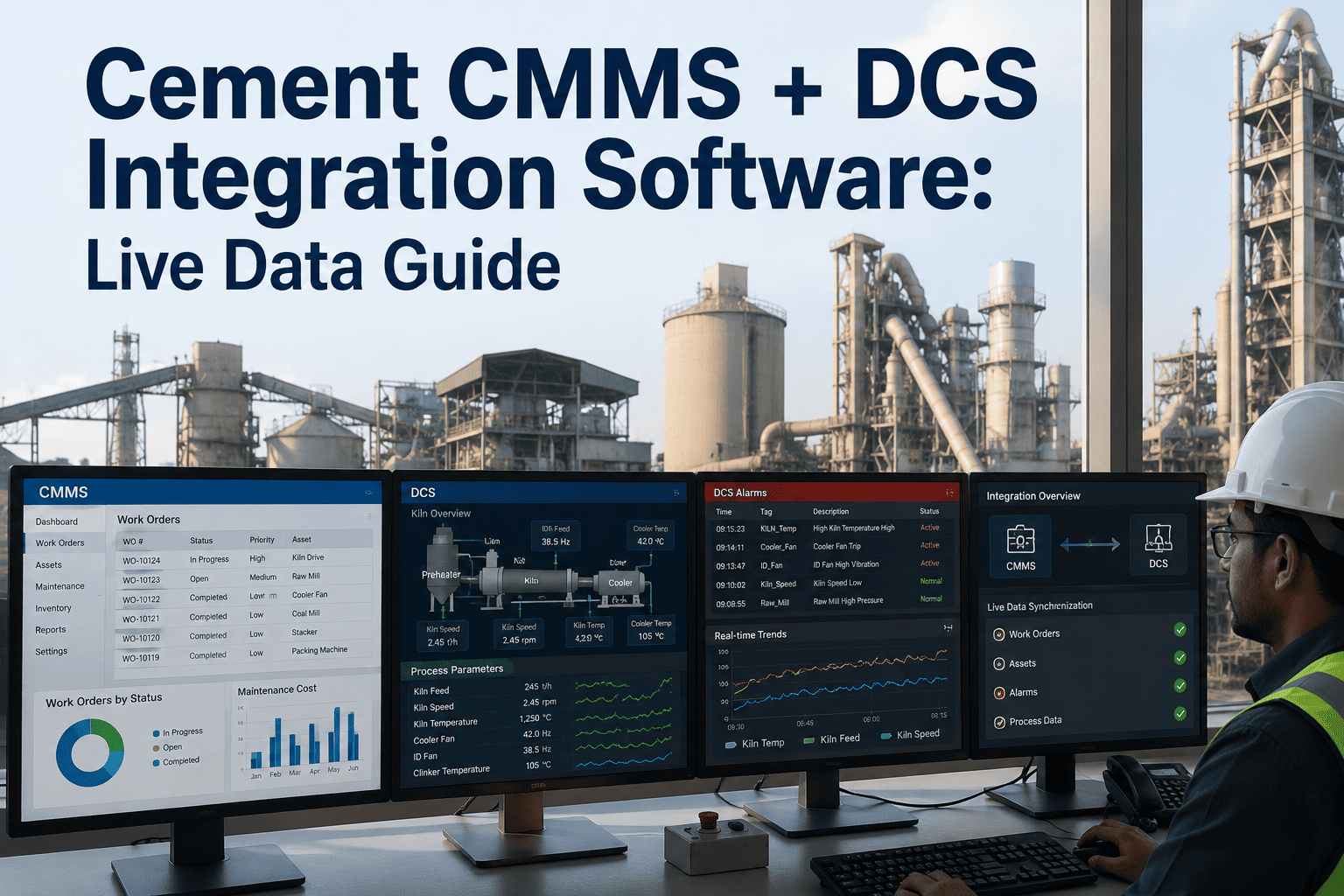
DCS-to-CMMS alert automation live for kiln temperature and critical vibration sensors
First KPI comparison report: current MTBF and PM compliance vs. pre-CMMS baseline
Maintenance team feedback session — PM interval adjustments and workflow refinements actioned
Reporting configured for management review: MTBF trend, work order completion rate, backlog age
FAQs
Frequently Asked Questions
We already have a CMMS that is underperforming. Is it better to fix it or replace it?
The answer depends on whether the underperformance is a data quality problem, a configuration problem, or a software limitation problem. Data and configuration issues (wrong hierarchy, poor PM intervals, no mobile access) can be fixed in any capable CMMS. If the software lacks offline mobile support, DCS integration capability, or cement-specific asset taxonomy — those are platform limitations that configuration cannot solve and replacement is the right decision.
How do we get experienced maintenance technicians to adopt the system?
Experienced technicians adopt CMMS when it makes their job easier, not harder. The fastest adoption accelerators are: a mobile app that works offline in the plant, work order checklists that replace paper forms they already fill out, and access to equipment history that saves them time diagnosing repeat failures. The slowest adoption accelerators are management mandates, desktop-only systems, and work orders with more fields than necessary.
How long should a cement plant CMMS implementation realistically take?
Full operational function across all asset tiers typically requires 60–90 days for Phase 1 (critical assets) and 6–12 months for the full asset register. Any vendor promising full implementation in under 30 days is likely underestimating the asset hierarchy and PM configuration work. Any vendor requiring 18+ months before the team sees operational benefit is likely overcomplicating the deployment sequence.
What KPIs should we track to prove CMMS ROI to plant management?
The four KPIs that resonate most with plant directors are: unplanned downtime hours per month (direct production impact), PM compliance rate (measures whether the programme is actually running), MTBF trend per critical asset (shows whether predictive maintenance is preventing failures), and maintenance cost per tonne of cement produced (ties maintenance investment to production output).
How do we handle cement plant locations without stable internet connectivity?
Choose a CMMS with an offline-first mobile application — OxMaint's mobile app stores work orders, asset data, and PM checklists locally on the technician's device. Completions are queued and synced automatically when connectivity is restored. This is a non-negotiable requirement for cement plant environments where kiln galleries, preheater towers, and underground cable tunnels have no reliable signal.
The 12 Mistakes Are All Avoidable. The Question Is Whether You Avoid Them Before Go-Live or After.
OxMaint's cement plant implementation programme is built around the failure patterns described here — purpose-configured asset taxonomy, offline-first mobile access, DCS integration from Phase 1, and a 90-day deployment sequence that delivers measurable ROI before the second quarter review.