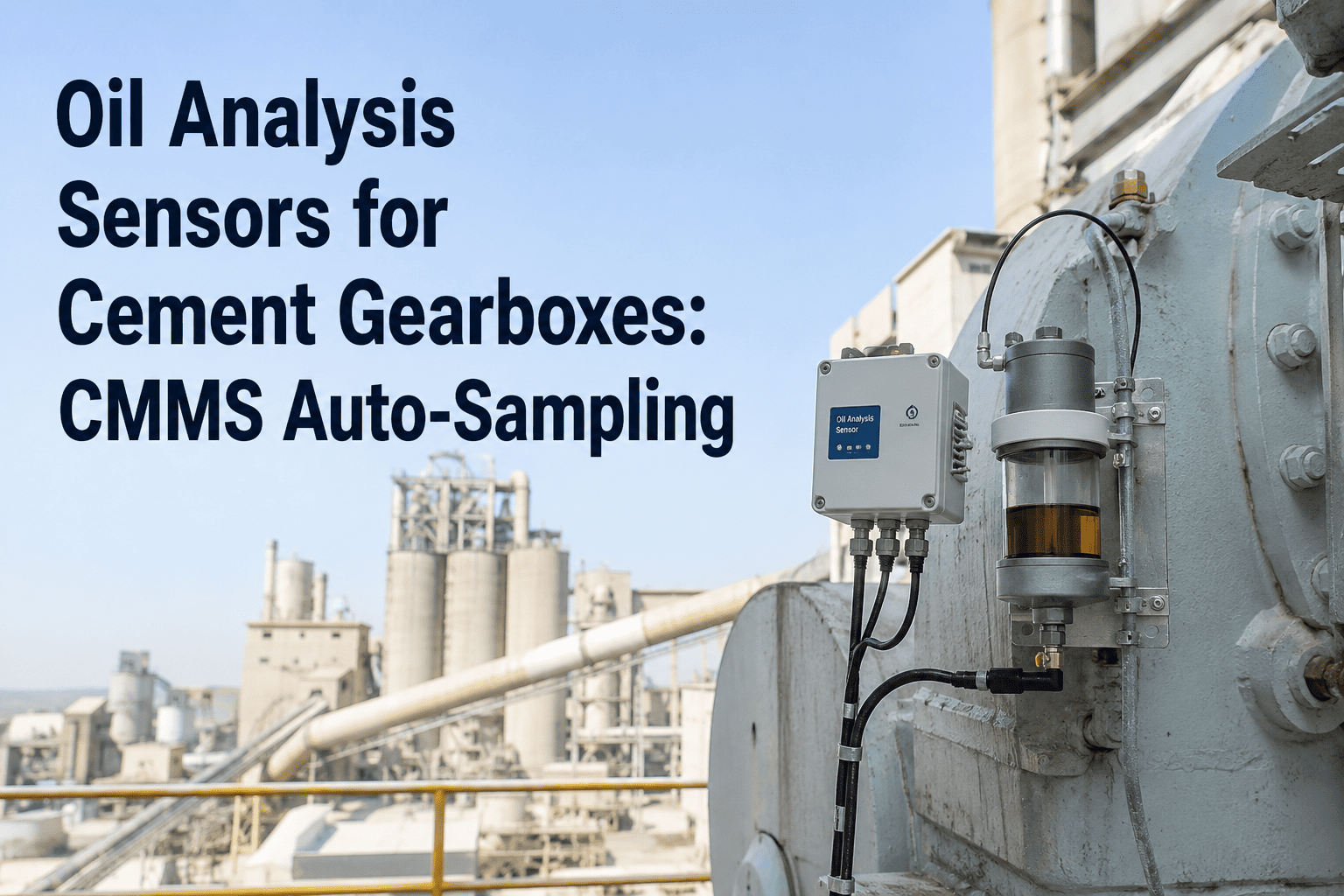
Fixed thermal imaging cameras positioned on kiln tyres, gearboxes, and electrical panels generate a continuous stream of temperature intelligence — but that intelligence creates maintenance value only when it reaches the right person, in the right form, at the right time. A thermal anomaly detected at 02:00 on a Saturday means nothing if it sits as an unacknowledged alert in a SCADA screen until Monday. The same anomaly integrated with a CMMS becomes a prioritized work order, assigned to a named technician, with an escalation deadline — converting raw infrared data into a controlled maintenance response. Cement plants operating thermal cameras without CMMS integration are collecting condition data without acting on it systematically, which is a significant operational gap given that thermal anomalies in kiln tyres and gearboxes typically give 3–6 weeks of advance warning before component failure. Book a demo to see how OxMaint converts thermal sensor anomalies into prioritized work orders automatically — from detection to dispatch in minutes, not days.
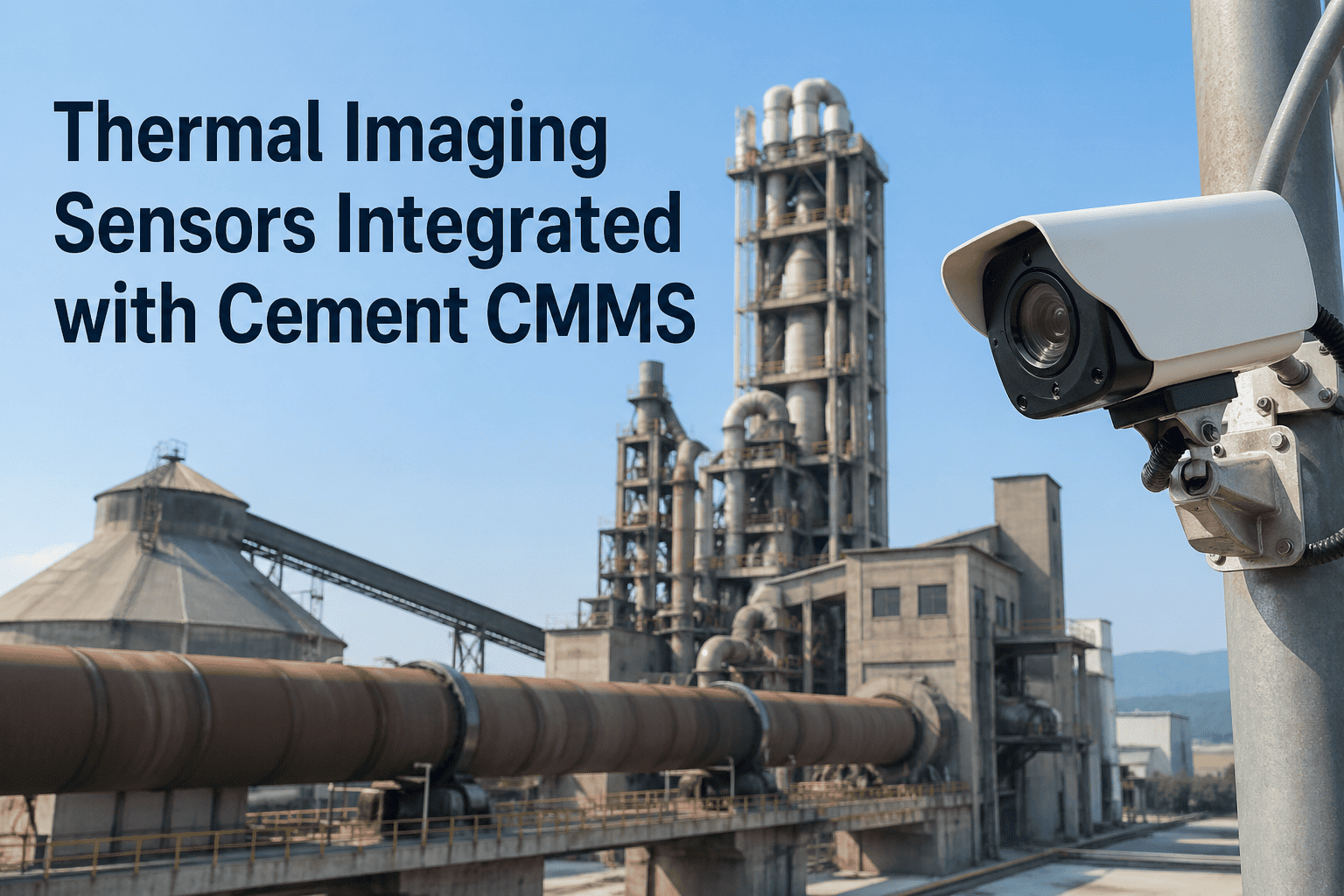
Thermal Imaging Sensors Integrated with Cement CMMS
How fixed infrared cameras scanning kiln tyres, gearboxes, and electrical panels connect to OxMaint — escalating anomalies into prioritized work orders before equipment fails.
Thermal Data Without CMMS Integration Is Maintenance Intelligence Without Action
Fixed thermal cameras in cement plants are commonly deployed for kiln shell monitoring, gearbox condition tracking, and electrical panel surveillance. What these systems share is a fundamental limitation: they generate alerts that require human observation of a dashboard, manual judgment about severity, and a manual decision to initiate maintenance — none of which happens reliably at 02:00 on a weekend shift.
CMMS integration removes the human observation bottleneck from the alert-to-action chain. When a thermal threshold is breached, the CMMS creates the work order, assigns the technician, sets the response deadline, and escalates if the deadline passes unacknowledged. The camera monitors. The CMMS manages the response.
OxMaint connects to your thermal cameras via API, webhook, or OPC-UA — and converts every threshold breach into a structured, tracked maintenance response.
Three Critical Cement Plant Assets Where Thermal-CMMS Integration Delivers the Most Value
Not every asset justifies fixed thermal monitoring. The highest ROI targets are assets where thermal deviation provides the earliest failure signal, where failure consequence is production-stopping, and where repair access requires planned shutdown scheduling — all three conditions apply to the following cement plant equipment.
Connecting Fixed Thermal Cameras to OxMaint: Integration Architecture
OxMaint integrates with fixed thermal imaging systems through standard industrial protocols — no proprietary hardware lock-in, no custom middleware required. The integration path depends on your camera manufacturer and existing plant network infrastructure.
| Integration Method | Compatible Systems | Data Passed to CMMS | Work Order Trigger |
|---|---|---|---|
| REST API / Webhook | FLIR, Hikmicro, Workswell, cloud-connected thermal platforms | Temperature value, asset ID, zone, timestamp, alarm level | Threshold breach → instant work order in OxMaint |
| OPC-UA / Modbus TCP | SCADA-connected fixed cameras, DCS-integrated thermal systems | Real-time temperature registers per monitored point | Configurable deviation from baseline triggers work order |
| SCADA Middleware | Plants with existing SCADA — OxMaint reads SCADA alarm tags | Alarm state, equipment tag, severity classification | SCADA alarm → OxMaint work order with asset mapping |
| Manual Thermal Route Entry | Handheld camera programmes without network connectivity | Technician-entered readings on OxMaint mobile app | Reading outside tolerance range flags work order automatically |
Building Thermal Baselines That Make Anomaly Detection Reliable
A thermal threshold without a verified baseline is a guess. OxMaint structures the baseline capture process as a formal asset commissioning task — ensuring that alert thresholds reflect actual operating conditions at your plant, not generic industry values that may not account for your kiln configuration, ambient temperatures, or production load profile.
OxMaint creates a baseline capture work order for each monitored asset point. Technicians record thermal readings under normal production conditions across at least three operating cycles, capturing variance from shift to shift and load to load.
Based on captured baselines and equipment manufacturer specifications, alert thresholds are set as temperature deltas from baseline — not absolute values. This accounts for ambient temperature variation and eliminates false positives caused by seasonal temperature changes.
OxMaint plots temperature readings against the established baseline over time. A bearing running 12°C above baseline for 3 weeks is more actionable than a single 25°C spike — trend data distinguishes progressive degradation from operating anomalies.
Baselines are reviewed and updated after major maintenance events — refractory relines, gearbox rebuilds, or electrical panel servicing. Post-maintenance thermal readings are captured as new baselines, resetting the deviation tracking for the serviced asset.
OxMaint manages your thermal baseline library, alert threshold configuration, and trend reporting — so your infrared investment generates maintenance intelligence, not just camera footage.
What a Thermal-Triggered Work Order Looks Like in OxMaint
Frequently Asked Questions
Your Thermal Cameras Are Already Watching. Is Anyone Acting on What They See?
OxMaint converts every threshold breach into a tracked, assigned, escalated maintenance response — so the 3-week advance warning your infrared sensors provide actually becomes 3 weeks of planned maintenance action, not 3 weeks of alerts on an unmonitored dashboard.