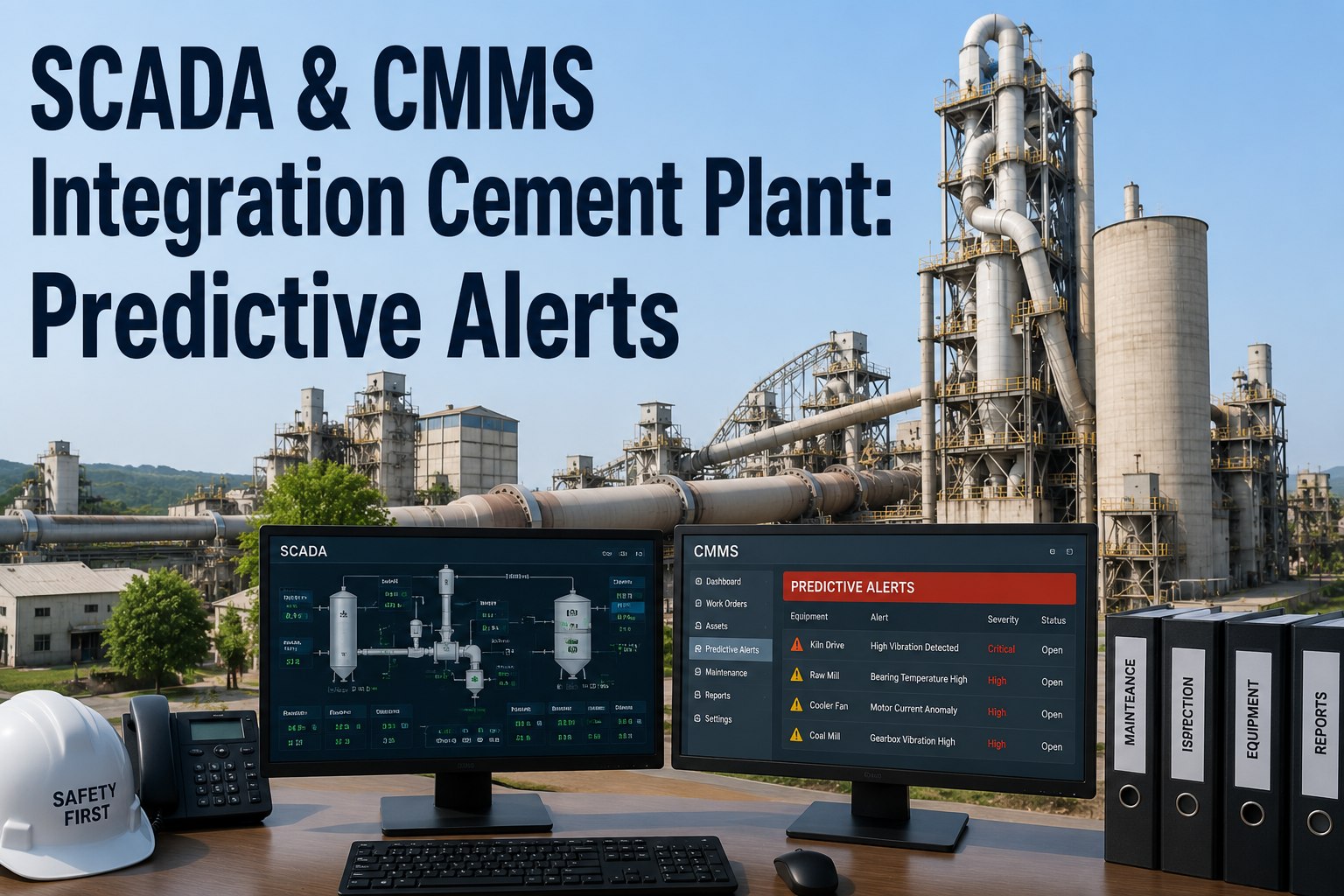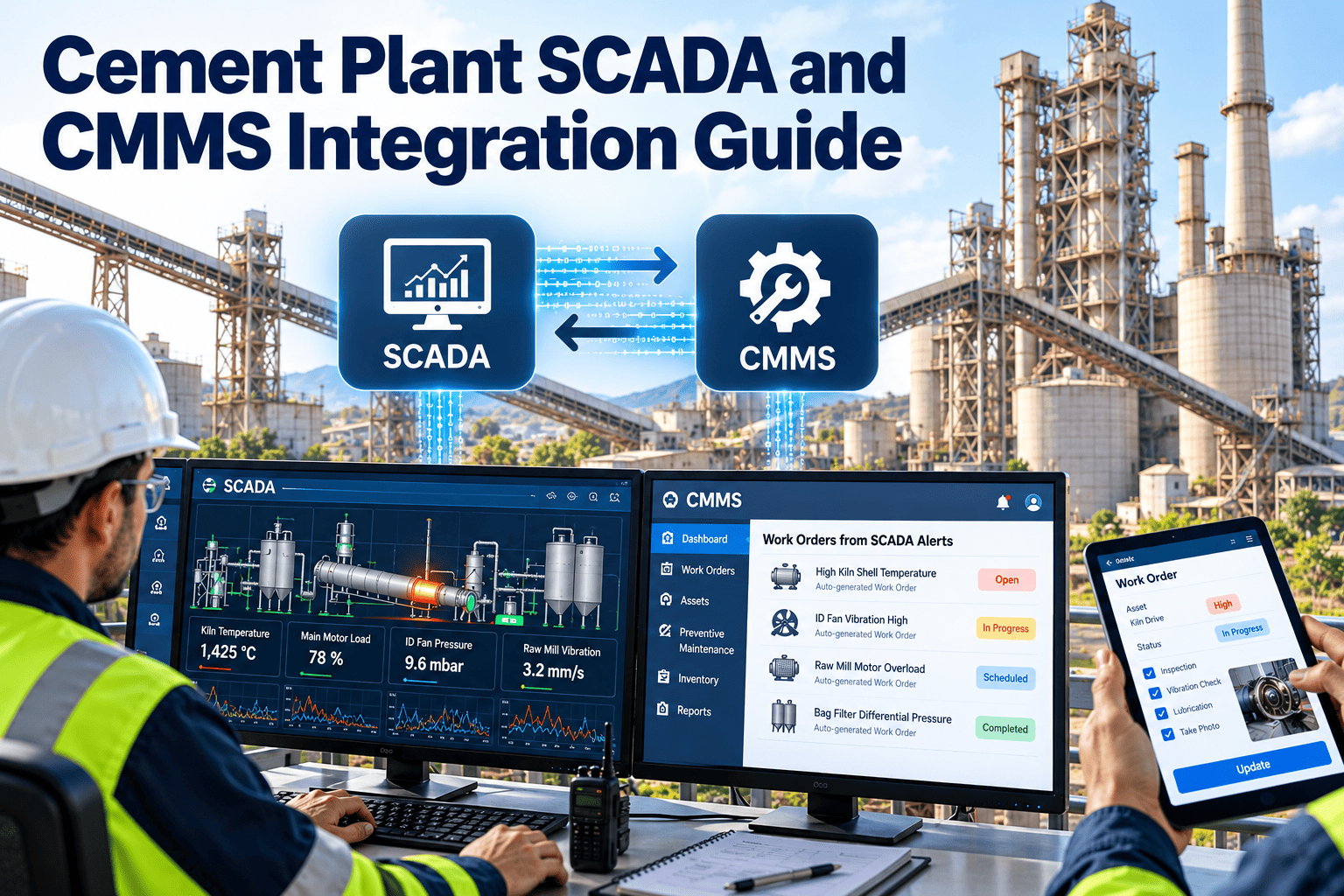
Cement plants generate a constant stream of process data, from kiln drive current to mill vibration and fan bearing temperature. Most of it stays in SCADA and PLC systems, while maintenance plans live in a separate CMMS. The gap means a rising trend can sit on a screen for weeks before anyone raises a work order. Connecting the two turns signals into planned maintenance without flooding planners with alarms. This guide covers architecture, data choices, and rollout, with practical points for teams evaluating Oxmaint maintenance management software.
Cement Plant SCADA and CMMS Integration Guide
Link process data to maintenance action. Decide what to send, when to trigger work, and how to keep the connection secure.
Why the gap between SCADA and CMMS costs money
Operators see the machine and maintenance owns the plan. Without a link, each side works with half the picture.
What SCADA knows
- Live temperatures, pressures, currents, and vibration
- Alarm and trip history
- Equipment running status and hours
- Process conditions around a failure
What the CMMS knows
- Asset hierarchy and technical data
- Planned tasks, intervals, and backlog
- Repair history, causes, and costs
- Spare parts and resources
Closing the gap helps in both directions. Maintenance gains early warning, and operations gain a clear record of what was done after an abnormal event.
Four integration use cases that deliver value
Start with a use case, not a tag list. Each of the four below has a clear owner and a measurable result.
Choosing which signals to send
Sending everything creates noise and cost. Send the signals that change a maintenance decision.
| Signal type | Typical cement examples | CMMS use |
|---|---|---|
| Running status and hours | Kiln drive, cement mill, raw mill fan, crusher, conveyors | Meter-based PM and utilization reports |
| Temperature | Bearing, gearbox oil, motor winding, kiln shell zones | Inspection requests on rising trends |
| Vibration | Mill drives, fans, gearboxes, crushers | Condition-based tasks and failure history |
| Electrical load | Motor current and power draw on mills and crushers | Wear and blockage investigation |
| Pressure and differential pressure | Bag filters, hydraulic units, lubrication systems | Cleaning, filter, and leak work |
| Alarms and trips | Motor overload, high temperature, interlock stops | Downtime records and corrective orders |
| Production counters | Tonnes processed per equipment | Wear life per tonne |
Integration patterns compared
There is no single right method. The choice depends on your control systems, IT policy, and how real time the link must be.
| Pattern | How it works | Best for | Watch out for |
|---|---|---|---|
| Scheduled file or data import | Exports of hours and events are loaded at set times | Simple start with low risk | Delay between event and record |
| Historian or database link | CMMS or a gateway reads values from the plant historian | Trend-based triggers and run hours | Tag mapping and access control effort |
| OPC UA gateway | A gateway reads tags through a standard industrial protocol and passes events on | Mixed vendors and standard connectivity | Gateway design, security, and support |
| API or middleware | A service pushes events and reads asset data through defined interfaces | Event-driven work requests | Needs IT involvement and testing |
| Manual meter entry | Operators or technicians enter readings | Interim step or small assets | Errors and missed entries |
Ask each vendor, including Oxmaint, which methods they support for your setup and who builds and maintains the connection.
Connect plant signals to maintenance action
See how asset records, schedules, and work orders can respond to what your plant is already measuring.
From tag to work order: the data mapping step
Most integration delays come from naming and mapping, not from software. Plan this step early.
- Define the asset. Create a clean equipment record in the CMMS with a unique ID, location, and parent system.
- Find the tags. List the SCADA or PLC tags that describe that asset, such as run status, temperature, and current.
- Map one to one. Link each tag to its CMMS asset and meter or condition field, with units and scaling.
- Set the rule. Write the trigger, such as a threshold, duration, and the action to take.
- Assign the response. Choose the work type, priority, and responsible crew for the request that results.
- Test with history. Replay past events to check the rule would have fired at the right time and not too often.
Designing triggers that planners trust
A trigger that fires too often is switched off. Build rules with restraint.
Security and network boundaries
Plant control networks need protection. A maintenance link should never become a path to the control system.
Design principles
- Keep the control network separate from business and cloud systems
- Use a controlled gateway or demilitarized zone between them
- Send data one way where possible, from plant to maintenance
- Use read-only access for tags unless a write is truly needed
Governance
- Involve plant IT and automation engineers from the start
- Follow your site's industrial cybersecurity practice, such as IEC 62443 guidance
- Log connection access and changes
- Test updates in a non-production environment first
Worked examples from typical cement equipment
These examples show how a signal becomes a decision. Limits are illustrative, so set real values from manufacturer guidance and your own history.
| Asset | Signal and condition | CMMS response |
|---|---|---|
| Raw mill fan | Drive-end bearing vibration stays above the alert level for a defined period | Inspection request with trend attached, then balancing or bearing work if confirmed |
| Kiln main drive | Motor current and gearbox oil temperature drift upward at similar load | Lubrication and alignment check, with oil sample if the task exists |
| Cement mill gearbox | Oil temperature rises while cooling water flow falls | Cooler inspection and cleaning task before the gearbox is affected |
| Bag filter fan | Differential pressure and fan current climb together | Bag and cleaning system inspection request |
| Limestone crusher | Motor trips repeat within a week | Downtime record and root cause task assigned to maintenance |
| Clinker cooler fan | Run hours reach the lubrication interval | Meter-based PM generated and sent to the crew |
Roles: who owns which part of the link
Integration projects stall when ownership is vague. Agree responsibilities before the first tag is mapped.
Data quality: the quiet risk in any integration
A rule is only as good as its signal. Bad data creates false requests, and false requests teach planners to ignore the system.
- Frozen values. A flat line from a failed sensor looks stable. Add a check for signals that stop changing.
- Bad status flags. Treat values marked bad or out of range as missing, not as readings.
- Scaling errors. Confirm units and ranges against the instrument, since a wrong scale can look like a fault.
- Clock differences. Keep time sources aligned so events, work orders, and trends line up.
- Running definition. Agree whether motor current, a drive status bit, or a feed signal defines running for each asset.
- Maintenance mode. Suppress rules while equipment is under repair so your own work does not create new requests.
Make signal quality a standing item in the monthly review. Fixing a sensor is often the cheapest reliability improvement available.
What a good request looks like when it reaches the planner
Weak request
- Title says only alarm or high value
- No asset ID or the wrong asset
- No time, value, or limit
- No suggested action or priority
- Repeats every few minutes
Useful request
- Title names the asset and the condition
- Correct asset and location in the hierarchy
- Value, limit, duration, and time of first breach
- Suggested inspection task and priority
- One open request until it is closed
Writing these fields into the rule template is a small effort that saves planners from chasing basic facts every time.
Where each Oxmaint capability fits
Oxmaint holds the maintenance side of the connection. Confirm supported integration methods for your control systems during evaluation.
Common integration pitfalls
Phased rollout plan
Treat the pilot as a learning phase. Record which rules produced useful work, which created noise, and which signals were unreliable. Those notes become the standard you apply when the link expands to the next plant area, and they give leadership clear evidence for further investment.
Measuring the value of the integration
| Measure | Baseline to capture | Expected direction |
|---|---|---|
| Unplanned downtime on integrated assets | Hours per month before the link | Falls as defects are caught early |
| Share of work found by condition | Condition-based requests compared with breakdowns | Rises over time |
| PM accuracy | Tasks triggered by hours compared with calendar | More tasks match real use |
| Rule usefulness | Requests that led to real findings | High and improving |
| Time from event to work order | Delay between a stop and a record | Shorter and more consistent |
Pre-project checklist for the automation team
Settle these questions before any vendor starts configuration. Answers shape cost, timing, and risk.
SCADA and CMMS integration FAQ
Do we need a historian for CMMS integration?
Not always. A historian helps with trends, but run hours and events can come from other sources.
Can the CMMS write back to the PLC?
Avoid it. Keep the link read-only so maintenance software never affects control. Book a demo to discuss your design.
Which equipment should we connect first?
Choose critical assets with costly failures and good existing instrumentation, such as kiln drives and mill fans.
How do we avoid alarm overload in the CMMS?
Use durations, two-level limits, and duplicate checks. Review rule usefulness every month.
Can we begin without full integration?
Yes. Start with assets and manual meters, then add data links. You can sign up and build the base now.
Make process data part of your maintenance plan
Build the asset and work management base that your SCADA signals can feed.