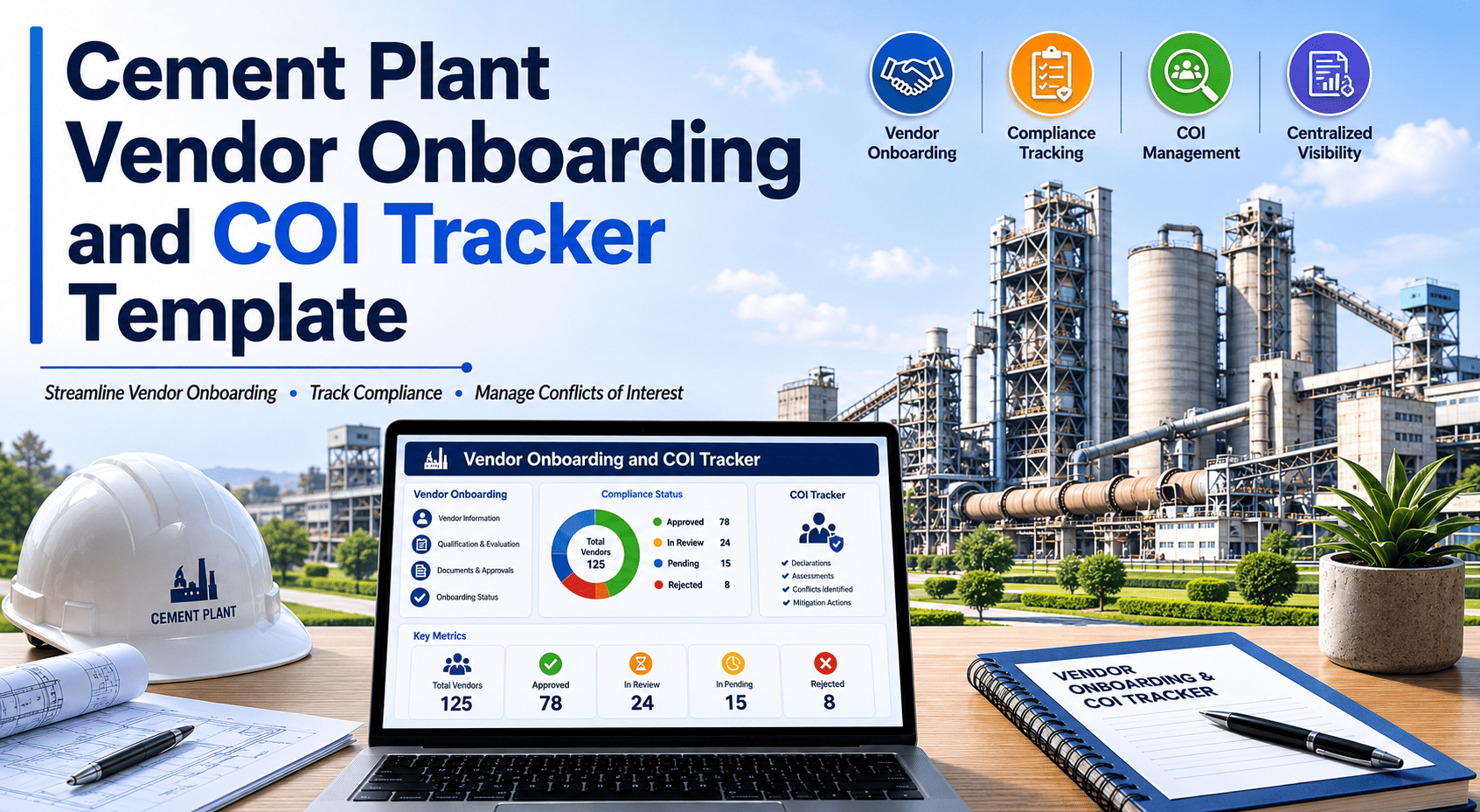
Cement Plant Vendor Onboarding and COI Tracker Template

By Johnson on May 26, 2026

cement-plant-vendor-onboarding-coi-tracker-template

Every contractor who enters a cement plant site carries risk — to your people, your equipment, and your liability position. When a vendor's COI expires mid-shutdown, when a background check is skipped because procurement was under time pressure, or when a permit-to-work is issued before insurance verification is complete, the cost shows up in incident reports, insurance disputes, and regulatory notices. A structured vendor onboarding and COI tracker template closes these gaps before contractors set foot on site — ensuring every insurance certificate, W-9, safety induction, and permit-to-work link is tracked, verified, and expiry-monitored in one place. This page gives you the complete cement plant vendor onboarding template across all five document categories, with COI field requirements, insurance minimum coverage thresholds, and CMMS-linked permit routing. Set up your vendor register in Oxmaint free and connect contractor compliance directly to your permit-to-work workflow from day one.

Cement Plant Vendor Onboarding COI Tracker

Cement Plant Vendor Onboarding and COI Tracker Template

Insurance verification, W-9, background check, safety induction, and CMMS-linked permit-to-work — the complete contractor compliance register for cement plant operations.

Vendor Compliance Status — Live Dashboard View
Kiln Refractory Co.
COI W-9 BGC Inducted PTW
Active
Mill Lube Services
COI W-9 BGC Inducted PTW
COI Expiring
Crane Hire Ltd.
COI W-9 BGC Inducted PTW
Blocked
Cooler Plate Supply
COI W-9 BGC Inducted PTW
Active
Electrical Maint. Co.
COI W-9 BGC Inducted PTW
Blocked
Pass Expiring Missing N/A
5-Stage Onboarding Framework

The Five Document Categories Every Cement Plant Vendor Must Complete

A vendor cannot receive a permit-to-work at your cement plant until all five compliance categories are verified and current. Each category has a different renewal cycle and a different risk if allowed to lapse. The framework below defines each category, the specific documents required, and what happens operationally when a document is missing or expired.

01
Certificate of Insurance (COI)
Risk if lapsed: Your plant assumes liability for contractor incidents — property damage, bodily injury, and third-party claims.
General Liability — minimum $1M per occurrence, $2M aggregate
Workers' Compensation — statutory limits by jurisdiction; mandatory where contractor has employees
Commercial Auto — minimum $1M combined single limit for contractors operating vehicles on site
Umbrella / Excess — minimum $5M for high-risk contractors (crane hire, refractory, kiln specialists)
Plant named as additional insured on General Liability and Umbrella policies
Renewal cycle: Annual — set expiry alert 60 days before certificate end date
02
Tax and Business Registration (W-9 / Equivalent)
Risk if missing: IRS backup withholding liability, failed audit trail, inability to process payments to vendors performing site work.
W-9 Form (US domestic contractors) — legal name, EIN or SSN, business address, signature
W-8BEN or W-8BEN-E (international contractors) — tax treaty status, foreign TIN
Business registration certificate — confirms legal entity status and operating authority
Vendor bank details form — payment routing separate from W-9, stored with finance team
Renewal cycle: Upon legal entity change, name change, or every 3 years as best practice
03
Background Check and Prequalification
Risk if skipped: Unqualified personnel accessing restricted areas, prior safety incident record unknown, licence status unverified.
Company safety record — TRIR (Total Recordable Incident Rate) for prior 3 years; threshold typically below 1.5 for heavy industrial entry
Trade licence verification — confirm contractor holds valid licence for the work scope (electrical, lifting, pressure vessel)
Individual operator certifications — crane operator, confined space, LOTO, hot work, scaffolding as applicable
Prior site incident history — self-declared and verified against any plant incident records
Financial solvency check — for contractors with long-term service agreements or large capital contracts
Renewal cycle: Annual for active vendors; at each new scope engagement for project-specific contractors
04
Site Safety Induction
Risk if skipped: Contractor unfamiliar with site-specific hazards — confined spaces, hot work zones, kiln exclusion areas, PPE requirements.
General site induction — plant layout, emergency assembly points, first aid locations, site speed limits, hot work zones
Area-specific induction — kiln zone, preheater exclusion area, coal handling area, electrical isolation points
PPE requirements sign-off — hard hat, safety shoes, high-vis vest, safety glasses, hearing protection in designated areas
Emergency response briefing — alarm types, evacuation routes, muster point, on-site medical response
Induction assessment pass — minimum score required; record retained with vendor compliance file
Renewal cycle: Annual for active vendors; immediate re-induction after any site safety incident involving the contractor
05
CMMS-Linked Permit-to-Work (PTW) Issuance
Risk if bypassed: Contractor starts high-risk work without isolation verification, JHA sign-off, or area owner authorisation — the leading cause of serious contractor incidents.
Work scope confirmation — verified against CMMS work order; contractor scope must match approved work order scope
Isolation verification — LOTO (Lockout/Tagout) completed for all energy sources in the work area before permit is issued
JHA (Job Hazard Analysis) — contractor-submitted, reviewed by plant safety officer before permit approval
Hot work permit — separate sub-permit required for any welding, cutting, or grinding within 30m of process equipment
Confined space entry permit — required for all kiln interior, silo, and vessel entry work; continuous gas monitoring specified
Area owner sign-off — maintenance manager or area supervisor authorises permit, not contractor self-declared
Per-job: Issued and closed for each work session. Linked to CMMS work order — permit status visible in Oxmaint work order record
COI Tracker Template

Certificate of Insurance Tracker — Field-by-Field Template

The COI tracker is the most time-critical element of vendor compliance — an expired certificate on the day a shutdown contractor mobilises is an immediate site access denial and a schedule risk. The table below defines every field your COI tracker must capture for each active cement plant vendor, with the verification action required per field. Oxmaint's vendor module tracks every COI field with automated expiry alerts 60 and 30 days before certificate end date.

COI Field What to Verify Minimum Requirement (Industrial) Alert Trigger Action if Failed
General Liability — Per Occurrence Policy active, limit matches requirement, plant named as additional insured $1,000,000 per occurrence 60 days before expiry Request renewal COI before expiry; block site access if lapsed
General Liability — Aggregate Aggregate limit sufficient for multi-incident exposure across contract term $2,000,000 aggregate 60 days before expiry Require policy endorsement or umbrella to reach aggregate threshold
Workers' Compensation Policy covers all personnel performing work on site; statutory limits confirmed Statutory limits by jurisdiction — no waiver accepted 60 days before expiry Zero exceptions — no Workers' Comp = no site access for any personnel
Employer's Liability Covers employer liability claims separate from Workers' Comp statutory limits $1,000,000 per accident / disease 60 days before expiry Request combined Workers' Comp + Employer's Liability policy
Commercial Auto Covers all vehicles operated on site, including hired and non-owned vehicles $1,000,000 combined single limit 60 days before expiry Restrict to site vehicles not operated by contractor, or block site vehicle access
Umbrella / Excess Liability Applies over General Liability, Auto, and Employer's Liability — confirm follow-form endorsement $5,000,000 for high-risk vendors; $2,000,000 standard contractors 60 days before expiry Mandatory for kiln work, crane hire, high-voltage electrical; block high-risk vendor if not current
Policy Effective and Expiry Dates Policy active on every day contractor is on site — not just at onboarding Continuous coverage throughout contract term — no gaps 30 days and 7 days before expiry Remove from active vendor list; suspend all work orders; notify plant manager
Additional Insured Endorsement Plant legal entity named as additional insured on General Liability and Umbrella — not just certificate holder Named additional insured required — certificate holder status alone is insufficient At each COI renewal Reject COI; request corrected certificate with proper endorsement before approving
Insurance Carrier Rating Carrier rated A- or better by AM Best — confirms insurer financial strength A- or better (AM Best) or equivalent rating agency At initial onboarding and each renewal Reject policy from non-rated or sub-standard carriers; request carrier change

Swipe to view all columns on mobile

Never let a COI expire unnoticed during a cement plant shutdown

Oxmaint's vendor compliance module sends automatic alerts 60 and 30 days before every COI, licence, and induction expiry — and blocks permit-to-work issuance for any vendor with a lapsed document.

Vendor Register Template

Cement Plant Vendor Register — Master Record Fields

The vendor register is the master compliance record that links every contractor to their document status, active work orders, and permit-to-work history. Each row represents one vendor — a company, not an individual — with document status tracked at company level and individual certification tracked at operative level within the same record. The register must be live, not a quarterly PDF snapshot. Book a demo to see how Oxmaint structures the vendor register for multi-contractor cement plant shutdowns.

Company Identity
Vendor legal name (as registered)
Trading name (if different)
EIN / Tax ID number
Business registration number
Registered business address
Primary contact name and mobile
Safety officer name and contact
Approved Scope
Approved work category (e.g. refractory, mechanical, electrical)
Approved plant areas (kiln, mills, utilities)
Restricted areas / exclusions
Approved work types (hot work, confined space, lifting)
Maximum contract value authorised
CMMS work order types linked
Insurance Status
COI file reference / document link
GL per occurrence limit confirmed
GL aggregate limit confirmed
Workers' Comp — confirmed / jurisdiction
Commercial Auto limit confirmed
Umbrella limit confirmed
COI expiry date — auto-alert set
Additional insured confirmed
Compliance Dates
W-9 received date
Background check completed date
TRIR (3-year) verified date
Trade licence expiry date
Site induction passed date
Induction expiry / renewal due
Vendor approval date
Next annual review date
FAQ

Frequently Asked Questions

What is the difference between a certificate holder and an additional insured on a COI?
A certificate holder simply receives a copy of the COI for notification purposes — they get no direct insurance protection. An additional insured is named on the policy itself and can make claims under the contractor's policy if an incident occurs. For cement plant contractor management, requiring additional insured status (not just certificate holder) is non-negotiable. Always verify this in the policy endorsement, not just the certificate. Oxmaint's COI tracker flags certificates that show only certificate holder status and prompts corrective action.
How far in advance should cement plants request COI renewals from contractors?
60 days before expiry is the industry-standard lead time for COI renewal requests. This allows time for the contractor to renew their policy, the insurer to issue the certificate, and your team to review and approve it before the old certificate lapses. For contractors active during a planned shutdown, verify COI status at least 90 days before the outage start date — not at mobilisation. Book a demo to see how Oxmaint automates renewal reminders for all active vendor COIs.
Which contractor types require the highest insurance limits at a cement plant?
Kiln refractory contractors, crane and rigging specialists, high-voltage electrical contractors, and confined space work teams carry the highest exposure profiles and require minimum $5M umbrella coverage in addition to standard GL and Workers' Comp. Standard maintenance contractors and supply vendors typically meet requirements with $1M/$2M GL and statutory Workers' Comp. Your plant's risk manager should define minimum limits by contractor category — these vary by plant size, jurisdiction, and contract value.
Can a permit-to-work be issued before all onboarding documents are complete?
No — this is the single most important rule in contractor compliance management. A permit-to-work issued before COI verification, safety induction, or applicable trade licence confirmation represents a liability gap and a safety failure simultaneously. Every cement plant PTW system must be hard-linked to vendor compliance status, so a vendor with any lapsed or missing document cannot receive a permit regardless of schedule pressure. Oxmaint enforces this link automatically — a work order for a non-compliant vendor cannot generate a PTW until all required documents are current.
How often should the vendor register be reviewed and updated?
Active vendors should be reviewed annually as a minimum, with automated document expiry monitoring running continuously. Before each major shutdown, run a full compliance audit of every vendor on the mobilisation list — at least 90 days out. Any vendor with a document expiring during the shutdown window should be flagged for renewal before mobilisation, not managed as an exception during the outage. Oxmaint generates a pre-shutdown vendor compliance report from your vendor register automatically.

Every contractor on your site should be traceable, compliant, and permit-linked before they enter

Oxmaint connects your vendor register, COI tracker, and permit-to-work system in one platform — so compliance is enforced automatically, not managed manually during the shutdown rush.



Share This Story, Choose Your Platform!