A raw material crusher is the first critical point of failure in your cement plant — and the one that creates the most chaotic maintenance situations. When a blockage hits, when vibration spikes, when the inspection team finds a cracked deflector plate, what happens next? In most plants, the answer involves a phone call, a handwritten note, a missed handover, and a work order that gets created two shifts later — if at all. That gap between detection and action is where unplanned downtime grows. OxMaint's work order automation closes that gap at the source: the moment a vibration sensor crosses a threshold, a blockage is logged, or a technician flags a defect during inspection, OxMaint generates a structured, assigned, and prioritized work order — automatically, without the phone chain. Plants using OxMaint report up to 60% reduction in time-to-work-order for crusher defects and a measurable drop in repeat failures from unaddressed findings. Book a demo to see the automation flow for your crusher type or start a free trial today.
Cement Plant CMMS · Work Order Management
Raw Material Crusher Work Order Automation
From vibration alert to assigned crew — in minutes, not hours. OxMaint converts every crusher defect, blockage log, and sensor trigger into a structured work order before it becomes a forced shutdown.
60%
faster defect-to-work-order time
3 triggers
vibration, blockage, inspection — all automated
Zero
missed defects due to shift handover gaps
Three Crusher Events That Create Work Orders Automatically
Vibration Alert
Sensor Threshold Breach
Trigger
Bearing or drive vibration exceeds set limit in connected sensor or DCS
OxMaint Action
Auto-creates WO with sensor reading, trend chart, and priority level
Assigned To
Mechanical team on duty — instant notification
Blockage Event
Feed or Discharge Obstruction
Trigger
Operator logs blockage via app or motor overcurrent tripped in DCS
OxMaint Action
Creates corrective WO and logs production stoppage timestamp
Assigned To
Operations and maintenance with LOTO checklist attached
Inspection Defect
Field Finding During Routine Check
Trigger
Technician flags cracked liner, loose fastener, or oil leak during PM inspection
OxMaint Action
Converts inspection finding directly to defect WO with photo evidence
Assigned To
Planner queue for scheduling based on criticality score
What a Manual Process Costs You
Every hour between a detected defect and a raised work order is an hour the defect can worsen. For crusher components, that window is expensive.
Without Automation
Vibration alert noticed by operator — or not
Verbal handover to maintenance supervisor
WO raised 4–8 hours later, if remembered
No photo, no trend data attached
Defect recurring because root cause not captured
No link between WO and downtime cost
With OxMaint Automation
Alert triggers WO creation in under 2 minutes
Assigned to correct crew automatically
Sensor reading and trend chart attached
LOTO and safety checklist pre-linked
Failure codes captured for root cause analysis
Downtime cost auto-calculated per WO
Stop losing crusher production hours to slow work order creation.
OxMaint connects your crusher sensors and inspection checklists to a fully automated work order pipeline — no code, no complex setup.
Inside an Automated Crusher Work Order
Asset
Primary Jaw Crusher, Feed Section, Cement Plant Unit 2
Failure Mode
Bearing overload / imbalance detected — vibration trending up 22% over 6 hours
Assigned To
Mechanical Maintenance Team B — Shift Supervisor notified
Attached Documents
Vibration trend chart · OEM bearing spec · LOTO procedure B-14 · Spare parts check
Linked Downtime Record
Production stop logged: 11:42 AM — estimated loss: 84 tonnes clinker
Automation Across Every Crusher Type
Jaw Crusher
Toggle bolt break, jaw plate crack, feed blockage, eccentric bearing temperature
Impact Crusher
Rotor imbalance, blow bar wear, impact plate cracking, foreign object detection
Cone Crusher
Mantle wear rate, eccentric speed deviation, tramp iron detection, lube pressure drop
Hammer Mill
Hammer wear index, rotor vibration, grate bar gap, casing seal integrity
Frequently Asked Questions
Does OxMaint integrate directly with our DCS or SCADA for vibration triggers?
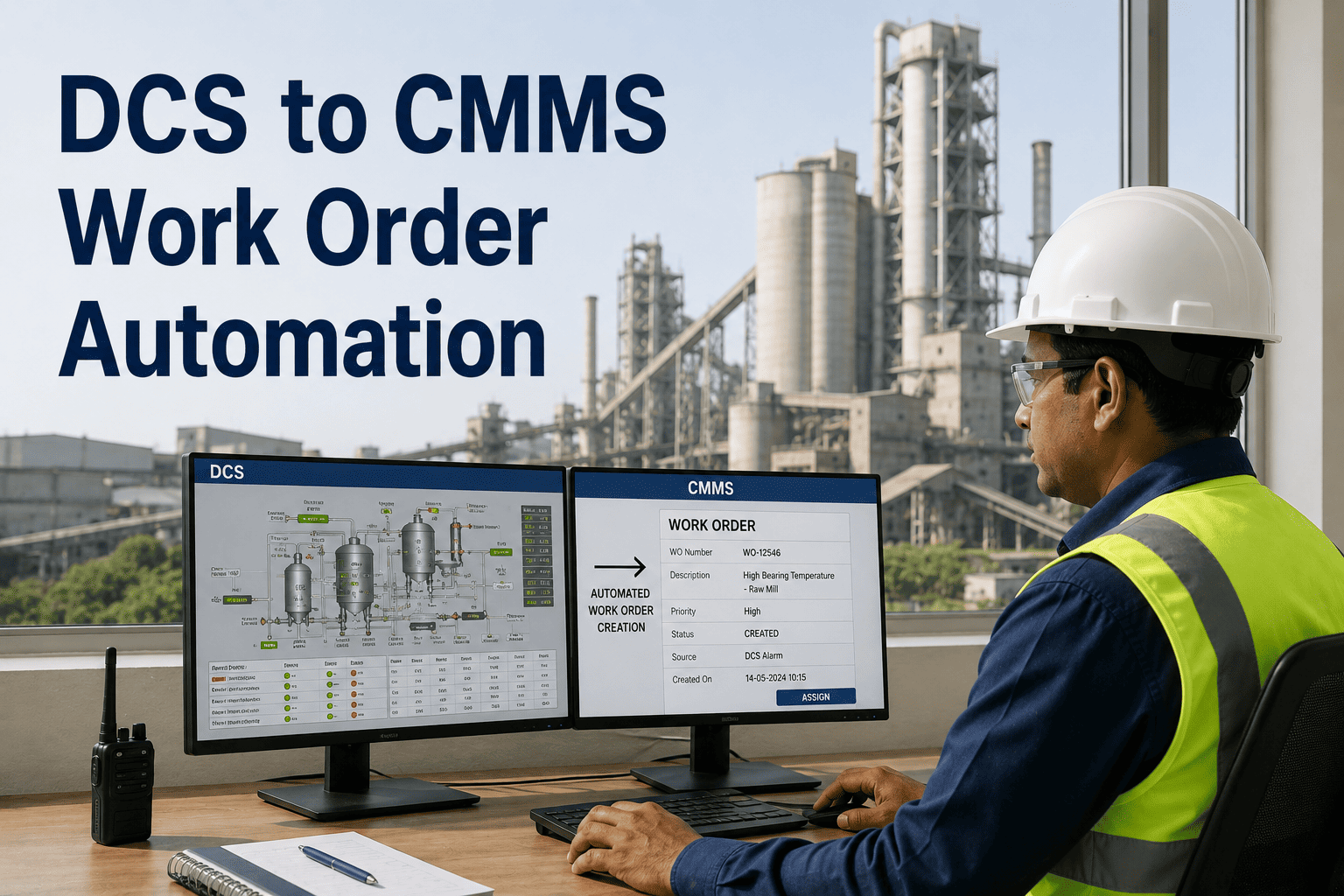
Yes. OxMaint connects to DCS, SCADA, and PI Historian via standard APIs. Vibration, temperature, and motor current signals are mapped to crusher assets — when a value crosses a configured threshold, the work order is created automatically.
Book a demo to see the integration setup.
Can operators log blockage events from the field without a desktop?
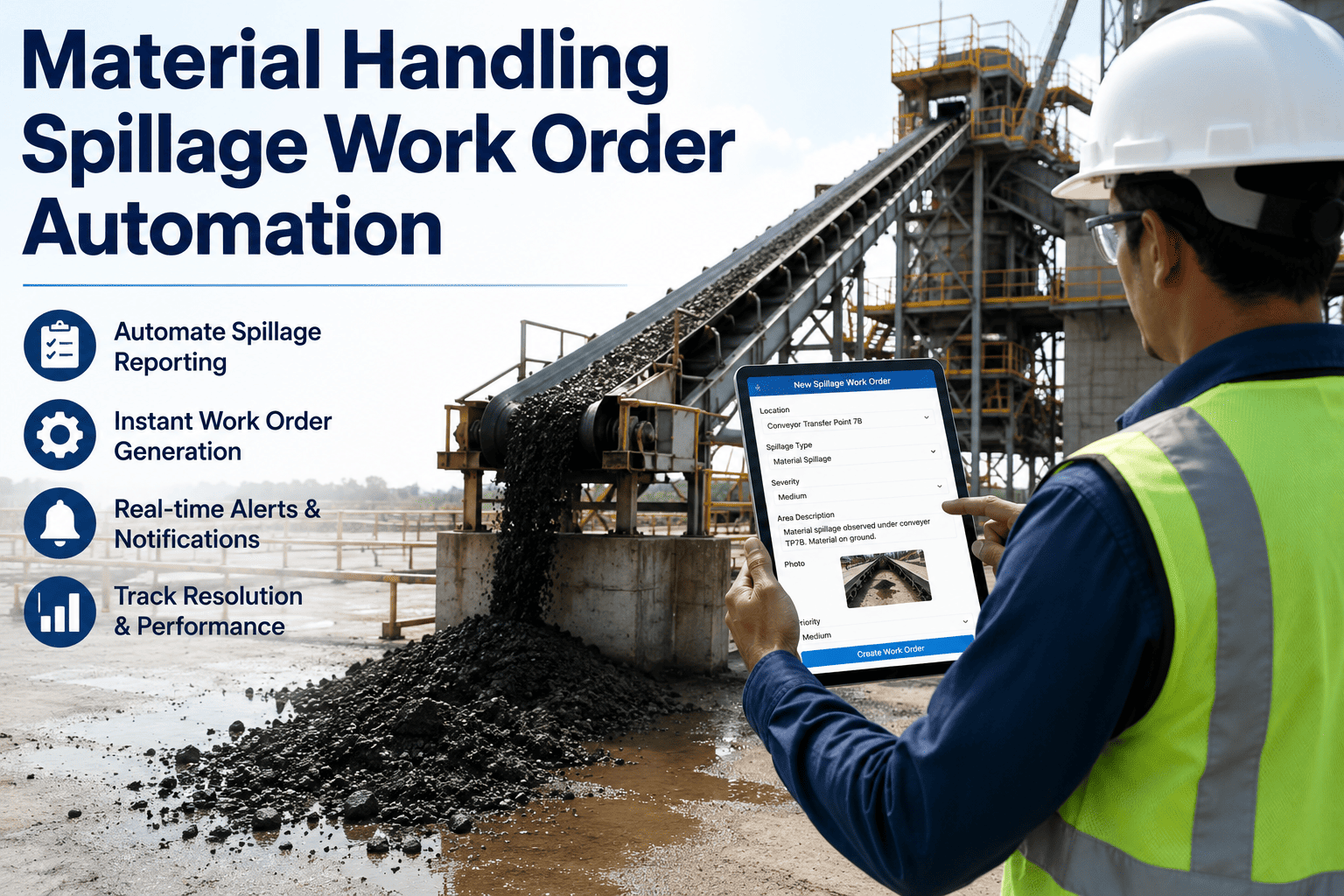
Yes. The OxMaint mobile app lets operators log a blockage event, attach a photo, and submit it in under 60 seconds. The work order is raised instantly and the supervisor is notified — without anyone having to walk back to a control room.
Start a free trial to try it.
How does the system assign the right crew to each work order?
Crew assignment rules are configured per asset type and failure category. You define which team handles which crusher event, and OxMaint routes every auto-generated work order accordingly — including shift-aware assignment so night crew doesn't receive day-shift escalations.
Is downtime automatically linked to work orders for cost reporting?
Yes. When a crusher stops and a work order is raised, OxMaint records the start and end timestamps of the production interruption, calculates estimated production loss in tonnes or cost, and attaches it to the work order — giving management a real-time view of maintenance-driven downtime costs.
How quickly can we go live with work order automation for our crushers?
Most cement plants complete crusher asset setup, sensor mapping, and first automated work order within 2 to 3 weeks. OxMaint's onboarding team provides structured guidance and templates specifically for cement plant crusher configurations.
Every undetected crusher defect is a work order that does not exist yet — until it becomes an outage.
OxMaint automates the gap between detection and action, for every crusher event your plant sees. Start free and connect your first crusher in days.