Smart Energy Dashboards for Cement Plant Operations
By Samuel Jones on March 7, 2026
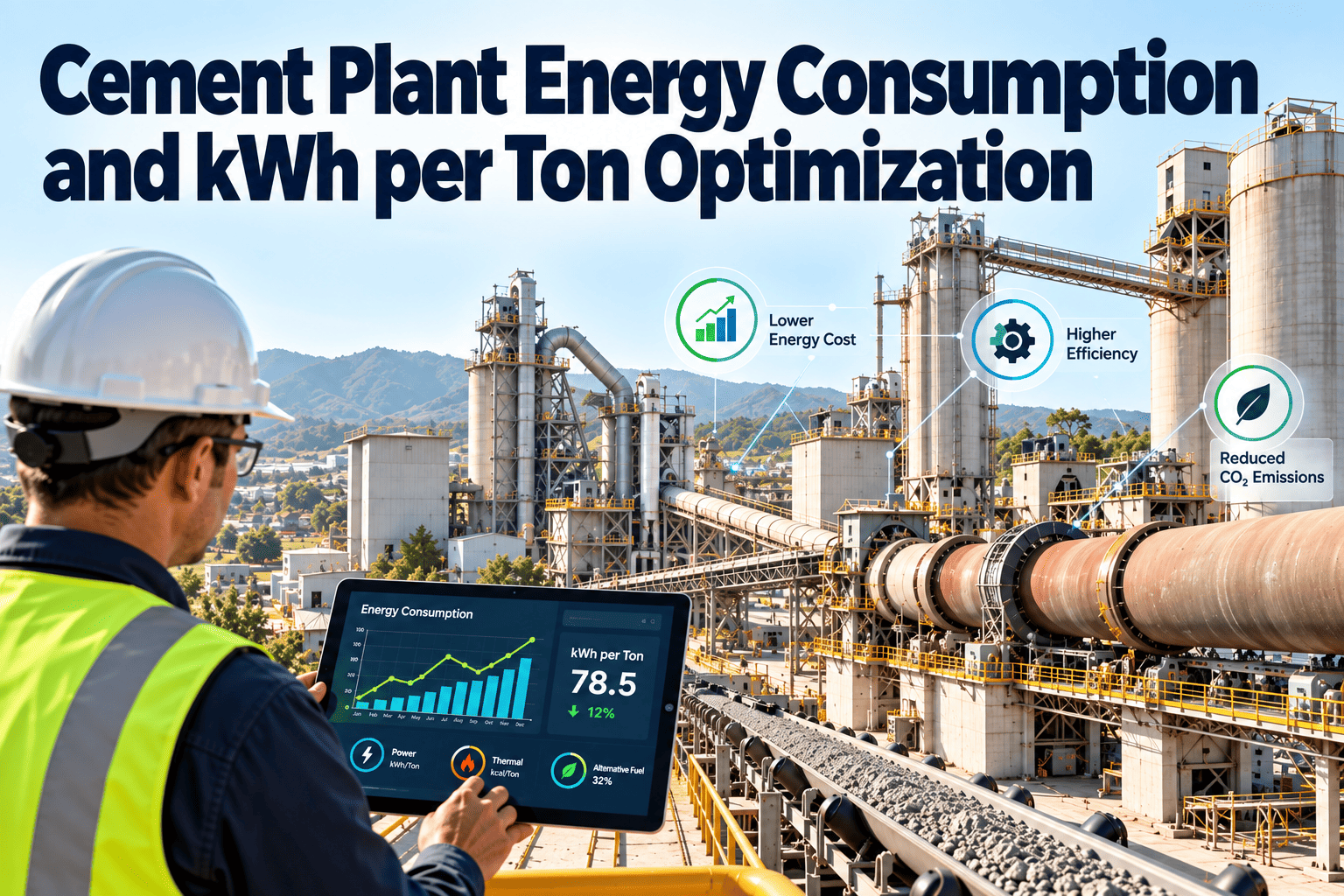
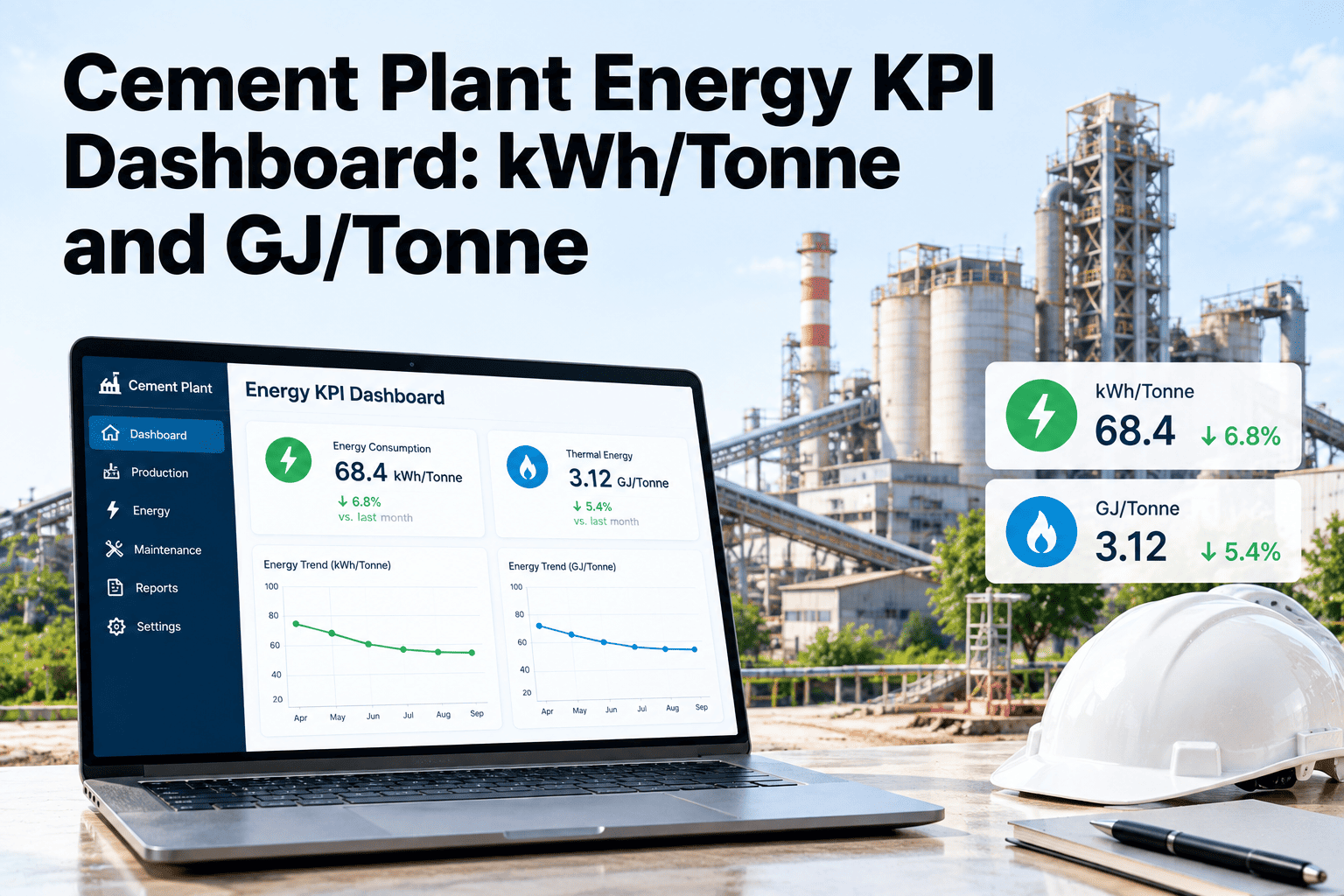
Energy data in most cement plants is scattered across DCS archives, lab servers, and spreadsheet reports that arrive days or weeks too late — by the time a monthly summary reveals a kiln burned thousands of extra gigajoules, the money is already gone. Smart energy dashboards eliminate this blind spot entirely, streaming live fuel consumption, electrical load, and specific energy consumption (kWh/ton) data into a single unified interface where operators, maintenance teams, and plant managers can act within minutes instead of months. Cement manufacturing accounts for roughly 7% of global CO₂ emissions and consumes 110–120 kWh of electrical energy per ton produced, making real-time energy visibility not just an efficiency tool but a competitive survival requirement. Sign up for Oxmaint to deploy energy dashboards that connect directly to your plant's DCS and maintenance workflows from day one.
75%
Plants without real-time energy visibility operate above optimal SEC
60%
of total plant electricity consumed by grinding circuits alone
35%
average downtime reduction reported by plants with live dashboards
$2.1M
avg. annual energy savings
achievable through dashboard-driven optimization in a 1.5 MTPA plant
This guide covers everything cement plant engineers and operations teams need to design, deploy, and extract maximum value from smart energy dashboards — including which KPIs to track, how to structure role-based views, integration architecture with existing DCS/SCADA systems, and the maintenance workflows that turn dashboard alerts into sustained efficiency gains.
Why Cement Plants Need Dedicated Energy Dashboards
A modern dry-process cement plant with a five-stage preheater consumes approximately 3,000–3,500 MJ of thermal energy and 90–110 kWh of electrical energy per ton of cement produced. Yet only about half the thermal energy actually contributes to clinker formation — the rest exits as preheater exhaust, kiln shell radiation, and clinker cooler vent losses. On the electrical side, grinding operations account for 60–70% of total consumption, with fans, compressors, and conveyors sharing the remainder. This massive energy footprint, spread across interconnected systems operating at different temperatures and pressures, creates blind spots that generic monitoring tools cannot address.
The Hidden Cost of Delayed Energy Data
Without Dashboard
Energy anomalies discovered in monthly reports — 30+ days after occurrence
Operators navigate 10–14 separate DCS screens to assess plant energy status
SEC drift goes unnoticed until utility bills reveal cost overruns
No correlation between energy spikes and equipment maintenance events
Energy KPIs reviewed quarterly at management meetings, not daily on the floor
With Smart Dashboard
Real-time alerts within 1–5 seconds of anomaly detection at source
Unified single-screen view of all energy flows across every process area
Automatic SEC trend tracking with threshold-based alert triggers
Maintenance work orders auto-generated when energy KPIs breach limits
Live energy data visible on control room monitors, mobile devices, and management portals
The 8 Critical Energy KPIs Every Dashboard Must Track
Not every metric deserves dashboard real estate. The most effective cement plant energy dashboards focus on a curated set of KPIs that directly drive decision-making — each one tied to a specific action when it drifts outside acceptable range. Create your Oxmaint account to configure these KPIs on pre-built cement plant dashboard templates that connect to your existing metering infrastructure.
01
Specific Electrical Energy (kWh/t cement)
Best: 85–95Avg: 110–120
Action trigger: If SEC exceeds baseline by 5%, auto-generate investigation work order targeting grinding circuit, separator efficiency, and media condition.
Action trigger: Declining power factor signals capacitor bank degradation or VFD harmonic issues. Trigger maintenance check on reactive power compensation systems.
04
Mill Specific Energy (kWh/t product)
Ball: 30–36 | VRM: 20–26Track per mill
Action trigger: SEC per mill drifting upward points to worn grinding media, classifier maladjustment, or ventilation blockage requiring targeted intervention.
05
Fan Power Consumption (kW per fan)
Benchmark per fan typeTrack individually
Action trigger: Unexpected increases indicate duct buildup, damper malfunction, or bearing degradation — each requiring different corrective maintenance actions.
06
Compressed Air System Load (%)
Target: 70–85%Alert: >90% or <50%
Action trigger: Consistently high load suggests leaks or undersized capacity. Low load indicates oversized compressors wasting energy in load/unload cycling.
07
Peak Demand (MW) vs. Contracted Capacity
Target: <90% of contractAlert: >95%
Action trigger: Approaching contracted capacity triggers demand-side load shedding protocols to avoid penalty charges that can cost $50,000+ per incident.
08
Waste Heat Recovery Efficiency (%)
Target: >30% recoveryTrack vs. available
Action trigger: Declining recovery rate indicates fouling in heat exchangers or turbine performance degradation requiring planned cleaning or overhaul.
Role-Based Dashboard Architecture
Different stakeholders need different data at different refresh rates. A single dashboard trying to serve operators, maintenance technicians, and plant managers simultaneously becomes cluttered and ineffective. The most successful cement plant deployments configure three distinct dashboard layers, each tailored to the decisions that role makes daily. Book a demo to see Oxmaint's role-based dashboard configurations built specifically for cement manufacturing teams.
Operator Dashboard
Refresh: 1–5 seconds
Real-time process variables displayed as gauges and trend lines. Live SEC per subsystem with color-coded zones (green/amber/red against operating targets). Immediate alert pop-ups when parameters breach set limits. Operators see current state and 4-hour rolling trends to detect drift before it becomes a problem.
Live SECMotor LoadsFan PowerKiln Feed
Maintenance Dashboard
Refresh: 1–5 minutes
Equipment health indicators overlaid with energy performance trends. When SEC rises on a specific asset, the dashboard shows correlated vibration, temperature, and maintenance history data. Work order queue prioritized by energy impact — highest-waste equipment appears at the top. Historical comparison of pre/post-maintenance energy performance validates repair effectiveness.
Asset HealthWork OrdersSEC TrendsAlerts
Management Dashboard
Refresh: Hourly / Daily
High-level KPI summaries showing energy cost per ton, month-over-month consumption trends, carbon intensity metrics, and budget variance. Benchmarking against other plant lines or industry averages. Investment tracking showing actual savings delivered versus projected ROI for energy improvement projects. Export-ready reports for board presentations and regulatory compliance documentation.
Cost/TonCO₂ IntensityBudget Var.ROI Track
Deploy Role-Based Energy Dashboards in Weeks, Not Months
Oxmaint connects to your DCS via OPC-UA or Modbus — no control system modifications required. Pre-configured cement plant templates get your first dashboard live within days, then customize as your team identifies the KPIs that matter most to your operations.
A smart energy dashboard is only as valuable as the data it receives. The integration layer connects your existing plant infrastructure — DCS, SCADA, power meters, IoT sensors, and CMMS — into a unified data pipeline that feeds real-time and historical information to dashboard visualizations. Understanding this architecture prevents common deployment failures where dashboards display stale data, miss critical sensors, or fail to trigger the maintenance actions that convert visibility into savings.
Data Sources
DCS / SCADA
Power Meters
IoT Sensors
Lab Systems
Fuel Meters
Communication Layer
OPC-UA Protocol
Modbus TCP/RTU
MQTT / LoRaWAN
REST APIs
Analytics & CMMS Engine
Data Historian
AI Analytics
Alert Engine
Work Order System
Dashboard Outputs
Control Room Screens
Mobile Devices
Management Portal
Automated Reports
Visualization Types That Drive Action in Cement Plants
Dashboard effectiveness depends entirely on choosing the right chart type for each data scenario. A time-series trend line that reveals gradual grinding media wear is useless as a bar chart, and a real-time gauge showing current motor load adds nothing as a historical line. The visualization types below represent the proven set that cement plant operations teams use most effectively to convert data into decisions.
Time-Series Trends
SEC tracking over shifts, days, and months with historical overlay comparisons
Reveals gradual degradation patterns invisible in point-in-time snapshots. Overlaying pre/post-maintenance periods proves repair effectiveness.
Gauge / Donut Charts
Current power factor, motor load percentage, compressor utilization
Instant visual status with color-coded zones. Operators grasp current state in under 2 seconds without reading numbers.
Comparative Bar Charts
Cross-equipment, cross-shift, and cross-period energy performance comparisons
Instantly identifies outlier equipment or shifts consuming disproportionate energy, directing investigation to the right place.
Heat Maps
Energy consumption patterns across equipment zones, time-of-day, and operating modes
Identifies peak consumption clusters and time periods where load shifting could reduce demand charges significantly.
From Dashboard Alerts to Maintenance Action
The highest-value feature of a smart energy dashboard is its ability to automatically trigger maintenance workflows when energy KPIs breach defined thresholds. Without this closed-loop connection, dashboards become passive display screens that operators eventually ignore. The integration between energy monitoring and CMMS work order management ensures that every efficiency anomaly generates an assigned, trackable corrective action. Plants running proactive downtime reduction strategies through their CMMS consistently sustain energy savings 3x longer than those relying on periodic audits alone.
1
Anomaly Detection
Dashboard analytics detect that cement mill SEC has exceeded baseline by 7% for 4 consecutive hours. The system rules out production rate changes and raw material composition shifts as root causes.
➜
2
Auto Work Order
CMMS automatically generates a priority investigation work order: "Cement Mill #2 — SEC 7% above baseline. Check separator speed, grinding media charge, ventilation system." Assigned to mill maintenance lead.
➜
3
Investigation & Fix
Technician inspects and finds classifier vane wear causing excessive recirculation. Replacement scheduled for next planned shutdown. Interim separator speed adjustment reduces SEC drift by 4%.
➜
4
Verification Loop
Dashboard confirms SEC returned to baseline post-repair. Savings quantified ($12,400/month) and documented against the work order for ROI tracking. Alert threshold validated for future monitoring.
Deploying smart energy dashboards does not require a multi-year digital transformation initiative. Plants that follow a phased 90-day approach — starting with existing metering infrastructure and expanding sensor coverage based on demonstrated value — achieve faster ROI and higher user adoption than those attempting plant-wide deployments from day one. Schedule a demo to see the 90-day deployment template pre-configured for cement plant energy monitoring scenarios.
Days 1–30
Foundation & Quick Wins
Audit existing metering points across all MCCs and main feeders
Connect DCS/SCADA data via OPC-UA — no control system changes required
Deploy operator dashboard with top 4 KPIs: plant SEC, mill SEC, power factor, peak demand
Configure first alert thresholds based on 30-day baseline measurement
Days 31–60
Expansion & Integration
Add individual motor and fan power monitoring on top 10 energy consumers
Integrate compressed air system metering and leak detection alerts
Deploy maintenance dashboard with CMMS work order auto-generation
Configure role-based views for operators, maintenance, and management
Days 61–90
Optimization & Scaling
Enable AI-powered trend analysis and predictive SEC forecasting
Deploy management dashboards with cost/ton, carbon intensity, and ROI tracking
Automated daily and weekly energy performance reports via email distribution
Establish quarterly review cadence benchmarking SEC against industry best practices
Real-World Impact: Dashboard-Driven Energy Savings
Cement plants deploying comprehensive energy dashboards consistently report measurable improvements across multiple KPIs within the first 6 months. The documented impact spans electrical consumption reduction, maintenance response time improvement, demand charge avoidance, and sustained behavioral change among operating teams who now see the energy consequences of every operational decision in real time.
8–15%
reduction in specific electrical consumption within 6 months of dashboard deployment, driven primarily by visibility into grinding circuit inefficiencies
34%
decrease in unplanned downtime reported by a cement plant in Vietnam after deploying IoT analytics dashboards across all process areas
75%
reduction in peak-period electrical loads achievable through dashboard-driven demand response and load shifting strategies
14%
average reduction in electrical energy costs per day when cement plants implement optimized demand response scheduling through energy dashboards
See Every Kilowatt-Hour Across Your Cement Plant
Oxmaint's smart energy dashboards connect your DCS, power meters, and maintenance workflows into one unified platform. Pre-built cement industry templates get your first dashboard live within days — with role-based views for operators, maintenance teams, and management.
Even well-intentioned energy dashboard projects fail when common pitfalls aren't addressed upfront. Plants that link their dashboard strategy to structured KPI tracking frameworks avoid the most damaging implementation errors and achieve sustainable adoption across all user roles.
01
Displaying Too Many KPIs on One Screen
Dashboards with 30+ metrics create information overload. Operators default to ignoring everything. Limit each role's primary view to 6–8 KPIs maximum, with drill-down capability for deeper investigation when specific alerts fire.
02
No Connection to Maintenance Actions
A dashboard that shows problems without generating work orders is just an expensive screen. Every threshold breach must auto-generate a CMMS work order with assigned ownership, priority, and expected resolution timeframe.
03
Using Stale Baselines
Baselines set during commissioning become irrelevant as equipment ages, production rates change, and raw material composition shifts. Recalibrate baselines quarterly using rolling 90-day averages adjusted for production volume.
04
Ignoring Data Quality at the Source
Uncalibrated meters, broken CTs, and intermittent sensor connections produce dashboards that display confident-looking garbage data. Implement automated data quality checks that flag readings outside physically possible ranges.
05
Building IT-Driven Dashboards Without Operator Input
Dashboards designed by IT teams without control room input display the wrong metrics in the wrong format. Involve shift operators and maintenance leads in layout design and KPI selection from day one of the project.
Frequently Asked Questions
How quickly can a smart energy dashboard be deployed in an existing cement plant?
Most plants can have a functional operator-level energy dashboard running within 2–4 weeks using existing DCS/SCADA data connections via OPC-UA or Modbus protocols. No control system modifications or production shutdowns are required for the initial deployment. Full role-based dashboards with CMMS integration typically take 60–90 days depending on the extent of additional sensor coverage needed.
What data refresh rate do cement plant energy dashboards need?
Operator dashboards should refresh every 1–5 seconds for real-time process decisions. Maintenance dashboards update every 1–5 minutes for trend-based health monitoring. Management dashboards refresh hourly or daily since their KPIs summarize aggregated performance. Most cement plant applications operate effectively with near-real-time visibility at 1–5 second intervals for critical process data.
Can energy dashboards integrate with our existing DCS without modifications?
Yes. Modern energy dashboard platforms connect to existing DCS and SCADA systems using standard OPC-UA and Modbus TCP/RTU protocols. These read-only connections extract process data without writing to control systems, requiring no modifications to existing automation infrastructure. The integration typically involves configuring data tags and mapping them to dashboard widgets — a process handled during the initial deployment phase.
What is the typical ROI from implementing energy dashboards in a cement plant?
Cement plants typically achieve 8–15% reduction in specific electrical consumption within 6 months of dashboard deployment. For a plant producing 1.5 million tons annually, this translates to $1.5–2.5 million in annual energy savings. The dashboard investment itself (including sensors, software, and integration) generally pays for itself within 3–6 months through identified quick wins in grinding circuit optimization, demand charge reduction, and compressed air leak elimination.
How do energy dashboards help with carbon emissions compliance?
Energy dashboards track CO₂ intensity metrics (tons CO₂ per ton of cement) in real time alongside energy KPIs. This data supports compliance with carbon pricing mechanisms like EU ETS and CBAM by providing auditable documentation of emissions performance. Automated reporting features generate compliance-ready summaries, reducing the manual effort required for regulatory submissions while ensuring accuracy.
What happens when dashboard data conflicts with existing DCS readings?
Discrepancies between dashboard and DCS displays typically indicate meter calibration drift, communication latency, or data mapping errors. Quality dashboard platforms include automated data validation that flags readings outside physically possible ranges and logs discrepancies for investigation. Establishing a data quality protocol during deployment — including regular meter calibration checks managed through your CMMS — prevents false alarms and maintains operator trust in dashboard accuracy.
Should we build a custom dashboard or use a pre-built cement industry template?
Starting with pre-built cement industry templates accelerates deployment and ensures you track the KPIs that matter most based on proven industry experience. Most plants customize templates within weeks as operators and maintenance teams identify site-specific metrics they need. Custom-built dashboards from scratch typically take 3–6 months longer and often miss critical cement-specific KPIs that pre-built templates already include.