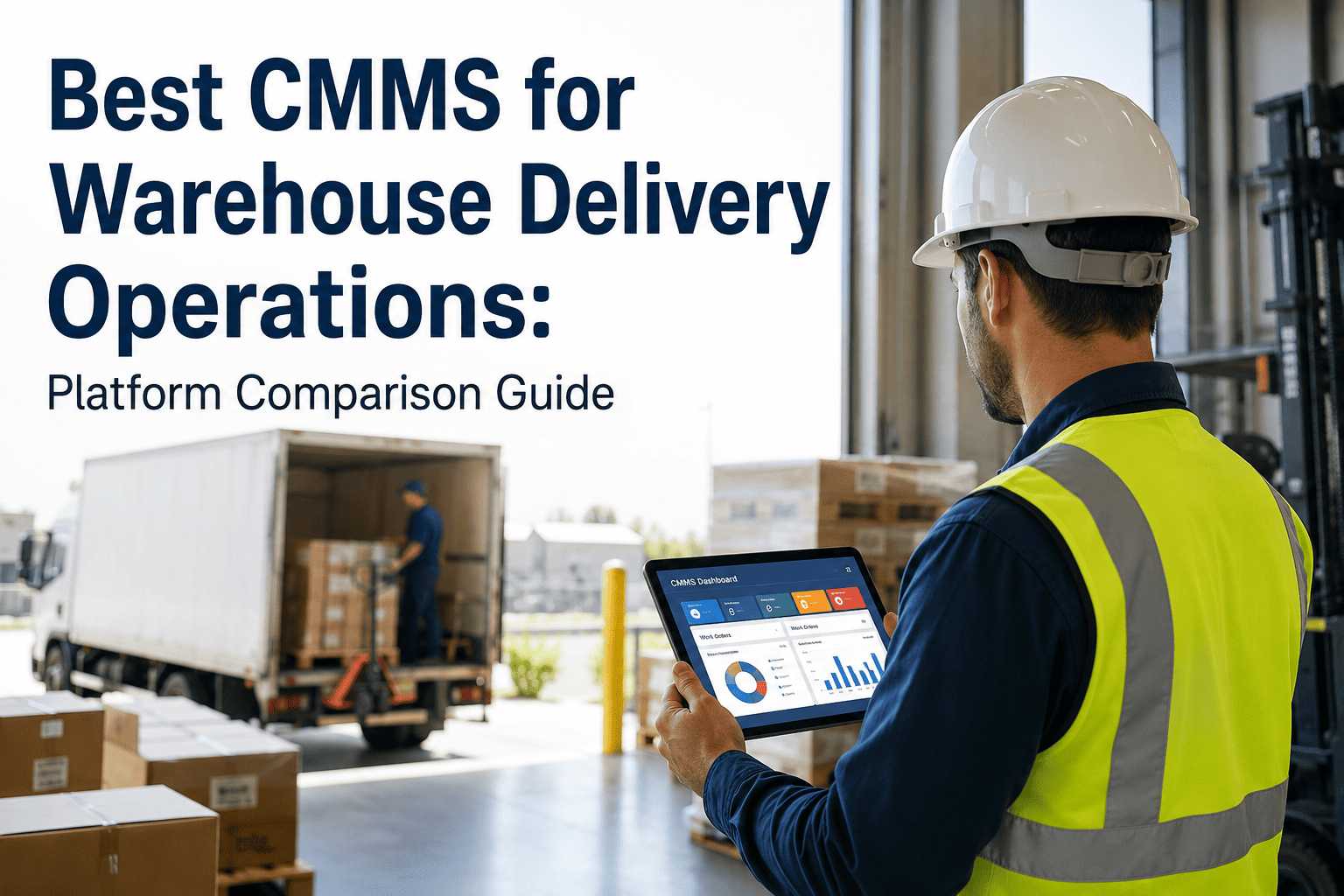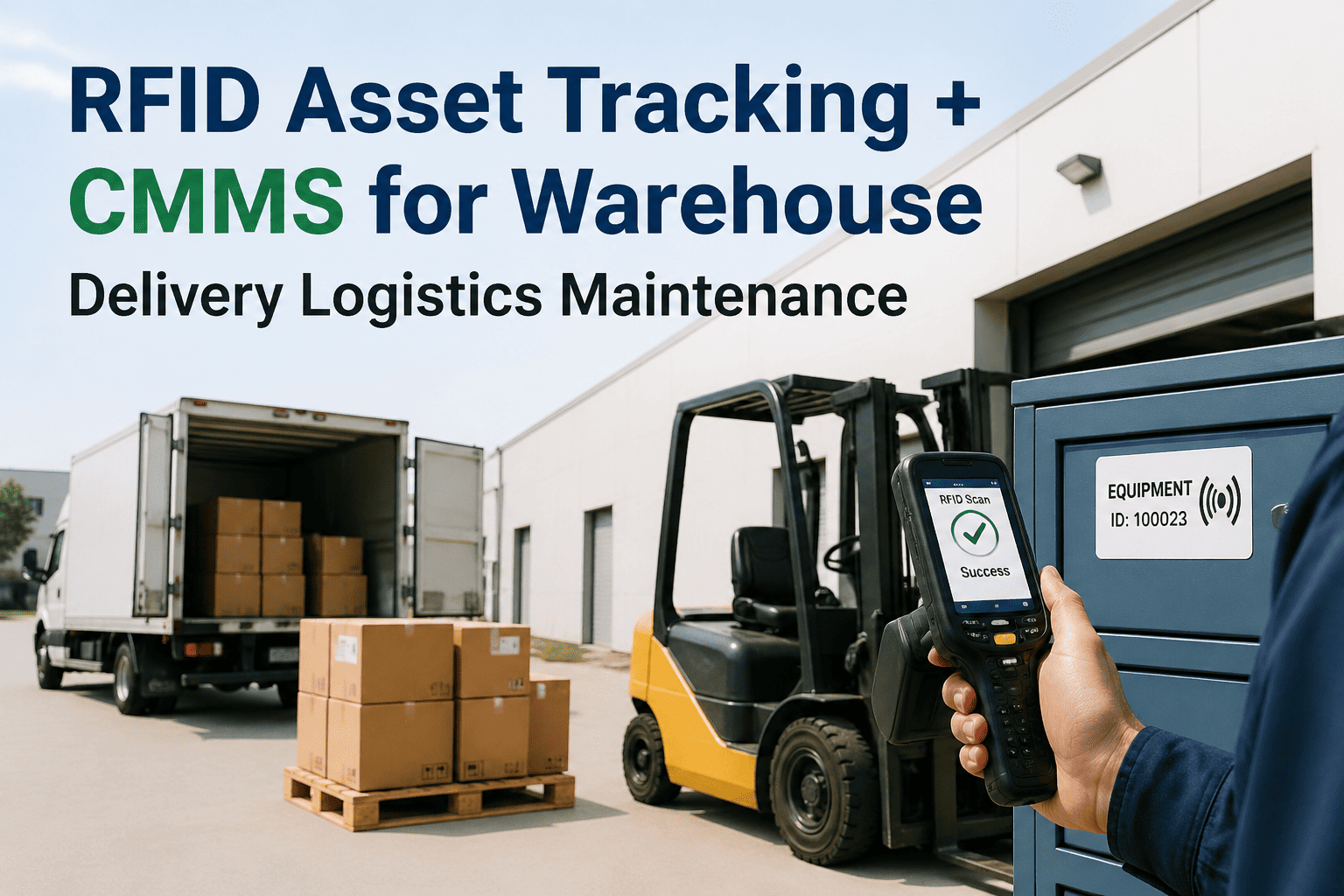
Most warehouse operations managers sit through CMMS demos that showcase impressive features they will never use while skipping the workflows that determine whether their team actually adopts the system. Generic product tours showing manufacturing examples when the facility runs delivery operations. Feature lists covering asset hierarchies for process plants when the real question is whether technicians can log dock door repairs from a mobile device in 45 seconds. Demo environments pre-loaded with clean data that bears no resemblance to the messy reality of a logistics network where half the assets lack nameplates and equipment IDs change every time a forklift gets reassigned. The result is predictable — platforms purchased based on polished demos that fail implementation because nobody validated whether the system handles the specific chaos of warehouse delivery operations. Gartner's 2024 CMMS buyer research found that 68% of failed implementations trace back to feature-function mismatch discovered after contract signature — capabilities assumed during demo that the platform either lacked entirely or required expensive customisation to deliver. The difference between successful adoption and expensive shelf-ware is whether the demo validates your operation's specific workflows rather than showcasing the vendor's favourite features. OxMaint demos using your facility layout, your asset types, and your actual maintenance workflows — not generic examples that look impressive but prove nothing about whether the platform fits warehouse delivery operations.
CMMS Evaluation · Warehouse Operations
What to Validate in a Warehouse Delivery Operations CMMS Demo
The 8 Critical Validations Operations Managers Must Complete Before Committing to Any Platform
Why Generic Product Tours Fail Warehouse Operations
CMMS vendors love showing manufacturing use cases — assembly line downtime tracking, bill-of-materials integration, complex multi-level asset hierarchies. Impressive capabilities that have zero relevance when your primary assets are dock doors, forklifts, sortation conveyors, and refrigeration units. A great warehouse CMMS demo shows your operation — technician logging a dock leveler failure from the loading area, supervisor assigning the repair based on equipment location, purchasing approving parts for a conveyor drive, and the work order closing with actual labor hours tracked. If the demo does not show warehouse-specific scenarios using warehouse-specific asset types, you are watching a product tour, not a validation.
The 8 Critical Validations Every Warehouse CMMS Demo Must Include
01
Mobile Work Order Creation From the Floor
Your Scenario: A dock door motor fails during receiving. The forklift operator needs to report the failure immediately without leaving the dock area or filling out a paper form that sits in an inbox for 4 hours before someone creates the work order.
What to Validate: Can a warehouse associate with basic access create a work order from a mobile device in under 60 seconds? Does the system suggest the correct asset based on location? Can they attach a photo of the failure? Does the work order automatically route to the right technician based on trade and location?
Red Flag: Demo shows work order creation from desktop only, requires selecting asset from dropdown list of 400+ items, or needs supervisor approval before work order becomes visible to maintenance team.
02
Asset Tracking for Mobile Equipment
Your Scenario: Your facility operates 40 forklifts that rotate between zones and buildings. Forklifts do not have fixed locations. When a hydraulic leak occurs on Lift 23, the maintenance history needs to follow the equipment, not the location where it happens to be parked today.
What to Validate: Does the system track mobile assets separately from fixed location assets? Can you reassign equipment to different zones without losing maintenance history? Does the mobile app show equipment history when scanning a forklift QR code regardless of current location?
Red Flag: Asset register requires location assignment for all equipment, moving a forklift between buildings creates a new asset record, or maintenance history search requires knowing which zone the equipment is currently assigned to.
03
Preventive Maintenance for 24/7 Operations
Your Scenario: Your warehouse runs three shifts, seven days per week. PM tasks cannot be scheduled to specific calendar dates because the maintenance window depends on throughput volume, not the calendar. A conveyor PM that requires 3 hours of downtime gets scheduled when volume permits, not on the third Tuesday of every month.
What to Validate: Can PM tasks trigger based on operating hours or throughput volume instead of calendar intervals? Does the system flag upcoming PMs and allow scheduling flexibility based on operational windows? Can supervisors defer a PM by 48 hours without breaking the schedule?
Red Flag: PM scheduling requires fixed calendar dates only, deferring a task marks it overdue immediately, or the system cannot track equipment runtime hours for usage-based maintenance intervals.
04
Parts Management for High-Velocity Consumables
Your Scenario: Your warehouse stocks 200+ high-turnover maintenance consumables — conveyor belts, hydraulic fluid, forklift tines, dock seal fabric, LED fixtures. These parts get used weekly, not monthly. The system needs to track consumption, trigger reorder points, and allow technicians to check stock levels from mobile devices before driving to the parts room.
What to Validate: Can technicians check parts availability from mobile devices? Does the system track min/max stock levels and auto-generate purchase requests? Can a work order consume parts inventory without requiring a separate transaction? Does parts usage data tie back to specific equipment?
Red Flag: Parts module requires desktop access only, inventory adjustments need manager approval, or checking parts availability requires navigating through multiple screens and dropdown menus.
05
Emergency Work Order Prioritisation
Your Scenario: A sortation system jam stops 100% of outbound operations at 2 PM with delivery trucks scheduled for 4 PM departure. This is not a routine repair — every minute of delay risks late deliveries and customer penalties. The system needs to identify this as emergency priority and make it visible above all other work.
What to Validate: Can work orders be escalated to emergency priority with one click? Do emergency work orders bypass normal assignment workflows and alert all qualified technicians immediately? Does the mobile interface clearly distinguish emergency work from routine tasks?
Red Flag: Priority levels are cosmetic labels that do not change workflow, escalating priority requires re-entering work order data, or emergency alerts only send via email that technicians check hourly.
06
Multi-Location Network Management
Your Scenario: Your logistics network operates 12 warehouse facilities across 6 states. Each site has its own maintenance team, but parts inventory, vendor contracts, and asset performance data need to be visible across the network. When a conveyor motor fails repeatedly at three different facilities, the pattern needs to be visible to corporate maintenance leadership.
What to Validate: Can you filter data by location while maintaining corporate-level visibility? Does the system aggregate failure patterns across multiple sites? Can parts be transferred between locations with inventory tracking? Can a corporate user generate reports combining data from all facilities?
Red Flag: Each location requires a separate database instance, cross-site reporting requires manual data export and consolidation, or parts transfer between sites needs accounting system integration.
07
Downtime Cost Tracking for Critical Equipment
Your Scenario: When the main sortation conveyor stops, your facility cannot ship packages. Downtime on this system costs $2,400 per hour in lost throughput, overtime costs, and delivery delays. You need to track actual downtime duration and calculate financial impact automatically, not manually estimate it in a spreadsheet afterward.
What to Validate: Can the system timestamp when critical equipment goes down and when it returns to service? Does it calculate downtime cost based on pre-configured hourly impact rates? Can you generate reports showing total downtime cost by equipment and by month?
Red Flag: Downtime tracking requires manual time entry after the fact, cost impact calculation happens in external spreadsheets, or the system cannot distinguish between critical equipment downtime and routine PM windows.
08
Simple Implementation Without IT Dependency
Your Scenario: Your warehouse does not have a dedicated IT team on-site. Implementation cannot require server hardware procurement, network configuration changes, database administration, or ongoing technical support. The system needs to work with standard internet connectivity and basic mobile devices your team already has.
What to Validate: Is the system fully cloud-based with no on-premises infrastructure required? Can initial setup be completed by operations managers without IT involvement? Does mobile access work on standard iOS and Android devices without special configuration? Is vendor support included or a separate billable service?
Red Flag: Implementation requires server procurement, database setup, or network firewall configuration. Mobile app needs IT department to configure device management policies. Training is sold separately from software licensing.
Questions to Ask During Any CMMS Demo
Mobile Functionality
Can technicians complete 100% of daily tasks from mobile devices without requiring desktop access for any workflow?
Does the mobile app work offline and sync when connectivity returns, or does it require constant internet access?
Can warehouse associates with basic permissions create work orders from mobile, or is work order creation desktop-only?
Implementation Timeline
How many days from contract signature to first work order logged in production? What is included in that timeline?
Does implementation require on-site vendor presence, or is remote setup sufficient for warehouse operations?
What happens if we need to go live faster than the standard timeline — is accelerated implementation available?
Data Migration
Can we import existing asset data from spreadsheets, or does every asset require manual entry?
If we have maintenance history in another system, can that data be migrated, or do we start with blank history?
What happens to our data if we decide to leave your platform — can we export everything in usable formats?
Vendor Support
Is technical support included in the platform license, or billed separately per incident?
What are support hours — business hours only, or 24/7 availability for emergency assistance?
Do we get a dedicated account contact, or submit tickets to a general support queue?
Pricing Transparency
Is pricing per user, per location, or per asset — and what happens when we add more of whichever dimension you charge for?
Are there any features shown in this demo that require additional licensing fees beyond the base platform?
What costs are recurring annually versus one-time implementation fees?
System Limitations
What is the maximum number of assets your system can handle before performance degrades?
Are there limits on work order history retention, or does the system maintain complete records indefinitely?
Can we create custom fields for warehouse-specific data your standard system does not capture?
Red Flags vs. Green Flags in CMMS Demos
Red Flags - Walk Away
Green Flags - Keep Evaluating
Vendor cannot show mobile work order creation during demo — promises it will be in next release
Demo shows technician completing full work order cycle from mobile device in under 2 minutes
Implementation timeline is quoted in months with vague deliverables and no concrete milestones
Vendor provides day-by-day implementation schedule showing exactly what happens in weeks 1-4
Pricing discussion gets deferred to follow-up call after demo — vendor will not quote even ballpark figures
Transparent pricing sheet provided during demo showing all costs with no hidden fees or surprise charges
Demo environment shows manufacturing examples exclusively — vendor has no warehouse customer references
Demo uses warehouse-specific asset types and vendor offers to connect you with logistics customer references
Every question answered with future roadmap promises rather than current capability demonstrations
Vendor demonstrates requested capabilities live during demo and acknowledges gaps candidly
Support is billed separately per incident with no included training or implementation assistance
Platform license includes technical support, training, and implementation assistance as standard
Frequently Asked Questions
How long should a warehouse CMMS demo take?
45-60 minutes for comprehensive validation. Shorter demos typically showcase features without validating workflows. Longer demos often include sales presentations unrelated to capability validation. The demo should focus on your scenarios, not the vendor's feature list.
Should we bring our maintenance team to the demo?
Yes. The maintenance supervisor who will manage daily operations and at least one technician who will use the mobile interface. They will ask different questions than operations managers and identify usability issues that leadership might miss during feature discussions.
What information should we provide before the demo?
Facility square footage, number of locations, asset counts by type, current maintenance team size, and any specific pain points with current processes. This enables the vendor to configure the demo environment to match your operation rather than showing generic examples.
How many CMMS platforms should we evaluate?
3-5 platforms maximum. More than five creates evaluation fatigue without improving decision quality. Fewer than three risks missing better options. Focus on platforms with proven warehouse delivery operations experience rather than generic enterprise CMMS systems.
Can we test the system ourselves before purchasing?
Many CMMS vendors offer 14-30 day trials. OxMaint provides free trial access with your facility data pre-loaded so you can validate workflows with your team using real equipment and actual maintenance scenarios before committing to annual contracts.
Warehouse CMMS Demo — OxMaint
See Your Warehouse Operations in the Demo — Not Generic Manufacturing Examples
OxMaint demos validate the 8 critical workflows warehouse delivery operations require. We configure demo environments with your building layout, your equipment types, and your maintenance processes — proving the system works for logistics operations before you commit to implementation.