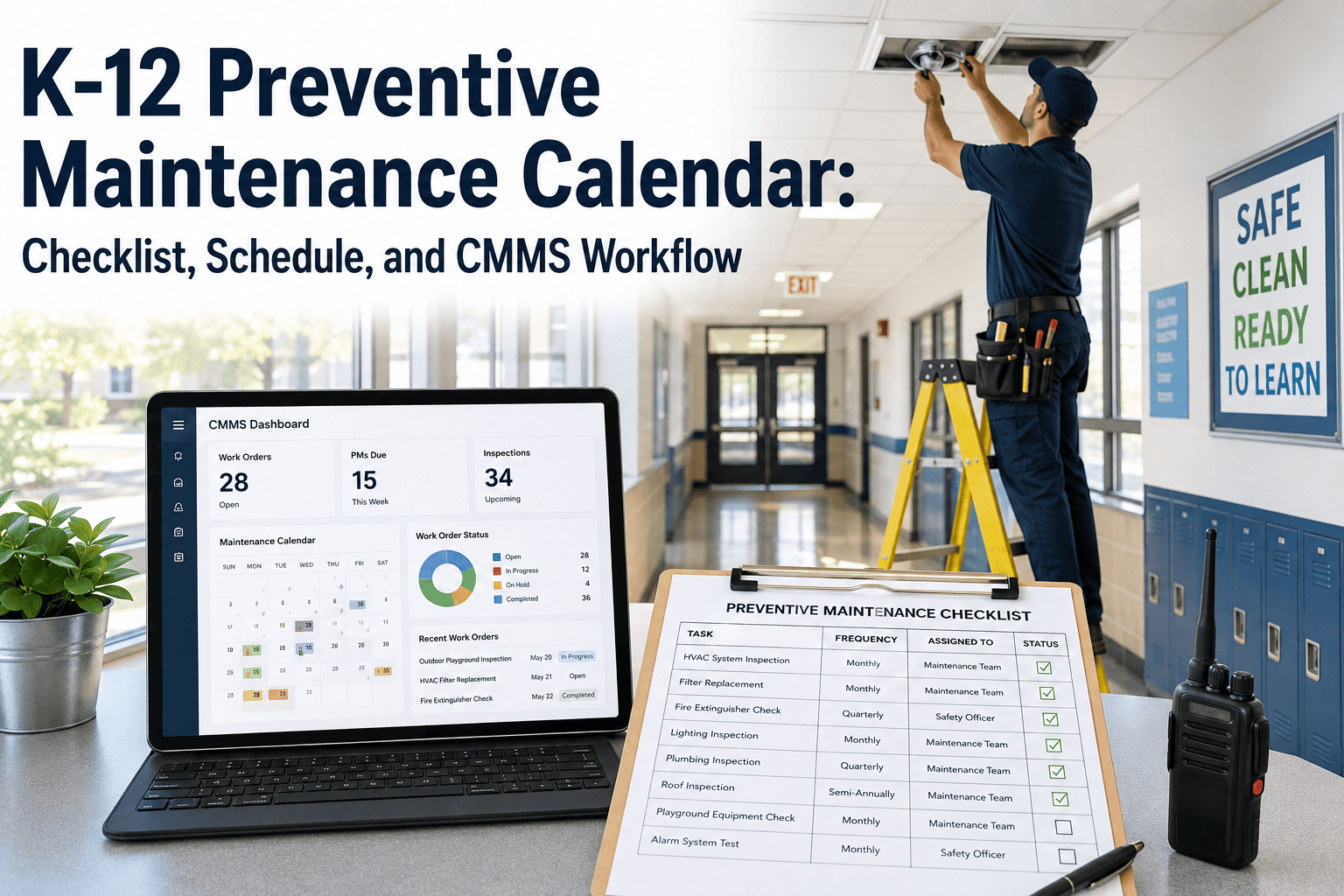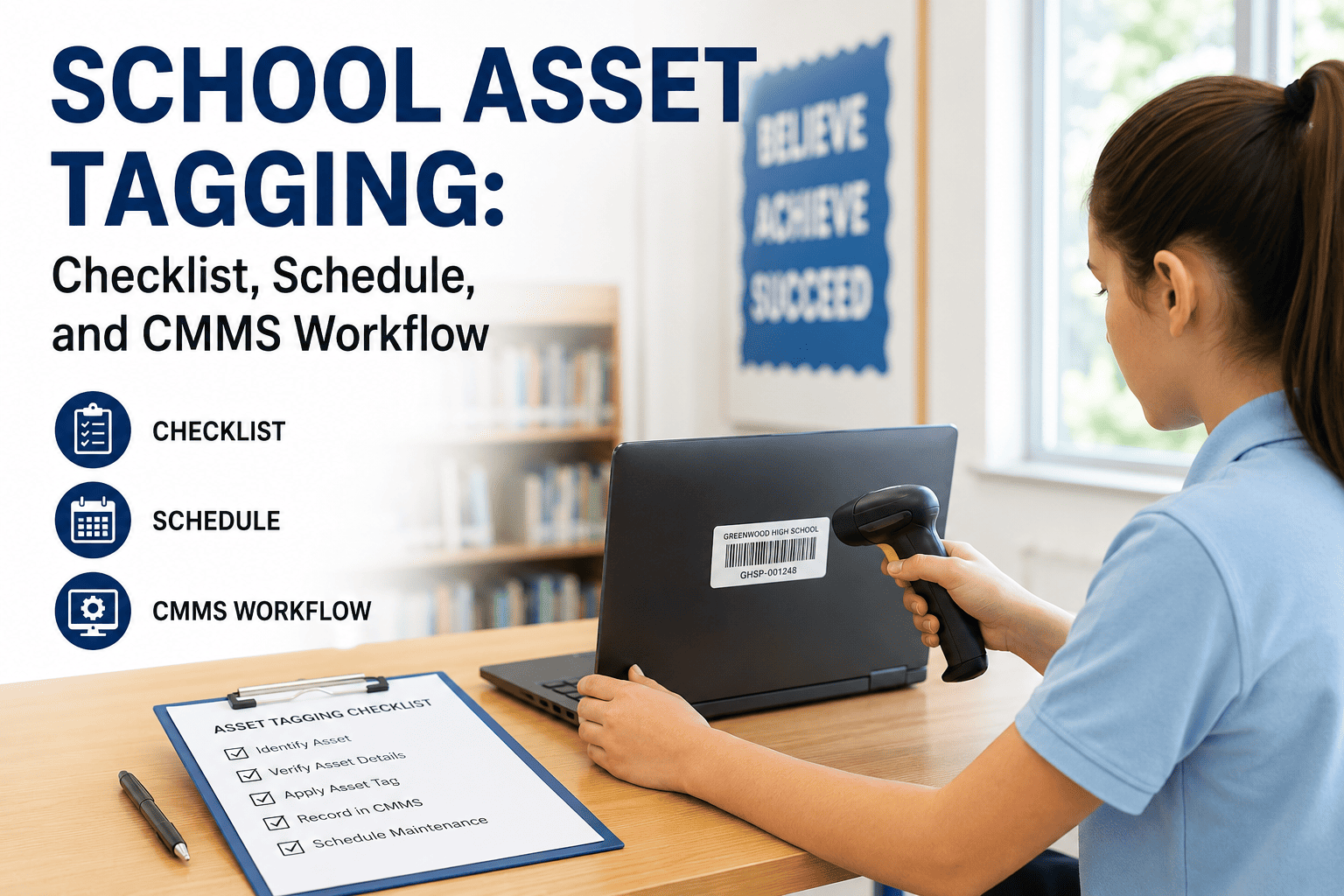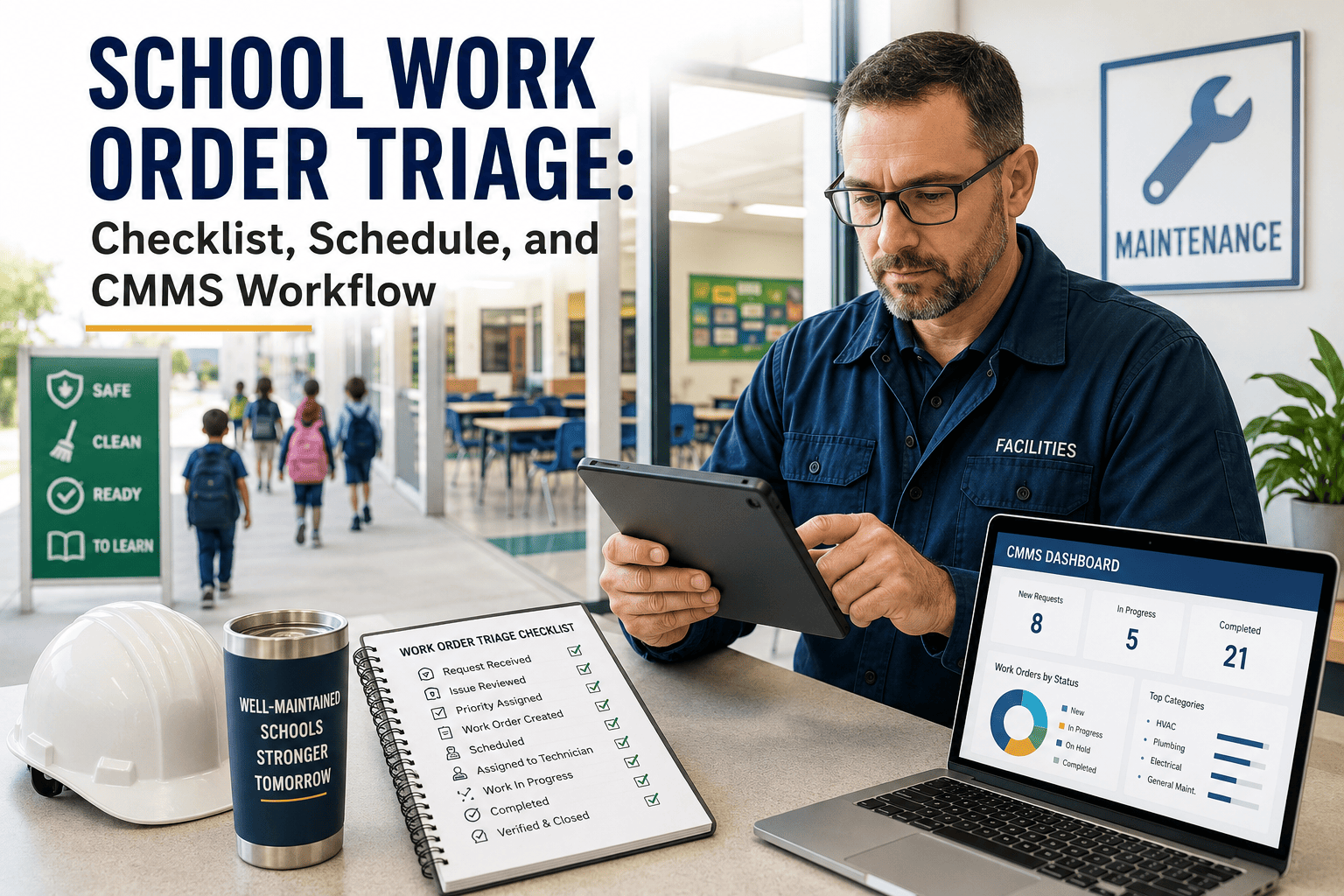
A checklist tells you what to inspect. A schedule tells you when. A workflow tells you what happens the moment something fails — and most school districts only have the first piece, which is why broken hardware sits unresolved for weeks after someone already noticed it. This page walks through how the checklist, the schedule, and the workflow connect into one system, and how that connection turns a finding on a clipboard into a closed work order inside OxMaint's CMMS platform the same day.
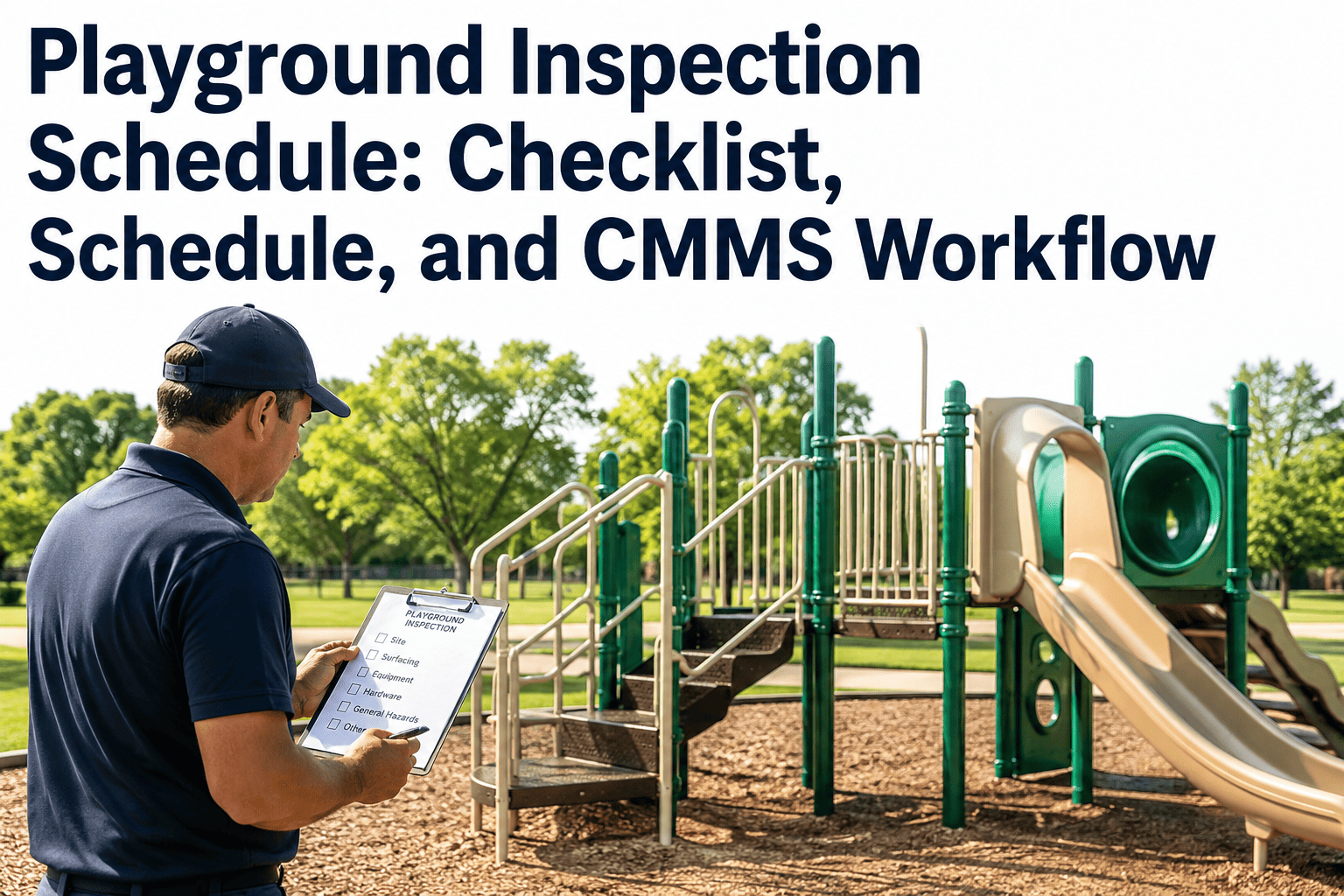
Playground Inspection Schedule: Checklist, Schedule, and CMMS Workflow
How the three pieces of a working playground safety program connect — what gets checked, when it gets checked, and what happens automatically the moment a check fails.
The Checklist — What Gets Inspected
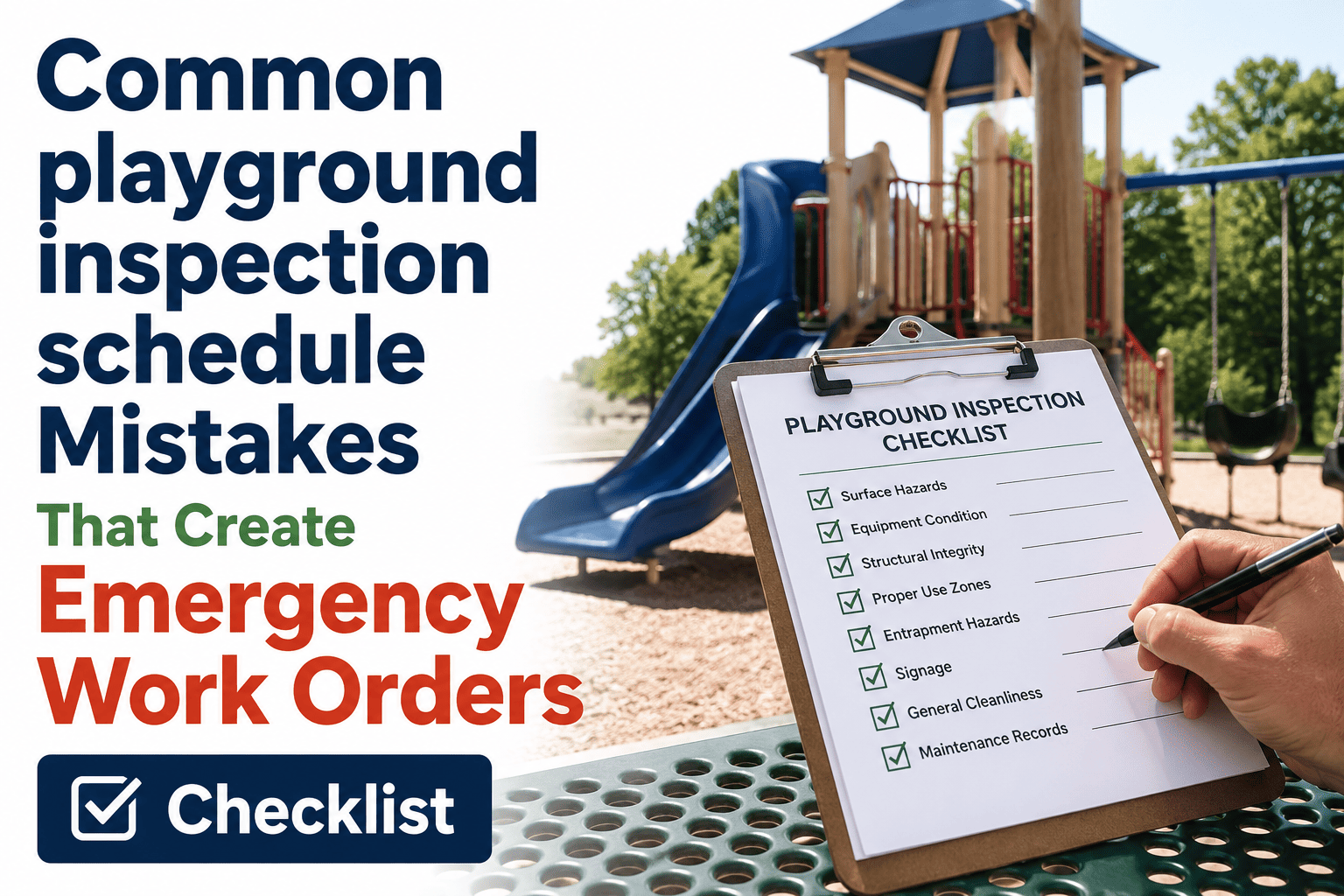
CPSC and ASTM F1487 organize playground inspection into seven checklist categories. A complete checklist covers all seven every time, regardless of which tier or which inspector is running it that day.
The Schedule — When Each Check Happens
The same seven categories get checked at different depths depending on the tier. A schedule that does not separate these tiers, or that lets one slip into the next, is the single most common compliance error school districts make.
A checklist and a schedule are only half a program if nothing connects them to action. OxMaint links every checklist item to its schedule and every failed item to an instant work order — so the gap between finding a hazard and fixing it stops depending on someone remembering to follow up.
The Workflow — What Happens When a Check Fails
This is the stage most paper-based programs are missing entirely. A checklist item marked failed needs to become a work order in the same moment, not a note that gets transcribed at the end of the week.
Five Metrics That Show the Workflow Is Actually Closing the Loop
| Metric | How to Measure | Target | Frequency |
|---|---|---|---|
| Checklist-to-Schedule Match Rate | Inspections run on schedule / Total scheduled | 100% | Monthly |
| Finding-to-Work-Order Time | Minutes from failed item to work order creation | Instant | Per finding |
| Priority 1 Closure Time | Hours from quarantine to authorized reopening | Same day | Per finding |
| Overdue Inspection Alerts | Alerts generated / Inspections missed | 100% | Continuous |
| Record Retrieval Time | Time to produce full asset history on request | Under 2 minutes | As needed |
Frequently Asked Questions
What is the difference between a playground checklist and a playground workflow?
A checklist defines what to inspect. A workflow defines what happens automatically once an item fails — generating a work order, quarantining equipment, and tracking the repair to closure. See how OxMaint connects both.
Why do paper-based playground inspection programs break down?
Paper checklists capture a finding but rarely connect it to a tracked repair, so issues identified during an inspection can sit unresolved until someone manually follows up.
How does a CMMS decide which findings need immediate closure?
Findings matching CPSC Priority 1 criteria — entrapment gaps, structural cracks, or exposed footings — automatically quarantine the equipment rather than waiting for a scheduled repair.
Can a single inspection schedule cover daily, monthly, and annual tiers?
Yes, when each tier is generated as its own recurring rule rather than combined into one walkthrough, which is the most common error that causes tiers to be skipped.
How quickly can a district retrieve a full inspection history for one playground?
With a connected system, a complete history with timestamps and signatures is retrievable in under two minutes. Book a demo to see a live example.
Stop Letting Findings Wait Between the Checklist and the Repair
OxMaint links your playground checklist, your inspection schedule, and your work order workflow into one system — so a failed item becomes a tracked repair the instant it is found, not a note that waits for someone to notice it again.