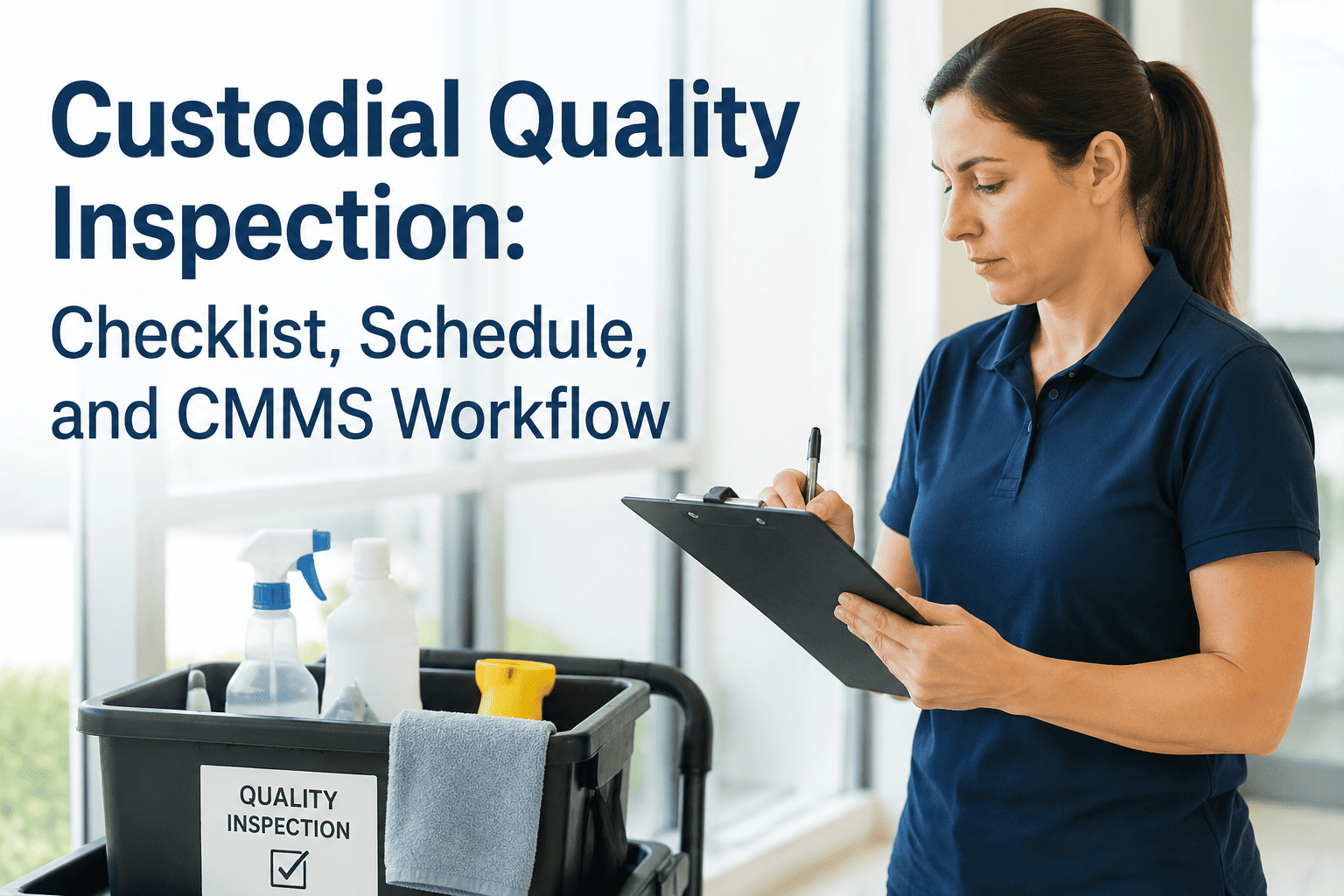
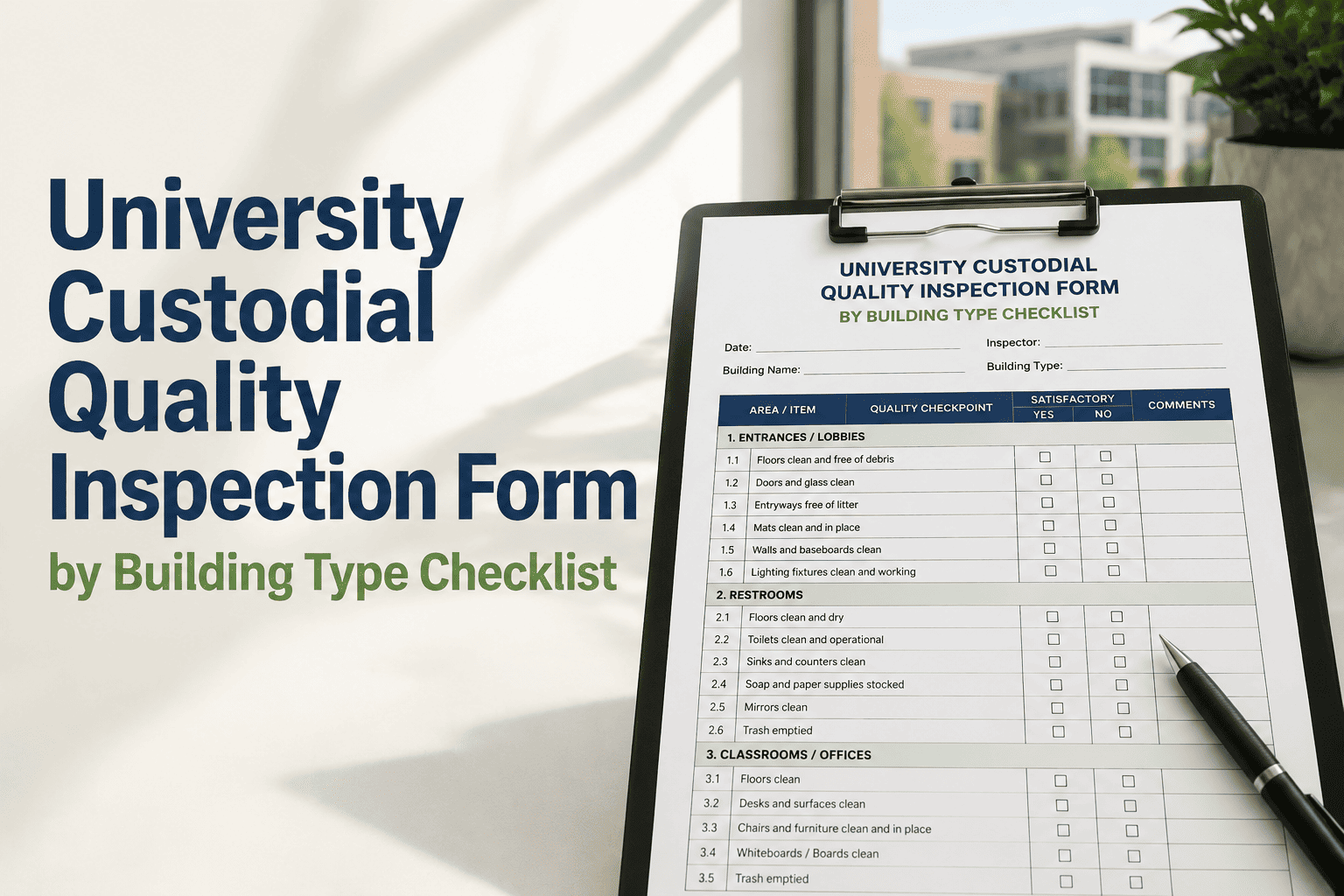
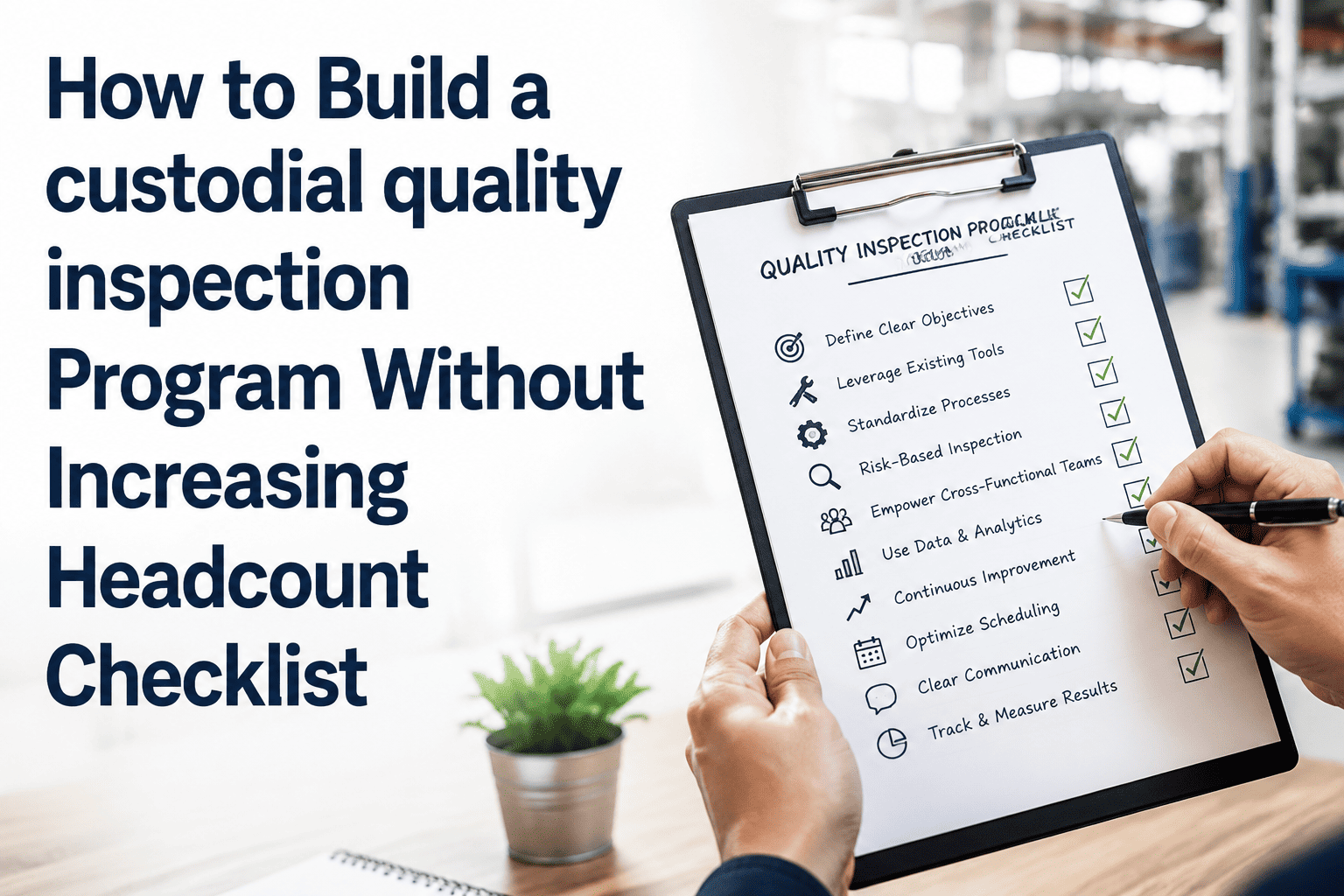
Managing Custodial Operations with CMMS: Beyond Cleaning to Facility Intelligence
By Jamie lanister on March 27, 2026
School districts and facility managers relying on paper cleaning logs and verbal handoffs lose between 15% and 22% of available custodial labor hours to reactive complaints, emergency supply runs, and last-minute event setups that a structured CMMS would prevent weeks in advance. OxMaint replaces paper walkaround checklists and whiteboard schedules with a mobile app any custodian or supervisor can complete in under 90 seconds — photo capture, priority tagging, and automatic escalation to the right person — generating a timestamped, location-verified digital record that satisfies facility compliance requirements from the moment it is submitted. Districts across the USA, UK, Canada, Australia, and UAE that deploy integrated custodial CMMS programs consistently report reduced overtime, fewer health compliance failures, and measurable improvements in occupant satisfaction within the first twelve months of operation.
Every Zone Scheduled. Every Supply Tracked. Every Inspection Resolved.
CMMS-powered custodial management for schools and facilities — workload balancing, supply inventory tracking, quality inspections, and event coordination generating compliance records automatically from first use.
Time for staff to complete a full custodial work request on OxMaint mobile — including photo and priority tag
54%
Fewer supply stockouts per facility per month after switching to CMMS-tracked inventory management
<2 hrs
Average time from P1 critical hygiene report submission to assigned custodial response and closure
100%
Digital inspection records — timestamped, location-tagged, supervisor-signed, and audit-ready on demand
How Mobile Custodial Reporting Works: Four Steps, Under 90 Seconds
The fastest way to eliminate under-reporting is to make reporting faster than not reporting. OxMaint's staff app guides any custodian through a complete issue report in four taps — no training required, no technical vocabulary needed, no connectivity dependency (reports sync when signal returns). Every report generates a timestamped, GPS-tagged, staff-signed digital record that satisfies facility inspection requirements and health compliance documentation standards. Start free and deploy OxMaint across your entire district within 48 hours — no hardware required.
MOBILE CUSTODIAL WORK REQUEST WORKFLOW — 4 STEPS FROM NOTICE TO ESCALATION
Digital staff signature, submission timestamp, GPS location, area confirmation
Generates compliance record. Work order raised. Staff receives confirmation. Area status updated.
15 sec
Works offline — requests queue locally and sync automatically when connectivity is restored. Timestamp applied at submission, not sync time.
Custodial Priority Framework: Three Levels, Three Response Paths
Not all custodial requests require the same response. A low paper towel stock and a biohazard spill are both issues — one is a scheduled restock, the other is an immediate area closure. OxMaint's three-tier priority framework removes ambiguity from escalation decisions. Staff select from guided plain-English descriptions — the system handles routing, work order creation, and supervisor notification automatically. Facility managers never need to manually triage an incoming request at 06:00. Book a demo to see the priority framework configured for your facility types and compliance requirements.
CUSTODIAL PRIORITY FRAMEWORK — THREE TIERS, AUTOMATED ESCALATION
P1
Critical — Area Closed, Immediate Response
Area must not be occupied. Immediate closure applied. Work order raised and facility manager alerted within 5 minutes of submission.
Most Reported Custodial Issue Categories: Where Facility Risk Concentrates
Across OxMaint's deployed facility base, six issue categories account for 83% of all staff-reported custodial requests. Understanding which categories generate the most reports — and how many escalate to P1 critical — is the foundation of a proactive cleaning programme. Facilities that analyse their issue category distribution and adjust inspection intervals accordingly consistently reduce P1 critical incidents by 40–55% within 90 days of deployment. OxMaint generates your facility's issue category breakdown automatically — start free and see your first category report within 30 days.
CUSTODIAL ISSUE CATEGORY FREQUENCY — % OF ALL STAFF REPORTS · INDUSTRY AVERAGE 2024–25
Issue Category
Share of All Reports
Frequency
% Escalate to P1
Response Action
Restroom & Hygiene
28%
42% critical
Increase inspection frequency
Floor Care & Surface
22%
18% critical
Extend floor machine PM cycle
Supply Stockout
18%
24% critical
Lower par-level reorder threshold
Event Setup & Breakdown
14%
8% critical
Calendar-sync automated work orders
Waste Management
11%
15% critical
Increase collection route frequency
Equipment & Fixtures
7%
29% critical
Add to quarterly PM checklist
Restroom and hygiene reports have the highest P1 escalation rate (42%) — highest priority for increased inspection frequency and IoT sensor investment.
From Request to Resolution: The Full Custodial Lifecycle in OxMaint
A custodial request is only valuable if it is acted on. OxMaint tracks every report from submission through triage, work order creation, task completion, and supervisor sign-off — creating a closed-loop compliance record that facility auditors and health inspectors regard as the gold standard for operator compliance. No issue is ever marked closed without a linked work order and a staff sign-off. Every stage is timestamped and exportable on demand.
CUSTODIAL ISSUE LIFECYCLE — FROM STAFF REPORT TO CLOSED RESOLUTION
Stage
P1 Critical
P2 Scheduled
P3 Routine
Who Receives
01
Request Submitted
Immediate — real time
Immediate — real time
Queued — batch
Area record + staff app confirmation
02
Alert Fired
Push + SMS to supervisor and manager
Dashboard alert — end of shift
Next morning summary
Facility manager · Custodial supervisor
03
Work Order Raised
Auto-generated — P1 — within 5 min
Auto-generated — P2 — next shift queue
Linked to next scheduled PM cycle
Custodian mobile app · Staff queue
04
Task Assigned
Nearest available staff — immediate
Next shift scheduling — auto-routed
PM window — calendar-assigned
Custodian — mobile work order received
05
Work Completed
Staff signs off — same shift, with photo
Staff signs off — overnight, with photo
Staff signs off — at PM, logged
Custodian — digital sign-off required
06
Record Closed
Full audit trail sealed — PDF exportable
Full audit trail sealed — PDF exportable
Linked to PM record — archived
Facility director compliance dashboard
Technology Integration: AI Camera, Digital Twin, SAP, PLC, and Preventive PM
Staff reports are one data source. OxMaint enriches every request with data from additional technology layers — cross-referencing staff observations with AI camera cleanliness scores, IoT sensor readings, and service history records. A custodian reports a restroom issue: OxMaint cross-checks the AI gate camera last-visit score, soap dispenser IoT level, and most recent inspection record — and presents the supervisor with a complete picture before any staff member enters the space. Connect all technology layers through one OxMaint deployment — each layer makes custodial reports more actionable and compliance records more complete.
HOW EACH TECHNOLOGY ENHANCES CUSTODIAL ISSUE REPORTS
AI Camera
Automated Cleanliness Scoring
Gate and corridor cameras score restroom and hallway cleanliness automatically — triggering OxMaint work orders without a manual staff walk-through. Every visit is timestamped and linked to the area record.
Auto work order on score drop below threshold
Digital Twin
Predictive Zone Scheduling
A virtual facility model predicts cleaning demand by zone, hour, and event — adjusting custodial schedules dynamically based on occupancy patterns, weather, and the school calendar without manual supervisor input.
Predictive scheduling from virtual facility model
Preventive PM
Equipment Service Scheduling
Floor scrubbers, ride-on sweepers, and polishers are scheduled for servicing by usage hours tracked in OxMaint — before breakdown occurs, not after. Repeat P2/P3 issues in the same category automatically trigger a PM interval review.
Reduces P1 critical rate by up to 55% in 90 days
SAP / ERP
Budget & Cost Sync
Every custodial work order writes to SAP PM/MM with supply cost, labour time, and zone ID — custodial resolution costs tracked at building and district level automatically. Zero manual SAP entry per completed request.
Zero manual ERP entry per custodial work order
PLC / IoT
Real-Time Occupancy & Supply Monitoring
Soap dispensers, paper towel sensors, and occupancy counters push real-time restocking and cleaning-need alerts directly into OxMaint work orders — zero manual checking required. P1 alerts fire before staff even notice the issue.
Sensor-to-work-order in real time, no manual trigger
Supply Analytics
Usage Patterns & Auto-Reorder
Consumption per zone is tracked against par levels across all buildings. When stock drops below threshold, a reorder work order auto-generates. Recurring stockout patterns in the same zone trigger a par-level review recommendation automatically.
Converts repeat stockouts into permanent par-level fixes
"We reduced supply stockouts by more than half in four months, and when the district compliance audit arrived, I exported 18 months of inspection records across all 12 buildings in under three minutes. The auditor told me it was the most organised facility compliance record she had ever reviewed. We had zero findings."
Director of Facilities
Jefferson Unified School District — 12 Buildings · 280,000 sq ft · California, USA
Frequently Asked Questions
Q1Does OxMaint satisfy school district, OSHA, and health department facility compliance requirements?
Yes. OxMaint generates timestamped, staff-signed digital inspection records exportable on demand for OSHA, health department, and district audits. Records are GPS-verified and photo-evidenced — satisfying documentation requirements across USA, UK, Canada, Australia, and UAE jurisdictions. Book a demo to confirm your jurisdiction's requirements are covered.
Q2What happens when a P1 critical hygiene issue is reported during school hours?
An immediate push notification and SMS is sent to the designated facility manager and custodial supervisor. OxMaint generates a P1 work order and flags the area as closed. The supervisor can dispatch the nearest available staff member from the mobile dashboard within minutes.
Q3Can staff submit work requests without mobile signal?
Yes. The OxMaint staff app works fully offline. Requests including photos are stored locally and sync automatically when connectivity is restored. The timestamp applied is the submission time, not the sync time — preserving accurate compliance records.
Q4How does OxMaint prevent an area being used with an unresolved P1 critical issue?
Any area with an open P1 work order is flagged as "Closed — Do Not Occupy" in the facility dashboard. The manager cannot clear the area until the custodian signs off the completion and attaches photo evidence. The hold cannot be manually overridden without a documented authorisation reason.
Q5How quickly can OxMaint be deployed across a multi-building school district?
Staff download the app and are active within 10 minutes — no hardware, no IT project. Building profiles are pre-loaded so staff select their assigned zone and start reporting immediately. Full district deployment of 50+ staff typically completes within one working day. Start your free trial — deployment support included from day one.
Q6How does CMMS tracking reduce custodial supply waste and over-ordering?
Consumption per zone is tracked against par levels in real time. When stock drops below threshold, a reorder work order auto-generates — eliminating over-ordering and emergency procurement. Districts typically see a 54% reduction in stockout incidents within six months of deployment.
Every Issue Reported. Every Risk Resolved. Every Record Compliance-Ready.
Mobile capture, automated escalation, and closed-loop resolution — deployed across your district in one day.