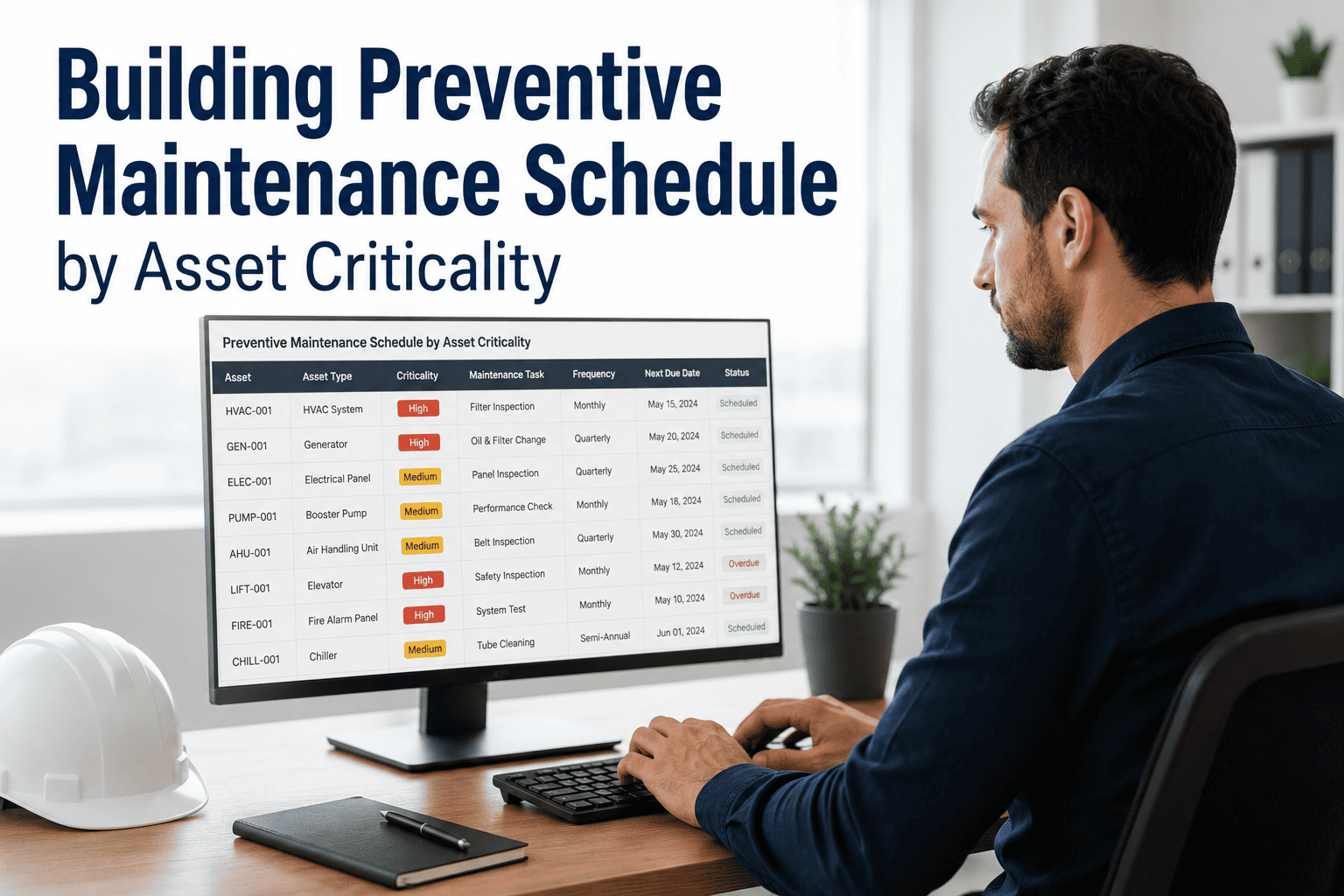
Building Preventive Maintenance Schedule Template (Excel & PDF)
By shreen on March 5, 2026
Every facility manager knows the frustration: a critical HVAC unit fails mid-summer, a conveyor belt snaps on peak production day, or a compressor seizes because its last oil change was never scheduled. Unplanned downtime costs manufacturers an average of 260,000 dollars per hour — yet 82% of these breakdowns are entirely predictable and preventable with a structured preventive maintenance schedule. Whether you are building your first PM program or overhauling a paper-based system, having the right template is the difference between reactive chaos and proactive control. Ready to move beyond spreadsheets? Book a free demo with Oxmaint and see how digital PM scheduling eliminates missed work orders, manual tracking errors, and audit headaches for good.
Industry Benchmark Data
$260KAverage cost per hour of unplanned manufacturing downtime
82%Of equipment failures are predictable with consistent PM scheduling
3-5×Higher repair costs for reactive versus preventive maintenance programs
25%Reduction in maintenance costs reported after implementing structured PM plans
What a Preventive Maintenance Schedule Template Must Include
A PM schedule template is only as useful as its structure. Generic checklists downloaded from the internet fail because they are not built around your specific assets, frequencies, or team structure. A template built for your facility needs seven core components that work together to create an enforceable, auditable, and repeatable maintenance rhythm. If your current template is missing any of these, it is leaving compliance gaps and equipment risks on the table. Sign up for Oxmaint free and access pre-built PM schedule templates configured for your industry.
Component 01 — AST
Asset Inventory and Identification
Every PM schedule starts with a complete, accurate asset list. Without knowing what you have, where it is, and what it does, no schedule can be properly prioritized. Asset identification is the foundation everything else is built on.
Unique Asset ID and Location CodeEach machine, system, or component assigned a permanent identifier tied to its physical location within the facility layout.
Criticality Rating (A / B / C Classification)Assets ranked by their impact on production, safety, and compliance — so PM frequency reflects actual risk, not guesswork.
Manufacturer Specifications and OEM RequirementsNameplate data, model numbers, serial numbers, and manufacturer-recommended maintenance intervals captured at the asset level.
Warranty and Service Contract StatusTrack which assets are under active warranty or third-party service agreements to avoid voiding coverage through improper maintenance.
Detects: Orphaned assets receiving no PM coverage, misclassified criticality leading to under-maintained critical equipment
Asset Registry
Criticality Map
OEM Specs
Daily
Weekly
Monthly
Quarterly
Semi-Annual
Annual
Component 02 — FRQ
Maintenance Frequency and Task Intervals
Setting the right frequency for each task is where most manual templates fail. Too frequent and you waste labor; too infrequent and you miss failure patterns. Frequency should be driven by asset criticality, OEM guidance, operating hours, and historical failure data.
Time-Based Intervals (Calendar-Driven)Tasks triggered by calendar dates — daily, weekly, monthly, quarterly, semi-annual, annual — regardless of actual machine usage hours.
Usage-Based Intervals (Meter-Driven)Maintenance triggered by operating hours, cycles, mileage, or production count — particularly critical for rotating equipment and motors.
Condition-Based TriggersTasks initiated by sensor readings, vibration analysis, oil sample results, or thermographic findings that indicate degradation before failure.
A schedule without detailed task procedures is just a list of reminders. Effective PM templates include actionable, step-by-step instructions so any qualified technician can execute the task correctly without relying on tribal knowledge.
Sequential Step-by-Step InstructionsEach PM task broken into ordered steps with clear, unambiguous action language — inspect, tighten, replace, test, lubricate, clean, calibrate.
Acceptance Criteria and Pass/Fail StandardsMeasurable thresholds that define what "good" looks like — tolerance ranges, pressure specifications, temperature limits, clearance measurements.
Required Tools and Materials ListEvery tool, lubricant, replacement part, and PPE item identified in the procedure so technicians arrive prepared without return trips to the storeroom.
Safety Precautions and LOTO RequirementsEnergy isolation steps, lockout/tagout requirements, confined space protocols, and any safety checks required before the task begins.
Detects: Inconsistent task execution across technician shifts, safety shortcuts taken due to unclear procedure instructions
PM Task Procedure Card
1
Apply LOTO per equipment procedure ESW-041
2
Inspect belt tension — target 12-15 lbs deflection
3
Apply 3cc SAE 30 grease to bearing housing
4
Verify temperature <85°C at full load run
5
Sign off and log completion timestamp
Stop building PM schedules from scratch in spreadsheets. Oxmaint gives you pre-built templates for every asset type, automated scheduling, and mobile-accessible work orders — ready in minutes, not months.
The best PM schedule means nothing if nobody knows they own it. Every task must be assigned to a named role or individual, with clear accountability for completion, escalation, and sign-off. Resource planning also ensures you are not over-scheduling the same technician simultaneously.
Primary and Backup Technician AssignmentsNamed primary owner for each PM task with a designated backup to prevent missed PMs during vacations, sick days, or shift changes.
Skill and Certification RequirementsTasks flagged with required trade qualifications — licensed electrician, millwright, instrumentation technician, or third-party contractor — to prevent unqualified work.
Estimated Labor Hours per TaskTime estimates that enable realistic weekly labor load planning, preventing situations where 60 hours of PM is scheduled against a 40-hour team capacity.
Excel vs PDF vs Digital CMMS: Choosing the Right Template Format
The format of your PM schedule template determines how effectively your team can actually execute it. Excel spreadsheets and PDF forms have served maintenance departments for decades, but each format comes with structural limitations that grow more costly as your asset base scales. Understanding the trade-offs helps you choose the right starting point — and know when you have outgrown it. Looking for a platform that goes beyond templates? Sign up for Oxmaint free and access smart PM scheduling that auto-assigns work orders, sends mobile alerts, and tracks completion without a single spreadsheet.
Excel Template
Free to build with existing tools
Fully customizable columns and formulas
Conditional formatting for overdue tasks
No automatic reminders or notifications
Version conflicts when multiple users edit
No mobile access for field technicians
No photo documentation or signature capture
Manual audit trail reconstruction before inspections
Best for: Small facilities with under 50 assets and a single maintenance technician
PDF Checklist
Standardized, print-ready format
Easy to distribute across technician shifts
Fillable forms support electronic sign-off
Static format — cannot auto-calculate or trigger alerts
Completed forms require manual scanning and filing
No real-time completion visibility for managers
Paper records at risk of loss, damage, or misplacement
Best for: Regulated environments requiring physical sign-off sheets at point of work
Digital CMMS (Oxmaint)
Auto-generates work orders on schedule
Mobile app for field technicians — offline capable
Photo evidence, readings, and e-signature capture
Instant audit-ready compliance reports
Overdue alerts sent to technician and manager
Parts inventory and procurement integration
KPI dashboards tracking PM compliance rate
Best for: Any facility that takes compliance, uptime, and audit readiness seriously
Excel PM Schedule Template: Column Structure and Setup Guide
If you are starting with an Excel template before graduating to a CMMS, build it right from day one so migrating your data later is clean and painless. The column structure you set up now determines whether your spreadsheet becomes a reliable planning tool or a chaotic mess of merged cells and color codes that only one person understands. Book a demo with Oxmaint to see how your existing Excel data imports directly into a live PM scheduling system in under an hour.
Recommended Excel Column Structure for PM Schedules
Column
Field Name
Data Type
Purpose
A
Asset ID
Text (unique)
Unique identifier linking to your asset register — e.g., HVAC-001, CONV-014
B
Asset Name
Text
Common name of the equipment for readability by all team members
C
Location
Dropdown list
Plant, building, floor, or zone — enables filtering by area for scheduling
D
Criticality
A / B / C
Priority class driving inspection frequency — A is critical, C is non-critical
E
PM Task Description
Text
Brief task name — links to full procedure document stored in adjacent column or file
Technician name or role responsible for completing this task
H
Last Completed Date
Date
Date of most recent successful completion — use with frequency to calculate next due
I
Next Due Date
Formula (=H+interval)
Auto-calculated next PM date — apply conditional formatting to highlight overdue rows
J
Status
Dropdown list
Pending / In Progress / Complete / Deferred / Requires Parts — color-coded by status
K
Estimated Hours
Number
Labor hours per task completion — enables weekly capacity planning across team
L
Technician Notes
Text
Observations, measurements, parts replaced, or anomalies recorded at completion
Pro tip: Freeze rows 1-2 and columns A-B, then apply data validation dropdowns to columns C, F, G, and J to prevent free-text errors that break sorting and filtering.
Why Teams Switch from Templates to Oxmaint
What Digital PM Scheduling Automates for You
Excel templates require constant manual maintenance. Oxmaint handles the scheduling, notifications, and documentation automatically — so your team focuses on turning wrenches, not managing spreadsheets. Start for free today and see the difference within your first week.
Automated Work Order Generation
PM work orders created automatically based on calendar dates, meter readings, or condition triggers — no manual entry required.
Auto-SchedulingMeter-Based Triggers
Mobile-First Field Execution
Technicians access checklists, procedures, and asset history on their phone — with offline capability for areas without cell signal.
iOS and AndroidOffline Mode
Instant Audit-Ready Reports
Generate complete PM completion histories, compliance rates, and overdue task reports in seconds when regulators or auditors arrive.
ISO 55000OSHA Ready
Overdue Alerts and Escalation
Automatic notifications sent to technicians when tasks are due, with escalation to supervisors when work orders pass their deadline without completion.
Push NotificationsEmail Alerts
Parts and Inventory Integration
Link spare parts to PM tasks so technicians know what to bring before they walk out the door. Auto-reorder triggers when stock hits minimum levels.
Inventory TrackingAuto-Reorder
PM Compliance Rate Dashboard
Real-time visibility into scheduled versus completed PMs, compliance percentage by technician, asset, and department — with trend analysis over time.
Live DashboardKPI Tracking
We had 400 pieces of equipment managed in six different Excel files. Nobody knew which version was current, and PMs were being missed every week. After moving to Oxmaint, our PM completion rate went from 61% to 94% in the first quarter. The automatic work orders alone saved us two hours of admin work every single day.
Marcus H.
Maintenance Supervisor · Automotive Parts Manufacturer
Build Your PM Schedule the Right Way — Start Free with Oxmaint
Stop chasing overdue work orders in spreadsheets. Oxmaint gives every maintenance team digital PM scheduling, mobile-ready checklists, automatic work order generation, and audit-ready reports — purpose-built for facilities that take uptime seriously.
What is the difference between a preventive maintenance schedule and a preventive maintenance checklist?
A preventive maintenance schedule is the master planning document — it defines which tasks need to happen, on which assets, at what frequency, and who is responsible. A PM checklist is the execution tool — the step-by-step instructions a technician follows to complete a single task. A complete PM program needs both: the schedule to ensure nothing is missed, and the checklist to ensure every task is done correctly and consistently regardless of who does it.
How do I determine the right PM frequency for each piece of equipment?
Start with the manufacturer's recommended maintenance intervals in the OEM documentation. Then adjust based on three factors: asset criticality (higher criticality warrants higher frequency), operating environment (harsh conditions like heat, dust, moisture, or chemical exposure accelerate wear), and historical failure data (if an asset has shown patterns of failure at certain intervals, build PM tasks around those cycles). A digital CMMS like Oxmaint tracks failure history and flags assets where PM frequency may need adjustment based on actual performance data. Sign up free to start capturing asset history from day one.
Can I download a free PM schedule template in Excel and PDF format?
Yes — and the column structure detailed in this guide gives you everything you need to build a robust Excel template from scratch without missing critical fields. However, if your facility manages more than 50 assets or operates with more than two technicians, a downloaded template will quickly become a bottleneck. Book a demo with Oxmaint and we will show you how to import your existing asset list and have a live, automated PM schedule running within a single workday — with no spreadsheet maintenance required going forward.
What is a good target for PM compliance rate?
World-class maintenance programs achieve PM completion rates above 90%. Most facilities using paper or spreadsheet-based systems operate between 55% and 70%, meaning nearly a third of scheduled preventive maintenance is missed every period. Moving to a digital system with automated reminders and mobile access typically lifts compliance rates by 20 to 35 percentage points within the first quarter. Track your baseline compliance rate before switching systems so you can quantify the improvement clearly for leadership.
How does a CMMS handle PM schedules differently from Excel?
A CMMS like Oxmaint automatically generates work orders when tasks are due, pushes mobile notifications to assigned technicians, captures completion evidence including photos and meter readings, escalates overdue tasks to supervisors, and produces compliance reports without any manual data entry. Excel requires someone to manually check dates, update status cells, notify technicians by separate message, and reconstruct audit trails before any inspection. The administrative overhead of maintaining an Excel PM schedule typically consumes 5 to 10 hours per week of a maintenance coordinator's time — time that a CMMS eliminates entirely. Start your free Oxmaint account and experience the difference immediately.
How long does it take to implement a PM schedule with Oxmaint?
Most facilities have their first PM schedule live within one to three business days. The fastest path is importing an existing asset list from Excel, selecting from Oxmaint's built-in PM task library for common equipment types, assigning technicians, and setting frequencies. The platform guides you through each step with no IT involvement required. Book a 30-minute demo and we will walk through your specific asset types and show you exactly how quickly your schedule could go live.