Digital twins were sold to facility teams as a living 3D copy of the whole building. Many pilots stalled because the model looked impressive but nobody used it to fix a chiller, schedule a filter change, or justify a budget. In 2026 the approach that works is narrower and more practical: start with the assets that hurt most, connect live data, and tie every insight to a maintenance action. Here is a grounded look at what holds up, supported by maintenance management software that closes the loop.
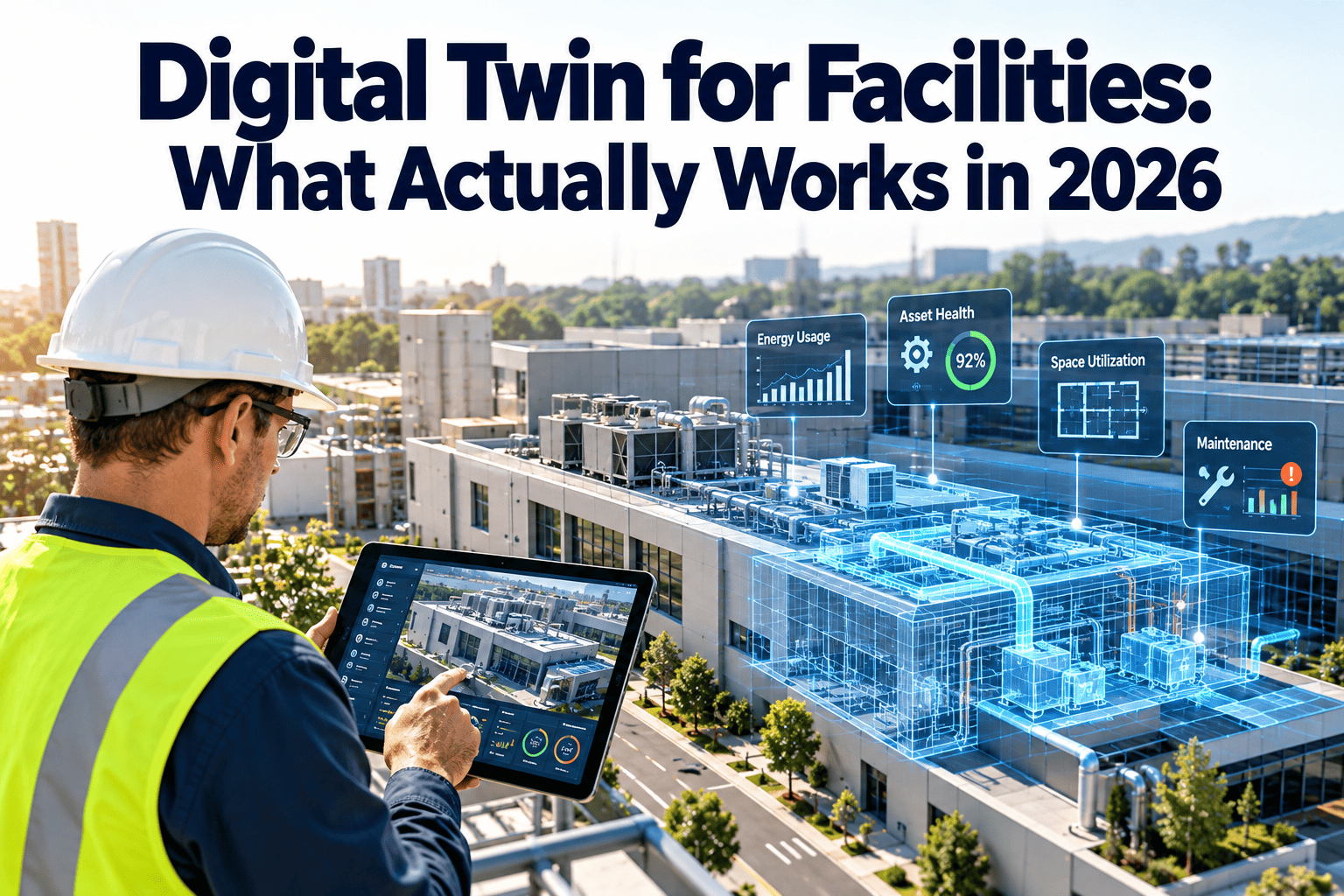
Digital Twin for Facilities: What Actually Works in 2026
Asset twins, system twins, and building twins solve different problems. Learn which one earns its cost in commercial facilities, and how to connect each to real work orders instead of a screen nobody opens.
Why the first wave of facility twins disappointed
- Model first, problem second. Teams spent months on geometry before defining a maintenance decision the twin should improve.
- Dirty asset data. Wrong locations, missing nameplates, and duplicate equipment records made the twin disagree with the mechanical room.
- No owner. The twin lived with IT or a consultant, while technicians kept working from paper and memory.
- Read-only dashboards. A red icon on a model does not dispatch anyone. Without a work order, insight decays.
- Integration sprawl. Connecting the building management system, meters, sensors, and CMMS one custom project at a time became expensive.
- Unclear return. Benefits were described as visibility, not as avoided failures, shorter repairs, or lower energy use.
The lesson
A twin is a decision tool. If it cannot change what a technician does tomorrow morning, it is a visualization project, not a maintenance strategy.
Three kinds of twin, three different jobs
Most confusion comes from using one word for very different things. Compare scope, data needs, and maintenance value before you buy.
| Twin type | What it represents | Data required | Best maintenance use | Typical risk |
|---|---|---|---|---|
| Asset twin | A single critical machine and its behavior over time | Runtime, temperatures, pressures, vibration, amps, work history | Condition-based maintenance and failure warning | Sensor drift and false alerts |
| System twin | Interacting equipment such as a chiller plant or air handling system | Sequences, setpoints, flow, load, controls trends | Fault diagnosis and efficiency tuning | Incomplete controls mapping |
| Building twin | The facility as spaces, systems, and occupants | Floor plans, BIM or scans, meters, occupancy, BMS points | Planning, energy review, space and capital decisions | High effort, low daily use |
Where the value sits today
Asset and system twins usually pay back first because they attach to expensive, failure-prone equipment. Building twins help most after those foundations exist.
A practical path: from one asset to a connected facility
Pick a costly failure mode
Choose chillers, air handlers, pumps, boilers, or generators where downtime affects tenants, patients, or production.
Clean the asset register
Confirm IDs, locations, parent-child relationships, manufacturers, models, and install dates.
Connect existing data
Use BMS trends and meters first. Add sensors only where a gap blocks a decision.
Define thresholds and rules
Agree on what deviation matters, who reviews it, and how fast the response must be.
Trigger work orders
Every confirmed condition creates a task with asset, priority, procedure, parts, and technician.
Feed results back
Findings, causes, and repair costs improve rules, schedules, and replacement planning.
The data foundation a twin depends on
A twin can only be as reliable as the records beneath it. Check these before selecting software.
Asset records
- Unique tag for every critical asset
- Accurate building, floor, and room location
- Parent-child links, such as pump to chiller
- Warranty, manuals, and spare parts attached
Operational data
- Named BMS points with consistent units
- Reliable timestamps and known sample rates
- Documented sensor calibration dates
- Alarm history that includes acknowledgment
Maintenance history
- Work orders with failure codes and causes
- Labor hours and parts consumed
- Inspection results and photos
- Preventive tasks linked to each asset
Maintenance history is often the missing piece. Sensors show what happened; work orders explain why and what fixed it.
Give your twin a maintenance engine
Oxmaint links assets, inspections, preventive schedules, and work orders in one place, so condition insight turns into completed work.
Twin use cases that hold up in real facilities
Without a connected twin
- Chiller efficiency drifts unnoticed until summer peak
- Filters change on a calendar, not on pressure drop
- Technicians search for equipment history in several systems
- Capital requests rely on age alone
With asset and system twins
- Approach temperature and load trends flag degradation early
- Differential pressure triggers filter work when needed
- One asset record shows readings, repairs, and procedures
- Replacement plans use condition, cost, and risk together
Common examples
- Chiller plants: compare current performance with expected behavior at similar load and weather.
- Air handling units: detect stuck dampers, valve leakage, and sensor faults that waste energy.
- Emergency power: track run tests, battery health, and load bank results for compliance.
- Pumps and motors: watch current draw and vibration for early wear.
- Space planning: use occupancy and complaints to prioritize inspections and service.
How the twin and CMMS work as one loop
Break any link and value drops. An alert with no work order is noise; a work order with no asset context is slow.
Measuring whether the twin is working
Set baselines before launch. Measure a small group of indicators that reflect maintenance outcomes.
Report results honestly. Alert precision matters as much as savings, because technicians stop trusting a system that cries wolf.
Platform landscape: what to ask vendors
Large technology providers offer building and industrial twin platforms, including Siemens, IBM, and Microsoft. Their strengths differ, so match the tool to your team.
- Siemens: strong in building automation and controls, useful when the BMS is already Siemens-based.
- IBM: known for enterprise asset management and analytics, suited to organizations with complex asset portfolios.
- Microsoft: provides cloud services for modeling relationships between devices and spaces, often used with partner applications.
Questions worth asking
- Which decisions will this improve in the first 90 days?
- Can it read our existing BMS and meter data without replacing controls?
- How are alerts turned into work orders, and who approves them?
- Who owns the data model after implementation?
- Can we export our data if we change vendors?
- What staff time is needed to keep the model accurate?
Risks to plan for
Connecting building systems to cloud services expands the attack surface, so involve IT security from the start.
Digital twin FAQs for facility teams
Do we need a 3D model to start?
No. A clean asset register with live data on critical equipment delivers value first. Add 3D later if it supports a real decision.
How does a twin relate to a CMMS?
The twin detects and explains condition; the CMMS assigns and records the work. You can see that workflow in a demo.
Which assets should we twin first?
Start with critical, costly, or compliance-driven equipment such as chillers, air handlers, and emergency generators.
Is a twin the same as predictive maintenance?
No. Predictive methods can run inside an asset twin, but a twin also supports diagnosis, planning, and reporting.
How do we prepare our maintenance data?
Standardize asset IDs and failure codes first. You can organize your assets in Oxmaint as a starting point.
Turn facility data into work that gets done
Start with your most critical assets, connect condition to preventive and corrective work, and build a twin strategy your technicians will use.