In a commercial facility, the problem is rarely that nobody reports the emergency — it is that everybody does. When any tenant, manager, or vendor can stamp a request "urgent," the loudest caller wins, a $200 light switch gets dispatched ahead of a $200,000 chiller fault, and your technicians spend the morning negotiating priority instead of fixing things. Emergency repair triage software ends that by scoring every incoming request on safety, asset criticality, and business impact the moment it arrives — then routing the real emergencies to the right technician first, with a clock running and an audit trail behind it. See how OxMaint Work Order Management turns intake chaos into a defensible, fast dispatch system. Book a demo and we will map the triage flow to your buildings in 30 minutes.
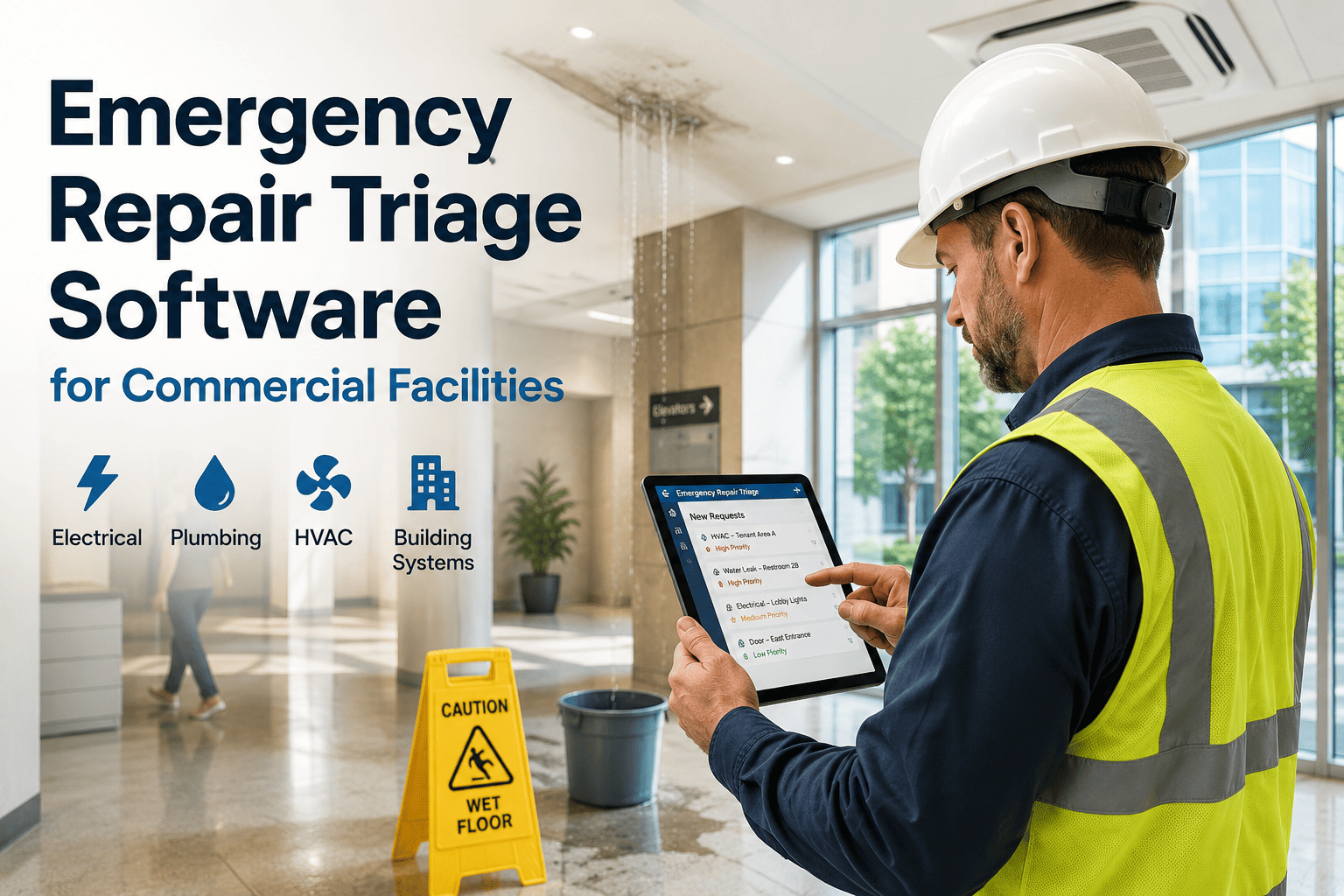
Emergency Repair Triage Software for Commercial Facilities
Prioritize emergency repairs automatically, dispatch technicians faster, and track every urgent building issue from request to verified completion — without the loudest caller dictating the queue.
Priority by Volume Is Not Triage
Leave priority selection in the requester's hands and within a month roughly 70% of the backlog is flagged "high" — the label stops meaning anything, and technicians default to whatever is easiest or most recent. First-in-first-out dispatch quietly buries the failures that actually threaten safety and uptime, and reactive work creeps toward half of every labor hour. Triage fixes this by taking the priority decision away from the request and giving it to the system.
Every Request Scored the Moment It Arrives
The requester describes the problem; the software assigns the priority — scored on safety, asset criticality, and operational impact. Each tier carries a response window and an automatic escalation rule, so nothing slips because no one reviewed the backlog.
| Priority | Example | Response SLA | Auto-Escalation |
|---|---|---|---|
| P1 | Safety risk or operations stopped — gas leak, no power, flooding | Under 1 hour | Manager alert in 15 min if unassigned |
| P2 | Degraded function — HVAC down, partial outage, elevator fault | Same business day | Becomes P1 after 48 hr unassigned |
| P3 | Minor impact — leaky faucet, single fixture, cosmetic defect | 48–72 hours | Becomes P2 after 10 days open |
| P4 | Routine — non-critical lighting, signage, batched touch-ups | Scheduled window | Flagged in monthly backlog review |
From Request to Verified Completion
A triaged work order moves through one clean path — no paper, no guesswork, no forgotten tickets. Every transition is timestamped, so SLA performance is measured, not estimated.
Built Into Work Order Management
OxMaint scores every request, dispatches the right technician, runs the SLA clock, and captures the verified close-out — turning a flood of "urgent" tickets into a ranked, executable queue your team and your tenants can trust.
What Structured Triage Delivers
These figures reflect outcomes reported by facility teams after moving from manual triage to CMMS-enforced prioritization — the direction a real triage system makes achievable.
What Facility Leaders Say
The single biggest fix we ever made was taking the priority dropdown away from the people submitting requests. The moment a tenant or a department head can mark their own ticket "emergency," they all do — and your real emergencies drown. Let the system score it on safety and criticality, and suddenly you can defend every sequencing decision with data instead of who called the director that morning.
Commercial Facilities Director · 17 Years Multi-Building PortfoliosZero open P1s over four hours is the line that cannot move. Everything else can flex, but a true emergency that sits is how you end up in a liability conversation. Good triage does something quieter too — it protects the preventive maintenance that stops the next emergency from ever being filed. Reactive work that isn't contained simply manufactures more reactive work.
Maintenance Reliability Manager · 20 Years Building OperationsFrequently Asked Questions
How does the software decide what counts as a real emergency?
Priority is scored by the system against objective criteria — safety risk, asset criticality, and operational impact — not chosen by whoever submits the request. That removes the "everything is urgent" problem and makes every ranking defensible. Book a demo to see scoring on your own work orders.
How fast can technicians actually be dispatched?
True emergencies target a sub-one-hour response, and skill-based routing sends the right certified technician nearby rather than just the closest one — which cuts emergency response time by up to 35% and avoids the repeat visit. Start free to configure dispatch rules.
Do lower-priority requests just get lost?
No — automatic escalation promotes aging orders before they fail, so a P3 becomes a P2 and a P2 becomes a P1 when its window slips, and the backlog dashboard surfaces anything drifting by priority and age. Book a demo to see escalation in action.
Stop Fixing the Loudest Problem First
OxMaint scores, routes, and tracks every urgent repair from request to verified completion — so your real emergencies move first, your backlog shrinks, and your team finally runs the queue instead of the queue running them.