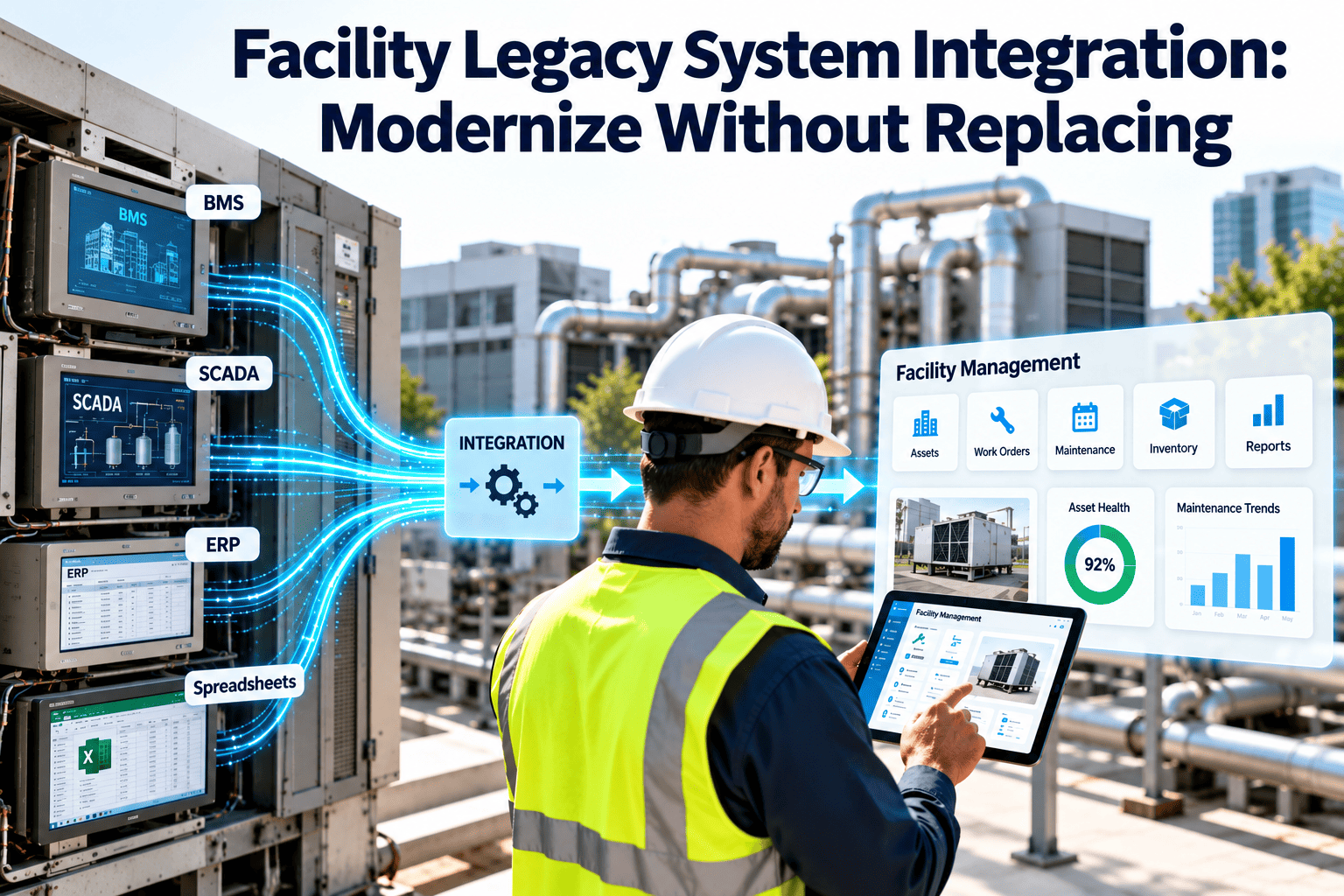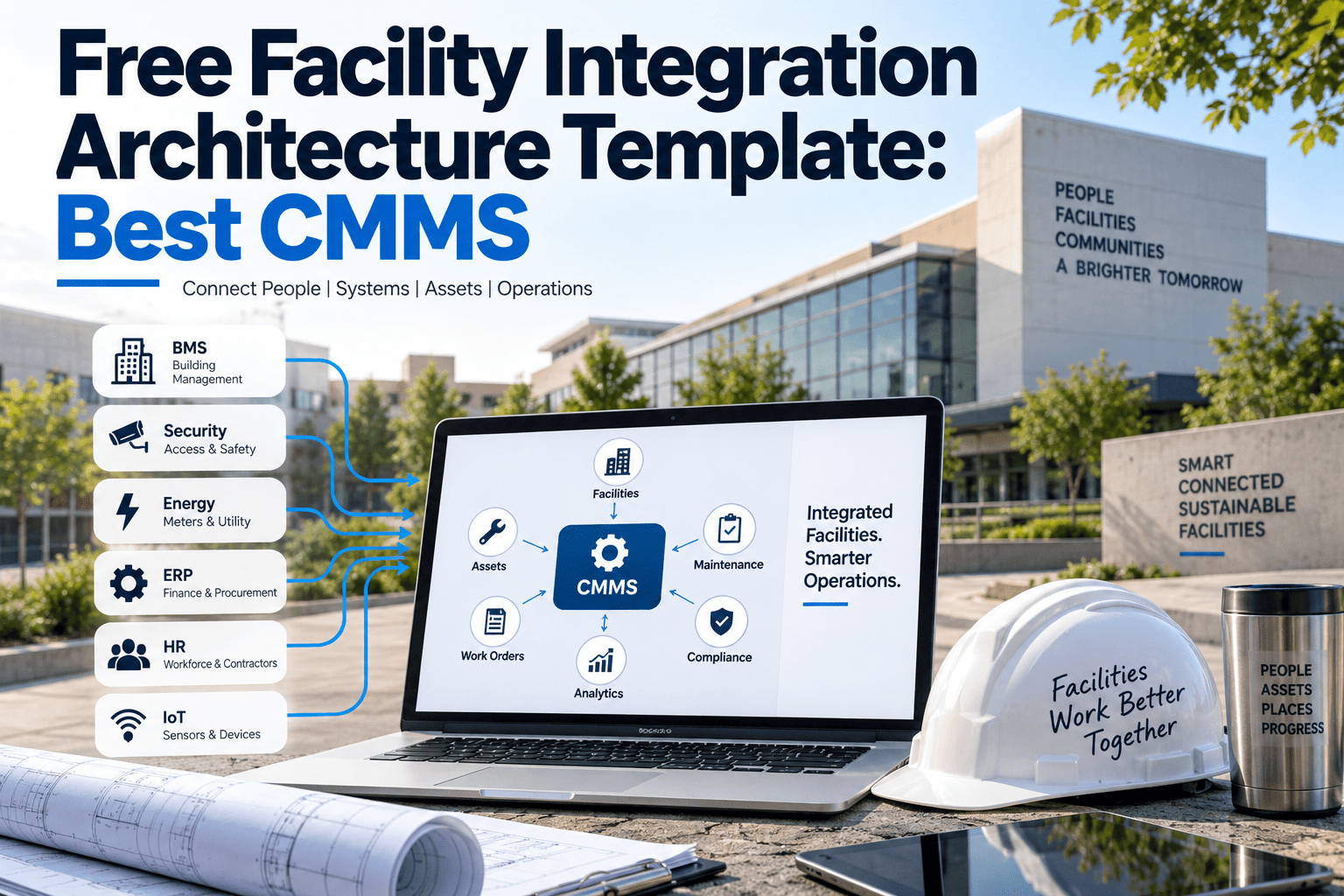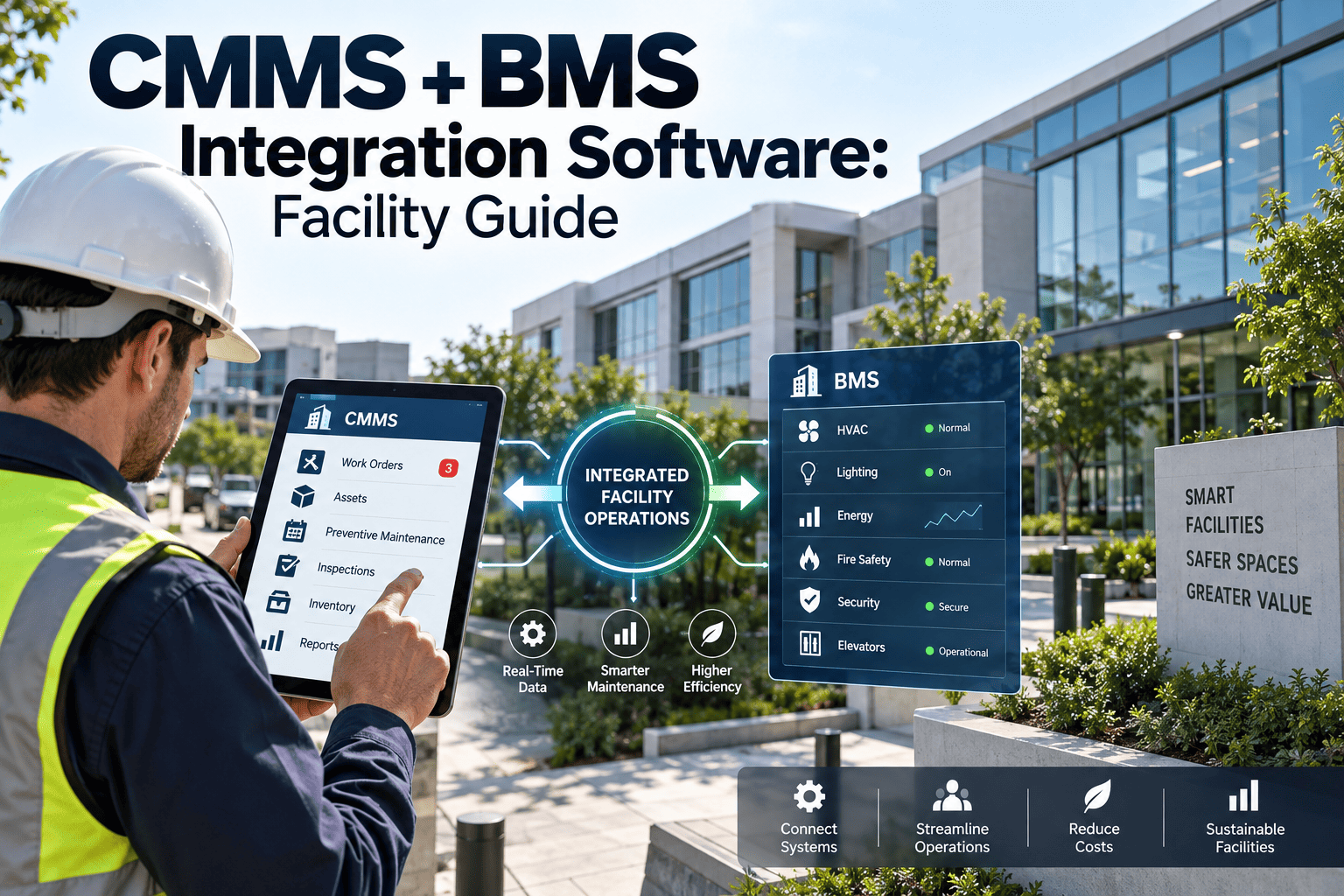
Integration problems rarely show up in the demo; they show up in week three of a facility rollout, when alarms create duplicate work orders, meter readings land in the wrong building, or half the technicians cannot sign in. Commercial sites run a mix of building management systems, sensors, utility meters, finance software, and identity tools, and each one has its own data rules. This 30-item checklist helps your team prepare every connection before go-live, whether you are rolling out a new CMMS or connecting maintenance workflows in Oxmaint to the systems you already run.
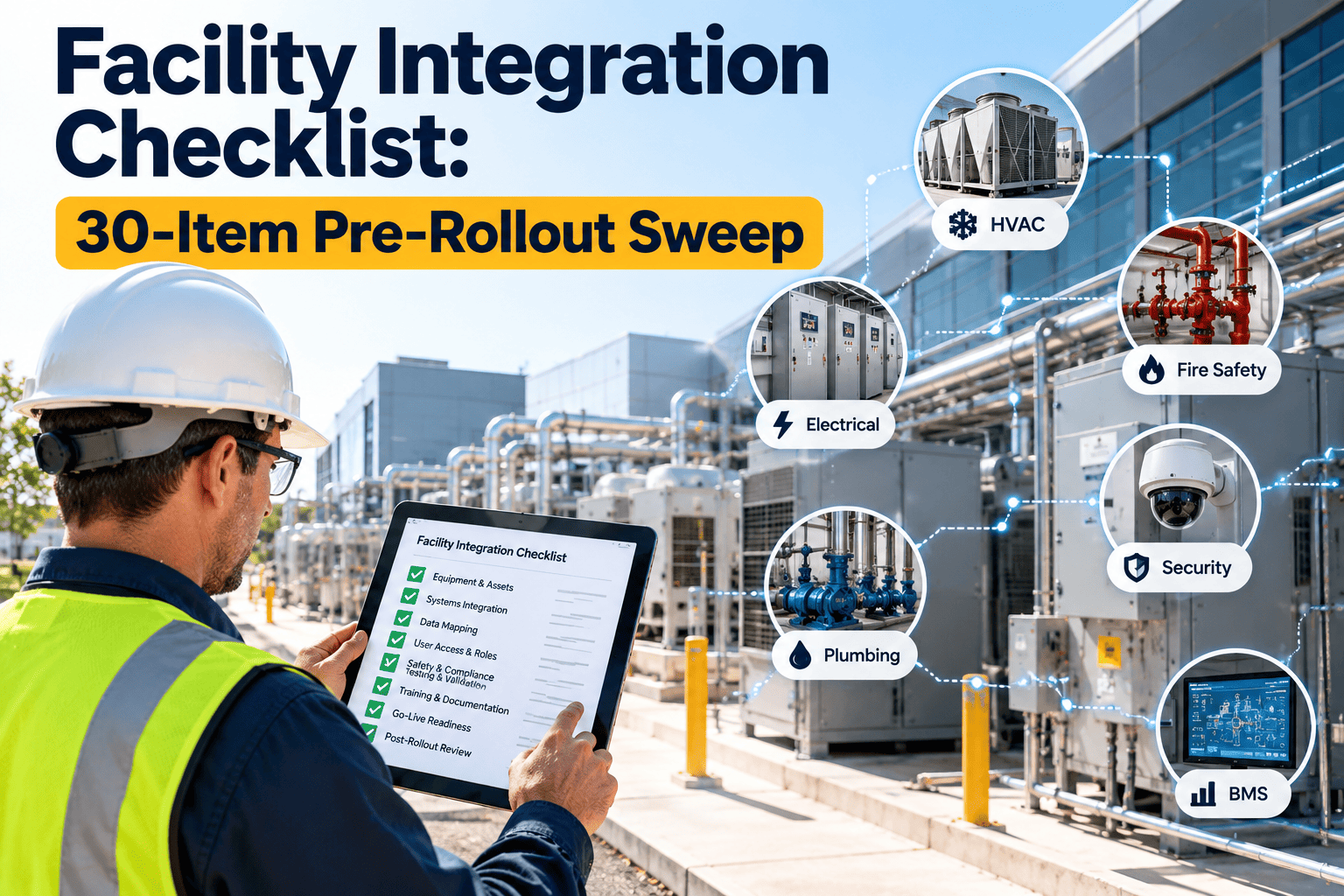
Facility Integration Checklist: 30-Item Pre-Rollout Sweep
Run six checks across five items each before every FM system rollout, and clear a go or no-go gate with evidence rather than assumptions.
Why a Pre-Rollout Sweep Matters
Without a Sweep
- Asset names differ between the BMS and the CMMS
- Every alarm becomes a work order
- Meter units and timestamps disagree
- Cost codes are fixed after invoices post
- Access is granted ad hoc on launch day
With a Sweep
- One asset ID used across every system
- Alarm rules decide what needs action
- Meters mapped, validated, and time-aligned
- Cost codes agreed with finance beforehand
- Roles mapped to identity groups before launch
How to Run the Sweep
- Scope. List every system, direction of data, and owner.
- Check. Work through the 30 items with the system owner present.
- Test. Prove each item in a test environment with sample data.
- Gate. Hold a go or no-go review using the table below.
- Cut over. Go live in stages, monitor, and keep rollback ready.
Group 1: CMMS Data Foundation
Every integration depends on clean asset and location data. Fix this group first.
- Asset IDs are unique and final. Each asset has one ID, a parent location, and a class. Pass when duplicate-ID checks return zero and the same IDs appear in BMS point names where possible. Owner: Data lead
- Location hierarchy is agreed. Site, building, floor, and space codes follow one pattern. Pass when every asset maps to a valid location and no free-text locations remain. Owner: Facility manager
- Integration scope document is signed. It names each system, direction (one-way or two-way), frequency, and owner. Pass when each owner has approved their line. Owner: Project lead
- Field mapping sheet is complete. Each source field is mapped to a target field with data type, required status, and transformation rule. Pass when sample records convert without manual edits. Owner: Integration analyst
- Test environment holds realistic data. A sandbox contains a copy of assets, users, and open work orders. Pass when testers can run each flow without touching production. Owner: IT
Group 2: BMS Integration
A BMS can send thousands of alarms. The checklist focuses on deciding which ones deserve a work order.
- Point list is exported and reviewed. Include object type, instance, name, and units for each BACnet or equivalent point. Pass when every in-scope point is linked to an asset ID. Owner: Controls engineer
- Alarms are classified. Separate work-order alarms from notify-only alerts and comfort deviations. Pass when engineering and operations sign off the classification. Owner: Building engineer
- Network path is approved. Confirm the gateway, firewall rules, network segmentation, and a read-only account where possible. Pass when IT security approves the design in writing. Owner: IT security
- Alarm-to-work-order rules are tested. Define delay, deduplication, and priority mapped to asset criticality. Pass when one fault produces one work order, not many. Owner: Integration analyst
- Run-hour and status points are mapped. Link runtime counters to assets for usage-based preventive maintenance. Pass when a test counter triggers a PM correctly. Owner: Controls engineer
Group 3: IoT and Sensor Integration
- Sensor inventory is complete. List type, location, protocol (such as MQTT, Modbus, LoRaWAN, or a vendor API), and power source. Pass when each sensor maps to an asset or space. Owner: IoT lead
- Thresholds are approved by engineering. Set alert limits with a delay or hysteresis to avoid constant flapping. Pass when a simulated reading triggers exactly one alert. Owner: Building engineer
- Data volume is planned. Decide what flows into the CMMS (events and exceptions) and what stays in a time-series store. Pass when no raw high-frequency data is pushed to work orders. Owner: IoT lead
- Device security is verified. Unique credentials, no default passwords, encrypted transport, and a segmented network. Pass when a security review is closed. Owner: IT security
- Failure handling is defined. A sensor going offline should raise its own alert and not hide as a normal reading. Pass when a disconnected test device creates a visible alert. Owner: IoT lead
Connect Systems Without Losing Maintenance Control
Oxmaint brings assets, work orders, preventive maintenance, and reports into one place so integrated data turns into action.
Group 4: Utility Meter Integration
- Meter register is built. Record electric, water, gas, and thermal meters with multipliers, CT ratios, and units. Pass when a manual reading matches the system value. Owner: Energy lead
- Meters are mapped to assets or zones. A reading must be tied to the equipment, tenant, or area it measures. Pass when no meter is unassigned. Owner: Energy lead
- Read interval and time zone are set. Confirm interval, timestamp format, and daylight saving handling. Pass when a daylight saving test day shows no gaps or duplicates. Owner: Integration analyst
- Validation rules are active. Flag rollovers, resets, negative values, and estimated reads. Pass when seeded bad readings are caught. Owner: Energy lead
- Consumption triggers are tested. If usage will trigger inspections or work orders, prove a threshold creates the correct task. Pass when the task lands with the right asset and priority. Owner: Maintenance planner
Group 5: ERP and Finance Integration
- Cost codes are mapped. General ledger accounts and cost centers align with work order types and locations. Pass when finance approves the map. Owner: Finance
- Source of truth is named for purchasing. Decide whether vendors, purchase orders, and invoices originate in the ERP or the CMMS. Pass when the flow diagram is signed. Owner: Procurement
- Parts master sync direction is set. Agree item numbering, units of measure, and which system owns stock levels. Pass when a test item appears identically in both. Owner: Storeroom lead
- Labor rates and timesheets are scoped. Define where time is recorded and how it reaches payroll or job costing. Pass when a sample work order posts correct hours. Owner: Finance
- Reconciliation is scheduled. Compare CMMS cost to ERP cost each month. Pass when the first reconciliation report is built and reviewed. Owner: Finance
Group 6: SSO, Security, and Go-Live
- Identity provider is configured. Use SAML 2.0 or OpenID Connect as supported, with test accounts for each role. Pass when sign-in works from desktop and mobile. Owner: IT
- Roles are mapped to groups. Apply least privilege for technicians, planners, managers, and contractors. Pass when a test user sees only permitted functions. Owner: IT
- Joiner and leaver process is defined. Provisioning and removal should follow HR changes. Pass when a test leaver loses access the same day. Owner: HR and IT
- API credentials are controlled. Use scoped keys, an IP allow list where possible, rotation dates, and logging. Pass when no shared personal credentials remain. Owner: IT security
- Cut-over and rollback plan is approved. Include UAT sign-off, a monitoring owner, a staged go-live, and a tested rollback. Pass when every owner signs the runbook. Owner: Project lead
Integration Approaches and When They Fit
| Approach | Best For | Watch Out For |
|---|---|---|
| REST API | ERP, identity, and cloud systems | Rate limits, credential handling, error retries |
| BACnet or Modbus gateway | BMS and equipment controllers | Network segmentation and alarm volume |
| MQTT or vendor cloud API | IoT sensors | Data volume and device security |
| Scheduled file exchange | Legacy ERP and meter exports | Delays, format drift, manual failures |
| Middleware platform | Many systems with shared rules | Extra cost and another system to own |
Go or No-Go Gate
| Gate Question | Evidence Required | Decision |
|---|---|---|
| Are asset IDs and locations clean? | Zero duplicates and unmapped records | No-go if failed |
| Do alarm rules avoid duplicates? | Test log showing one fault, one order | No-go if failed |
| Is security approved? | Written sign-off from IT security | No-go if failed |
| Is finance mapping approved? | Signed cost code map | Go with a dated fix if minor |
| Is rollback tested? | Runbook and rehearsal record | No-go if failed |
Common Integration Failure Modes
- Alarm floods: unfiltered BMS alarms bury real work
- Identity drift: assets renamed in one system break links in another
- Silent sync errors: failed jobs nobody monitors
- Unowned interfaces: no named person when a connection breaks
- Launch-day access gaps: technicians cannot sign in on mobile
Assign an owner and a weekly health check for every interface after go-live.
Frequently Asked Questions
When should this checklist be run?
Run it two to four weeks before go-live and again before each new system is connected.
Do all six groups apply to every site?
No. Skip groups for systems you do not use, but never skip the data foundation.
Should every BMS alarm create a work order?
No. Classify alarms first and create work orders only for conditions that need action.
Who should own integrations after launch?
Name one owner per interface and review health weekly. Start with Oxmaint to centralise the maintenance side.
Can Oxmaint support my systems?
Scope depends on your stack. Book a demo to review your integration needs.
Roll Out With Confidence, Not Surprises
Talk through your BMS, meter, ERP, and identity setup and see how Oxmaint fits your maintenance workflow.