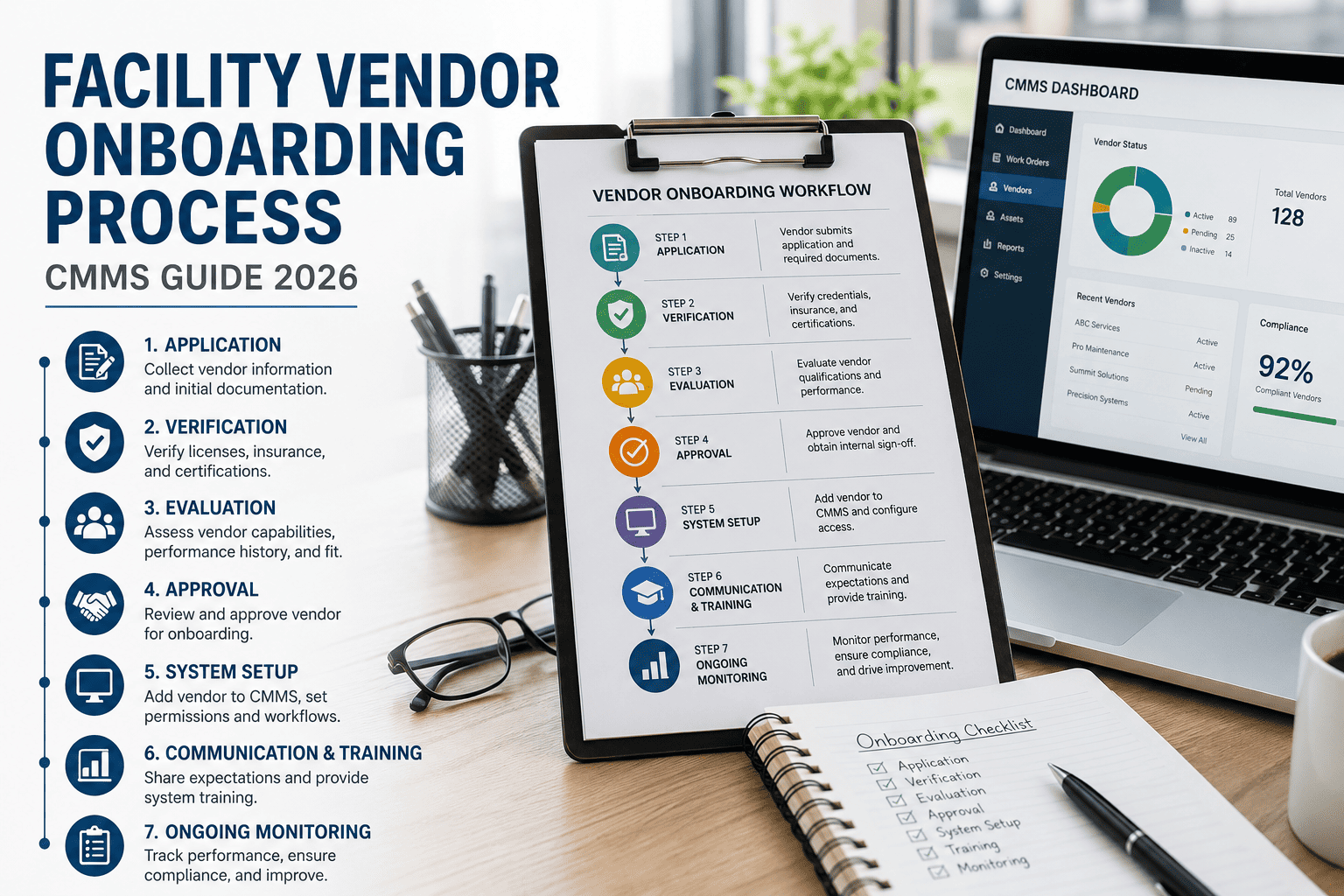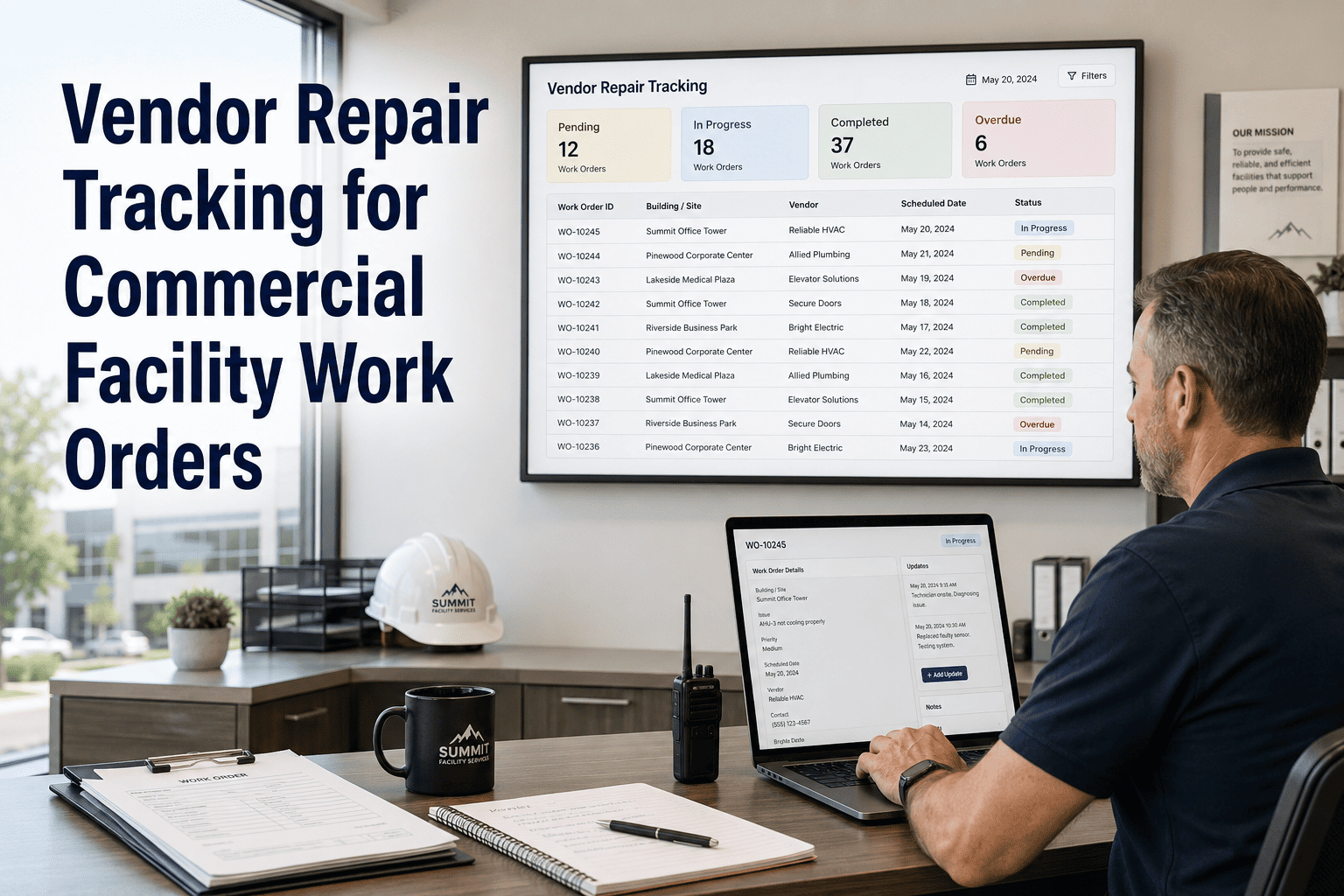
A new facilities vendor rarely fails on day one of the contract. The failure shows up in week two, when a technician cannot get into the mechanical room, nobody knows which work order queue to watch, and the first priority-one call still goes to the previous vendor's old phone number. A structured 30-day ramp closes those gaps before occupants ever feel them. This guide lays out the sequence, from access and tools through SOPs and first work orders, and shows how an AI-powered maintenance platform keeps every step on record.
FM Vendor Onboarding: A 30-Day Ramp Without Service Gaps
Contract signature is not go-live. Between the two sits access, systems, procedures and proof of competence. Oxmaint gives facility teams one place to gate each phase, assign the first work orders and measure whether the new vendor is actually ready.
Where Service Gaps Open During a Vendor Transition
Most onboarding problems are predictable. They appear in the same order on almost every account change, which means they can be scheduled against rather than discovered.
Root Causes Behind the Gaps
Gaps are symptoms. The table below traces each one back to the process failure that creates it and the control that prevents it.
| Symptom | Typical root cause | What it looks like on site | Preventive control |
|---|---|---|---|
| Missed first calls | Contact tree not updated | Tenants call the former vendor; urgent issues reach no one | Single request channel and published escalation list before day one |
| Repeat failures | Asset history not transferred | Technicians re-diagnose known issues from scratch | Import asset register and open work history before go-live |
| Unsafe entry | Safety induction skipped | Work starts without lockout points or permit knowledge | Induction sign-off as a hard gate for site access |
| Disputed invoices | No closeout standard | Jobs closed without notes, hours or parts | Mandatory completion fields on every work order |
| Preventive tasks lapse | Schedules left with old vendor | Filter changes and inspections quietly stop | Recreate PM schedules and assign owners in week two |
| Weak first report | No baseline measures | Response and completion times cannot be compared | Agree KPI definitions and data source in week one |
Before Day One: The Readiness Gate
The cheapest place to remove a service gap is before the vendor sets foot on site. A short readiness gate keeps the contract start date from becoming a scramble.
- Asset register exported and cleaned, with location and criticality
- Open and recurring work orders listed with age and status
- Drawings, O&M manuals and isolation point lists gathered
- SLA priorities, response targets and escalation path defined
- Building rules, permits and tenant communication process documented
- Named onboarding lead and a weekly review slot booked
- Named account manager, supervisor and technician roster
- Insurance certificates, licences and trade qualifications on file
- Safety induction and site-specific risk assessment completed
- Staff list for badging with photo and background clearance status
- Tools, test equipment and calibration evidence confirmed
- After-hours on-call roster with tested phone numbers
The 30-Day Ramp, Week by Week
Each week has one purpose and one exit gate. A vendor does not advance until the gate is met, which keeps pressure to go live from outrunning readiness.
Access, Safety and Orientation
The goal is simple: every approved technician can enter every area they are contracted to service, safely and with an audit trail.
- Issue badges and keys against a named roster, and log each one
- Complete site safety induction, permit-to-work and lockout briefing
- Walk the building with the incumbent or facility lead, room by room
- Confirm emergency shutoffs, riser rooms, roof access and plant locations
- Create vendor user accounts with role-based permissions only
Systems, Assets and Procedures
Technicians learn the building through the systems they will use every day, not through verbal handover alone.
- Train staff on the maintenance platform using real assets and locations
- Load the asset register, QR labels and recurring preventive schedules
- Publish SOPs for the highest-risk and highest-volume tasks first
- Set priority codes, response targets and closeout fields
- Test the request channel with a dummy emergency and a routine ticket
Supervised Live Work
Real requests flow to the new vendor while the facility lead reviews every completion, not just the exceptions.
- Route a controlled batch of low-risk corrective work orders first
- Review photos, notes, labour hours and parts on each closed job
- Run the first round of preventive maintenance with a facility observer
- Shadow after-hours calls and confirm escalation reaches the right person
- Correct SOP wording wherever technicians hesitated or improvised
Baseline and Handoff to Normal Governance
The ramp ends with data, not impressions. The review decides whether the vendor moves to standard contract oversight.
- Produce the first scorecard from platform data, not vendor-supplied summaries
- Compare response and completion performance against SLA priorities
- Audit a sample of completed work orders against SOP requirements
- Record lessons learned and update the onboarding checklist
- Agree the monthly review rhythm and the corrective action process
Give Every New Vendor a Gated, Trackable Start
Set up assets, work order priorities and vendor roles in Oxmaint, then watch each ramp phase close with evidence instead of promises.
Handover Strategy: Parallel Run or Hard Cutover
How the outgoing and incoming vendors overlap is the biggest single driver of service continuity. Neither option suits every site.
| Factor | Parallel run (1-2 weeks overlap) | Hard cutover (single date) |
|---|---|---|
| Knowledge transfer | Strong, with walk-throughs and live job shadowing | Limited to documents and a short briefing |
| Cost during transition | Higher, as two crews are paid for a short time | Lower on paper, higher if gaps cause rework |
| Accountability | Needs a clear rule on who owns each work order | Clear from one date, but unforgiving of mistakes |
| Best suited to | Critical systems, healthcare, data rooms, complex plant | Simple sites, low-risk assets, hostile exits |
| Main risk | Duplicate work and finger-pointing | Missing history and uncovered preventive tasks |
Where the incumbent relationship is strained, keep a defined handover meeting and a written asset condition report even with a hard cutover. It protects both parties later.
What the Vendor SOP Packet Should Contain
An SOP that nobody can find on a phone does not exist. Build a short, searchable packet and attach each procedure to the asset or task it governs.
Ramp Scorecard: What to Measure and When
Choose a small set of measures and agree the definitions in week one. Targets should come from your contract, not from generic benchmarks.
| Measure | How it is calculated | Review point | Warning sign |
|---|---|---|---|
| Access readiness | Cleared technicians divided by rostered technicians | End of week 1 | Any technician working without full clearance |
| Platform adoption | Work orders updated by vendor staff in the system | Weekly from week 2 | Updates arriving by phone or email instead |
| Response time | Request creation to vendor acknowledgement, by priority | Weekly from week 3 | Emergency calls acknowledged outside contract window |
| Completion quality | Sampled closed work orders meeting SOP standard | Weeks 3 and 4 | Missing notes, photos or parts data |
| Preventive compliance | Scheduled tasks completed on or before due date | End of week 4 | Backlog growing instead of shrinking |
| Repeat visits | Same asset and fault returning within a set period | End of week 4 | Rework on the same issue without root cause noted |
Onboarding Risk Matrix
Not every gap carries equal consequences. Rank them so scarce attention in the first month goes where failure is most costly.
| Risk | Likelihood | Impact | Treat as |
|---|---|---|---|
| Life safety systems uncovered during transition | Medium | High | Gate item. No go-live without confirmed coverage |
| Emergency escalation contacts outdated | High | High | Gate item. Test with a live call |
| Preventive schedules not recreated | High | Medium | Week 2 deliverable with named owner |
| Vendor staff turnover in first month | Medium | Medium | Require roster change notice and re-induction |
| Inconsistent job closeout data | High | Low | Enforce mandatory fields in the system |
Before and After: Ad Hoc Start vs Structured Ramp
- Knowledge lives in the outgoing vendor's heads
- Requests arrive by phone, text and email
- Preventive tasks restart when someone remembers
- Performance judged by complaints
- Access removed late, if at all
- Asset history and open work loaded before go-live
- One request channel with defined priorities
- PM schedules recreated, owned and tracked
- Performance judged by a shared baseline
- Access issued, logged and reviewable
How Oxmaint Supports Each Ramp Phase
Oxmaint is maintenance management software, so the ramp can be run inside the same system that will carry the contract afterwards. These are the capabilities that matter most during onboarding.
Common Onboarding Mistakes to Avoid
- Starting the clock at contract signature rather than at a verified readiness gate
- Letting the vendor build its own asset list instead of reconciling with the facility register
- Training once in a classroom and never again on real work orders
- Treating after-hours escalation as a detail to finalise later
- Accepting vendor-supplied reports as the first baseline
- Ending the ramp without updating the checklist for the next transition
Each mistake is cheap to prevent in the first week and expensive to unwind in the third month.
Tell Occupants What Is Changing and When
Tenants and site staff notice a vendor change only when something goes wrong. A short communication plan keeps requests flowing to the right place from the first day.
Frequently Asked Questions
Make the Next Vendor Start the Easiest One You Have Run
Bring assets, schedules, access roles and work orders into one system, and hold every new vendor to a clear 30-day standard.