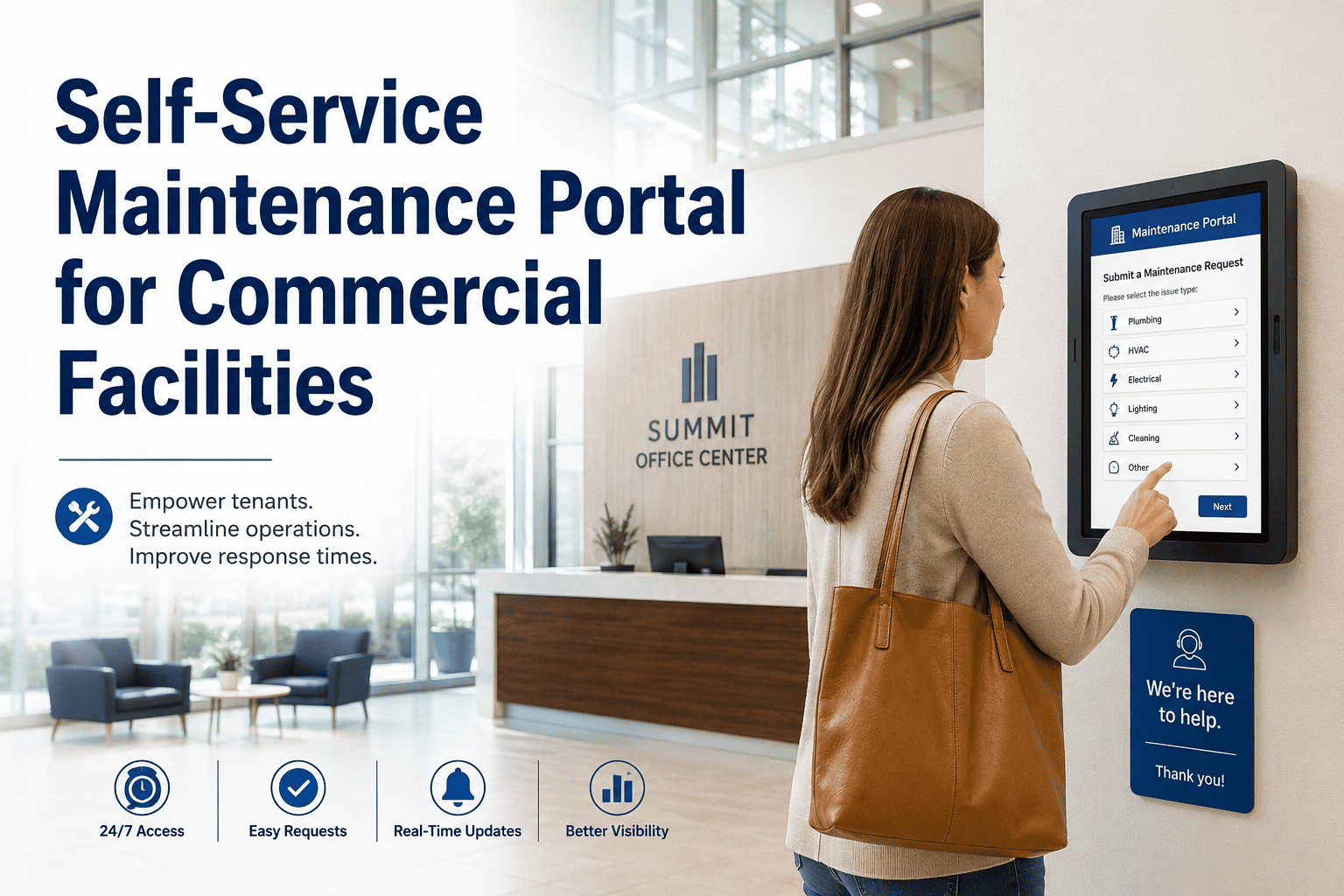
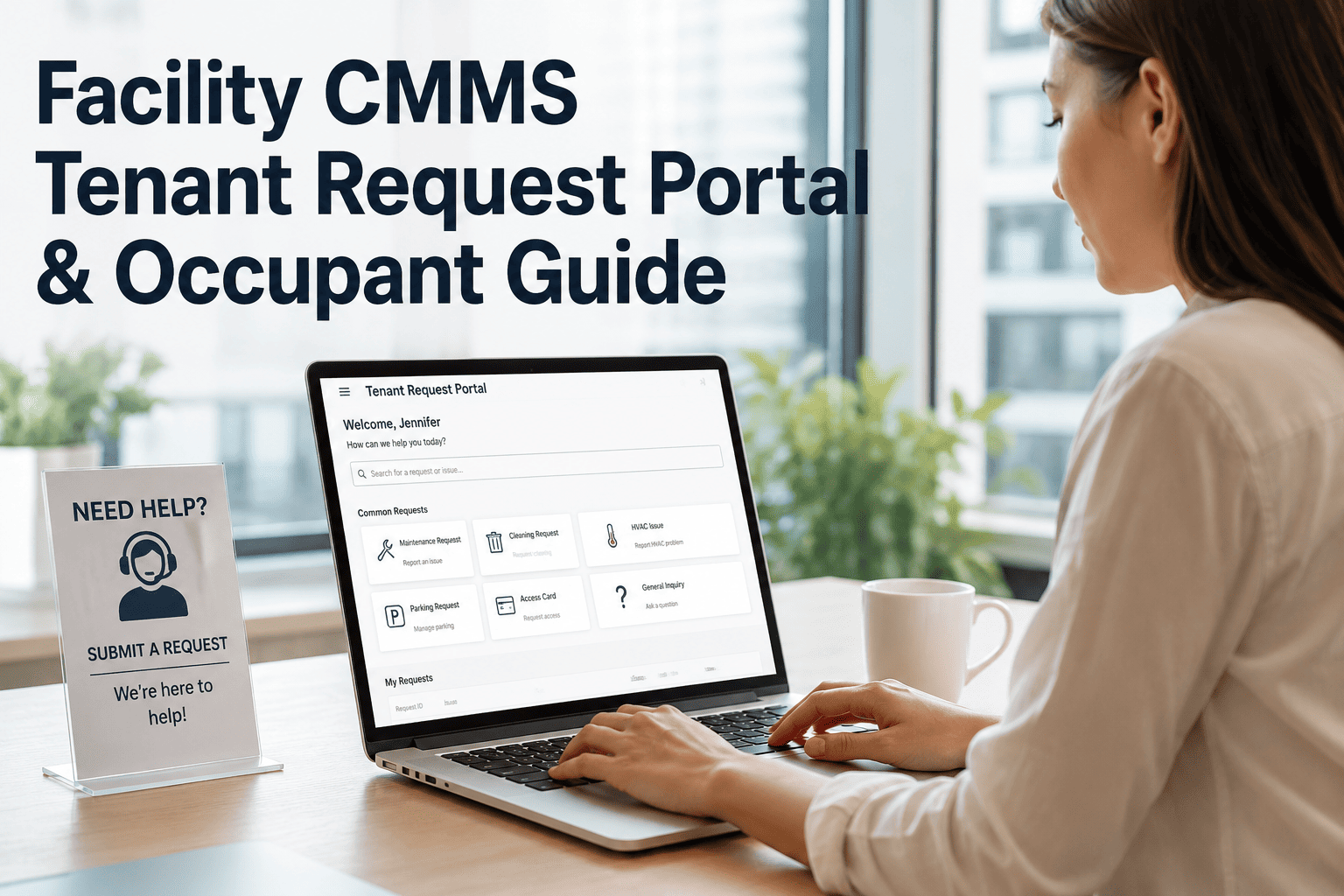
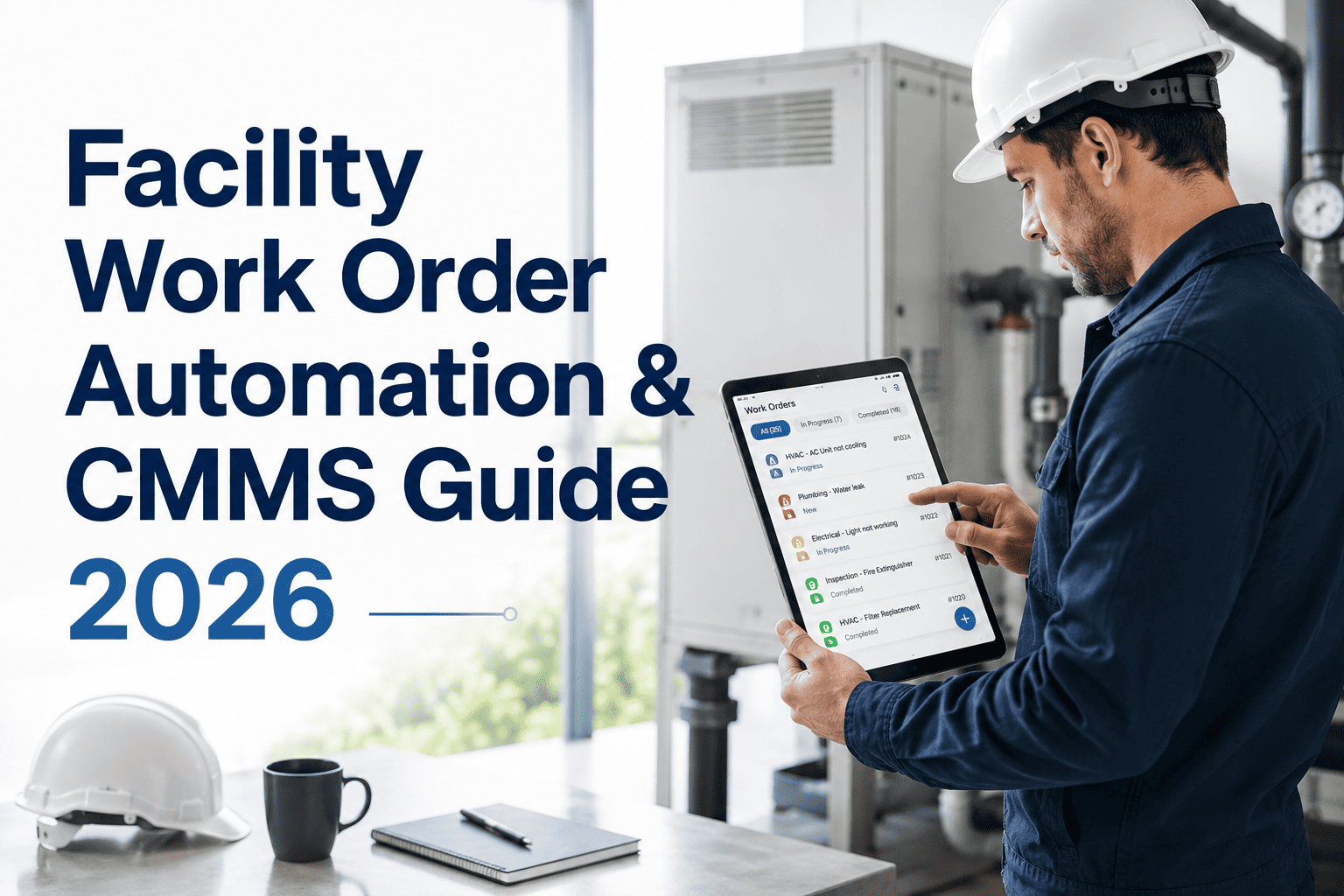
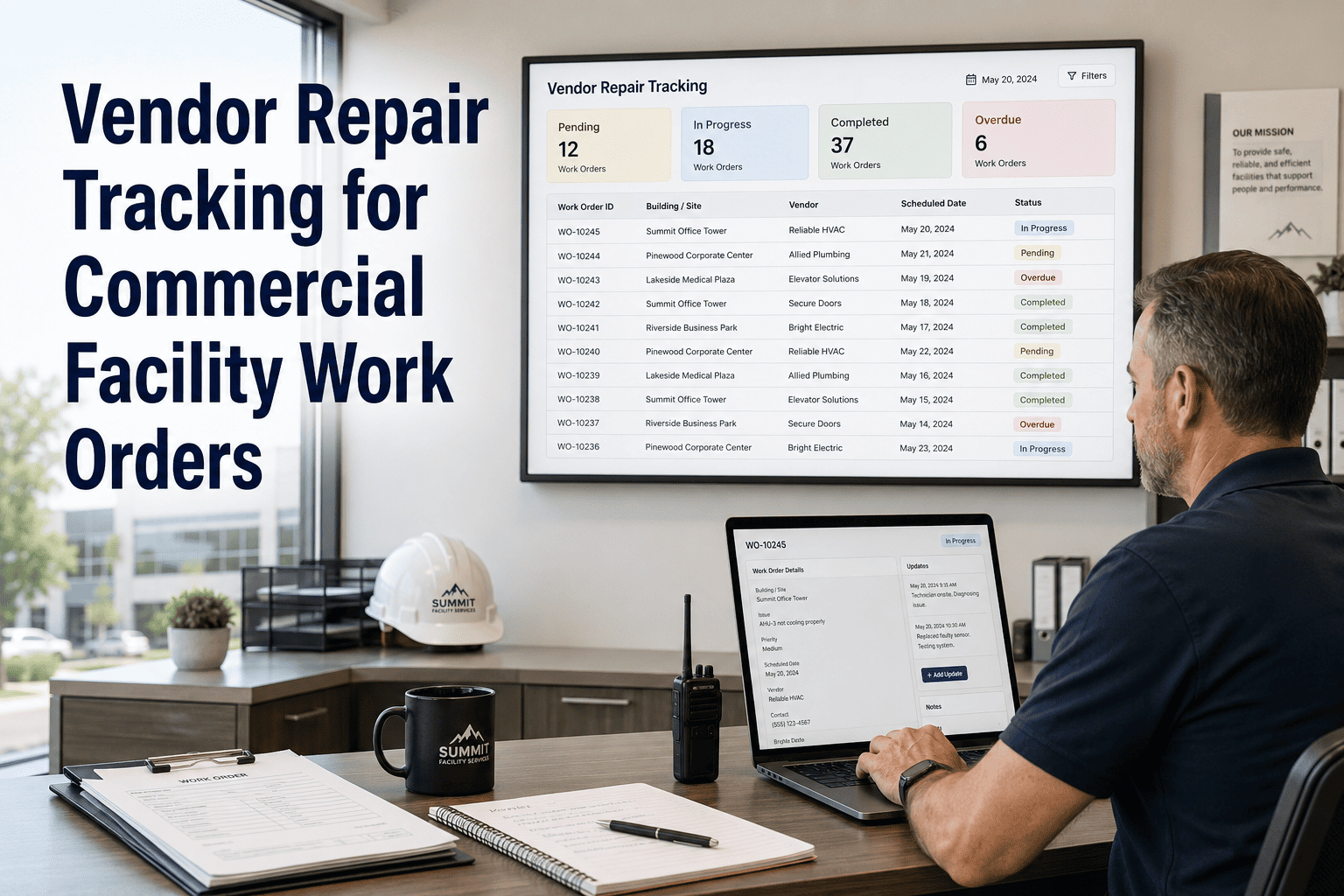
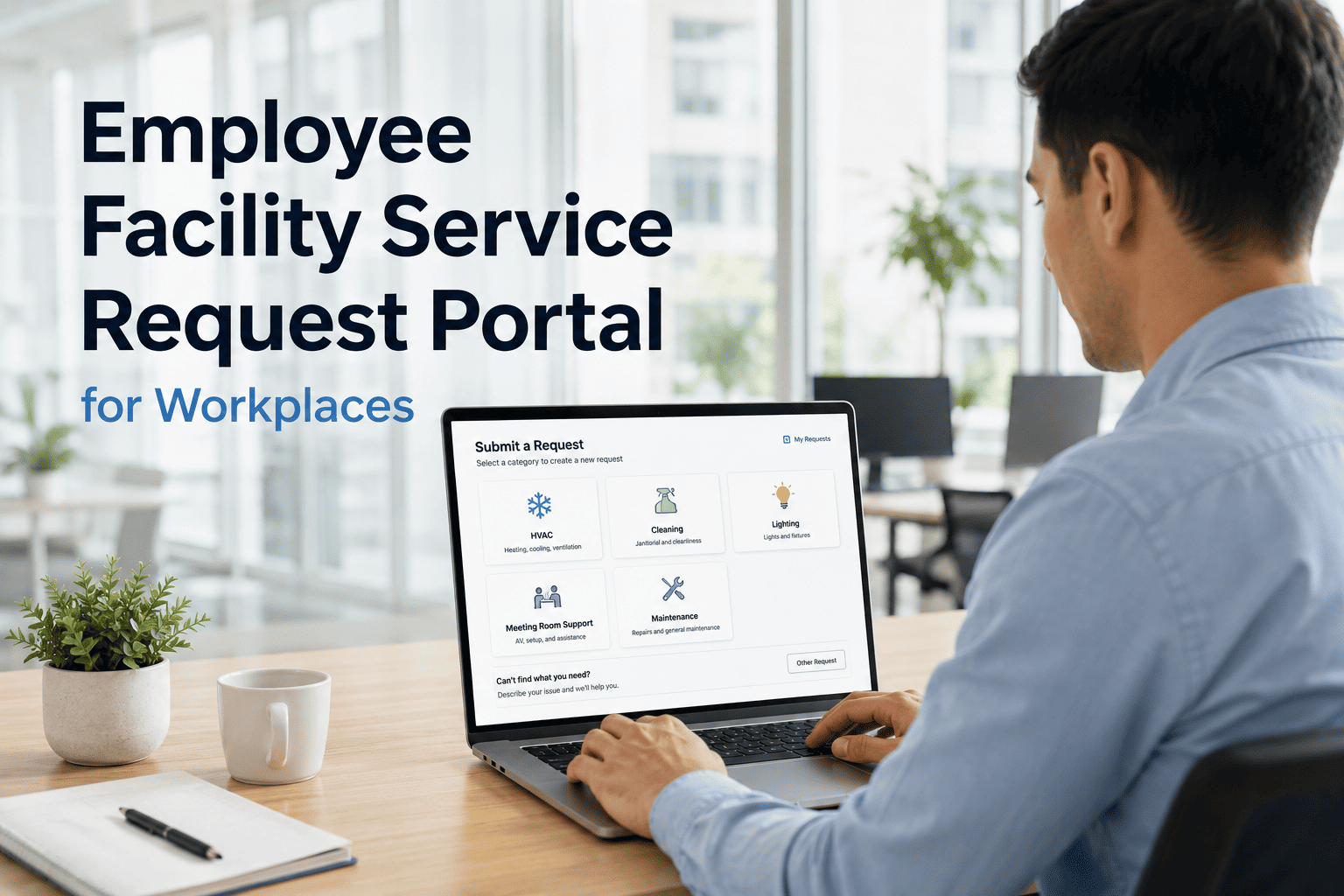
Commercial facilities teams spend nearly 30% of their day managing inbound maintenance requests through fragmented channels — emails that get buried, calls that go unlogged, and walk-ins that never make it into any system. OxMaint's Self-Service Maintenance Portal gives occupants, staff, and tenants one place to submit, track, and follow up on every request — while your team gets structured, prioritized, and actionable work orders from day one.
Self-Service Portal · Commercial Facilities · Request Management
One Portal. Every Request. Zero Chaos.
Centralize maintenance requests from all occupants, staff, and tenants into a single trackable queue — with priorities, attachments, asset links, and automated work order creation built in.
Maintenance Request Portal
Urgent
HVAC not cooling — Floor 4 South Wing
Submitted 8 min ago · Assigned to J. Torres
Open
Restroom 2B — soap dispenser empty
Submitted 22 min ago · Pending assignment
Resolved
Broken chair in Conference Room A
Closed 1 hr ago · Rated 5/5 by submitter
89%
of tenants prefer self-service submission over calling a helpdesk
4.6x
more requests captured with a structured portal vs email-only intake
52%
reduction in dispatcher time spent on intake, routing, and follow-up calls
How It Works
From Request to Resolution — Fully Automated
01
Occupant Submits
Any occupant, staff member, or tenant opens the portal on any device — no login required. They select the issue type, location, and add a photo if needed. Structured fields mean no vague descriptions.
02
Auto Work Order Created
OxMaint instantly generates a work order with the request details, asset link, priority score, and estimated SLA. The system routes it to the right team or technician based on issue type and location rules.
03
Tech Receives & Acts
The assigned technician gets a mobile notification with full request context — location, asset history, priority, and attached photos. No radio calls, no dispatcher re-briefing needed before arrival.
04
Submitter Gets Updates
Automated status updates keep the submitter informed at each stage. When resolved, they receive a completion note and can rate the response. No follow-up calls. No wondering if it was received.
Portal Features
Everything Your Tenants and Team Actually Need
| Feature |
What It Does for Tenants |
What It Does for Your Team |
| Priority & Category Tagging |
Guides submitters to select the right issue type |
Auto-routes high-priority jobs without dispatcher review |
| Photo & Attachment Upload |
Submit visual evidence of the issue instantly |
Technicians arrive prepared — no extra site visit needed |
| Live Status Tracking |
See exactly where their request stands at any moment |
Eliminates inbound "what's the status?" calls entirely |
| Location & Asset Linking |
Select floor, room, or zone from a building map |
Work orders arrive with asset history pre-attached |
| Multi-Building Support |
Same portal across all buildings in a portfolio |
Centralized dashboard across all sites and teams |
| SLA & Response Reporting |
Visibility into expected resolution timeframes |
Automated SLA breach alerts and trend reporting |
See the portal live — in your building's context.
Book a 30-minute demo and walk through how tenants submit, how your team receives, and how reports are built — all in one workflow.
Expert Review
What Facility Leaders Say About Self-Service Portals
"Self-service portals are no longer a nice-to-have — they are the baseline expectation in Class A and B commercial facilities. Tenants expect the same experience they get from consumer apps. Buildings that still rely on email or phone intake are seeing it reflected in tenant satisfaction scores and lease renewal rates. The operational efficiency gain is real, but the occupant experience improvement is what executives actually track."
78%
of tenants say unresolved maintenance requests are the top reason they consider not renewing leases
2.1x
higher technician productivity when work orders arrive structured vs verbally dispatched
FAQ
Common Questions About the Maintenance Request Portal
Can tenants use the portal without creating an account?
Yes. OxMaint's self-service portal is designed to be zero-friction. Tenants and occupants can submit requests by entering their name, contact, location, and issue type — no account creation, no password, no app download required. For organizations that want tracked submitter histories or access controls, optional logins can be configured, but the default is open and immediate. This dramatically increases submission rates compared to gated portals.
See how the portal works at OxMaint.ai.
How does priority routing work when a request comes in through the portal?
OxMaint applies configurable routing rules based on issue category, location, time of day, and submitter-defined urgency. A safety hazard in a lobby, for example, can be automatically classified as urgent and sent directly to the on-call technician with an escalation alert to the supervisor — all without dispatcher involvement. Routing rules are fully customizable per building, floor, or asset type, so your highest-priority issues never sit in a queue with routine requests.
Can we track response times and SLA compliance across the portal submissions?
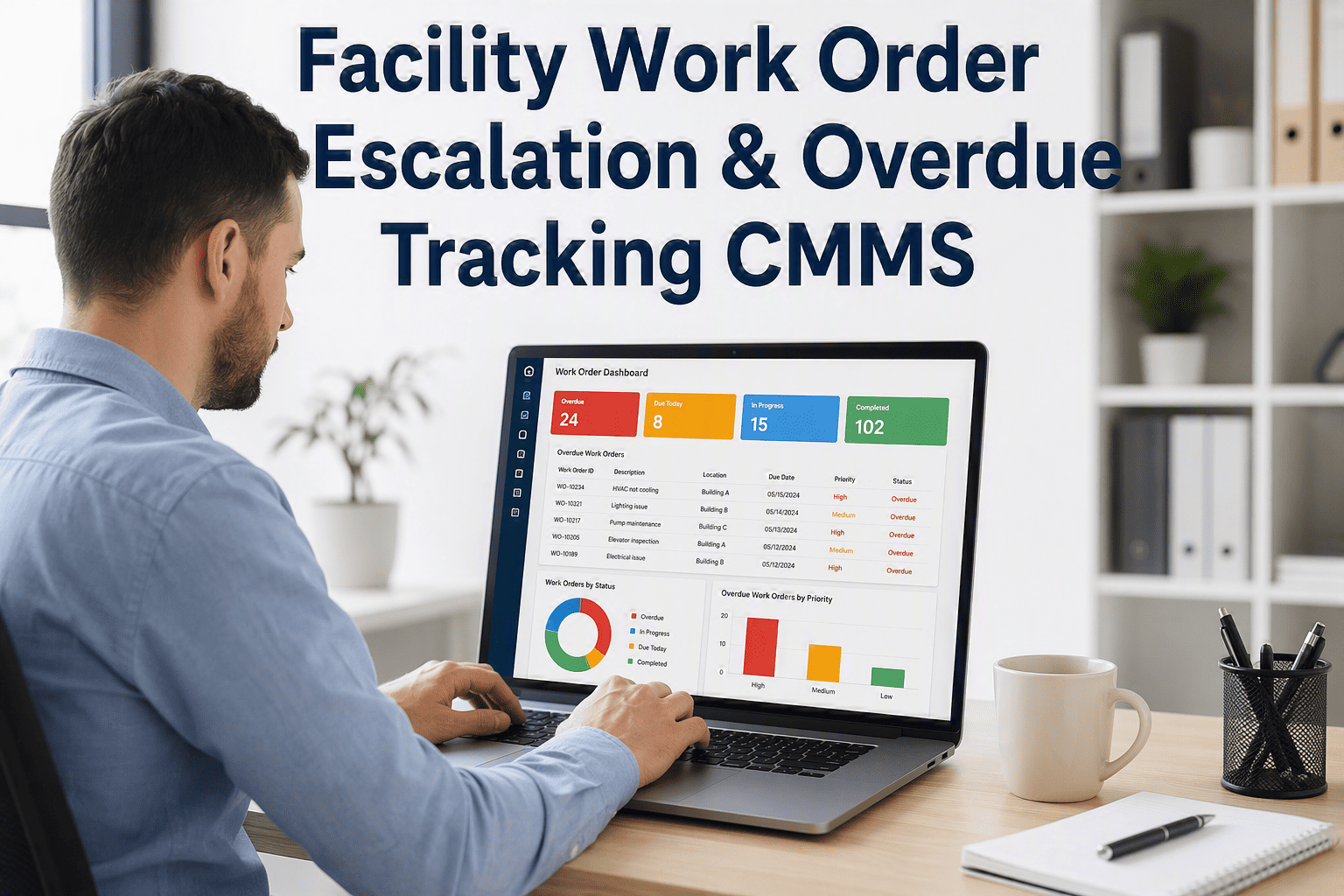
Yes. OxMaint's analytics dashboard tracks every portal submission through its full lifecycle — time to assignment, time to first response, time to resolution, and SLA compliance rate. Managers can filter by building, issue type, technician, or time period to identify bottlenecks, recurring problem areas, or underperforming zones. This data is exportable for regulatory reviews, board reporting, or tenant transparency reports.
Book a demo to walk through the reporting dashboard.
Does the portal support multiple buildings or portfolio-level operations?
Absolutely. OxMaint is built for multi-site facility teams. A single portal instance can serve multiple buildings under different branding or location structures, with all submissions flowing into a centralized dashboard where managers assign, filter, and report across the full portfolio. Each building can have its own routing rules, technician teams, SLA targets, and escalation protocols — while leadership gets a consolidated view of performance across the entire estate.
Free Trial · Multi-Building Ready · No Credit Card
Every request your tenants sent by email this week could have been a tracked work order.
Deploy OxMaint's self-service portal across your facilities and give every occupant, staff member, and tenant a direct line to your maintenance team — structured, trackable, and resolved faster.