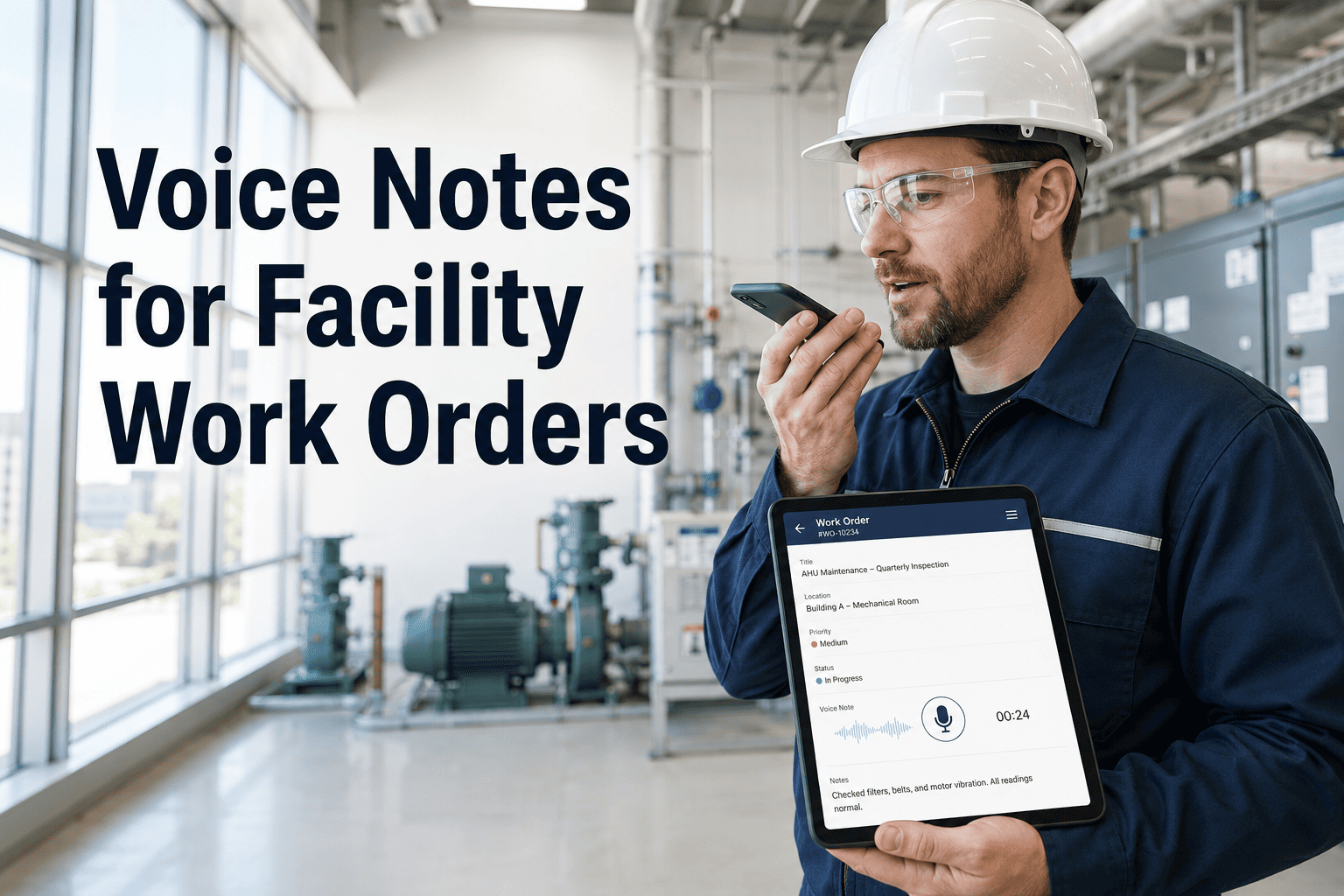
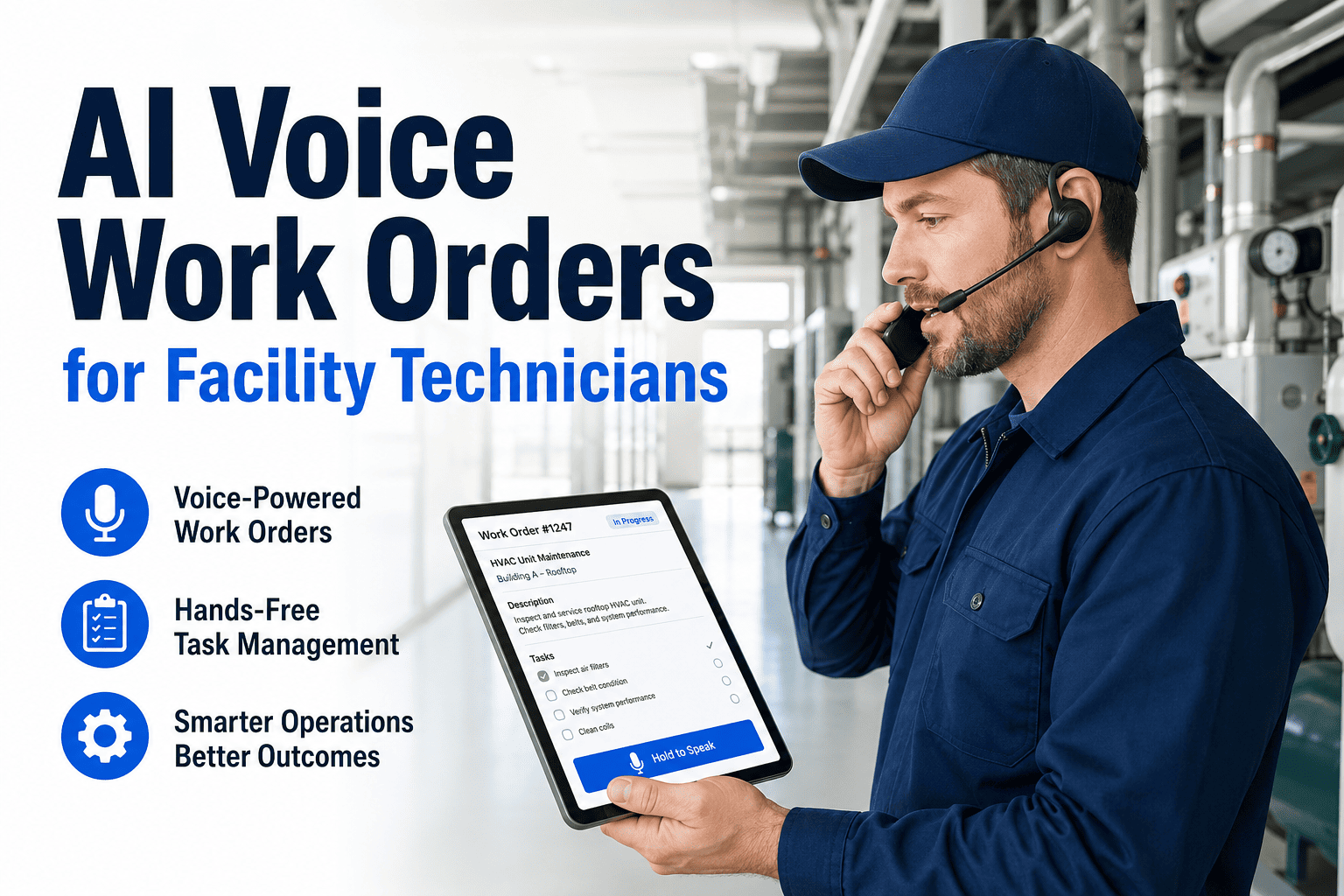
Field technicians waste hours writing up repair notes at the end of a shift — details go missing, work orders stay incomplete, and supervisors chase paperwork instead of planning. OxMaint's mobile CMMS lets technicians log repairs, scan assets, attach photos, and close work orders entirely by voice — right at the equipment. Book a demo to see it in action, or sign up free and try it with your team today.
MOBILE CMMS · FIELD DOCUMENTATION · FACILITY MAINTENANCE
Voice Notes for Facility Work Orders
How modern maintenance teams are replacing end-of-shift paperwork with instant voice capture, photo logs, and asset scans — and why the data is dramatically better for it.
5 min read
Mobile Workforce
OxMaint Feature
THE DOCUMENTATION PROBLEM
73%
of technicians report skipping or shortening repair notes when under time pressure
4.2 hrs
average time lost weekly per technician to manual work order write-ups
61%
of repeat failures trace back to incomplete repair notes from the previous service
$18K
estimated annual cost of documentation delays per 10-person maintenance team
WHY IT HAPPENS
The Documentation Gap Is a UX Problem, Not a People Problem
Technicians are not lazy — they are busy, often working in tight spaces, on ladders, or under time pressure with the next call waiting. Asking them to sit down and type detailed repair notes after every job is a design failure, not a discipline issue. The tools were built for desks, not for equipment rooms.
| Documentation Method |
Time at Equipment |
Data Completeness |
Photo Attachment |
Asset Auto-Link |
| Paper forms (end of shift) |
0 min (deferred) |
Low — memory gaps |
Rarely done |
Manual entry |
| Desktop CMMS (back at office) |
0 min (deferred) |
Medium — key facts only |
Sometimes |
Semi-manual |
| Mobile CMMS text entry |
3–5 min |
Medium — typing friction |
Yes |
QR scan |
| OxMaint Voice + Mobile |
45–90 sec |
High — full narrative |
Yes, instant |
QR scan |
HOW IT WORKS
Four Inputs. One Work Order. Under Two Minutes.
1
Scan the Asset QR Code
The technician scans the QR tag on the equipment. OxMaint pulls up the full asset record — PM history, last failure, open work orders — instantly. No searching, no ID numbers to remember.
2
Record Voice Notes
Tap to record. The technician narrates what they found, what they did, and what parts were used — while still at the equipment. Voice is converted to structured text and attached to the work order automatically.
3
Attach Photos
Before and after photos are captured directly in the app and pinned to the work order. No emailing photos, no lost images. The visual record is permanent and audit-ready from day one.
4
Close and Submit
The work order closes with parts used, time logged, condition noted, and photos attached. The supervisor sees it in real time. No follow-up calls, no paperwork chase, no end-of-shift backlog.
See How Your Technicians Can Close Work Orders in Under 2 Minutes
OxMaint's mobile CMMS is designed for the field — voice notes, QR scans, photo capture, and instant work order updates without a keyboard in sight.
THE DATA IMPACT
Better Documentation Means Better Maintenance Decisions
Voice notes captured at the equipment are longer, more specific, and more accurate than notes written hours later. That detail compounds over time — better repair histories lead to better failure pattern analysis, better PM intervals, and fewer repeat breakdowns.
01
Failure Pattern Detection
When every repair includes specific symptoms, technicians catch recurring failures on the same asset class before they escalate to critical breakdowns.
02
Warranty and Parts Claims
Photo evidence and timestamped repair notes give facility managers the documentation needed to support parts warranty claims and vendor accountability.
03
Audit and Compliance Readiness
Inspectors and auditors reviewing building systems need evidence of maintenance activity. Voice-captured work orders provide a complete, searchable audit trail without extra effort.
EXPERT REVIEW
Facilities Operations Perspective
Senior Facility Operations Consultant — Commercial & Institutional Buildings
The shift from paper-based work order documentation to voice-first mobile capture is one of the highest-ROI workflow changes available to a mid-size facility team. In our assessments, voice-captured notes average 3.4x more words than typed notes — and those extra words matter. They contain the diagnostic reasoning: what the technician heard, smelled, or observed that isn't in a dropdown. That qualitative data is irreplaceable for root cause analysis and is the first thing that disappears when documentation is deferred. Teams that adopt voice documentation consistently see a measurable reduction in repeat work orders within 90 days of rollout.
FREQUENTLY ASKED
Voice Notes and Mobile Work Orders — Common Questions
Does voice input work in loud mechanical rooms or outdoor environments?
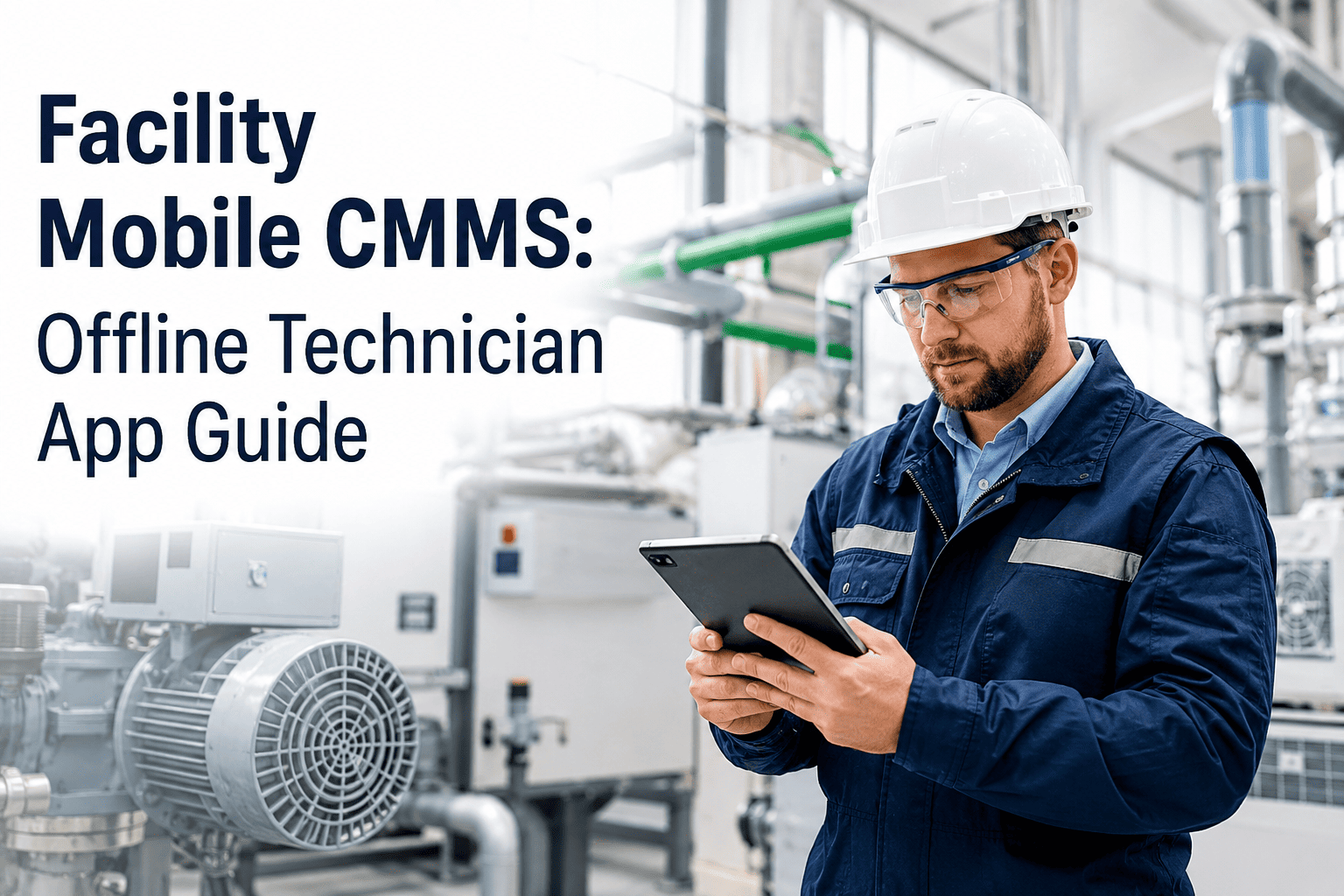
OxMaint's mobile app is designed for real facility environments, not just quiet offices. Voice input works in most mechanical and outdoor conditions; for very loud spaces, technicians can use the quick-text or checklist mode instead. The app also supports offline capture — notes sync automatically when connectivity is restored.
Try the app free with your own team to test it in your specific environment before committing.
How does the voice note attach to the correct work order and asset?
The workflow starts with a QR scan, which pulls up the specific asset and its open work orders. Voice notes, photos, and time logs are attached directly to that work order — no manual linking required. If a technician opens a new work order from the QR scan, the asset relationship is set automatically. This eliminates the misrouted notes and data entry errors that are common with traditional CMMS systems. See how the
QR asset workflow functions end to end in a free account.
Can supervisors review voice notes and photos in real time, or only after the work order closes?
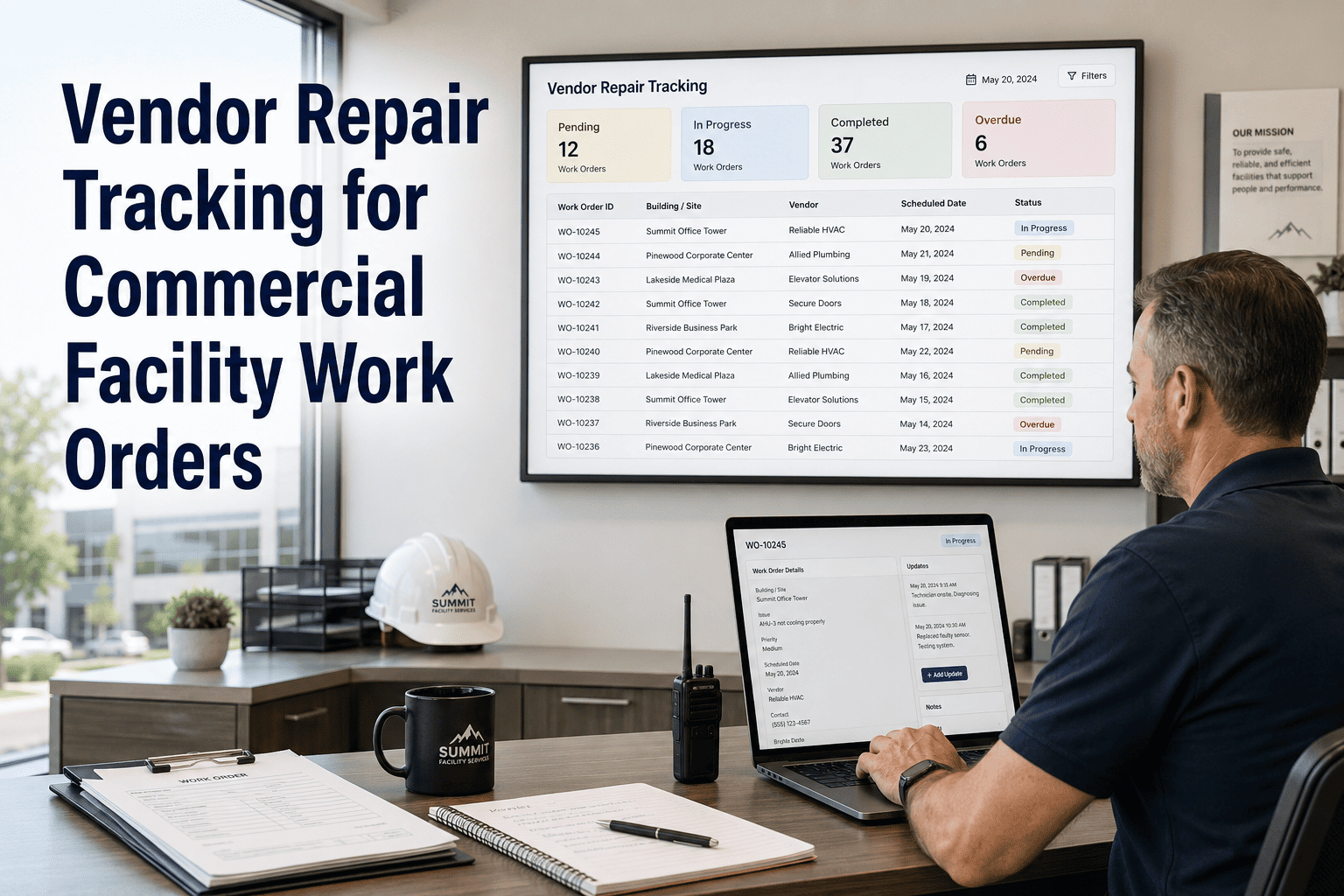
Supervisors see work order updates in real time as technicians log notes and photos. There is no end-of-shift batch process — the dashboard updates as field activity happens. This gives supervisors visibility into in-progress work and lets them flag issues or approve follow-up tasks before a technician leaves the site.
Book a demo to see the supervisor dashboard alongside the technician mobile view in the same session.
Is the voice note stored as audio, text, or both?
OxMaint converts voice input to structured text that is stored with the work order and fully searchable. The text becomes part of the permanent asset history — searchable by keyword, filterable by date, and exportable for compliance reporting. This means a supervisor reviewing a failure pattern two years later can search for symptoms in past work orders just as easily as recent ones. Text-based storage also makes the notes accessible to team members regardless of language or audio quality.
OXMAINT · MOBILE CMMS · VOICE DOCUMENTATION
Your Technicians Are Already Talking. Make It Count.
OxMaint captures repair knowledge at the moment it exists — voice notes, photos, asset scans, and instant work order updates from any device, anywhere in your facility.