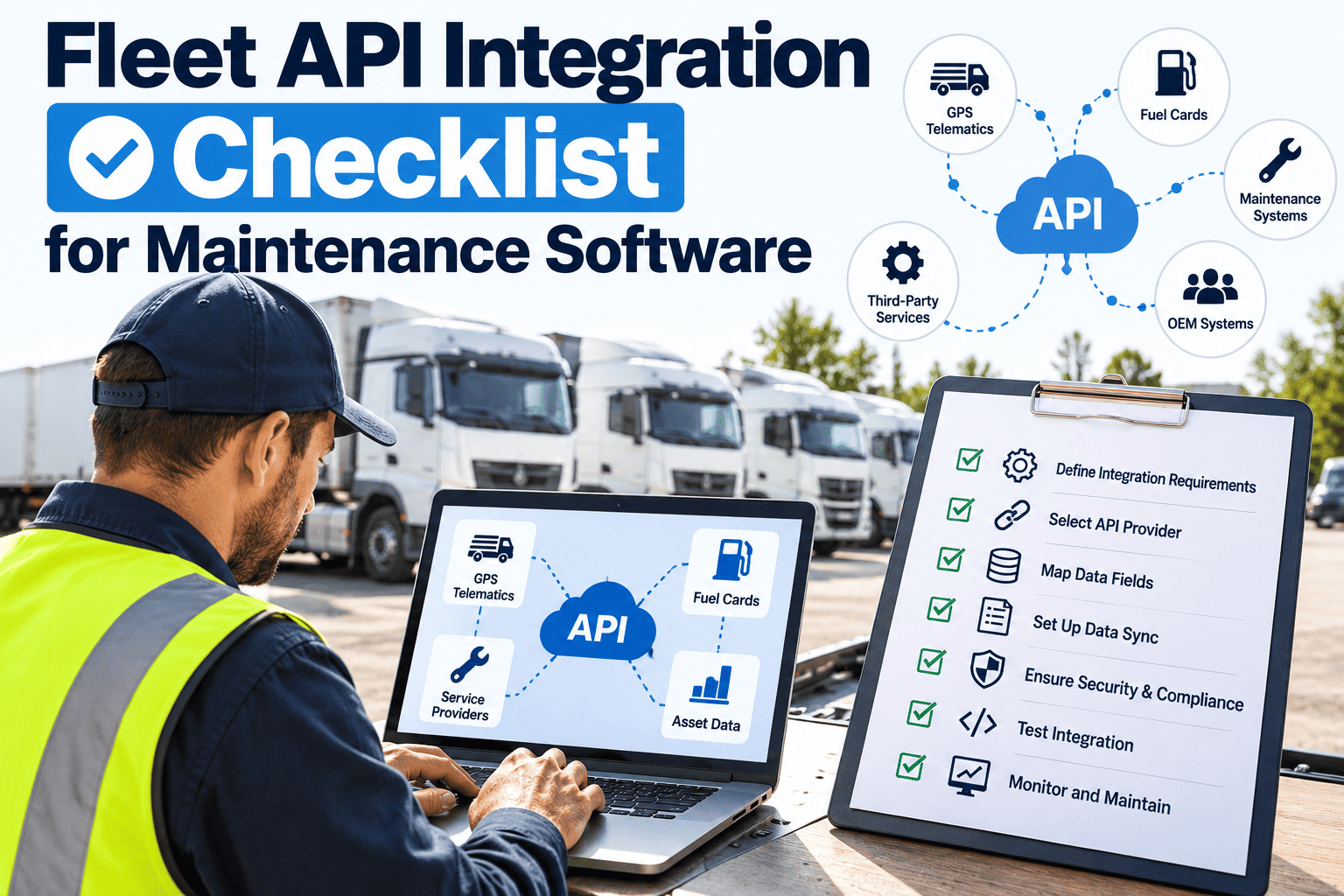
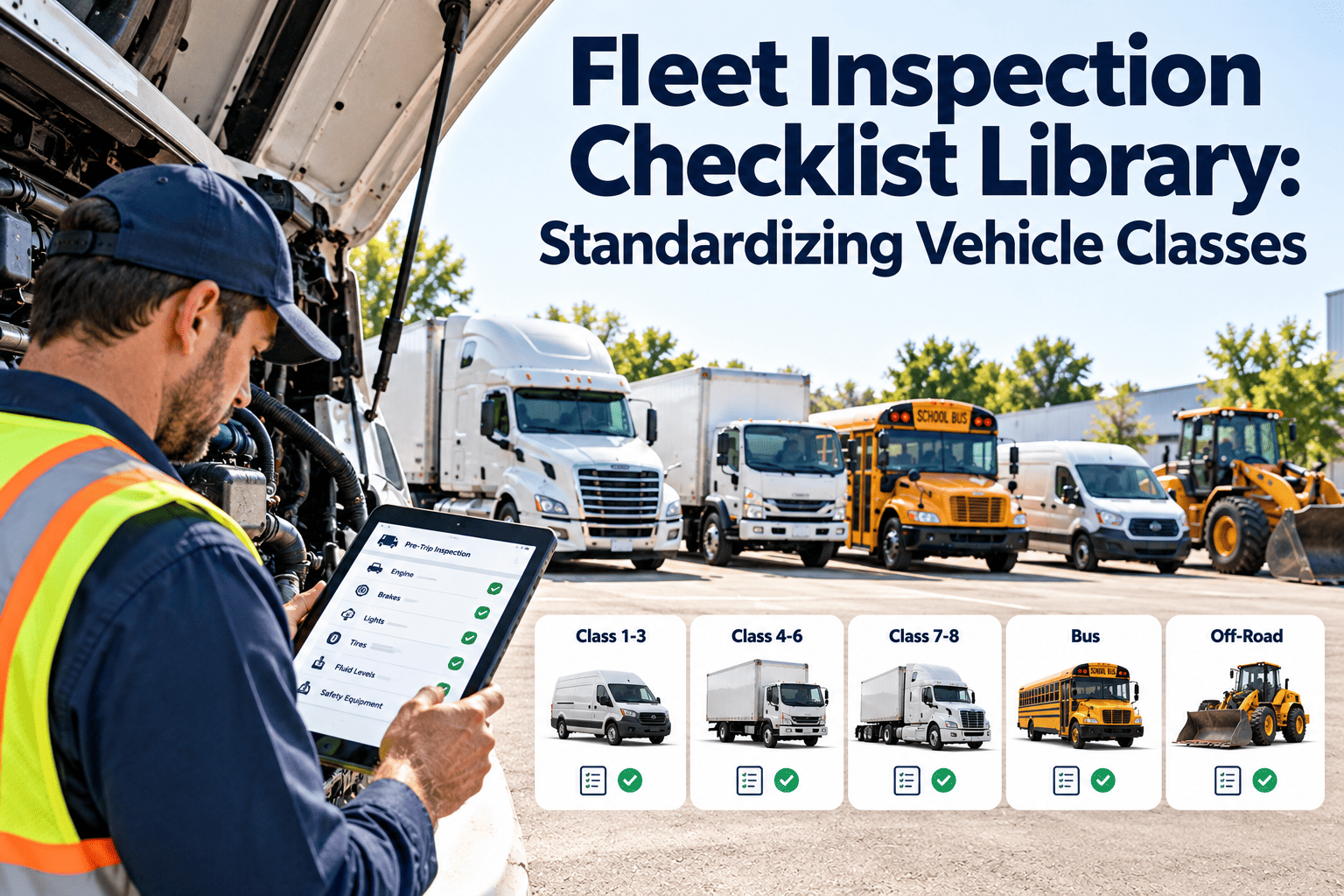
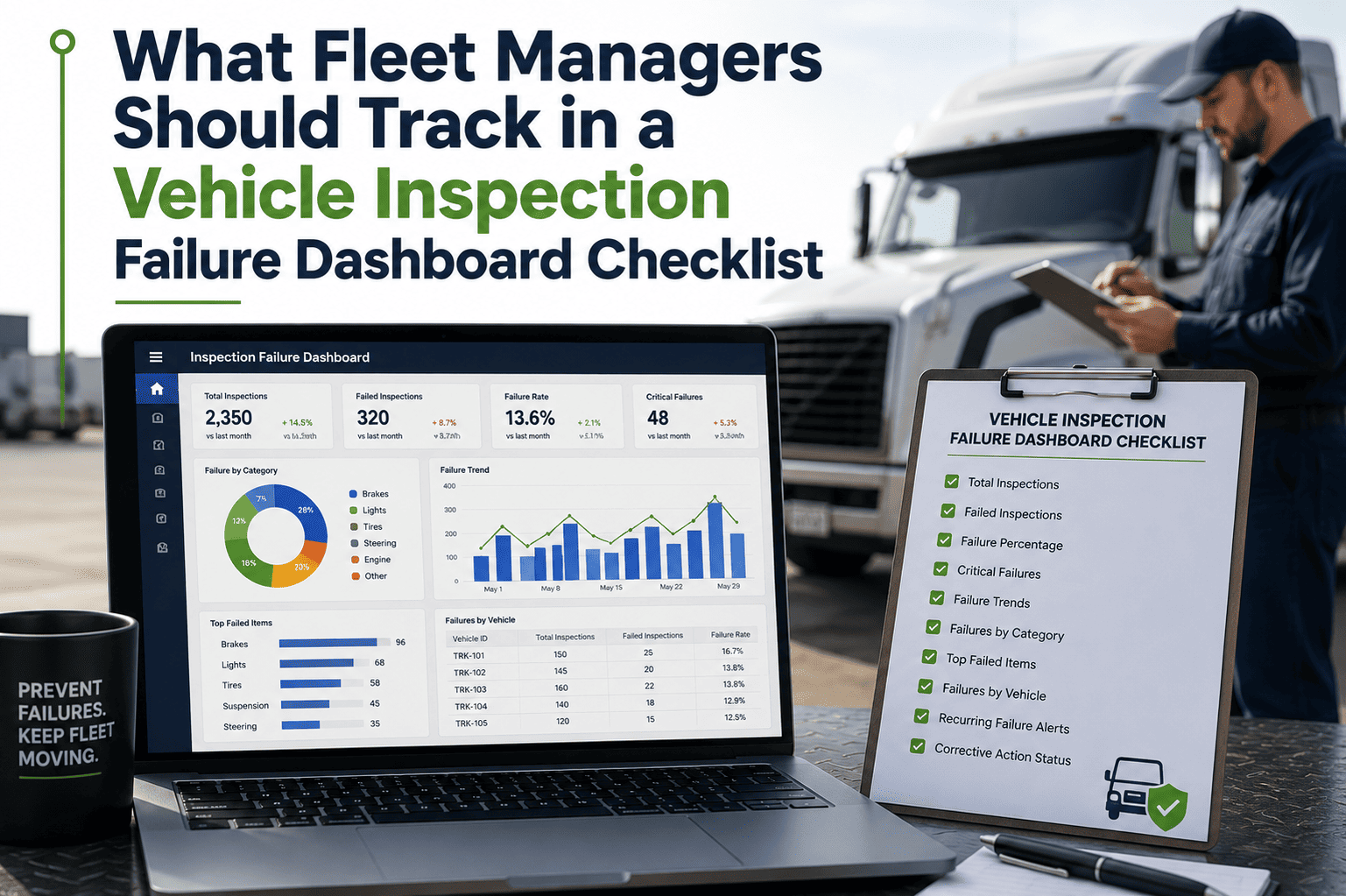
A trailer with a live GPS feed, a truck reporting engine fault codes over J1939, a fuel card processor logging every diesel purchase, and a parts supplier confirming stock levels are all generating maintenance-relevant data every hour of every day — but only if something is actually listening. In most fleets, that data sits in four or five separate systems that were never designed to talk to each other, which means a technician finds out about a fault code from a driver's verbal report hours after the telematics platform already knew, and a purchasing clerk reorders a part the CMMS inventory module already flagged as low stock the day before. This checklist walks fleet IT leads, maintenance managers, and integration engineers through the practical checks required to connect telematics, fuel, diagnostics, parts, and financial systems to a maintenance platform — closing the gap between when an event happens on a vehicle and when the maintenance team can act on it in OxMaint.
Fleet Maintenance · System Integration · API Checklist
Fleet API Integration Checklist for Maintenance Software
A practical, category-by-category checklist for connecting telematics, ELD, fuel card, IoT sensor, parts supplier, and accounting systems to a fleet CMMS — so maintenance decisions run on live data instead of end-of-shift paperwork and re-typed spreadsheets.
6
Integration Categories
24
Checklist Items
0
Manual Re-Entry Target
SSetup / Configuration
TTesting / Validation
OOngoing Monitoring
Before / After
Manual Data Entry vs. API-Integrated Maintenance Workflow
The gap between a manually-fed CMMS and an API-integrated one is not cosmetic — it changes how quickly a defect is caught, how accurate cost reporting is, and whether preventive maintenance triggers fire on time. The table below compares the same five workflows under each approach.
| Workflow |
Manual Process |
API-Integrated Process |
| Odometer / engine hours |
Driver logs mileage on paper or radios it in at end of shift |
Telematics pushes live odometer and engine-hour readings to the CMMS asset record |
| Fault detection |
Driver reports a warning light after the trip is already complete |
OEM diagnostic trouble code triggers a work order near real time |
| Parts reordering |
Mechanic checks the shelf, calls the supplier, waits on a callback |
Reorder point automatically generates a purchase order from the CMMS |
| Fuel cost tracking |
Paper receipts collected and entered into a spreadsheet weekly |
Fuel card transactions sync directly into cost-per-mile reporting |
| Invoice reconciliation |
AP clerk manually matches paper invoices to job cards |
Vendor invoice is auto-matched against the originating CMMS work order |
Integration Architecture
How Data Moves From Source System to Maintenance Action
1
Source Systems
Telematics/ELD, fuel cards, IoT and OEM diagnostic sensors, parts suppliers, and accounting/ERP each generate raw operational data independently.
2
API Gateway / Integration Layer
Authenticates each connection, maps incoming fields to the correct asset or part record, and enforces rate limits and data validation.
3
CMMS Core
Asset records, inventory counts, and compliance documentation are updated with the incoming data as a single source of truth.
4
Automated Triggers
Preventive maintenance schedules, corrective work orders, reorder requisitions, and threshold alerts fire based on the updated data.
5
Reporting & Audit
Dashboards, cost reports, and compliance records reflect the full data trail from source event to closed work order.
Category 01
Telematics & ELD Data Integration
Telematics and ELD systems generate the highest volume of maintenance-relevant data in most fleets — location, odometer, engine hours, and fault codes — but that data only has maintenance value if it reaches the CMMS mapped to the correct asset and on a defined interval.
Vehicle location, odometer, and engine-hour sync verified — confirm the telematics API pushes odometer and engine-hour readings to the CMMS asset record at a defined interval; without accurate sync, mileage- or hour-based preventive maintenance triggers fire late or not at all
TIntegration Engineer · Sync validation log
Fault code (DTC) feed mapped to the correct CMMS asset ID — confirm diagnostic trouble codes such as SAE J1939 fault data map to the correct vehicle record; a fault code landing on the wrong asset generates a work order against the wrong vehicle while the actual fault goes unaddressed
SIntegration Engineer · Asset ID mapping record
ELD utilization data reconciled against PM scheduling — confirm ELD-reported drive time and idle time is visible to maintenance planners so preventive maintenance intervals reflect actual vehicle usage rather than a calendar-only schedule that ignores how hard a unit is actually being run
OMaintenance Planner · Utilization review log
API credentials and refresh tokens documented and rotated — confirm telematics API keys or OAuth tokens are documented, stored securely, and rotated per the provider's expiry policy; an unrotated token silently breaks the data feed until someone notices missing sync data
OFleet IT · Credential rotation log
Category 02
Fuel Card & Fuel Management Integration
Fuel data is a cost record to finance, but it is a maintenance signal to a fleet manager — a sustained drop in miles-per-gallon on a single unit is often the earliest indicator of a fuel system, filter, or engine problem, well before a driver reports anything.
Fuel transaction data mapped to the correct vehicle and fuel type — confirm each transaction record carries a vehicle/unit ID and fuel type, and that mapping to the CMMS asset record is accurate; a mismatched record either misattributes cost or masks a fuel-type error
SFleet Administrator · Fuel mapping record
Fuel efficiency variance alerts configured — confirm the integration flags a sustained miles-per-gallon or fuel-per-hour drop on a specific asset as a maintenance signal, not only as a line item in a monthly cost report that no one reviews until the quarter closes
SMaintenance Manager · Variance alert configuration
Duplicate or out-of-geofence transactions flagged for review — confirm the integration surfaces fuel purchases outside expected routes or duplicate charges within a short time window so fleet admin can investigate before the data pollutes cost-per-mile reporting
OFleet Administrator · Exception review log
Sync frequency matched to reporting cadence — confirm the fuel data sync interval, whether real-time, hourly, or daily batch, is documented and matches the cadence maintenance and finance teams actually need for cost-per-mile and fuel-efficiency reporting
SFleet IT · Sync interval documentation
A telematics feed, a fuel card export, and a parts supplier catalog are three separate data sources — until they're mapped into one asset record, they generate three separate blind spots instead of one maintenance signal. OxMaint centralizes those feeds into a single CMMS asset history so a fault code, a fuel variance, and a parts reorder all point back to the same vehicle.
Category 03
OEM Diagnostics & IoT Sensor Integration
Condition-monitoring sensors and onboard diagnostics can generate an automatic work order before a driver ever notices a symptom — but only if sensor thresholds are configured correctly and the feed is fast enough to matter for the condition being monitored.
OBD-II / J1939 diagnostic data ingested into CMMS asset history — confirm the vehicle's onboard diagnostic feed is captured as part of the asset's maintenance history in the CMMS, not only on a separate telematics dashboard, so a technician reviewing a work order can see the fault code trail
SIntegration Engineer · Diagnostic feed record
IoT sensor thresholds mapped to automatic work order triggers — confirm condition data such as temperature, vibration, pressure, or tyre pressure is mapped to threshold rules that automatically generate a corrective work order once a reading exceeds the defined limit
SMaintenance Manager · Threshold configuration record
Sensor data latency tested under real operating conditions — confirm the time between a sensor event occurring on the vehicle and the corresponding alert appearing in the CMMS is measured and acceptable for the criticality of the condition; a delayed brake-temperature alert has materially less value than a real-time one
TIntegration Engineer · Latency test log
False-positive and sensor-fault handling process defined — confirm there is a documented process for the maintenance team to distinguish a genuine defect alert from a faulty sensor reading, so technicians are not dispatched repeatedly against a sensor fault rather than a vehicle fault
OMaintenance Manager · Alert triage procedure
Category 04
Parts, Inventory & Supplier Integration
A parts integration is only as reliable as its weakest link — if consumption isn't decremented correctly on work order close, every downstream reorder trigger is working from a stock count that was already wrong.
Parts catalog and supplier pricing feed synced to CMMS inventory — confirm supplier part numbers, descriptions, and pricing sync into the CMMS inventory module so technicians select the correct part on a work order and stock valuation stays current without manual price updates
SInventory Manager · Catalog sync record
Automatic reorder point triggers tested end-to-end — confirm that when stock for a part falls below its threshold, the integration generates a purchase requisition or supplier order without manual intervention, and that the resulting order reflects the correct quantity and supplier
TInventory Manager · Reorder trigger test log
Parts consumption decremented correctly on work order close — confirm parts recorded as used on a completed work order are deducted automatically from CMMS inventory counts, and that the deduction matches the actual part and quantity used rather than a default estimate
TInventory Manager · Consumption accuracy check
Core return and warranty claim data linked to the originating work order — confirm that for parts under warranty or subject to a core return, the integration retains the link between the part, its supplier record, and the work order it was installed on, so a warranty claim can be filed with complete documentation
OInventory Manager · Warranty linkage record
Category 05
Accounting / ERP Financial Integration
Maintenance cost data that doesn't reconcile cleanly with accounting doesn't just create a finance headache — it undermines the total-cost-of-ownership figures used to decide when a vehicle should be replaced rather than repaired again.
Work order labor and parts costs mapped to correct GL accounts — confirm completed work order costs, including labor hours, parts, and outside vendor invoices, map to the correct general ledger cost centers so maintenance spend is attributed to the right vehicle, department, or cost category
SFinance / Fleet Admin · GL mapping record
Vendor invoice data reconciled against CMMS purchase orders — confirm invoices from outside repair vendors or parts suppliers are matched against the corresponding CMMS purchase order or work order before payment approval, preventing payment for work or parts not recorded in the maintenance system
OAccounts Payable · Reconciliation log
Asset depreciation and total-cost-of-ownership data flow verified — confirm maintenance cost data feeding TCO calculations used for fleet replacement decisions is complete and current, and that the integration does not silently drop cost records during a partial sync failure
TFleet Administrator · TCO data audit
Sync failure alerts routed to a responsible owner — confirm that if the accounting/ERP sync job fails or partially completes, an alert is sent to a named individual rather than failing silently; a broken financial sync can go unnoticed for weeks and produce inaccurate cost reporting
OFleet IT · Sync failure alert log
Category 06
Authentication, Security & Data Governance
Every integration is a new door into the maintenance system's data — the security posture of the least-carefully-configured API connection sets the security posture of the entire CMMS.
API access scoped to least-privilege permissions — confirm each integration's API credentials are scoped only to the data and actions required, using read-only access where write access is not needed, rather than a single all-access credential shared across every integration
SFleet IT / Security · Access scope record
Webhook endpoints validated and secured — confirm inbound webhook endpoints used for real-time telematics or sensor alerts validate request signatures or tokens before processing, preventing a spoofed request from creating false work orders or corrupting asset data
TFleet IT / Security · Webhook security test
Data retention and audit log policy documented per integration — confirm each integration's data retention period and audit logging of who changed what and when is documented and meets the fleet's internal recordkeeping requirements
SFleet IT / Compliance · Retention policy record
Integration failure and data-quality monitoring in place — confirm there is an ongoing process, whether a dashboard, alert, or scheduled review, to detect when an integration silently stops sending data or begins sending malformed data, since a missing feed can go undetected until a preventive maintenance trigger fails to fire
OFleet IT · Feed health monitoring log
Integration KPIs
Six Metrics That Prove Your Fleet Integrations Are Actually Working
| Metric |
How to Measure |
Target |
Frequency |
| API Uptime / Feed Availability |
Successful sync intervals / total expected intervals |
>99% |
Weekly |
| Data Mapping Accuracy |
Correctly matched asset records / total records synced |
100% |
Monthly |
| Sync Latency |
Time from source event to CMMS record creation |
Within defined SLA per feed type |
Per integration |
| Failed Sync Response Time |
Hours from failure alert to resolution |
<24 hours |
Ongoing |
| Auto-Generated Work Order Accuracy |
Valid corrective work orders / total auto-generated |
Trending upward |
Monthly |
| Credential Rotation Compliance |
Credentials rotated on schedule / total active integrations |
100% |
Quarterly |
FAQs
Frequently Asked Questions
What is fleet API integration in the context of maintenance software?
It is the connection between a CMMS and other fleet systems — telematics, fuel cards, IoT sensors, parts suppliers, and accounting — so maintenance-relevant data flows automatically instead of being re-entered by hand. OxMaint centralizes these feeds into a single asset record.
Which fleet systems typically need to be integrated with a CMMS?
The most common categories are telematics/ELD, fuel card processors, OEM diagnostic and IoT sensor feeds, parts and supplier catalogs, and accounting or ERP systems, as covered in this checklist.
Is real-time integration necessary for all data types?
No. Safety-critical signals such as fault codes or sensor thresholds benefit from real-time or near-real-time sync, while cost or catalog data such as fuel or parts pricing is often adequate on a scheduled batch interval.
What security considerations apply to fleet API integrations?
Each integration should use least-privilege, scoped credentials, validate inbound webhook requests, document data retention and audit logging, and rotate credentials on a defined schedule rather than relying on a single shared key.
How does API integration affect preventive maintenance accuracy?
Live odometer, engine-hour, and utilization data lets PM schedules trigger on actual vehicle usage instead of calendar estimates, reducing both missed services and unnecessary early maintenance. Book a demo to see this mapped to your fleet's systems.
Connect Your Fleet Data
One Asset Record. Every Data Source. No Manual Re-Entry.
OxMaint brings telematics, fuel, diagnostics, parts, and accounting data into a single maintenance record — so a fault code, a fuel variance, and a low-stock part all point back to the same vehicle history instead of three disconnected systems.