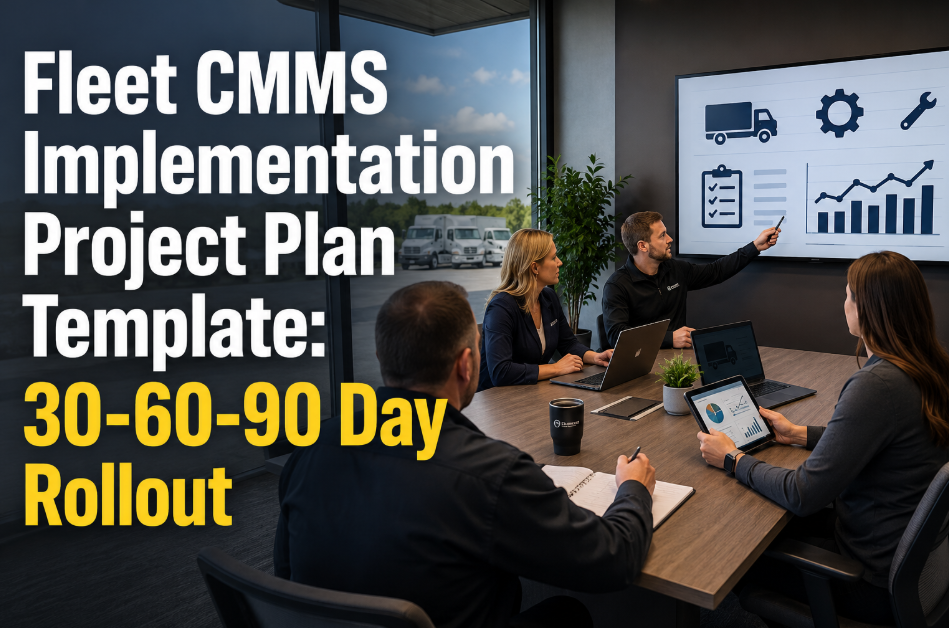
Fleet CMMS Implementation Project Plan Template: 30-60-90 Day Rollout
By Jack Miller on May 20, 2026
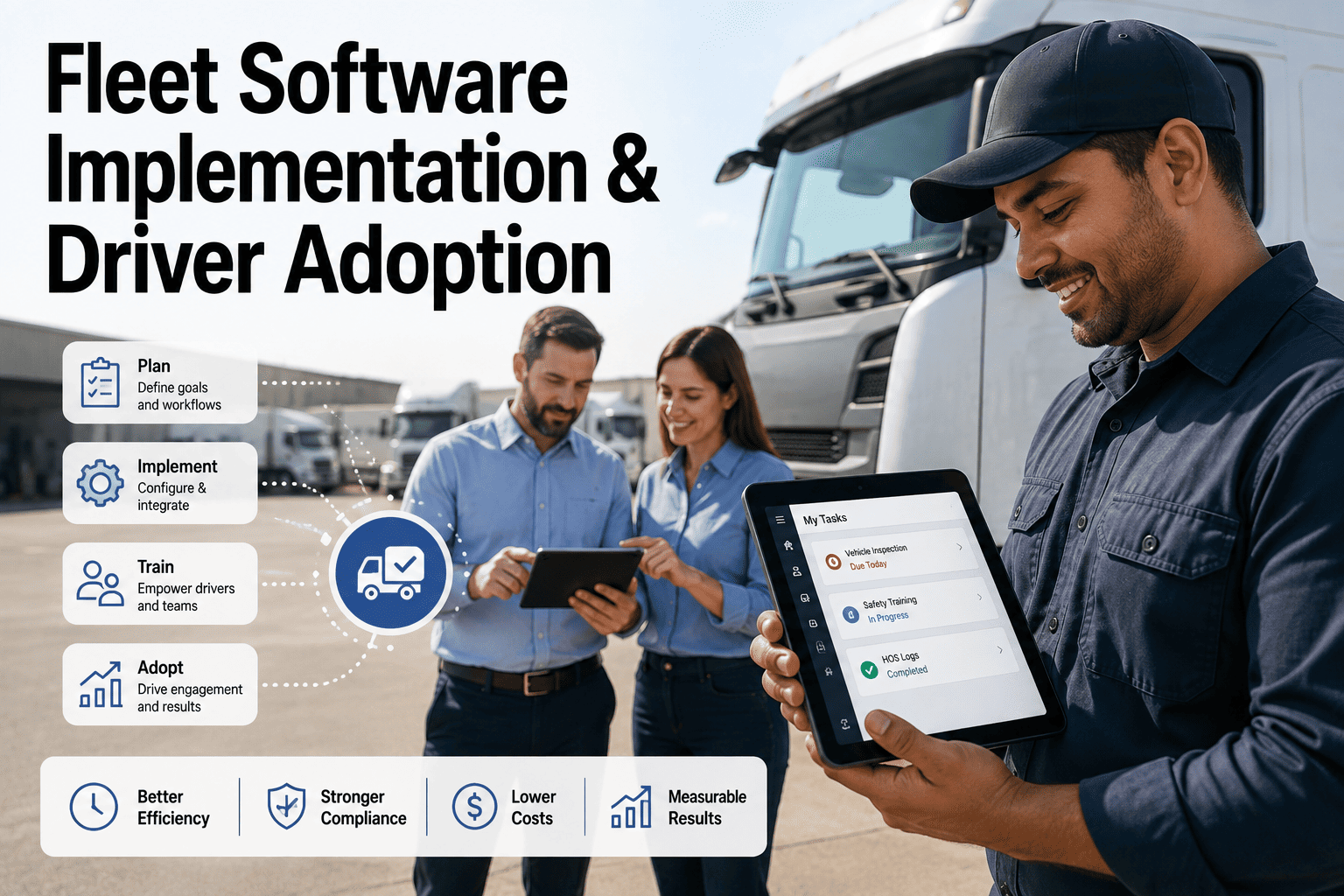
Fleet CMMS implementations fail 47% of the time when organizations skip structured rollout planning. The average fleet loses 11 weeks of productivity during poorly managed software transitions, costing $28,000-$65,000 in delayed maintenance tracking and duplicated work. A 30-60-90 day implementation framework eliminates guesswork by breaking the rollout into three measurable phases: foundation, activation, and optimization. Fleets that follow a structured deployment plan achieve full technician adoption 3.4x faster than those using ad-hoc approaches. Ready to deploy your fleet CMMS the right way? Start a free trial with Oxmaint and access pre-built implementation templates, or book a demo to walk through a live 30-60-90 deployment roadmap.
FLEET TEMPLATE · CMMS IMPLEMENTATION · 2026
Fleet CMMS Implementation Project Plan Template: 30-60-90 Day Rollout
A complete, milestone-driven project plan covering data migration, asset registry setup, staff training schedules, integration testing, and go-live checklists for fleet management software deployment.
Rate when fleet CMMS rollouts lack a structured project plan and milestone tracking
3.4x
Faster Adoption
Achieved by fleets using structured 30-60-90 day deployment frameworks
$28K-$65K
Lost During Failed Rollouts
In delayed maintenance tracking, duplicated workflows, and technician productivity loss
90 Days
To Full Optimization
Timeline for complete fleet CMMS deployment with KPI tracking and reporting active
What Is a Fleet CMMS Implementation Plan?
A fleet CMMS implementation project plan is a structured roadmap that breaks the entire software deployment process into three phases — foundation (Days 1-30), activation (Days 31-60), and optimization (Days 61-90). Each phase contains specific milestones, deliverables, responsible parties, and success criteria. The plan covers asset data migration from legacy systems, vehicle hierarchy configuration, preventive maintenance schedule setup, technician training programs, integration testing with existing fleet systems like telematics and fuel cards, user acceptance testing, and go-live verification checklists. Without this structure, fleet operations teams typically experience a 6-12 week period of dual-system operation where maintenance records are split between old and new platforms, creating dangerous gaps in compliance documentation. The template ensures that every stakeholder — from the fleet director to the shop floor technician — knows exactly what happens when, who is responsible, and what success looks like at each checkpoint.
The 30-60-90 Day Rollout Framework
Each phase builds on the previous one. Skipping phases or compressing timelines is the primary reason 47% of fleet CMMS implementations fail. This framework has been validated across fleets ranging from 25 to 2,500 vehicles, and Oxmaint provides pre-configured milestone templates for each phase. You can start a free trial to access the full implementation toolkit, or book a demo to see how the onboarding engine guides your team through each phase.
PHASE 1
Days 1-30
Foundation — Data and Configuration
Asset Registry Migration — Import all vehicle records including VIN, year/make/model, acquisition data, and maintenance history from legacy systems or spreadsheets
Vehicle Hierarchy Setup — Configure asset hierarchy: Fleet Group, Location, Vehicle Class, Individual Unit, Component Systems
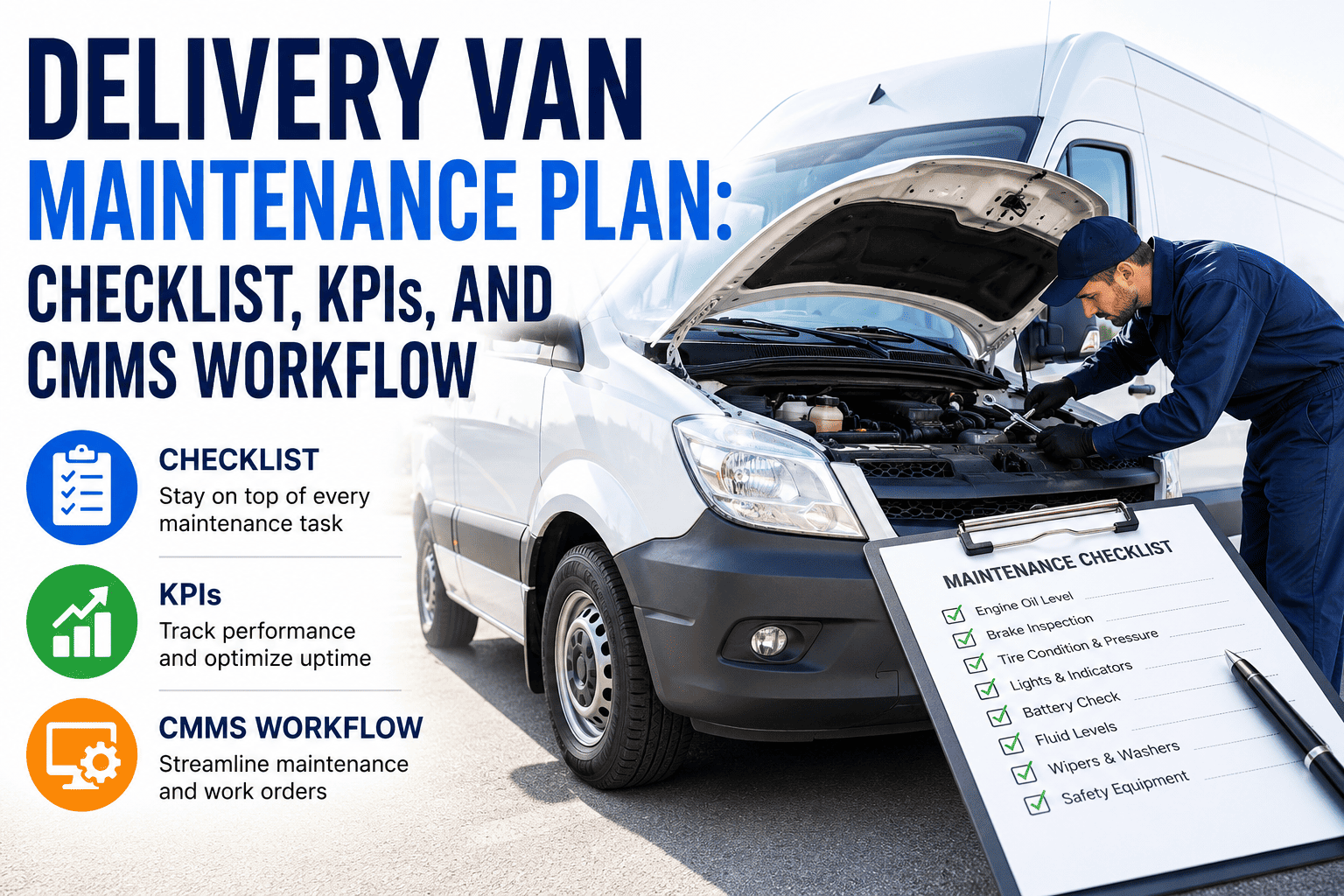
PM Schedule Configuration — Build preventive maintenance templates for each vehicle class with mileage, time, and engine-hour triggers
User Account Provisioning — Create accounts for all fleet managers, shop supervisors, technicians, and drivers with role-based permissions
Integration Mapping — Document all connection points with telematics, fuel cards, GPS, and parts procurement systems
Success Metric: 100% of active vehicles imported with complete records by Day 30
PHASE 2
Days 31-60
Activation — Training and Go-Live
Technician Training — Hands-on sessions covering mobile work order management, time tracking, parts consumption logging, and photo documentation
Manager Training — Dashboard navigation, report generation, KPI configuration, approval workflows, and vendor management
Driver Training — Mobile pre-trip and post-trip inspection forms, defect reporting, and service request submission
Integration Testing — Verify data flow between CMMS, telematics provider, fuel card system, and parts inventory platform
Go-Live Execution — Parallel run for 5 business days, then full cutover with legacy system deactivation
Success Metric: 85%+ daily active user rate across all technician accounts by Day 60
PHASE 3
Days 61-90
Optimization — KPIs and Continuous Improvement
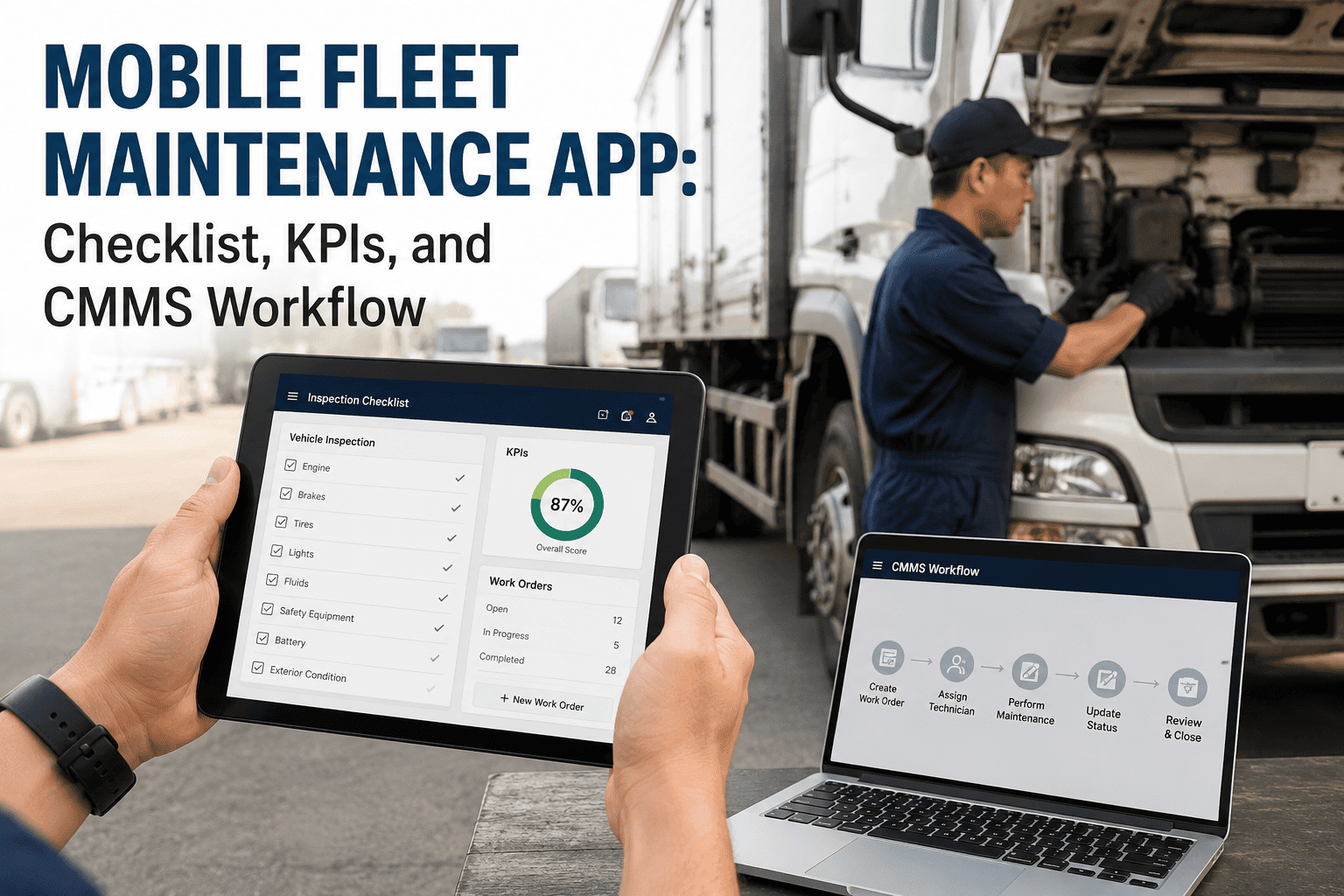
KPI Dashboard Activation — Configure and launch fleet performance dashboards tracking uptime, PM compliance, cost per mile, and MTBF
Process Refinement — Review work order completion patterns, identify bottlenecks, and adjust PM frequencies based on actual fleet data
Advanced Reporting — Build executive reports for fleet director and CFO covering total cost of ownership, depreciation, and replacement forecasting
Adoption Audit — Measure user engagement rates, identify low-adoption areas, and deploy targeted refresher training
Success Metric: PM compliance at 90%+ and all KPI dashboards live by Day 90
Common Implementation Pitfalls and How to Avoid Them
Incomplete Data Migration
41% of failed implementations trace back to incomplete or inaccurate data import. Legacy spreadsheets with inconsistent VIN formats, missing mileage fields, or duplicated records corrupt the new system from day one. Oxmaint provides automated data validation that flags errors before import.
Skipping Technician Training
Deploying software without hands-on shop floor training results in 62% lower adoption rates. Technicians revert to paper within 2 weeks if they cannot complete core tasks (logging time, pulling parts, closing work orders) in under 60 seconds on mobile.
No Executive Sponsor
Implementations without a VP-level champion face 2.8x higher abandonment risk. When competing priorities arise, the CMMS rollout stalls unless someone with budget authority keeps it on the leadership agenda and resolves cross-departmental blockers.
Delayed Integration Testing
Waiting until go-live to test telematics and fuel card integrations creates a 3-4 week delay while APIs are debugged. The 30-60-90 framework places integration mapping in Phase 1 and testing in Phase 2, so go-live runs clean on Day 50-55.
Legacy Rollout vs. Oxmaint 30-60-90 Deployment
Implementation Factor
Legacy CMMS Deployment
Oxmaint 30-60-90 Framework
Time to Full Go-Live
4-8 months typical
55-60 days with structured milestones
Onboarding Cost
$15,000-$75,000 consulting fees
Included — pre-built templates and guided setup
Data Migration Method
Manual CSV uploads with no validation
Automated import engine with error detection
Technician Adoption at Day 60
35-50% active daily users
85%+ with role-specific mobile training
PM Compliance at Day 90
Often still configuring schedules
90%+ with automated triggers active
Executive Reporting
Available after 6+ months
KPI dashboards live by Day 70
73%
Faster Implementation
Compared to legacy CMMS vendors requiring 4-8 month deployment timelines
$42K
Saved on Consulting
Average savings by eliminating third-party implementation consulting fees
85%
Day 60 Adoption Rate
Technician daily active usage with structured role-based training program
90%+
PM Compliance by Day 90
With automated PM triggers, asset hierarchy, and mobile technician tools active
Frequently Asked Questions
Can we implement Oxmaint across multiple shop locations simultaneously?
Yes. Oxmaint supports multi-site deployment from Day 1. The 30-60-90 framework can be run in parallel across locations with a centralized project manager overseeing milestones. Each shop location gets its own asset registry partition while sharing fleet-wide reporting and PM templates. Staggered go-live by location is also supported for larger operations.
What happens to our historical maintenance records during migration?
Oxmaint's data import engine accepts CSV, Excel, and direct API transfers from legacy systems. Historical work orders, PM records, and cost data are mapped to the correct vehicle in your new asset registry. The automated validation engine flags duplicate entries, missing VINs, and date format inconsistencies before import, ensuring your historical data arrives clean and complete.
How long does technician training take and does it require pulling people off the shop floor?
Core technician training takes 45-60 minutes and is delivered via mobile-first modules that can be completed during break periods. The training covers work order management, time logging, parts consumption, and photo documentation. Follow-up micro-training sessions of 10 minutes each are delivered during the first two weeks of go-live to reinforce key workflows without disrupting shop productivity.
What if we need more than 90 days for our fleet size and complexity?
The 30-60-90 framework is designed for fleets of 25-500 vehicles. For larger or more complex operations (multiple vehicle classes, heavy regulatory requirements, extensive integration needs), Phase 1 can extend to 45 days and Phase 3 to 120 days. Oxmaint provides customizable milestone templates that scale to your fleet's specific requirements while maintaining the structured checkpoint approach.
Deploy Your Fleet CMMS in 90 Days — Not 9 Months
Access the complete 30-60-90 day implementation framework with pre-built milestone templates, data migration tools, and role-based training modules. Start your free trial today — no credit card required.