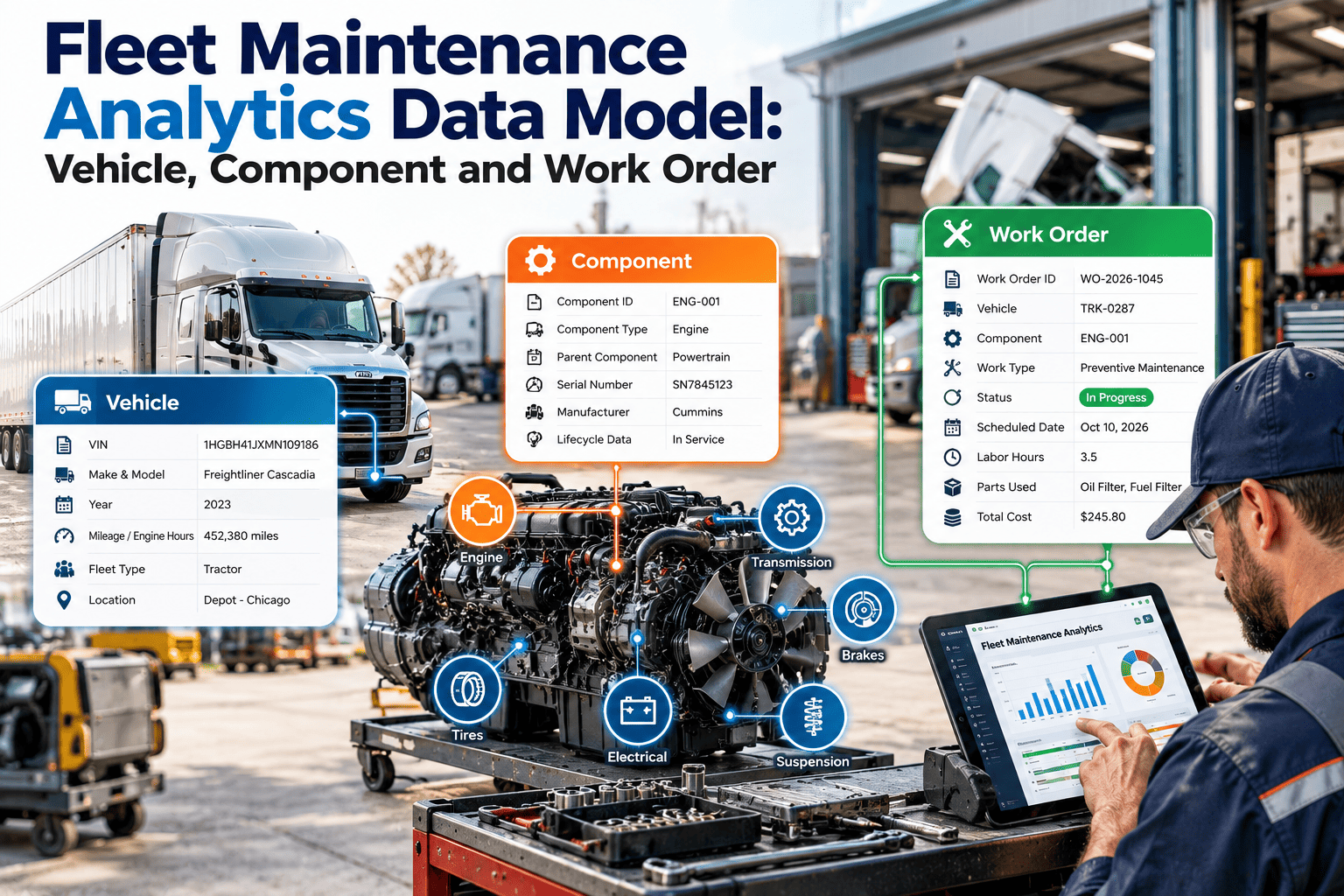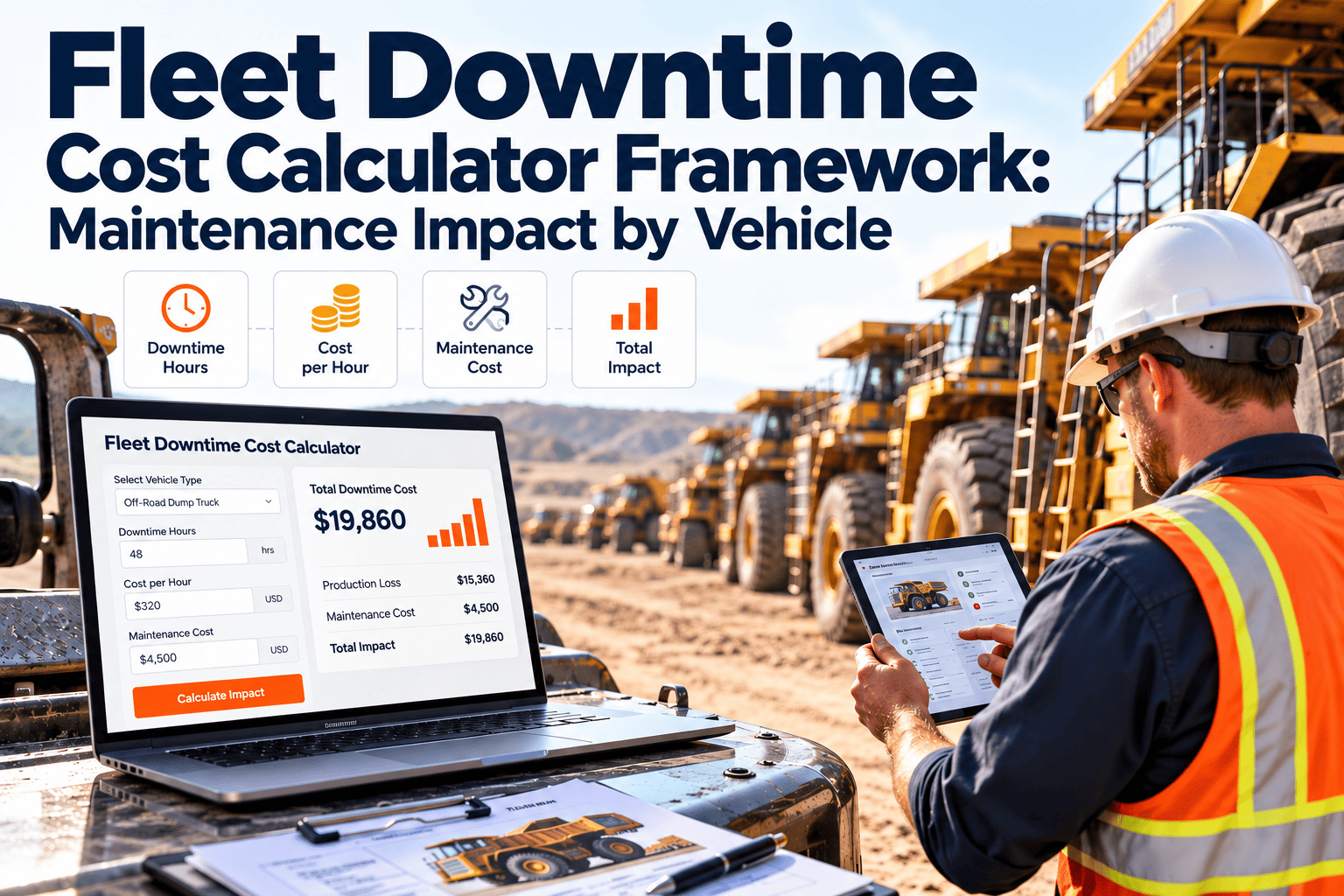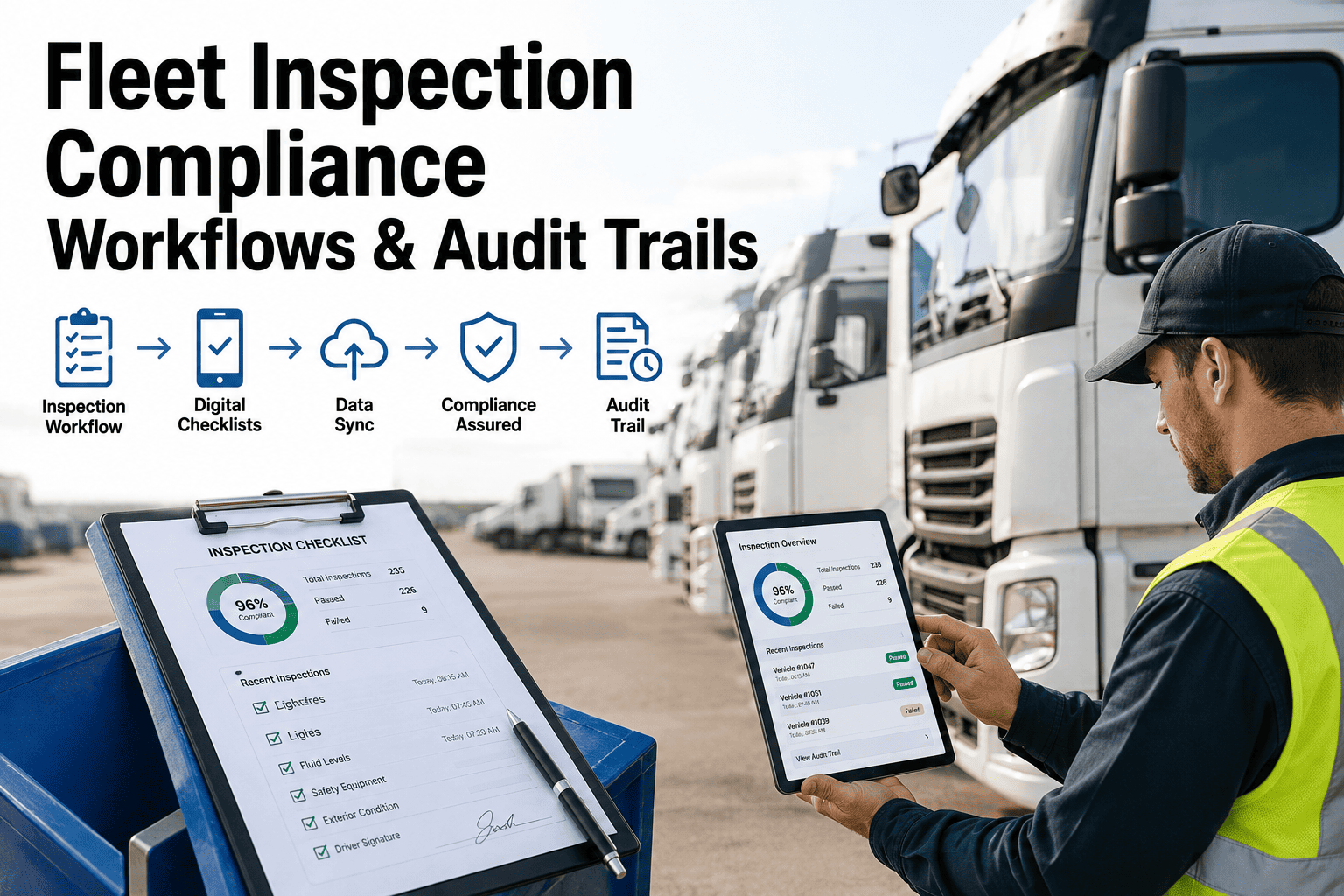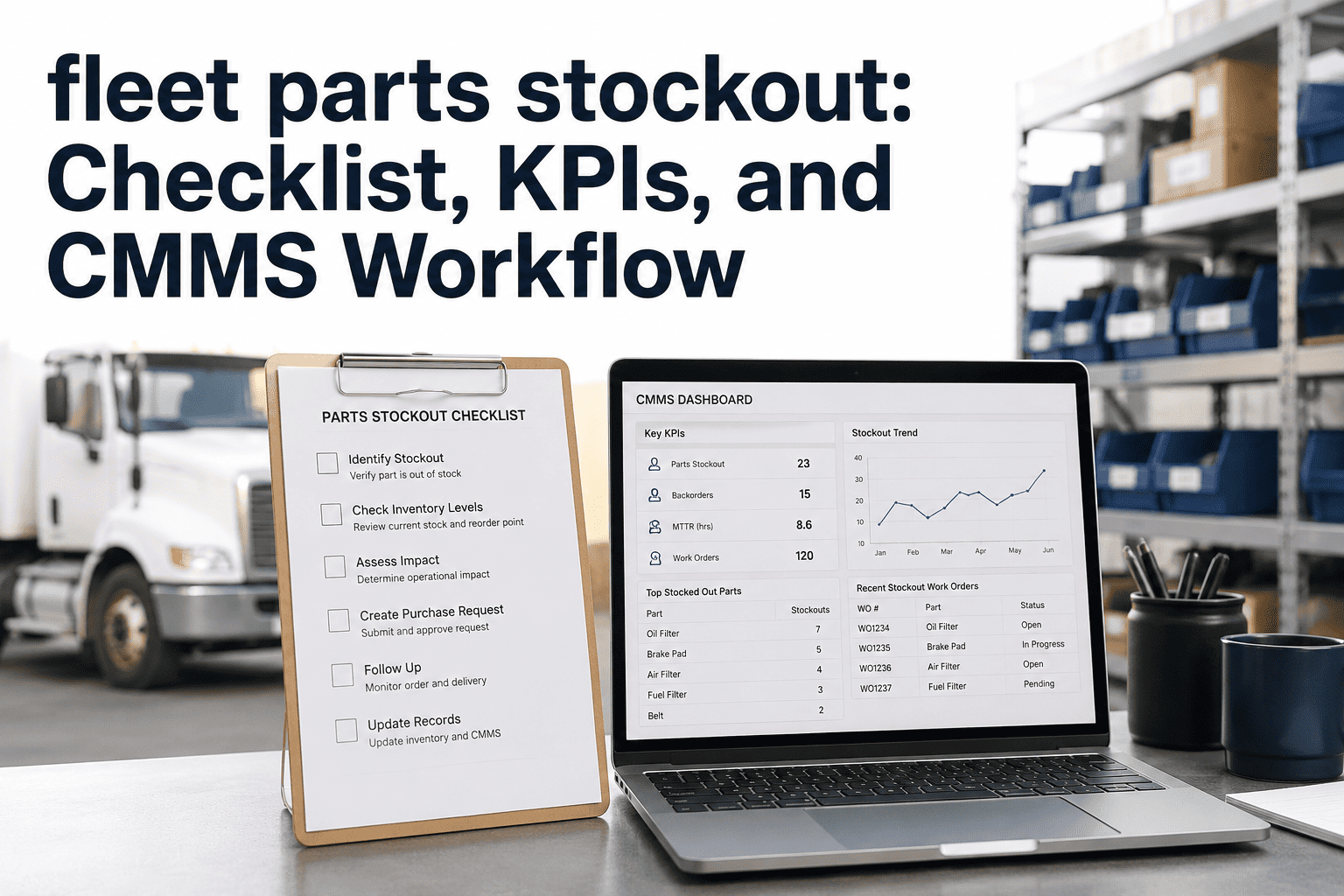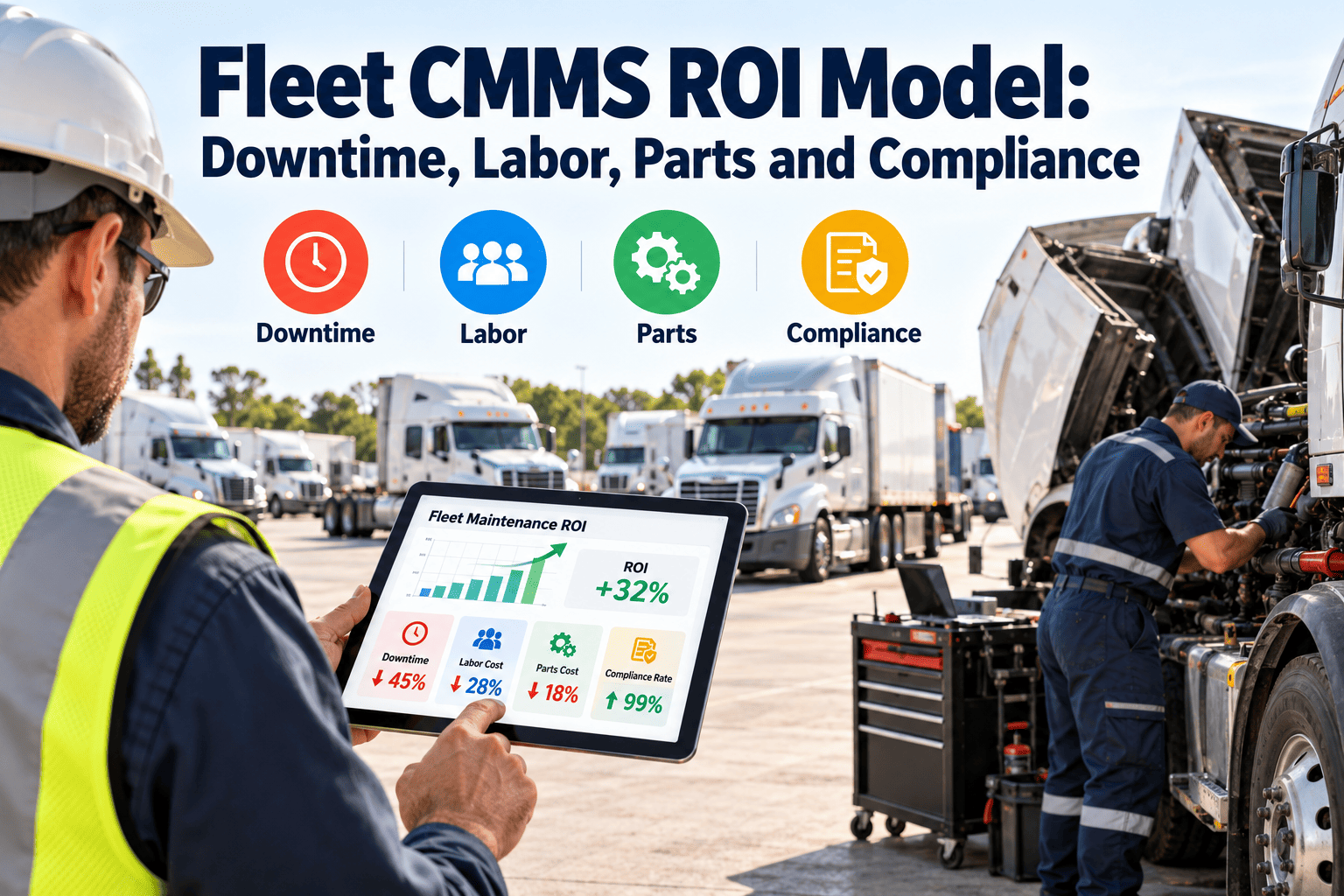
A CMMS business case usually stalls on one question: what will it actually save? Vendor claims are easy to find and hard to trust. A better approach is to build your own model from four cost areas you already pay for: downtime, labor, parts and compliance. Each can be measured before and after implementation using records your fleet holds today. This guide lays out a transparent ROI model with the formulas, baseline data and cautions to use, supported by a fleet maintenance CMMS that captures the inputs.
Fleet CMMS ROI Model: Downtime, Labor, Parts and Compliance
A baseline-first business case for fleet managers and finance reviewers
Measure four cost areas, apply conservative improvement assumptions, subtract the program cost and decide with your own numbers instead of a vendor average.
DowntimeHours avoided x cost per hour
+
LaborHours recovered x loaded rate
+
PartsSpend avoided and carrying cost
+
CompliancePenalty and audit effort avoided
The ROI equation in plain terms
Annual benefit = downtime + labor + parts + compliance gains
Net return = annual benefit minus annual program cost
Payback period = one-time setup cost divided by monthly net benefit
Rules for a model finance will accept
- Use your own baseline from the last 12 months, not an industry average.
- Apply a range of improvement assumptions, from cautious to expected.
- Count only costs you can trace to a ledger, work order or contract.
- Include implementation, training and subscription in the cost side.
What this page does not do
It does not promise a specific percentage saving. Results depend on fleet type, current maintenance maturity and data quality, so each figure here is a variable for you to fill in.
Bucket one: downtime
Inputs to collect
- Unplanned out-of-service hours per vehicle class over 12 months
- Cost per hour of a unit being unavailable, including rental substitutes, missed service and driver idle time
- Share of breakdowns traced to missed inspections or overdue preventive tasks
Formula
Avoided hours = baseline unplanned hours x assumed reduction. Value = avoided hours x cost per hour.
Caution
Do not count every downtime hour as saved. Only breakdowns with a preventable cause belong in the model.
Bucket two: labor
Inputs to collect
- Time spent on paper inspection forms, re-entry and chasing status
- Planner and supervisor hours spent building schedules and reports by hand
- Wrench time share versus waiting, searching and travel
- Overtime tied to emergency repairs
Formula
Recovered hours = admin hours removed plus waiting hours reduced. Value = recovered hours x fully loaded hourly rate.
Caution
Recovered time only has cash value if it replaces overtime or contractor spend, or is redirected to deferred work. Label the rest as capacity.
Bucket three: parts and procurement
Inputs to collect
- Emergency and rush purchases compared with planned purchases
- Duplicate stock, obsolete items and write-offs
- Repeat repairs caused by wrong or missing parts
- Parts used without a work order reference
Formula
Value = rush premium avoided plus excess stock released plus repeat-visit cost avoided.
Caution
Cutting stock too far raises downtime. Model parts savings and downtime together, not separately.
Bucket four: compliance
Inputs to collect
- Staff time to prepare for audits and inspections
- Past fines, out-of-service orders or corrective actions
- Overdue inspections and preventive tasks tied to regulated items
- Records that could not be produced on request
Formula
Value = audit preparation hours saved x rate, plus expected penalty exposure reduced.
Caution
Penalty exposure is probabilistic. Use only events your fleet has actually experienced, and apply the rules of your own jurisdiction.
Build the model on real fleet records
Oxmaint captures inspections, work orders, parts usage and preventive compliance on each asset, giving you the baseline and the proof afterwards.
Where each input comes from
| Benefit area | Baseline source | Ongoing CMMS evidence | Common data problem |
|---|---|---|---|
| Downtime | Dispatch logs, shop records, rental invoices | Out-of-service hours and cause by asset | Start and end times not captured |
| Labor | Timesheets, overtime reports, shop observation | Work order labor, planned versus reactive share | Time booked in blocks, not per job |
| Parts | Purchase orders, stock counts, write-offs | Parts issued per work order, stock levels | Parts taken without a record |
| Compliance | Audit reports, fines, inspection logs | Inspection completion and overdue items | Records scattered across paper and email |
Three scenarios, one set of inputs
Cautious
Count only the benefits you can trace to a record, apply the smallest improvement you believe, and include every cost. Use this for the approval decision.
Expected
Apply the improvement you expect once workflows are adopted and data is clean. Use this for planning and targets.
Stretch
Include secondary effects such as longer asset life and fewer rentals. Show it, but never base the decision on it.
From baseline to proof in four phases
1
Baseline
Collect twelve months of downtime, labor, parts and compliance data. Note gaps and fix capture methods first.
2
Pilot
Run inspections, preventive tasks and work orders for one depot or vehicle class and compare against its baseline.
3
Expand
Roll out by site, tracking adoption alongside outcomes so poor results can be traced to process or data.
4
Review
Compare actuals with the cautious and expected cases each quarter and update the assumptions.
Errors that inflate or hide the return
Double counting
A prevented breakdown reduces downtime, labor and parts at once. Count each dollar in one bucket only.
Ignoring adoption cost
Training, data cleanup and workflow change take time. Leave them out and the payback looks faster than it is.
Using averages
Fleet-wide averages hide the few assets driving cost. Model by vehicle class.
Measuring too soon
Preventive benefits take time to appear. Judge results across at least a full maintenance cycle.
Frequently asked questions
How do you calculate fleet CMMS ROI?
Add measured gains in downtime, labor, parts and compliance, subtract program cost, and divide by that cost. Use your own twelve-month baseline for every input.
What data do we need before starting?
Downtime hours, labor and overtime, parts spend, and audit or inspection records. If data is incomplete, begin capturing it in Oxmaint during the pilot.
How long until a CMMS pays back?
It depends on fleet size, current process and adoption speed. Model payback with cautious and expected cases rather than quoting a single timeline.
Which benefit is easiest to prove?
Compliance records and admin labor are often easiest, since time and effort are visible. Downtime needs reliable start and end times.
Can you help build the model with our figures?
Yes, a working session with your own data is the best approach. You can book a demo to walk through it.
Make the business case with your own numbers
Capture the baseline, track the four cost areas and show finance what changed, asset by asset.